

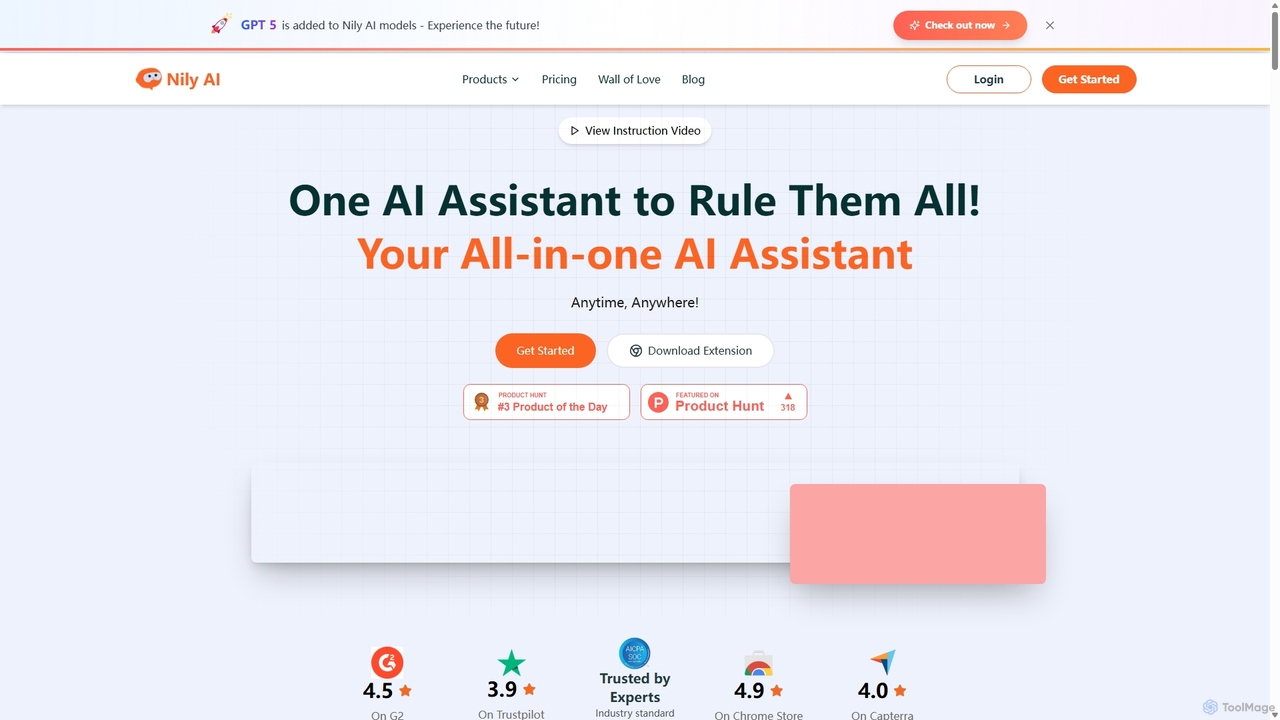
Nily AI Overview
Nily AI positions itself as the ultimate all-in-one AI assistant, designed to streamline digital workflows and enhance productivity for a diverse range of users. By consolidating over 20 powerful AI tools into a single, intuitive platform, Nily AI eliminates the need to juggle multiple applications. It is accessible anytime and anywhere, primarily through its powerful Chrome extension which provides a seamless AI sidebar on any webpage. This allows users to chat, code, write, read, summarize, perform OCR, and translate content without ever leaving their current tab.
The platform is trusted by over 300,000 users worldwide and is built to serve professionals from marketers and content creators to developers and academics. It aims to make advanced AI technology accessible and genuinely beneficial, empowering users to focus on what matters most by automating and simplifying complex tasks.
How to use Nily AI
Getting started with Nily AI is straightforward. The primary method is through its Chrome extension, which integrates an AI sidebar into your browser.
- Installation: Download and install the Nily AI Chrome extension from the Chrome Web Store.
- Access the Sidebar: Once installed, the Nily AI sidebar can be opened on any webpage. This sidebar is your central hub for all AI tools.
- Select a Tool: From the sidebar, you can choose from a wide array of functions. For example, you can select 'AI Chat' to ask questions, 'AI Writer' to generate content, or 'Chat PDF' after uploading a document.
- Interact and Generate: Provide your prompts or instructions. You can ask it to summarize the current page, compose an email, generate an image based on a description, or compare outputs from different Large Language Models (LLMs).
- Utilize Specific Features: For tasks like email, Nily integrates directly with Gmail to help compose and reply to messages in seconds. For content analysis, you can use the AI Detector or AI Humanizer to refine your text.
Core Features of Nily AI
- LLM Comparison: Access and compare over 20 leading LLMs in one place, including DeepSeek, GPT-4o, Perplexity, Gemini 1.5 Pro, Claude 3.5, Mistral Large, and Llama 3.1, ensuring you get the most optimal results.
- AI Sidebar: A convenient browser sidebar that provides instant access to all AI tools on any webpage, allowing for seamless multitasking.
- AI Writing Assistant: A comprehensive toolkit for content generation, research, grammar correction, tone adjustment, and optimization for various use cases like blogs, ads, and social media posts.
- AI Image Generator & Editor: Create unique art, illustrations, and logos from text prompts. The editor allows for easy background removal, image upscaling, and background changes with a single prompt.
- AI Email Assistant: Integrates with Gmail to compose professional emails, respond in over 14 languages, adjust tone, and set meetings effortlessly.
- Chat with Documents & Media: Interact with your content by chatting with PDFs to extract key points and ask questions. You can also chat with YouTube videos to get summaries and insights.
- AI Humanizer & Detector: Refine AI-generated text to sound more natural and engaging in over 40 languages. The detector verifies the originality of content, identifying AI-generated text with high accuracy.
- Social Media Tools: Craft engaging posts for platforms like LinkedIn and X (Twitter) to expand your reach.
- AI Design Tools: A powerful suite including an AI logo maker, sticker generator, and poster design tool to create stunning visuals in seconds.
Use Cases for Nily AI
Nily AI is versatile and caters to a wide audience:
- Marketers: Generate high-impact ad creatives, logos, and branded visuals. Create compelling marketing copy for blogs, ads, and video storyboards. Use the AI humanizer to make messaging more engaging.
- Content Creators & Social Media Managers: Quickly draft blog posts, articles, and social media updates. Generate ideas and create engaging posts for LinkedIn and X.
- Students and Academics: Summarize lengthy research papers and articles from PDFs. Use the writing assistant to improve essays and correct grammar. Create flashcards from documents.
- Developers: Use the sidebar for coding assistance, code explanation, and generating Mermaid diagrams without switching contexts.
- Sales Professionals & Customer Support: Draft professional emails and responses quickly. Use the AI email assistant to manage communications efficiently and in multiple languages.
- HR Professionals: Streamline communication by drafting internal announcements, job descriptions, and emails.
Advantages of Nily AI
The primary advantage of Nily AI is its unified, all-in-one approach. It saves users significant time and money by providing a comprehensive suite of tools under a single subscription. Access to multiple LLMs allows for superior, tailored results. The seamless integration via the Chrome sidebar enhances workflow efficiency, allowing users to leverage AI without disrupting their tasks. Its multilingual capabilities (supporting over 40 languages in some features) make it a valuable tool for global teams and individuals.
Pricing and Plans
Nily AI offers flexible, usage-based pricing with a 7-day free trial for all plans.
- Pro Plan: $9 per month. Includes 1,500 queries/month for an individual user, with full access to all features.
- Unlimited Plan: $19 per month. Offers unlimited queries and includes 3 team seats, making it ideal for small teams.
- Team Plan: $99 per month. Provides unlimited queries for up to 10 team seats, designed for larger teams and businesses.
All plans grant access to the full feature set, including all AI models, the AI Email Assistant, Chat Sidebar, writing tools, and more. A 15% discount is available for yearly subscriptions.
Traffic
Latest traffic
Status
Monthly traffic trend
- 2025-9: 39.7K
- 2026-1: 33.3K
- 2026-2: 21.4K
- 2026-3: 24.5K
- 2026-4: 25.2K
- 2026-5: 26.8K
Geography
Top 5 countries / regions
- 🇺🇸United States67.3%
- 🇹🇭Thailand11.7%
- 🇧🇷Brazil7.7%
- 🇻🇳Vietnam7.4%
- 🇰🇪Kenya5.9%
Traffic sources
| Source type | Percentage |
|---|---|
Direct | 97.2% |
Email | 2.8% |
Top keywords
| Keyword | Cost per click |
|---|---|
| ai sidebar best | $0.00 |
| email nieleiy.com | $0.00 |
| nily | $0.00 |
| nily ai | $0.00 |
| nily ai founder | $0.00 |
Nily AI Alternatives
Semajai
Semajai is an advanced AI-powered platform designed to enhance productivity and creativity. It integrates content generation, image creation, and data analysis into a single, intuitive workspace for marketers, writers, and business professionals.
Image Generation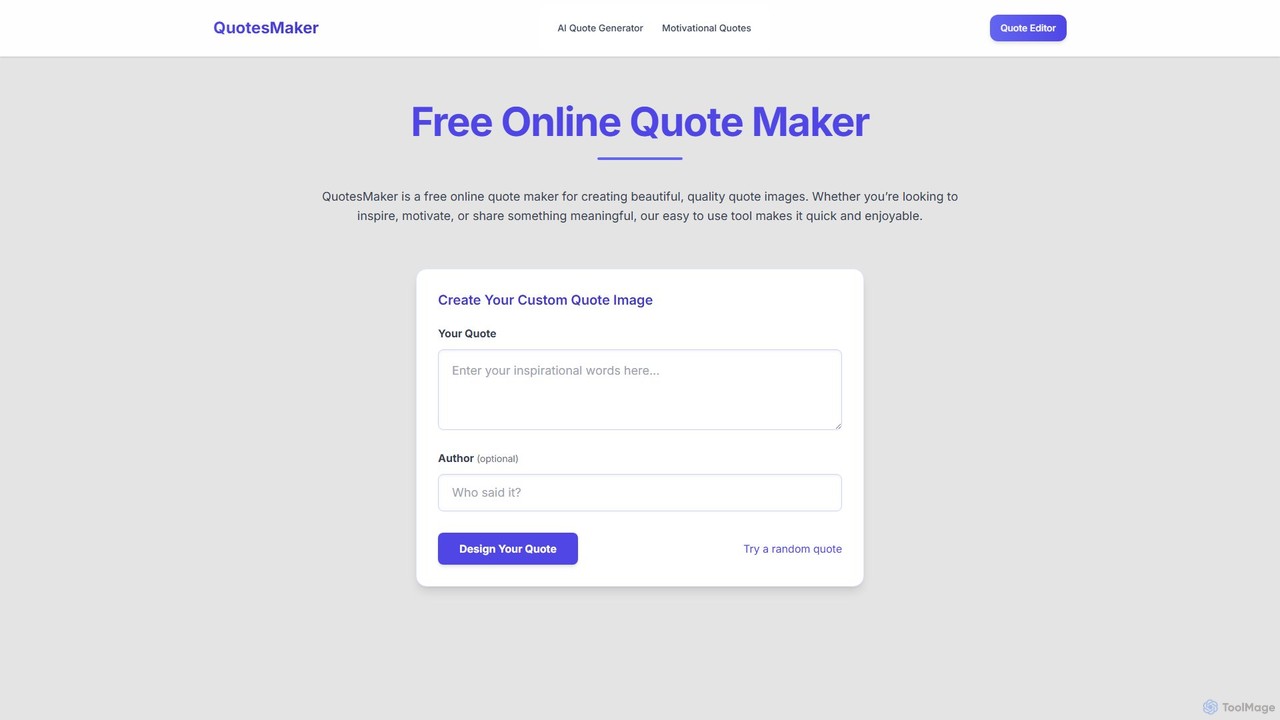
QuotesMaker
QuotesMaker is a free AI-powered tool for generating and designing beautiful quote images. Instantly create unique, inspiring quotes and customize them with an advanced editor for social media, presentations, and personal motivation, all without watermarks.
Image Generation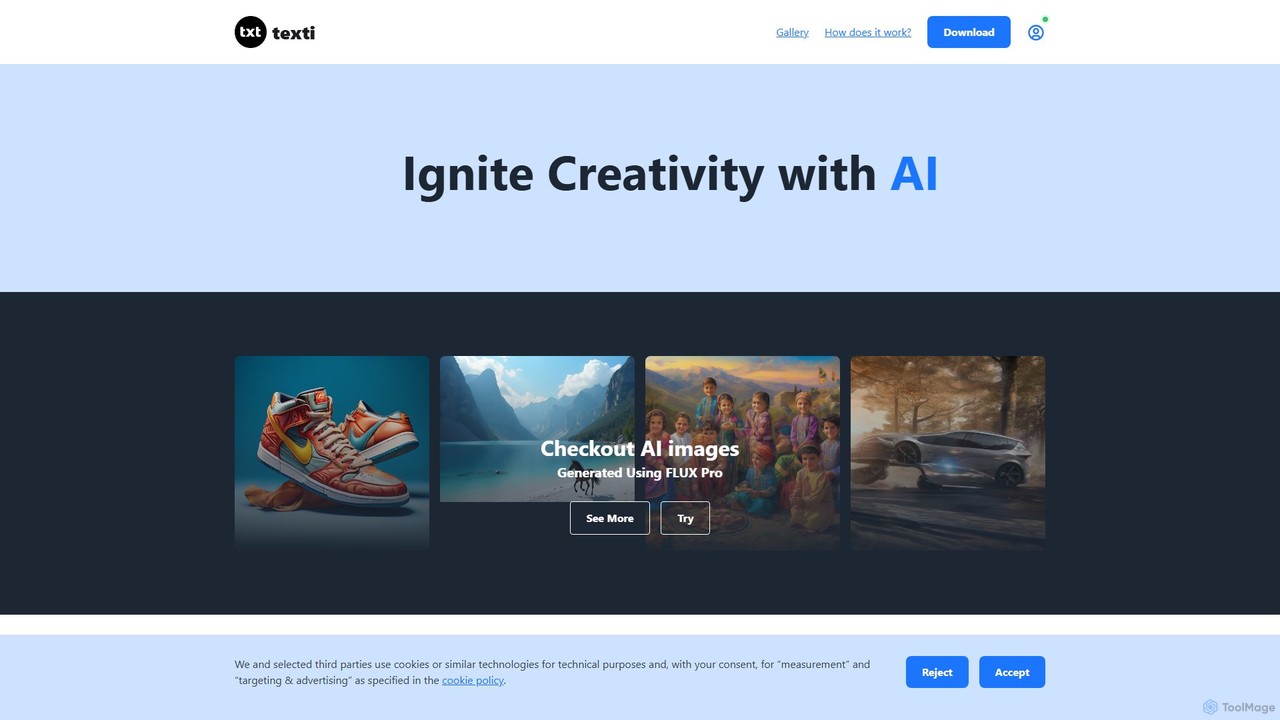
texti.app
texti.app is a versatile AI assistant designed to enhance creativity and productivity. It functions as a multi-purpose chatbot, capable of generating text, brainstorming ideas, answering questions, correcting emails, and even creating AI images. Accessible via a web browser and a convenient Chrome extension, it serves a global audience with extensive multilingual support.
Research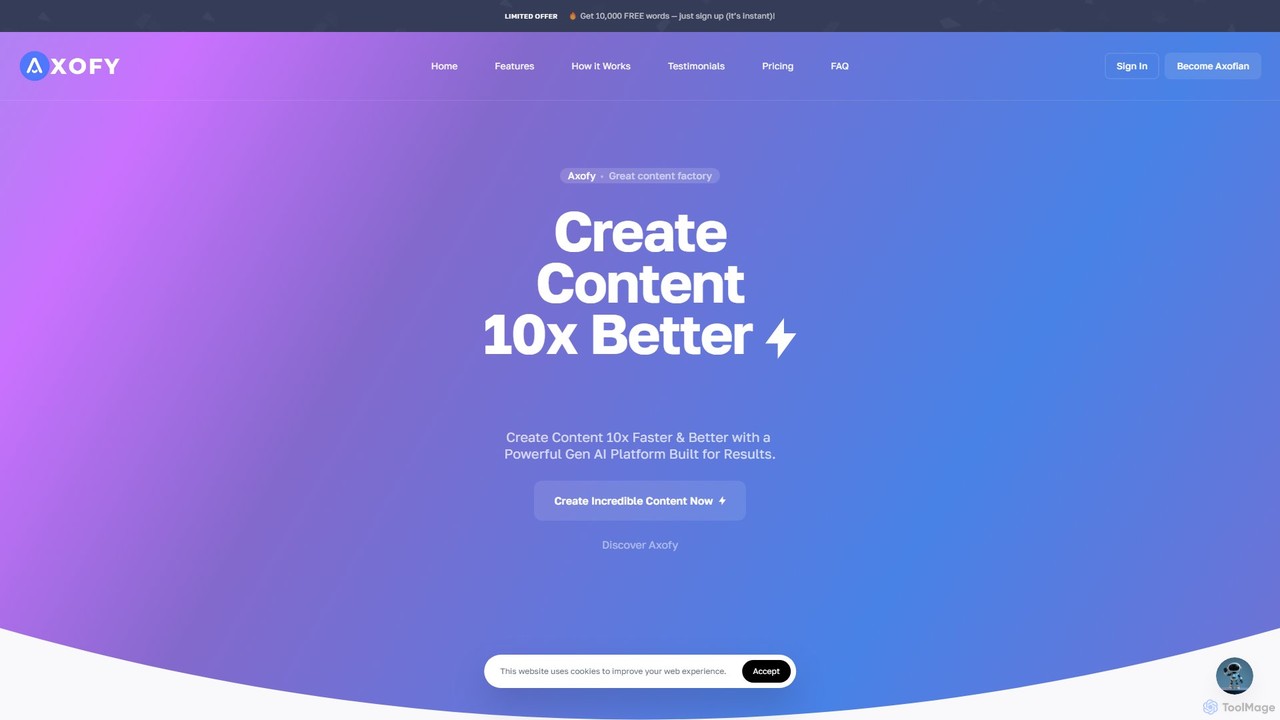
axofy
Axofy is an all-in-one AI content creation platform designed to streamline workflows for marketers, creators, and businesses. It offers a comprehensive suite of tools for generating text, images, audio, and code. With over 100 templates, real-time editing, and unlimited word credits, Axofy empowers users to produce high-quality, SEO-optimized content 10x faster, without needing any technical skills.
Generative Ai
Merlin AI
Merlin AI is an all-in-one browser extension powered by ChatGPT and other advanced models like Claude. It acts as your personal AI assistant, seamlessly integrating into your workflow to help with writing, summarizing, coding, and more, directly on any website.
Chrome ExtensionsNily AI Categories
Nily AI Jobs
Nily AI Embed Widget
Copy this embed code to place the badge on your blog, article, or product site and send readers directly to this ToolMage detail page.

Related AI tools
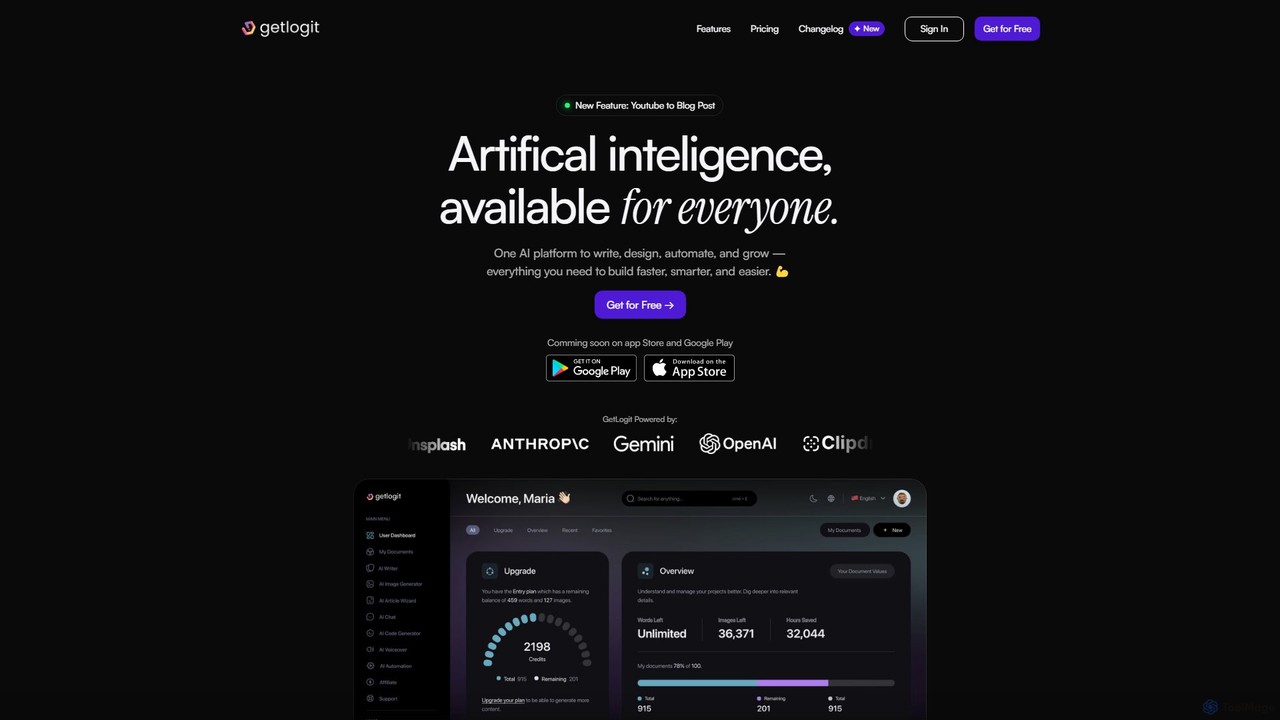
getlogit
getlogit is an all-in-one AI platform that consolidates over 35 tools for writing, design, automation, and growth. It enables users to create high-quality content, generate stunning visuals, build custom chatbots, and streamline workflows from a single, intuitive dashboard, aiming to replace the need for multiple specialized AI applications.
Chatbots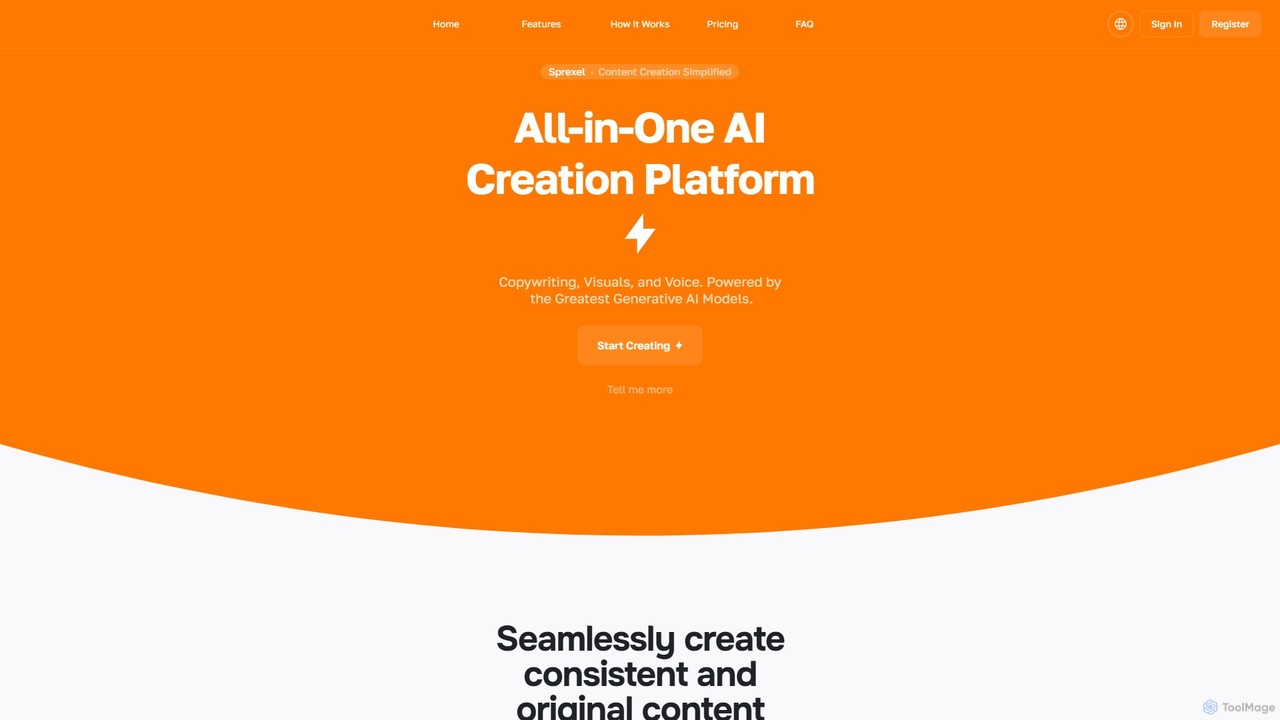
sprexel
sprexel is a comprehensive all-in-one AI creation platform offering a vast suite of tools for content generation, marketing, business, and development. It enables users to create everything from blog posts and social media ads to AI-generated images, code, and voiceovers. With features like custom generator creation and file analysis, it serves as a versatile toolkit for creators, marketers, and developers to enhance productivity and creativity.
Voice Generation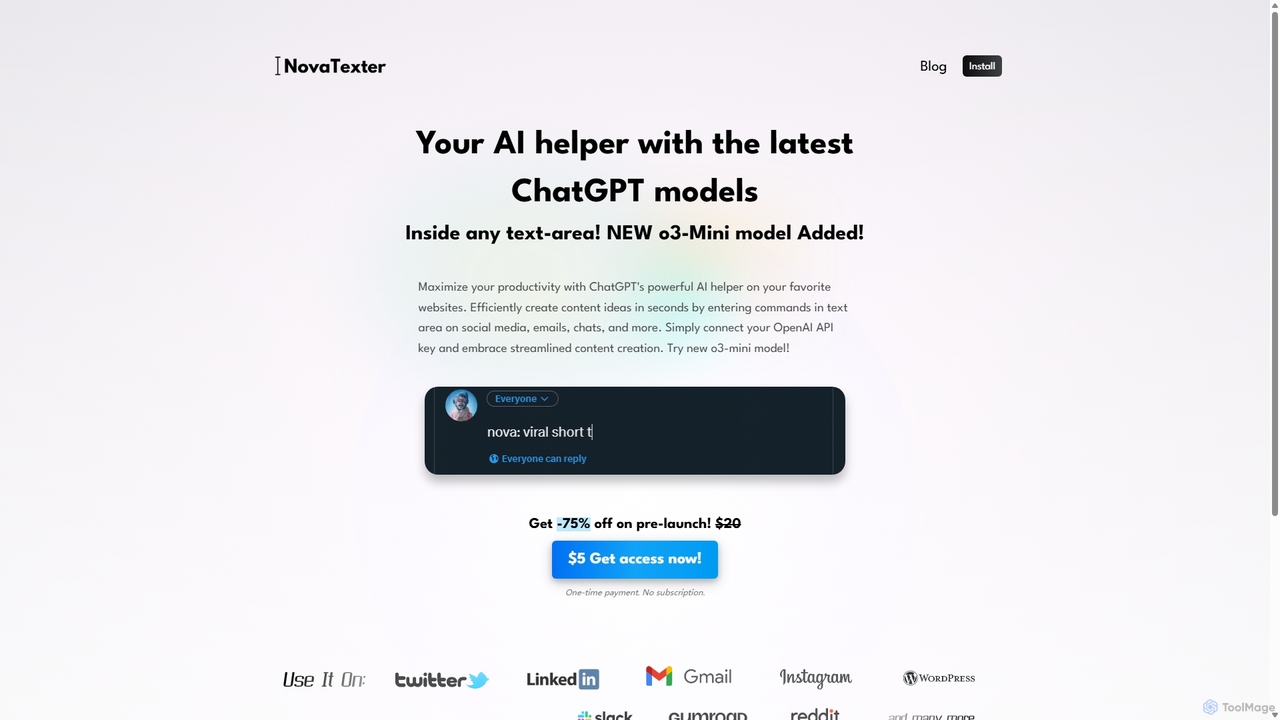
NovaTexter
NovaTexter is an AI-powered browser extension that integrates ChatGPT models directly into your workflow. It allows you to generate content, ideas, and responses on any website by simply typing commands in a text area. Connect your OpenAI API key for a seamless, productive content creation experience with a single one-time payment.
Chrome Extensions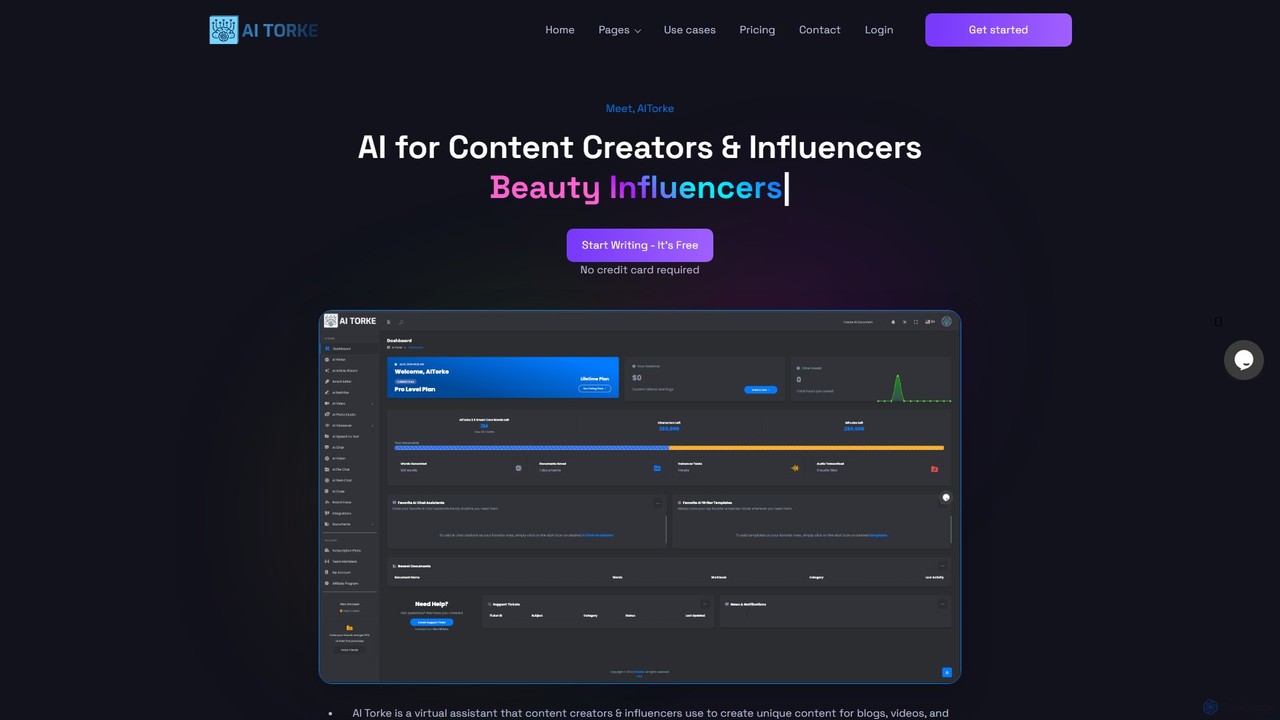
AITorke
AITorke is an all-in-one AI-powered content creation suite designed for creators, marketers, and businesses. It integrates tools for writing, image generation, audio production (including voiceovers and cloning), and video creation into a single, user-friendly platform. AITorke aims to streamline workflows, boost productivity, and enable users to produce high-quality, multi-format content faster and more efficiently, supporting over 54 languages.
Voice Generation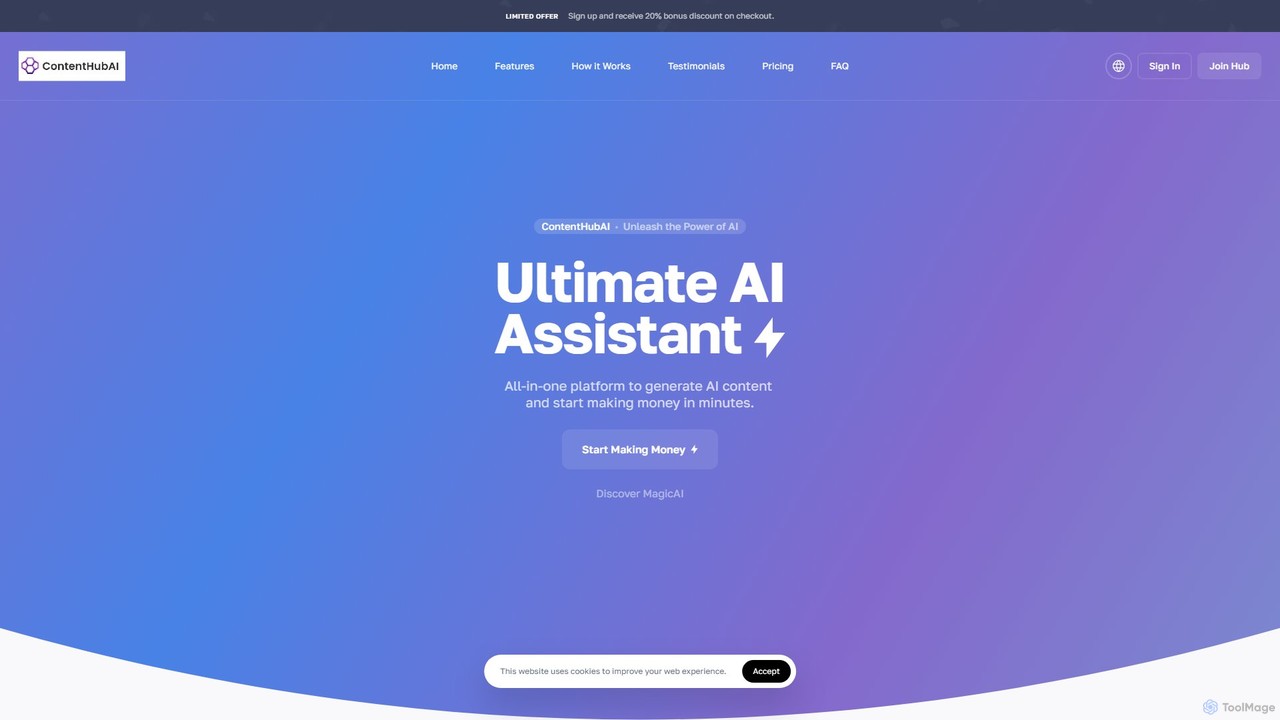
ContentHubAI
ContentHubAI is a comprehensive, all-in-one AI platform offering a vast suite of tools for content creation. It generates text, images, code, and audio, catering to marketers, writers, and businesses. Features include over 100 templates, an article wizard, AI vision, file analysis, and custom generator creation to streamline workflows and boost productivity.
Generative Aitexti.app
texti.app is a versatile AI assistant designed to enhance creativity and productivity. It functions as a multi-purpose chatbot, capable of generating text, brainstorming ideas, answering questions, correcting emails, and even creating AI images. Accessible via a web browser and a convenient Chrome extension, it serves a global audience with extensive multilingual support.
Researchaxofy
Axofy is an all-in-one AI content creation platform designed to streamline workflows for marketers, creators, and businesses. It offers a comprehensive suite of tools for generating text, images, audio, and code. With over 100 templates, real-time editing, and unlimited word credits, Axofy empowers users to produce high-quality, SEO-optimized content 10x faster, without needing any technical skills.
Generative Ai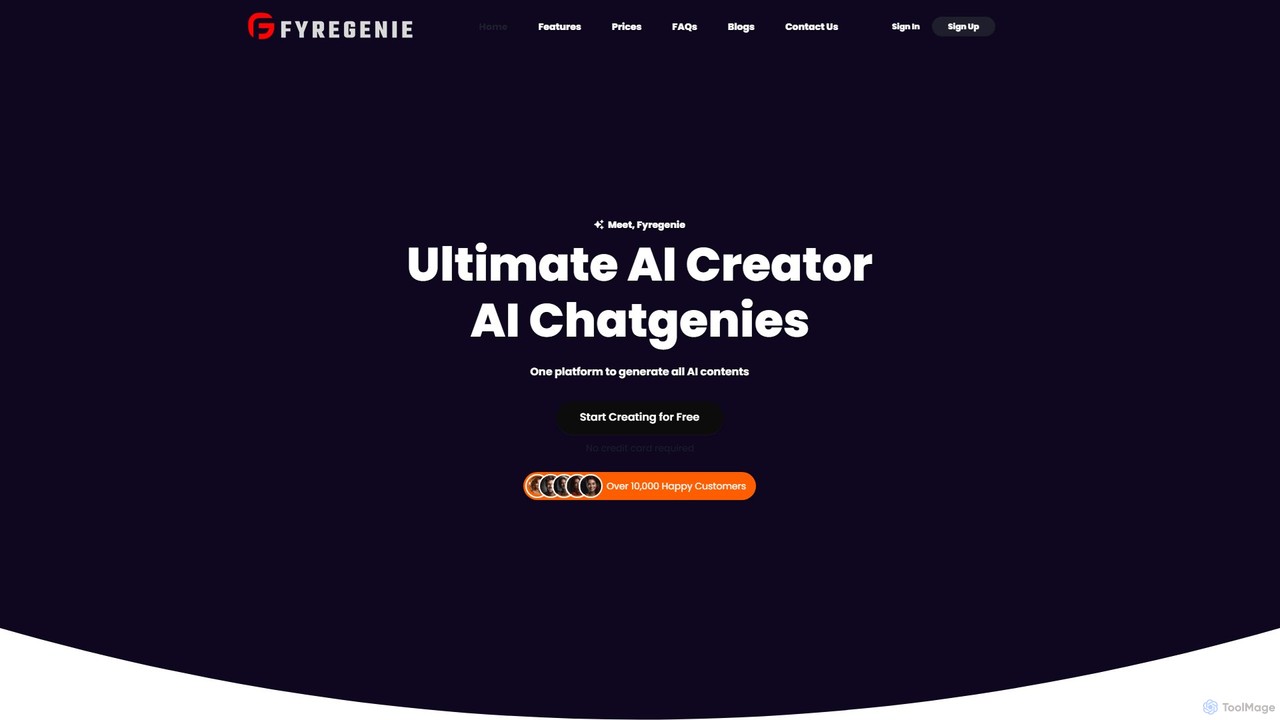
Fyregenie
Fyregenie is an all-in-one AI creation platform that generates high-quality content, images, voiceovers, and code. Featuring over 70 templates and specialized AI chatbots, it streamlines workflows for marketers, bloggers, developers, and businesses. Create everything from articles and ad copy to text-to-speech audio and AI-generated images in minutes.
Text To Speech
Merlin AI
Merlin is an all-in-one AI assistant, available as a browser extension and app, that integrates top AI models like GPT-4, Claude 3, and Gemini. It allows you to research, write, summarize content, generate images, and code with a single click on any website, streamlining your workflow and boosting productivity without switching tabs.
Chrome Extensions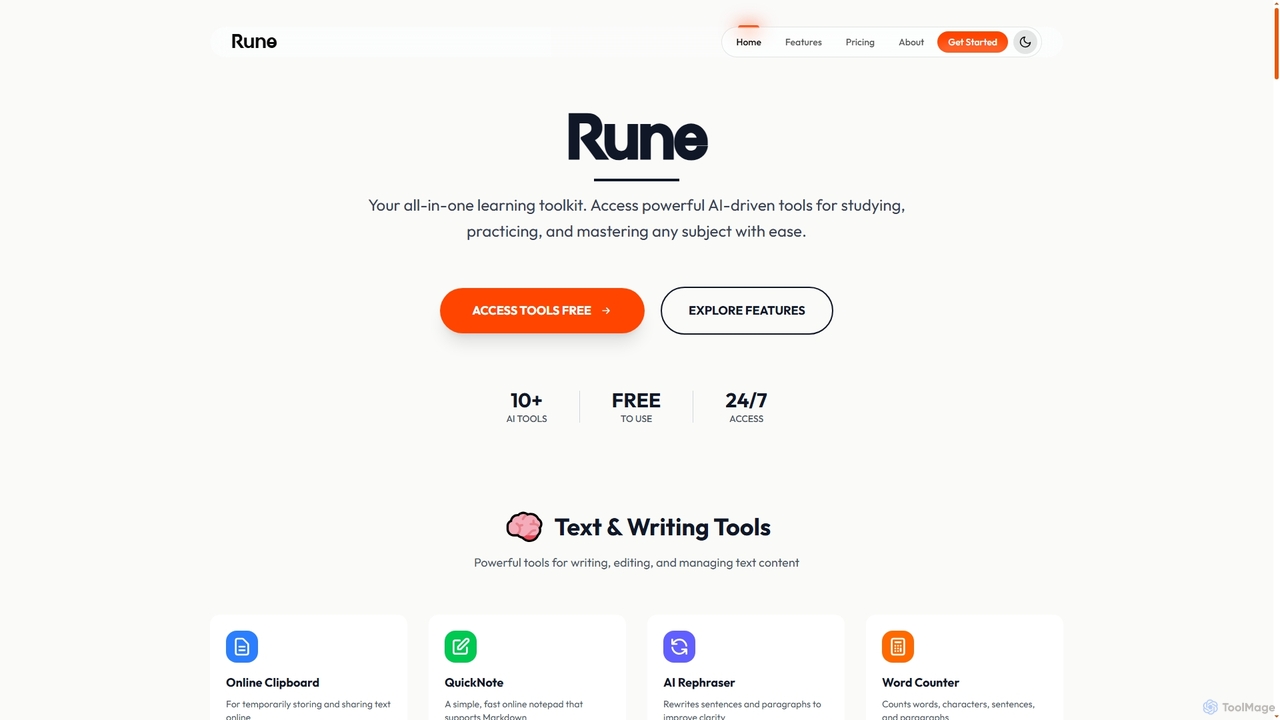
Rune
Rune is a comprehensive online toolkit offering over 80 AI-powered tools for productivity, learning, and daily tasks. It provides free utilities for PDF, image, text, video, and developer needs, designed for students, professionals, and institutions seeking efficient digital solutions.
Unit Converters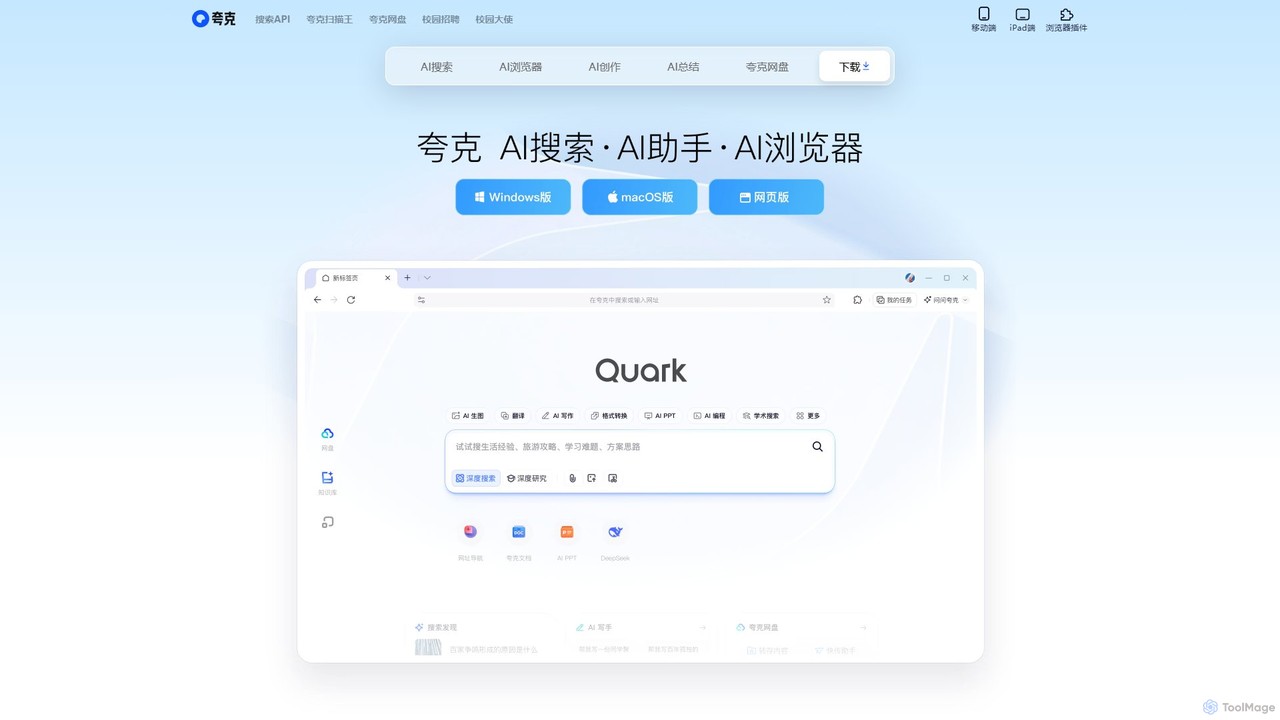
Quark
Quark is an all-in-one AI-powered suite from Alibaba, integrating a smart search engine, a fast browser, a massive cloud drive, and a suite of creative tools. It's designed to boost productivity for students and professionals with features like AI summarization, content generation, and seamless multi-device synchronization.
File Management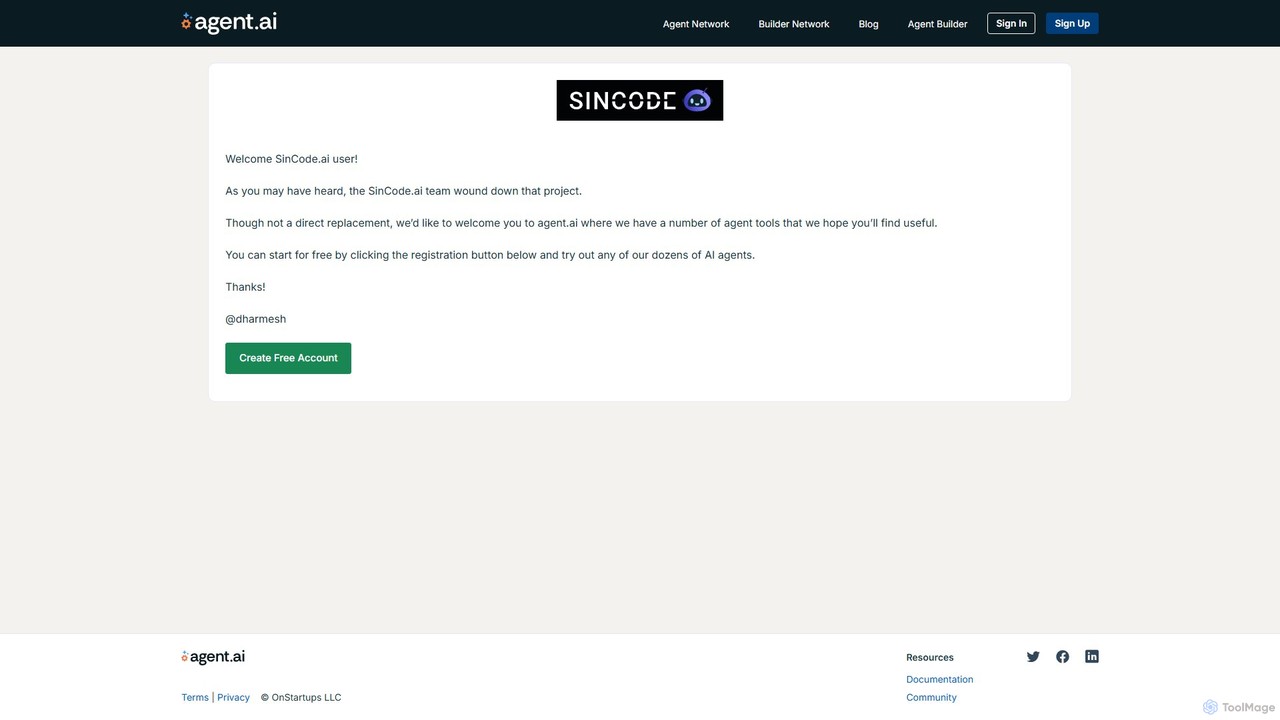
SinCode
SinCode was an all-in-one AI content creation platform offering a suite of tools for writing, image generation, and coding. The project has been discontinued, and its domain now directs users to agent.ai, a platform with various AI agent tools.
Image Generation
Compose AI
Compose AI is an AI-powered writing assistant and Chrome extension that accelerates your writing process. It offers intelligent autocompletion, text generation, and rephrasing capabilities across all your favorite sites, from emails to documents. By learning your personal writing style, it helps you write faster and more effectively, saving up to 40% of your time.
Chrome Extensions
Jyek
Jyek is an AI agent platform that understands objectives, creates execution plans, uses tools, and delivers verifiable results for complex, multi-step tasks.
Automation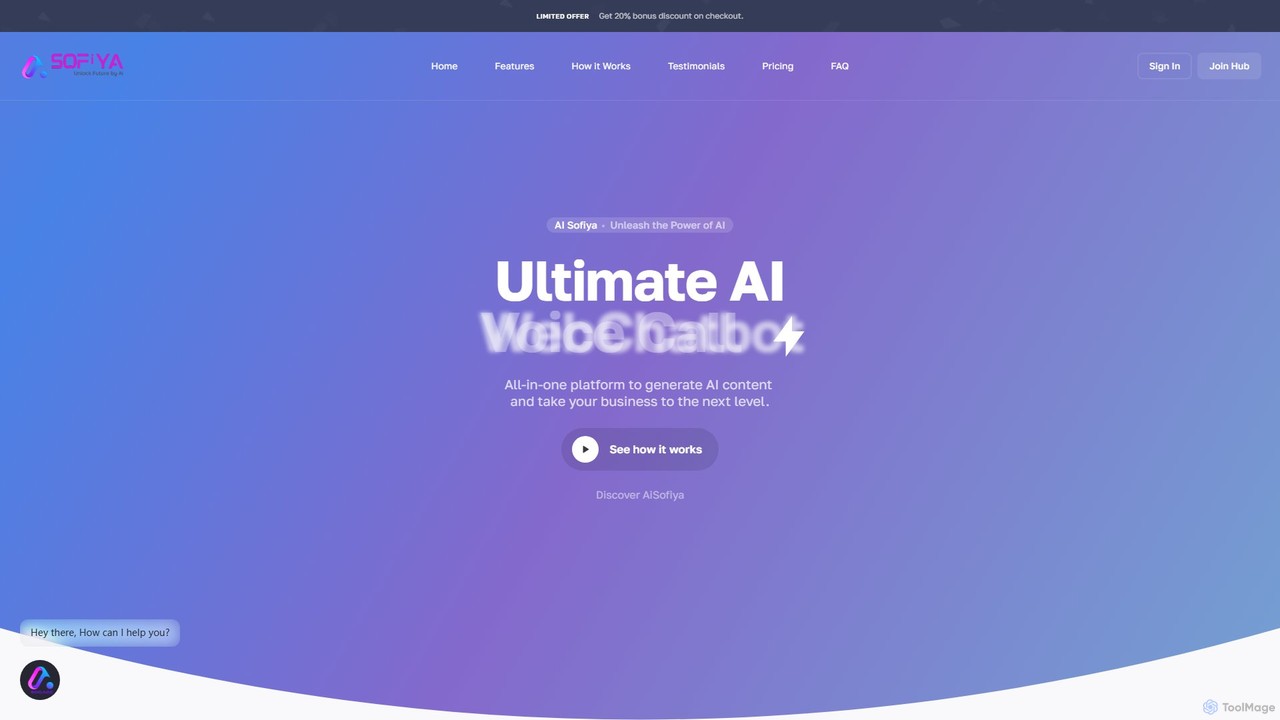
aisofiya
aisofiya is a comprehensive all-in-one AI platform designed to supercharge productivity and creativity. It offers a vast suite of tools for generating high-quality text content, stunning AI images, functional code, realistic voiceovers, and much more. From marketers and writers to developers and business owners, aisofiya provides a single, streamlined solution to meet diverse creative and technical needs, saving time and enhancing output.
Voiceover
Nily AI Comments (0)
Sign in to comment.
Sign inNo comments yet.