ToolMage
Sign in

Best 4 Image Editing AI tools for Photo & Image

Popular Image Editing AI tools in Photo & Image include TinyFrom, Stillgram, Resume Revival, and Lunroo, helping you work more efficiently.

Stillgram
Freemium

Stillgram

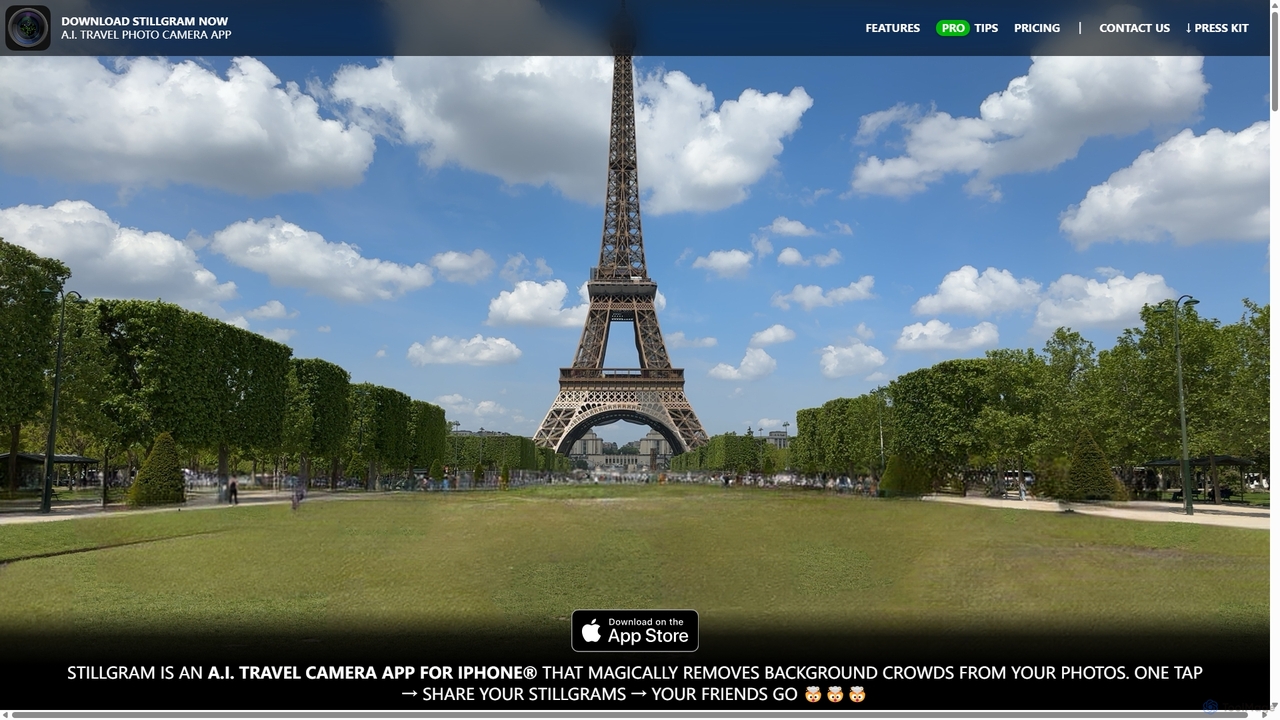
Stillgram is an AI-powered camera app for iPhone designed for travelers. It magically removes crowds and unwanted people from your photos, allowing you to capture perfect, empty shots of famous landmarks. It works completely offline and features unique 'Live Stillgrams' for stunning social media content.

Ios Apps
Visits 5.6KFavorites 117Likes 133
Resume Revival
Freemium

Resume Revival

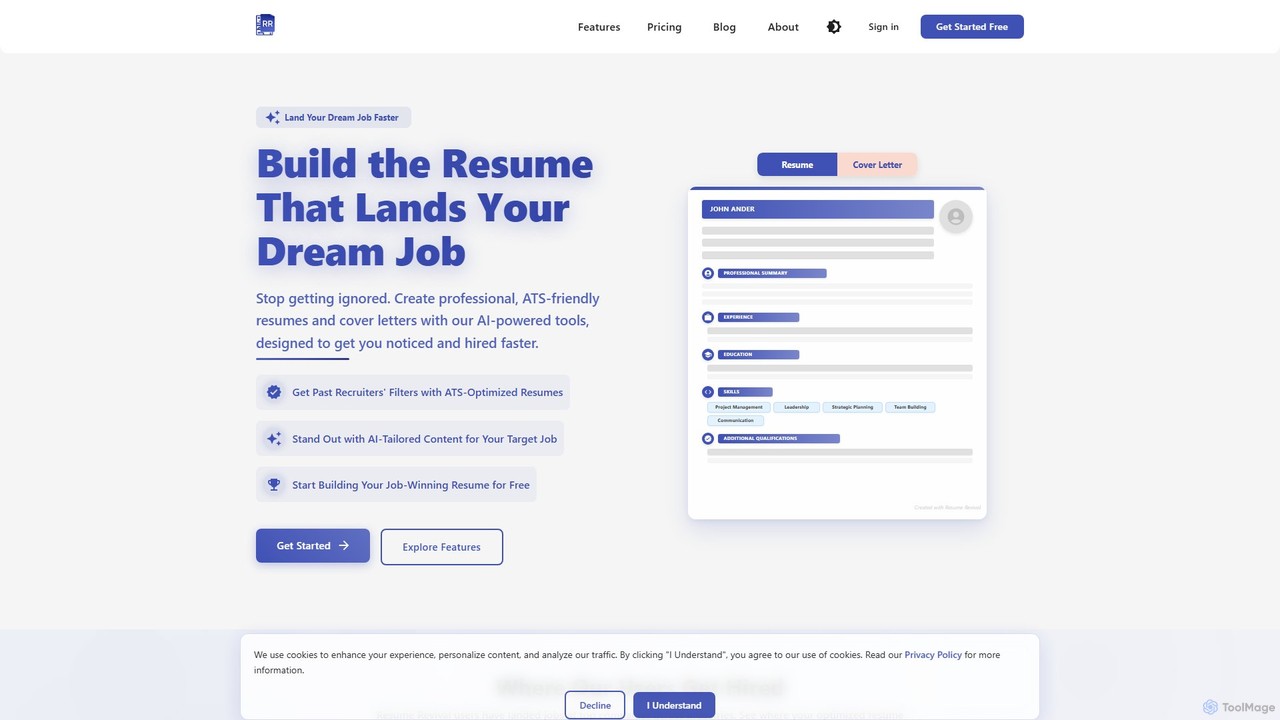
Resume Revival is an AI-powered platform designed to help job seekers create professional, ATS-optimized resumes and cover letters. It offers a comprehensive toolkit including an AI headshot generator, LinkedIn profile optimization, interview coaching, and application tracking to accelerate your job search and land your dream job faster.

Resume Builder
Visits 5.4KFavorites 137Likes 140
TinyFrom
Freemium

TinyFrom

TinyFrom offers an all-in-one suite of AI-powered productivity and utility tools. It provides solutions for data recovery, PDF editing, image enhancement, file management, and data transfer, designed to make digital life smarter and more efficient for users on Windows, Mac, and online.

Image Editing
Visits 15.8KFavorites 166Likes 144
Lunroo
Freemium

Lunroo

Lunroo is an AI-powered suite for social media marketing, offering tools for content generation (hashtags, bios, descriptions), image editing (background removal, alt text), and file conversion. It's designed to boost productivity, engagement, and traffic for individuals and teams.

Social Media Marketing
Visits 5.4KFavorites 137Likes 133

About Image Editing

AI Image Editing tools are specialized software leveraging artificial intelligence to enhance, modify, and transform digital images. These tools utilize advanced algorithms for tasks like object removal, background changes, and intelligent retouching, significantly streamlining the photo editing workflow. They empower users to achieve professional-grade results with unprecedented speed and ease, making complex edits accessible to a wider audience.

Core Features

  • AI Background Removal: Automatically detects and precisely removes or replaces image backgrounds with high accuracy.
  • Object Selection & Manipulation: Intelligently selects specific objects for resizing, repositioning, removal, or color adjustments.
  • Smart Retouching: Uses AI to smooth skin, remove blemishes, whiten teeth, or enhance facial features naturally.
  • Image Upscaling & Enhancement: Increases image resolution and quality without pixelation, and improves clarity and detail.
  • Style Transfer & Filters: Applies artistic styles from one image to another or suggests intelligent filters based on content.

Use Cases

Content creators use these tools for quick social media graphics. E-commerce businesses leverage them for consistent product photography. Professional photographers utilize AI for batch processing and intricate retouching, saving hours of manual work. Marketing teams apply consistent visual styles across campaigns, ensuring brand cohesion.

How to Choose

When selecting an AI image editing tool, consider the specific AI features offered, the quality and accuracy of its algorithms, and its integration with existing workflows. Evaluate its ease of use, batch processing capabilities, and the types of image formats it supports. Also, assess the pricing model and the naturalness of the AI's output to ensure it meets your project requirements.

Image Editing use cases

1

Automate Product Photo Background Removal

E-commerce store owners and marketing teams frequently need clean, consistent product images. AI image editing tools allow them to automatically detect and remove backgrounds from hundreds of product photos in minutes, replacing them with white, transparent, or custom backdrops. This significantly reduces manual labor, ensures brand consistency, and accelerates product listing creation, saving hours of design time.

2

Intelligent Object Removal from Photos

Photographers and graphic designers often encounter unwanted elements in their shots, such as distracting objects or photobombers. AI image editing tools enable precise, seamless removal of these elements without leaving noticeable traces. Users simply highlight the object, and the AI intelligently fills the void, preserving the background texture and lighting, which is crucial for professional-grade imagery.

3

Enhance Portraits with AI Retouching

Portrait photographers and social media influencers can use AI image editing for quick, natural-looking touch-ups. These tools intelligently smooth skin, remove blemishes, whiten teeth, and brighten eyes without over-processing or losing natural texture. This allows for rapid post-production, delivering polished portraits that maintain authenticity and save significant time compared to manual brushwork.

4

Upscale Low-Resolution Images for Print

Designers and marketers often receive low-resolution images that are unsuitable for print or large displays. AI image editing tools can intelligently upscale these images, increasing their resolution and detail without introducing pixelation or blur. This capability is vital for repurposing old assets, preparing web images for print, or enhancing archival photos, ensuring high-quality output across all mediums.

5

Apply Consistent Visual Styles Across Campaigns

Marketing professionals and brand managers need to maintain a cohesive visual identity across various campaigns. AI image editing tools can apply specific color grading, filters, or artistic styles to multiple images automatically. This ensures all visual assets align with brand guidelines, saving designers from manually adjusting each image and guaranteeing a unified aesthetic for all promotional materials.

6

Batch Process Photos for Social Media

Social media managers and content creators regularly publish numerous images that require consistent sizing, watermarking, or minor adjustments. AI image editing tools facilitate batch processing, allowing users to apply a series of edits—like cropping, resizing, color correction, or adding logos—to multiple images simultaneously. This drastically speeds up content preparation, ensuring a steady flow of visually appealing posts.

Image Editing FAQ

What are AI Image Editing tools?

AI Image Editing tools are software applications that use artificial intelligence algorithms to automate and enhance various aspects of image manipulation. They can perform complex tasks like background removal, object selection, smart retouching, and image upscaling with high precision and speed. These tools significantly streamline the editing process, making professional-grade results more accessible to users of all skill levels, from casual photographers to graphic design professionals.

How do AI Image Editing tools differ from traditional image editors?

The primary difference lies in automation and intelligence. Traditional image editors require manual input for most tasks, demanding significant skill and time. AI Image Editing tools, however, leverage machine learning to understand image content and perform edits autonomously or with minimal user guidance. For example, AI can automatically detect and remove a background, whereas traditional editors require manual selection and masking. This leads to faster workflows and more consistent results, especially for repetitive tasks.

What are the key features to look for in an AI Image Editing tool?

When choosing an AI image editing tool, consider several key features. Look for robust AI-powered background removal and replacement, intelligent object selection and removal capabilities, and advanced smart retouching for portraits. High-quality image upscaling and enhancement are also crucial for improving resolution. Additionally, evaluate batch processing options for efficiency, integration with other design software, and the overall accuracy and naturalness of the AI's output to ensure it meets your specific needs.

Can AI Image Editing tools improve image quality?

Yes, AI Image Editing tools can significantly improve image quality beyond simple adjustments. Features like AI upscaling can increase image resolution without loss of detail, making low-resolution photos suitable for larger prints or displays. AI enhancement algorithms can automatically correct colors, adjust lighting, reduce noise, and sharpen details, leading to clearer, more vibrant, and professional-looking images. This is particularly useful for restoring old photos or preparing web images for higher-quality applications.

Who benefits most from using AI Image Editing tools?

A wide range of users benefits from AI Image Editing tools. Content creators and social media managers can quickly prepare visually appealing posts. E-commerce businesses use them for efficient product photo processing and consistent branding. Professional photographers save hours on batch retouching and complex edits. Graphic designers can accelerate their workflow by automating repetitive tasks. Essentially, anyone who regularly works with images and seeks to improve efficiency and quality will find these tools invaluable.