Photo & Image Best in category 2 results Photo Organizer AI Tool

Popular AI tools in the Photo Organizer field of Photo & Image include Renamify、Sweep, etc., helping you quickly improve efficiency.

Sweep

Sweep

Sweep is a fun and intelligent photo cleaner app for your phone. It uses a gamified "swipe to …

173
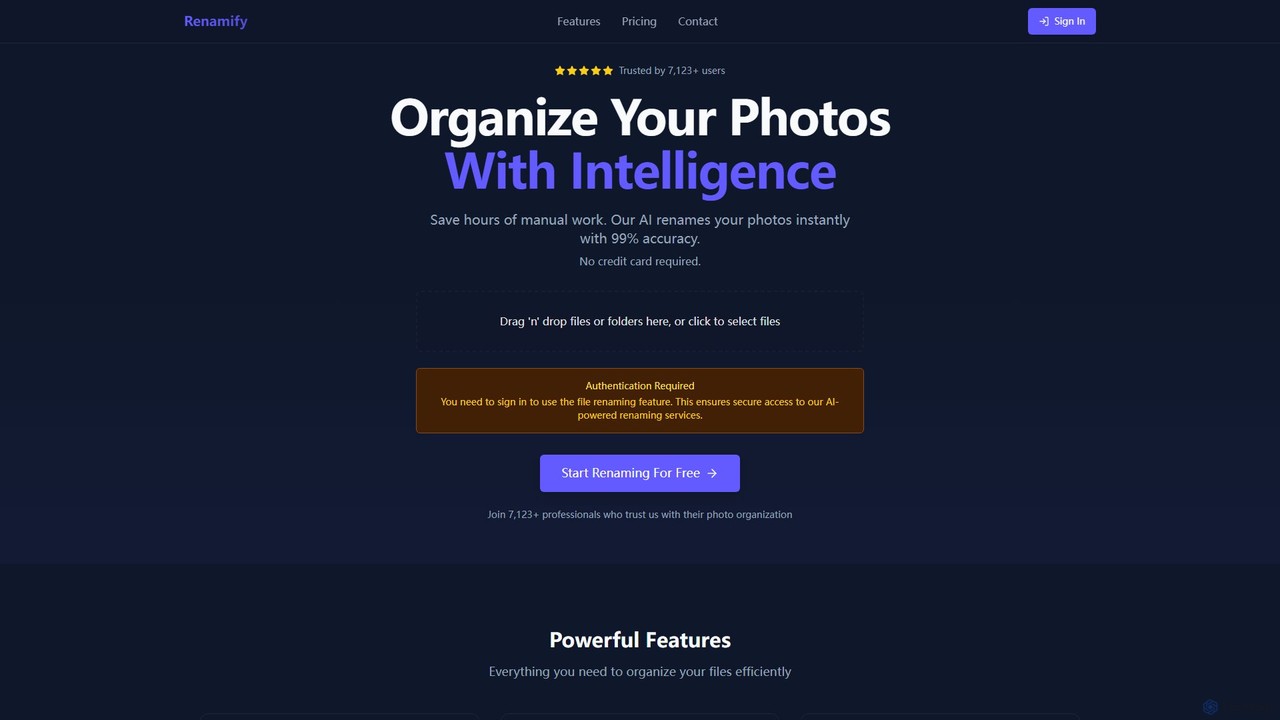
Renamify

Renamify

Renamify is an AI-powered tool that simplifies bulk file renaming. It intelligently analyzes the content of your files, …

7.4K

About Photo Organizer

AI Photo Organizers are tools that use artificial intelligence to automatically sort, tag, and manage large digital photo libraries. They leverage computer vision to recognize faces, objects, and scenes, significantly reducing the need for manual keywording. This allows users to quickly find specific images using natural language search and efficiently clean up duplicates, transforming cluttered collections into well-structured, searchable archives. As a specialized part of the Photo & Image category, these tools focus specifically on library management and searchability rather than creative editing.

Core Features

  • AI-Powered Tagging: Automatically adds relevant keywords by identifying objects, scenes, and concepts within images.
  • Face Recognition and Grouping: Identifies individuals across your entire library and groups their photos together for easy access.
  • Duplicate Detection: Scans for and flags visually similar or identical images to help you declutter your storage.
  • Smart Search: Enables searching with natural language queries like "dogs playing at the beach" instead of just filenames.
  • Best Photo Curation: Analyzes a series of similar shots to suggest the one with the best focus, composition, and expression.

Use Cases

These tools are ideal for professional photographers managing thousands of shots from events, marketing teams organizing brand assets, and individuals looking to bring order to years of personal photos. They streamline workflows by automating the tedious tasks of culling, keywording, and finding specific images, saving hours of manual labor.

How to Choose

When selecting a tool, consider its tagging accuracy, the speed of its duplicate detection, and its privacy policy regarding your photo data. Also, evaluate whether you need a desktop application for offline processing and maximum privacy, or a cloud-based solution for easy access and collaboration across multiple devices.


Photo OrganizerUse Cases

1

Organize a Lifetime of Personal Photos

For individuals with tens of thousands of photos scattered across hard drives and cloud services, an AI Photo Organizer acts as a central command center. After importing all sources, the tool automatically scans for and merges duplicates, freeing up gigabytes of space. Its AI then gets to work, identifying family members and friends, tagging locations from geotags, and categorizing events like 'birthdays' or 'vacations'. A user can then simply search 'Mom and Dad at the beach 2010' and instantly find the relevant photos without knowing the original folder or filename.

2

Streamline a Professional Photographer's Workflow

A wedding photographer returns from a shoot with over 5,000 RAW images. Instead of manually sifting through them, they use an AI organizer. The tool first identifies and groups all visually similar shots (e.g., from a burst sequence). Within each group, it flags images with poor focus, closed eyes, or awkward expressions, suggesting the single best shot. This reduces the initial culling process by over 80%. The photographer can then focus their creative energy on editing the pre-selected best images, drastically shortening project turnaround time.

3

Manage a Marketing Team's Digital Assets

A corporate marketing team manages a vast library of product photos, event coverage, and social media content. Using an AI Photo Organizer, they can ensure consistency and quick access. The AI automatically tags images with product names, campaign codes, and usage rights. A social media manager can search for 'approved photos of our new product on a white background' and get instant results. This eliminates time wasted searching through nested folders and reduces the risk of using outdated or unapproved imagery.

4

Archive and Catalog Historical Photos

A local museum digitizes a collection of historical photographs. An AI Photo Organizer can accelerate the cataloging process. Its face recognition feature identifies and suggests groupings for key historical figures across different photos and years. The object recognition can tag elements like 'vintage cars', '1920s fashion', or 'steam locomotive', adding rich, searchable metadata that would take a human archivist weeks to compile. This makes the collection vastly more accessible for researchers and the public.

5

Accelerate Keywording for Stock Photographers

A stock photographer needs to upload a batch of 200 travel photos to multiple agencies, each requiring detailed keywords. Instead of manually typing them, they use an AI organizer. The tool analyzes each photo and suggests a list of 30-50 relevant keywords, from broad concepts ('travel', 'nature') to specific details ('Eiffel Tower', 'golden hour', 'cobblestone street'). The photographer can quickly review, edit, and approve these keywords, then export them in a format compatible with stock agency metadata requirements, saving hours of repetitive work per batch.

6

Create a Centralized and Searchable Family Archive

A family wants to consolidate photos from multiple members' phones, old digital cameras, and scanned prints into one shared library. An AI organizer with cloud sync capabilities is used. Each family member can upload their photos. The AI's face recognition identifies everyone, automatically creating albums for each person. The duplicate detection cleans up the library by finding the same photo sent via different messaging apps. Now, any family member can log in and search for 'Grandma's 80th birthday' or 'photos of David as a child' and instantly access those memories from a single, unified source.

Photo OrganizerFrequently Asked Questions