


Sweep Overview
Sweep is an innovative mobile application designed to transform the tedious task of cleaning your phone's photo gallery into a fun and engaging experience. In an age where our smartphones are our primary cameras, photo libraries quickly become cluttered with duplicates, blurry images, screenshots, and countless similar shots. Sweep addresses this problem head-on with a simple yet powerful "swipe-to-keep-or-delete" interface, reminiscent of popular social apps. This gamified approach makes it easy and fast to make decisions about each photo, turning a chore into a satisfying activity.
At its core, Sweep leverages artificial intelligence to streamline the cleaning process. Before you even start swiping, its smart AI engine scans your entire gallery to identify and group unwanted photos. This includes pinpointing exact duplicates, near-identical photos from burst mode, out-of-focus or blurry shots, and old screenshots that are no longer needed. By presenting these intelligently sorted batches to you, Sweep saves you the manual effort of hunting for photos to delete, allowing you to focus solely on the quick decision of swiping left or right.
How to use Sweep
Using Sweep is designed to be incredibly intuitive and straightforward. Here’s a simple step-by-step guide to reclaim your phone's storage:
- Download and Install: Find Sweep on the Apple App Store or Google Play Store and install it on your smartphone.
- Grant Permissions: Upon first launch, Sweep will ask for permission to access your photo library. This is necessary for the app to scan and manage your photos.
- AI-Powered Analysis: The app will perform an initial scan of your gallery. Its AI will automatically categorize your photos, identifying potential clutter like duplicates, similar images, blurry photos, and screenshots.
- Start Swiping: Sweep will present you with photos or groups of photos. Simply swipe right to keep a photo or swipe left to move it to the trash. The process is fast, fluid, and even enjoyable.
- Review and Delete: Photos you swipe left on are not immediately deleted. They are moved to a review folder within the app. This gives you a final chance to look over the photos you've chosen to discard, preventing any accidental deletions.
- Free Up Space: Once you confirm the deletion, Sweep will permanently remove the selected photos from your device, instantly freeing up gigabytes of valuable storage space.
Core Features of Sweep
- Gamified Swiping Interface: Makes photo management fast, fun, and addictive. Swipe right to keep, left to delete.
- AI-Powered Smart Scan: Automatically detects and groups duplicates, similar photos, blurry images, screenshots, and other visual clutter.
- Best Photo Suggestion: In a series of similar shots (e.g., burst photos), the AI suggests the best one to keep based on focus, lighting, and composition.
- Secure Deletion Process: A two-step deletion process with a review stage ensures you never accidentally lose important memories.
- Storage Progress Tracker: Visually see how much space you’ve reclaimed and monitor your phone's storage health.
- Memory Rediscovery: The process of swiping through your entire library helps you relive forgotten moments and cherished memories.
Use Cases for Sweep
Sweep is perfect for a wide range of users:
- Everyday Smartphone Users: Anyone whose phone is running low on storage due to a massive photo library.
- Social Media Managers and Content Creators: Professionals who take numerous photos and videos for work and need to efficiently manage their mobile assets.
- Parents: Quickly sort through the hundreds of photos taken of children to keep only the best moments.
- Travel Enthusiasts: Effortlessly clean up thousands of vacation photos after a trip, keeping the highlights and discarding the rest.
- Before a Phone Upgrade: A perfect tool to clean up and slim down your photo library before transferring data to a new device.
Advantages of Sweep
The primary advantage of Sweep is its ability to make a mundane task enjoyable. Instead of dreading the process of cleaning photos, users find it satisfying and quick. The AI-driven intelligence saves an immense amount of time compared to manually sifting through thousands of images. It not only frees up critical storage space, which can improve overall phone performance, but it also helps you curate a more meaningful and organized photo gallery filled with your best memories.
Pricing and Plans
Sweep operates on a freemium model, making it accessible to everyone.
- Free Plan: Users can download the app for free and use its core features to clean a limited number of photos. This plan may include ads.
- Premium Plan: For a subscription fee (offered monthly, annually, or as a one-time purchase), users can unlock unlimited cleaning, advanced AI filtering options, an ad-free experience, and potentially cloud backup integration. Specific pricing is available on the App Store and Google Play Store.
Sweep Alternatives

Adobe
Adobe is the industry-leading suite of creative, marketing, and document management software, supercharged with powerful generative AI. Featuring tools like Photoshop, Premiere Pro, and Acrobat, integrated with Adobe Firefly AI, it empowers creators, businesses, and individuals to bring any idea to life, from stunning visuals and cinematic videos to intelligent, interactive documents.
Graphic Design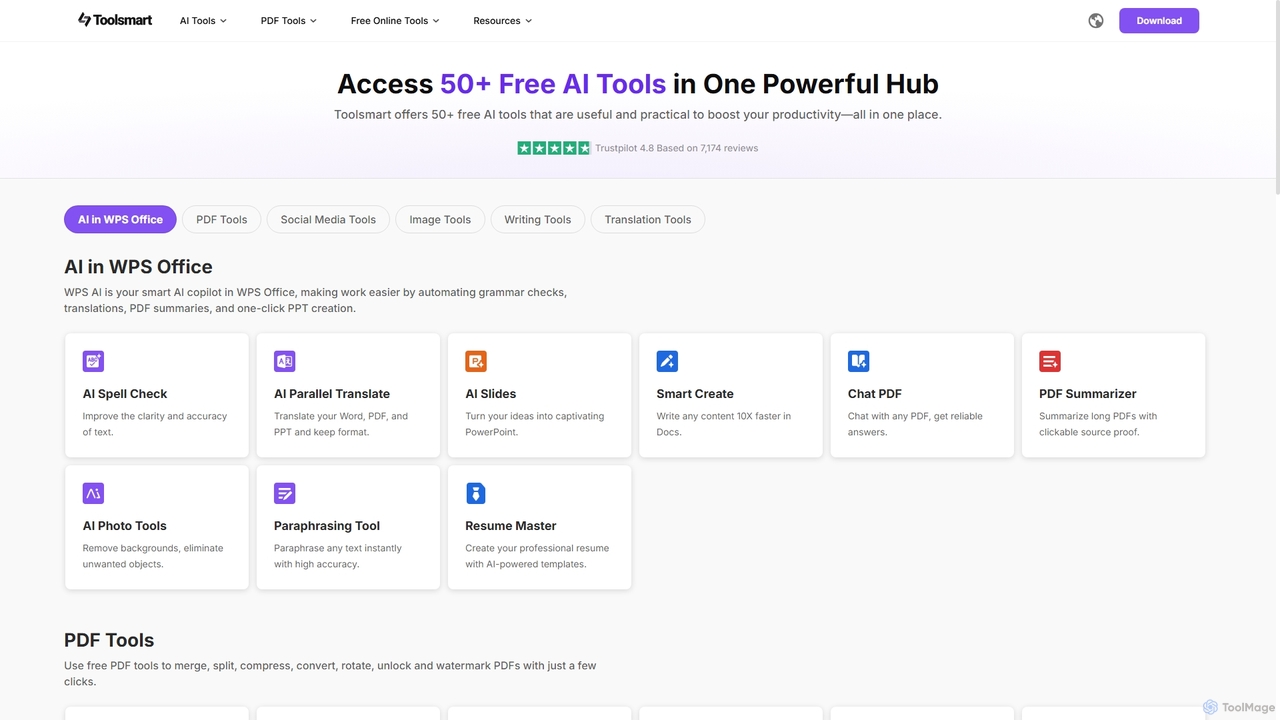
Toolsmart
Toolsmart is a comprehensive suite of over 50 free AI-powered tools designed to boost productivity. It offers a wide range of utilities in one convenient hub, including PDF converters and editors, social media video downloaders, advanced image editing tools like background and watermark removers, and a variety of AI writing assistants for paraphrasing, summarizing, and humanizing text. No sign-up is required for most tools, providing a fast, accessible, and ad-free user experience for creators, marketers, and professionals.
Pdf
Pixelfox
Pixelfox is a comprehensive, free-to-use AI suite for creators and businesses. It combines a powerful online photo and video editor with over 300 AI writing tools. Effortlessly retouch photos, remove backgrounds, generate images from text, swap faces, and enhance quality. Simultaneously, create SEO-optimized articles, social media content, product descriptions, and much more, all within a single, no-download platform.
3D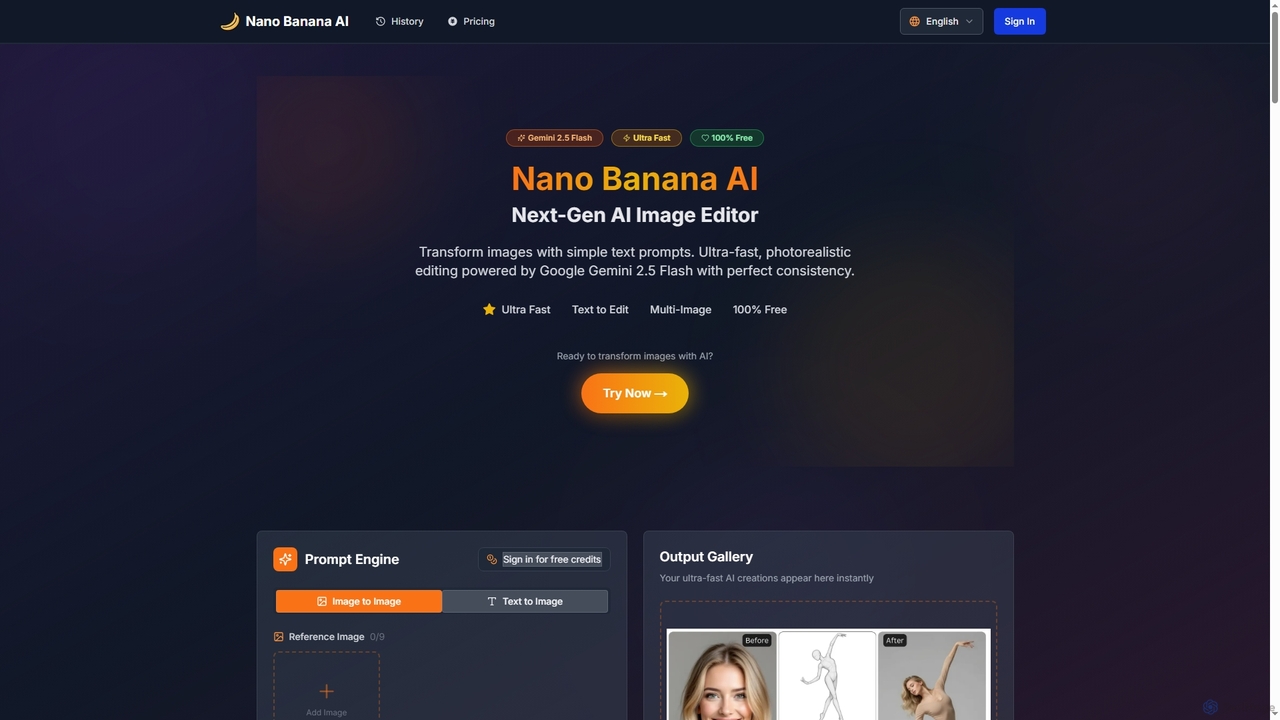
Nano Banana AI
Nano Banana AI is an advanced AI image editor powered by Google Gemini 2.5 Flash, enabling users to transform photos with simple text prompts. It offers ultra-fast, photorealistic editing with perfect character and scene consistency, featuring tools for face swapping, background changes, hairstyle alterations, and a unique Polaroid vintage photo generator. It's designed for both personal and professional creative workflows.
Creative Tools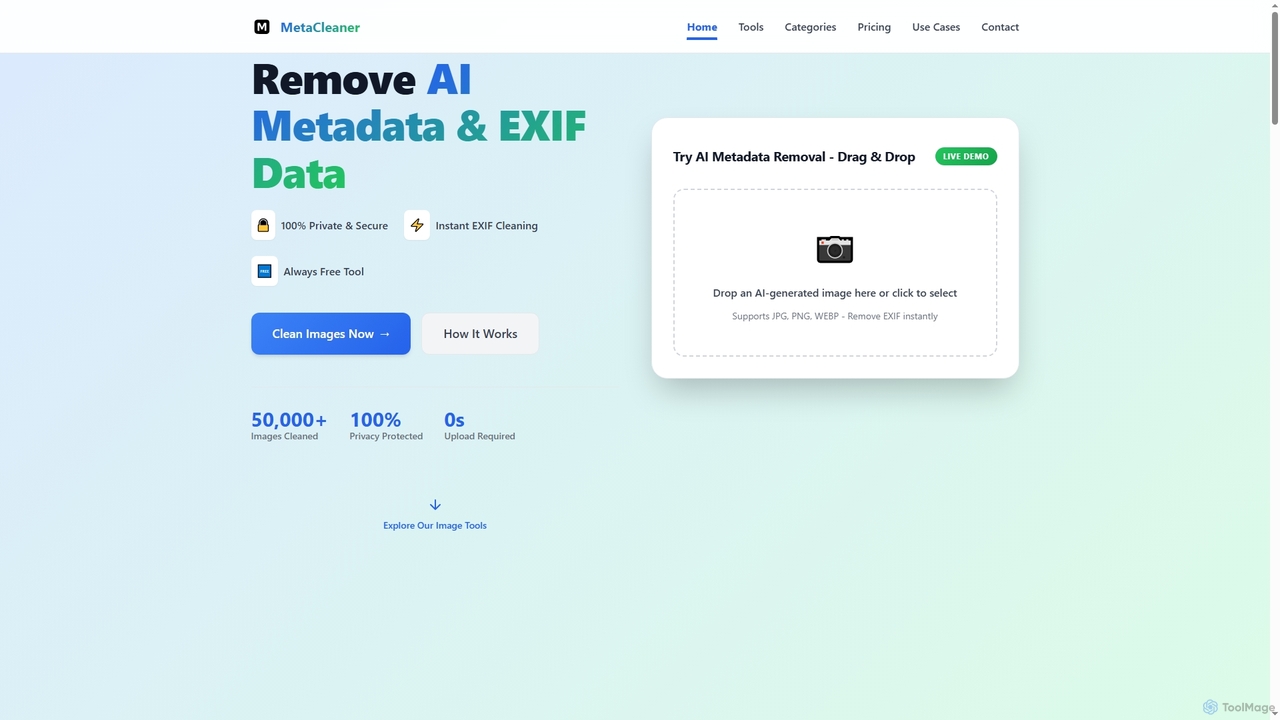
Aimodified
Aimodified is a free, browser-based tool designed to remove AI-generated metadata and EXIF data from images. It ensures privacy and helps content creators bypass AI detection on social media platforms like Pinterest, offering instant cleaning for single or batch image processing.
Post ProcessingSweep Categories
Sweep Jobs
Sweep Embed Widget
Copy this embed code to place the badge on your blog, article, or product site and send readers directly to this ToolMage detail page.

Related AI tools
Aimodified
Aimodified is a free, browser-based tool designed to remove AI-generated metadata and EXIF data from images. It ensures privacy and helps content creators bypass AI detection on social media platforms like Pinterest, offering instant cleaning for single or batch image processing.
Post ProcessingAdobe
Adobe is the industry-leading suite of creative, marketing, and document management software, supercharged with powerful generative AI. Featuring tools like Photoshop, Premiere Pro, and Acrobat, integrated with Adobe Firefly AI, it empowers creators, businesses, and individuals to bring any idea to life, from stunning visuals and cinematic videos to intelligent, interactive documents.
Graphic DesignToolsmart
Toolsmart is a comprehensive suite of over 50 free AI-powered tools designed to boost productivity. It offers a wide range of utilities in one convenient hub, including PDF converters and editors, social media video downloaders, advanced image editing tools like background and watermark removers, and a variety of AI writing assistants for paraphrasing, summarizing, and humanizing text. No sign-up is required for most tools, providing a fast, accessible, and ad-free user experience for creators, marketers, and professionals.
PdfPixelfox
Pixelfox is a comprehensive, free-to-use AI suite for creators and businesses. It combines a powerful online photo and video editor with over 300 AI writing tools. Effortlessly retouch photos, remove backgrounds, generate images from text, swap faces, and enhance quality. Simultaneously, create SEO-optimized articles, social media content, product descriptions, and much more, all within a single, no-download platform.
3DNano Banana AI
Nano Banana AI is an advanced AI image editor powered by Google Gemini 2.5 Flash, enabling users to transform photos with simple text prompts. It offers ultra-fast, photorealistic editing with perfect character and scene consistency, featuring tools for face swapping, background changes, hairstyle alterations, and a unique Polaroid vintage photo generator. It's designed for both personal and professional creative workflows.
Creative Tools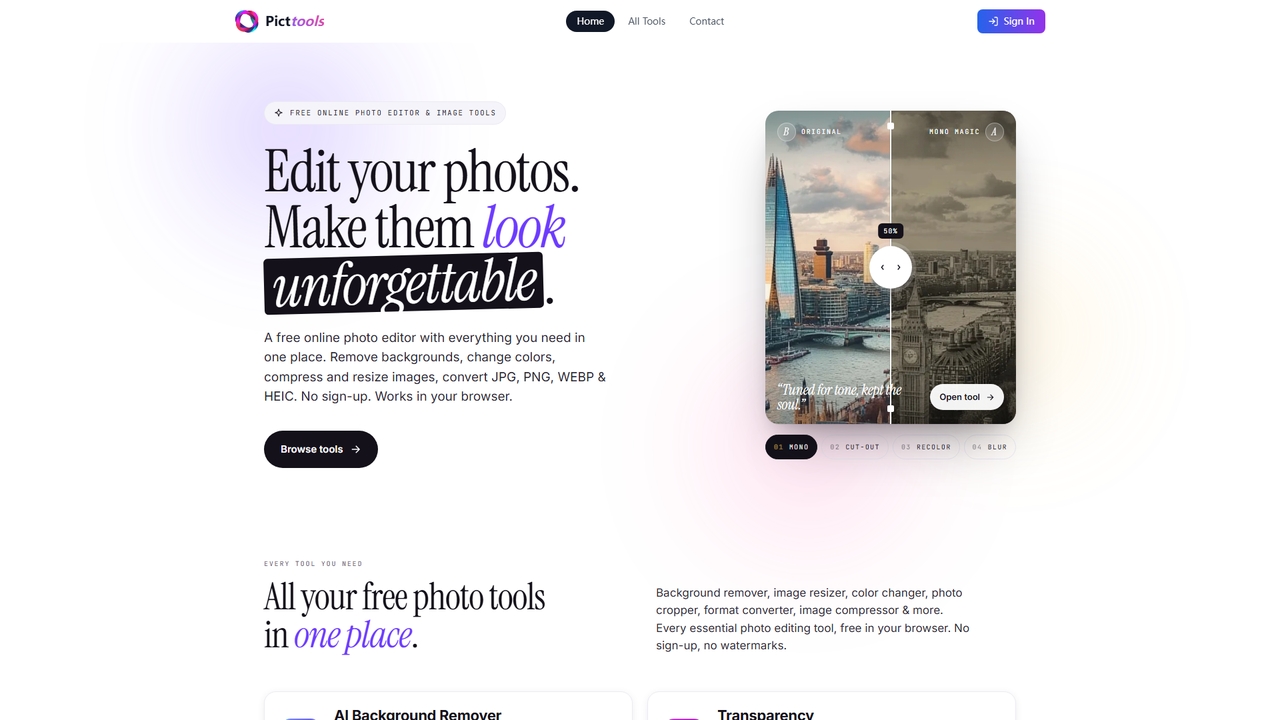
PictTools
Free online photo editor with a suite of essential image tools including background remover, color changer, and format converter. All tools run in your browser with no sign-up or watermarks.
Image Editing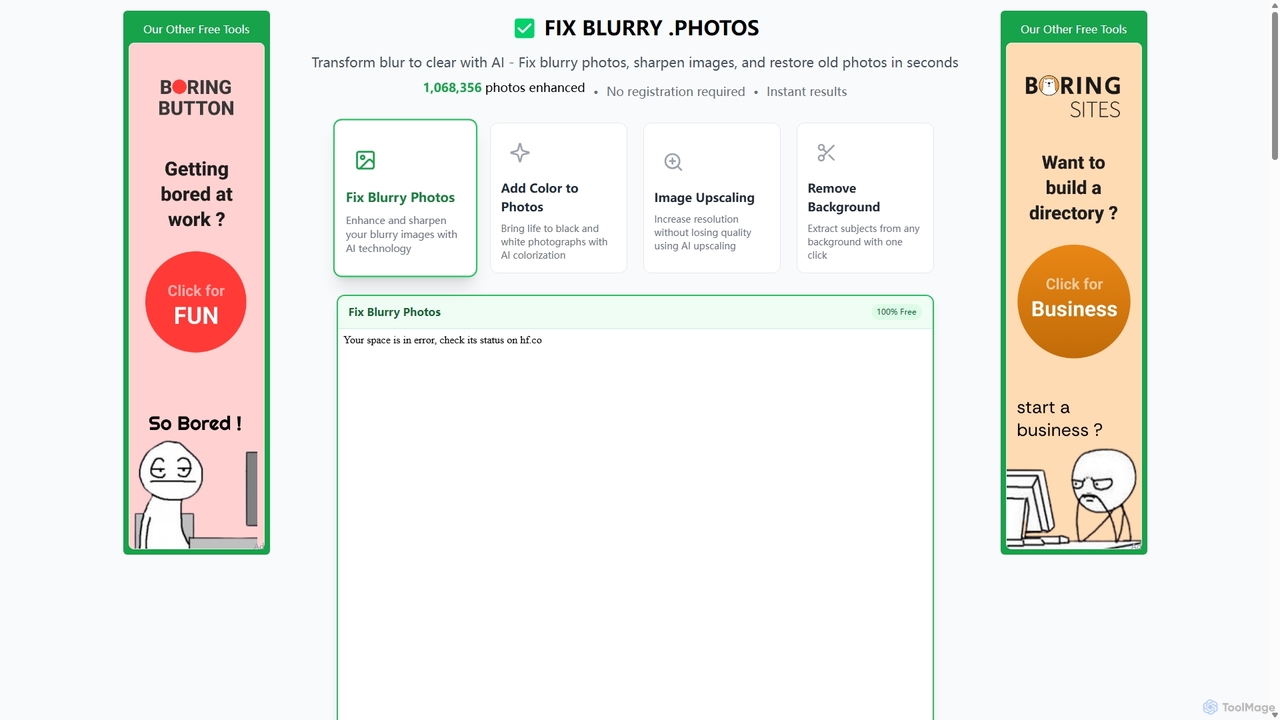
Fixblurry
fixblurry is a free, AI-powered online tool suite designed to enhance your images instantly. It specializes in unblurring and sharpening photos, restoring old or faded pictures, upscaling low-resolution images without quality loss, colorizing black-and-white photos, and removing backgrounds with a single click. No registration or software installation is required, offering professional-grade results for everyone.
Image Editing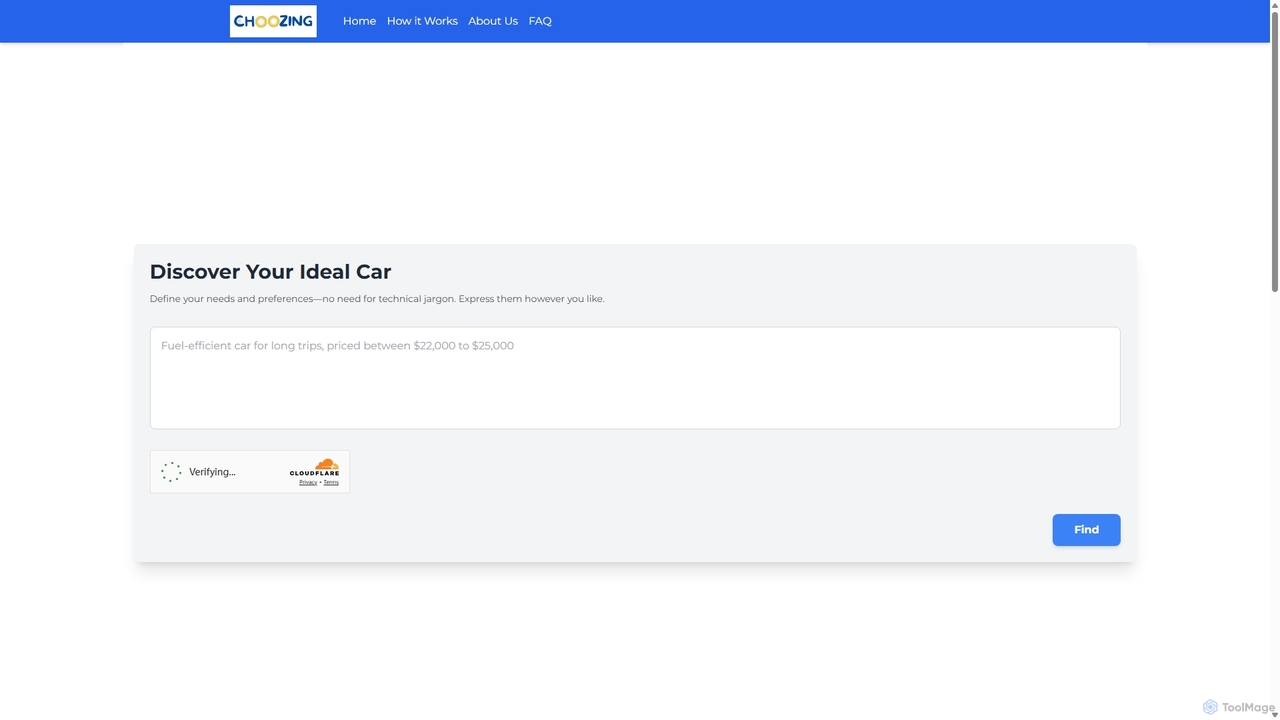
Choozing
Choozing is an AI-powered product recommendation engine that simplifies the selection of cars, mobile phones, and laptops. By using natural language input, users can describe their needs and budget, and Choozing's AI will analyze technical specifications and reviews to provide personalized, scored recommendations and the best available deals.
Consumer Tech
Faune
Faune is a privacy-focused, multi-LLM AI chat application for Apple devices. It offers free access to leading models like GPT-4o, Claude, and Mistral, along with features like internet search, image generation, and a unique chat editor. No account is required, ensuring anonymous and secure conversations.
Multi Model
Microsoft Copilot
Microsoft Copilot is your everyday AI companion, enhancing productivity and creativity. It provides intelligent search, content generation, and image creation capabilities by leveraging the latest AI models like GPT-4 and DALL-E 3. Integrated across the Microsoft ecosystem, it assists with writing, coding, planning, and design tasks.
Image Generator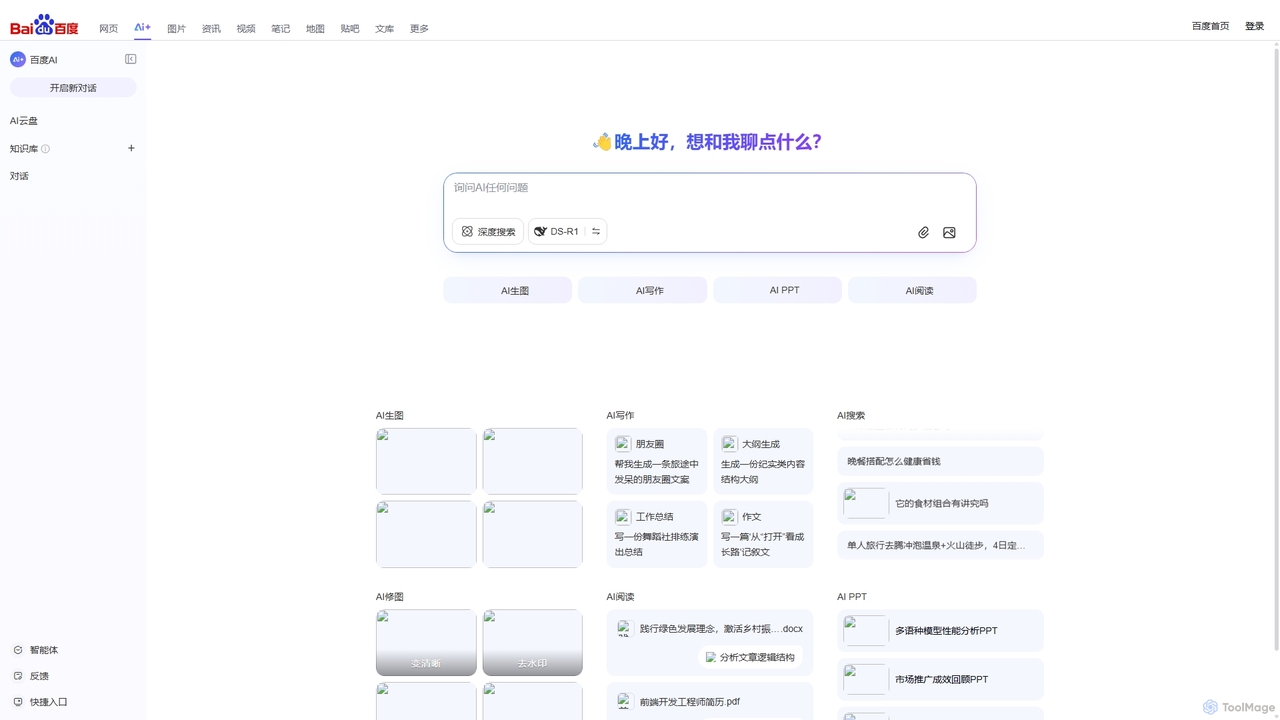
Baidu AI Search
Baidu AI Search is an all-in-one AI-powered platform that integrates conversational search, content creation, document analysis, and image editing. It provides a one-stop solution for work, study, and creative tasks, leveraging Baidu's powerful ERNIE model to deliver comprehensive answers and generate high-quality content.
Writing
Google Gemini
Google Gemini is a powerful, multimodal AI assistant designed to enhance creativity and productivity. It can understand and process text, code, images, and video to help you write, plan, learn, and create. Integrated with Google's ecosystem, it offers features like advanced content generation, deep research, and seamless collaboration within Google apps.
Image Generator
Qwen
Qwen is a powerful multimodal AI chat assistant from Alibaba Cloud. It excels at natural language conversations, content creation, code generation, data analysis, and even image generation. With integrated web search and document analysis, Qwen provides comprehensive, up-to-date, and accurate answers for a wide range of tasks.
Image Generation
Adobe Firefly
Adobe Firefly is a family of creative generative AI models from Adobe. It enables users to generate high-quality images, text effects, and color palettes from simple text prompts. Designed to be commercially safe, it's integrated into Adobe's Creative Cloud apps like Photoshop and Illustrator, and also available as a standalone web application, empowering creators with new ways to ideate, create, and communicate.
Generative Art
Jyek
Jyek is an AI agent platform that understands objectives, creates execution plans, uses tools, and delivers verifiable results for complex, multi-step tasks.
Automation
Sweep Comments (0)
Sign in to comment.
Sign inNo comments yet.