

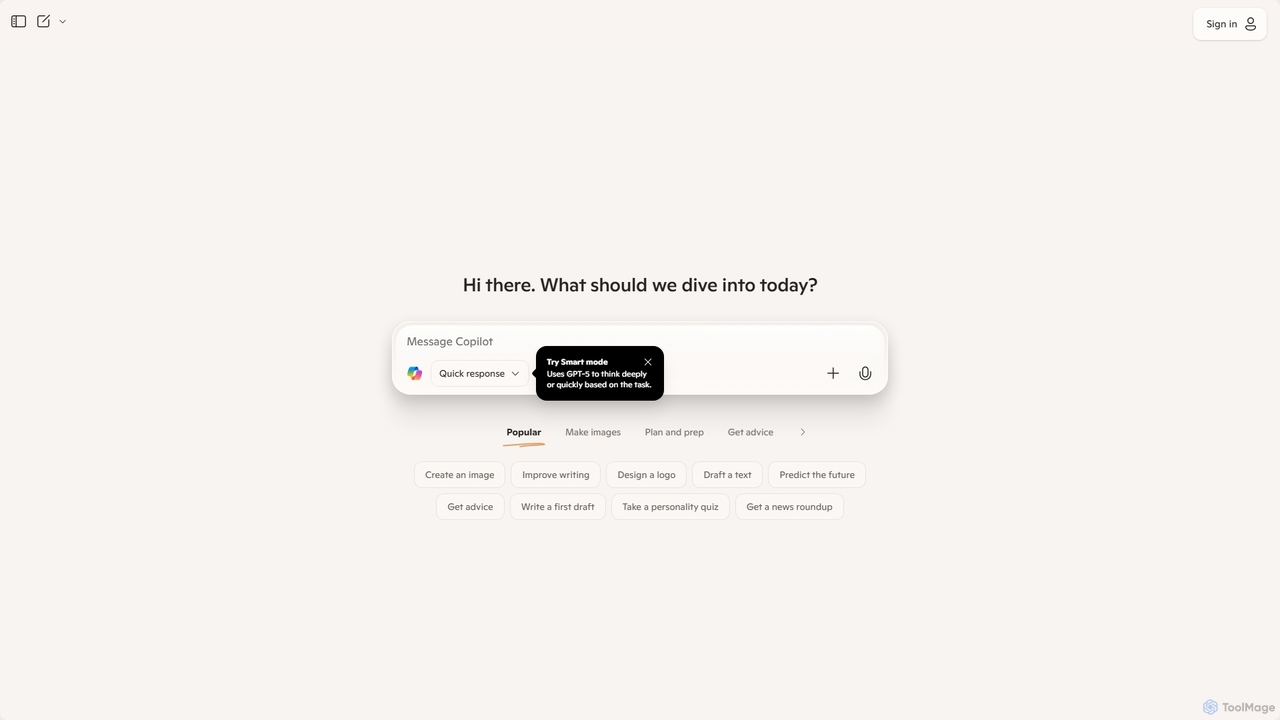
Microsoft Copilot Overview
Microsoft Copilot is a revolutionary AI-powered assistant designed to function as your everyday digital companion. Evolving from its origins as Bing Chat, Copilot is now a standalone service deeply integrated into Microsoft's ecosystem, including Windows, Edge, and Microsoft 365. It leverages cutting-edge large language models (LLMs) from OpenAI and Microsoft, such as GPT-4, to provide conversational answers, generate diverse forms of content, and boost productivity across a wide range of tasks.
At its core, Copilot is a versatile tool that combines the power of a conversational chatbot with a real-time search engine and a creative content generator. It can access and process up-to-the-minute information from the web, ensuring its responses are timely, relevant, and well-sourced. This makes it an invaluable tool for research, learning, and staying informed. Furthermore, its integration with DALL-E 3 allows users to create stunning, high-quality images directly from simple text descriptions, opening up new avenues for creativity for designers, marketers, and hobbyists alike.
How to use Microsoft Copilot
Using Microsoft Copilot is designed to be intuitive and straightforward. You can access it through its dedicated website (copilot.microsoft.com), the Microsoft Edge sidebar, within Windows 11, or via its mobile apps for iOS and Android.
- Start a Conversation: Simply type your question or request into the chatbox. You can ask anything from simple factual questions to complex, multi-step queries.
- Be Specific: The more detail you provide in your prompt, the better the result. For example, instead of asking "write an email," try "write a professional email to my team summarizing our Q3 performance and outlining our goals for Q4."
- Generate Images: To create an image, describe what you want to see. For instance, type "create a photorealistic image of an astronaut riding a horse on Mars." Copilot will use DALL-E 3 to generate several options.
- Refine and Iterate: Copilot excels at follow-up questions. If the initial response isn't perfect, you can ask it to make adjustments, change the tone, shorten the text, or add more details.
- Use Conversation Styles: Some versions of Copilot allow you to choose a conversation style (e.g., Creative, Balanced, Precise) to tailor the AI's responses to your needs.
Core Features of Microsoft Copilot
- Advanced AI Models: Access to powerful models like GPT-4 and GPT-4 Turbo for nuanced understanding, complex reasoning, and high-quality text generation.
- Real-time Web Access: Provides up-to-date answers by searching the internet, complete with citations and links to sources for verification.
- Image Generation: Integrated with DALL-E 3, allowing users to create unique AI-generated images from text prompts at no extra cost in the free version.
- Multimodal Support: Users can input queries using text or images (visual search) and receive comprehensive, multi-format answers.
- Code Generation and Assistance: Helps developers write, debug, explain, and optimize code in a wide variety of programming languages.
- Deep Ecosystem Integration: Seamlessly works within Windows 11, Microsoft Edge, and is available as a powerful add-on for Microsoft 365 applications (with a Copilot Pro or business subscription).
- Cross-Platform Availability: Accessible via web, dedicated mobile apps for iOS and Android, and integrated into desktop environments.
Use Cases for Microsoft Copilot
For Professionals: Draft emails, reports, and presentations. Summarize long documents and meeting transcripts. Brainstorm marketing copy and social media campaigns. Analyze data and generate code snippets to automate tasks.
For Students: Research complex topics with sourced information. Get help with homework and explain difficult concepts. Paraphrase and improve essays. Generate study guides and practice quizzes.
For Content Creators: Brainstorm blog post ideas and write full drafts. Create scripts for videos and podcasts. Generate unique images and logos for content. Craft engaging social media captions.
For Everyday Life: Plan detailed travel itineraries. Find recipes and create meal plans. Get personalized advice and recommendations. Draft personal letters or messages.
Advantages of Microsoft Copilot
The primary advantage of Microsoft Copilot is its powerful 'freemium' model. It offers free access to premium technologies like GPT-4 and DALL-E 3, which are often behind a paywall in other services. Its ability to access the live web makes it more reliable for current events and factual queries than closed-model AIs. The deep integration with the Microsoft ecosystem creates a seamless and productive workflow for millions of users worldwide. Its user-friendly interface makes advanced AI accessible to everyone, regardless of technical skill.
Pricing and Plans
Microsoft Copilot operates on a freemium model:
- Copilot (Free): This plan is available to everyone at no cost. It includes access to foundational models, web search capabilities, and image creation. During non-peak hours, it provides access to GPT-4 and DALL-E 3.
- Copilot Pro ($20/month per user): This premium plan offers priority access to the latest and fastest models like GPT-4 Turbo, even during peak hours. It provides enhanced AI image creation with more daily boosts for faster generation. The key benefit is the integration of Copilot into Microsoft 365 apps (Word, Excel, PowerPoint, Outlook, OneNote) for users with a Microsoft 365 Personal or Family subscription.
- Copilot for Microsoft 365 (Business Plans): Tailored for organizations, these plans offer enterprise-grade data protection, advanced security, and deeper integration with business tools like Microsoft Teams. Pricing varies based on the specific business plan.
Traffic
Latest traffic
Status
Monthly traffic trend
- 2025-9: 99.6M
- 2026-1: 101.2M
- 2026-2: 98.2M
- 2026-3: 123.8M
- 2026-4: 130.0M
- 2026-5: 131.6M
Geography
Top 5 countries / regions
- 🇺🇸United States67.7%
- 🇯🇵Japan10.0%
- 🇬🇧United Kingdom8.8%
- 🇦🇺Australia7.4%
- 🇩🇪Germany6.0%
Traffic sources
| Source type | Percentage |
|---|---|
Direct | 65.9% |
Referral | 32.6% |
Email | 1.5% |
Top keywords
| Keyword | Cost per click |
|---|---|
| co pilot | $0.43 |
| copilot | $0.42 |
| copilot ai | $0.44 |
| microsoft copilot | $0.79 |
| コパイロット | $0.74 |
Microsoft Copilot Videos on YouTube
Kevin Stratvert


Wallace Studio HK


Tool Finder

Microsoft Copilot Alternatives
Side Space
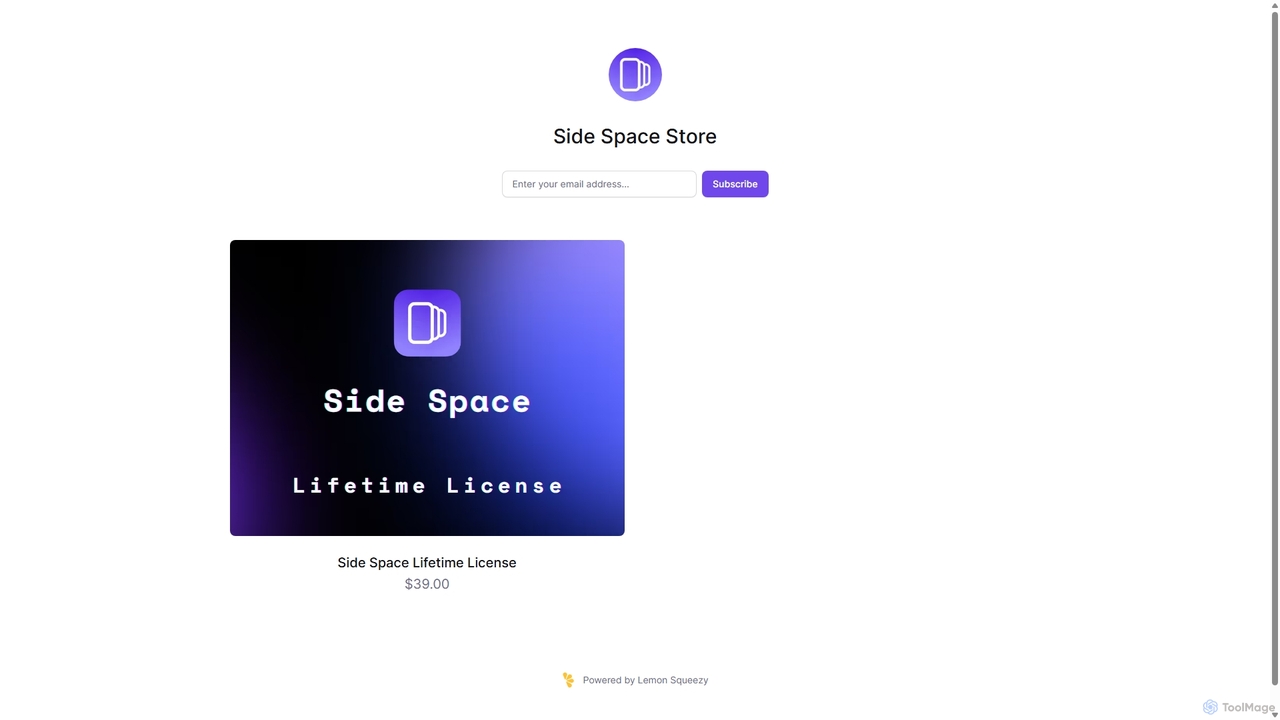
Side Space is a powerful AI assistant that integrates seamlessly into your desktop workflow. It operates from a convenient sidebar, providing instant access to AI-powered tools for writing, coding, and general productivity without ever leaving your current application. Enhance your efficiency with contextual actions on selected text and customizable commands.
Code Assistant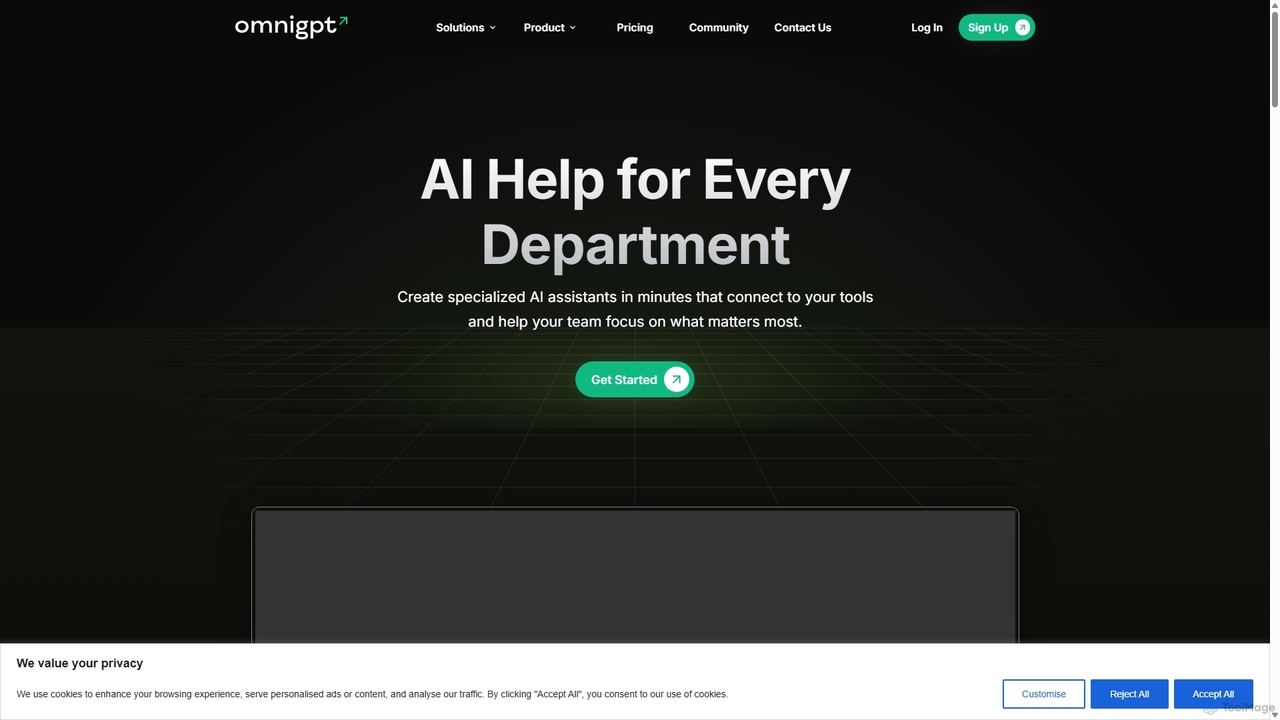
OmniGPT
OmniGPT is an all-in-one AI productivity platform that provides access to multiple leading AI models like GPT-4, Claude 3.5, and Llama 3 through a single subscription. Designed for individuals and teams, it enhances workflows with features such as document analysis, image generation, team collaboration, and seamless integrations with everyday tools like WhatsApp and Slack, offering a cost-effective alternative to multiple AI service subscriptions.
Code Assistant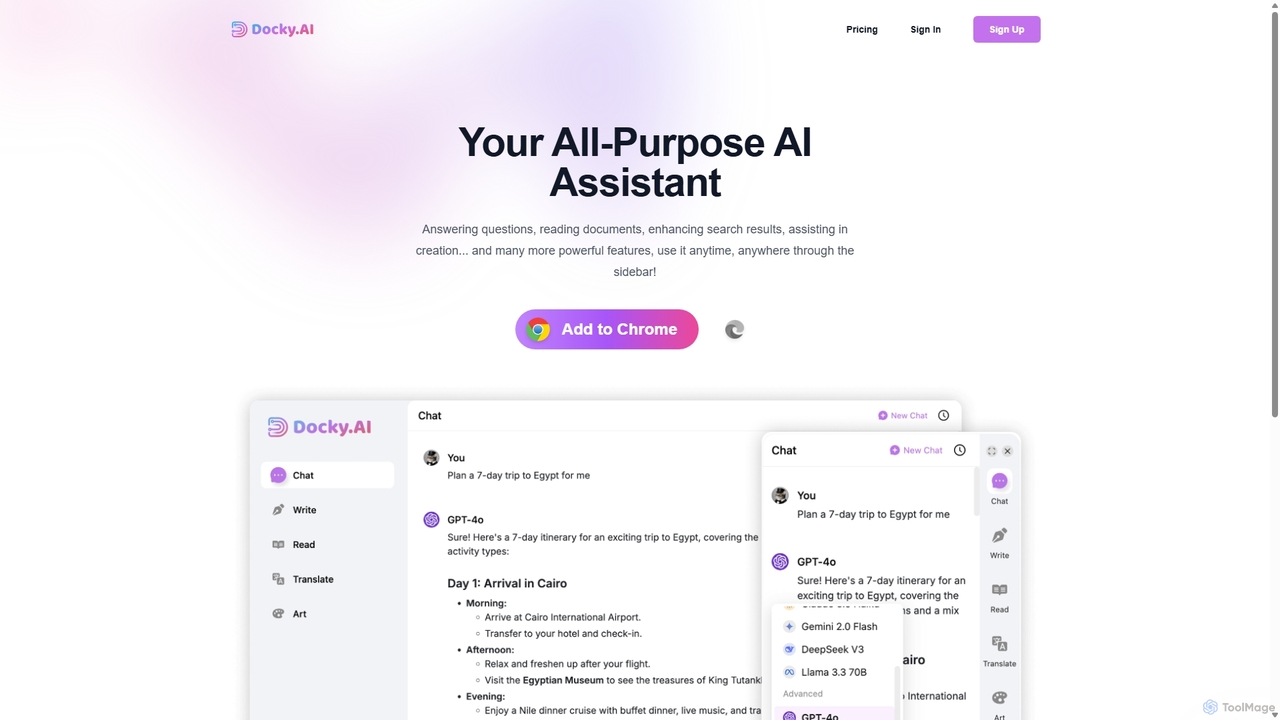
Docky.AI
Docky.AI is a powerful all-in-one AI sidebar for your browser. It integrates leading models like GPT-4, Claude, and DALL-E, allowing you to enhance search results, read documents, assist with writing, and generate content seamlessly on any webpage. Boost your productivity without ever switching tabs.
Search Assistant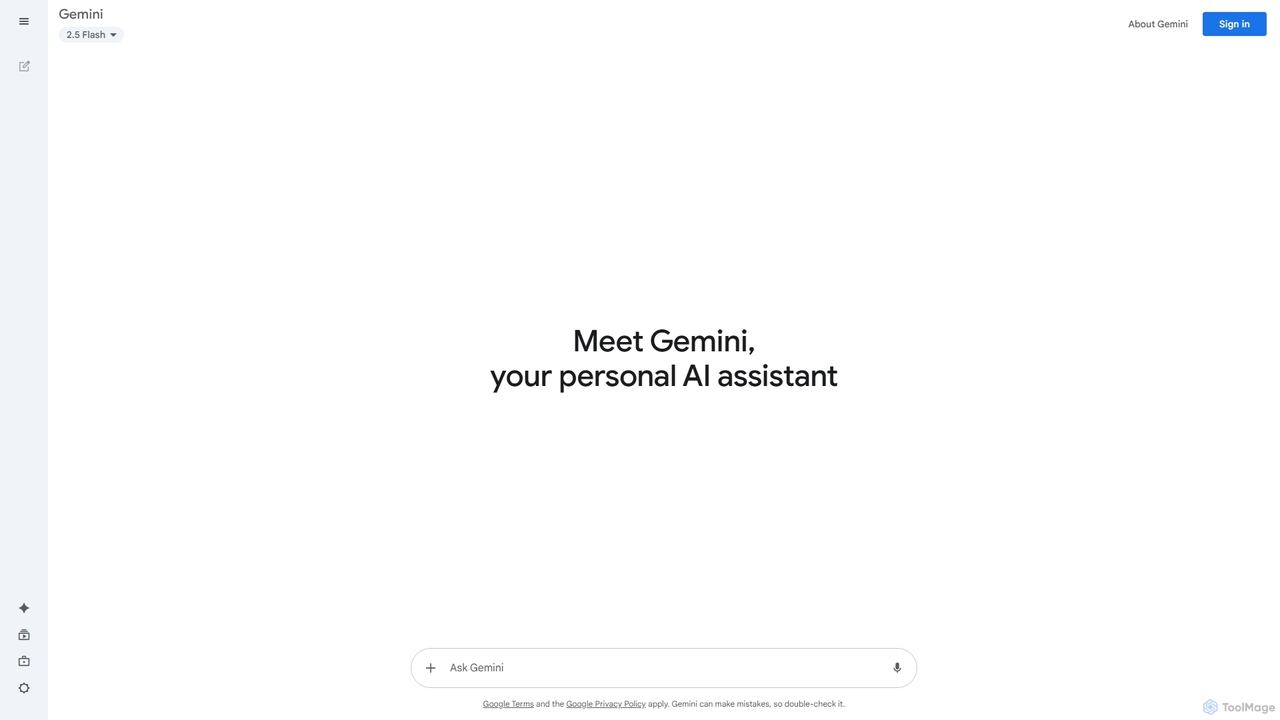
Google Gemini
Google Gemini is a powerful, multimodal AI assistant designed to enhance creativity and productivity. It can understand and process text, code, images, and video to help you write, plan, learn, and create. Integrated with Google's ecosystem, it offers features like advanced content generation, deep research, and seamless collaboration within Google apps.
Image Generator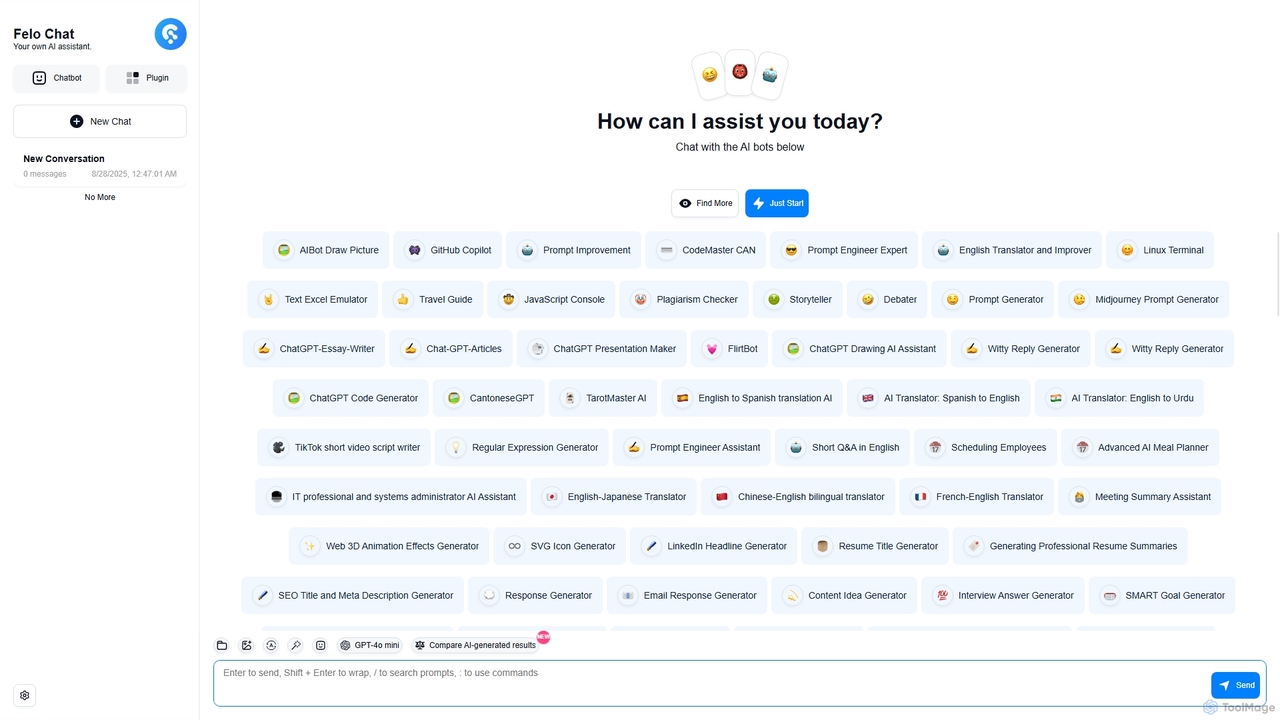
Felo Chat
Felo Chat is a versatile AI assistant platform providing free access to leading AI models like GPT-4o, Claude, and Gemini. It features an extensive library of specialized AI bots for various tasks, from coding and content creation to translation and data analysis. With support for text, file, and image uploads, Felo Chat serves as a comprehensive, all-in-one solution for professionals, students, and creatives.
Code AssistantMicrosoft Copilot Categories
Microsoft Copilot Jobs
Microsoft Copilot Embed Widget
Copy this embed code to place the badge on your blog, article, or product site and send readers directly to this ToolMage detail page.

Related AI tools
Side Space
Side Space is a powerful AI assistant that integrates seamlessly into your desktop workflow. It operates from a convenient sidebar, providing instant access to AI-powered tools for writing, coding, and general productivity without ever leaving your current application. Enhance your efficiency with contextual actions on selected text and customizable commands.
Code AssistantOmniGPT
OmniGPT is an all-in-one AI productivity platform that provides access to multiple leading AI models like GPT-4, Claude 3.5, and Llama 3 through a single subscription. Designed for individuals and teams, it enhances workflows with features such as document analysis, image generation, team collaboration, and seamless integrations with everyday tools like WhatsApp and Slack, offering a cost-effective alternative to multiple AI service subscriptions.
Code AssistantDocky.AI
Docky.AI is a powerful all-in-one AI sidebar for your browser. It integrates leading models like GPT-4, Claude, and DALL-E, allowing you to enhance search results, read documents, assist with writing, and generate content seamlessly on any webpage. Boost your productivity without ever switching tabs.
Search Assistant
ChatLLM
ChatLLM is an advanced conversational AI platform designed for professionals and developers. It provides unified access to multiple leading Large Language Models (LLMs) like GPT-4, Claude 3, and more. The platform focuses on enhancing productivity, streamlining workflows, and enabling powerful integrations through a robust API.
Api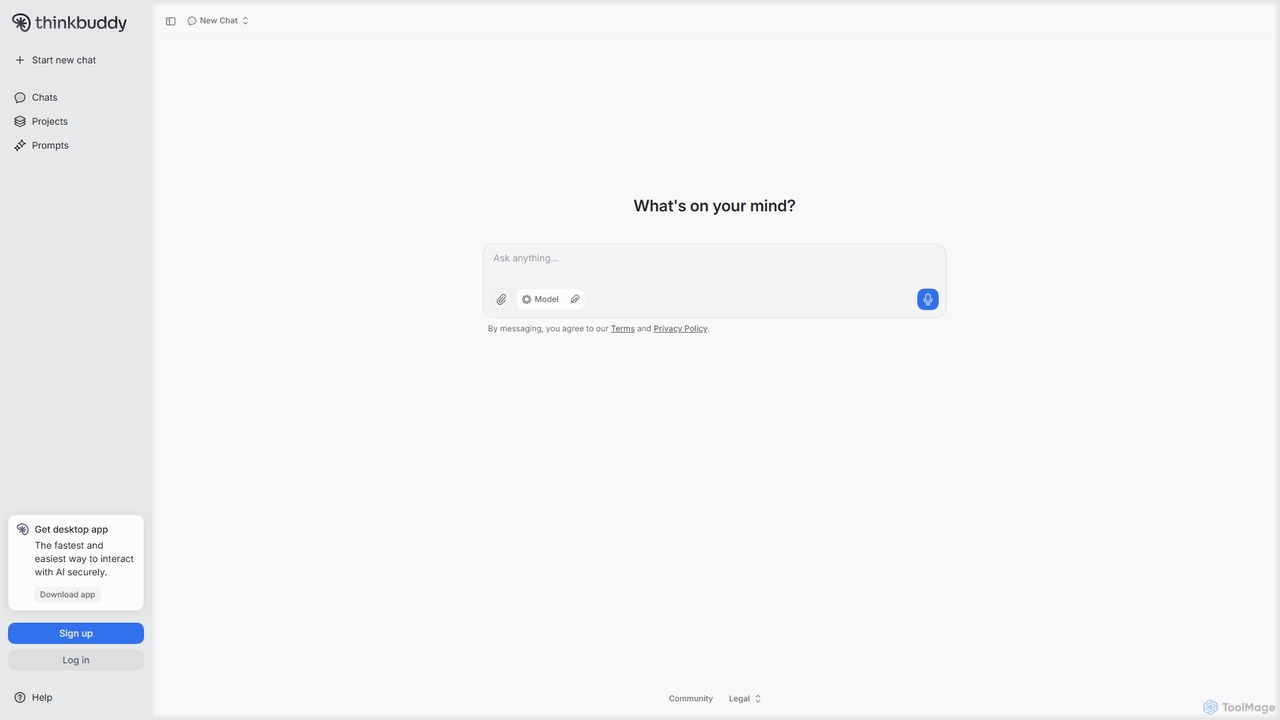
Thinkbuddy
Thinkbuddy is a native desktop AI client designed for fast, secure, and organized interaction with multiple AI models. It acts as a unified workspace, allowing you to switch between models like GPT-4o, Claude 3, and Llama 3, manage conversations in projects, and save prompts in a library for a streamlined workflow.
Code AssistantGoogle Gemini
Google Gemini is a powerful, multimodal AI assistant designed to enhance creativity and productivity. It can understand and process text, code, images, and video to help you write, plan, learn, and create. Integrated with Google's ecosystem, it offers features like advanced content generation, deep research, and seamless collaboration within Google apps.
Image Generator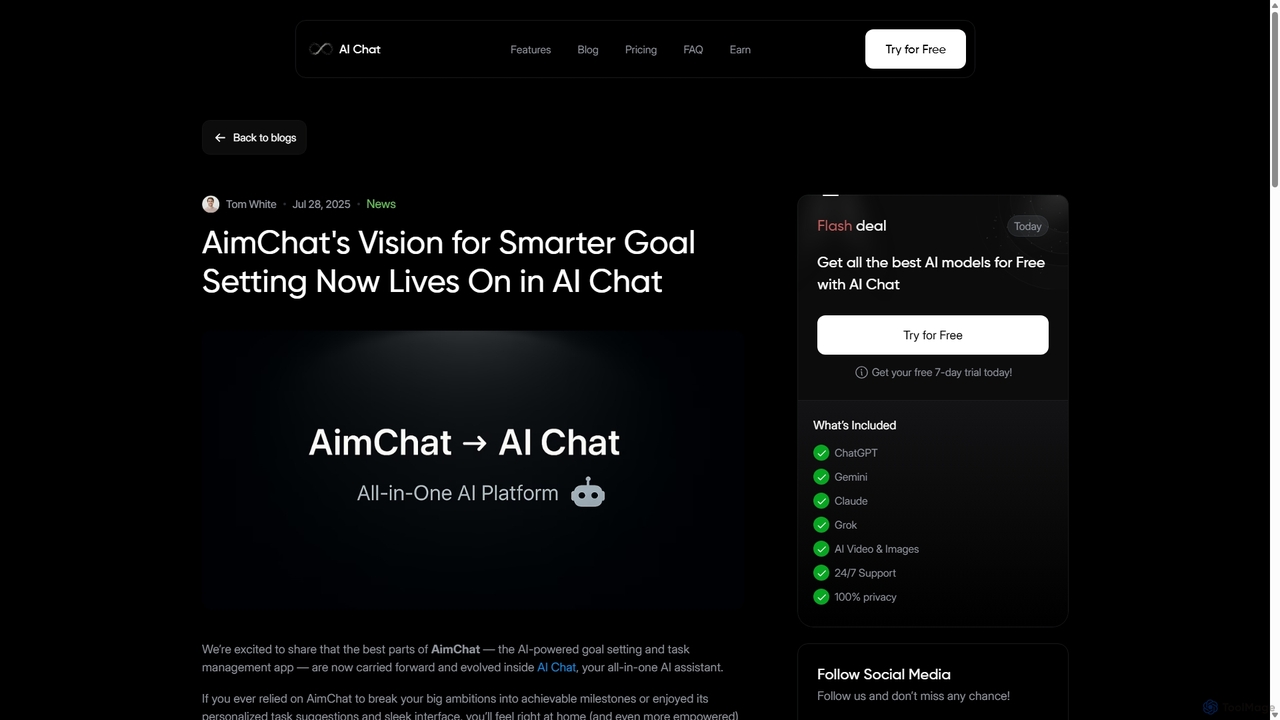
AI Chat
AI Chat is an all-in-one AI assistant that integrates top models like ChatGPT, Claude, and Gemini into a single platform. Evolving from the goal-setting app AimChat, it combines advanced conversational AI with powerful task management, research, and content creation tools to streamline your workflow and help you achieve your ambitions.
Assistant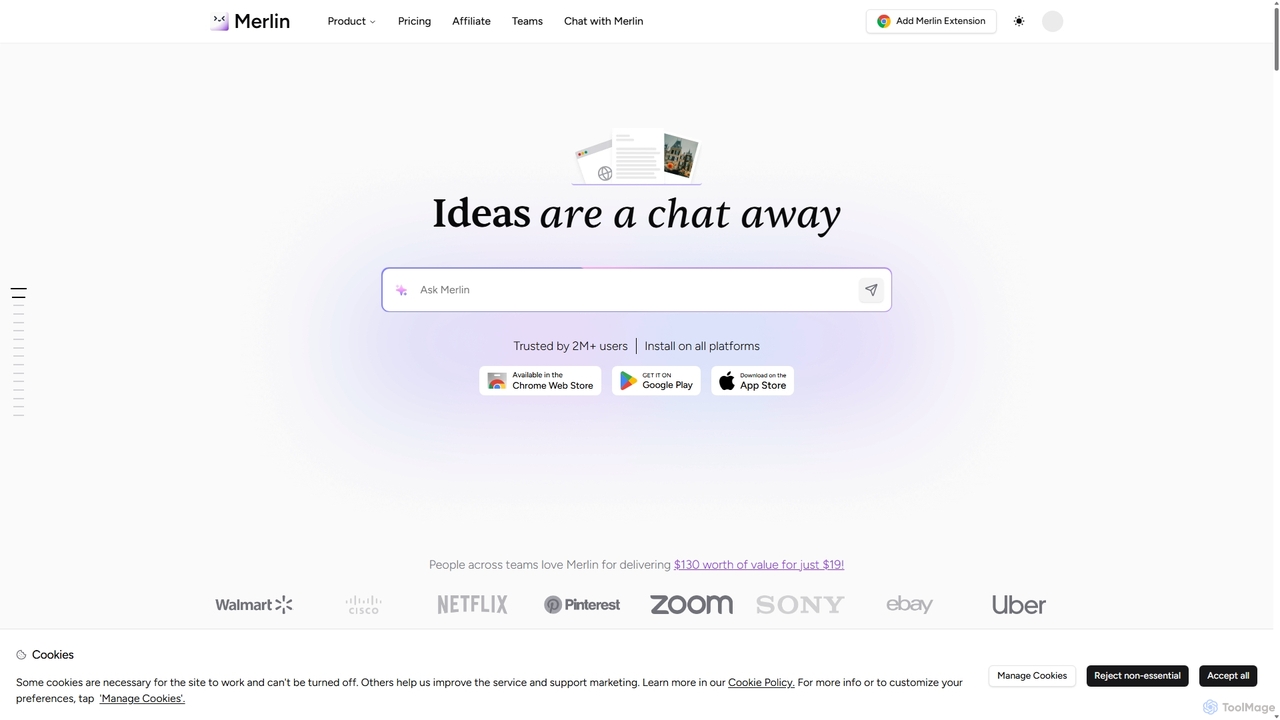
Merlin AI
Merlin is an all-in-one AI assistant, available as a browser extension and app, that integrates top AI models like GPT-4, Claude 3, and Gemini. It allows you to research, write, summarize content, generate images, and code with a single click on any website, streamlining your workflow and boosting productivity without switching tabs.
Chrome Extensions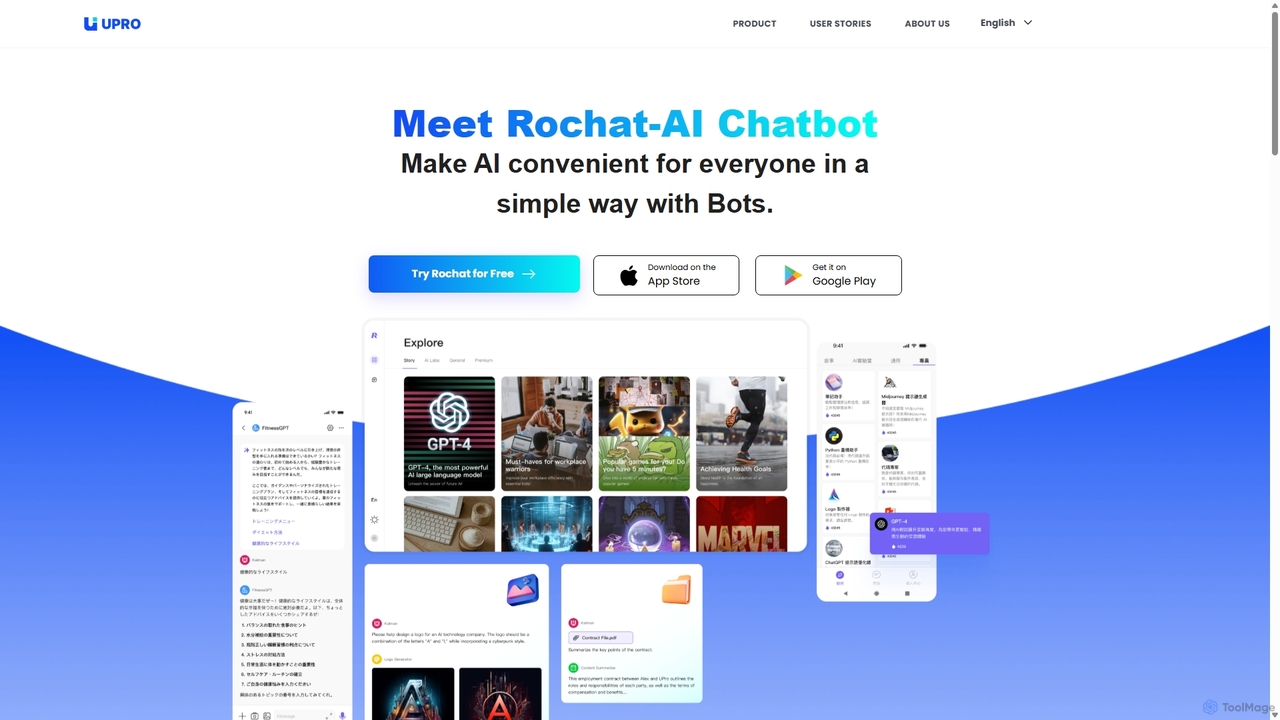
Upro
Upro is an AI platform featuring the Rochat chatbot, designed to make generative AI accessible. It integrates multiple models like GPT-4 and DALL-E for content creation, image generation, and task automation. Its standout feature is a no-code AI bot builder, enabling users to create custom bots for specific needs, enhancing productivity for professionals, students, and creators across web and mobile platforms.
Custom Chatbot
Jyek
Jyek is an AI agent platform that understands objectives, creates execution plans, uses tools, and delivers verifiable results for complex, multi-step tasks.
Automation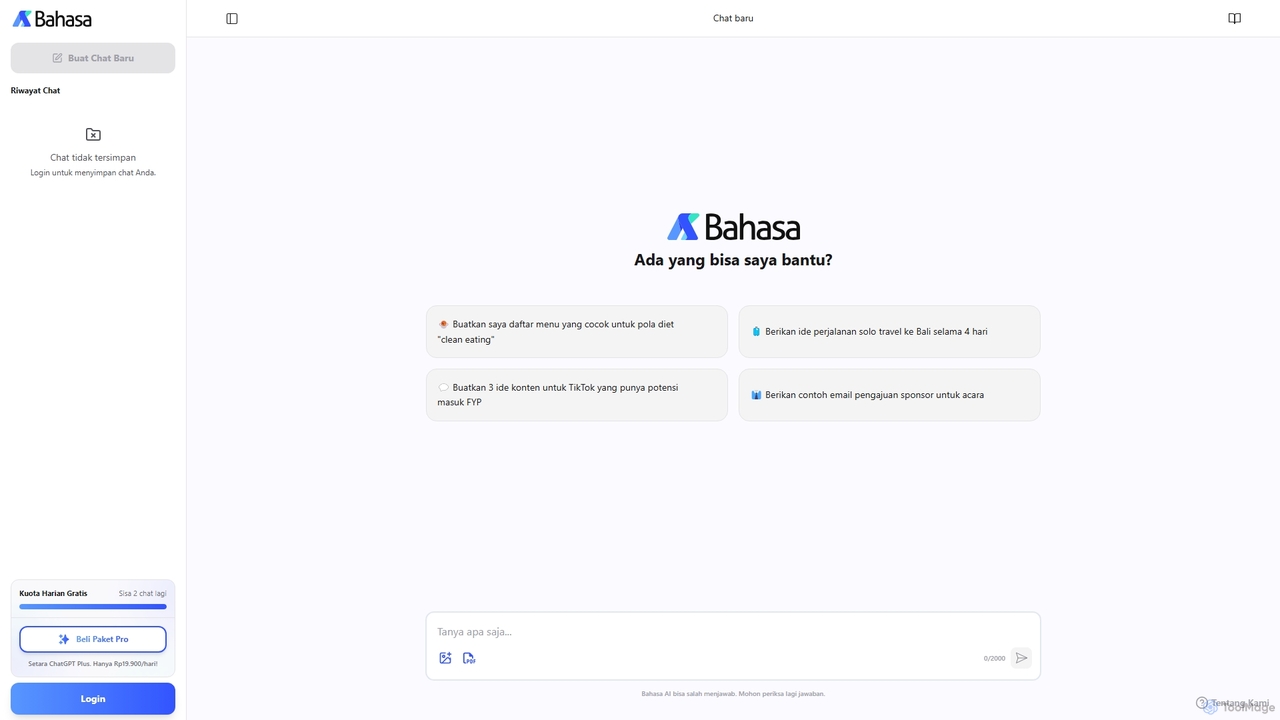
Bahasa AI
Bahasa AI is an AI assistant specifically designed for the Indonesian language and culture. Developed by Bahasalab, it helps users with work, content creation, and daily tasks by understanding text, images, and PDFs, offering a localized and efficient alternative to global AI tools.
MarketingFelo Chat
Felo Chat is a versatile AI assistant platform providing free access to leading AI models like GPT-4o, Claude, and Gemini. It features an extensive library of specialized AI bots for various tasks, from coding and content creation to translation and data analysis. With support for text, file, and image uploads, Felo Chat serves as a comprehensive, all-in-one solution for professionals, students, and creatives.
Code Assistant
carlos_app
carlos_app is an intelligent AI personal assistant designed to streamline your workflow, manage tasks, automate scheduling, and enhance communication. It acts as your proactive partner, helping you focus on what truly matters by handling the administrative details.
Task Management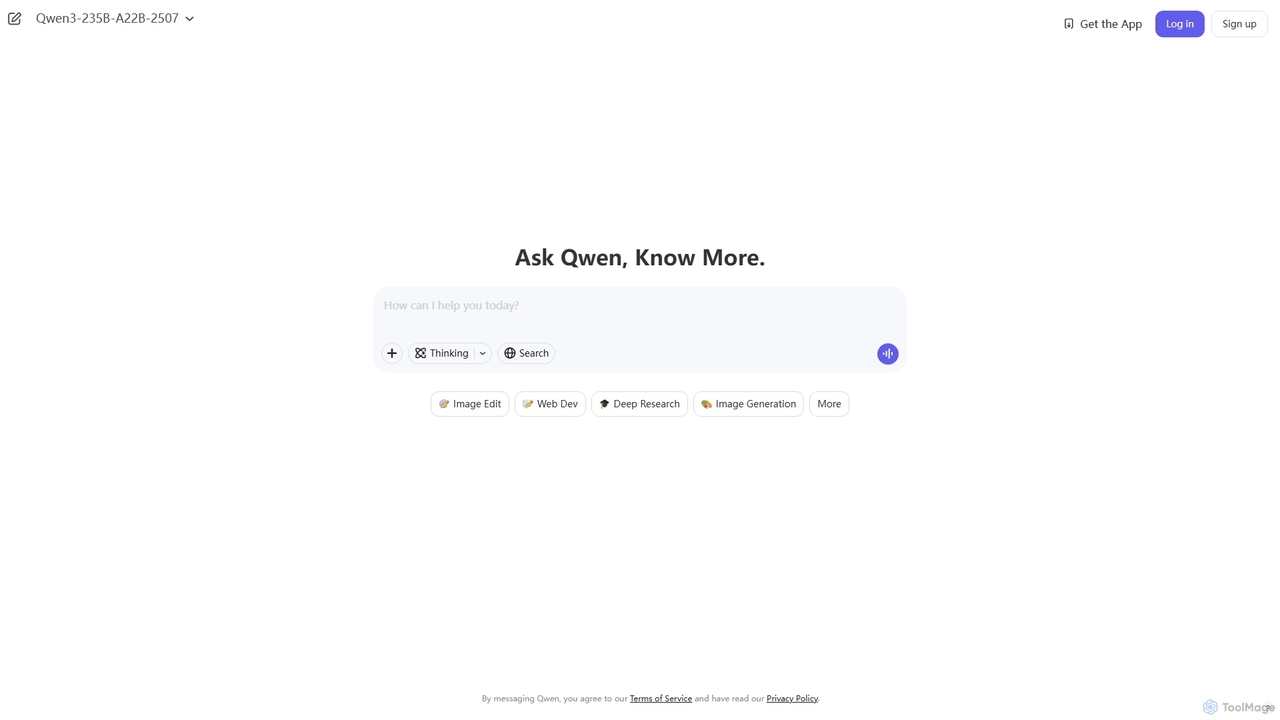
Qwen
Qwen is a powerful multimodal AI chat assistant from Alibaba Cloud. It excels at natural language conversations, content creation, code generation, data analysis, and even image generation. With integrated web search and document analysis, Qwen provides comprehensive, up-to-date, and accurate answers for a wide range of tasks.
Image Generation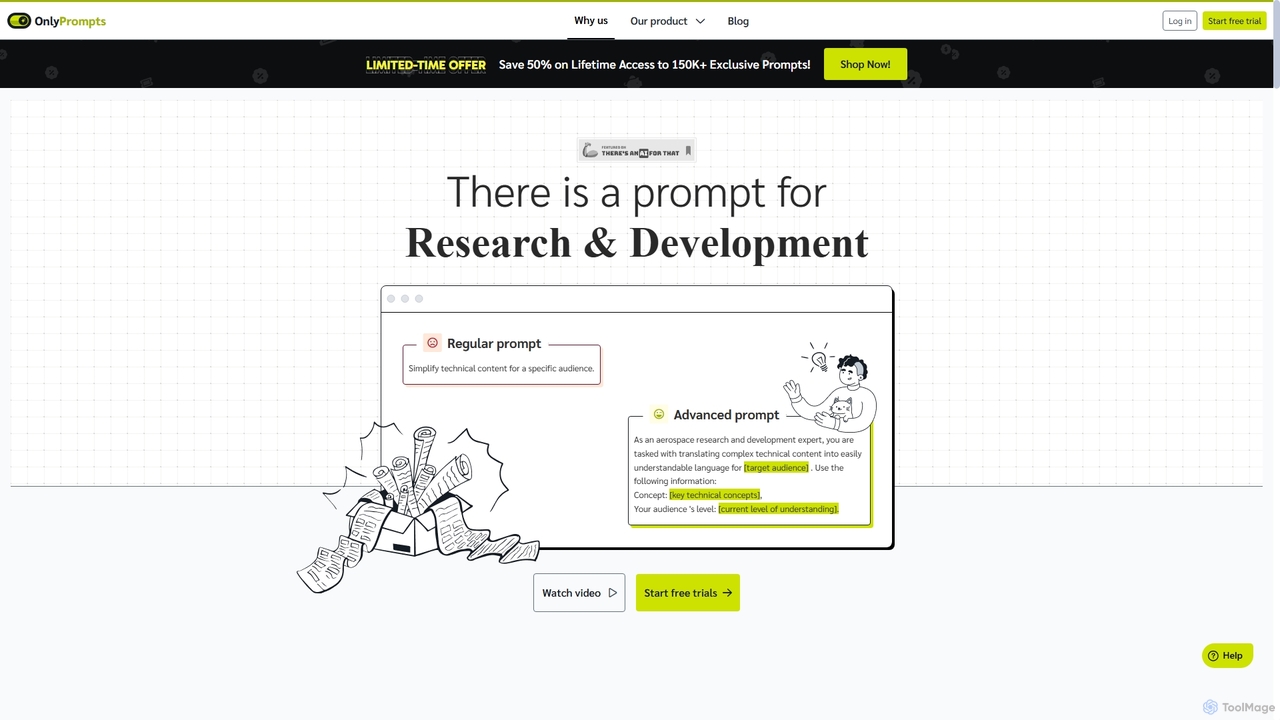
OnlyPrompts
OnlyPrompts is the ultimate AI prompt library, offering over 150,000 expertly crafted prompts for 37,000+ tasks. It features an integrated AI assistant compatible with GPT-4 and Claude 3, side-by-side prompt testing, and customizable templates. Designed for professionals in marketing, HR, finance, and more, it streamlines workflows, enhances productivity, and elevates the quality of AI-generated content.
Operations
Microsoft Copilot Comments (0)
Sign in to comment.
Sign inNo comments yet.