ToolMage
Sign in

Best 3 Custom Chatbot AI tools for Chatbot

Popular Custom Chatbot AI tools in Chatbot include easy_peasy.ai, Upro, and AnyGen, helping you work more efficiently.

Upro
Freemium

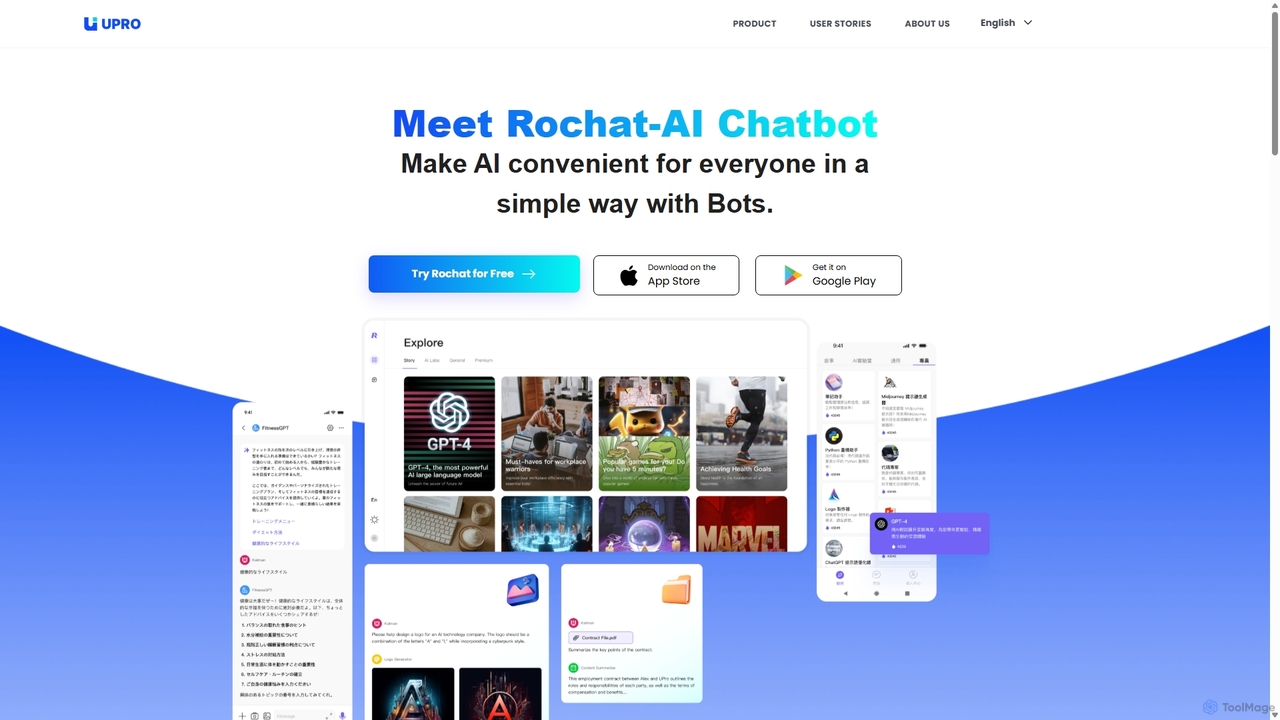
Upro

Upro is an AI platform featuring the Rochat chatbot, designed to make generative AI accessible. It integrates multiple models like GPT-4 and DALL-E for content creation, image generation, and task automation. Its standout feature is a no-code AI bot builder, enabling users to create custom bots for specific needs, enhancing productivity for professionals, students, and creators across web and mobile platforms.

Custom Chatbot
Visits 11.6KFavorites 104Likes 88
easy_peasy.ai
Freemium

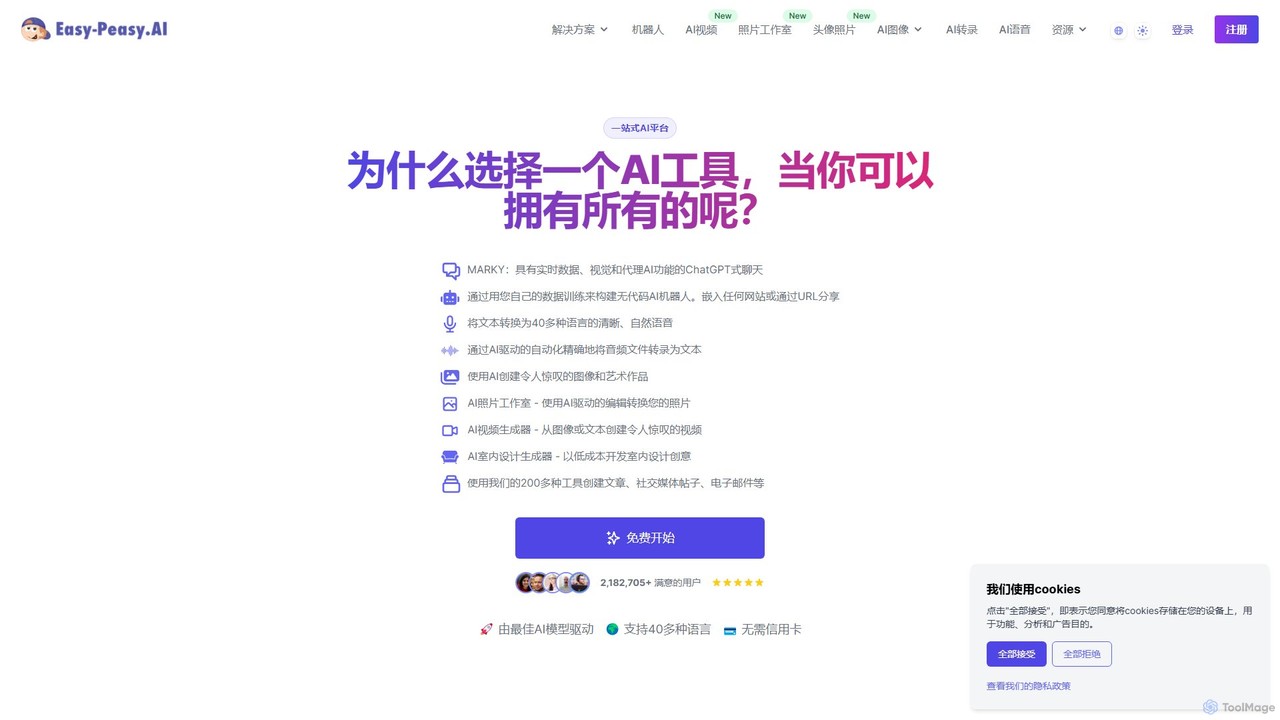
easy_peasy.ai

Easy-Peasy.AI is an all-in-one AI platform that empowers users to create content, generate images, build custom chatbots, transcribe audio, and more. Featuring over 200 templates and powered by leading models like GPT-4o and Claude 3, it streamlines productivity for marketers, writers, and businesses. It offers a comprehensive suite of tools, including an AI Photo Studio, Video Generator, and Text-to-Speech in over 40 languages, all accessible through a user-friendly interface.

Transcription
Visits 906.5KFavorites 97Likes 103
AnyGen
Paid

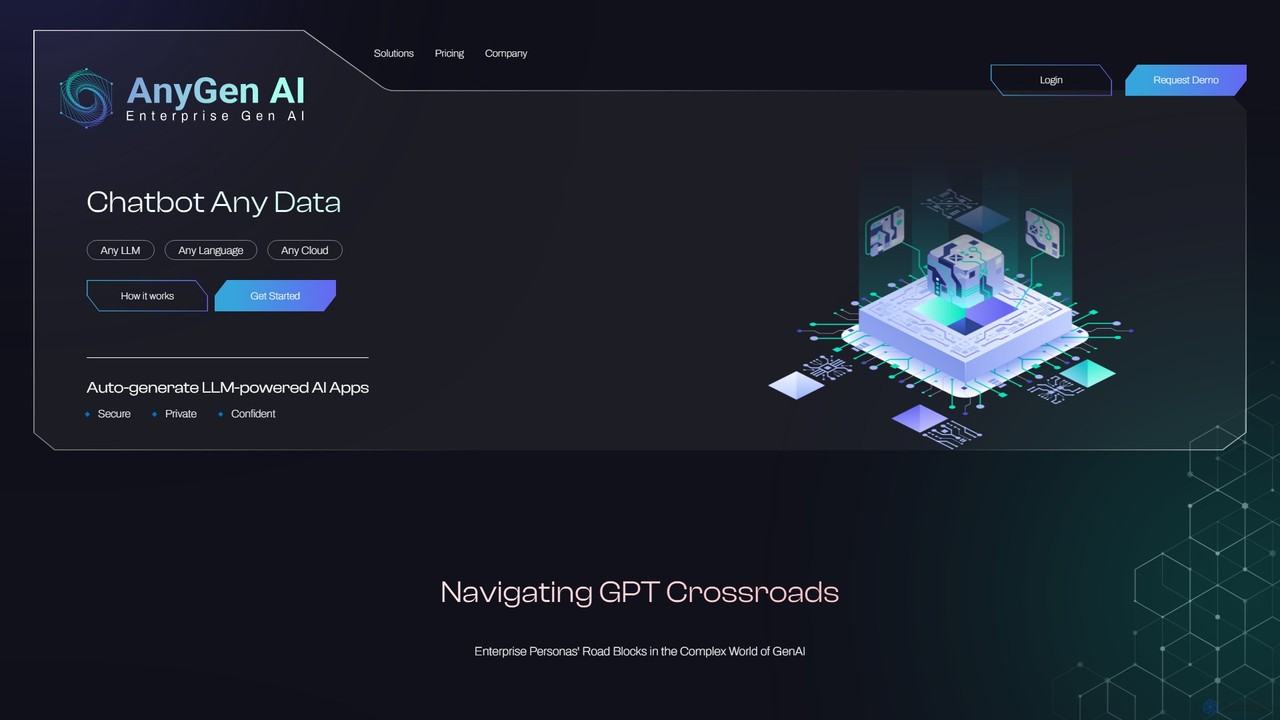
AnyGen

AnyGen is an enterprise-grade, no-code platform for building secure, custom AI chatbots and applications using your own data. It supports any LLM, any cloud, and any language, enabling rapid innovation with a focus on security and privacy.

Custom Chatbot
Visits 4.6KFavorites 113Likes 114

About Custom Chatbot

Custom Chatbot tools are AI-powered applications for building conversational agents trained on your own specific data. Unlike general-purpose AI, these tools create bots that source knowledge exclusively from provided documents, websites, or internal knowledge bases. This ensures responses are accurate, context-aware, and aligned with your specific information. They are designed for businesses and individuals to deploy specialized assistants for customer support, internal knowledge management, and lead generation, often without needing to write any code.

Core Features

  • Custom Data Training: Upload documents (PDFs, DOCX), connect websites, or sync with knowledge bases like Notion to form the bot's knowledge foundation.
  • No-Code Interface: Visually design, customize, and manage the chatbot's behavior, appearance, and response style through an intuitive builder.
  • Website Embedding: Generate a simple code snippet to easily add the chatbot as an interactive widget to any website.
  • Brand Voice Customization: Define the chatbot's personality, tone, and language to ensure it aligns with your brand identity.
  • Conversation Analytics: Track user interactions, frequently asked questions, and unresolved queries to continuously improve the bot's knowledge base.

Use Cases

These tools are ideal for e-commerce businesses seeking to provide 24/7 product support, tech companies wanting to offer interactive technical documentation, and corporate HR departments creating an internal policy helpdesk. They enable any organization to transform static information into an engaging, conversational resource for users.

How to Choose

When selecting a Custom Chatbot tool, consider the supported data sources and file types. Evaluate the ease of use of the no-code builder and the level of customization for the bot's appearance and personality. Also, check the available integration options (e.g., website widgets, Slack, API access) and the pricing model, which is often based on message volume or the number of bots.

Featured tool rankings

Custom Chatbot use cases

1

Automate Website Customer Support

An e-commerce store manager uses a custom chatbot builder to create a support agent for their website. They upload their entire product catalog, shipping policy documents, and FAQ pages as the knowledge base. The bot is then embedded as a widget on the store. When customers ask questions like 'Do you ship to Canada?' or 'What is the return policy for electronics?', the bot provides instant, accurate answers 24/7. This reduces support ticket volume by over 60% and improves customer satisfaction by providing immediate help without making users wait for a human agent.

2

Create an Internal Knowledge Assistant

An HR manager at a growing company builds a custom chatbot to serve as an internal helpdesk. They feed it the company's employee handbook, IT security policies, and onboarding guides. The chatbot is integrated into the company's Slack workspace. New hires can now ask questions like 'How do I set up my VPN?' or 'What is the policy for vacation days?' directly to the bot. This frees up the HR team from answering repetitive questions and provides employees with instant access to company information, improving the onboarding process and overall internal efficiency.

3

Qualify Leads on a Marketing Website

A marketing specialist for a SaaS company implements a custom chatbot on their pricing and features pages. The bot is trained on case studies, competitor comparison sheets, and technical whitepapers. It proactively engages visitors by asking about their needs. Based on the visitor's answers to questions like 'What is your team size?' or 'Which integration is most important to you?', the bot can recommend the right subscription plan and collect contact information for a sales demo. This automates the initial lead qualification process, ensuring the sales team only spends time on high-intent prospects.

4

Build an Interactive Study Guide

An online course creator develops a custom chatbot trained on all their video transcripts, lecture notes, and supplementary reading materials. This bot is offered to students as a 24/7 study assistant. Students can ask specific questions about course content, such as 'Can you explain the concept of metabolic pathways from week 3?' or 'Summarize the key points of the last lecture.' The bot helps reinforce learning, provides instant clarification, and allows students to test their knowledge, significantly enhancing the educational experience and value of the course.

5

Streamline Real Estate Inquiries

A real estate agency trains a custom chatbot on its entire portfolio of property listings, including details like price, square footage, amenities, and neighborhood information. The bot is placed on their website to handle initial inquiries. Potential buyers can ask complex questions like 'Show me 3-bedroom houses with a backyard under $500,000' or 'What are the school ratings near the property on Main St?'. The bot instantly filters listings and provides relevant information, qualifying leads and scheduling viewings, allowing agents to focus on closing deals rather than answering preliminary questions.

6

Provide Instant API Documentation Help

A developer relations manager creates a custom chatbot trained on extensive API documentation, tutorials, and code examples. This bot is embedded directly into the developer portal. When developers are building an integration, they can ask the bot questions like 'What are the required parameters for the /users endpoint?' or 'Show me an example of authentication in Python.' The bot provides immediate, context-aware code snippets and explanations, reducing the time developers spend searching through lengthy documents and lowering the number of support requests to the engineering team.

Custom Chatbot FAQ

What is a Custom Chatbot?

A Custom Chatbot is an AI conversational agent that is trained on a specific, user-provided dataset rather than the entire internet. You can build one by feeding it your own documents, website content, or knowledge base information. Its primary function is to answer questions accurately and exclusively based on the data it was trained on. This makes it ideal for tasks like customer support for a specific product, an internal HR assistant, or a guide for technical documentation, as it won't provide information from outside its designated knowledge scope.

How does a Custom Chatbot differ from a general AI like ChatGPT?

The key difference lies in the knowledge source and scope. A Custom Chatbot is trained on a limited, private dataset you provide (e.g., your company's documents). Its answers are restricted to this information, ensuring accuracy and relevance to your specific context. In contrast, a general AI like ChatGPT is trained on a vast amount of public data from the internet, allowing it to discuss a wide range of topics but sometimes providing generic or incorrect information for specialized queries. Custom Chatbots are for focused, task-specific applications, while general AIs are for broad, creative, and exploratory conversations.

How do I choose the right Custom Chatbot builder?

To choose the right tool, consider these factors:

  • Supported Data Sources: Ensure the tool can connect to the data you have, whether it's PDFs, website URLs, Notion, or other platforms.
  • Ease of Use: Look for a no-code or low-code interface that allows you to build and manage the bot without technical expertise.
  • Customization Options: Check if you can customize the bot's appearance (widget color, logo) and personality (tone of voice, welcome message) to match your brand.
  • Integration Capabilities: Verify that it can be easily embedded on your website or integrated with other tools you use, like Slack or Microsoft Teams.
  • Pricing Model: Understand the cost structure. It's often based on factors like the number of messages per month, the size of the knowledge base, or the number of bots you can create.
What kind of data can I use to train a Custom Chatbot?

Most custom chatbot builders are versatile and can be trained on a wide variety of data sources. Common formats include:

  • Documents: PDF, Microsoft Word (.docx), PowerPoint (.pptx), and plain text files (.txt).
  • Website Content: You can often provide a URL, and the tool will crawl the website to extract information.
  • Plain Text: Simply copy and paste text directly into the tool.
  • Knowledge Bases: Many tools offer direct integrations with platforms like Notion, Confluence, or Zendesk.
  • Q&A Pairs: Some platforms allow you to upload a structured file of questions and their corresponding answers for more precise training.

The core principle is to provide the bot with all the information you want it to know, in whatever format you have it.

Who benefits most from using a Custom Chatbot?

A wide range of users can benefit significantly from a custom chatbot. Key groups include:

  • Businesses: For automating customer support, generating leads on their website, and providing 24/7 assistance to customers.
  • Internal Teams (HR, IT): For creating internal helpdesks that answer employee questions about policies, procedures, and technical issues, freeing up staff time.
  • Educators and Course Creators: For building interactive study aids that help students review material and get instant answers to course-related questions.
  • Content Creators and Communities: For training a bot on their specific content (blogs, videos, forums) to engage their audience and help users find information easily.

Essentially, anyone with a specific body of knowledge that they want to make easily accessible and interactive can benefit.