ToolMage
Sign in

Best 1 General AI tools for Chatbot

Popular General AI tools in Chatbot include AIFreeforever, helping you work more efficiently.

AIFreeforever
Free

AIFreeforever

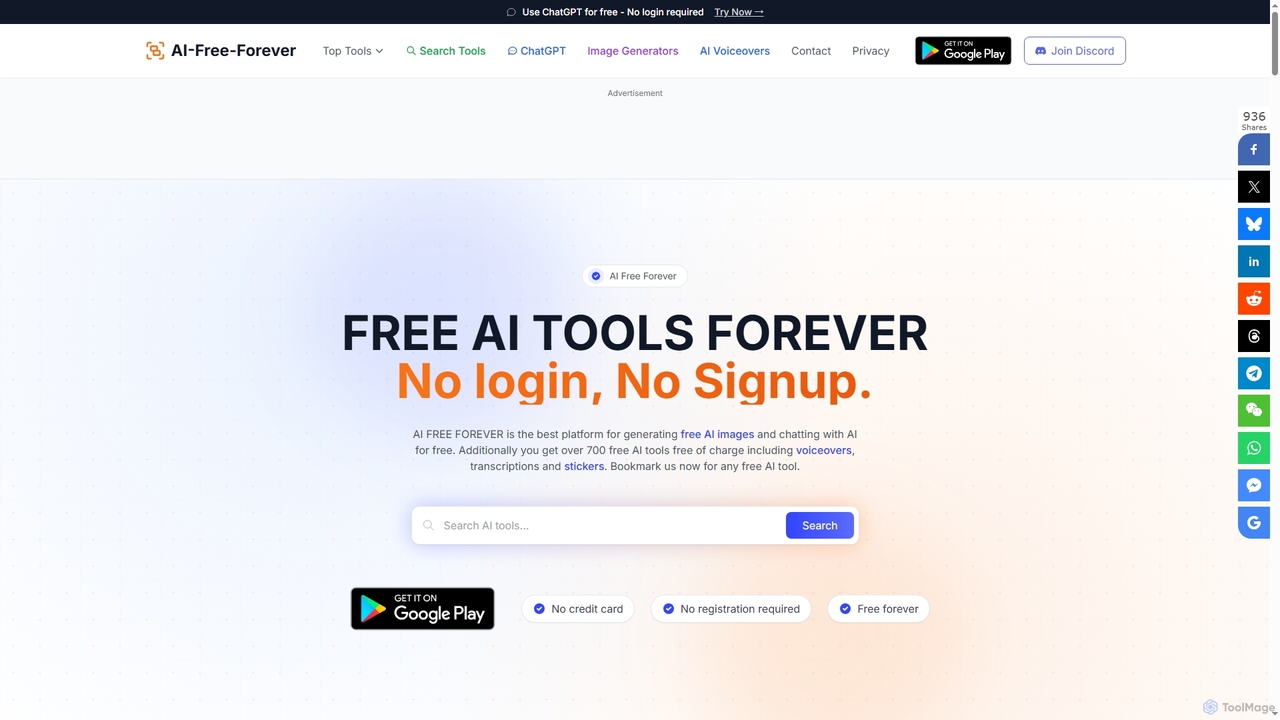
AIFreeforever is a comprehensive platform offering over 700 free AI tools for image generation, chatbots, text-to-speech, transcription, writing, and more. It requires no login, no signup, and no credit card, providing unlimited access to advanced AI capabilities for content creators, students, and professionals.

Text To Speech
Visits 561.2KFavorites 107Likes 119

About General

General Chatbots are versatile conversational AI tools designed for a wide range of tasks rather than a single, specific function. They leverage advanced Natural Language Processing (NLP) to understand user intent, maintain context, and provide relevant responses across diverse topics. Their primary value lies in their adaptability, allowing them to serve as personal assistants, internal helpdesks, or information retrieval systems. These chatbots excel at integrating with various third-party services and APIs, enabling them to automate complex workflows and act as a central hub for communication and tasks.

Core Features

  • Multi-turn Conversation: Maintains context across multiple interactions to have more natural and coherent dialogues.
  • Broad Knowledge Integration: Connects to internal databases, wikis, or the public web to answer a wide array of questions.
  • API & Service Connectivity: Integrates with external applications (e.g., calendars, CRMs, project tools) to execute tasks.
  • Customizable Workflows: Allows users to define and build specific conversational paths and automated actions, often with low-code interfaces.
  • Omnichannel Deployment: Can be deployed across various platforms, including websites, mobile apps, and messaging services like Slack or Microsoft Teams.

Use Cases

General Chatbots are frequently used as internal support tools for HR or IT departments, automating responses to common employee questions. They also serve as powerful personal or team productivity assistants for managing schedules, setting reminders, and summarizing information. On websites, they can act as a first point of contact, handling initial queries and routing users to the appropriate specialized department or human agent.

How to Choose

When selecting a General Chatbot, first evaluate its integration capabilities to ensure it connects with your existing software stack. Assess the flexibility of its workflow builder and the sophistication of its NLP for understanding user intent. Consider its scalability to handle growing user numbers and conversation complexity. Finally, review the available deployment channels to ensure it can operate where your users are most active.

Featured tool rankings

General use cases

1

Automate Internal IT & HR Helpdesks

For HR and IT departments, a general chatbot can act as a 24/7 first-line support agent. Employees can ask common questions about company policies, leave balances, or IT troubleshooting steps like resetting a password. The chatbot, integrated with internal knowledge bases and systems like an HRIS or IT service management tool, provides instant, accurate answers. This significantly reduces the ticket volume for human support staff, freeing them up for more complex issues and improving overall employee satisfaction by providing immediate assistance anytime.

2

Enhance Personal & Team Productivity

Individuals and teams can use a general chatbot as a centralized assistant to streamline daily tasks. By integrating with calendars, email, and project management tools, the chatbot can schedule meetings, set reminders, summarize unread emails, or provide quick updates on project statuses. Instead of switching between multiple applications, a user can simply type a command in a chat interface like Slack or Teams. This centralizes information access and task execution, reducing context switching and saving valuable time throughout the workday.

3

Website Welcome & Visitor Triage

For businesses, a general chatbot on their website can serve as a welcoming digital concierge. It can engage visitors immediately, answer foundational questions like 'What services do you offer?' or 'What are your business hours?'. Based on the visitor's queries, the chatbot can intelligently route them to the correct department's live chat, a specialized sales bot, or a detailed FAQ page. This triage process ensures visitors get the information they need quickly and efficiently, improving user experience and lead qualification without requiring immediate human intervention.

4

Educational & Research Companion

Students and researchers can leverage a general chatbot as a powerful learning aid. It can explain complex concepts in simple terms, summarize long academic papers or articles, and help brainstorm ideas for a project. By connecting to vast knowledge bases, it can quickly retrieve facts, definitions, and historical context. This application transforms the chatbot into an interactive study partner, available 24/7 to answer questions, facilitate deeper understanding, and accelerate the research process by providing synthesized information on demand.

5

Creative Partner for Content Generation

Content creators, marketers, and writers can use a general chatbot to overcome creative blocks and accelerate content production. It can act as a brainstorming partner, suggesting blog post titles, social media captions, or email subject lines. The chatbot can also generate outlines, draft initial paragraphs, or rephrase existing content into different tones. This collaborative process allows creators to focus on refining and adding their unique perspective, significantly speeding up the workflow from initial idea to final publication.

6

Developer Tool for API-Driven Automation

For developers and technical teams, a general chatbot can become a powerful command-line interface within their chat applications. By integrating the chatbot with various APIs (e.g., AWS, GitHub, Jira), developers can execute commands conversationally. They can deploy code, check server statuses, create bug reports, or query databases directly from Slack or Microsoft Teams. This centralizes operational tasks into a single interface, eliminating the need to navigate multiple complex dashboards and streamlining the development and DevOps lifecycle.

General FAQ

What is a General Chatbot?

A General Chatbot is a versatile conversational AI designed to handle a wide variety of tasks and topics, rather than being specialized for a single purpose. Unlike a dedicated customer service or sales bot, its strength lies in its adaptability. It can be customized for internal helpdesks, personal productivity, information retrieval, or as a foundational platform for building more specific applications. They typically feature strong integration capabilities with other software and services.

How does a General Chatbot differ from a specialized one (e.g., a Customer Service bot)?

The main difference is scope and depth. A General Chatbot is a 'jack-of-all-trades,' designed for breadth and flexibility across many functions. A specialized chatbot, like one for customer service, is a 'master of one,' optimized for depth in a single domain. It has deep knowledge of products and specific workflows for handling returns or tracking orders. A general bot can answer a wide range of questions but may lack the deep, pre-built processes of a specialized bot for specific, high-volume tasks.

What are the key factors to consider when choosing a General Chatbot?

When selecting a General Chatbot, focus on these four key areas:

  • Integration Capabilities: Ensure it can connect seamlessly with your essential tools (e.g., CRM, calendar, project management software).
  • Customization & Flexibility: Evaluate how easily you can build and modify conversational flows. Look for a user-friendly, low-code or no-code interface.
  • NLP Performance: Test its ability to accurately understand user intent, handle variations in language, and maintain context in a conversation.
  • Deployment Channels: Confirm it can be deployed on the platforms where your users are, such as your website, Slack, Microsoft Teams, or mobile apps.
Can a General Chatbot be used for customer-facing interactions?

Yes, a General Chatbot can be very effective for initial customer interactions. It's well-suited for welcoming visitors to a website, answering frequently asked questions, and gathering basic information. For more complex or specialized tasks like processing a specific sales order or handling a detailed support ticket, it's often best to use the general bot to triage the request and then hand it off to a specialized bot or a human agent. This creates a seamless experience where simple queries are resolved instantly and complex ones are routed efficiently.

What technical skills are needed to implement a General Chatbot?

The required skill level varies greatly depending on the platform. Many modern General Chatbot platforms are designed with low-code or no-code interfaces, allowing non-technical users (like marketers or HR managers) to build and manage bots using drag-and-drop visual editors. For more advanced customizations, such as integrating with custom APIs or building complex logic, some technical knowledge (like understanding APIs, JSON, or basic scripting) may be beneficial. However, basic implementation is often accessible to a wide range of users.