ToolMage
Sign in

Best 2 Photo Restoration AI tools for Photo & Image

Popular Photo Restoration AI tools in Photo & Image include Animate Old Photos and MyHeritage, helping you work more efficiently.

Animate Old Photos
Freemium

Animate Old Photos

An AI-powered tool that brings old photos to life by transforming them into dynamic, short videos. It also features AI-driven photo restoration and colorization to repair and enhance cherished memories, making them vivid and shareable.

Nostalgia
Visits 94.4KFavorites 143Likes 145
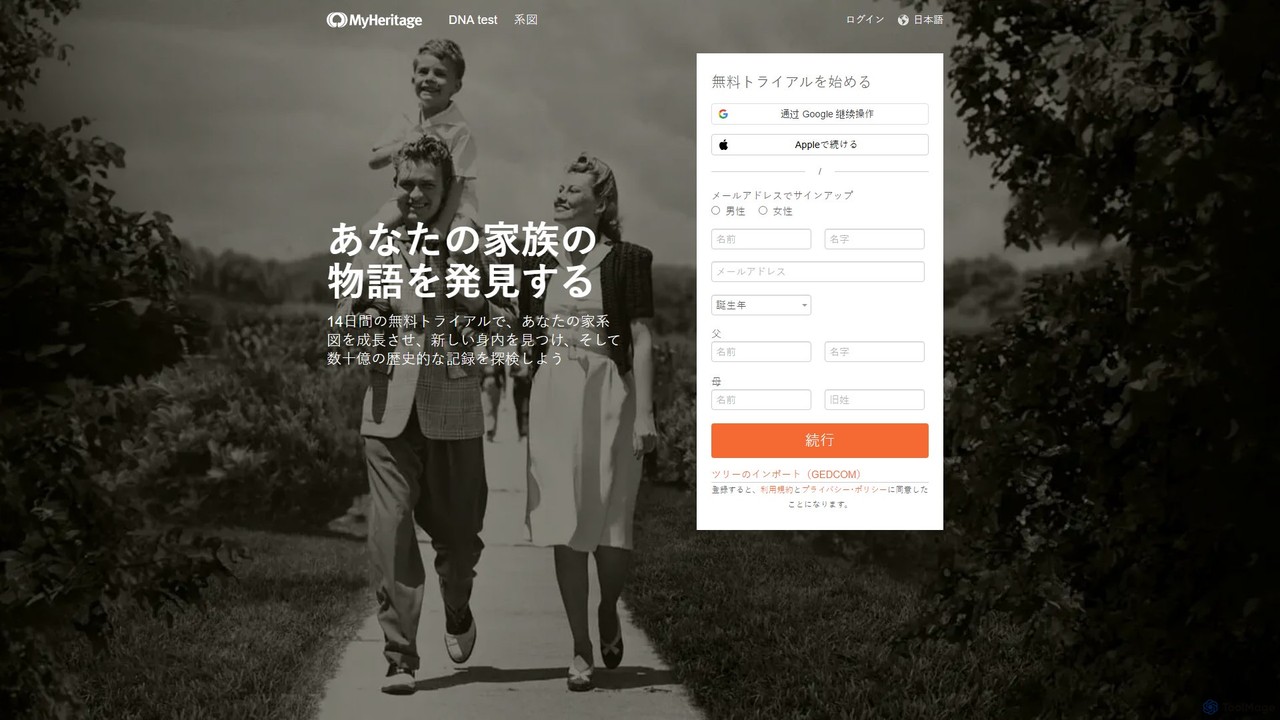
MyHeritage
Freemium

MyHeritage

MyHeritage is a global genealogy platform that allows users to discover their family history. It combines family tree building, a vast database of historical records, DNA testing for ethnicity and relative matching, and advanced AI-powered photo enhancement tools like Deep Nostalgia™ to bring your family story to life.

History
Visits 24.1KFavorites 135Likes 131

About Photo Restoration

Photo Restoration tools are AI-powered applications designed to repair, enhance, and revitalize old, damaged, or faded photographs. These tools leverage advanced machine learning and deep learning algorithms to intelligently detect and correct imperfections, bringing cherished memories back to life. They offer an efficient and often automated solution for preserving historical images, family heirlooms, and valuable visual archives that have suffered from the ravages of time or physical damage.

Core Features

  • Scratch and Tear Removal: Automatically identifies and seamlessly repairs cracks, scratches, and tears on photo surfaces.
  • Color Correction and Colorization: Restores faded colors, corrects color shifts, and intelligently adds realistic color to black and white images.
  • Noise and Grain Reduction: Cleans up digital noise, film grain, and artifacts, resulting in clearer and smoother images.
  • Detail Enhancement: Sharpens blurry areas, reconstructs missing facial features, and improves overall image clarity and definition.
  • Dust and Stain Removal: Detects and eliminates dust spots, smudges, and other unwanted blemishes from photographs.

Applicable Scenarios

These tools are invaluable for individuals looking to digitize and preserve their family history, genealogists restoring ancestral portraits, and archivists working to repair and enhance historical documents. They are also widely used by photographers to breathe new life into vintage shots and by digital artists for creative projects involving old imagery.

How to Choose

When selecting an AI photo restoration tool, consider its range of damage repair capabilities, such as scratch removal, de-blurring, and colorization accuracy. Evaluate the user interface for ease of use, especially if you're not a professional editor. Look into batch processing features for large collections, and assess the output quality, particularly for facial details and color realism. Finally, compare pricing models and integration options with existing workflows.

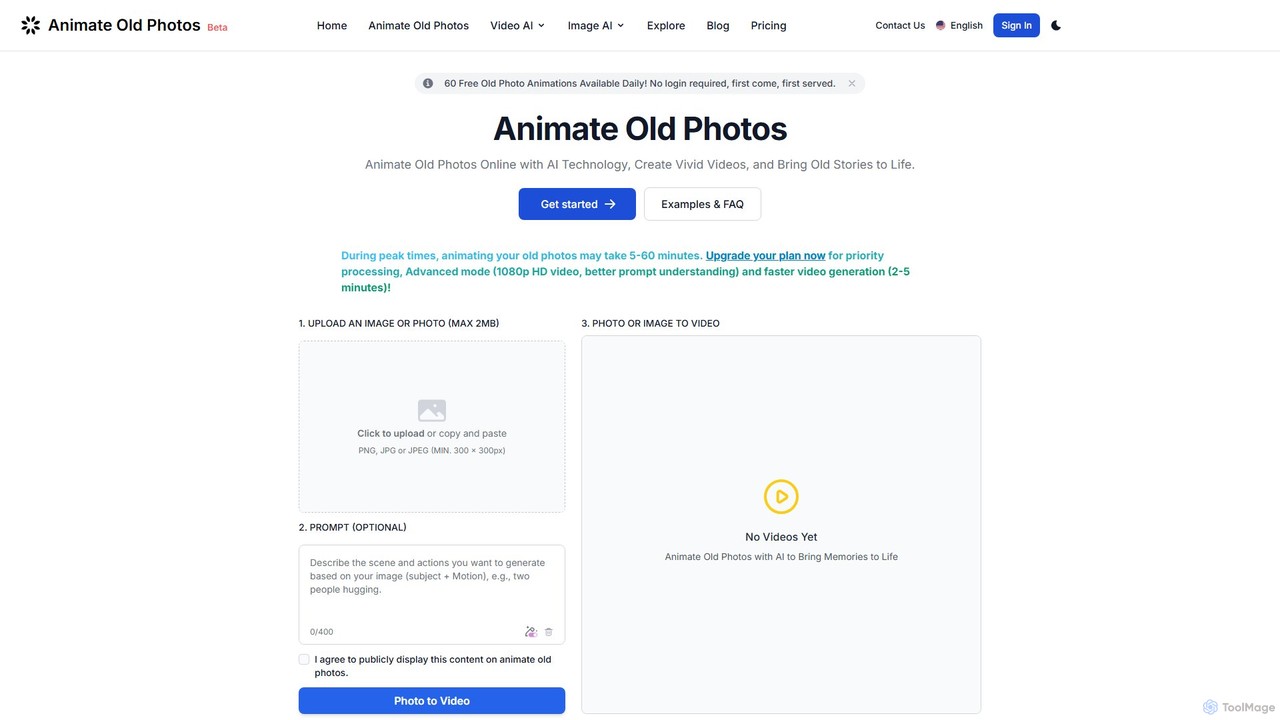
Photo Restoration use cases

1

Restoring Faded Family Photographs

Individuals with old family albums can use AI photo restoration tools to digitize and repair faded, discolored, or slightly damaged prints. By uploading scans of these photos, the AI automatically corrects color shifts, enhances contrast, and removes minor imperfections, ensuring that precious family memories are preserved and shared with future generations in improved quality.

2

Repairing Scratched Historical Documents

Museums, libraries, and historical societies often possess vast collections of old photographs that are scratched, torn, or stained. AI restoration tools enable archivists to quickly process these images, automatically mending physical damage and removing blemishes without extensive manual labor, making historical records more accessible and visually appealing for research and public display.

3

Adding Color to Black and White Ancestral Portraits

Genealogists and family historians frequently encounter black and white photographs of ancestors. AI photo restoration tools can intelligently colorize these monochrome images, adding realistic hues to skin tones, clothing, and backgrounds. This process brings a new dimension to historical portraits, making them more relatable and engaging for contemporary audiences while maintaining historical accuracy.

4

Enhancing Details in Vintage Architectural Photos

Architectural historians or enthusiasts can utilize AI restoration to improve the clarity and detail of old photographs of buildings or cityscapes. The AI can sharpen blurry elements, reduce image noise, and enhance fine architectural features that might have been lost due to age or poor original capture quality, providing clearer visual documentation for study or publication.

5

Batch Processing Vintage Photo Collections

For users with extensive collections of vintage photographs, manually restoring each one is time-consuming. AI photo restoration tools with batch processing capabilities allow for the simultaneous repair of multiple images. This significantly reduces the workload for digitizing entire archives, applying consistent enhancements like noise reduction or color correction across hundreds of photos efficiently.

6

Preparing Old Images for Digital Publication

Content creators, authors, or publishers often need to include historical photographs in their digital articles, books, or websites. AI restoration tools help prepare these images by removing distracting dust, correcting exposure issues, and enhancing overall visual quality. This ensures that the old photographs meet modern publication standards, appearing crisp and professional to readers.

Photo Restoration FAQ

What are AI Photo Restoration tools?

AI Photo Restoration tools are software applications that use artificial intelligence, specifically machine learning and deep learning, to automatically detect and repair various forms of damage in old or degraded photographs. Unlike traditional manual editing, these tools can intelligently reconstruct missing details, correct colors, and remove imperfections like scratches, tears, and dust with minimal human intervention, aiming to restore the image to its original or an improved state.

How do AI Photo Restoration tools differ from general AI Image Editors?

While both fall under the broader "Photo & Image" category, AI Photo Restoration tools are highly specialized. General AI Image Editors offer a wide range of functionalities like object removal, style transfer, or basic enhancements. In contrast, restoration tools focus specifically on repairing damage, de-aging photos, and bringing back lost details. They excel at tasks like scratch removal, colorization of black and white images, and facial reconstruction, which are typically beyond the scope of general editors.

What types of damage can AI Photo Restoration tools typically fix?

AI Photo Restoration tools are capable of fixing a wide array of common photo damages. This includes removing scratches, tears, and creases; eliminating dust spots, stains, and mold; correcting severe fading, discoloration, and color shifts; reducing image noise and grain; and sharpening blurry areas. Advanced tools can even reconstruct missing parts of an image or enhance degraded facial features, making old portraits clearer and more vibrant.

How accurate is AI colorization for black and white photos?

AI colorization has advanced significantly, offering remarkably realistic results for black and white photos. These tools are trained on vast datasets of color images, allowing them to infer appropriate colors for objects, skin tones, and environments based on context. While not always 100% historically accurate (as the AI "guesses" based on patterns), the results are often highly convincing and visually appealing, providing a vibrant interpretation of monochrome originals. Users can sometimes fine-tune colors for specific elements.

What should I consider when choosing an AI Photo Restoration tool for personal use?

For personal use, consider several factors. First, evaluate the types of damage your photos have and ensure the tool offers specific features like scratch removal, color correction, or de-blurring that address your needs. Second, look for an intuitive user interface that doesn't require extensive technical knowledge. Third, check the output quality, especially for facial details and overall clarity. Finally, consider the pricing model (one-time purchase, subscription, or pay-per-restoration) and any limitations on image size or quantity.