ToolMage
Sign in

Best 2 Nostalgia AI tools for Fun Tools

Popular Nostalgia AI tools in Fun Tools include Animate Old Photos and aopsai, helping you work more efficiently.

Animate Old Photos
Freemium

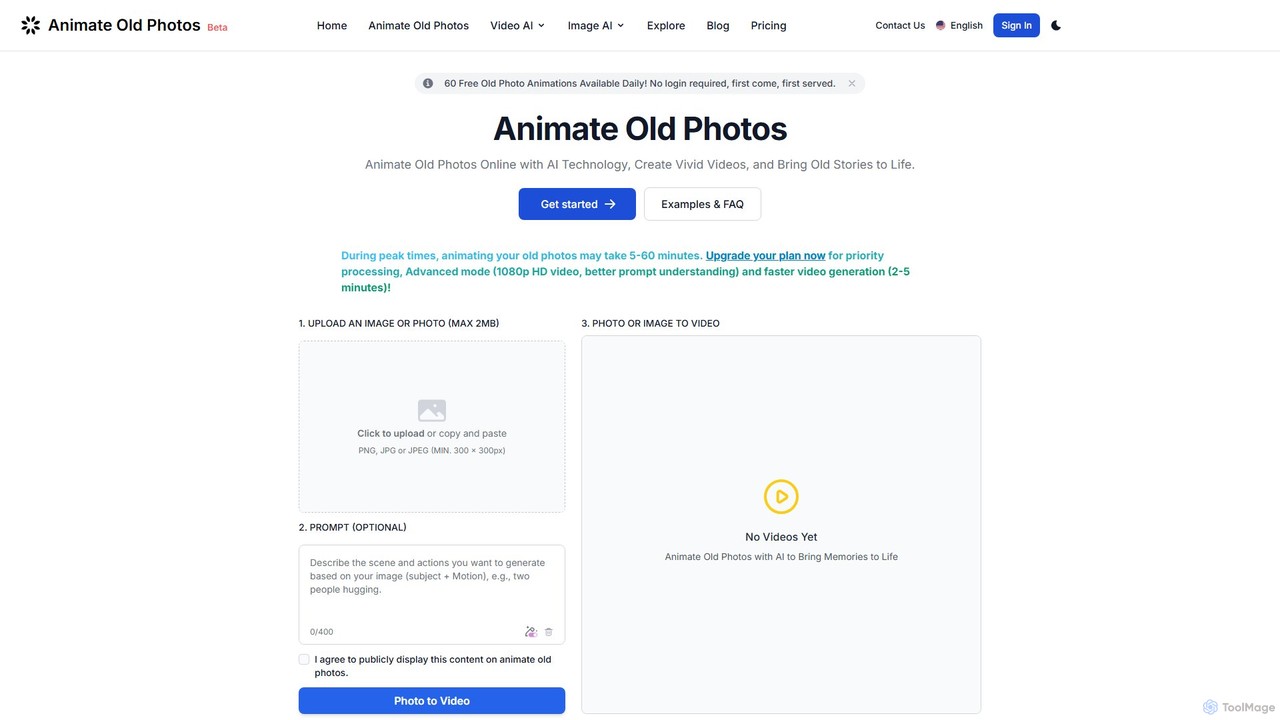
Animate Old Photos

An AI-powered tool that brings old photos to life by transforming them into dynamic, short videos. It also features AI-driven photo restoration and colorization to repair and enhance cherished memories, making them vivid and shareable.

Nostalgia
Visits 92.4KFavorites 125Likes 122
aopsai
Paid

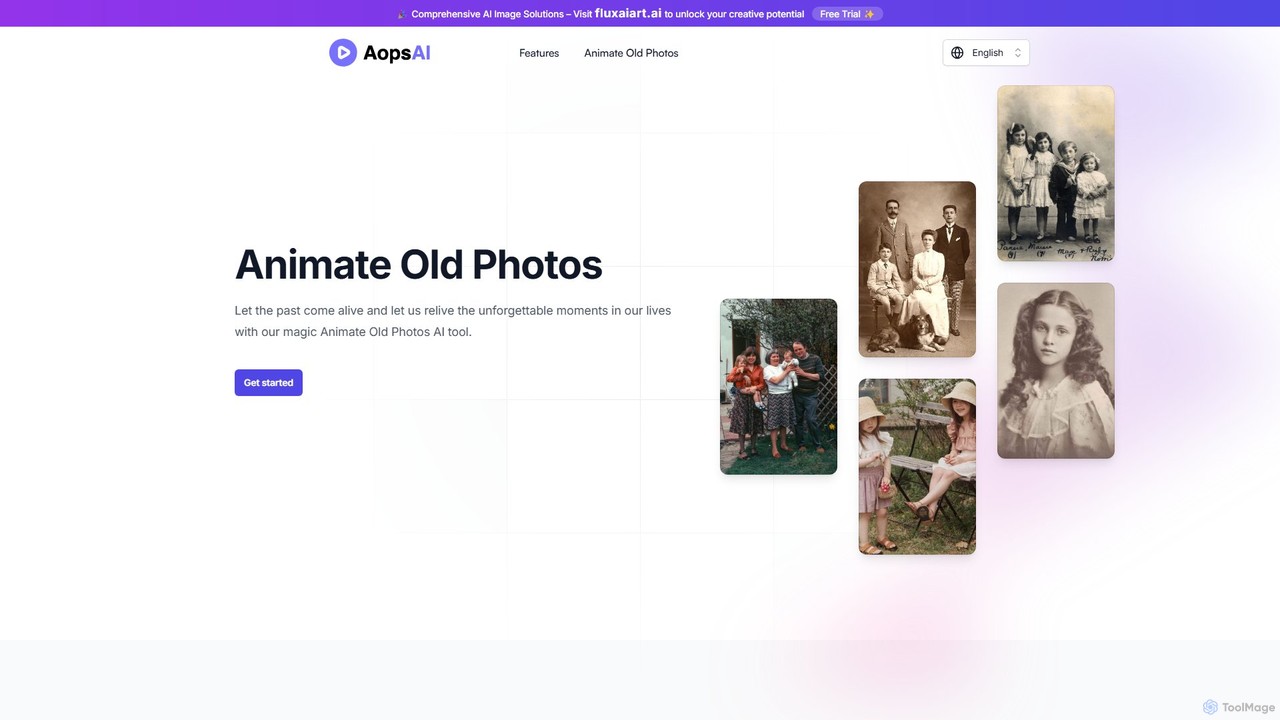
aopsai

aopsai is an AI-powered tool that brings old photos to life by transforming them into short, animated videos. Using advanced photo-to-video technology, it allows users to relive cherished memories. The service is incredibly user-friendly, requiring no sign-up and operating on a simple one-time payment model. Just upload a photo, and receive a high-quality animated video to keep and share forever.

Nostalgia
Visits 4.6KFavorites 101Likes 93

About Nostalgia

Nostalgia AI tools are a class of applications that use artificial intelligence to recreate or restore the aesthetic of past eras. Leveraging models trained on historical data, these tools can colorize black-and-white photos, repair damaged images, or generate new content in specific vintage styles like 90s yearbooks or 8-bit pixel art. They offer a unique way for users to connect with personal history, create retro-themed content for social media, or simply experience the charm of bygone decades. As a specialized category within Fun Tools, their focus is on evoking emotion and memory through visual transformation.

Core Features

  • Photo Restoration & Colorization: Automatically repairs scratches, tears, and fading in old photographs and adds realistic color to monochrome images.
  • Vintage Style Generation: Creates new images or avatars from user photos in specific retro styles, such as 50s portraits, 80s neon, or 90s yearbook looks.
  • Old Media Simulation: Mimics the distinct visual characteristics of old film, VHS tapes, or early digital cameras, including grain, light leaks, and color shifts.
  • Era-Specific Asset Creation: Generates graphics, fonts, or patterns that emulate the design trends of a particular historical period for creative projects.

Use Cases

These tools are popular among individuals restoring family photo archives, social media content creators producing retro-themed posts and videos, and graphic designers seeking inspiration from vintage aesthetics. They are also used by artists and hobbyists to experiment with historical art styles or create unique digital art.

How to Choose

When selecting a Nostalgia AI tool, consider the specific eras or styles it supports. Evaluate the quality and realism of the output, especially for photo restoration. Check the user interface for ease of use and review the platform's privacy policy regarding uploaded images. Finally, compare pricing models, such as per-image credits versus unlimited subscriptions, to find what best suits your needs.

Featured tool rankings

Nostalgia use cases

1

Restoring Old Family Photos

A user discovers a faded, black-and-white photograph of their great-grandparents from the 1940s. The photo has several cracks and faded spots. Using a Nostalgia AI tool, they upload a scan of the image. The AI automatically detects and repairs the damage, removing cracks and sharpening details. Then, its colorization feature analyzes the image context to apply plausible, natural-looking colors to the clothing, background, and skin tones. The final result is a vibrant, restored color photo that brings a cherished family memory to life, making it suitable for printing or sharing with relatives.

2

Creating Retro Social Media Avatars

A content creator wants to launch a "Throwback Thursday" series on their social media channels. To create a consistent and engaging visual theme, they use a Nostalgia AI tool that specializes in generating 90s yearbook-style photos. They upload a few recent selfies. The AI processes these images, altering the hairstyle, clothing, and photo background to perfectly match the awkward yet charming aesthetic of a 1990s school picture, complete with a laser-grid backdrop. They generate a dozen variations, using them as profile pictures and post headers, which significantly boosts audience engagement and comments.

3

Designing Vintage-Themed Event Invitations

An event planner is organizing a 1920s 'Great Gatsby' themed party. Instead of using generic stock images, they use a Nostalgia AI tool to generate unique, Art Deco-style graphics. They input prompts like "Art Deco party scene with jazz band, gold and black geometric patterns." The AI produces several high-resolution images that capture the opulent and stylish feel of the era. The planner selects the best one, adds text, and creates a stunning, one-of-a-kind digital invitation that perfectly sets the tone for the event and impresses the guests.

4

Simulating Old Film Effects for Videos

A filmmaker is creating a short film set in the 1970s and wants to achieve an authentic Super 8 film look. Instead of spending hours with complex video editing software and plugins, they use a Nostalgia AI tool designed for video. They upload their clean digital footage, select the "Super 8 Film" preset, and the AI applies a realistic combination of film grain, color grading with warm tones, subtle light leaks, and a slightly lower frame rate. The process takes minutes and delivers a convincing vintage aesthetic that would otherwise require significant technical skill and time to replicate manually.

5

Reimagining Modern Landmarks in the Past

A history enthusiast and blogger wants to create a compelling visual series titled "Cities of Yesterday." They use a Nostalgia AI tool to generate images of modern landmarks as they might have appeared in different historical eras. For example, they input a photo of the Eiffel Tower with the prompt "Eiffel Tower in the 1890s, sepia tone, horse-drawn carriages." The AI generates a realistic depiction, replacing modern cars with period-appropriate transport and applying an aged photo effect. This allows them to create unique, educational content that visually transports their audience back in time, making history more accessible and engaging.

6

Creating 8-Bit Pixel Art for Indie Games

An indie game developer is working on a retro-style RPG and needs character sprites and background assets. Lacking advanced pixel art skills, they turn to a Nostalgia AI tool that specializes in pixelation. They upload simple character sketches and concept art for environments. The AI converts these images into clean, consistent 8-bit or 16-bit pixel art, maintaining the core design while applying the nostalgic aesthetic. This allows the developer to rapidly prototype and produce game assets, saving hundreds of hours of manual pixel-by-pixel drawing and ensuring a cohesive retro visual style for their game.

Nostalgia FAQ

What are Nostalgia AI tools?

Nostalgia AI tools are applications that use artificial intelligence to digitally recreate or restore aesthetics from past decades. Their primary function is to transform modern images or repair old ones to evoke a sense of nostalgia. Key features often include colorizing black-and-white photos, repairing damaged pictures, and generating new images in specific vintage styles, such as 90s yearbook photos or 8-bit pixel art. They are mainly used for personal enjoyment, social media content, and creative projects.

How to choose a good Nostalgia AI tool?

To choose the right tool, consider these factors:

  • Specific Styles: Ensure the tool offers the specific era or aesthetic you need, whether it's 1950s portraits, 8-bit pixel art, or VHS effects.
  • Output Quality: Look for examples of the tool's output. For photo restoration, check for realism and artifact-free results. For style generation, assess if the aesthetic is convincing.
  • Ease of Use: A simple, intuitive interface is important, especially for quick projects. Check if it's a web app, mobile app, or requires software installation.
  • Privacy Policy: If you are uploading personal photos, review the tool's privacy policy to understand how your data is used and stored.
  • Pricing Model: Compare costs. Some tools offer free trials, some use a credit system per image, and others have monthly subscriptions for unlimited use.
What's the difference between Nostalgia AI tools and standard Photo Editors?

The main difference lies in automation and purpose. Standard photo editors like Adobe Photoshop provide a comprehensive set of manual tools (brushes, layers, filters) that require user skill to achieve a specific look. They are versatile for any kind of image manipulation. Nostalgia AI tools, on the other hand, are specialized and automated. They use AI to perform complex, style-based transformations in a single step. Instead of manually adjusting colors and adding grain, you simply select a '70s Film' style or upload an old photo for automatic restoration. They are designed for speed and ease of use for a specific nostalgic outcome.

Is the output from AI photo restoration historically accurate?

Not necessarily. While AI photo restoration and colorization can produce visually stunning and plausible results, they are not a form of historical documentation. The AI makes an 'educated guess' based on the vast dataset it was trained on. For colorization, it predicts what colors might have been present, but it cannot know the actual, original colors of clothing or objects. Similarly, when repairing heavily damaged areas, the AI fills in missing information based on patterns, which may not perfectly match the original reality. Therefore, these tools are best used for personal and artistic purposes rather than for rigorous historical analysis.

Who are Nostalgia AI tools for?

These tools cater to a wide range of users who want to engage with the past visually. Key user groups include:

  • Individuals and Families: People looking to restore, colorize, and preserve old family photos.
  • Social Media Users & Content Creators: Anyone wanting to create trendy, retro-themed content like 90s avatars or vintage-style videos to boost engagement.
  • Graphic Designers and Artists: Creatives seeking inspiration from past eras or wanting to quickly generate assets with a specific historical aesthetic.
  • Hobbyists and Enthusiasts: History buffs, indie game developers, and filmmakers who want to visualize the past or create retro-style projects without extensive manual effort.