
Freemium
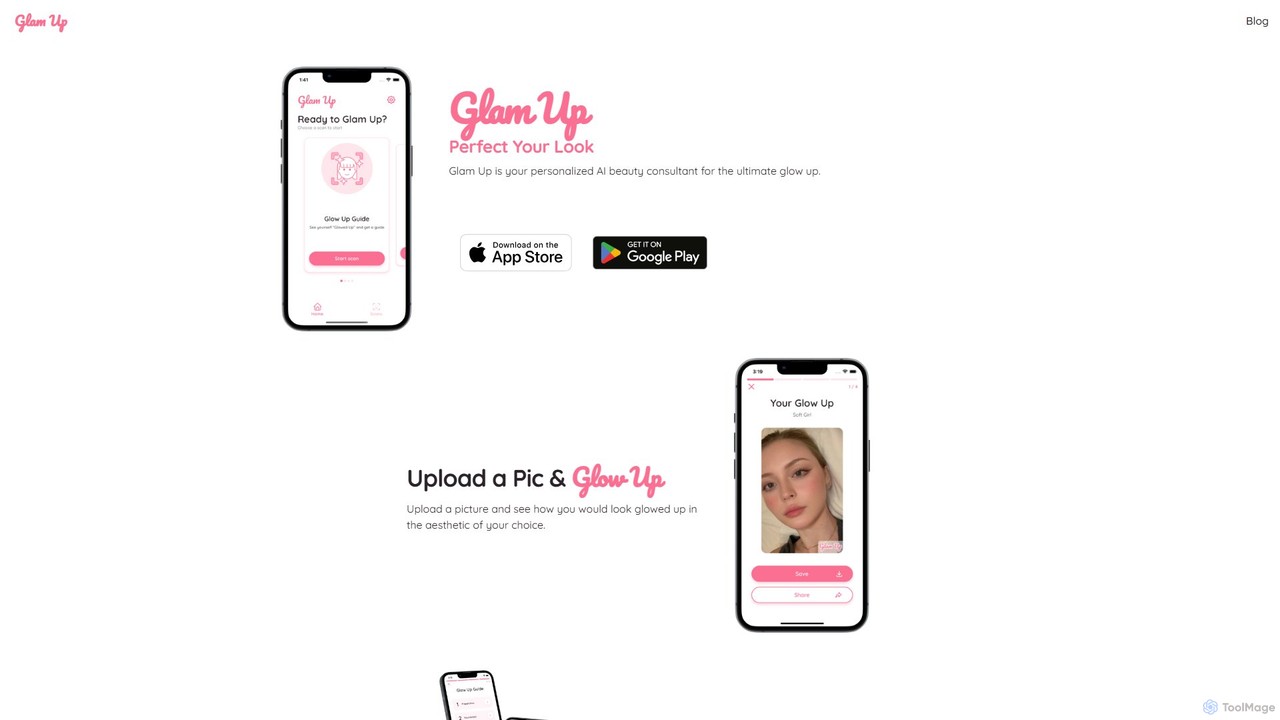
Popular Face & Body Editor AI tools in Photo & Image include Glam Up, helping you work more efficiently.
AI Face & Body Editors are specialized tools that use deep learning to intelligently detect and modify human facial features and body contours in images. They go beyond simple filters by understanding anatomical structures, allowing for precise adjustments like skin smoothing, feature reshaping, and body sculpting. These tools are widely used by content creators, photographers, and individuals to enhance portraits, create stylized looks, or perform detailed digital retouching with high realism. The underlying AI models enable complex edits that would traditionally require extensive manual work in professional software.
These editors are essential for social media influencers and content creators aiming for polished visuals. Professional photographers use them for high-end portrait retouching, while e-commerce businesses apply them to standardize model photos. Individuals also use them for personal photo enhancement and creative exploration.
When selecting a tool, consider the level of realism and the subtlety of the adjustments. Evaluate the granularity of controls for specific features. Also, review the platform (mobile vs. desktop), processing speed, and the developer's privacy policy regarding your uploaded images.
A content creator needs to post high-quality daily portraits on Instagram. Using an AI Face & Body Editor, they can quickly perform consistent edits across a batch of photos. Key actions include:
A portrait photographer needs to deliver flawlessly retouched photos to a client. Instead of spending hours on manual techniques like frequency separation, they use an AI editor as a starting point. The tool intelligently removes stray hairs, evens out skin tone without losing texture, and subtly refines the client's jawline as requested. This allows the photographer to focus on creative color grading and final composition, significantly accelerating their post-production workflow.
An online fashion retailer needs to maintain a uniform look for all product images featuring models. An AI Face & Body Editor helps automate this. The tool can be configured to apply a standard set of adjustments to all photos, such as consistent skin tone, minor blemish removal, and ensuring the model's posture appears balanced. This ensures that shoppers see a cohesive and professional presentation across the entire product catalog, improving the brand's perceived quality.
A marketing agency is tasked with updating the "About Us" page of a corporate website with new employee headshots. To ensure a professional and uniform appearance, they use an AI editor to process all photos. The tool helps to remove glare from glasses, soften harsh lighting, whiten teeth slightly, and ensure each person's expression is friendly and approachable. This creates a cohesive set of images that aligns with the company's professional branding.
An individual is considering a major change in their look but is hesitant to commit. They upload a selfie to an AI Face & Body Editor to experiment virtually. They can test different hair colors, from blonde to brunette, try on various makeup styles like a smokey eye or bold lipstick, and even see how a different eyebrow shape would look. This provides a risk-free way to visualize potential changes before visiting a salon or makeup artist.
A concept artist is developing character ideas for a new video game. Using an AI Face & Body Editor, they can take a base model's photo or a 3D render and rapidly iterate on different facial structures. They can make a character's jaw more heroic, their eyes more menacing, or their build more athletic. This allows for the rapid creation of dozens of variations, helping the creative team visualize and decide on a final character design much faster than manual sketching would allow.
An AI Face & Body Editor is a type of software that uses artificial intelligence to specifically identify and alter human faces and bodies in photographs. Unlike general editors, it understands anatomical features, allowing for intelligent and often realistic adjustments like skin retouching, feature reshaping, and body sculpting. These tools automate complex edits that would otherwise require significant manual skill and time.
To choose the right tool, consider these factors:
The main difference is specialization. A general photo editor (like Adobe Photoshop) provides a broad set of manual tools (layers, brushes, selections) for any type of image manipulation. An AI Face & Body Editor is specifically trained on human anatomy. It offers automated, one-click functions and sliders for tasks like "slim face" or "remove blemishes," which would require multiple complex steps in a general editor. The former is for specialized efficiency, the latter for universal control.
Yes, the quality of modern AI editors often allows for highly natural and subtle edits. The key is in how the tool is used. Advanced tools preserve skin texture, create realistic shadows, and provide fine-grained controls to avoid an over-edited or "plastic" look. However, they can also be used to create heavily stylized or exaggerated effects if desired. The final result depends on both the tool's capability and the user's intent.
These tools are used by a wide range of people. Key user groups include: