
ToolMage
Sign in

Best 1 Analysis AI tools for Photo & Image

Popular Analysis AI tools in Photo & Image include looksmaxxreport, helping you work more efficiently.

looksmaxxreport
Freemium

looksmaxxreport

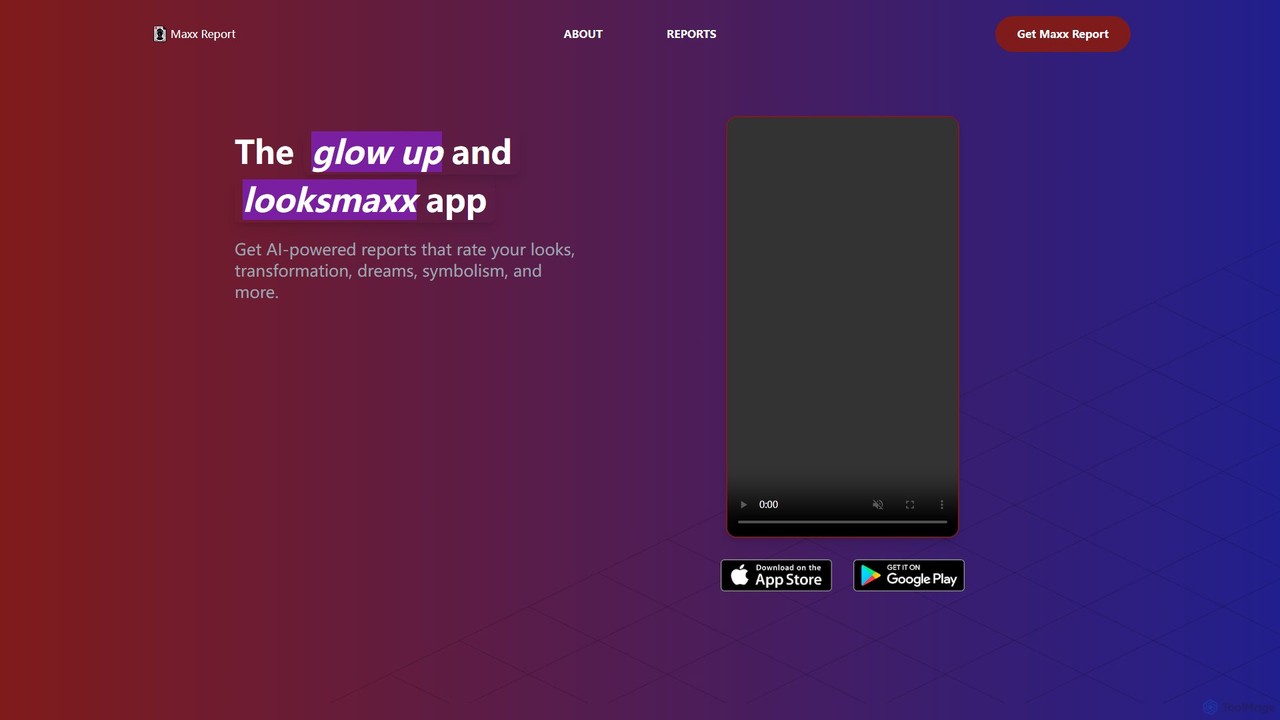
An AI-powered app that provides detailed analysis and personalized recommendations for your appearance. Get reports on facial features, style, grooming, and more to guide your self-improvement journey and achieve your ultimate glow up.

Personal Development
Visits 6.6KFavorites 125Likes 138

About Analysis

AI-powered Analysis tools within the Photo & Image category are designed to interpret, understand, and extract meaningful data from visual content. These tools leverage advanced computer vision and machine learning algorithms to go beyond simple image manipulation, focusing on deciphering the content's intrinsic information. They automate the processing of visual data, enabling users to gain deep insights, categorize vast image libraries, and make data-driven decisions based on visual intelligence.

Core Features

  • Object Detection & Recognition: Automatically identify and locate specific objects, people, or scenes within images.
  • Facial Analysis: Detect faces, analyze expressions, and infer demographic information like age or gender.
  • Image Content Classification: Categorize images into predefined classes based on their visual content and themes.
  • Visual Search & Similarity: Find visually similar images or specific items within large datasets using an image query.
  • Quality Assessment & Anomaly Detection: Evaluate image quality, identify blur, noise, or detect unusual patterns and defects.

Applicable Scenarios

These tools are crucial for platforms needing to moderate user-generated content by automatically flagging inappropriate images. E-commerce businesses utilize them to extract product attributes from photos for automated tagging and enhanced search functionality. Security and surveillance systems deploy image analysis for real-time object and person detection, enhancing monitoring capabilities. Marketers gain insights into audience demographics and preferences by analyzing visual content shared on social media, informing campaign strategies.

How to Choose

When selecting an AI image analysis tool, consider its accuracy and robustness in diverse conditions, ensuring reliable performance. Evaluate the specific analysis capabilities offered, such as the types of objects it can detect or the depth of facial analysis. Integration options (APIs, SDKs) are vital for seamless workflow incorporation. Assess scalability and processing speed to handle your expected volume of images efficiently, and always prioritize data privacy and security for sensitive visual information.

Analysis use cases

1

Automated Content Moderation for Platforms

Social media platforms or online communities can deploy AI image analysis tools to automatically detect and flag inappropriate, violent, or explicit user-generated content. By leveraging object recognition and image classification, these tools help content moderators efficiently review vast amounts of visual data, ensuring community guidelines are enforced and maintaining a safe online environment without extensive manual screening, significantly reducing operational costs and response times.

2

E-commerce Product Attribute Extraction

E-commerce retailers can use AI image analysis to automatically extract detailed attributes from product photos, such as color, material, pattern, and style. Instead of manual data entry, the AI identifies these features, enabling automated product tagging and categorization. This significantly improves product searchability and filtering options for customers, streamlines inventory management, and reduces the time and effort required for product listing, leading to a more efficient and accurate online catalog.

3

Audience Demographics from Visual Content

Marketing professionals can leverage AI image analysis to gain insights into their target audience by analyzing visual content shared on social media or other platforms. Tools capable of facial analysis and object recognition can infer demographic information (e.g., age range, gender) and lifestyle indicators (e.g., presence of specific brands, activities) from images. This data helps marketers refine their audience segmentation, personalize campaigns, and create more relevant content strategies, leading to higher engagement and conversion rates.

4

Security Surveillance & Anomaly Detection

Security personnel can utilize AI image analysis tools for enhanced surveillance in public spaces, commercial buildings, or restricted areas. These tools can perform real-time object detection to identify unauthorized items, person detection to track individuals, or anomaly detection to flag unusual behaviors or events that deviate from normal patterns. This capability significantly improves situational awareness, enables proactive threat detection, and reduces the need for constant human monitoring, making security operations more efficient and effective.

5

Quality Control in Manufacturing

Manufacturers can implement AI image analysis for automated quality control and defect detection on production lines. Cameras capture images of products, and AI tools analyze these visuals to identify flaws, inconsistencies, or deviations from quality standards that might be imperceptible to the human eye or require extensive manual inspection. This process ensures higher product quality, reduces waste, and significantly speeds up the inspection phase, leading to cost savings and improved customer satisfaction.

6

Visual Search for Stock Photography

Content creators and marketers often need to find specific types of images from vast stock photography libraries. AI image analysis tools enable visual search, allowing users to upload a reference image and find other images that are visually similar in terms of composition, color palette, objects, or style. This eliminates the need for keyword-based searching, which can be imprecise, and significantly speeds up the process of discovering the perfect visual asset for a project, enhancing creative workflows and efficiency.

Analysis FAQ

What are AI image analysis tools?

AI image analysis tools are advanced software solutions that use artificial intelligence, primarily computer vision and machine learning, to interpret and extract meaningful information from digital images. Unlike basic image processing, these tools go beyond simple adjustments to understand the content, context, and characteristics within an image. They can identify objects, people, scenes, text, and even emotions, providing valuable data for various applications.

What specific types of analysis can these tools perform?

AI image analysis tools can perform a wide range of specific analyses. These include object detection and recognition, identifying and classifying various items within an image; facial analysis, detecting faces, analyzing expressions, and estimating demographics; image classification, categorizing entire images based on their overall content; scene understanding, interpreting the context of a visual environment; text recognition (OCR), extracting text from images; and anomaly detection, identifying unusual patterns or defects. These capabilities enable detailed insights from visual data.

How do AI image analysis tools benefit businesses?

AI image analysis tools offer significant benefits to businesses by automating and enhancing visual data processing. They enable increased efficiency through automated tasks like content moderation and product tagging, improved accuracy in quality control and data extraction, and deeper insights for marketing and security applications. Businesses can achieve cost savings by reducing manual labor, faster decision-making with real-time analysis, and enhanced scalability to process vast amounts of visual information, ultimately leading to better operational performance and competitive advantage.

How to choose the right AI image analysis tool?

Choosing the right AI image analysis tool involves several key considerations. First, assess the specific analysis capabilities you need, such as object detection, facial analysis, or anomaly detection. Second, evaluate the tool's accuracy and robustness across diverse image types and conditions. Third, consider integration options (APIs, SDKs) to ensure it fits seamlessly into your existing workflows. Fourth, examine its scalability and processing speed to handle your expected data volume. Finally, prioritize data privacy and security features, especially when dealing with sensitive visual information, and compare pricing models to find a solution that aligns with your budget and usage.

What's the difference between AI image analysis and AI image editing?

AI image analysis and AI image editing serve distinct purposes within the Photo & Image category. AI image analysis focuses on *understanding* and *extracting data* from an image without altering it. It interprets content, identifies objects, or classifies scenes to provide insights. In contrast, AI image editing is about *modifying* or *generating* visual content. This includes tasks like background removal, style transfer, upscaling, or creating new images from text prompts. While both use AI, analysis is about interpretation, and editing is about transformation.