
Renamify
Renamify is an AI-powered tool that simplifies bulk file renaming. It intelligently analyzes the content of your files, …
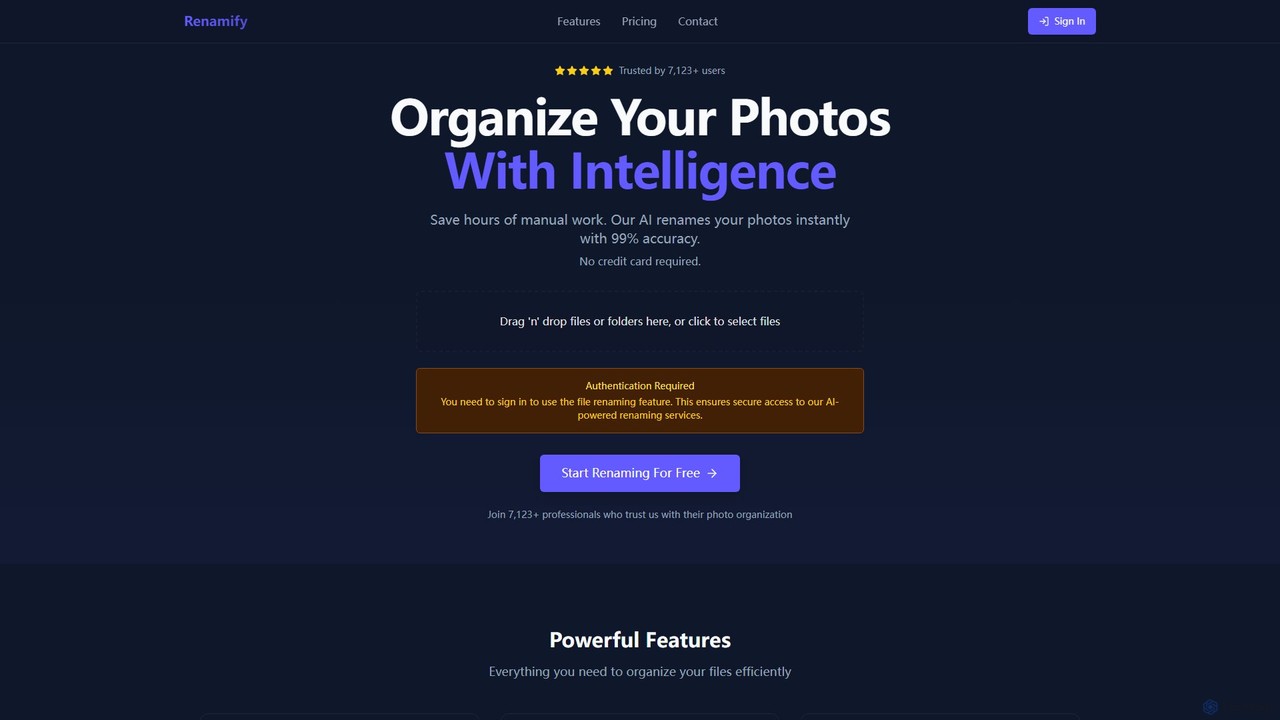
Renamify is an AI-powered tool that simplifies bulk file renaming. It intelligently analyzes the content of your files, especially photos, to suggest meaningful and descriptive names, saving hours of manual work. It also focuses on enhancing web accessibility for visually impaired users.
About Screen Reader Tools
Screen Reader Tools are AI-powered assistive technologies designed to convert digital text and graphical user interfaces into speech or braille output, enabling visually impaired users to interact with digital content. These tools leverage advanced natural language processing (NLP) and optical character recognition (OCR) to interpret on-screen elements accurately. They provide essential digital access, fostering independence and inclusivity across various online and software environments.
Core Features
- Text-to-Speech Synthesis: Converts on-screen text, menus, and notifications into natural-sounding spoken words.
- Braille Output: Integrates with refreshable braille displays to provide tactile representation of digital content.
- Intelligent Navigation: Allows users to navigate web pages, documents, and applications using keyboard commands, gestures, or voice.
- OCR for Images: Analyzes images and PDFs to extract and vocalize embedded text, making inaccessible content readable.
- Customizable Settings: Offers adjustable speech rates, voices, verbosity levels, and keyboard shortcuts to suit individual preferences.
Applicable Scenarios
Screen Reader Tools are indispensable for visually impaired individuals in various settings. They enable students to access online learning platforms and digital textbooks, professionals to interact with office software and email, and general users to browse websites, social media, and manage personal devices independently. These tools bridge the gap between digital information and those who cannot perceive it visually.
How to Choose
When selecting a Screen Reader Tool, consider its compatibility with your operating system and frequently used applications. Evaluate the naturalness and clarity of its speech synthesis, as well as the range of customizable options for voice, speed, and verbosity. Look for robust navigation features, support for refreshable braille displays, and the ability to handle complex web structures and image descriptions. Community support and regular updates are also crucial for long-term usability.
Screen Reader ToolsUse Cases
Accessing Online Learning Materials
Visually impaired students use screen reader tools to navigate educational websites, read digital textbooks, and interact with online learning management systems. By converting text and interactive elements into speech, these tools enable students to independently complete assignments, participate in discussions, and access course content, ensuring equitable educational opportunities.
Efficient Document Review for Professionals
Professionals with low vision or blindness utilize screen readers to review and edit digital documents, spreadsheets, and presentations. The tool reads out content, allowing them to identify errors, verify information, and ensure accuracy without relying on visual cues. This significantly enhances productivity and independence in document-intensive roles.
Navigating Complex Software Interfaces
Software developers or IT professionals who are visually impaired employ screen readers to interact with integrated development environments (IDEs), command-line interfaces, and other complex applications. The screen reader vocalizes code, menus, and system messages, enabling them to write, debug, and manage software projects effectively, fostering inclusion in technical fields.
Browsing Social Media and News Feeds
Everyday users rely on screen reader tools to browse social media platforms, read news articles, and stay connected online. The tool vocalizes posts, comments, image descriptions, and navigation links, allowing visually impaired individuals to engage with digital communities, consume information, and participate in online discourse just like sighted users.
Managing Personal Finances and Online Banking
Individuals use screen readers to securely access online banking portals, manage investments, and pay bills. The tool reads out account balances, transaction histories, and input fields, guiding users through financial operations. This ensures privacy and independence in managing personal finances, reducing the need for sighted assistance.
Interpreting Inaccessible Image Content
Content creators or researchers encountering images without proper alt text use screen readers with integrated OCR capabilities. The tool attempts to analyze the image and vocalize any embedded text or provide a description based on AI interpretation. This helps in understanding visual information that would otherwise be inaccessible, expanding the scope of digital content consumption.