

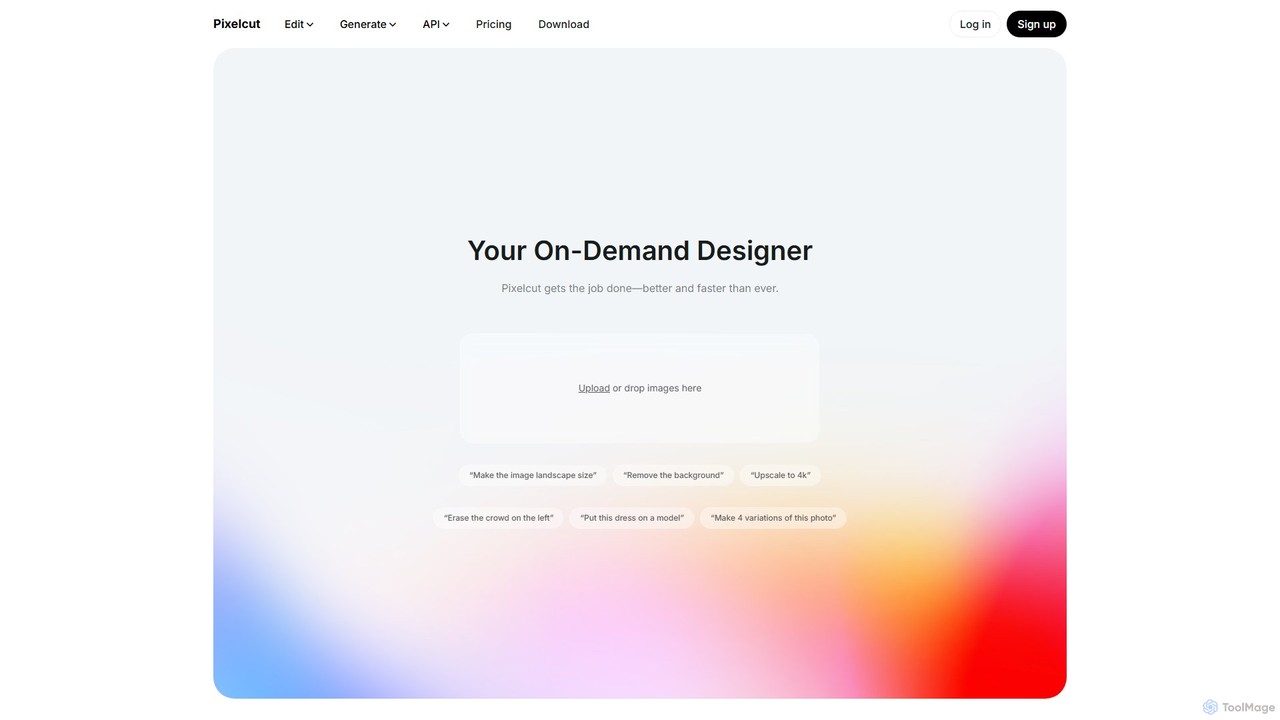
Pixelcut Overview
Pixelcut is a comprehensive, AI-driven design platform that serves as an all-in-one creative workspace for individuals and teams. Trusted by over 50 million creators and businesses, it streamlines the content creation process by combining powerful photo editing, video generation, and image generation tools into a single, intuitive interface. Whether you're a small business owner looking to create stunning product photos, a marketer crafting social media campaigns, or a designer seeking to accelerate your workflow, Pixelcut provides the tools to get the job done better and faster.
The platform's core strength lies in its suite of AI-powered editing tools. You can effortlessly remove backgrounds with pixel-perfect precision, erase unwanted objects or people from photos using the Magic Eraser, and expand image canvases in any direction with Generative Fill. Furthermore, the AI Image Upscaler can enhance photo quality and increase resolution up to 4K without losing detail, making it perfect for both web and print. Pixelcut also ventures into generative AI, allowing users to create entirely new images from simple text descriptions or generate high-quality videos from a single prompt or reference image, leveraging models from Google, Runway, and Luma.
How to use Pixelcut
Pixelcut is designed for simplicity and speed. The workflow is straightforward across its various features:
- Upload Your Asset: Start by uploading a photo or video, or simply type a text prompt describing what you want to create. You can drag and drop files directly onto the web interface.
- Apply AI Tools: For editing, select the desired tool. For example, to remove a background, the AI will automatically process the image upon upload. To upscale, the AI enhances the image in seconds. For generative tasks, you input your prompt and let the AI work its magic.
- Refine and Customize: After the initial AI processing, you can make further adjustments. For instance, with the Creative Upscaler, you can fine-tune the levels of creativity and resemblance to the original image. When generating content, you can create multiple variations to find the perfect one.
- Collaborate (Optional): Invite team members to a shared workspace. You can edit together, share ideas, and organize your final assets into collections, all within the platform.
- Download and Share: Once you are satisfied with the result, download your high-resolution image or video. The free plan allows for downloads without a watermark, making it accessible for all users.
Core Features of Pixelcut
- AI Photo Editor: A complete suite including one-click background removal, Magic Eraser for object removal, Generative Fill to expand images, and tools to retouch and refine photos.
- AI Image Upscaler: Instantly increase image resolution up to 4K. It features a standard 'Fast Upscale' and a 'Creative Upscale' that adds artistic details. Batch processing is available for Pro users.
- AI Image Generator: Create unique, high-quality images from text prompts or by using existing images as a reference.
- AI Video Generator: Generate high-quality videos from a text prompt or a starting frame image, utilizing the latest models from partners like Google, Runway, and Luma.
- Collaborative Workspace: Create shared folders for teams to generate, edit, and organize creative assets together in real-time.
- Batch Editing: Process up to 500 images at once with features like batch background removal and upscaling, saving significant time for e-commerce and photography workflows.
- Developer API: Integrate Pixelcut's powerful image editing capabilities, such as the Image Upscaler, directly into your own applications.
Use Cases for Pixelcut
Pixelcut is versatile and caters to a wide range of professional and creative needs:
- E-commerce: Create clean, professional product photos for platforms like Shopify, Amazon, and Etsy by removing backgrounds and enhancing image quality.
- Marketing & Advertising: Design eye-catching social media posts, web banners, and ad creatives by generating custom images and videos.
- Photography: Restore old photos by removing noise and sharpening details, or quickly edit and upscale client photos for print and digital delivery.
- Real Estate: Enhance property photos by removing clutter, improving lighting, and increasing curb appeal.
- Content Creation: Generate unique visuals for blogs, presentations, and personal projects without needing advanced design skills.
Advantages of Pixelcut
Pixelcut stands out for its combination of power, speed, and accessibility. Its main advantages include being an all-in-one platform that eliminates the need for multiple software subscriptions, a user-friendly interface that requires no steep learning curve, and the production of high-quality, professional-grade results in seconds. The collaborative features make it ideal for teams, and the generous free plan allows anyone to get started without commitment.
Pricing and Plans
Pixelcut operates on a freemium model, offering a plan for every need:
- Free Plan ($0/month): Includes free background removal, free image upscaling, and free exports without a watermark, with some limitations on advanced features.
- Pro Plan ($10/month): Offers unlimited AI edits, 300 daily generations, 600 monthly credits for premium models, 1 concurrent generation, and a commercial license.
- Pro+ Plan ($30/month): Provides unlimited AI edits, 600 daily generations, 3600 monthly credits, 4 concurrent generations, and a commercial license.
- Max Plan ($60/month): The most powerful option with unlimited AI edits, 1200 daily generations, 9000 monthly credits, 8 concurrent generations, and a commercial license.
Credits are used for advanced AI models from third-party partners for image and video generation.
Traffic
Latest traffic
Status
Monthly traffic trend
- 2025-9: 18.4M
- 2026-1: 21.0M
- 2026-2: 10.5M
- 2026-3: 1.9M
- 2026-4: 968.6K
- 2026-5: 12.0M
Geography
Top 5 countries / regions
- 🇮🇳India38.6%
- 🇺🇸United States25.8%
- 🇪🇸Spain14.0%
- 🇮🇩Indonesia12.4%
- 🇲🇽Mexico9.2%
Traffic sources
| Source type | Percentage |
|---|---|
Direct | 89.6% |
Referral | 9.9% |
Email | 0.5% |
Top keywords
| Keyword | Cost per click |
|---|---|
| background remover | $0.35 |
| hd foto | $0.60 |
| mejorar calidad de imagen | $0.15 |
| pixelcut | $0.37 |
| remove bg | $0.28 |
Pixelcut Videos on YouTube

Inkspire Pixels


MR SETH INDIAN

Inkspire Pixels
Pixelcut Alternatives
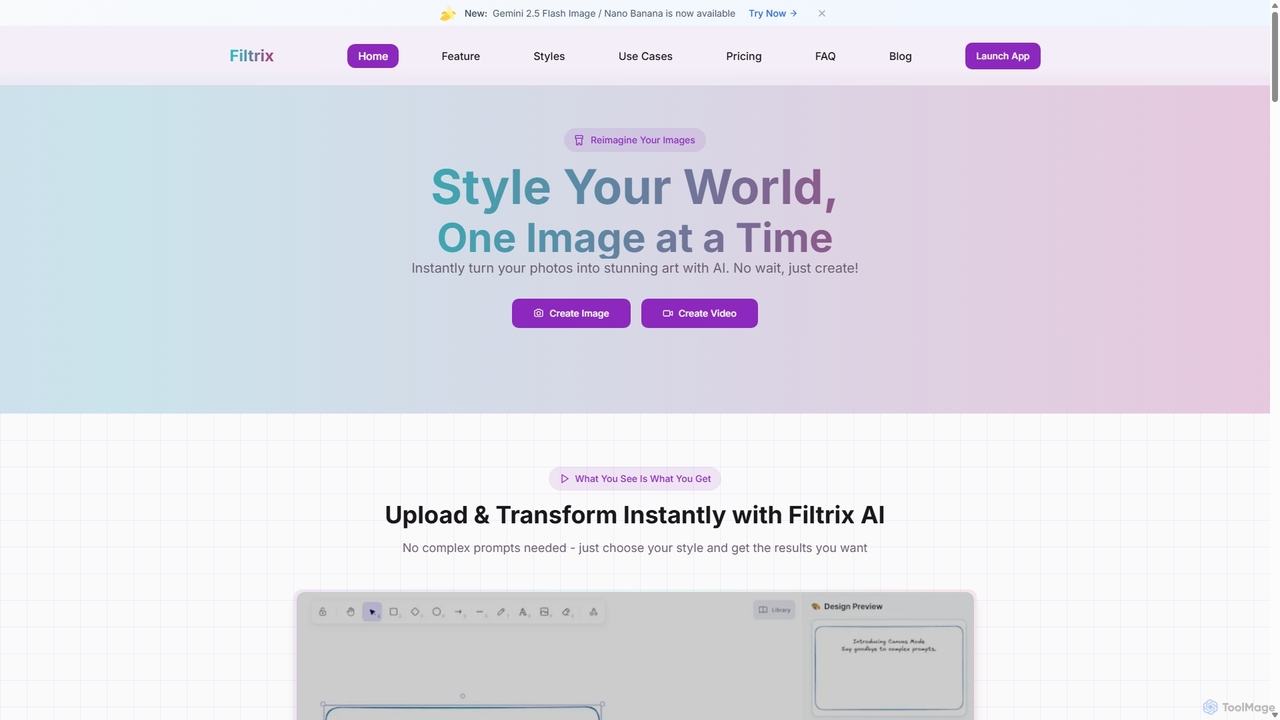
Filtrix
Filtrix is an AI-powered image and video generator that transforms your photos into stunning art with unique styles like Ghibli and Pixar. It simplifies content creation with one-click transformations, an intuitive canvas editor, and a powerful image-to-video feature, making it ideal for e-commerce, marketing, and social media.
Art Generation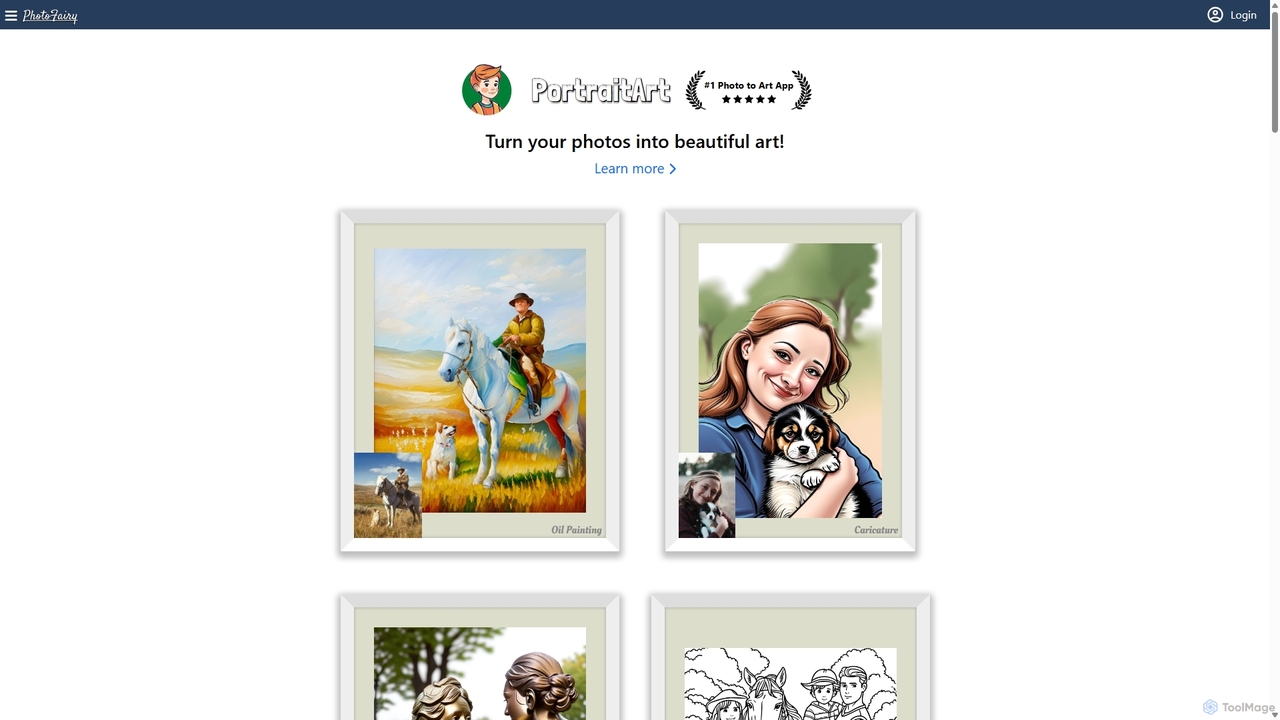
PhotoFairy
PhotoFairy is a powerful AI-driven photo editor and graphic design tool. It effortlessly transforms photos into various art styles, removes backgrounds and objects, generates images from text, and provides an infinite canvas for creative projects. Ideal for designers, marketers, and content creators seeking an all-in-one visual creation platform.
Art Generation
Magic Studio
Magic Studio is an all-in-one AI-powered image editing suite designed for everyone. It allows users to effortlessly create stunning visuals, remove unwanted objects, change backgrounds, generate images from text, and enhance photo quality in seconds, no design skills required.
Product Photos
PxBee
PxBee is a free, AI-powered photo editor designed to create stunning visuals effortlessly. It specializes in one-click background removal, AI background generation, and photo enhancement. Users can easily change backgrounds, fix blurry images, upscale resolution, and generate realistic scenes, making it ideal for e-commerce, marketing, and creative projects.
Product Photos
photorush
Photorush is an AI-powered image editing suite designed for speed and efficiency. It automates complex tasks like background removal, object erasing, and one-click enhancement, enabling users to create professional-quality images in seconds. Ideal for e-commerce, marketing, and social media content creation.
Product ImagesPixelcut Categories
Pixelcut Embed Widget
Copy this embed code to place the badge on your blog, article, or product site and send readers directly to this ToolMage detail page.

Related AI tools
PhotoFairy
PhotoFairy is a powerful AI-driven photo editor and graphic design tool. It effortlessly transforms photos into various art styles, removes backgrounds and objects, generates images from text, and provides an infinite canvas for creative projects. Ideal for designers, marketers, and content creators seeking an all-in-one visual creation platform.
Art Generation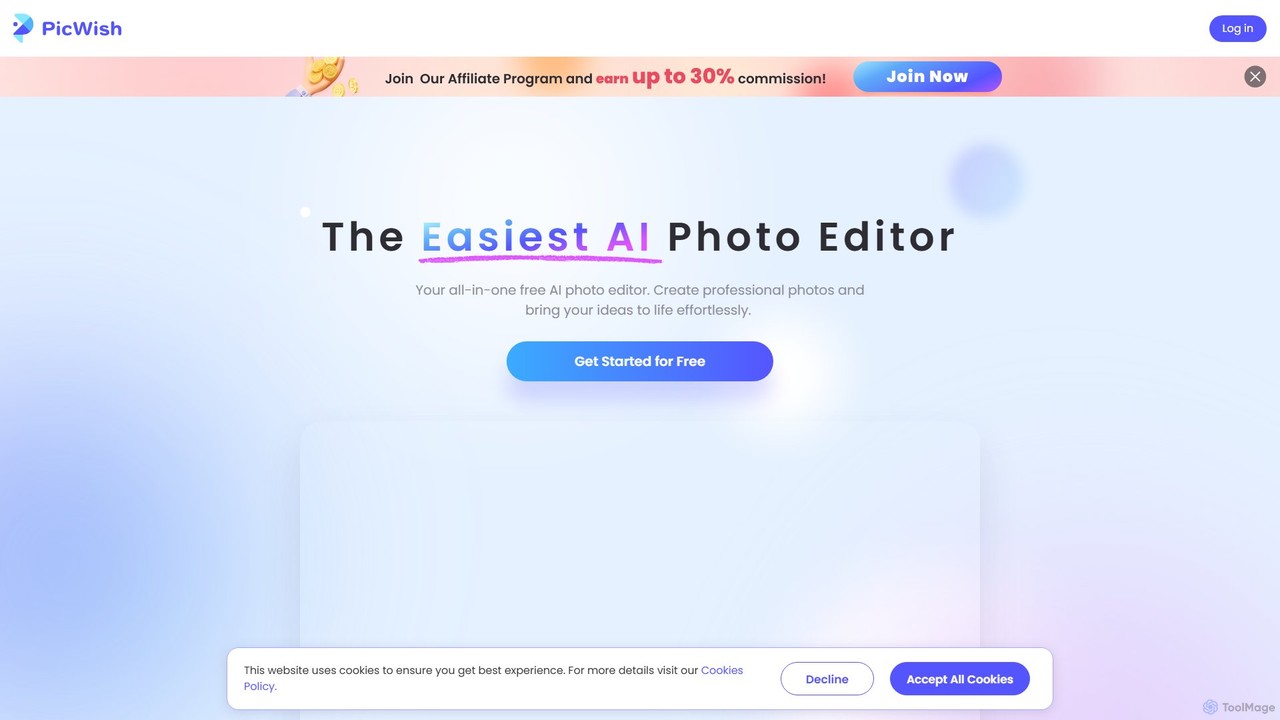
PicWish
PicWish is an all-in-one AI-powered photo editing suite designed to simplify complex image processing. It offers a wide range of free and pro tools, including background removal, photo enhancement, object removal, and AI background generation. Available online and as a dedicated app, PicWish empowers e-commerce sellers, designers, and content creators to produce professional-quality visuals effortlessly, without needing advanced technical skills.
Image Generation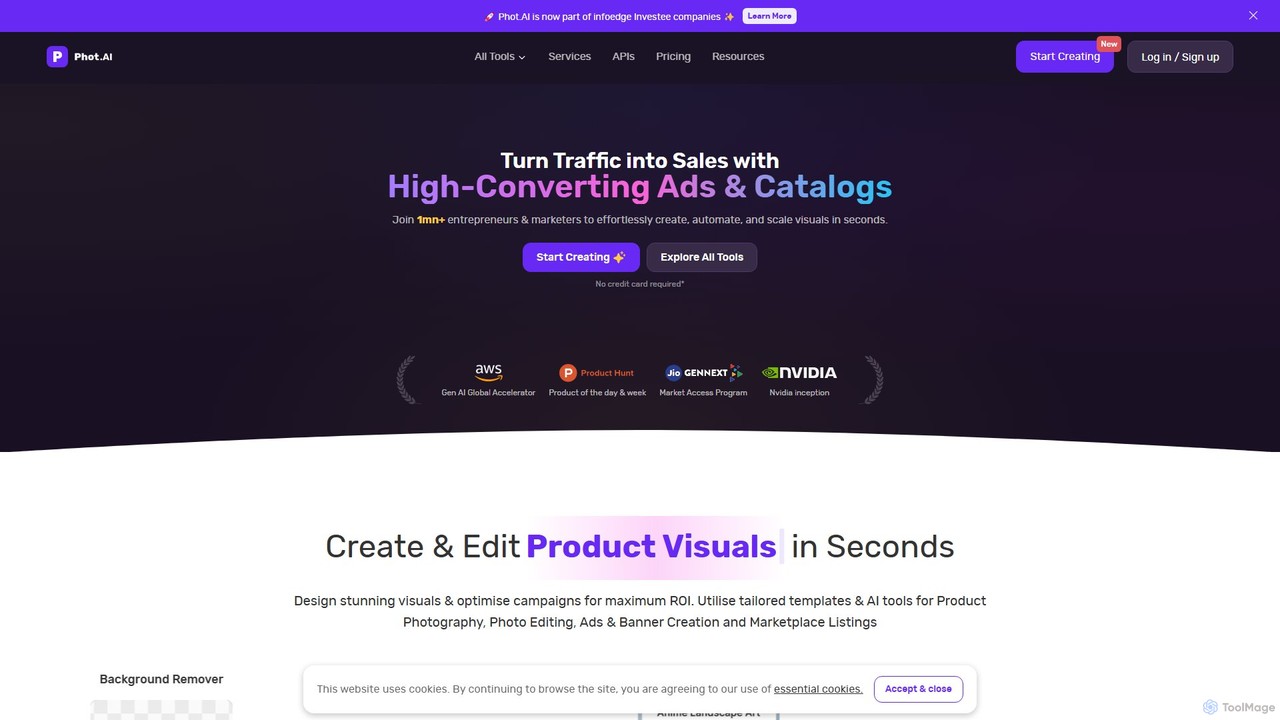
Phot.AI
Phot.AI is an AI-powered visual content creation platform designed for e-commerce, marketers, and businesses. It offers a suite of over 40 tools to automate photo editing, generate high-converting ads, create professional product photos, and scale visual content production effortlessly. From background removal to AI art generation, Phot.AI helps users save time and boost sales with studio-quality visuals.
3DMagic Studio
Magic Studio is an all-in-one AI-powered image editing suite designed for everyone. It allows users to effortlessly create stunning visuals, remove unwanted objects, change backgrounds, generate images from text, and enhance photo quality in seconds, no design skills required.
Product PhotosPxBee
PxBee is a free, AI-powered photo editor designed to create stunning visuals effortlessly. It specializes in one-click background removal, AI background generation, and photo enhancement. Users can easily change backgrounds, fix blurry images, upscale resolution, and generate realistic scenes, making it ideal for e-commerce, marketing, and creative projects.
Product Photosphotorush
Photorush is an AI-powered image editing suite designed for speed and efficiency. It automates complex tasks like background removal, object erasing, and one-click enhancement, enabling users to create professional-quality images in seconds. Ideal for e-commerce, marketing, and social media content creation.
Product Images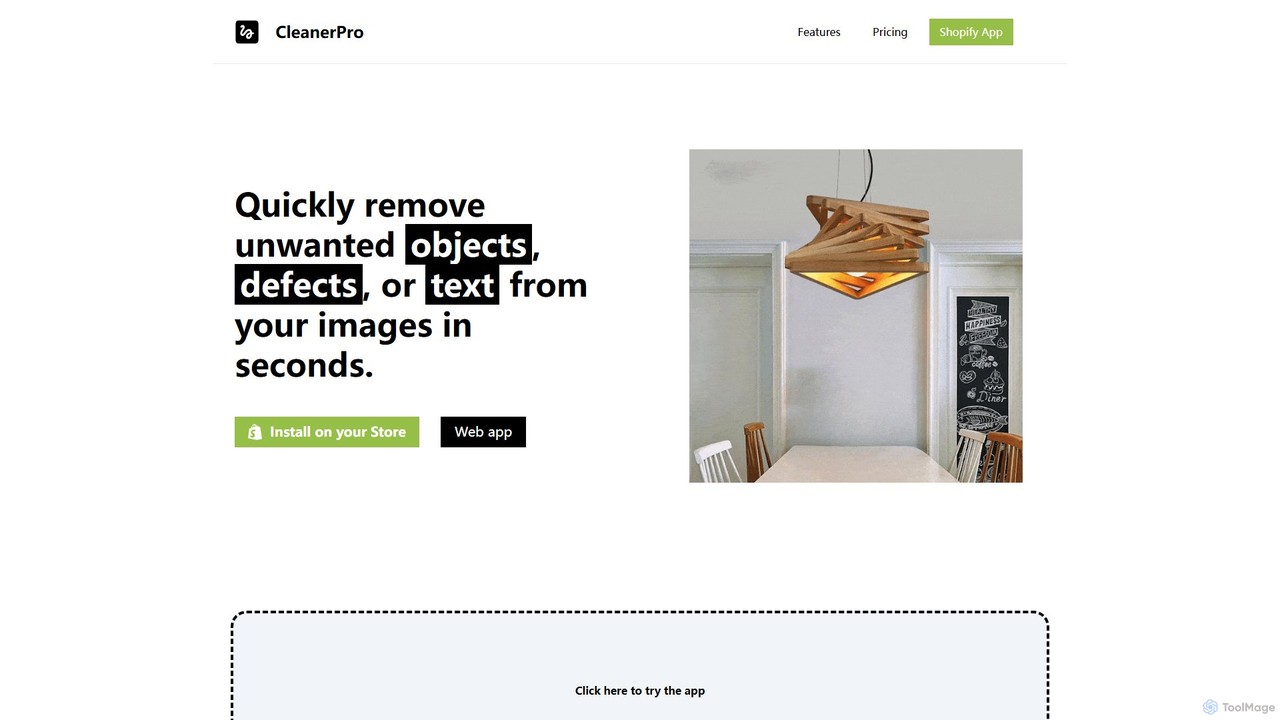
CleanerPro
CleanerPro is an AI-powered image editor app for Shopify, designed to effortlessly enhance your product photos. It allows you to remove unwanted objects, people, and text, erase backgrounds, upscale image resolution, and compress file sizes in seconds, ensuring your store's visuals are professional and load quickly.
Product Image Editing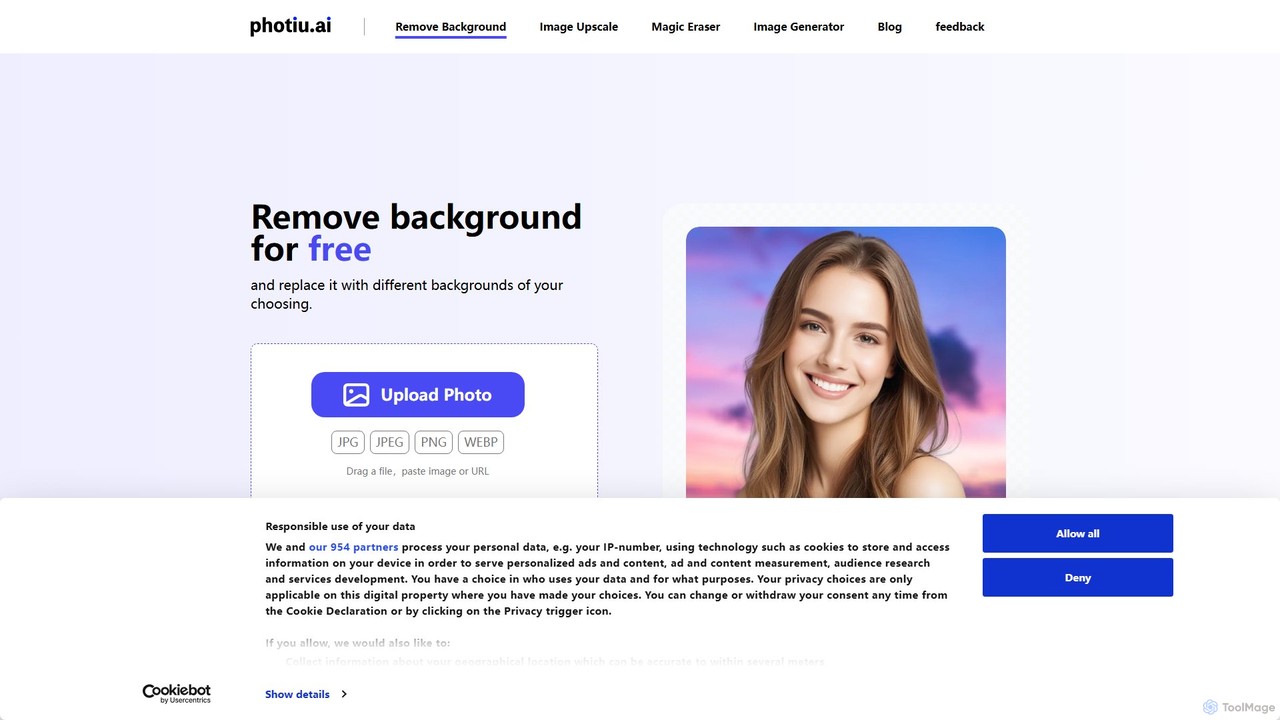
Photiu.ai
Photiu.ai is an AI-powered online image editing suite designed to simplify complex photo manipulation tasks. It offers a set of powerful tools, including a precise background remover, an intelligent object eraser for cleaning up images, and a high-quality image upscaler. This platform is perfect for e-commerce store owners, marketers, photographers, and social media creators who need professional-looking images quickly and without the need for advanced software skills.
3D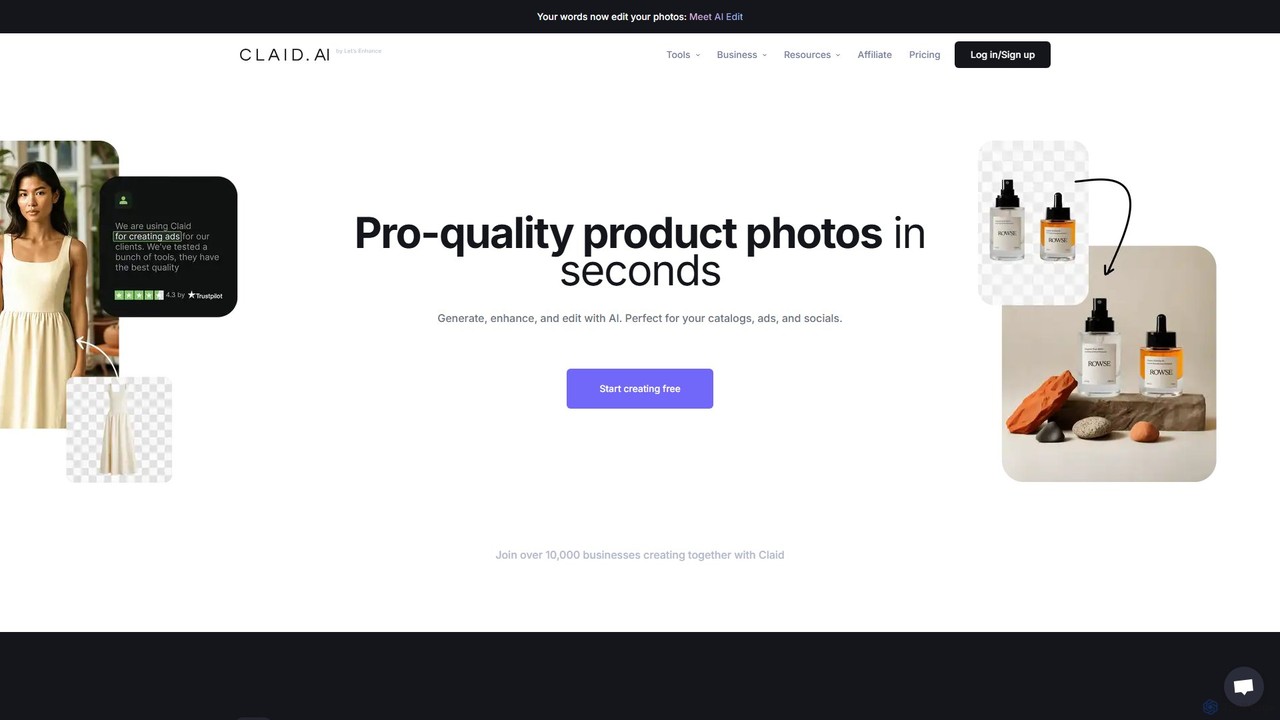
Claid.ai
Claid.ai is an all-in-one AI product photography suite designed for e-commerce and marketing. It allows users to generate, enhance, and edit professional-quality product photos in seconds. Key features include AI background generation, AI fashion models, image upscaling, and automated editing workflows, helping businesses improve conversions and streamline content creation without needing technical skills.
3D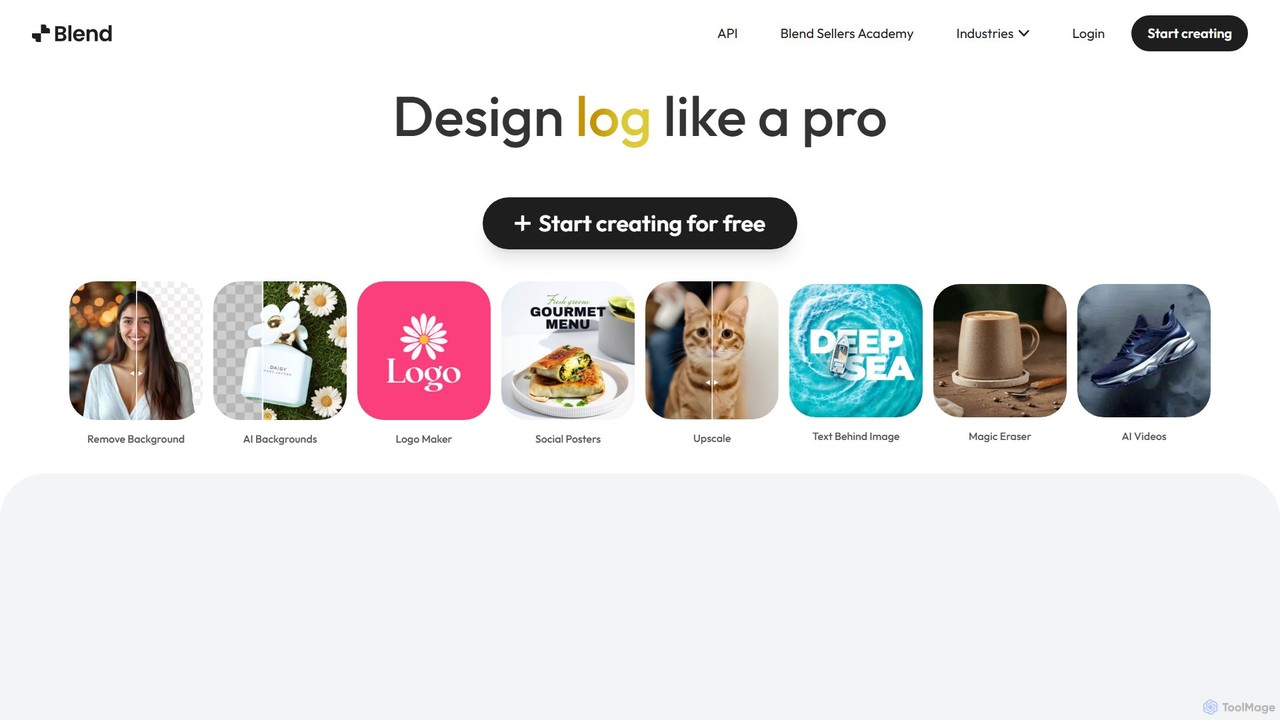
Blend
Blend is an AI-powered visual design platform for e-commerce, offering tools like an instant background remover, AI photoshoot generator, and logo maker. It helps businesses create professional product photos, social media content, and brand assets in seconds, eliminating the need for expensive photoshoots and complex software.
Logo Generation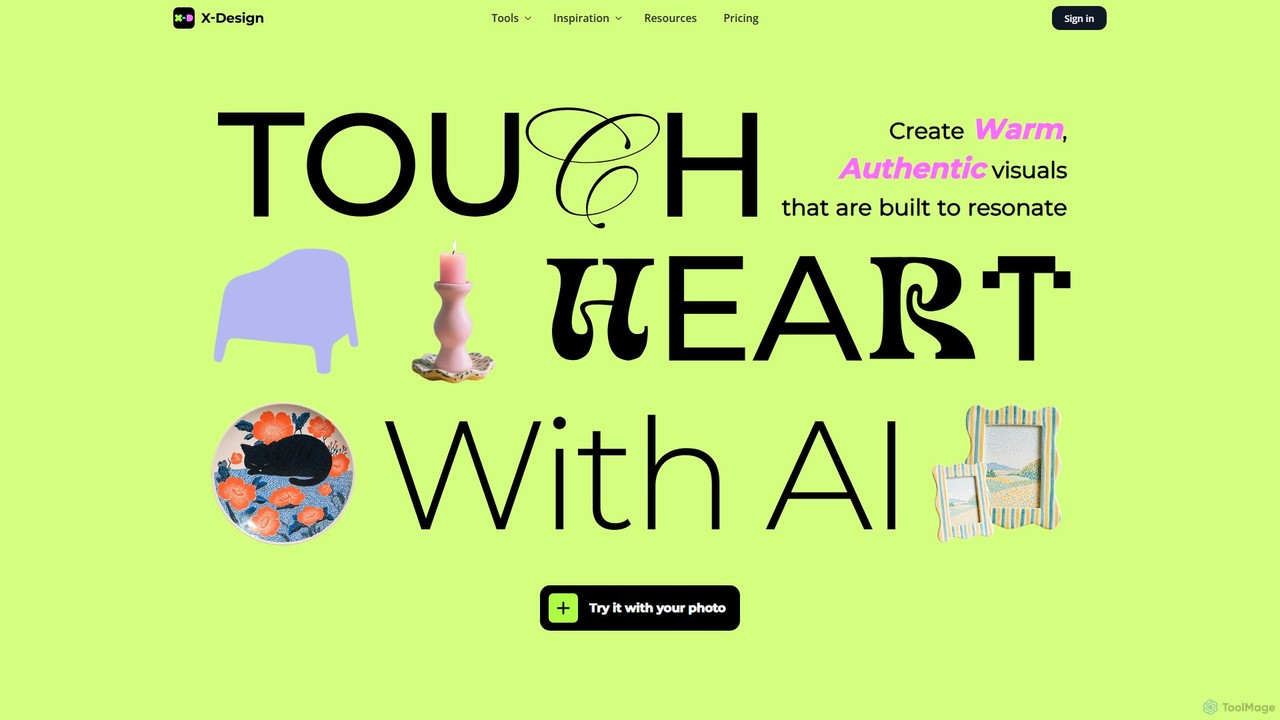
x_design
x_design is an AI-powered photo and video editing studio designed for marketing and e-commerce. It helps users create warm, authentic visuals by offering tools for background removal, image enhancement, object removal, and generating realistic lifestyle scenes with AI models and props.
Product Visuals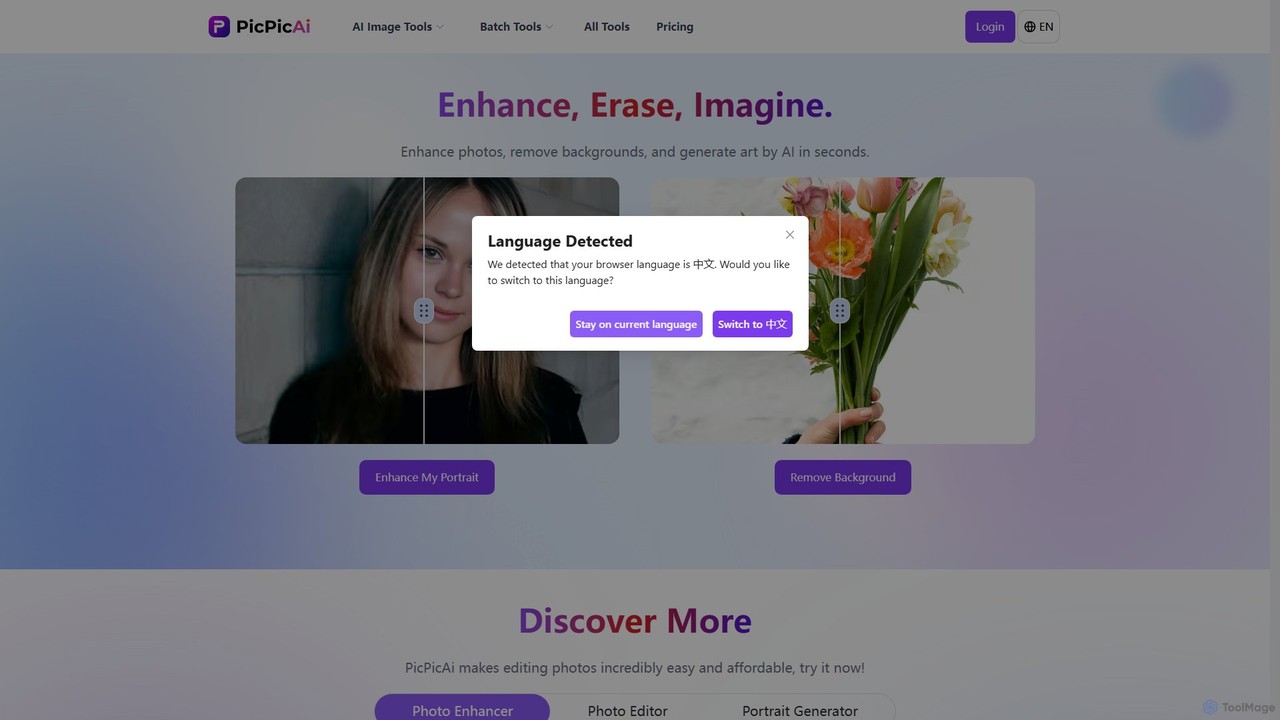
PicPicAI
PicPicAI is an all-in-one AI-powered photo editing suite designed for ease of use and professional results. It offers a wide range of tools, including photo enhancement, background and object removal, AI art generation, portrait retouching, and old photo restoration. Ideal for marketers, e-commerce sellers, and content creators.
Image Generation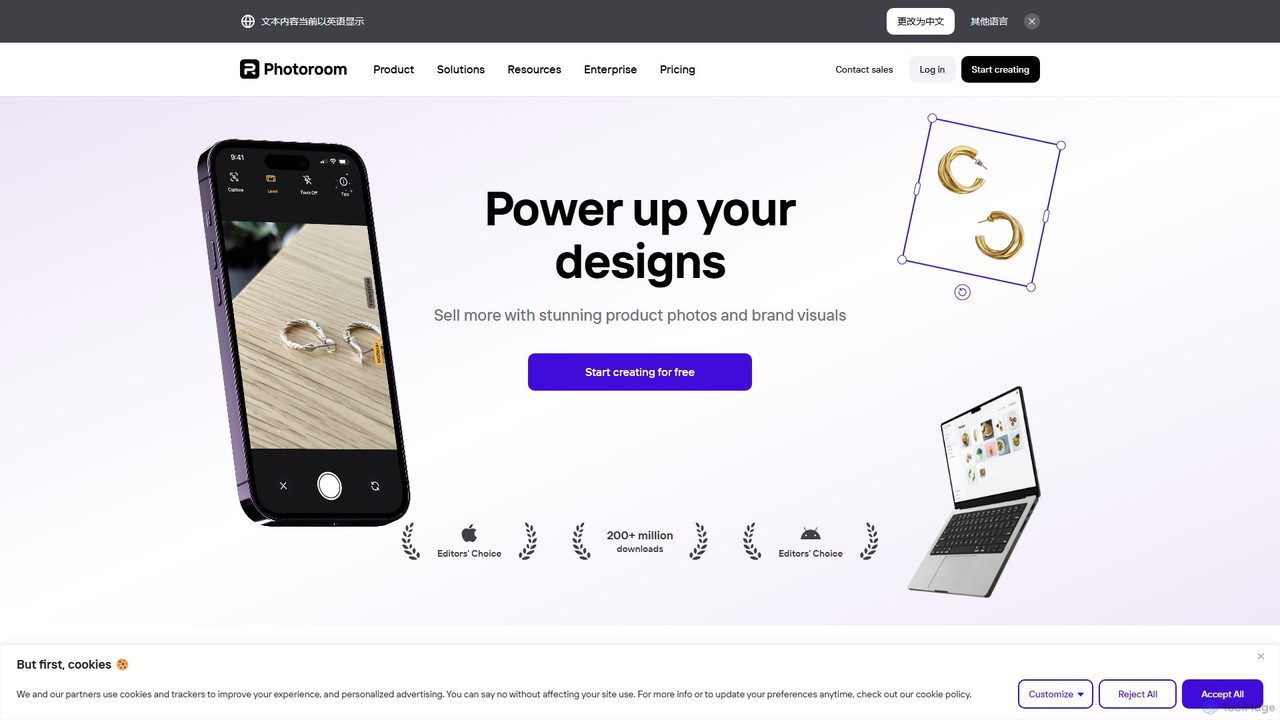
Photoroom
Photoroom is an AI-powered photo editor that automatically removes backgrounds to create professional product photos, profile pictures, and marketing images in seconds. Featuring AI-generated backgrounds, magic eraser, and batch editing, it simplifies complex editing tasks for e-commerce sellers, marketers, and creators. Available on web and mobile, it offers a fast, easy way to produce studio-quality visuals without any design skills.
Graphic Design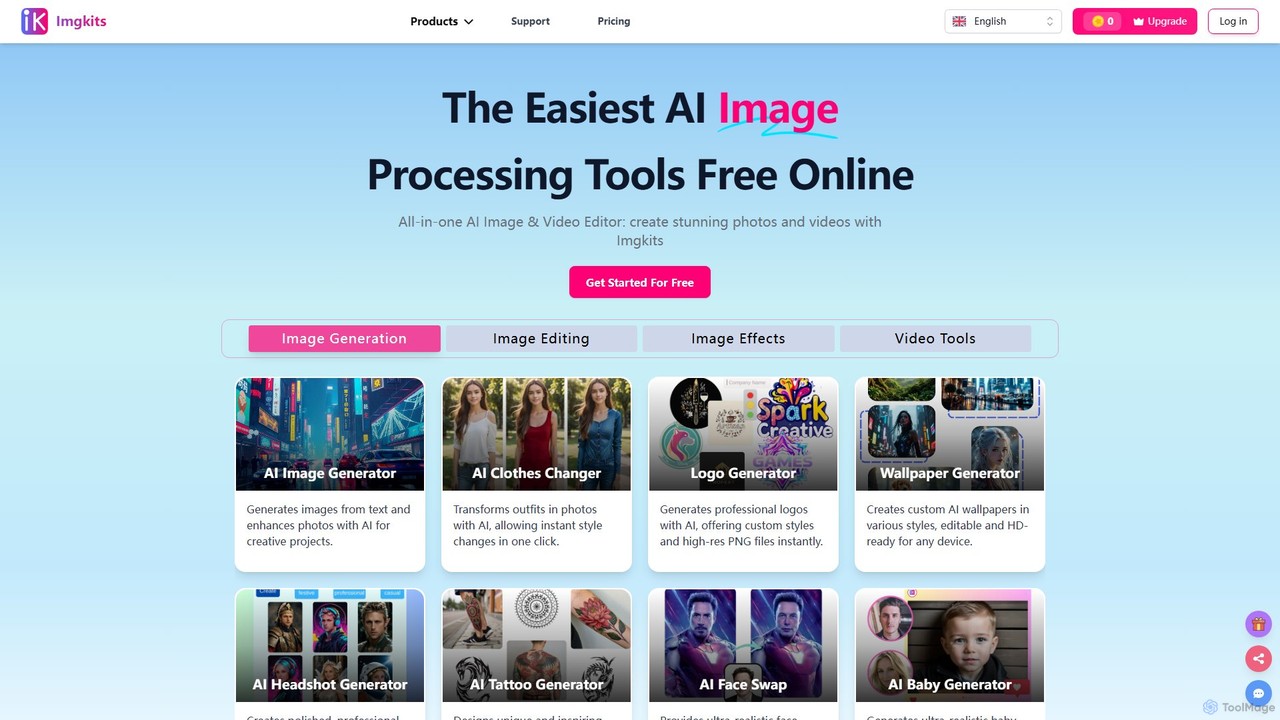
Imgkits
Imgkits is a comprehensive, AI-powered online platform for image and video editing. It offers a wide array of tools, including AI image generation, background removal, photo restoration, object removal, and video creation from text or images. Designed for ease of use, it allows users to create stunning visuals for professional or personal projects without requiring any technical expertise.
Generative Art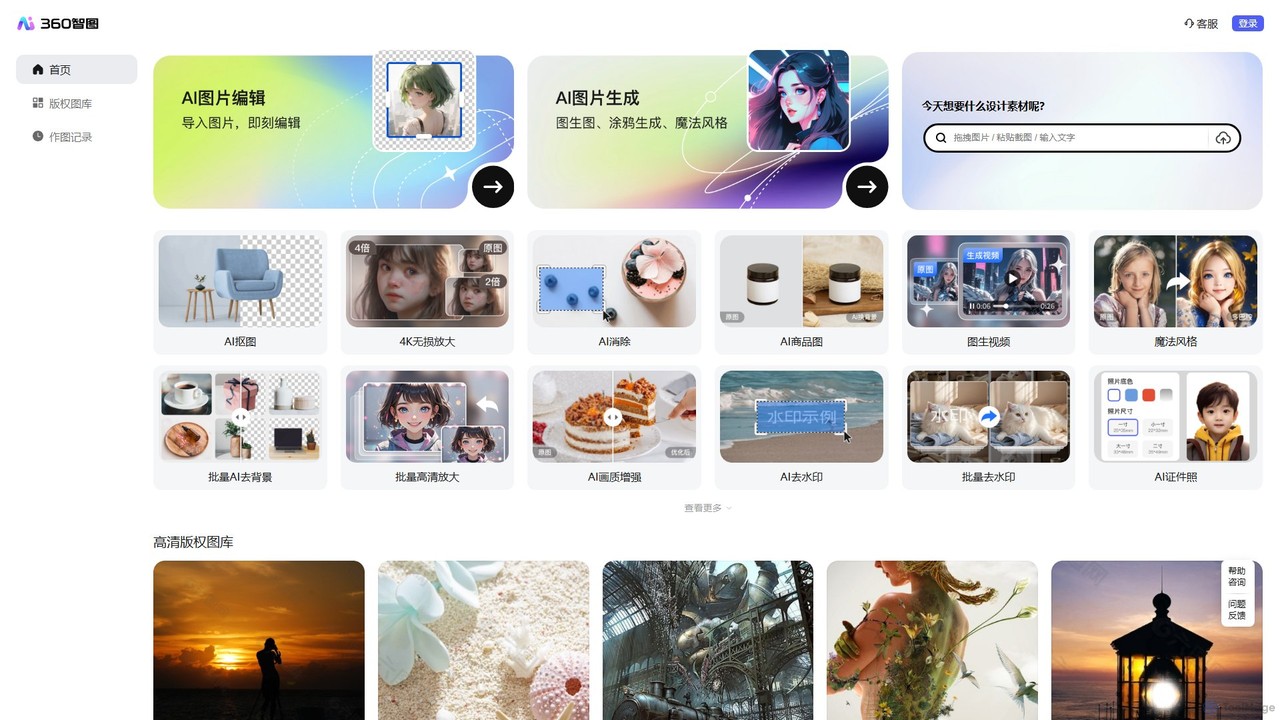
360 Zhitou
360 Zhitou is a comprehensive AI-powered image creation and editing platform. It offers a suite of tools including AI background removal, 4K image upscaling, object and watermark removal, AI-generated product photos, image-to-video conversion, and artistic style transfer. It's designed for e-commerce, marketing, and design professionals.
Generative Art
Pixelcut Comments (0)
Sign in to comment.
Sign inNo comments yet.