


Magic Studio Overview
Magic Studio is a comprehensive suite of AI-powered tools designed to simplify and democratize professional-grade image editing. It empowers users, from individuals to businesses, to create stunning visuals for product pages, advertisements, social media posts, and personal projects without needing any specialized design skills. Trusted by millions of users worldwide, Magic Studio combines multiple powerful functionalities into a single, intuitive web-based platform and mobile application.
The core philosophy of Magic Studio is to make complex editing tasks effortless and fast. Whether you need to clean up a photograph, create a compelling product shot, or bring a creative idea to life from a simple text description, the platform provides the necessary tools. It's an ideal alternative to traditional, complex software like Photoshop for a wide range of everyday graphical tasks.
How to use Magic Studio
Using the tools within Magic Studio is designed to be a simple, step-by-step process:
- Select a Tool: Choose the specific function you need, such as Magic Eraser, Background Remover, or AI Image Generator.
- Upload Your Image or Enter Text: For editing tools, drag and drop your image file (supports JPG, PNG, HEIC, WEBP, etc.) or upload it from your device. For the AI Generator, type a detailed description of the image you want to create.
- Edit or Generate:
- For Magic Eraser, use the brush to highlight the unwanted object, person, or text. The AI will intelligently fill in the background.
- For Background Remover, the AI automatically detects and removes the background. You can then add a new solid color or image.
- For the AI Image Generator, select a style (e.g., cinematic, photographic, anime) and an aspect ratio (square, portrait, landscape), then click 'Generate'. - Refine and Download: Review the AI-generated result. If needed, you can make further adjustments or re-run the process. Once satisfied, download the final image in a high-quality format suitable for your needs.
Core Features of Magic Studio
- Magic Eraser: Seamlessly remove unwanted objects, people, text, or blemishes from any photo with a simple brush stroke.
- AI Image Generator: Create unique, high-quality images and art from text descriptions. Describe your vision, and the AI brings it to life in various styles.
- Background Remover: Instantly remove the background from any photo with a single click, creating a transparent background or allowing you to add a new one.
- Image Upscaler: Enlarge images up to 4K resolution without losing quality or detail, perfect for printing or high-definition displays.
- Background Blur: Add a professional-looking depth-of-field effect by blurring the background of your photos, making the subject stand out.
- Product Photography Tool: Automatically create stunning, studio-quality product photos for e-commerce, saving time and money on professional photoshoots.
- File Converters: Includes handy utilities like HEIC to JPG and WEBP to PNG converters.
- API Access: Developers can integrate Magic Studio's powerful image editing capabilities into their own applications.
Use Cases for Magic Studio
Magic Studio is versatile and serves a wide array of needs:
- E-commerce: Creating clean, professional product listings for platforms like Shopify, Amazon, and Etsy by removing backgrounds and enhancing images.
- Marketing & Advertising: Designing eye-catching visuals for social media campaigns, web banners, and promotional materials.
- Real Estate: Cleaning up property photos by removing clutter, furniture, or unwanted objects to make listings more appealing.
- Photography: Speeding up the editing workflow by quickly removing distractions or imperfections from portraits and landscape shots.
- Personal Use: Editing personal photos, such as removing photobombers from travel pictures or creating unique AI-generated art for fun.
- Content Creation: Generating custom images and graphics for blogs, presentations, and other digital content.
Advantages of Magic Studio
The platform stands out for several key reasons:
- Simplicity: The user interface is incredibly intuitive, making it accessible to users of all skill levels.
- Speed: AI-powered processes reduce editing time from hours to mere seconds.
- Cost-Effective: Provides professional results without the high cost of traditional software licenses or hiring designers.
- All-in-One Solution: A comprehensive suite of tools eliminates the need to switch between multiple applications.
- High-Quality Output: The AI models are trained to produce clean, realistic, and high-resolution results.
Pricing and Plans
Magic Studio operates on a freemium model:
- Free Plan: Allows users to access basic features with some limitations, such as ads, a Magic Studio watermark on downloads, lower-resolution output, and single-image editing.
- Pro Plan: Offers a premium experience with several subscription options (e.g., 3, 6, or 12 months). Benefits include:
- No ads and no watermarks.
- High-resolution downloads.
- Batch editing for multiple images at once.
- Full access to all tools in the Magic Studio suite.
- The 12-month plan typically offers the best value with a significant discount.
Traffic
Latest traffic
Status
Monthly traffic trend
- 2026-1: 1.1M
- 2026-2: 1.0M
- 2026-3: 1.1M
- 2026-4: 1.1M
- 2026-5: 991.8K
Geography
Top 5 countries / regions
- 🇺🇸United States36.0%
- 🇮🇳India32.5%
- 🇨🇳China15.4%
- 🇧🇷Brazil8.4%
- 🇷🇺Russia7.6%
Traffic sources
| Source type | Percentage |
|---|---|
Direct | 88.8% |
Referral | 9.6% |
Email | 1.5% |
Top keywords
| Keyword | Cost per click |
|---|---|
| background blur | $0.53 |
| background remover | $0.35 |
| blur background | $0.49 |
| magic eraser | $0.34 |
| magic studio | $0.52 |
Magic Studio Videos on YouTube

Digital Media with Essa
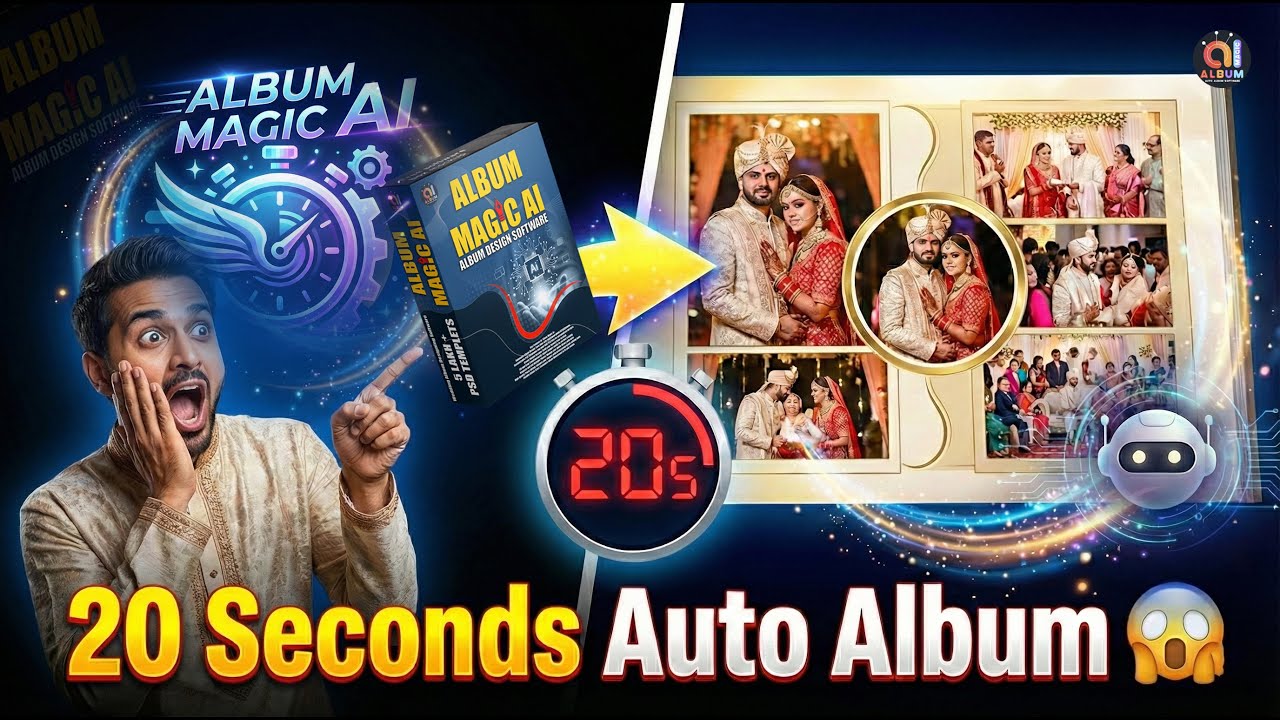
Album Magic Studio
Magic Studio Alternatives
360 Zhitou
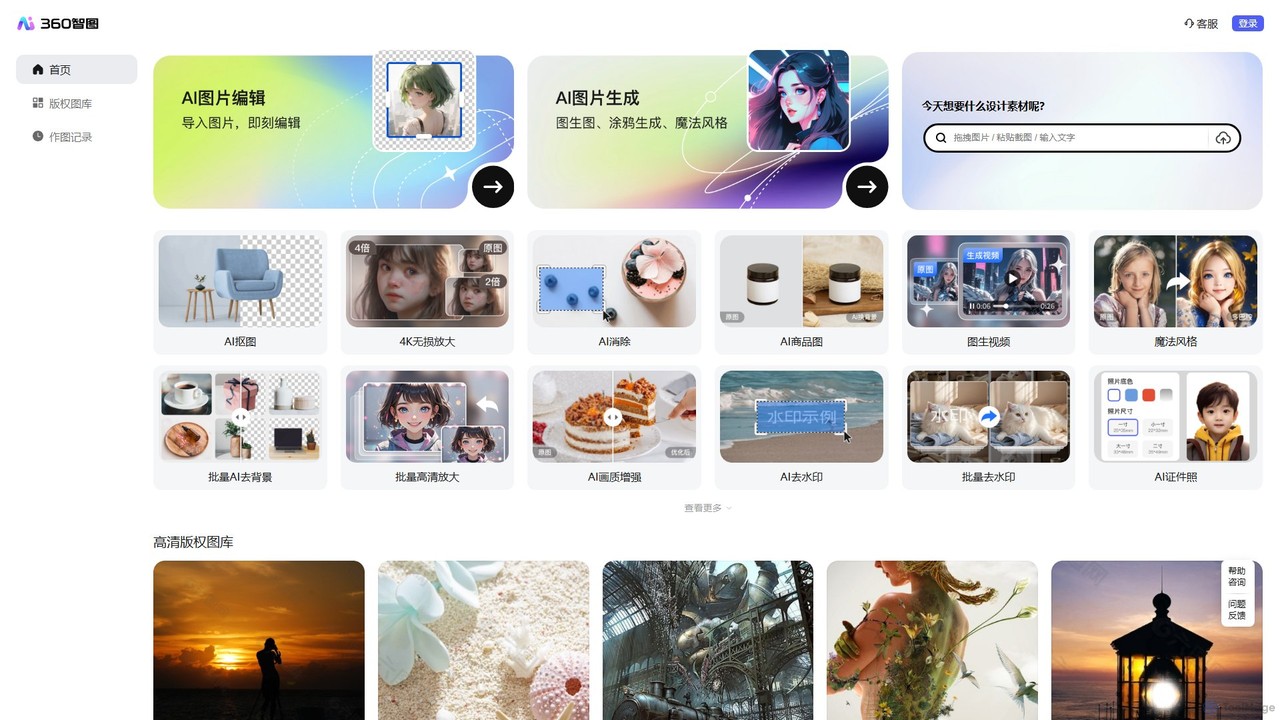
360 Zhitou is a comprehensive AI-powered image creation and editing platform. It offers a suite of tools including AI background removal, 4K image upscaling, object and watermark removal, AI-generated product photos, image-to-video conversion, and artistic style transfer. It's designed for e-commerce, marketing, and design professionals.
Generative Art
PxBee
PxBee is a free, AI-powered photo editor designed to create stunning visuals effortlessly. It specializes in one-click background removal, AI background generation, and photo enhancement. Users can easily change backgrounds, fix blurry images, upscale resolution, and generate realistic scenes, making it ideal for e-commerce, marketing, and creative projects.
Product Photos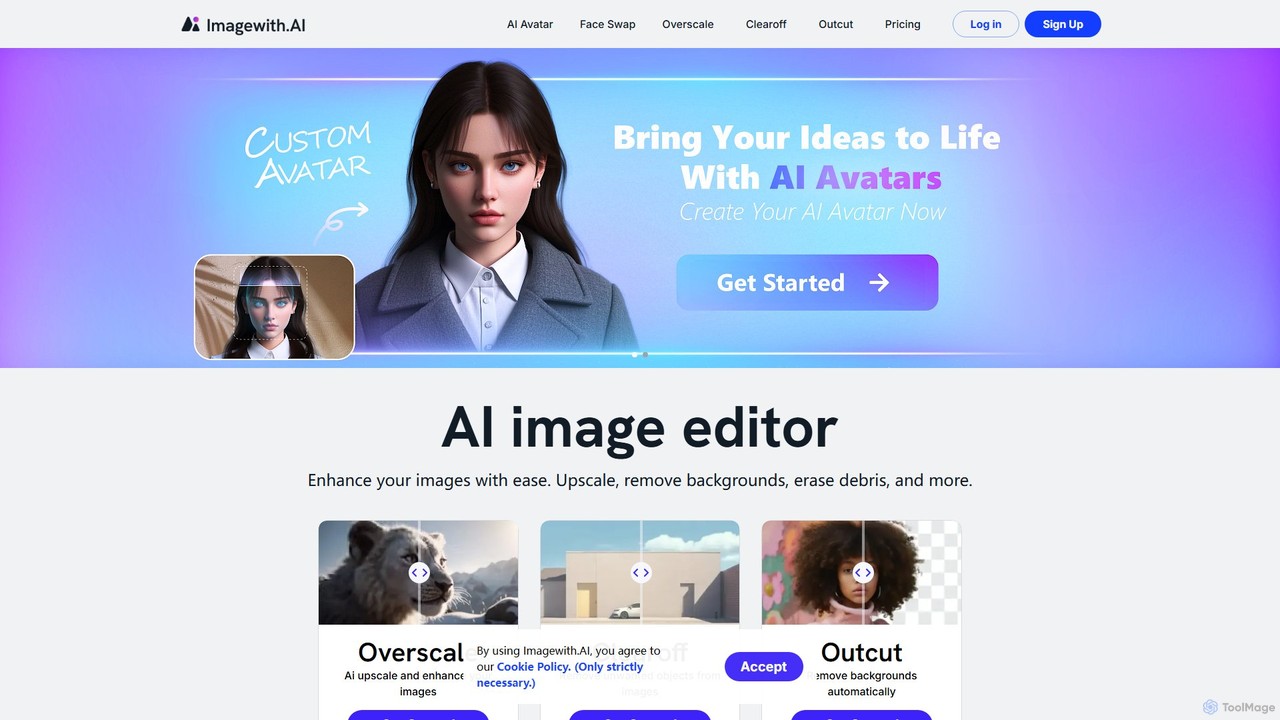
imagewith.ai
imagewith.ai is an AI-powered online image editing suite designed to simplify complex photo editing tasks. It offers a set of powerful tools including an image upscaler (Overscale), a background remover (Outcut), and an object remover (Clearoff). This platform enables users of all skill levels, from amateur photographers to e-commerce professionals, to enhance, clean, and perfect their images with just a few clicks, boosting efficiency and creativity without the need for complex software.
Product Photos
xiu.ai
xiu.ai is an all-in-one AI-powered image editing and creation suite. It offers tools for one-click photo enhancement, background removal, object erasing, image upscaling, and text-to-image generation, designed for creators and marketers.
Image Generation
Pincel
Pincel is a comprehensive, web-based AI image editing suite designed for speed and simplicity. It offers a vast collection of tools, from one-click object removal and generative fill to AI portrait creation, face swapping, and artistic QR codes. Ideal for marketers, designers, and content creators, Pincel streamlines complex photo editing tasks into an intuitive workflow, accessible on any device without needing specialized skills or expensive software.
Image GeneratorMagic Studio Categories
Magic Studio Embed Widget
Copy this embed code to place the badge on your blog, article, or product site and send readers directly to this ToolMage detail page.

Related AI tools
Green Screen AI
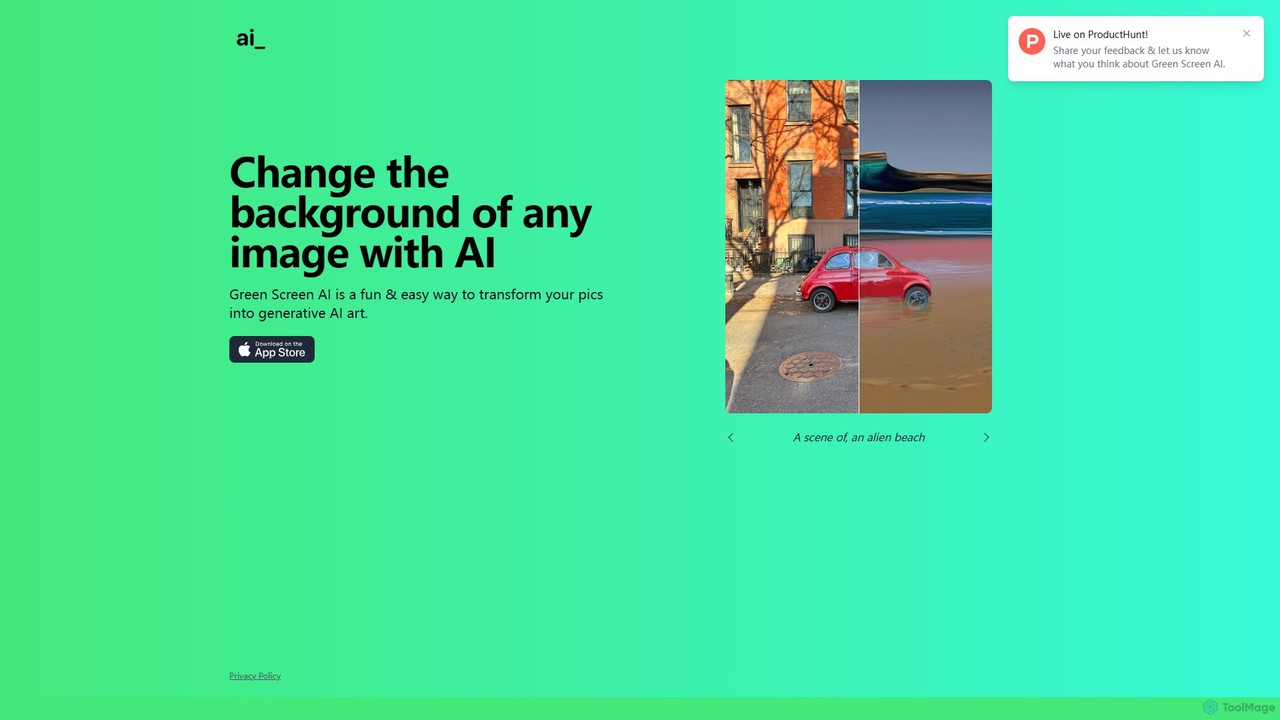
Green Screen AI is a fun and powerful tool that uses generative AI to instantly change the background of any image. Simply upload a photo, describe the new scene you want, and watch as the AI creates a unique, high-quality background for you.
Background Removal360 Zhitou
360 Zhitou is a comprehensive AI-powered image creation and editing platform. It offers a suite of tools including AI background removal, 4K image upscaling, object and watermark removal, AI-generated product photos, image-to-video conversion, and artistic style transfer. It's designed for e-commerce, marketing, and design professionals.
Generative Art
Pixelcut
Pixelcut is an all-in-one AI-powered creative suite for photo and video editing. It enables users to instantly remove backgrounds, upscale images to 4K, erase objects, generate images and videos from text prompts, and collaborate with teams. It's designed for creators, brands, and businesses to produce professional-quality content quickly and easily.
Image Editing
Chuangkit AI
Chuangkit AI is an all-in-one intelligent design platform that leverages AI to automate creative workflows. It enables users to generate posters, product photos, logos, and social media content from simple text prompts, and offers a comprehensive suite of AI-powered image editing tools.
Graphic Design
Fotoai.ai
Fotoai.ai is a powerful AI-powered tool for instant, automatic background removal. It allows users to create transparent backgrounds (PNGs), add new backgrounds, and remove unwanted objects with text prompts or a magic eraser. Designed for e-commerce, marketing, and design, it supports batch processing to streamline workflows. It's a fast, free, and user-friendly solution for professional-quality image editing without any technical skills.
Product Photos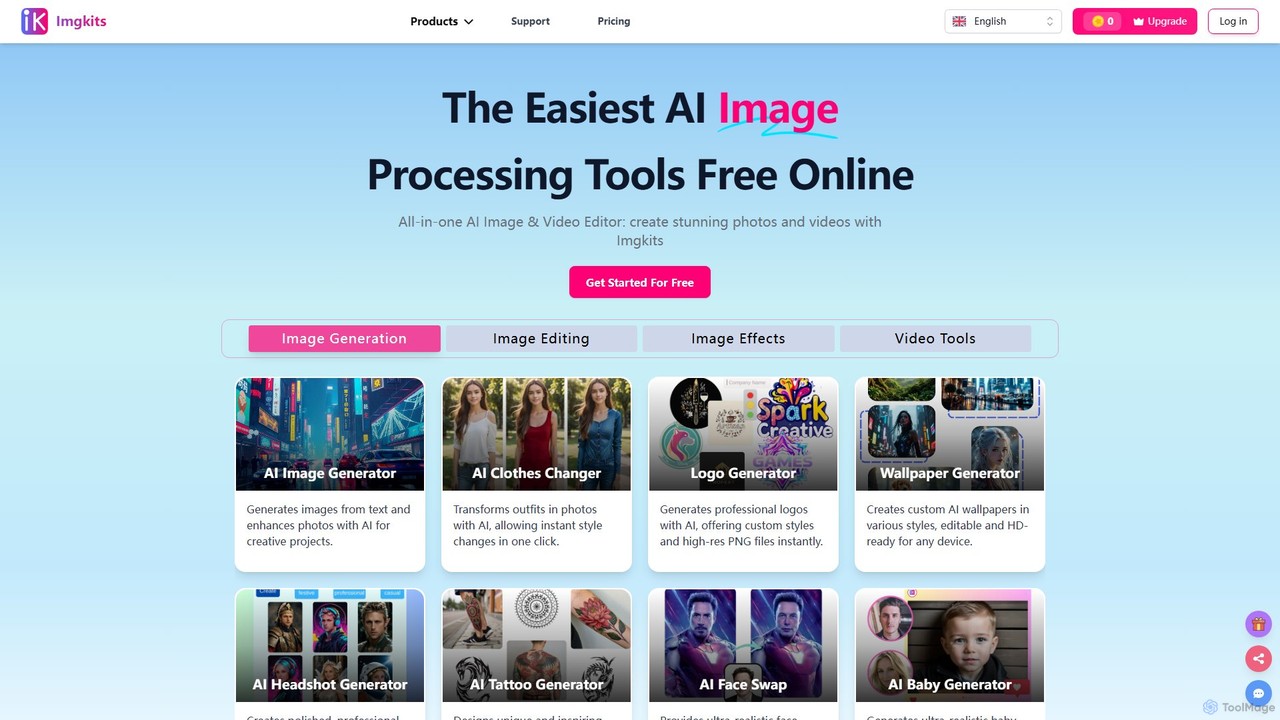
Imgkits
Imgkits is a comprehensive, AI-powered online platform for image and video editing. It offers a wide array of tools, including AI image generation, background removal, photo restoration, object removal, and video creation from text or images. Designed for ease of use, it allows users to create stunning visuals for professional or personal projects without requiring any technical expertise.
Generative Art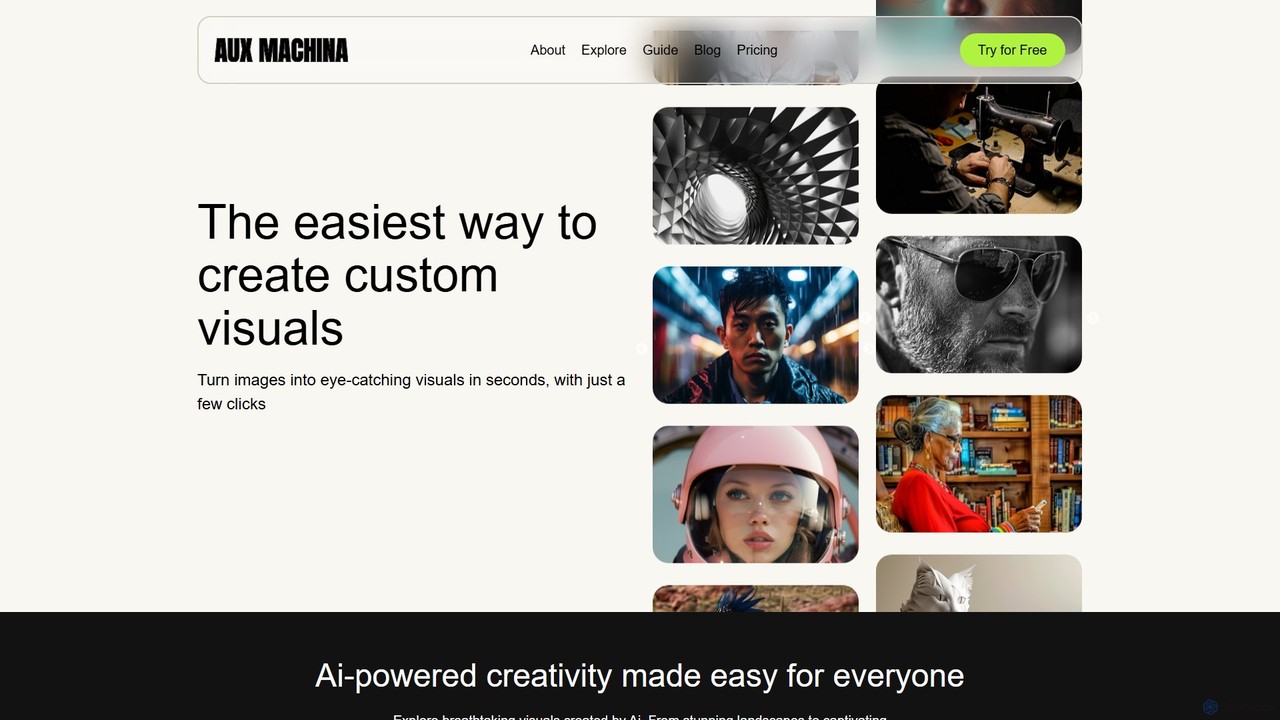
Aux Machina
Aux Machina is an AI-powered platform designed to effortlessly create and edit high-quality, custom visuals. It allows users to generate unique, royalty-free images from text prompts in seconds. Integrating top models like DALL-E 3 and Midjourney, it's an affordable and intuitive solution for marketers, designers, and content creators to bring their ideas to life without licensing restrictions.
Graphics
Imagine AI
Imagine AI is a user-friendly mobile application designed to make advanced AI image editing and generation accessible to everyone. Through its IMGN app, users can effortlessly create stunning AI art from text prompts, enhance photo quality, remove unwanted objects or backgrounds, and apply artistic styles. No technical expertise is required, making it the perfect tool for social media creators, marketers, and anyone looking to unleash their creativity on their smartphone.
Image EditingPxBee
PxBee is a free, AI-powered photo editor designed to create stunning visuals effortlessly. It specializes in one-click background removal, AI background generation, and photo enhancement. Users can easily change backgrounds, fix blurry images, upscale resolution, and generate realistic scenes, making it ideal for e-commerce, marketing, and creative projects.
Product Photosimagewith.ai
imagewith.ai is an AI-powered online image editing suite designed to simplify complex photo editing tasks. It offers a set of powerful tools including an image upscaler (Overscale), a background remover (Outcut), and an object remover (Clearoff). This platform enables users of all skill levels, from amateur photographers to e-commerce professionals, to enhance, clean, and perfect their images with just a few clicks, boosting efficiency and creativity without the need for complex software.
Product Photosxiu.ai
xiu.ai is an all-in-one AI-powered image editing and creation suite. It offers tools for one-click photo enhancement, background removal, object erasing, image upscaling, and text-to-image generation, designed for creators and marketers.
Image Generation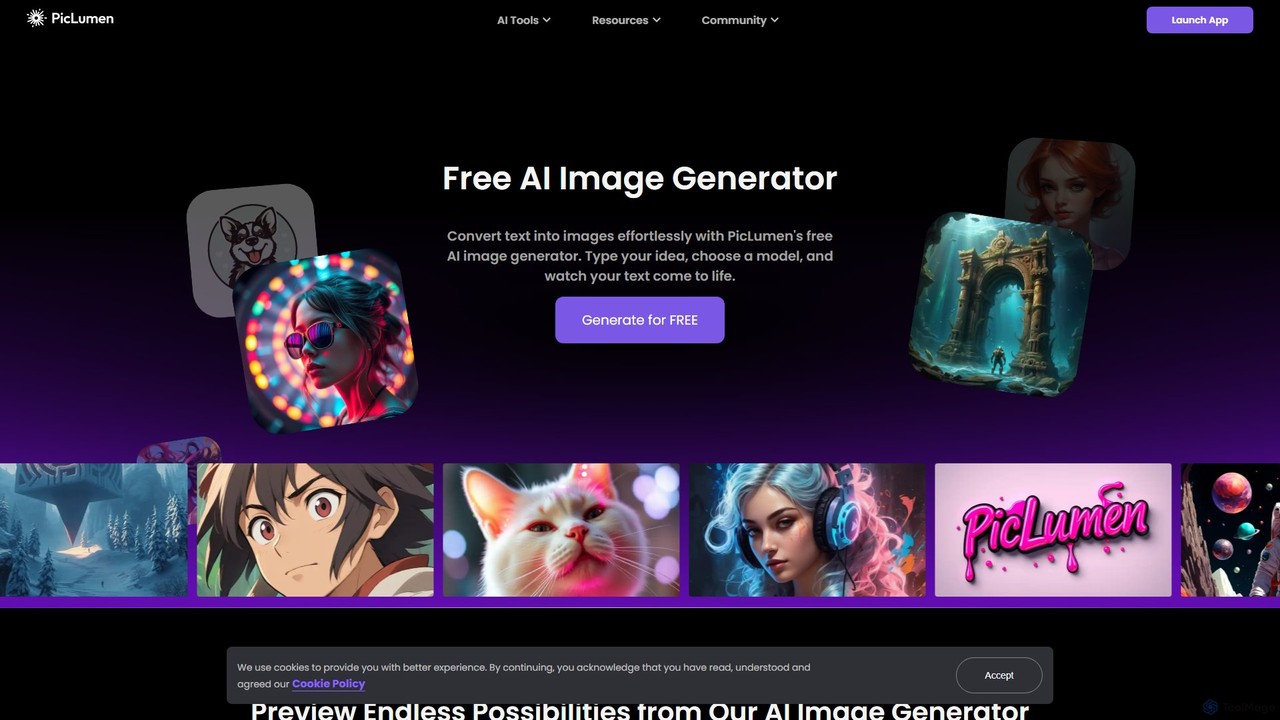
piclumen
PicLumen is a free, versatile AI image generator and editor that transforms text into stunning visuals. It offers a suite of tools including a background remover, image upscaler, colorizer, and an advanced image-to-image generator with multiple fine-tuned models for realistic photos, anime, and line art.
Generative Art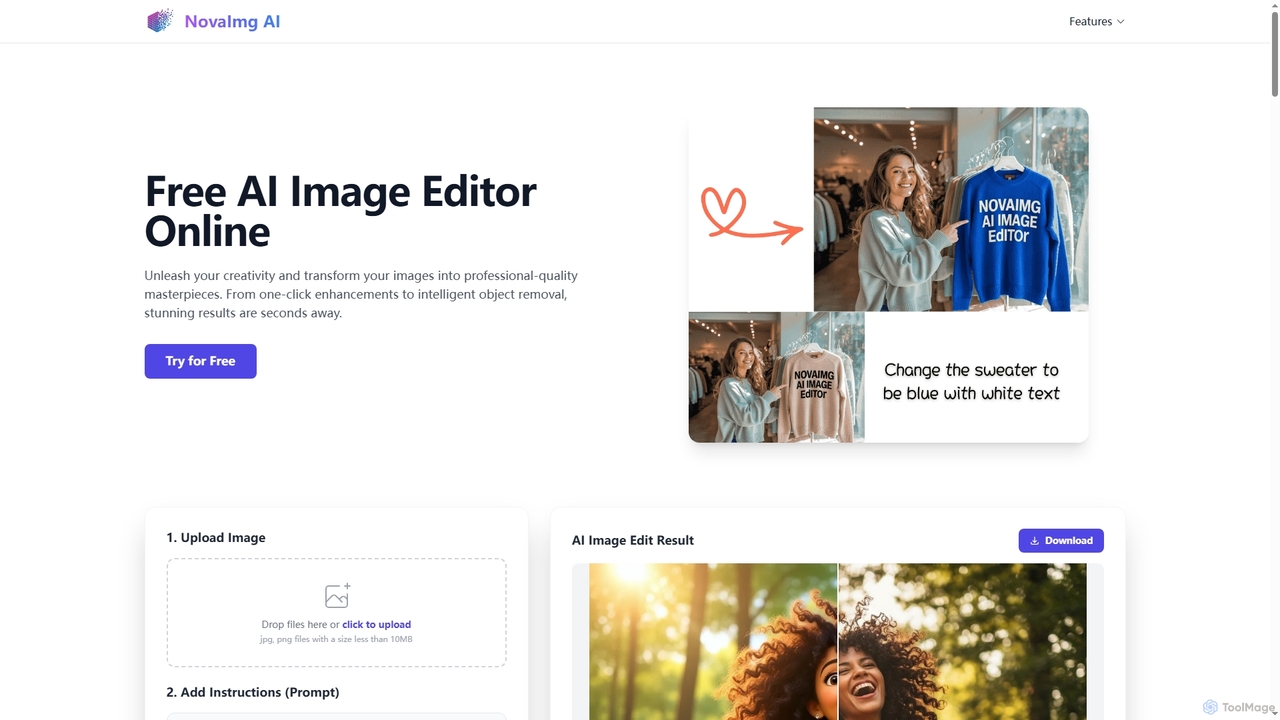
Novaimg
Novaimg is a versatile online AI tool suite for transforming and enhancing visual content. It offers a range of features including AI image editing with text prompts, 4K image upscaling, realistic face swapping for photos, videos, and GIFs, and an intelligent watermark remover. Designed for ease of use, Novaimg helps users create professional-quality images and videos for social media, e-commerce, and creative projects, often for free or with generous daily limits.
Graphic Design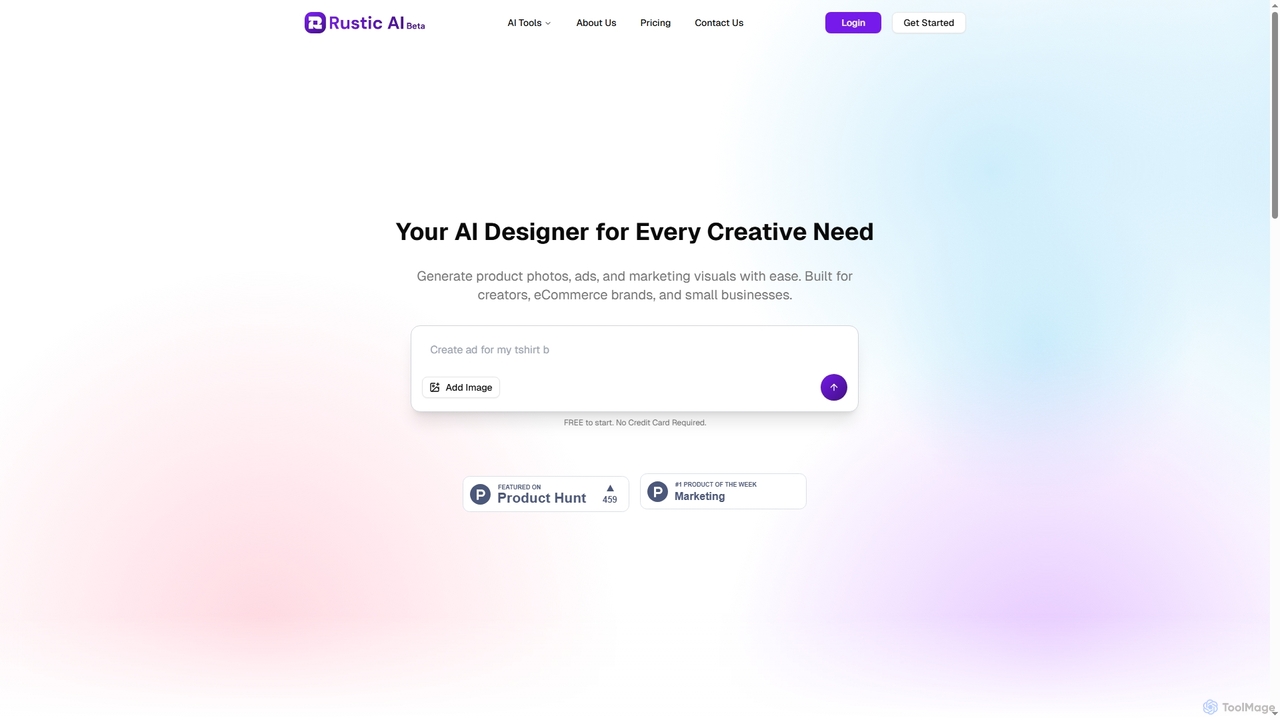
Rustic AI
Rustic AI is an intuitive AI design editor built for creators, e-commerce brands, and small businesses. It simplifies the generation of high-quality product photos, ad creatives, and marketing visuals, transforming ideas into stunning imagery with ease. The platform offers a suite of AI-powered tools to streamline visual content creation.
Graphic Design
Kira
Kira is a powerful AI-powered platform for professional-grade image generation and editing. It combines a versatile text-to-image generator with a comprehensive suite of editing tools, including background removal, inpainting, upscaling, and stylization. Its key feature is the ability to maintain consistent styles and characters across multiple edits and generations, making it ideal for branding, marketing, and creative projects that require a cohesive visual identity.
Graphic Design
Magic Studio Comments (0)
Sign in to comment.
Sign inNo comments yet.