

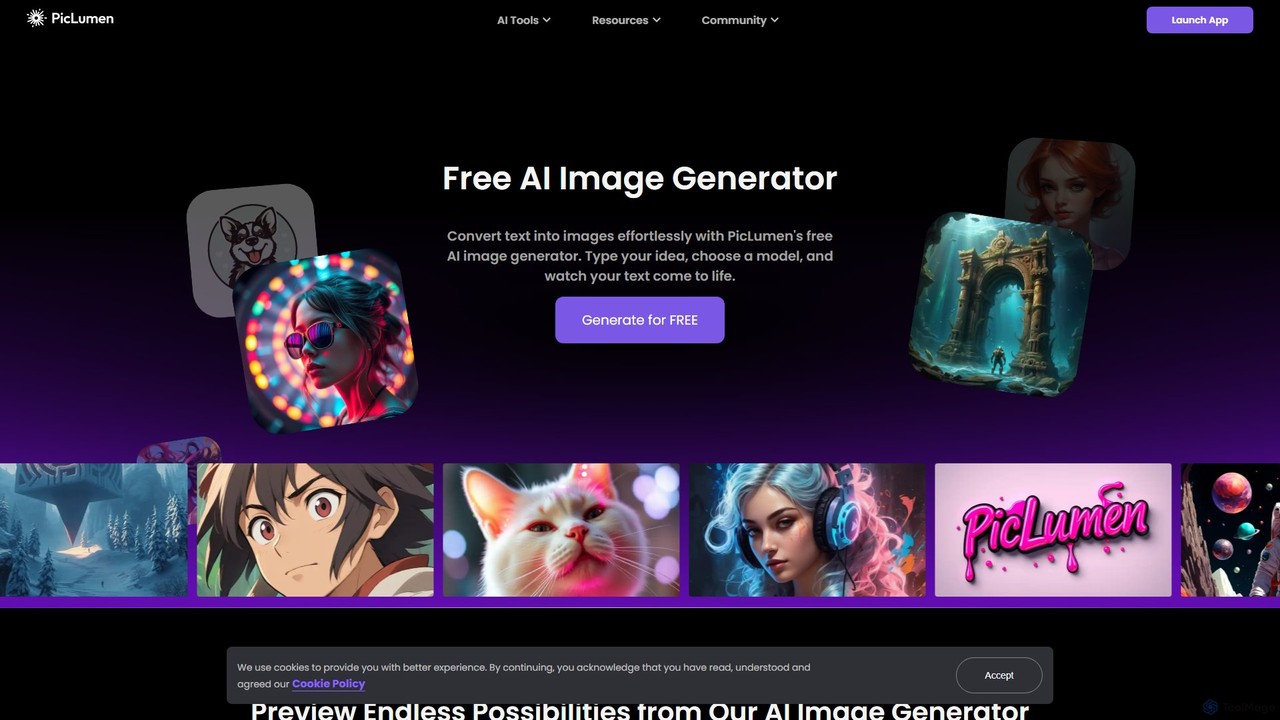
piclumen Overview
PicLumen is a comprehensive and powerful AI-powered platform designed for visual content creation. It stands out by offering not just a high-quality text-to-image generator but also an integrated suite of AI editing tools, making it a one-stop solution for artists, designers, marketers, and creators. With PicLumen, users can effortlessly bring their ideas to life, transforming simple text descriptions into detailed, high-resolution images in a variety of styles.
The platform is built on a foundation of accessibility and versatility. It provides a free entry point for users to explore the capabilities of AI art generation. At its core, PicLumen features several specialized, fine-tuned models, each designed to excel in a specific aesthetic. Whether you need hyper-realistic photographs, vibrant anime characters, or clean black-and-white line art, PicLumen has a model tailored to your needs. This eliminates the guesswork and complex prompt engineering often associated with other AI generators, allowing for more consistent and high-quality results.
How to use piclumen
Using PicLumen is designed to be an intuitive and straightforward process, even for beginners. Here’s a typical workflow:
- Sign Up or Log In: Create a free account or log in using Google, Apple, or email to access the platform's features.
- Choose Your Tool: From the main dashboard, select the tool you want to use. For new creations, choose the 'AI Image Generator'. For editing, select 'Background Remover', 'Image Upscaler', 'Image Colorizer', or 'Image Reference'.
- Generate from Text: If using the image generator, type a descriptive prompt into the text box. Be as specific as possible about the subject, style, colors, and composition.
- Select a Model: Choose the AI model that best fits your desired output, such as 'PicLumen Realistic V2' for photos or 'PicLumen Anime V2' for manga-style art.
- Generate and Refine: Click the 'Generate' button. PicLumen will create the image based on your prompt. You can then download the image or use the editing tools to refine it further.
- Use Editing Tools: To edit an image, upload your file and select a tool. For the 'Image Upscaler', you can adjust the redraw strength for precise control. For the 'Image Colorizer', you can provide text prompts to guide the coloring process.
Core Features of piclumen
- Advanced AI Image Generator: Converts text prompts into high-quality images with remarkable speed and accuracy.
- Fine-Tuned Models: Offers a selection of specialized models, including PicLumen Realistic V2 (for photorealism), PicLumen Anime V2 (for 2D vector and manga styles), PicLumen Lineart V1 (for black and white line art), and other community models like Pony and FLUX.1.
- AI Background Remover: Instantly and cleanly removes the background from any image with a single click, perfect for product photos and portraits.
- AI Image Upscaler: Enhances image resolution and quality, enlarging photos while maintaining crispness and clarity. It includes a unique 'redraw strength' adjustment for fine-tuning.
- AI Image Colorizer: Brings black-and-white photos to life by adding natural and vibrant colors, with the ability to guide the AI with color descriptions.
- Image-to-Image Reference: A powerful tool that uses a reference image to guide new creations. It supports Character Reference (maintaining facial consistency), Content Reference (reusing outlines), and Style Reference (adopting the aesthetic of the reference image).
Use Cases for piclumen
PicLumen's versatility makes it suitable for a wide range of applications:
- Concept Art & Character Design: Artists and game developers can quickly visualize characters, environments, and props for games, films, and comics.
- Marketing & E-Commerce: Create professional product images with clean backgrounds, engaging social media posts, posters, and flyers without hiring a designer.
- Logo and Graphic Design: Generate unique logo concepts and graphic elements for branding and web design.
- Book Illustrations: Authors and publishers can create custom illustrations for book covers and interior pages.
- Architecture & Interior Design: Visualize architectural concepts and interior design layouts with realistic renderings.
- Personal Projects: Create unique avatars, wallpapers, or simply explore creative ideas and turn them into beautiful art.
Advantages of piclumen
PicLumen offers several key advantages over other AI image tools. Its all-in-one platform combines generation and editing, saving users time and the need for multiple subscriptions. The provision of specialized, fine-tuned models ensures higher quality and more consistent outputs for specific styles. The free-to-use model makes it highly accessible for everyone to start creating. Furthermore, advanced features like the Image Reference system and adjustable upscaler controls give users a level of creative precision that is often missing in simpler tools.
Pricing and Plans
PicLumen operates on a freemium model. Users can get started and generate a significant number of images for free, making it an excellent choice for casual users and those new to AI art. For professionals and users with higher demands, PicLumen likely offers paid subscription plans that provide more generation credits, faster processing speeds, access to premium features, and higher resolution outputs. For the most current and detailed pricing information, it is recommended to visit the official PicLumen website.
Traffic
Latest traffic
Status
Monthly traffic trend
- 2025-9: 2.8M
- 2026-1: 1.3M
- 2026-2: 851.6K
- 2026-3: 791.9K
- 2026-4: 696.9K
- 2026-5: 835.6K
Geography
Top 5 countries / regions
- 🇺🇸United States27.6%
- 🇧🇷Brazil25.6%
- 🇫🇷France20.6%
- 🇮🇳India15.5%
- 🇮🇩Indonesia10.7%
Traffic sources
| Source type | Percentage |
|---|---|
Direct | 92.9% |
Referral | 6.5% |
Email | 0.6% |
Top keywords
| Keyword | Cost per click |
|---|---|
| picklumen | $0.00 |
| pic lumen | $0.16 |
| piclumen | $0.34 |
| piclumen ai | $0.18 |
| text to image | $0.47 |
piclumen Videos on YouTube


Monetize with AI


Robert’s Tech Toolbox

Creative Jane

Vision Academy
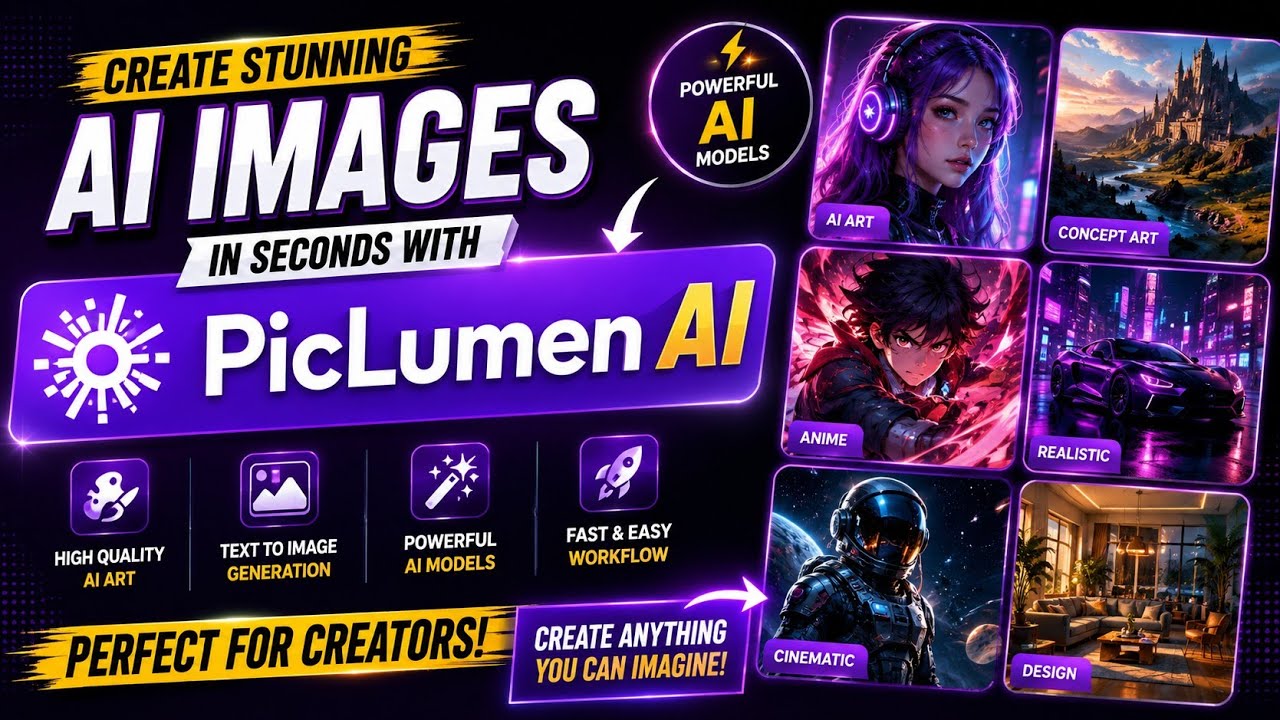
Ai Rising Star
piclumen Alternatives
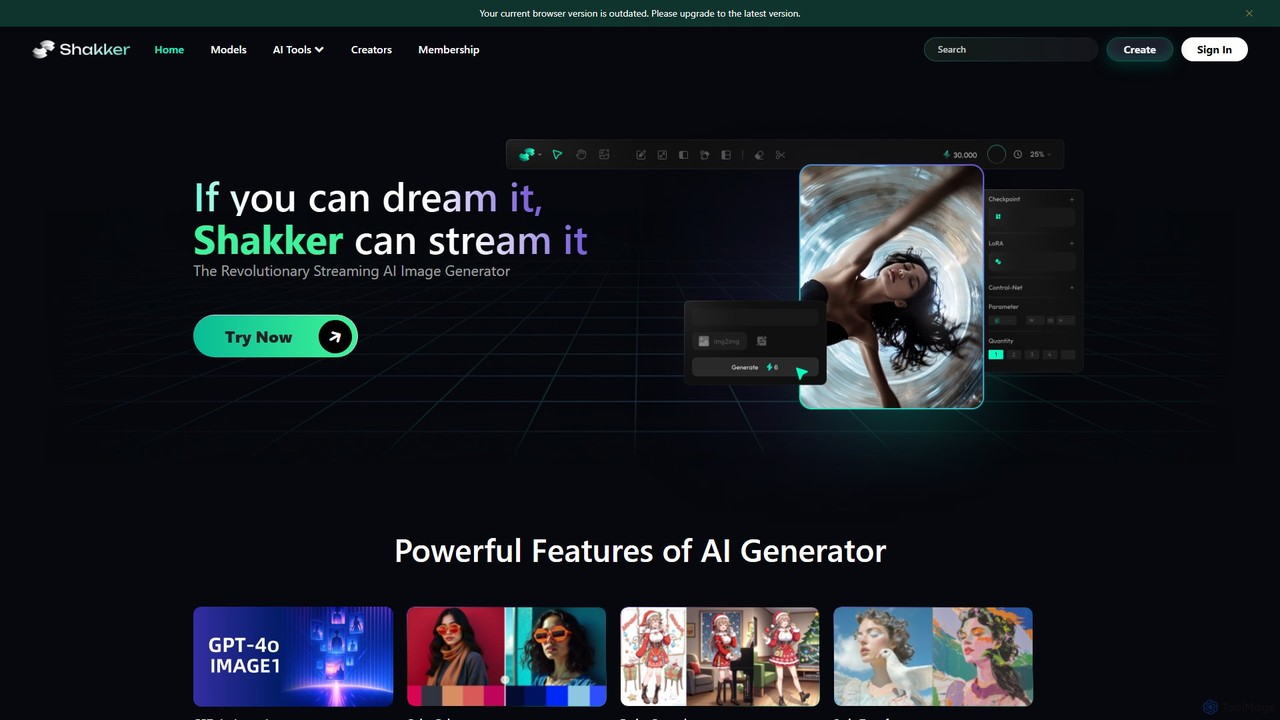
Shakker
Shakker is an all-in-one generative AI design platform, offering a vast library of diverse models (including FLUX and Stable Diffusion), integrated professional tools like online ComfyUI and A1111, and powerful features for image generation, editing, and model training. It caters to creators of all skill levels, from beginners to experts.
Generative Art
Oasis
Oasis by Decart.ai is a powerful AI-powered art and image generator that transforms text descriptions into stunning, high-quality visuals. Designed for artists, designers, marketers, and content creators, it provides an intuitive platform to generate unique illustrations, concept art, and marketing assets in a wide range of styles. Simply describe your vision, and Oasis brings it to life in seconds.
Generative Art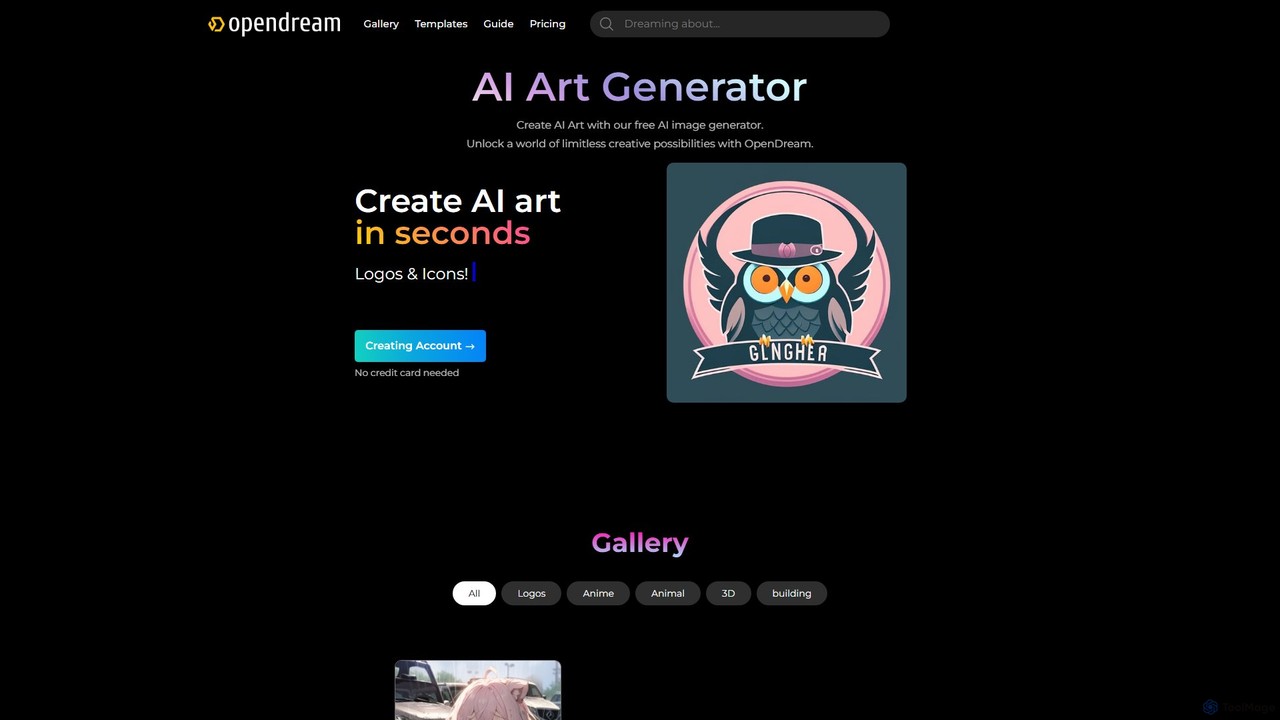
opendream
Opendream is a user-friendly, web-based AI art generator that transforms text prompts into stunning images. It offers multiple AI models, customizable templates, and advanced controls for both beginners and experts. Users can create everything from photorealistic scenes and anime characters to logos and icons, with a generous free plan and options for commercial use.
Generative Art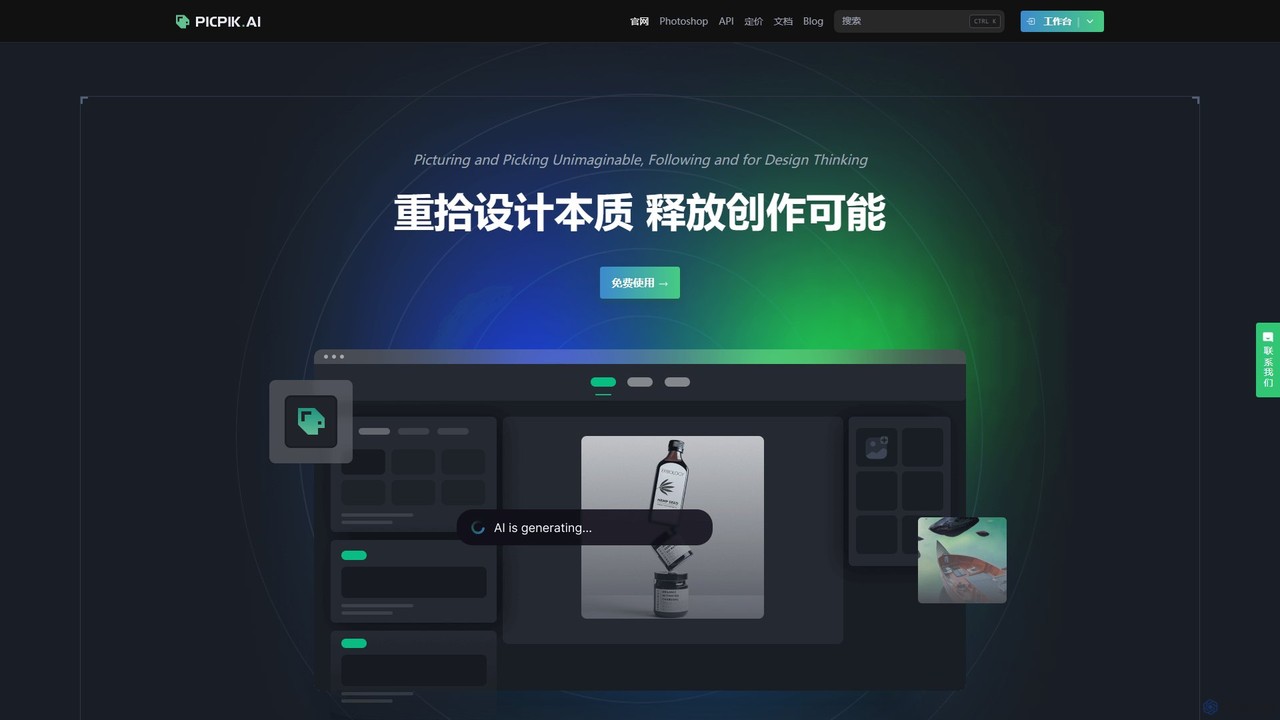
PicPik.ai
PicPik.ai is a professional-grade AI art generator and Photoshop plugin designed for designers and creative teams. It offers high-quality image generation with pre-optimized models, custom LoRA model training, seamless workflow integration, and a suite of powerful AI tools like face swapping, HD upscaling, and background removal.
Graphic Design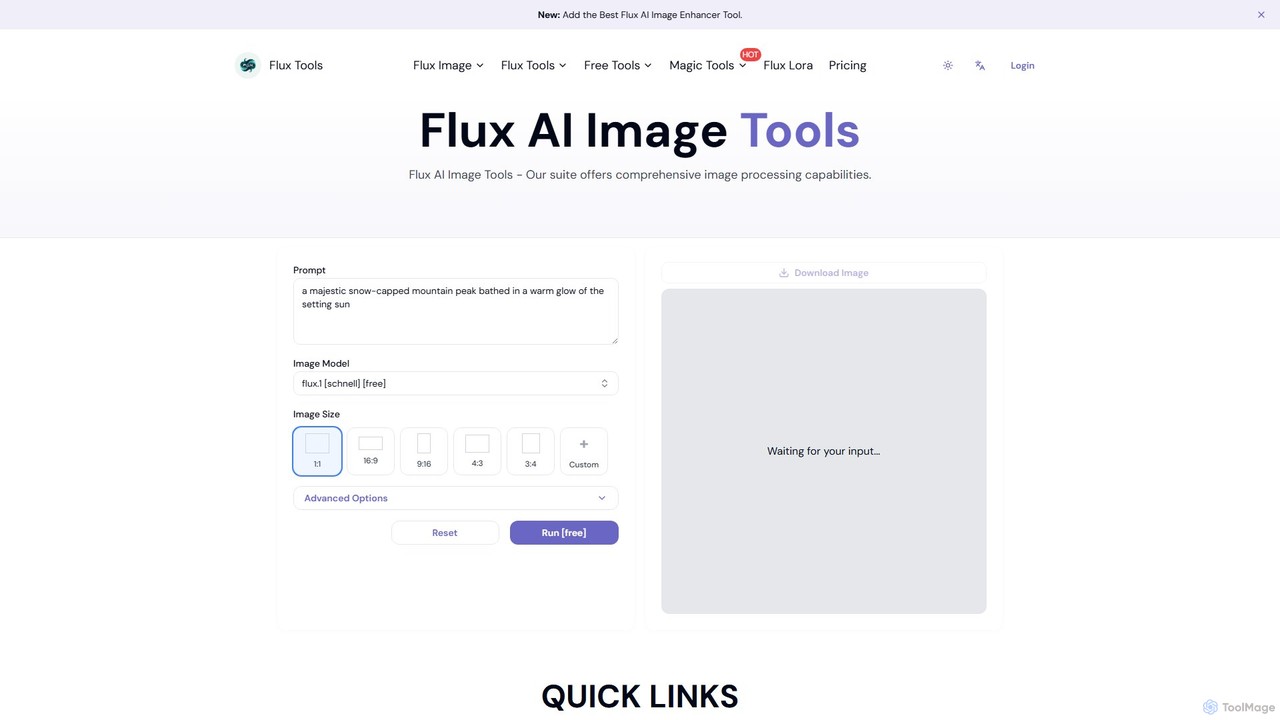
Fluxlora
Fluxlora is an advanced AI image generation suite specializing in LoRA models. It enables creative professionals to produce highly stylized and consistent visuals, from photorealistic images to abstract art. Part of the Flux Tools ecosystem, it integrates seamlessly with editing tools for a complete creative workflow.
Generative Artpiclumen Categories
piclumen Embed Widget
Copy this embed code to place the badge on your blog, article, or product site and send readers directly to this ToolMage detail page.

Related AI tools
PicPik.ai
PicPik.ai is a professional-grade AI art generator and Photoshop plugin designed for designers and creative teams. It offers high-quality image generation with pre-optimized models, custom LoRA model training, seamless workflow integration, and a suite of powerful AI tools like face swapping, HD upscaling, and background removal.
Graphic Design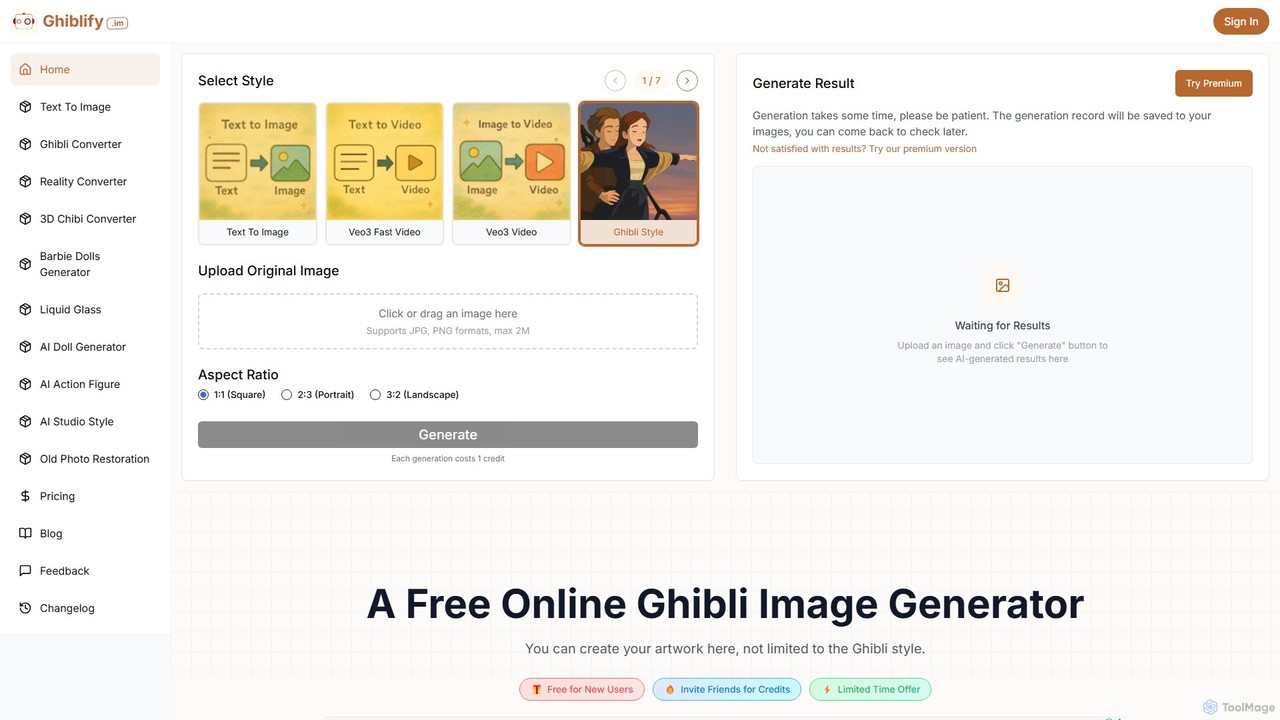
ghiblify
Ghiblify is a specialized AI art and video generator that brings the enchanting, timeless art style of Studio Ghibli to your fingertips. Using advanced AI, it transforms text prompts or existing images into stunning masterpieces that capture the signature watercolor textures and whimsical character designs of Ghibli films. It's perfect for anime fans, artists, and creators looking to generate unique, high-quality artwork and animations in seconds.
Anime
AI Art Generator + Image Search
A comprehensive AI art platform that allows users to generate stunning images from text prompts across a vast library of styles. It features advanced tools like style transfer, 2K upscaling with eye correction, an integrated editor, and the unique ability to animate static images into short videos. Ideal for artists, designers, and creators seeking a versatile and powerful visual creation tool.
Digital Art
GhibliArt.ai
GhibliArt.ai is a powerful AI art generator powered by GPT-4o, specializing in creating stunning visuals in the iconic Ghibli style. It also supports a wide range of other artistic styles like Chibi, Pixar, 3D, and more. Users can generate images from text prompts or transform existing photos, making it perfect for artists, content creators, and developers.
Art Generator
ebank AI Art Generator
A powerful and versatile AI art generator that combines text-to-image creation, style transfer, and an extensive image search. It features a vast library of artistic styles, 2K upscaling with eye-fix technology, an integrated editor, and video creation capabilities, making it an all-in-one solution for artists, designers, and content creators.
Illustration
Stylar
Stylar is an all-in-one AI creative suite for artists and designers, offering precise control over image generation. It combines text-to-image, image-to-image, and composition tools with a user-friendly layer-based interface. Ideal for fashion design, character creation, and concept art, Stylar empowers users to bring their exact creative vision to life with unparalleled control and flexibility across web, mobile, and browser extension platforms.
Generative Art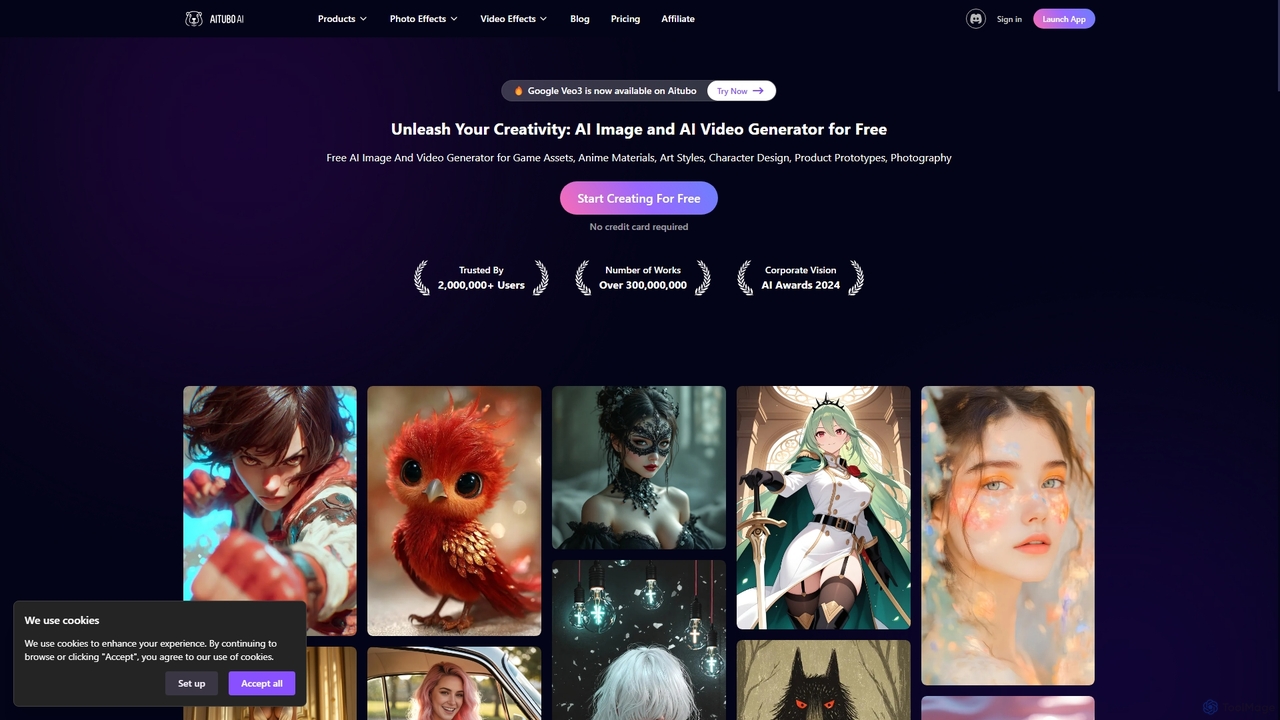
Aitubo
Aitubo is a comprehensive AI-powered creative suite for generating and editing images and videos. It offers a wide range of tools, including text-to-image with advanced models like Flux and SD3, text-to-video, an AI image editor, background remover, face swap, and an AI chat feature. Designed for creators, artists, and marketers, Aitubo provides both free and premium plans to unleash creativity for various projects, from game assets and anime art to product prototypes and marketing content.
Generative Art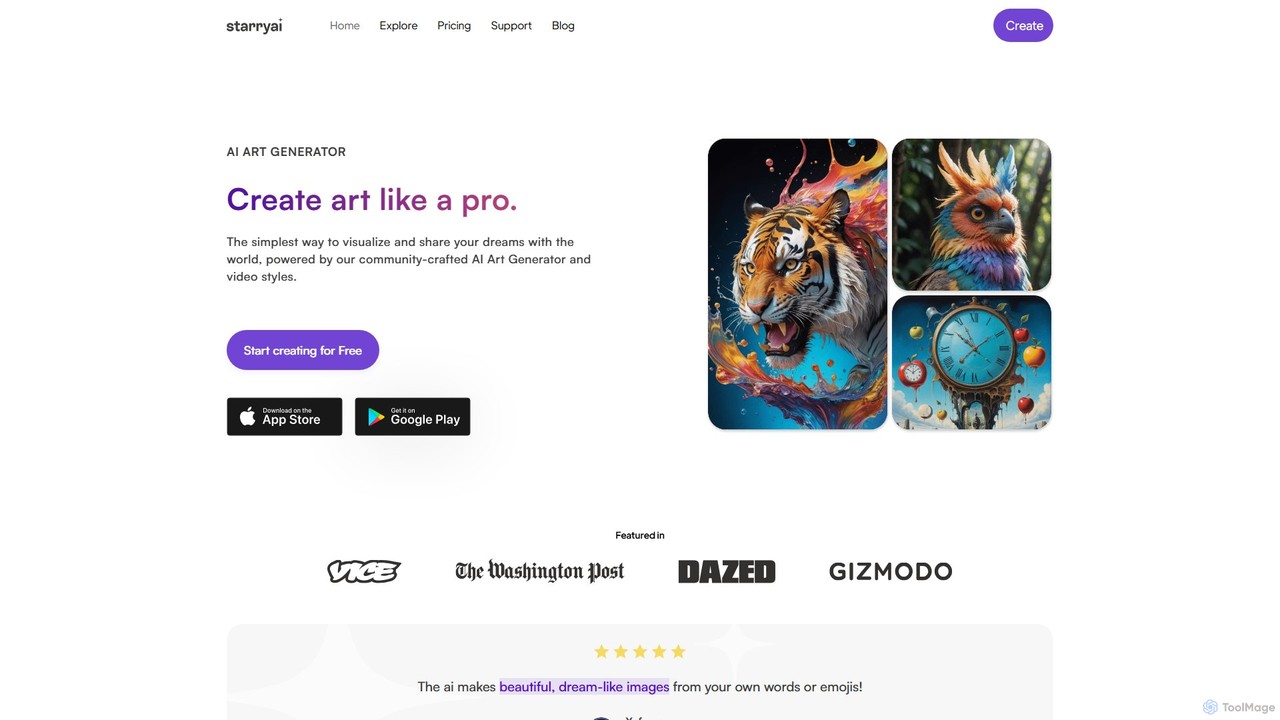
starryai
starryai is a powerful AI art and video generator that transforms your text prompts into unique, high-quality visuals. It offers a user-friendly experience with over 1000 styles, making it accessible for both beginners and professionals. Users get 25 free, watermark-free images daily and retain full ownership and commercial rights to their creations. It's an ideal tool for artists, designers, and marketers.
Art Generation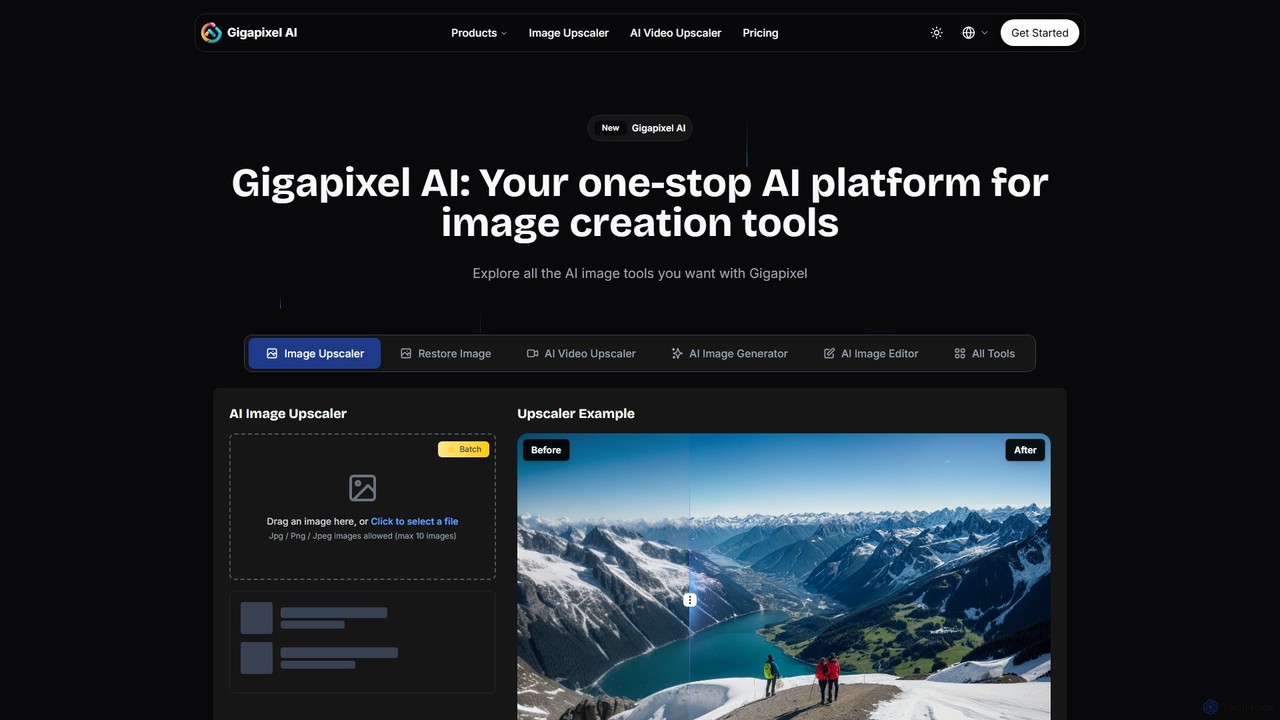
Gigapixel AI
Gigapixel AI is a comprehensive, all-in-one AI platform for image and video creation. It offers a suite of powerful tools, including an advanced image and video upscaler, a versatile image generator, a precise image editor, and a background remover. It's designed for creators, marketers, and developers to enhance, generate, and edit visual content with professional-grade quality and efficiency.
Image Editing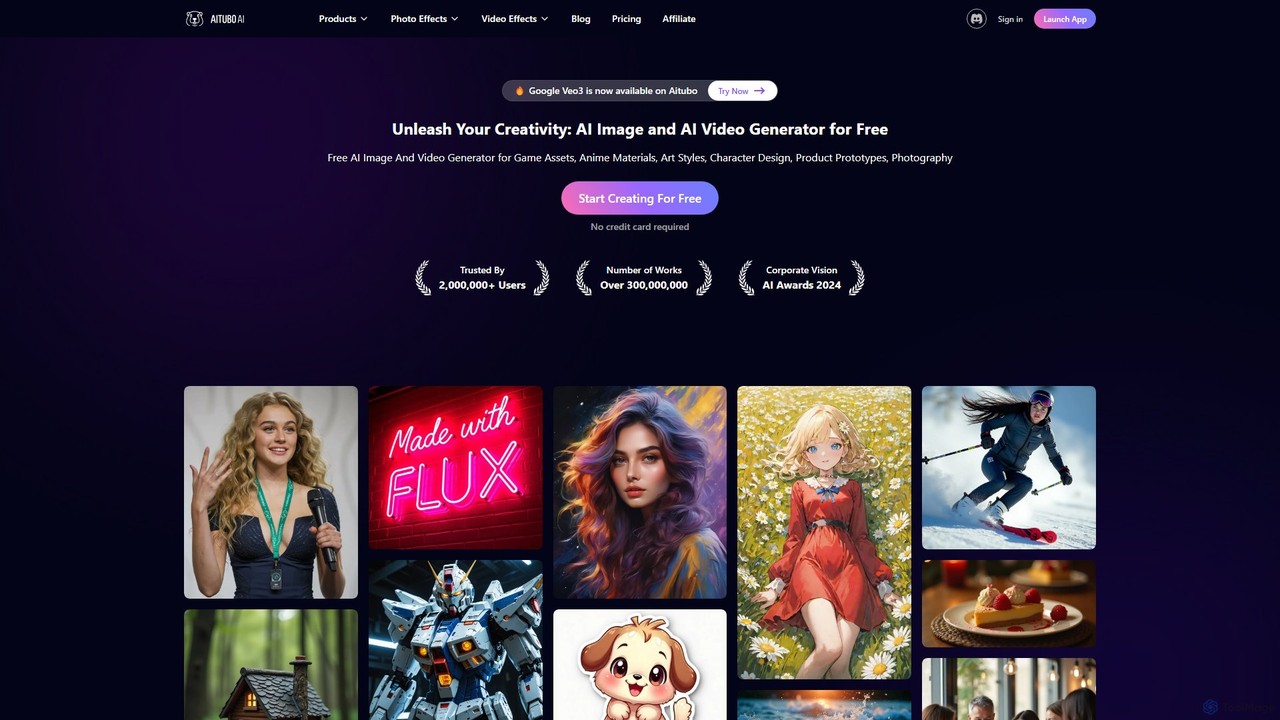
Aitubo
Aitubo is a comprehensive AI creative suite for generating and editing images and videos. It features advanced models like Flux and SD3, offering tools for text-to-image, text-to-video, background removal, image enhancement, face swapping, and AI character chat. Ideal for artists, designers, and content creators.
Chatbots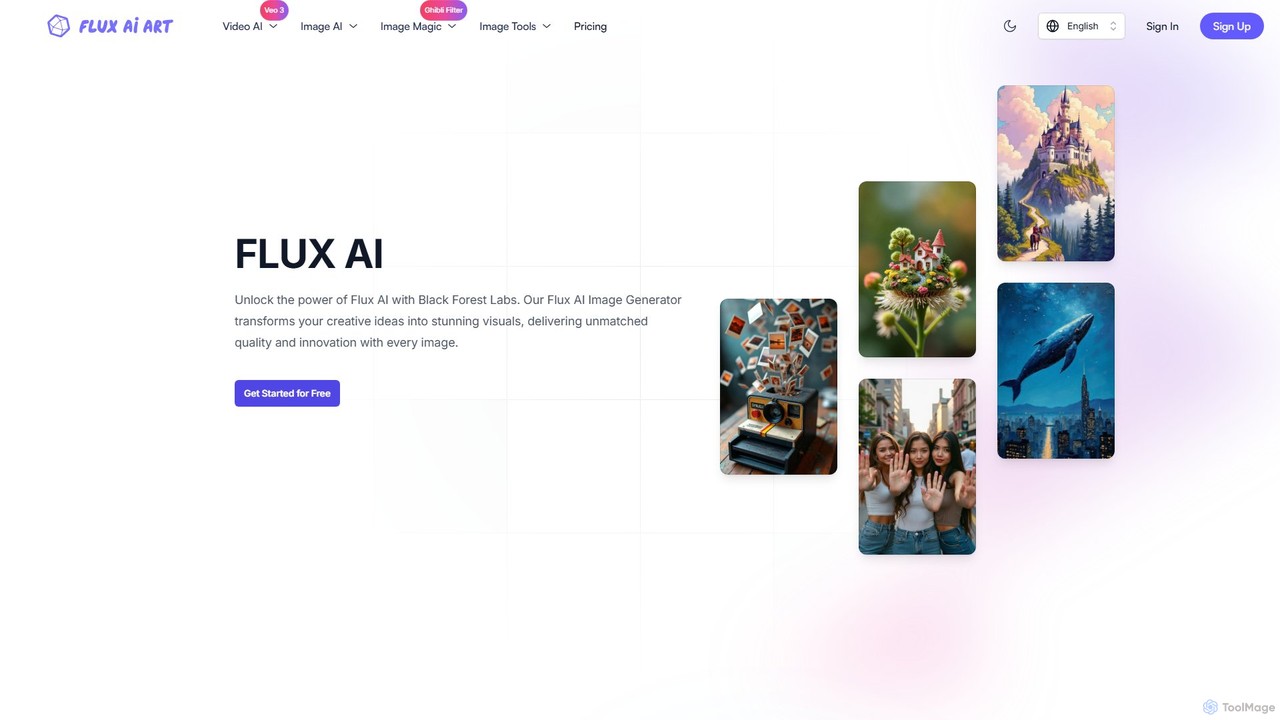
fluxaiart
fluxaiart is a comprehensive AI creative suite for generating and editing images and videos. It features multiple FLUX models for text-to-image and image-to-image creation, an advanced AI image editor with enhancement and restoration tools, and specialized generators like a Ghibli-style filter. It offers a one-stop solution for artists, developers, and content creators, with both free and premium plans available.
Image EditingShakker
Shakker is an all-in-one generative AI design platform, offering a vast library of diverse models (including FLUX and Stable Diffusion), integrated professional tools like online ComfyUI and A1111, and powerful features for image generation, editing, and model training. It caters to creators of all skill levels, from beginners to experts.
Generative Art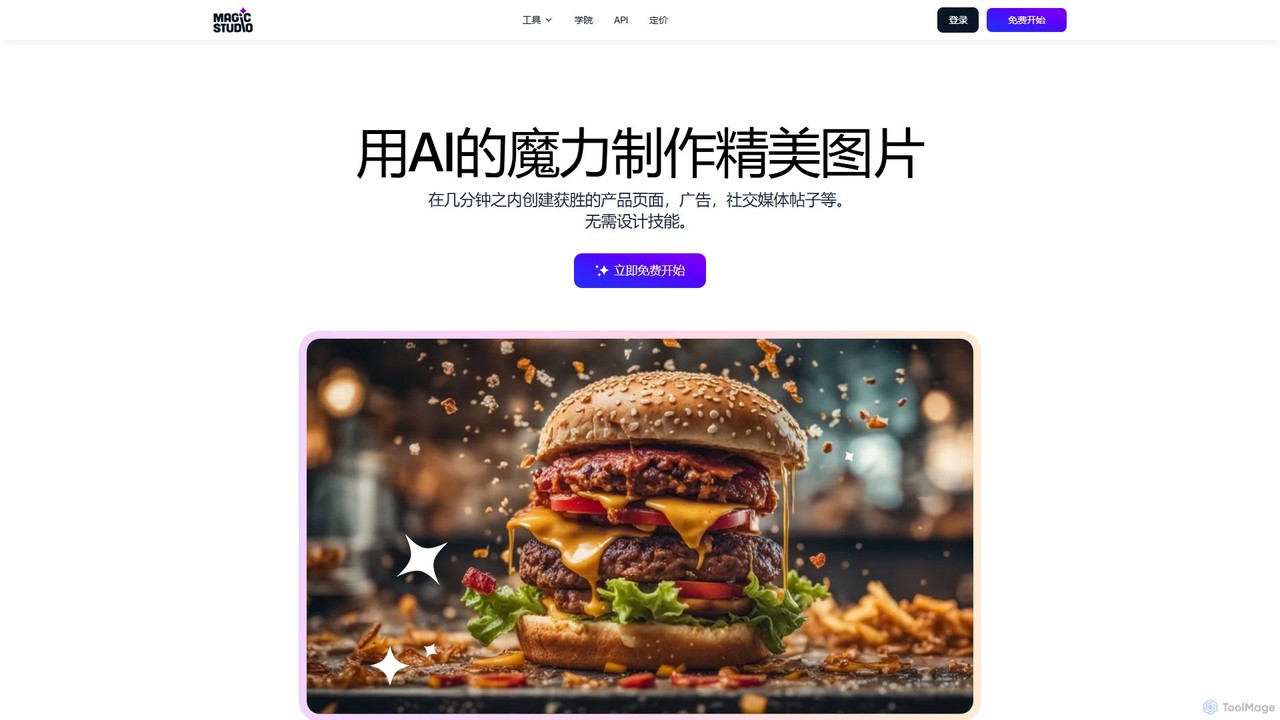
Magic Studio
Magic Studio is an all-in-one AI-powered image editing suite designed for everyone. It allows users to effortlessly create stunning visuals, remove unwanted objects, change backgrounds, generate images from text, and enhance photo quality in seconds, no design skills required.
Product Photos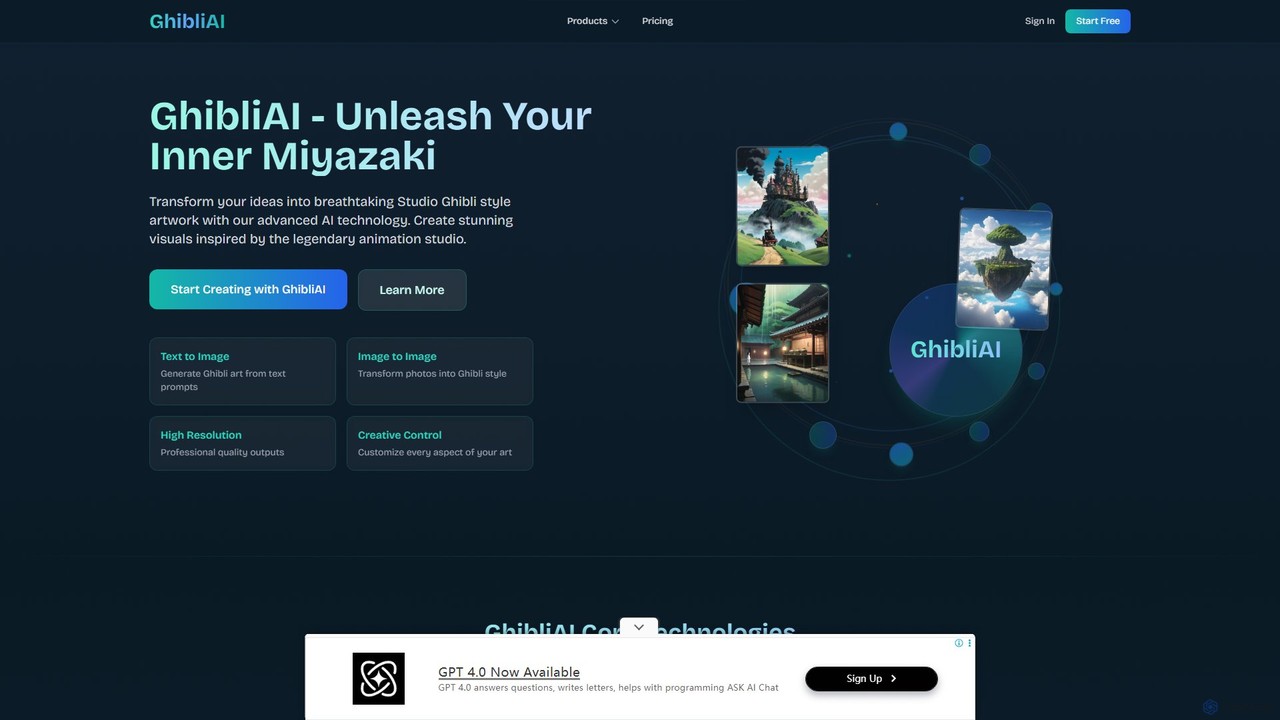
GhibliAI
GhibliAI is a specialized AI art generator that transforms text prompts and images into breathtaking artwork in the iconic style of Studio Ghibli. Leveraging custom-trained AI models, it allows artists, developers, and fans to create high-resolution landscapes, characters, and scenes with precise creative control over the unique Ghibli aesthetic, from color palettes to lighting.
Illustration
Kira
Kira is a powerful AI-powered platform for professional-grade image generation and editing. It combines a versatile text-to-image generator with a comprehensive suite of editing tools, including background removal, inpainting, upscaling, and stylization. Its key feature is the ability to maintain consistent styles and characters across multiple edits and generations, making it ideal for branding, marketing, and creative projects that require a cohesive visual identity.
Graphic Design
piclumen Comments (0)
Sign in to comment.
Sign inNo comments yet.