
fluxaiart Overview
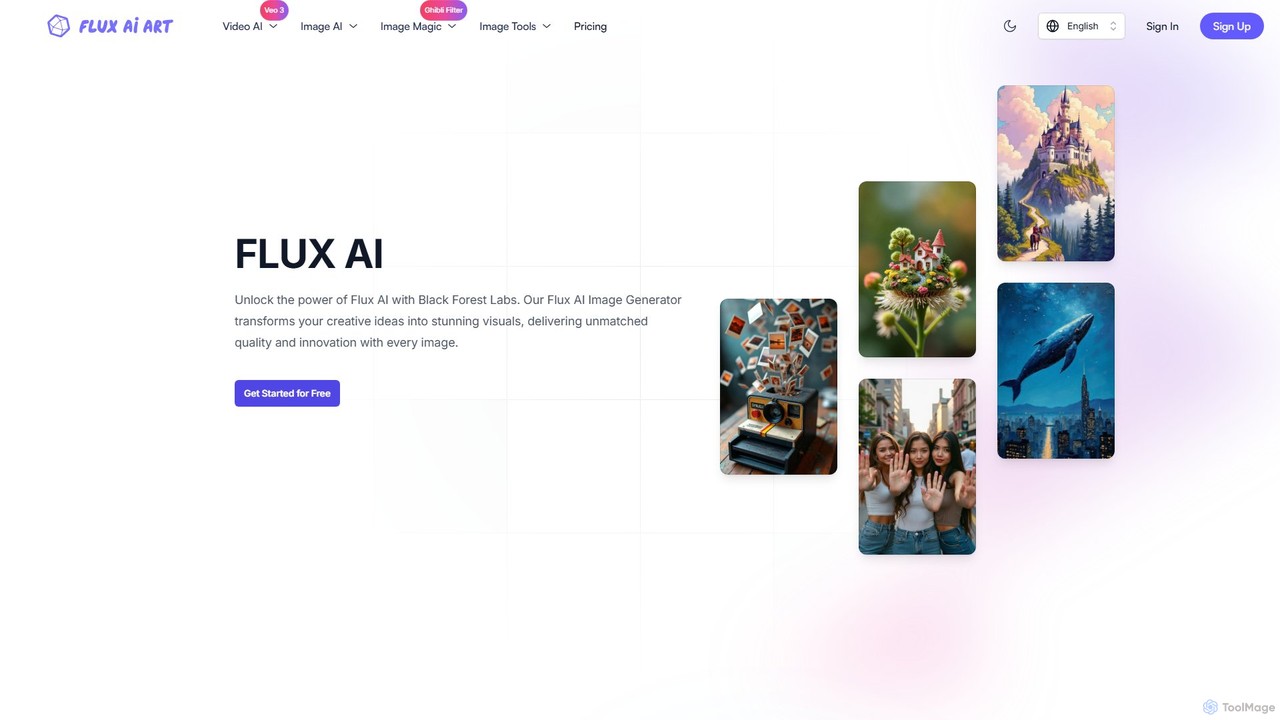
fluxaiart is an advanced and versatile AI-powered creative platform developed by Black Forest Labs, designed to transform ideas into high-quality visual content. It serves as a comprehensive one-stop solution, integrating powerful image and video generation with a suite of intelligent editing tools. At its core is the FLUX AI model, which comes in several versions tailored to different needs, from rapid prototyping to professional-grade, high-resolution artwork. The platform is built to be accessible for beginners while offering the depth required by professional artists, designers, and developers.
The platform's main offering is its AI Image Generator, which includes models like FLUX.1 Schnell for speed, FLUX.1 Pro for superior prompt adherence and visual quality, and FLUX.1 Pro Ultra for generating images up to 4 megapixels with exceptional realism. Beyond generation, fluxaiart provides a robust AI Image Editor. This suite includes tools for prompt optimization, converting images back into descriptive prompts, background removal, image enhancement for upscaling and clarity, and image restoration for repairing old or damaged photos. A standout feature is the Ghibli AI Generator, which can transform any photo into the iconic and beloved art style of Studio Ghibli.
How to use fluxaiart
Using fluxaiart is designed to be an intuitive process. Here's a general workflow:
- Choose a Tool: Select from the main dashboard whether you want to generate an image from scratch, use the Ghibli filter, enhance an existing photo, or use another editing tool.
- Provide Input: For image generation, type a descriptive text prompt. For editing tools like the Ghibli Generator or Image Enhancer, upload an image from your device (supports JPG, PNG, WebP up to 5MB).
- Customize Settings (Optional): For image generation, you can select the specific FLUX model, choose an aspect ratio (e.g., 1:1, 16:9), and set a seed for reproducible results. Advanced settings are available for more control.
- Generate: Click the 'Generate' button. The platform will process your request, which can take from a few seconds for the Schnell model to a few minutes for more complex tasks like the Ghibli filter.
- Manage and Download: Your generated images are automatically saved to your free cloud storage. You can view, manage, and download them at any time.
Core Features of fluxaiart
- Multiple AI Image Generation Models: Access to various FLUX models (Schnell, Dev, Pro, Pro Ultra) to balance speed, quality, and resolution based on project needs.
- Text-to-Image and Image-to-Image: Create visuals from text descriptions or by using an existing image as a reference.
- AI Image Editor Suite: A collection of tools including a Prompt Optimizer, Image to Prompt converter, Background Remover, Image Enhancer (upscaler), and Image Restore.
- Ghibli AI Generator: A specialized tool to convert any image (portraits, landscapes, pets) into the distinct Studio Ghibli art style.
- Video Generation: The inclusion of 'Veo 3' in plans indicates capabilities for AI video generation.
- Free Cloud Storage: All generated images are automatically saved in the cloud for easy access and management.
- User-Friendly Interface: Designed for both beginners and professionals, with simple workflows and advanced options.
Use Cases for fluxaiart
fluxaiart is suitable for a wide range of users:
- Digital Artists & Designers: Quickly create concept art, illustrations, and unique visual assets with precise control over style and detail.
- Content Creators & Marketers: Generate eye-catching visuals for social media, blog posts, advertisements, and marketing campaigns. Create viral content like Ghibli-style memes.
- Developers: Leverage the powerful models (especially FLUX.1 Dev) for integrating high-quality image generation into applications and workflows.
- Personal Users: Transform personal photos into art, create custom profile pictures (PFPs), restore old family photos, or simply explore creative ideas.
- E-commerce Businesses: Use the Background Remover and Image Enhancer to create clean, professional product photos.
Advantages of fluxaiart
The platform stands out for its combination of speed, quality, and versatility. Users praise its ability to follow complex prompts with greater accuracy than some competitors. The all-in-one approach, which combines generation with essential editing tools, streamlines the creative process, eliminating the need for multiple separate applications. The availability of a free plan and scalable credit-based premium plans makes it accessible to a broad audience, from hobbyists to large businesses.
Pricing and Plans
fluxaiart operates on a freemium, credit-based model:
- Free Plan: $0/month. Includes 9 credits per day for using FLUX.1 [schnell], Image to Prompt, and Prompt Optimization.
- Basic Plan: $9.9/month. Includes 1000 credits per month. Provides access to all FLUX models, all editing tools, and the Ghibli & Veo 3 generators.
- Plus Plan: $23.9/month. Includes 4000 credits per month with the same full feature access.
- Pro Plan: $39.9/month. Includes 8000 credits per month with the same full feature access.
An annual subscription offers a 20% discount. Unused credits do not roll over to the next month. Users can upgrade, downgrade, or cancel their plan at any time.
fluxaiart Alternatives
enhanceai
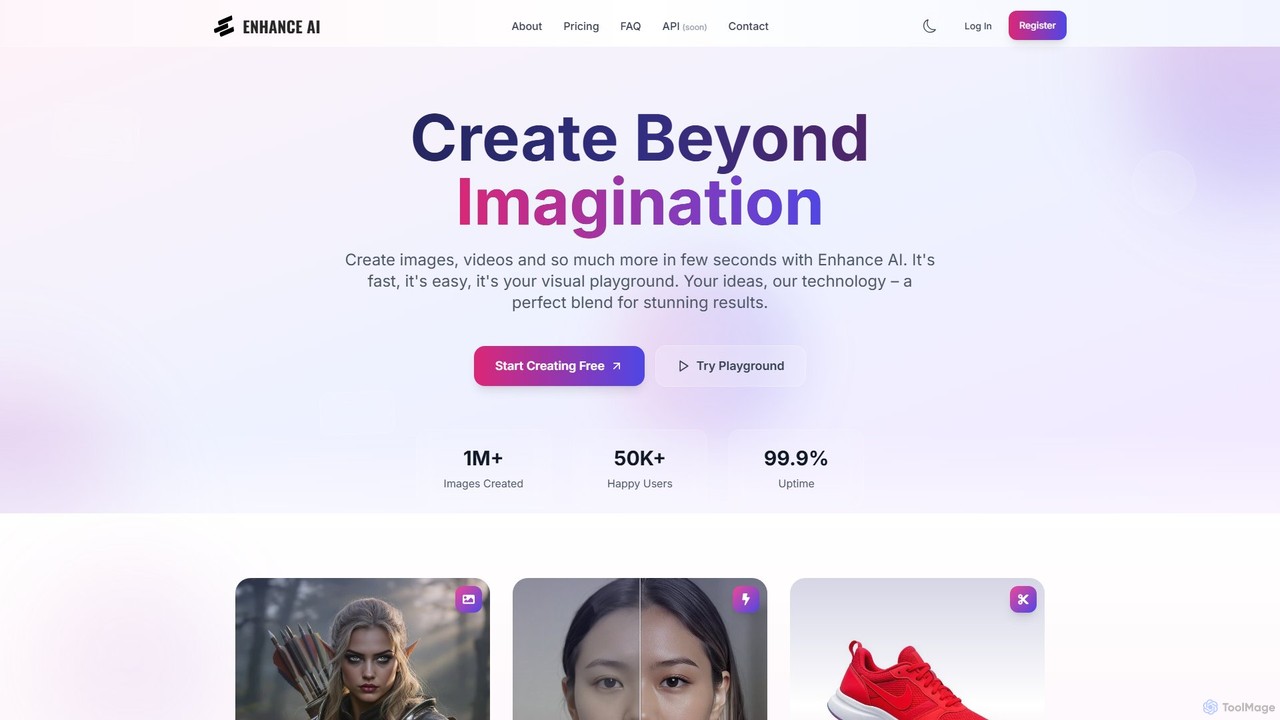
EnhanceAI is a comprehensive AI-powered creative suite for generating and editing stunning visuals. It allows users to create images and videos from text prompts, upscale resolution, remove backgrounds, generate unique faces, and combine images. Designed for creators, marketers, and designers, it offers a fast, intuitive, and powerful visual playground to turn ideas into reality.
Image Editing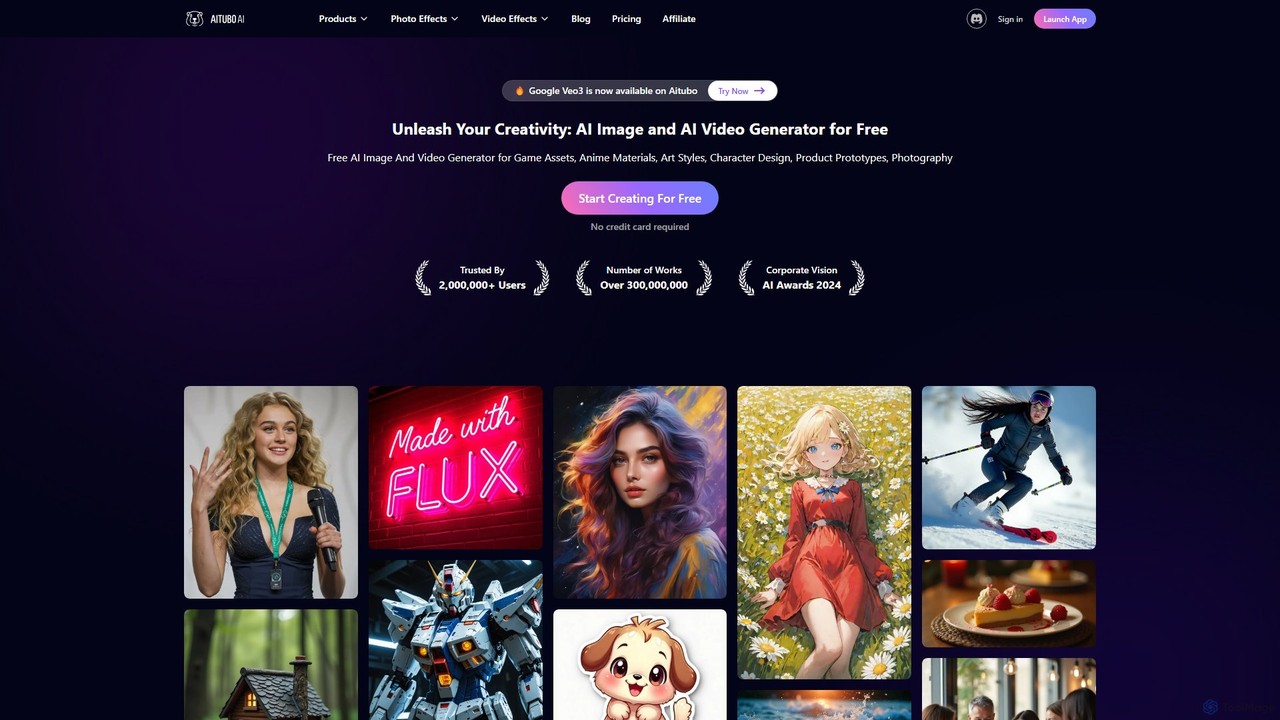
Aitubo
Aitubo is a comprehensive AI creative suite for generating and editing images and videos. It features advanced models like Flux and SD3, offering tools for text-to-image, text-to-video, background removal, image enhancement, face swapping, and AI character chat. Ideal for artists, designers, and content creators.
Chatbots
imgai
imgai is a comprehensive, all-in-one AI platform for image and video creation and editing. It offers a vast suite of tools, including text-to-image generation, face swapping for photos and videos, image upscaling, background removal, photo restoration, and unique artistic effects. Designed for both professionals and casual users, it provides a user-friendly experience with a generous free plan and flexible credit-based pricing.
Face Swap
imgex
Imgex is a comprehensive AI media generation suite that transforms text and images into stunning visual art and videos. It offers a wide range of tools, including text-to-image, image-to-video, AI editing, upscaling, and a unique free image-to-prompt generator, catering to artists, designers, and creators.
Image Editing
CrayonAI
CrayonAI is an all-in-one AI-powered image and video toolbox. It enables users to generate stunning visuals from text, edit photos with a comprehensive suite of tools, remove backgrounds, restore old images, create memes, and much more, all within a single, user-friendly platform.
Meme Generationfluxaiart Categories
fluxaiart Embed Widget
Copy this embed code to place the badge on your blog, article, or product site and send readers directly to this ToolMage detail page.

Related AI tools
enhanceai
EnhanceAI is a comprehensive AI-powered creative suite for generating and editing stunning visuals. It allows users to create images and videos from text prompts, upscale resolution, remove backgrounds, generate unique faces, and combine images. Designed for creators, marketers, and designers, it offers a fast, intuitive, and powerful visual playground to turn ideas into reality.
Image Editing
deep_image.ai
A comprehensive AI-powered platform for image enhancement, upscaling, and generation. It offers a suite of tools including noise reduction, sharpening, color correction, background removal, and creating new images from text. Ideal for photographers, e-commerce businesses, and content creators seeking professional-quality results.
Image Editing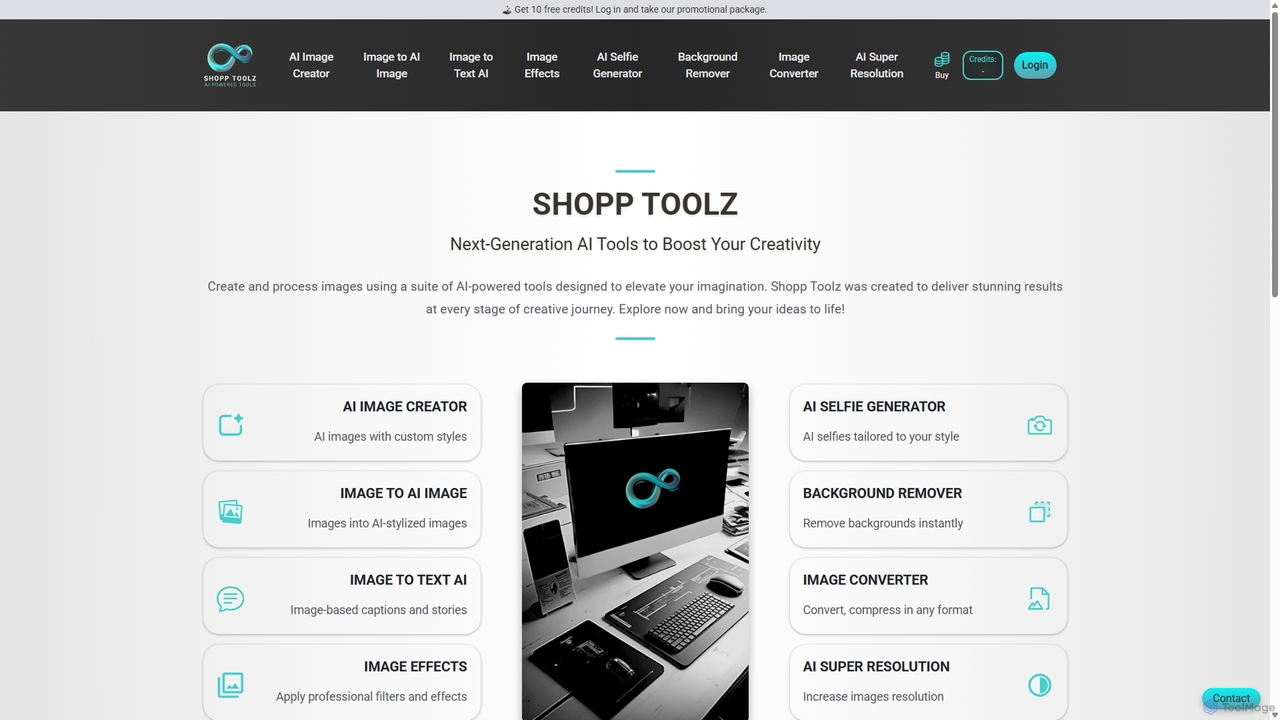
Shopp Toolz
Shopp Toolz is an all-in-one AI-powered creative suite designed to enhance your visual content. It offers a range of tools including an AI image generator, image-to-image transformation, background remover, super resolution, and more. Ideal for creators, marketers, and designers, it simplifies the creative process with a user-friendly interface and a flexible pay-as-you-use model.
Image Editing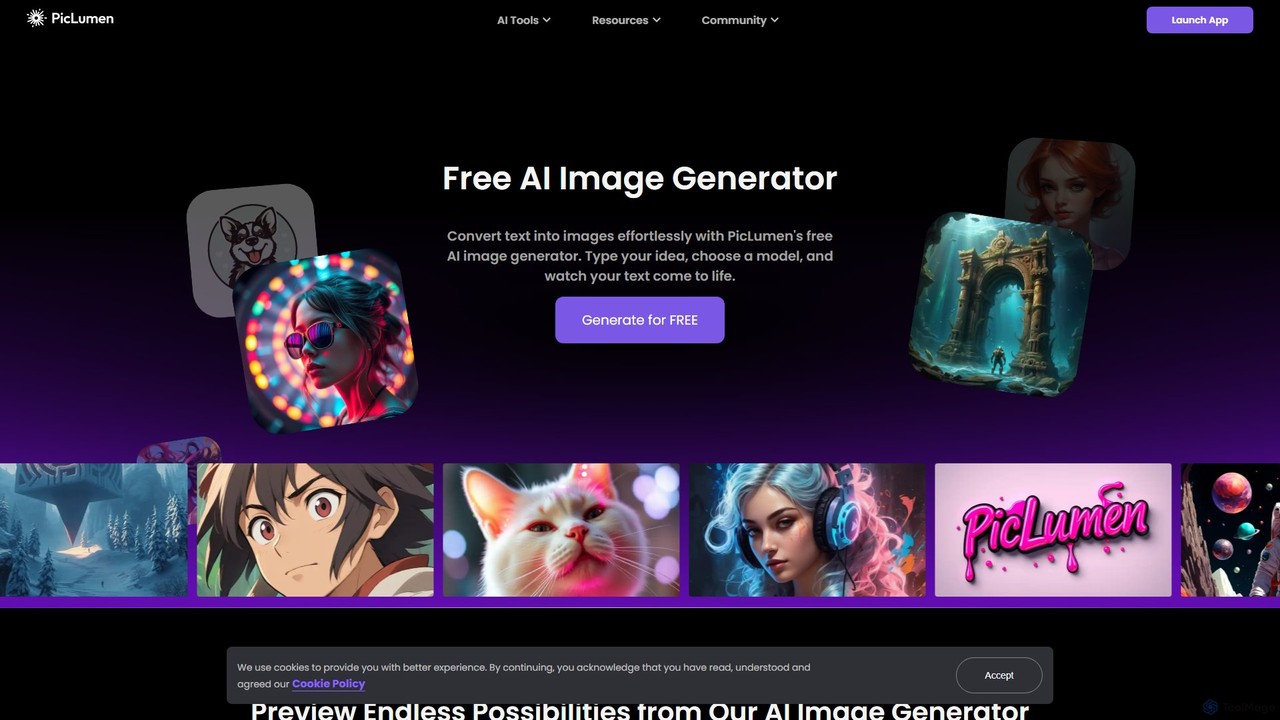
piclumen
PicLumen is a free, versatile AI image generator and editor that transforms text into stunning visuals. It offers a suite of tools including a background remover, image upscaler, colorizer, and an advanced image-to-image generator with multiple fine-tuned models for realistic photos, anime, and line art.
Generative ArtAitubo
Aitubo is a comprehensive AI creative suite for generating and editing images and videos. It features advanced models like Flux and SD3, offering tools for text-to-image, text-to-video, background removal, image enhancement, face swapping, and AI character chat. Ideal for artists, designers, and content creators.
Chatbots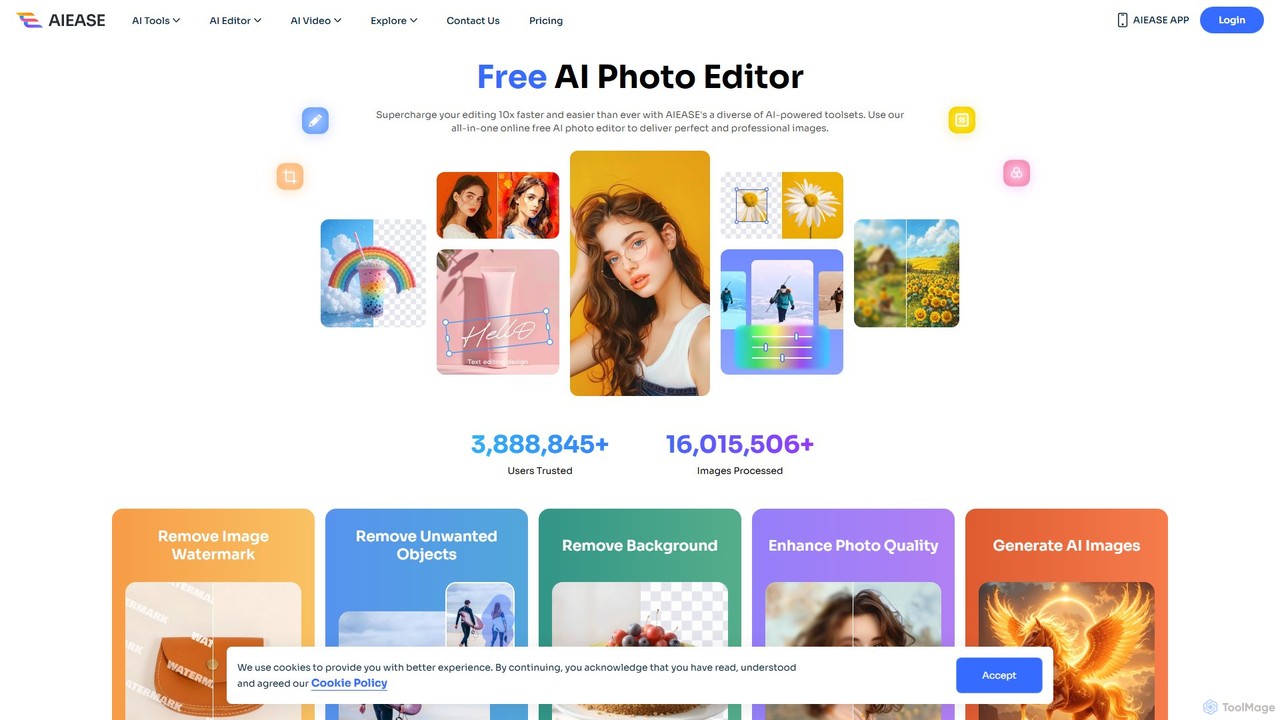
AIEASE
AIEASE is a comprehensive, all-in-one AI photo editing suite designed to simplify and accelerate your workflow. It offers a wide range of tools, from background and object removal to photo enhancement, AI image generation, and creative effects like face swapping and hairstyle changes. Available on web and mobile, it caters to both professional and personal use cases, making advanced photo editing accessible to everyone.
3D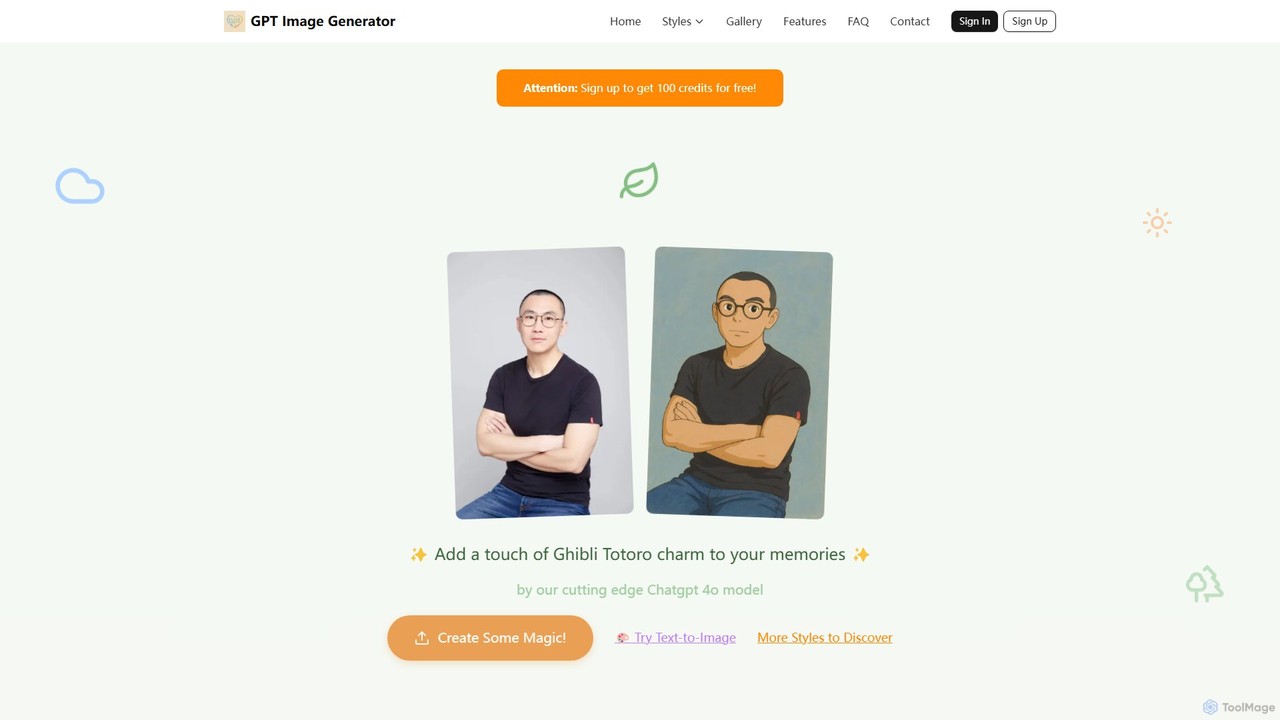
gpt_image
An AI art studio powered by ChatGPT 4o that transforms text prompts and photos into a wide range of artistic styles. It specializes in anime aesthetics like Studio Ghibli and Shinkai Makoto, but also offers styles like marble art, 4-panel comics, minimalist 3D, and more. Users get free credits to start and can purchase more via a flexible, no-subscription model.
Ai Art Generator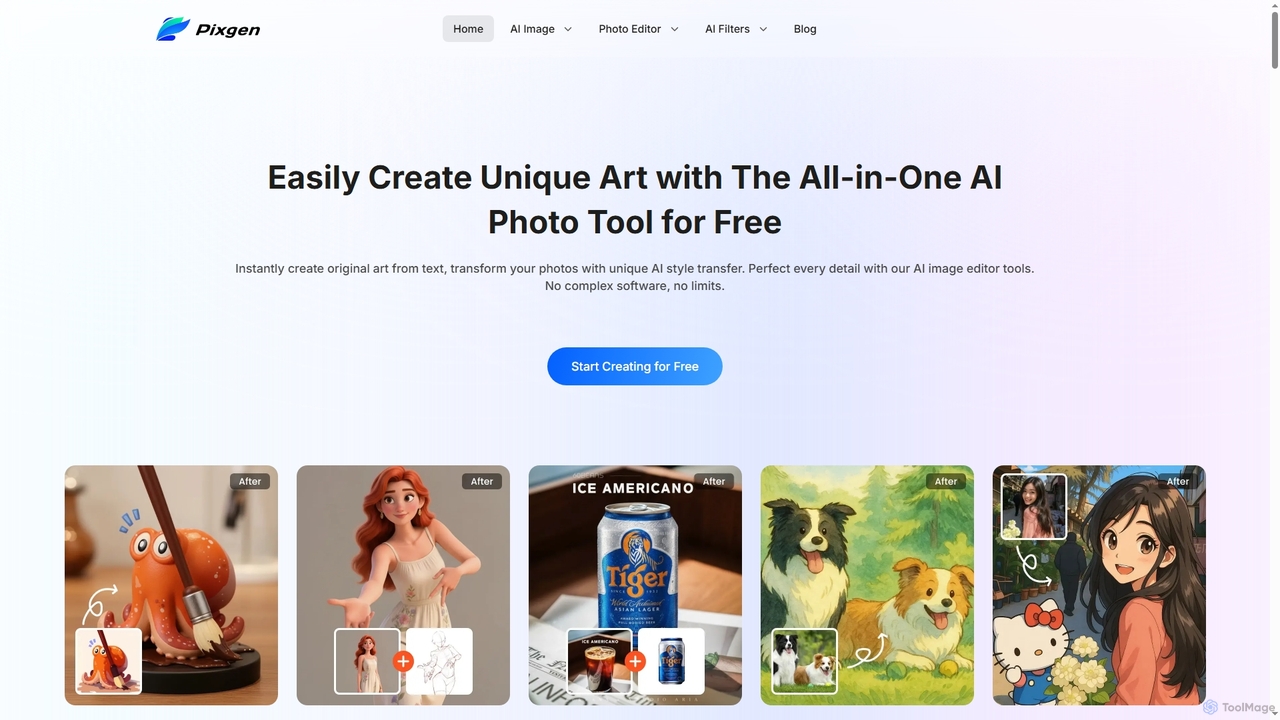
Pixgen
Pixgen is a free, all-in-one AI-powered online platform for creating, editing, and stylizing images. It allows users to generate unique art from text prompts, transform photos with AI style transfers, and perfect details using advanced editing tools like background removal, object erasure, and image enhancement. Designed for ease of use, Pixgen offers a seamless creative workflow without watermarks or hidden costs.
Style Transfer
imgifyai
imgifyai is a comprehensive, all-in-one AI image toolkit for creators. It combines a powerful text-to-image generator with styles like anime and Pixar, alongside essential editing tools such as background removal, image upscaling, enhancement, and restoration. With free cloud storage and a user-friendly interface, imgifyai empowers users to effortlessly create and edit stunning visuals, turning imagination into high-quality art in seconds.
Image Editor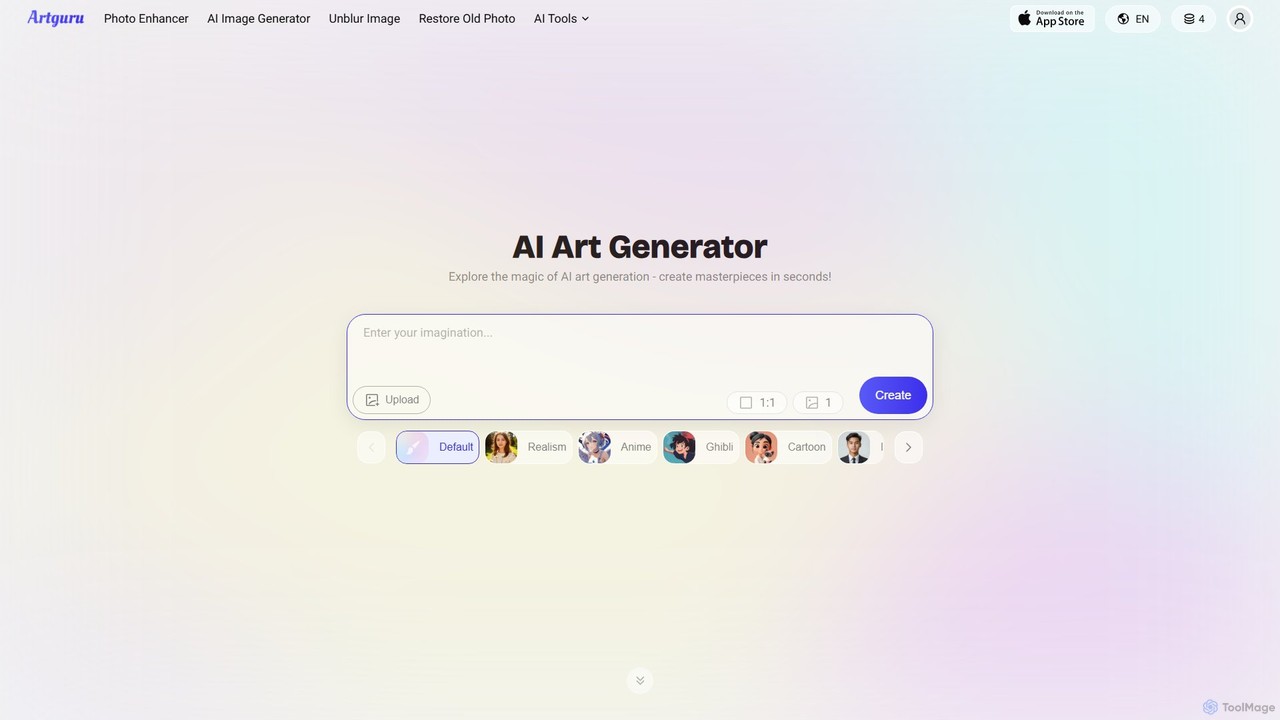
Artguru
Artguru is a versatile AI creative suite for generating unique art from text or photos and enhancing images. It offers tools like a text-to-image generator, photo-to-art converter, 4K image upscaler, photo unblur, and old photo restoration. It's designed for artists, marketers, and casual users with a user-friendly interface and a free-to-start plan.
Ai Art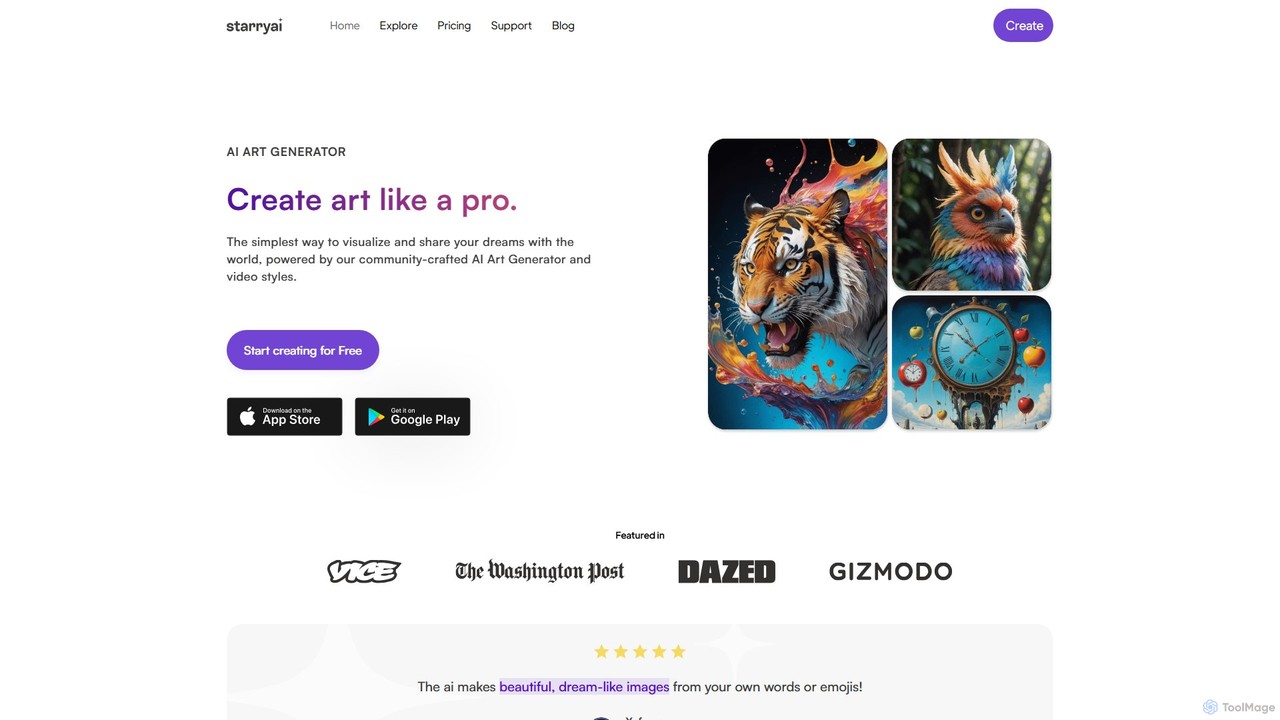
starryai
starryai is a powerful AI art and video generator that transforms your text prompts into unique, high-quality visuals. It offers a user-friendly experience with over 1000 styles, making it accessible for both beginners and professionals. Users get 25 free, watermark-free images daily and retain full ownership and commercial rights to their creations. It's an ideal tool for artists, designers, and marketers.
Art Generation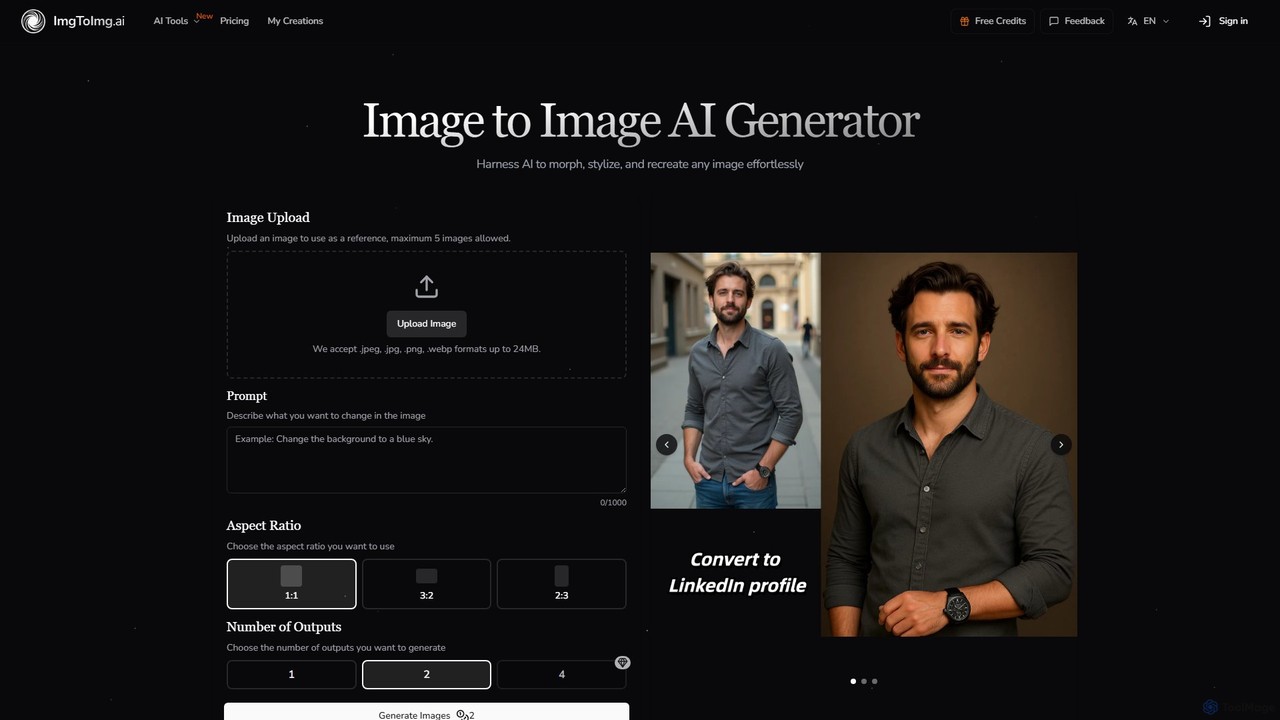
imgtoimg.ai
imgtoimg.ai is a comprehensive AI-powered suite for image creation and editing. It specializes in transforming existing images with text prompts while preserving their core structure (image-to-image). It also features a powerful text-to-image generator to create unique visuals from scratch. The platform includes additional tools like AI face swap, background remover, image upscaler, and photo restoration, making it a versatile solution for designers, marketers, and creators.
Art Generation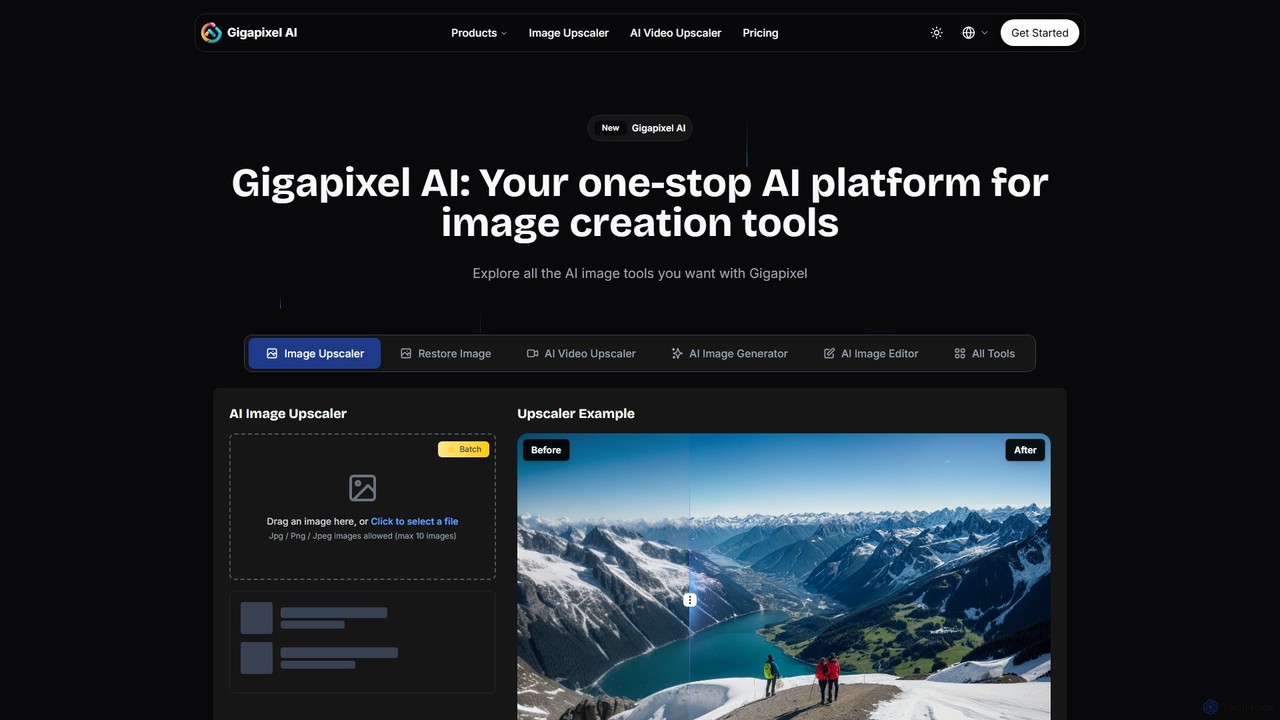
Gigapixel AI
Gigapixel AI is a comprehensive, all-in-one AI platform for image and video creation. It offers a suite of powerful tools, including an advanced image and video upscaler, a versatile image generator, a precise image editor, and a background remover. It's designed for creators, marketers, and developers to enhance, generate, and edit visual content with professional-grade quality and efficiency.
Image Editing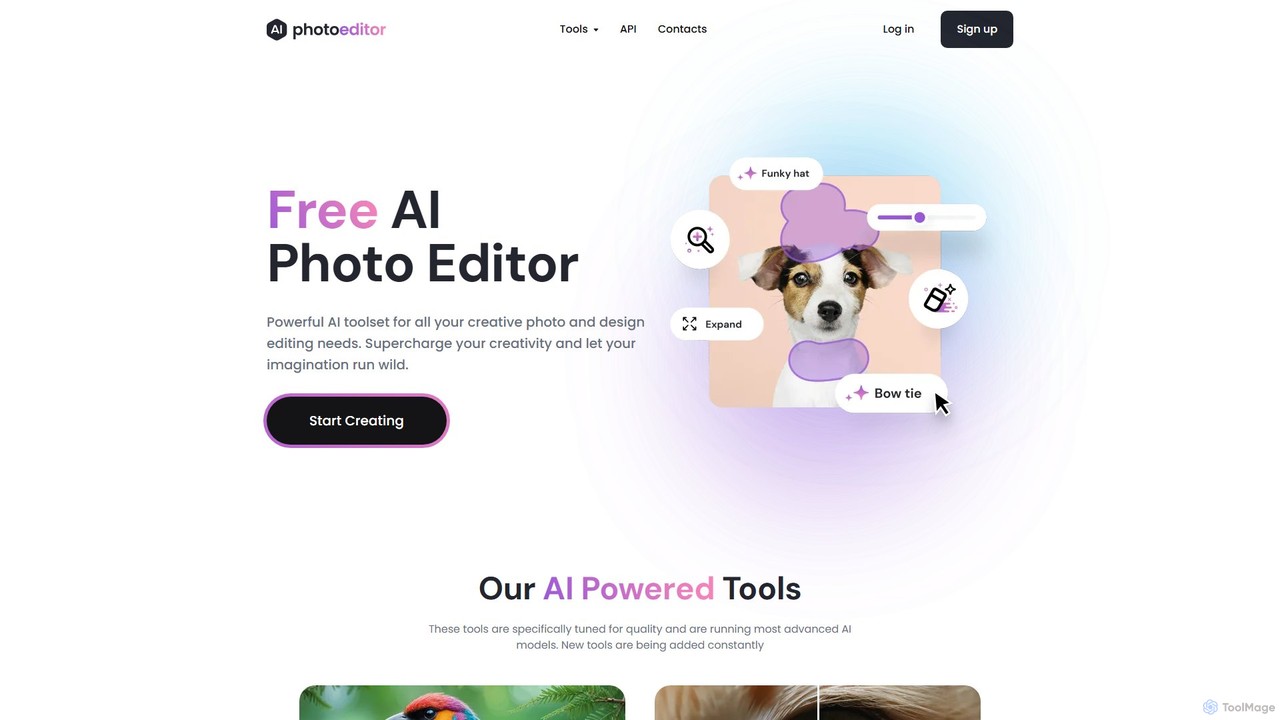
photoeditor.ai
An all-in-one AI-powered photo editing suite. Effortlessly generate images from text, remove backgrounds and objects, enhance, upscale, and expand photos with generative fill. No design skills needed, accessible directly from your web browser.
Image Editing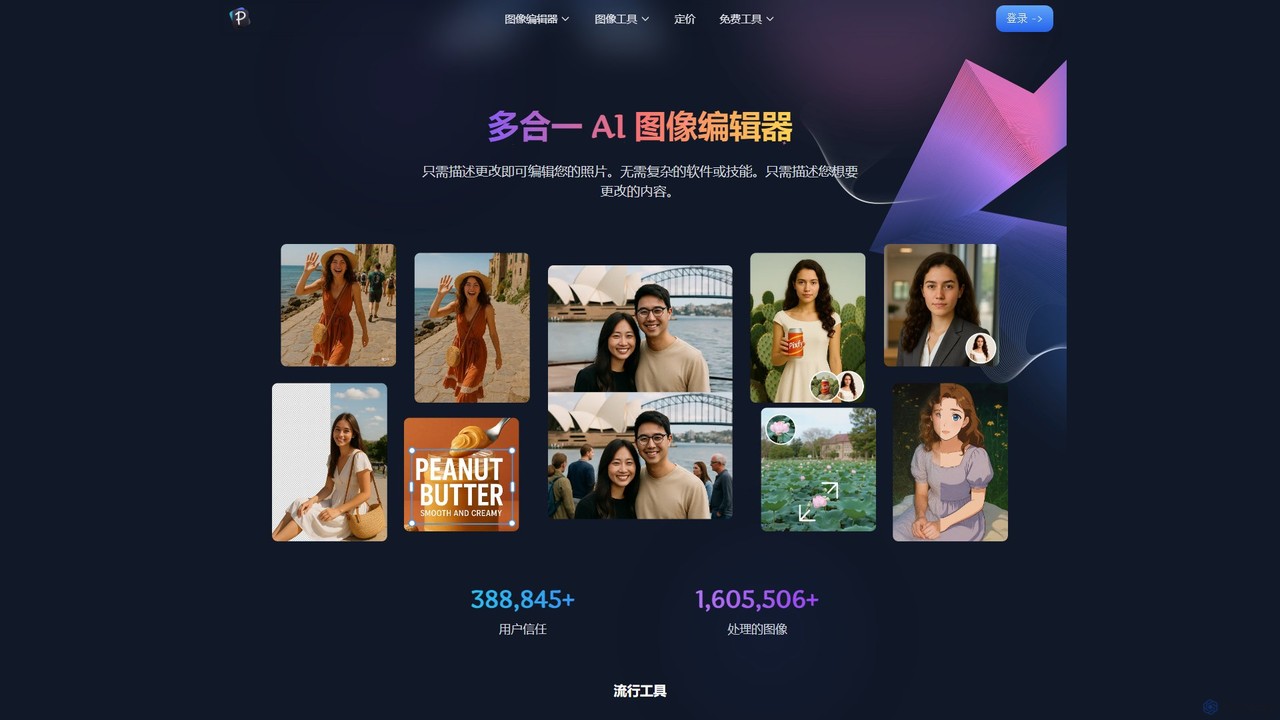
Pixfy
Pixfy is an all-in-one AI image editor that lets you edit photos using simple text commands. From object removal and background changes to AI image generation and virtual try-ons, Pixfy makes professional photo editing accessible to everyone, no complex skills required.
Image Editing
fluxaiart Comments (0)
Sign in to comment.
Sign inNo comments yet.