ToolMage
Sign in

Best 3 Image Editor AI tools for Image

Popular Image Editor AI tools in Image include ChatX, Lensa, and imgifyai, helping you work more efficiently.

imgifyai
Freemium

imgifyai

imgifyai is a comprehensive, all-in-one AI image toolkit for creators. It combines a powerful text-to-image generator with styles like anime and Pixar, alongside essential editing tools such as background removal, image upscaling, enhancement, and restoration. With free cloud storage and a user-friendly interface, imgifyai empowers users to effortlessly create and edit stunning visuals, turning imagination into high-quality art in seconds.

Image Editor
Visits 4.2KFavorites 141Likes 135
Lensa
Freemium

Lensa

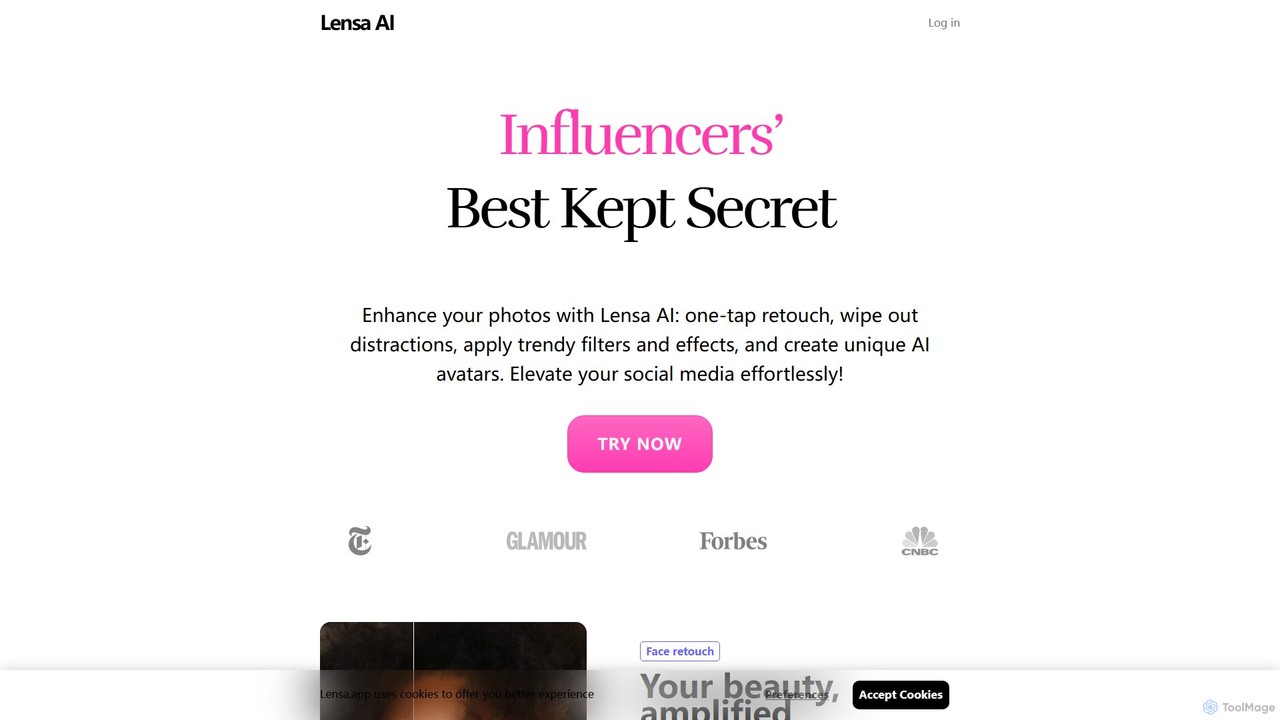
Lensa is a powerful AI-driven photo and video editor app, famous for its 'Magic Avatars' feature. It allows users to generate hundreds of unique, stylized avatars from their selfies using advanced AI. Beyond avatars, it offers a comprehensive suite of editing tools, including one-tap facial retouching, background removal, and artistic filters to transform your images.

Avatar Generator
Visits 61.5KFavorites 136Likes 122
ChatX
Free

ChatX

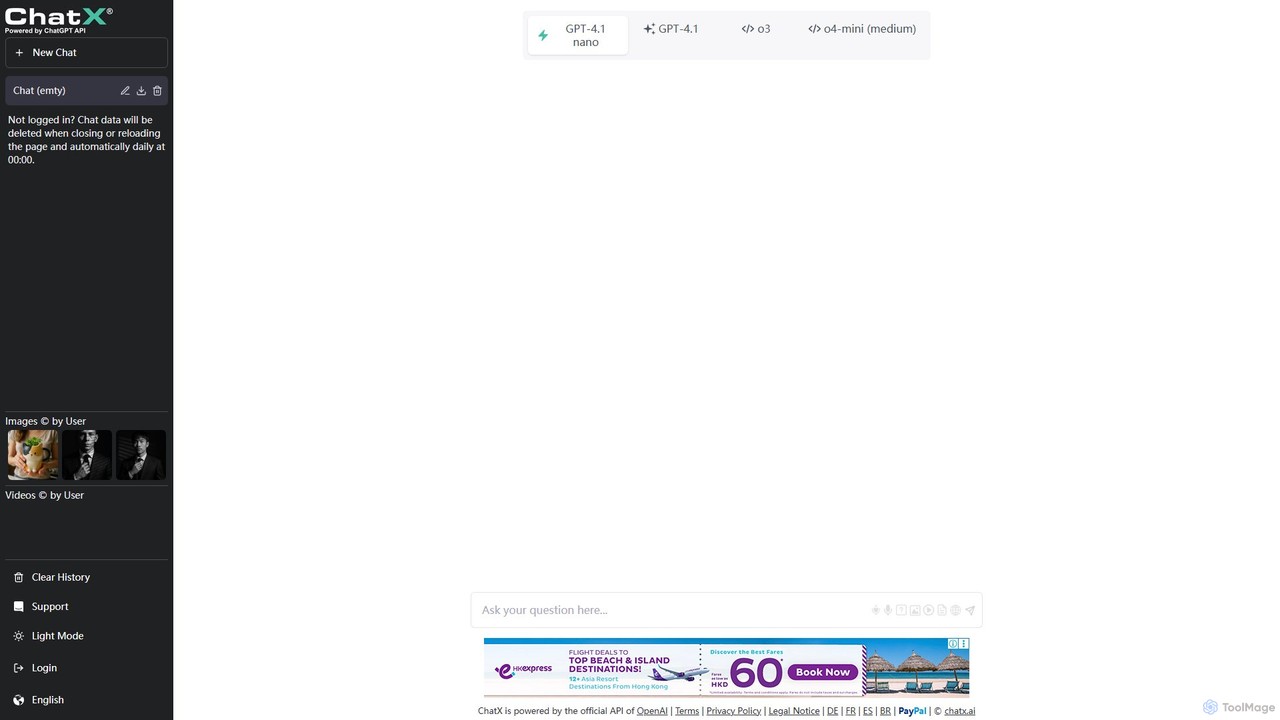
ChatX offers a seamless, no-login, fullscreen experience for interacting with a powerful AI chatbot. It provides free access to advanced text generation, problem-solving, and creative writing. Additionally, ChatX integrates multi-modal capabilities, allowing users to generate and edit images using intuitive text prompts and brush tools, making it a versatile all-in-one AI assistant.

Image Editor
Visits 240.4KFavorites 74Likes 71

About Image Editor

AI Image Editors are tools that leverage artificial intelligence to automate and simplify complex photo editing tasks. They utilize machine learning models to understand image content, enabling features like one-click object removal, intelligent background replacement, and automated enhancements. This technology significantly speeds up creative workflows, allowing users to achieve professional-quality results without extensive manual effort or technical expertise. AI Image Editors are particularly effective for tasks that are traditionally time-consuming, such as precise selections and seamless content generation.

Core Features

  • AI Object Removal: Intelligently erases unwanted people, text, or objects from an image and realistically fills the background.
  • Smart Background Editing: Automatically detects and removes or replaces the background of a photo with a single click.
  • Generative Fill & Expand (Outpainting): Adds, extends, or replaces parts of an image based on simple text prompts or contextual awareness.
  • Automated Enhancement & Upscaling: Instantly improves image quality by adjusting colors, lighting, and sharpness, or increases resolution without losing detail.
  • AI Style Transfer: Applies the artistic style of one image to another, creating unique visual effects.

Use Cases

These tools are widely used by e-commerce businesses for batch processing product photos, social media managers for creating engaging content quickly, and photographers for streamlining their retouching process. They are also valuable for marketing teams designing promotional materials and casual users looking to improve personal photos.

How to Choose

When selecting an AI Image Editor, consider the specific features you need most, such as background removal versus generative fill. Evaluate the user interface for ease of use, check the pricing model (e.g., subscription vs. pay-per-use credits), and review the maximum output resolution to ensure it meets your quality standards.

Featured tool rankings

Image Editor use cases

1

Enhance E-commerce Product Photos

E-commerce store owners often need clean, consistent, and high-quality images for hundreds of products. Using an AI Image Editor, they can automate this process. An operator can upload an entire batch of product photos and apply actions like one-click background removal to create a uniform white or transparent background. The AI can also automatically adjust lighting, enhance colors to make the product more vibrant, and even remove minor defects or dust from the product surface, ensuring every image looks professional and appealing to customers. This saves countless hours compared to manual editing in traditional software.

2

Create Engaging Social Media Content

A social media manager needs to create eye-catching visuals daily. With an AI Image Editor, they can take a standard photo and quickly adapt it. For instance, they can use generative expand (outpainting) to change a vertical photo into a horizontal banner for a blog post without cropping important elements. They can also use AI object removal to erase distracting background elements or use generative fill to add a seasonal object (like a pumpkin for Halloween) into a scene, making the content more relevant and timely. This allows for rapid iteration and creation of multiple visual assets from a single source image.

3

Retouch Real Estate Photography

Real estate agents rely on stunning photos to attract buyers. An AI Image Editor can dramatically improve property photos. Features like AI sky replacement can turn a dull, overcast day into a bright, sunny one with a single click. AI-powered enhancement can automatically correct exposure and color balance in poorly lit interior shots. Furthermore, agents can use object removal to declutter a room by erasing personal items or unwanted furniture, presenting a cleaner, more spacious view of the property without the need for physical staging. This helps create a powerful first impression and can increase interest in a listing.

4

Restore and Colorize Old Photographs

Individuals and archivists often work with old, damaged, or black-and-white photos. AI Image Editors offer powerful restoration capabilities. A user can upload a scanned vintage photograph, and the AI can automatically detect and repair scratches, creases, and noise. The AI upscaling feature can enhance the resolution of old, low-quality prints, revealing hidden details. Most impressively, the AI colorization feature can analyze the black-and-white image and apply realistic, context-aware colors, bringing historical moments and family memories to life with remarkable accuracy and vibrancy.

5

Design Marketing Campaign Visuals

A graphic designer for a marketing team needs to adapt visuals for various ad formats. Using an AI Image Editor, they can take a core product image and use generative expand to extend its background to fit a wide banner, a vertical story, and a square post, all while maintaining a cohesive look. If a product's packaging changes, instead of a costly reshoot, they can use generative fill to select the old label and replace it with the new one by describing it in a text prompt. This agility allows marketing teams to react faster to market changes and produce a higher volume of creative assets.

6

Perfecting Portraits and Headshots

Professionals, influencers, and individuals often need high-quality headshots for profiles or portfolios. An AI Image Editor simplifies the retouching process. A user can upload a portrait and use AI features to automatically smooth skin texture, remove blemishes, and even whiten teeth without making the subject look unnatural. The AI can also enhance the lighting, add a subtle background blur (bokeh effect) to make the subject pop, or completely replace the background with a professional office setting. These tools empower users without photography skills to create polished, studio-quality portraits in minutes.

Image Editor FAQ

What is an AI Image Editor?

An AI Image Editor is a type of software that uses artificial intelligence algorithms to perform advanced and automated image editing tasks. Unlike traditional editors that require manual control for every adjustment, AI editors can understand the content and context of a photo. This allows them to execute complex operations like removing objects, replacing backgrounds, or enhancing quality with a single command or click. They are designed to make professional-level editing accessible to everyone, regardless of skill level, by simplifying time-consuming processes.

How is an AI Image Editor different from traditional software like Photoshop?

The main difference lies in automation and ease of use. Traditional software like Photoshop provides immense manual control and a vast toolset, but requires significant skill and time to master. An AI Image Editor automates many of the most complex tasks. For example:

  • Selection: Instead of manually tracing an object with a pen tool, AI editors can identify and select subjects or backgrounds automatically.
  • Content Generation: Tasks like removing an object and filling the space (content-aware fill) are faster and often more seamless in AI-native tools.
  • Learning Curve: AI editors are typically much easier for beginners to use, offering one-click solutions for tasks that would require multiple steps and technical knowledge in Photoshop.
In essence, Photoshop is a comprehensive workshop with every tool imaginable, while an AI Image Editor is a set of powerful, specialized smart tools designed for speed and efficiency.

How do I choose the right AI Image Editor?

Choosing the right AI Image Editor depends on your specific needs. First, identify your primary use case: are you mainly removing backgrounds for e-commerce, or do you need creative generative fill features for marketing? Next, consider the user interface; a good tool should be intuitive and not require a steep learning curve. Also, evaluate the pricing model—some charge a monthly subscription for unlimited use, while others use a credit system where you pay per image edited. Finally, check the output quality and resolution limits to ensure they meet the standards for your projects, whether for web or print.

What are the main features of AI Image Editors?

AI Image Editors are packed with features designed to automate complex tasks. The most common and powerful features include:

  • Object & Text Removal: Seamlessly erase unwanted elements from a photo.
  • Background Removal & Replacement: Isolate the subject and change the background with one click.
  • Generative Fill: Add or replace elements within an image using text prompts.
  • Image Upscaling: Increase the resolution and detail of low-quality images without artifacts.
  • Photo Restoration: Automatically repair scratches, remove noise, and colorize old black-and-white photos.
  • Smart Enhancement: Instantly adjust lighting, color, and sharpness for a more professional look.
These features work together to drastically reduce editing time and effort.

Who can benefit from using an AI Image Editor?

A wide range of users can benefit from AI Image Editors. Marketers and Social Media Managers can quickly create and adapt visuals for campaigns. E-commerce Store Owners can efficiently process thousands of product photos to maintain a professional and consistent look. Photographers can speed up their retouching workflow for tasks like blemish removal and background cleanup. Content Creators and Bloggers can enhance their images to make their content more engaging. Finally, casual users who want to improve their personal photos for social media or family albums can achieve professional results without needing any technical skills.