ToolMage
Sign in

Best 1 3D Conversion AI tools for Image

Popular 3D Conversion AI tools in Image include Immersity, helping you work more efficiently.

Immersity
Freemium

Immersity

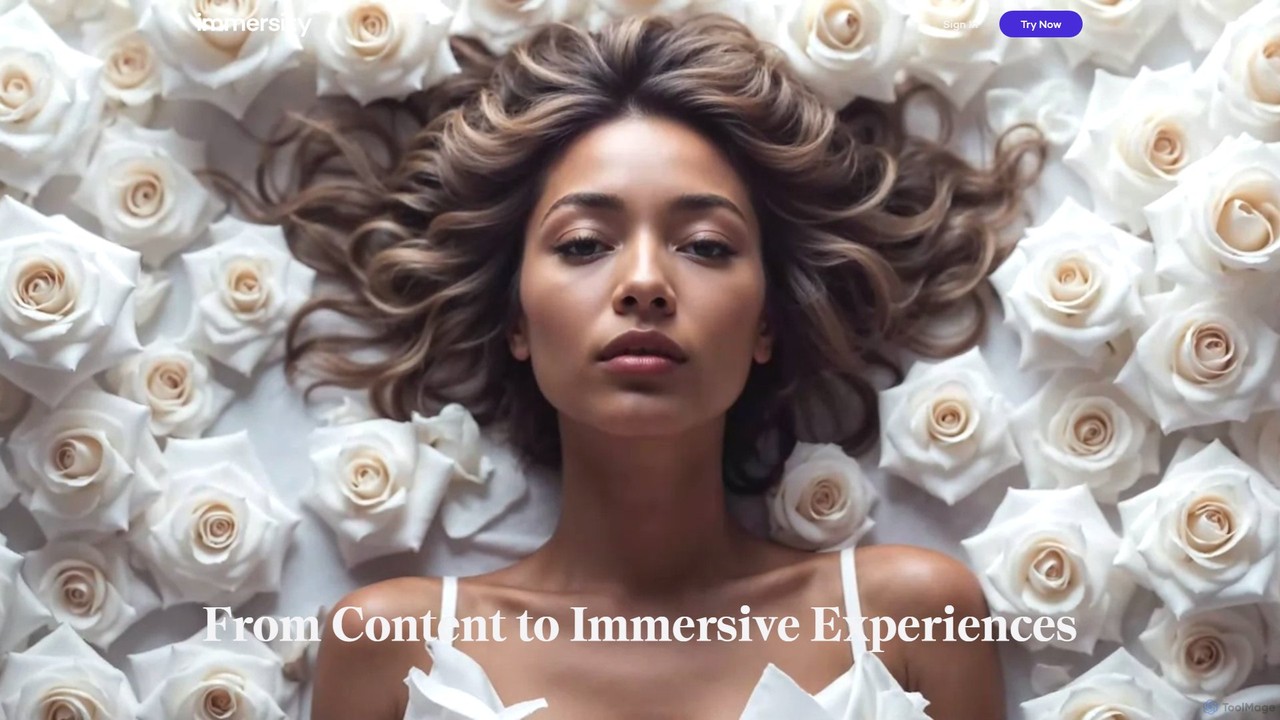
Immersity is an AI-powered platform that converts 2D images and videos into immersive 3D experiences. It generates depth and motion, allowing users to create animated 3D photos, videos, and specialized content like Apple Music Album Motion. Ideal for artists, marketers, and creators seeking to add a dynamic dimension to their visuals without complex 3D software.

Animation
Visits 142.1KFavorites 109Likes 96

About 3D Conversion

AI 3D Conversion tools are a specialized category of software that automatically generate three-dimensional models from 2D inputs like images, text, or videos. Leveraging advanced techniques such as photogrammetry, NeRFs (Neural Radiance Fields), and generative models, these tools interpret visual or textual data to construct geometric shapes and textures. This technology dramatically accelerates the creation of 3D assets, making it accessible beyond traditional 3D artists. It provides a powerful bridge between two-dimensional concepts and immersive three-dimensional worlds.

Core Features

  • Image-to-3D: Generates a 3D mesh and texture from a single or multiple photographs of an object.
  • Text-to-3D: Creates 3D models based on descriptive text prompts, ideal for rapid prototyping.
  • Video-to-3D: Reconstructs 3D scenes or objects by analyzing motion and perspective from video footage.
  • Texture Generation: Automatically creates or applies realistic surface textures to the generated 3D models.
  • Format Export: Allows exporting models in standard formats like OBJ, FBX, and glTF for use in other software.

Use Cases

These tools are widely used in e-commerce for creating interactive product viewers, in game development for rapid asset prototyping, and in AR/VR for building immersive experiences. They also serve industries like architecture for quick visualizations and digital heritage for preserving artifacts.

How to Choose

When selecting a 3D Conversion tool, consider the supported input types (image, text, video). Evaluate the quality and detail of the output models and ensure it offers necessary export formats (e.g., glTF, FBX) for your workflow. Also, assess the balance between ease of use for beginners and advanced controls for professionals.

Featured tool rankings

3D Conversion use cases

1

E-commerce Product Visualization

An e-commerce manager for a fashion brand needs to create engaging, interactive online shopping experiences. Instead of relying on static 2D photos, they use an AI 3D Conversion tool to process images of their new handbag line. By uploading multiple photos of each product from different angles, the tool automatically generates a detailed, textured 3D model. This model is then embedded into the product page, allowing customers to rotate, zoom, and inspect the handbag from all sides. This significantly enhances user engagement and can lead to higher conversion rates by providing a more realistic product preview.

2

Rapid Prototyping for Game Assets

An indie game developer is working on a fantasy RPG and needs to quickly populate the world with various props like chests, barrels, and weapons. Using a Text-to-3D conversion tool, the developer can simply type prompts like "ornate wooden treasure chest with iron fittings" or "glowing magical sword". The AI generates a base 3D model in seconds. While these models may require further refinement in a traditional 3D software, this process allows for extremely fast iteration and concept validation, saving hundreds of hours compared to modeling each asset from scratch. It helps establish the game's visual style early in development.

3

Creating Content for AR/VR Experiences

A marketing agency is developing an augmented reality (AR) application for a furniture client, allowing customers to visualize products in their own homes. To do this, they need 3D models of the entire furniture catalog. Using an Image-to-3D tool, they take high-quality photos of each chair, table, and sofa from multiple angles. The AI processes these images and generates realistic, true-to-scale 3D models in a mobile-friendly format like glTF. This avoids the costly and time-consuming process of manually modeling each item, enabling the agency to quickly build a large library of AR-ready assets for their immersive application.

4

Digital Archiving of Cultural Artifacts

A museum curator wants to create a digital archive of a collection of fragile ancient pottery. Physical handling must be minimized to prevent damage. By using a Video-to-3D or photogrammetry-based tool, the curator can simply walk around each artifact while recording a high-resolution video. The AI software then analyzes the video frames, calculates depth and perspective, and reconstructs a highly detailed 3D model of the pottery. This digital twin can be used for academic research, virtual museum exhibits, and educational purposes, preserving the object's form and texture for future generations without risking the original piece.

5

Conceptual Architectural Visualization

An architect needs to quickly present a building concept to a client. Instead of spending days creating a detailed 3D model, they can use an AI tool to convert their 2D sketches or floor plans into a basic 3D massing model. By uploading a drawing of the building's facade, the AI can extrude the shapes and even suggest basic textures. This allows the client to get a feel for the building's volume, scale, and form early in the design process. It serves as an excellent starting point for more detailed modeling and facilitates clearer communication between the architect and the client.

6

3D Character Creation from Sketches

A character designer for an animated short film has created several 2D concept sketches of the protagonist. To move to the 3D modeling stage, they use an AI 3D conversion tool that specializes in character generation. By uploading the front and side view sketches, the AI interprets the 2D drawings to generate a symmetrical base 3D mesh that captures the character's proportions and key features. This base mesh is not the final product but provides a solid foundation for a 3D artist to begin sculpting details, adding textures, and preparing the model for rigging and animation, significantly shortening the initial modeling phase.

3D Conversion FAQ

What are AI 3D Conversion tools?

AI 3D Conversion tools are applications that use artificial intelligence to automatically create 3D models from 2D sources. Unlike traditional 3D modeling software that requires manual creation from scratch, these tools analyze inputs like photos, videos, or text descriptions to generate the corresponding 3D geometry and textures. Key technologies include photogrammetry for image-based modeling and generative models for text-to-3D creation. They are primarily used to speed up the 3D asset creation pipeline for games, e-commerce, and AR/VR applications.

What's the difference between AI 3D Conversion and traditional 3D modeling?

The primary difference lies in the creation process and required skill level. Traditional 3D modeling (using software like Blender or Maya) is a manual, artistic process where a user builds a model from basic shapes, requiring significant technical skill and time. AI 3D Conversion, in contrast, is an automated process that generates a model from existing data (an image, text, or video). It prioritizes speed and accessibility over fine-grained artistic control. AI conversion is ideal for rapid prototyping and digitizing real-world objects, while traditional modeling is suited for creating highly specific, original, or complex artistic assets.

How do I choose the right 3D Conversion tool?

To choose the right tool, consider these factors:

  • Input Type: Determine what you will be converting from. Some tools specialize in Image-to-3D (photogrammetry), others in Text-to-3D, and some handle video. Choose one that matches your source material.
  • Output Quality: Assess the level of detail, mesh cleanliness, and texture resolution you need. A tool for game assets might prioritize low-poly models, while one for digital archiving needs high fidelity.
  • Export Formats: Ensure the tool can export in a format compatible with your pipeline, such as .OBJ, .FBX for most 3D software, or .glTF for web and AR applications.
  • Ease of Use: Some tools offer a simple one-click process, while others provide advanced settings for greater control. Select based on your technical expertise and project requirements.
What kind of inputs can be used for 3D conversion?

AI 3D conversion tools can process a variety of 2D inputs. The most common types include:

  • Single Images: Some advanced tools can infer a 3D shape from a single 2D picture of an object, though the back side is often an estimation.
  • Multiple Images (Photogrammetry): This is a very common method where photos of an object are taken from many different angles. The software stitches these together to create an accurate 3D model.
  • Videos: A video of an object or scene provides a continuous stream of images from different perspectives, which can be used to reconstruct a 3D model, similar to photogrammetry.
  • Text Prompts: Generative AI models can now create 3D objects from a simple text description (e.g., "a red leather armchair"), which is excellent for conceptual design.
  • 2D Sketches/Drawings: Some specialized tools can take a 2D drawing or a character sheet and generate a base 3D mesh from it.
Who can benefit from using 3D Conversion tools?

A wide range of professionals and hobbyists can benefit from these tools. Key users include:

  • Game Developers: For rapidly creating prototype assets and environmental props, saving significant modeling time.
  • E-commerce Businesses: To create interactive 3D product viewers that enhance online shopping experiences and increase conversions.
  • AR/VR Creators: For quickly generating realistic assets to populate immersive virtual and augmented reality worlds.
  • Architects and Designers: To turn 2D sketches and plans into 3D concepts for better client visualization and communication.
  • Digital Artists and Hobbyists: To easily experiment with 3D creation without the steep learning curve of traditional modeling software.