
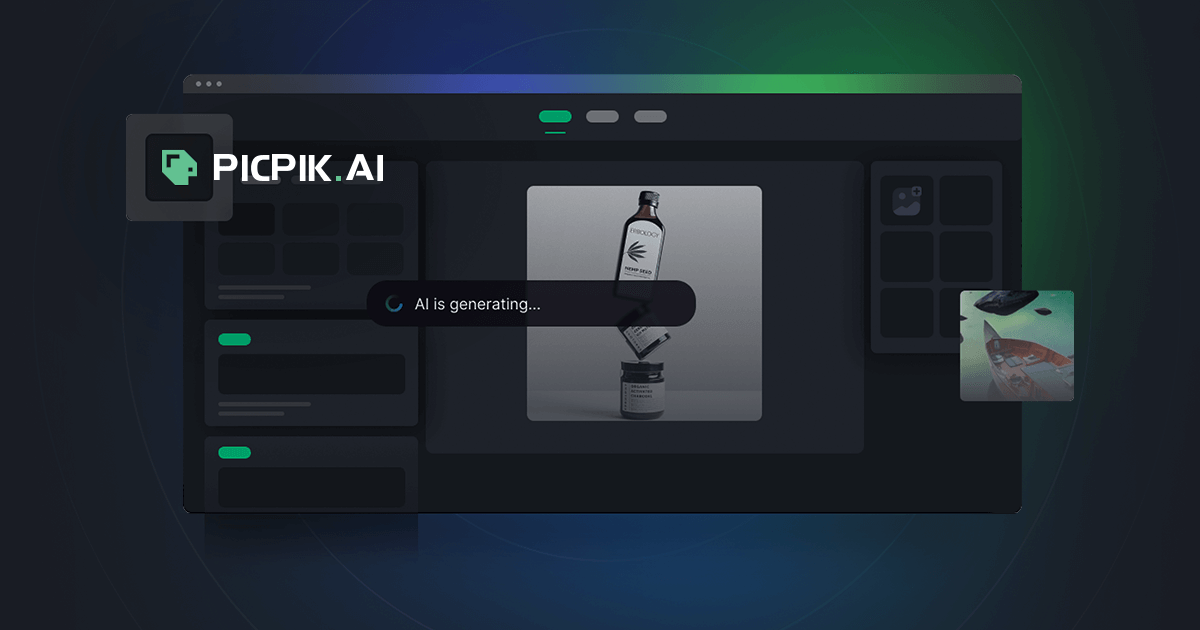
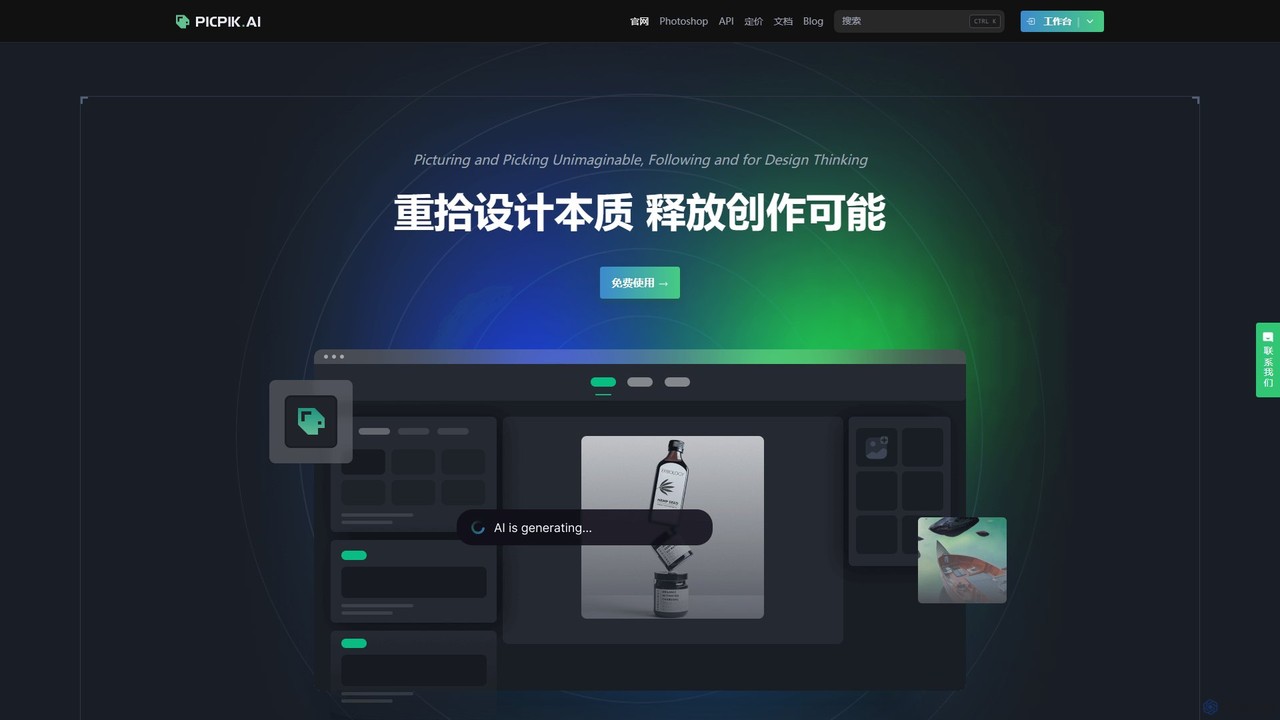
PicPik.ai Overview
PicPik.ai is a powerful and versatile AI image generation platform specifically engineered for professional users, including corporate design departments, game artists, advertising agencies, illustrators, and architects. It aims to bridge the gap between creative ideation and final execution by integrating advanced AI capabilities directly into the professional design workflow. The platform provides a comprehensive suite of tools for image inference, custom model training, and data management, empowering creators to unleash their full potential.
At its core, PicPik.ai features a range of deeply optimized pre-set models that allow users to generate high-quality, expressive images without a steep learning curve. These models cover a wide array of styles, including general realism, photorealistic portraits, anime characters and scenes, tech-style icons, 3D models, architectural concepts, interior designs, and industrial product mockups. The platform's intelligent prompt analysis, powered by AI and vector databases, ensures that users can express their creative ideas naturally and efficiently, even in languages other than English, such as Chinese.
How to use PicPik.ai
Getting started with PicPik.ai is designed to be intuitive for both new and experienced users. The primary methods of interaction are through its web interface and a dedicated Photoshop plugin.
1. Web-based Generation: Simply visit the PicPik.ai website, type a descriptive text prompt, and select a desired style model. The AI will generate an image based on your input. You can refine the image by adjusting the prompt or using advanced control features.
2. Photoshop Plugin: For a seamless workflow, install the PicPik.ai plugin (compatible with Photoshop 2022 and later). This allows you to generate images, inpaint (redraw specific parts), and outpaint (extend the canvas) directly within your Photoshop project, integrating AI-generated elements with your existing work.
3. Custom Model Training: To create unique styles or consistent characters, use the model training feature. Create a new training set, upload your sample images (e.g., photos of a specific person's face), and start the training process. A custom LoRA model can be ready in as little as 10 minutes, which you can then use for all your future generations.
4. Advanced Image Control: Utilize the integrated ControlNet features for precise control over the output. You can upload reference images for pose (OpenPose), structure (Canny edge), or depth, ensuring the generated image matches your desired composition.
5. AI Mini-tools: Access a collection of one-click tools for post-processing, such as the AI Face Swap, HD Upscaler to increase image resolution without quality loss, and the Background Remover to create transparent PNGs.
Core Features of PicPik.ai
- High-Quality Pre-set Models: A diverse library of optimized models for various professional needs, from realistic portraits to architectural visualization.
- Custom LoRA Model Training: A fast and user-friendly system to train your own AI models for specific styles, characters, or objects, with strong data privacy protection.
- Seamless Photoshop Plugin: Deep integration with Adobe Photoshop for an uninterrupted creative workflow, supporting generation, inpainting, and more.
- Full ControlNet Suite: Advanced control over image generation using reference images for pose, depth, and structure (Canny, OpenPose, etc.).
- AI Utility Toolkit: A suite of practical tools including Smart Face Swap, AI HD Upscaler, one-click Background Removal, Image Layering (beta), and Bitmap-to-Vector conversion (beta).
- Multi-Person Collaboration: A single account can support up to 15 users, allowing teams to share models, image resources, and credits seamlessly.
- Model Marketplace: A platform for users to trade, purchase, or commission custom-trained models.
- Native Language Support: Optimized for natural language prompts beyond English, with excellent performance in Chinese.
Use Cases for PicPik.ai
PicPik.ai is ideal for a wide range of professional applications:
- Game Development: Rapidly creating concept art for characters, environments, props, and in-game assets.
- Advertising & Marketing: Generating unique and compelling visuals for digital campaigns, social media content, and advertisements.
- Architecture & Interior Design: Visualizing architectural concepts and creating realistic interior design renderings.
- Industrial & Product Design: Developing product concepts, creating mockups, and generating marketing visuals.
- Illustration & Comics: Assisting artists in generating character designs, background scenes, and storyboards.
- Corporate Design Teams: Streamlining the creation of brand assets, presentation materials, and internal communications.
Advantages of PicPik.ai
PicPik.ai stands out by focusing on the needs of professional creators. Its key advantages include its deep integration with essential design tools like Photoshop, which significantly enhances productivity. The platform simplifies complex AI technologies like model training and ControlNet, making them accessible to users without technical expertise. The emphasis on high-quality, pre-optimized models ensures superior results with minimal effort. Furthermore, its collaborative features make it an excellent choice for design teams, while the model marketplace fosters a community of shared creativity.
Pricing and Plans
PicPik.ai operates on a freemium model. New users are welcomed with a generous free trial, which includes up to 900 free image generation credits upon registration. This allows individuals and teams to thoroughly test the platform's capabilities. For users with higher demands, it is expected that PicPik.ai offers paid plans or credit packs to access more generations, advanced features, and increased team collaboration limits. Specific details on paid tiers would be available on their official website.
Traffic
Latest traffic
Status
Monthly traffic trend
- 2026-1: 1.4K
- 2026-2: 1.3K
- 2026-3: 324
- 2026-4: 0
- 2026-5: 2.6K
Geography
Top 5 countries / regions
- 🇻🇳Vietnam100.0%
PicPik.ai Alternatives
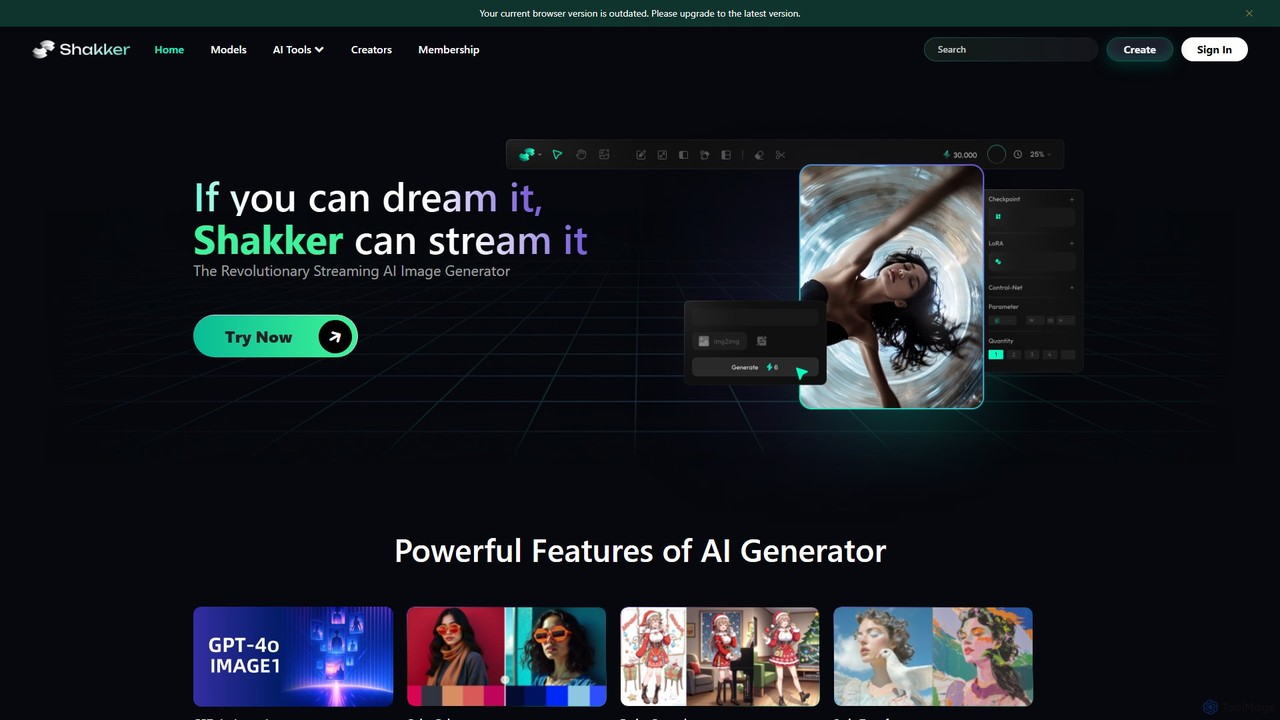
Shakker
Shakker is an all-in-one generative AI design platform, offering a vast library of diverse models (including FLUX and Stable Diffusion), integrated professional tools like online ComfyUI and A1111, and powerful features for image generation, editing, and model training. It caters to creators of all skill levels, from beginners to experts.
Generative Art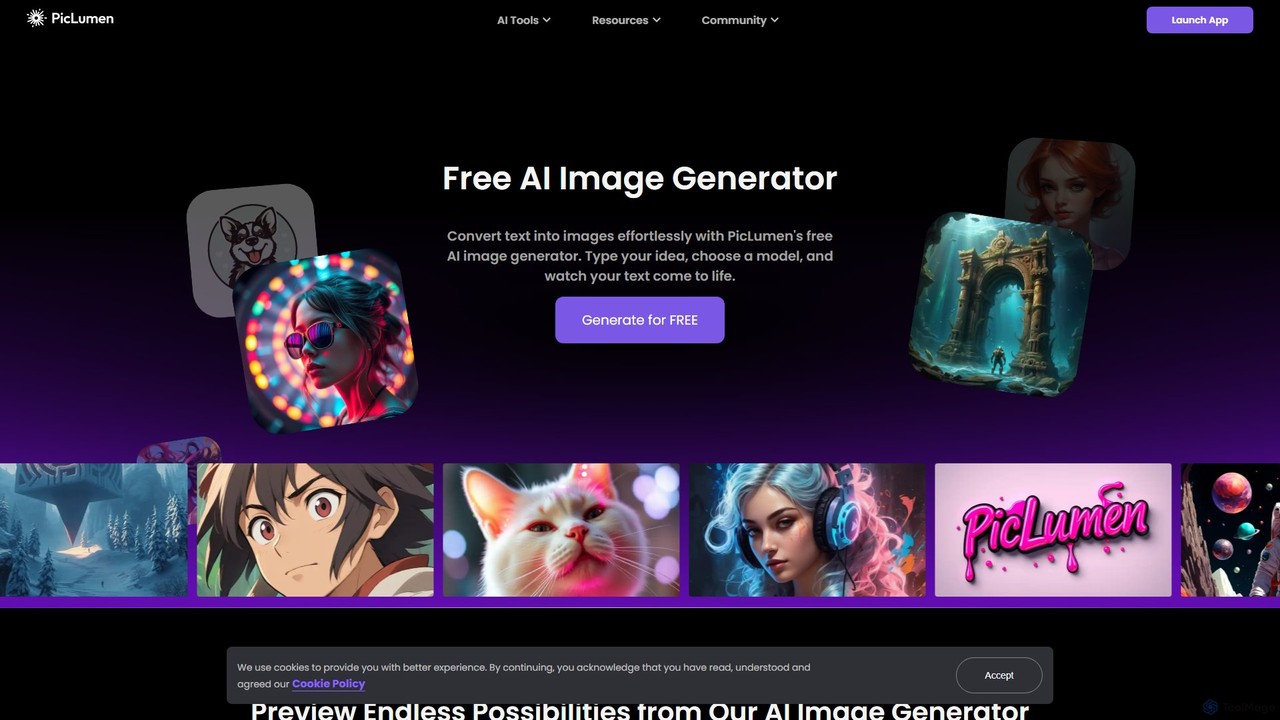
piclumen
PicLumen is a free, versatile AI image generator and editor that transforms text into stunning visuals. It offers a suite of tools including a background remover, image upscaler, colorizer, and an advanced image-to-image generator with multiple fine-tuned models for realistic photos, anime, and line art.
Generative Art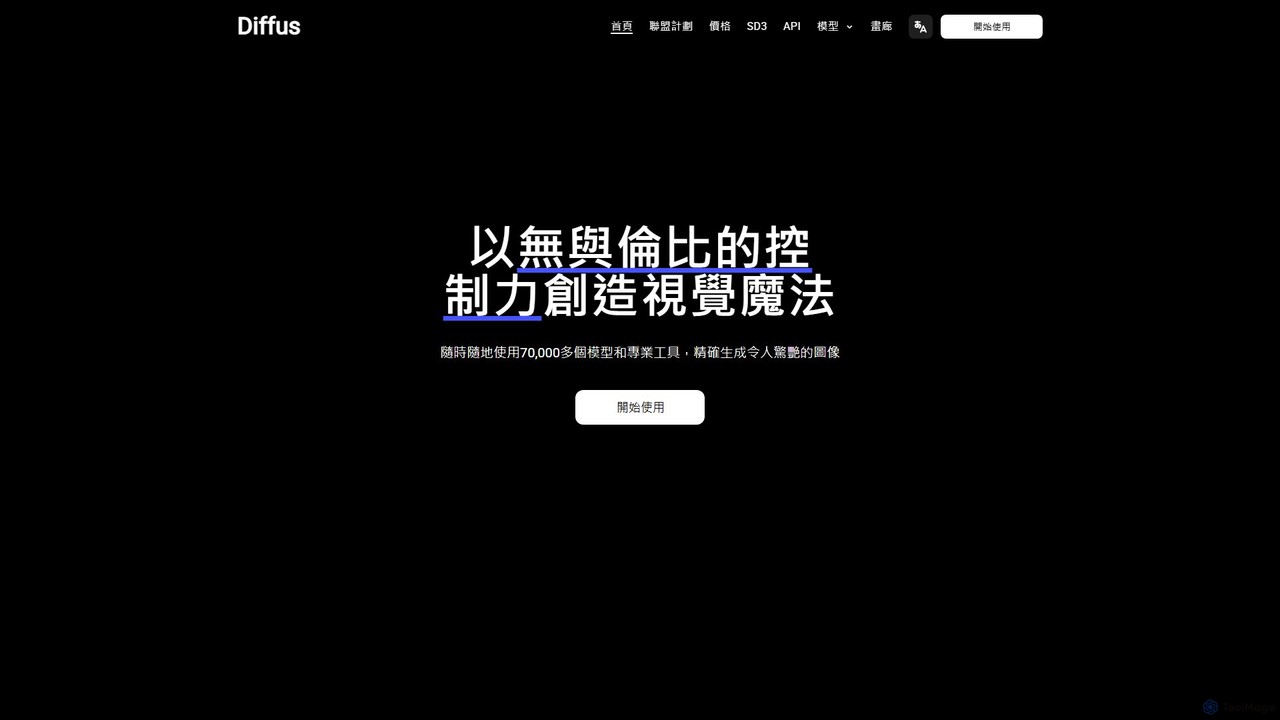
Diffus
A professional-grade, browser-based AI image generation platform offering precise control. Access over 70,000 models, including Stable Diffusion, LoRAs, and ControlNet, to create stunning visuals without needing powerful hardware. Ideal for artists, designers, and hobbyists.
Digital Art
Kira
Kira is a powerful AI-powered platform for professional-grade image generation and editing. It combines a versatile text-to-image generator with a comprehensive suite of editing tools, including background removal, inpainting, upscaling, and stylization. Its key feature is the ability to maintain consistent styles and characters across multiple edits and generations, making it ideal for branding, marketing, and creative projects that require a cohesive visual identity.
Graphic Design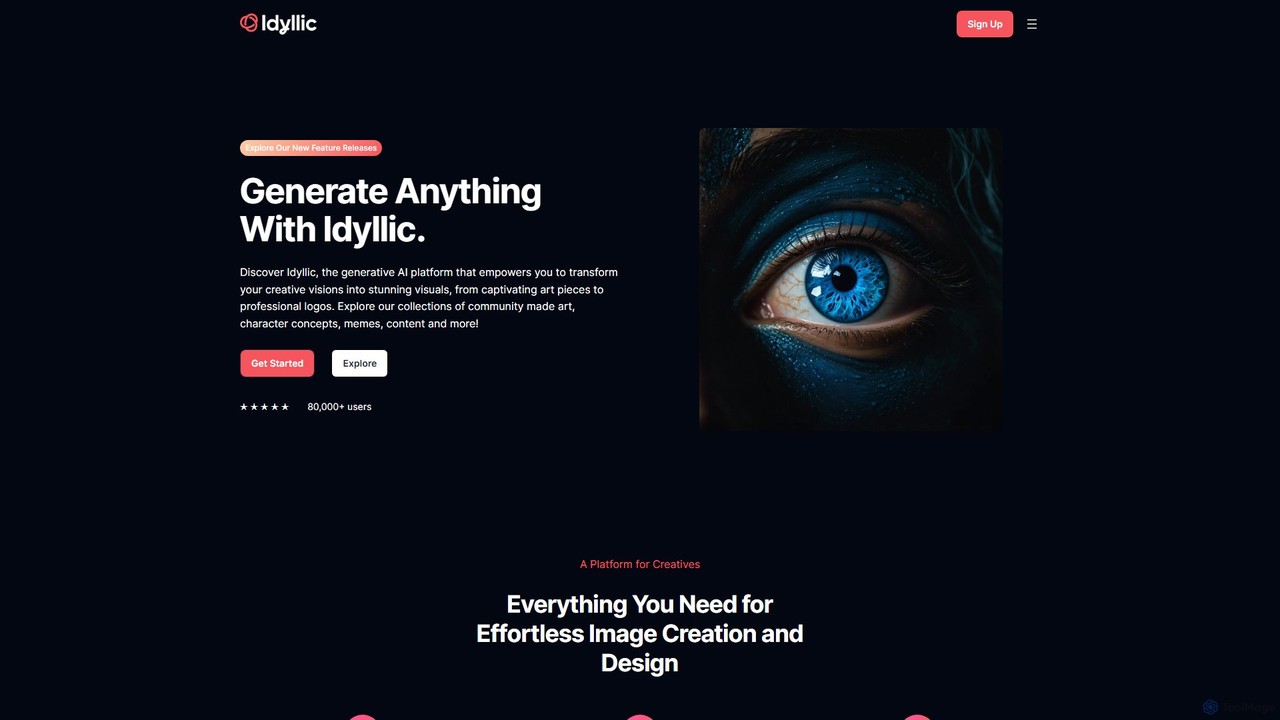
idyllic
Idyllic is a generative AI platform that transforms text descriptions into stunning visuals. It empowers users to create, edit, and remix images, from art and logos to marketing materials, using intuitive conversational commands and powerful blending features. It's designed for both creatives and professionals, requiring no prior design skills.
Ai ArtPicPik.ai Categories
PicPik.ai Embed Widget
Copy this embed code to place the badge on your blog, article, or product site and send readers directly to this ToolMage detail page.

Related AI tools
Shakker
Shakker is an all-in-one generative AI design platform, offering a vast library of diverse models (including FLUX and Stable Diffusion), integrated professional tools like online ComfyUI and A1111, and powerful features for image generation, editing, and model training. It caters to creators of all skill levels, from beginners to experts.
Generative Artpiclumen
PicLumen is a free, versatile AI image generator and editor that transforms text into stunning visuals. It offers a suite of tools including a background remover, image upscaler, colorizer, and an advanced image-to-image generator with multiple fine-tuned models for realistic photos, anime, and line art.
Generative ArtDiffus
A professional-grade, browser-based AI image generation platform offering precise control. Access over 70,000 models, including Stable Diffusion, LoRAs, and ControlNet, to create stunning visuals without needing powerful hardware. Ideal for artists, designers, and hobbyists.
Digital Art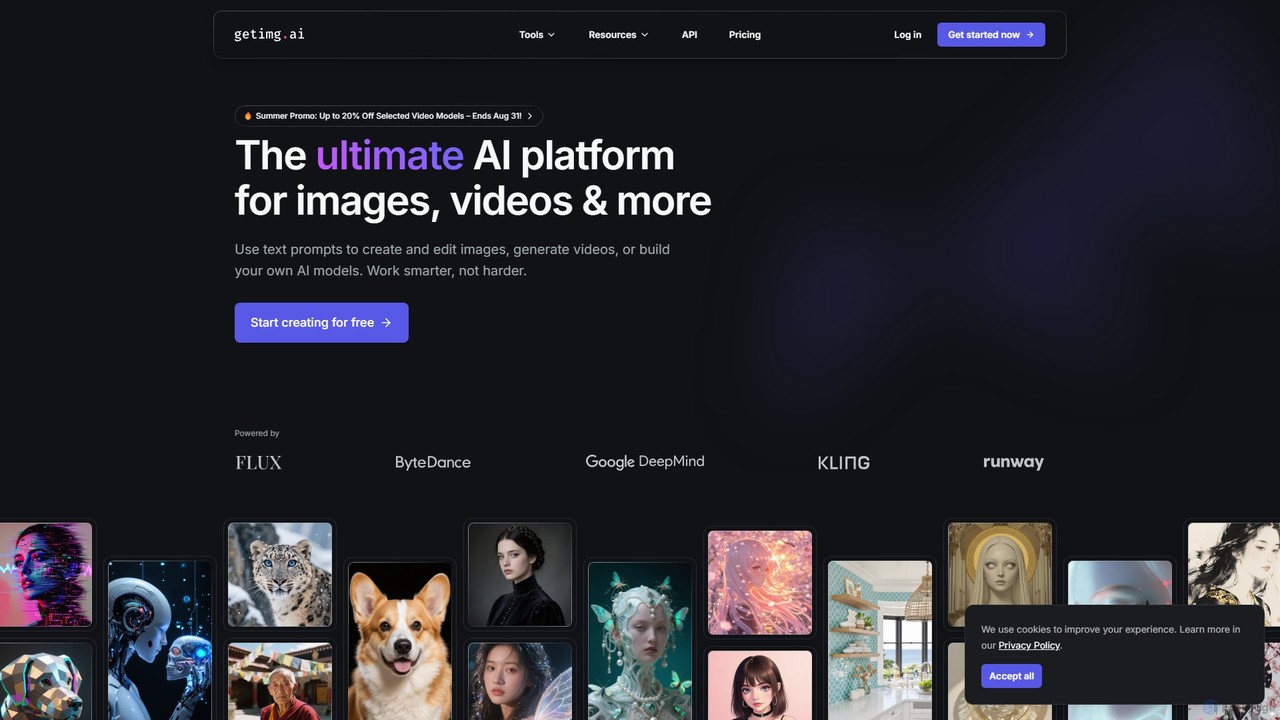
getimg.ai
getimg.ai is a comprehensive AI suite for creating images, videos, and custom AI models. It provides a user-friendly platform to generate high-quality visuals from text prompts, edit images with advanced tools, and access a wide range of industry-leading AI models. Ideal for artists, marketers, and designers seeking fast, polished, and consistent creative assets.
Creative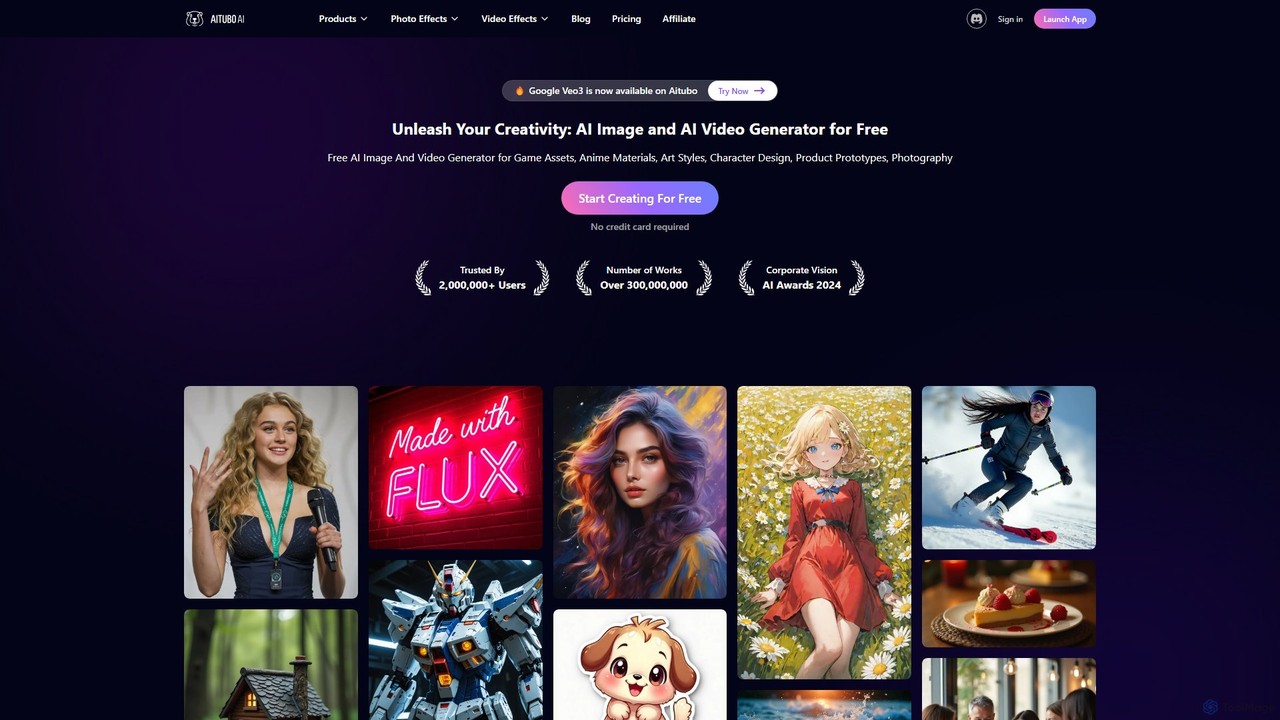
Aitubo
Aitubo is a comprehensive AI creative suite for generating and editing images and videos. It features advanced models like Flux and SD3, offering tools for text-to-image, text-to-video, background removal, image enhancement, face swapping, and AI character chat. Ideal for artists, designers, and content creators.
Chatbots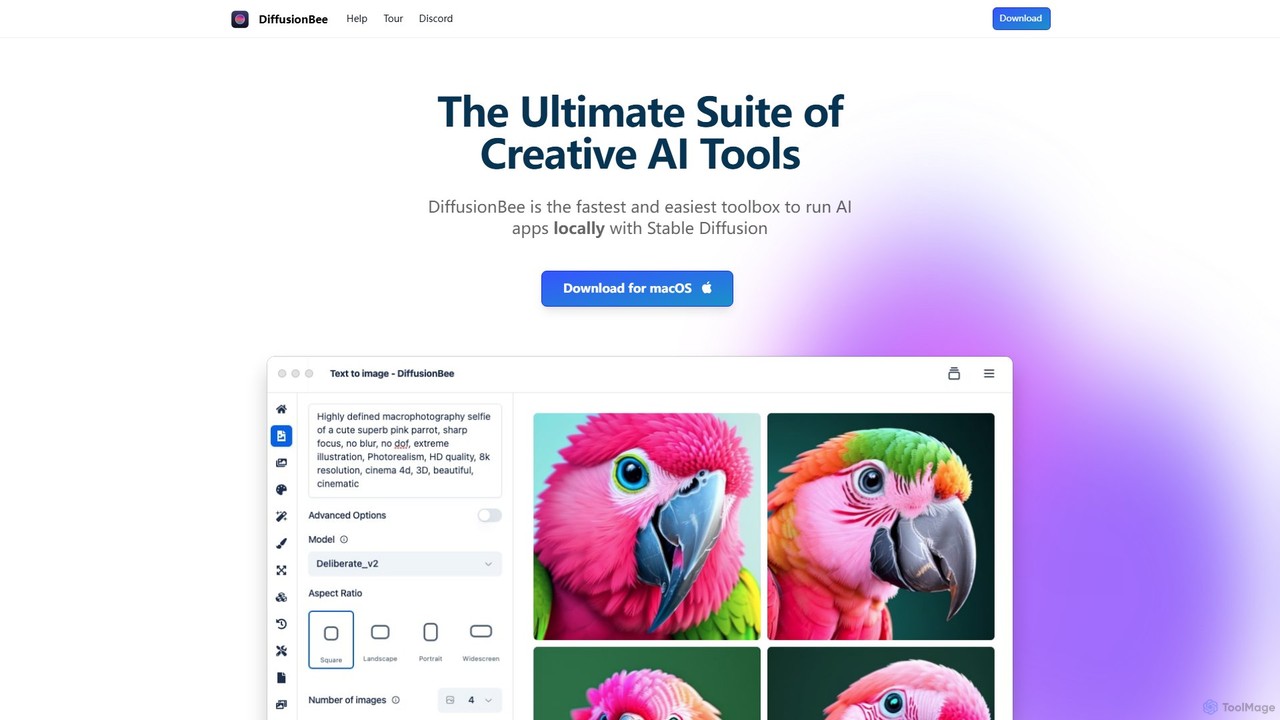
DiffusionBee
DiffusionBee is a free, easy-to-use macOS application that allows you to run Stable Diffusion locally on your computer. Generate stunning AI art from text, edit images with an AI canvas, train custom models, and more, all 100% offline, ensuring complete privacy and data ownership.
Creative Tools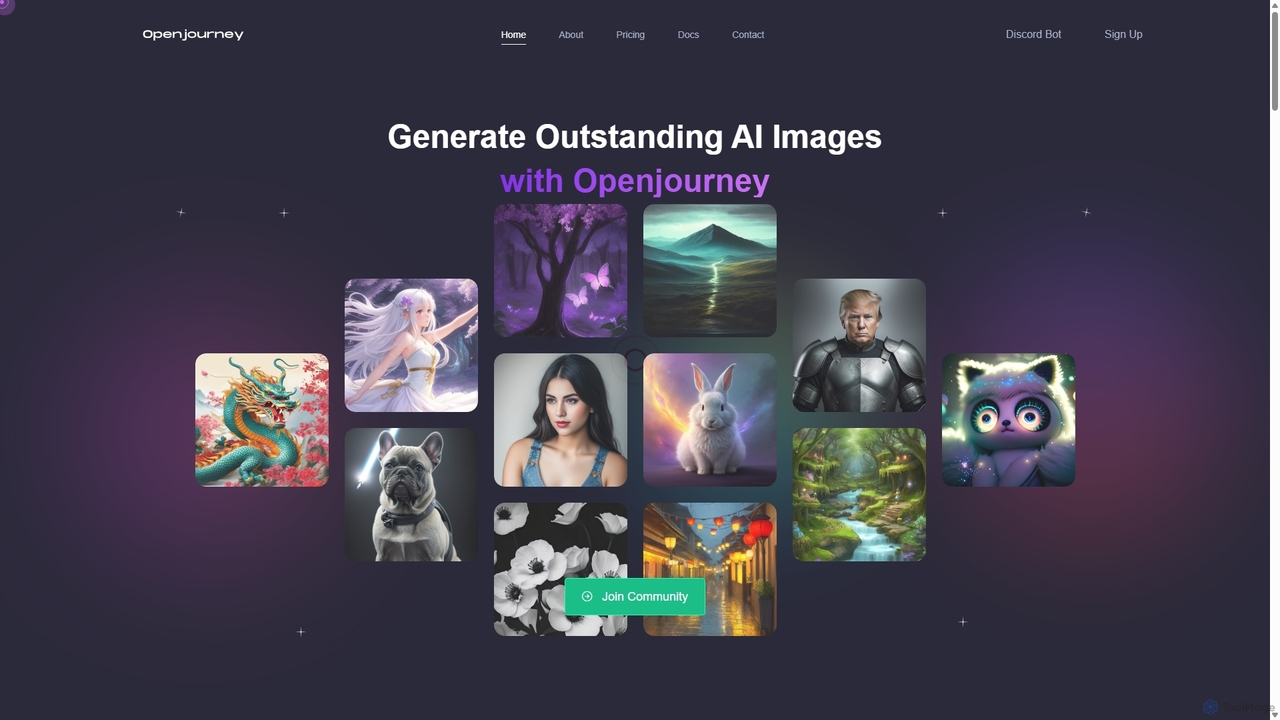
Openjourney
Openjourney is a comprehensive AI creative suite that offers a wide range of generative tools in one place. It excels in generating high-quality images from text prompts but also includes powerful features like face restoration, face swapping, background removal, image upscaling to 4K, an unlimited AI chatbot, and advanced controls like Controlnet. It's designed for creators, marketers, and artists seeking a versatile and powerful AI toolkit.
Generative Art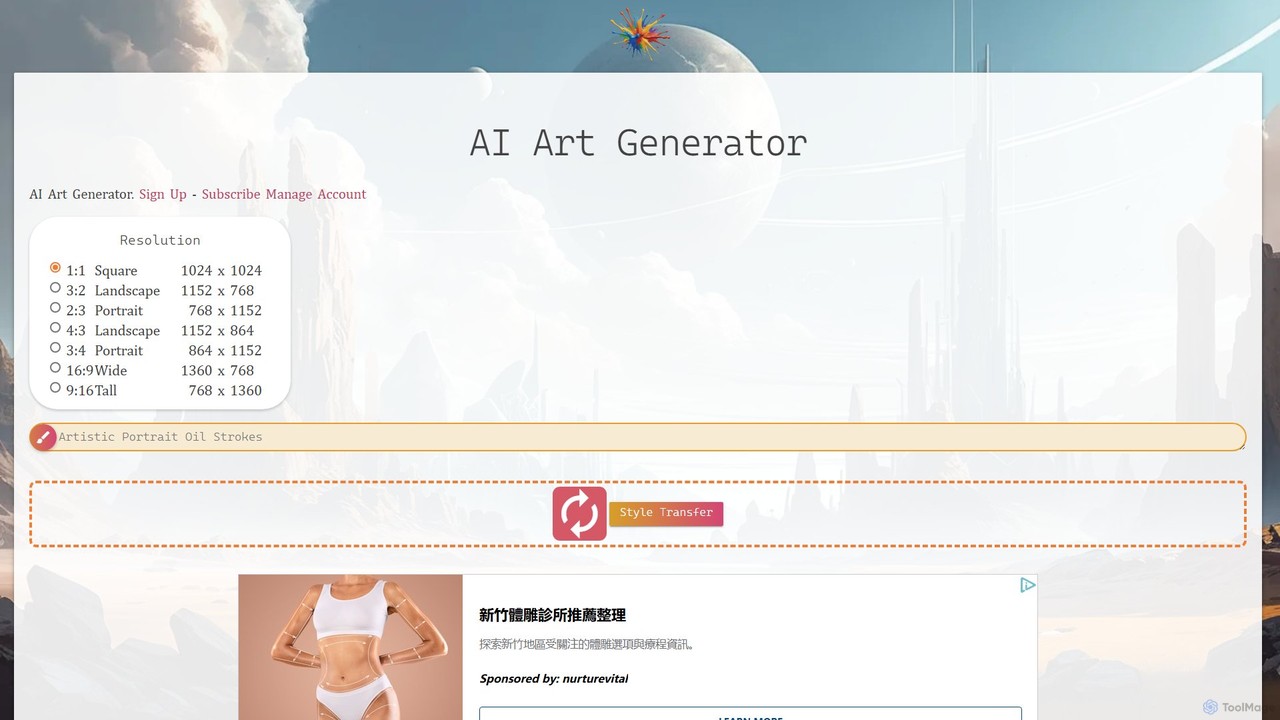
AI Art Generator + Image Search
A comprehensive AI art platform that allows users to generate stunning images from text prompts across a vast library of styles. It features advanced tools like style transfer, 2K upscaling with eye correction, an integrated editor, and the unique ability to animate static images into short videos. Ideal for artists, designers, and creators seeking a versatile and powerful visual creation tool.
Digital Art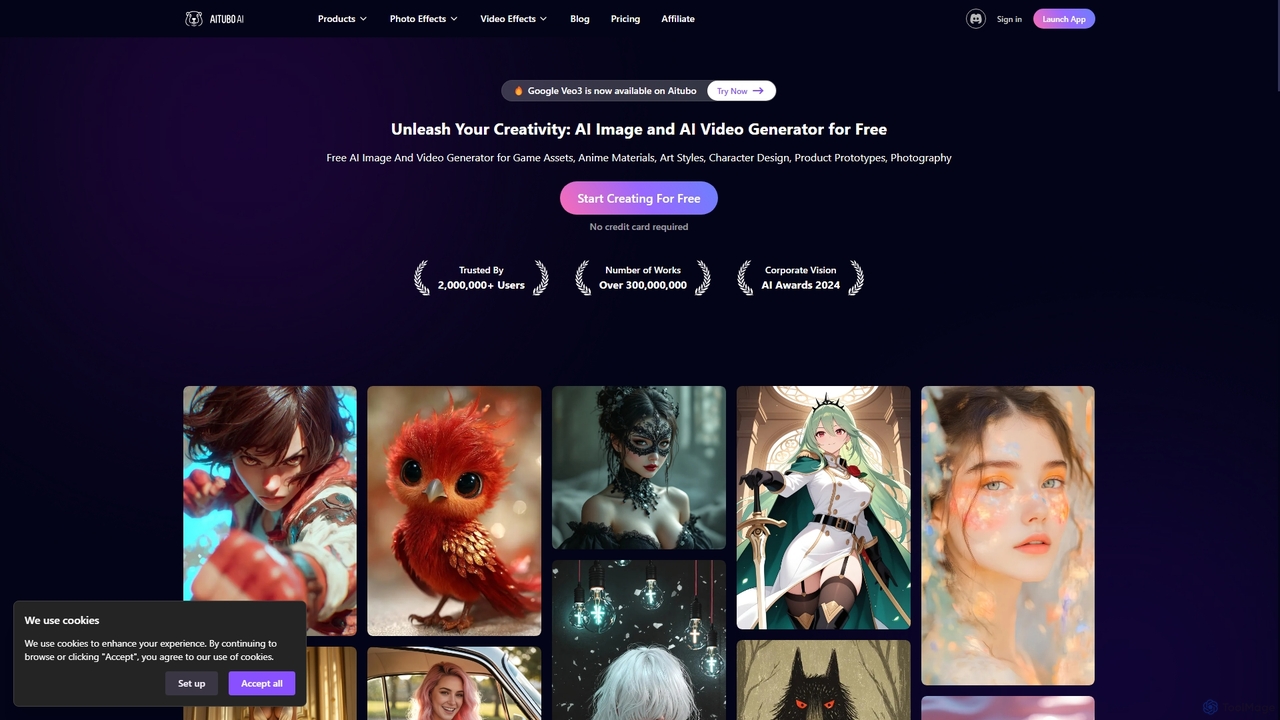
Aitubo
Aitubo is a comprehensive AI-powered creative suite for generating and editing images and videos. It offers a wide range of tools, including text-to-image with advanced models like Flux and SD3, text-to-video, an AI image editor, background remover, face swap, and an AI chat feature. Designed for creators, artists, and marketers, Aitubo provides both free and premium plans to unleash creativity for various projects, from game assets and anime art to product prototypes and marketing content.
Generative Art
SeaArt
SeaArt is an all-in-one AI creativity platform and community for generating high-quality images, videos, audio, and interactive characters. It offers a vast library of models, advanced tools like ComfyUI, and custom model training, catering to everyone from beginners to professional artists and developers.
Voice Synthesis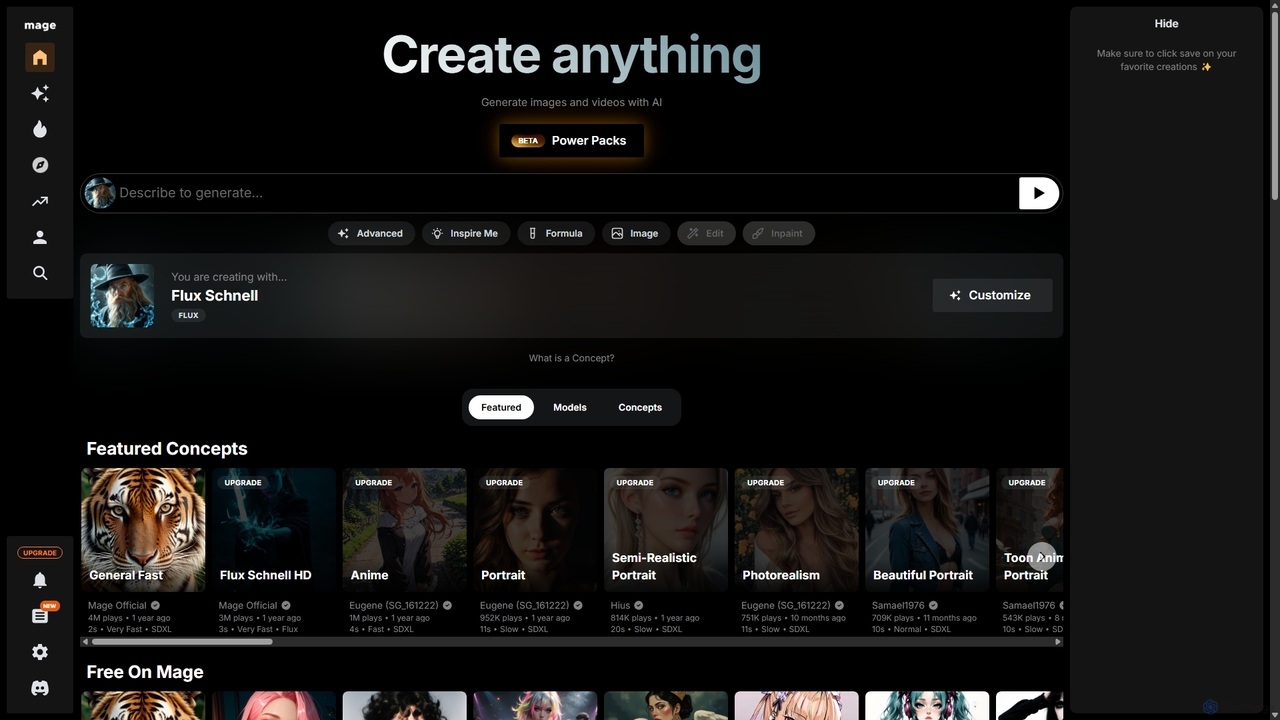
Mage
Mage is a powerful and versatile AI image and video generator offering free, unlimited creation capabilities. It provides access to a vast array of models like Stable Diffusion, Flux, and Wan, enabling users to generate diverse content from photorealistic portraits to anime and abstract art. With advanced features including LoRA, ControlNet, inpainting, and video animation, Mage caters to both beginners and professional artists seeking extensive creative control.
For Fun
ACGNai
ACGNai is a professional AI art generation platform specializing in ACGN (Anime, Comics, Games, Novels) styles. It's designed for illustrators, comic artists, and designers, offering advanced features like text-to-image, ControlNet, custom model training, and AI video creation.
Anime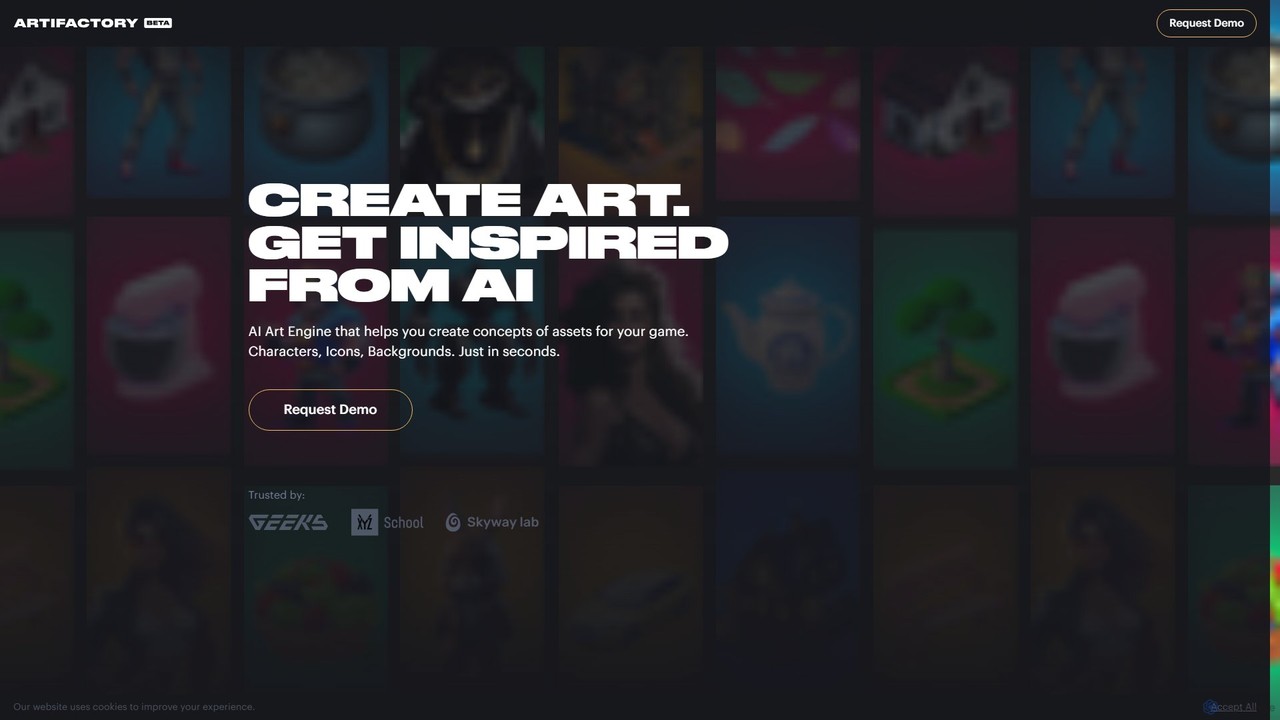
Artifactory
Artifactory is a specialized AI art engine for game developers, enabling the rapid creation of game assets like characters, icons, and backgrounds from text. It provides dedicated, private GPU server sessions for generating and fine-tuning models using technologies like Stable Diffusion. Users retain full intellectual property rights, and all data is deleted after each session, ensuring complete privacy and control.
Concept Art
Jyek
Jyek is an AI agent platform that understands objectives, creates execution plans, uses tools, and delivers verifiable results for complex, multi-step tasks.
Automation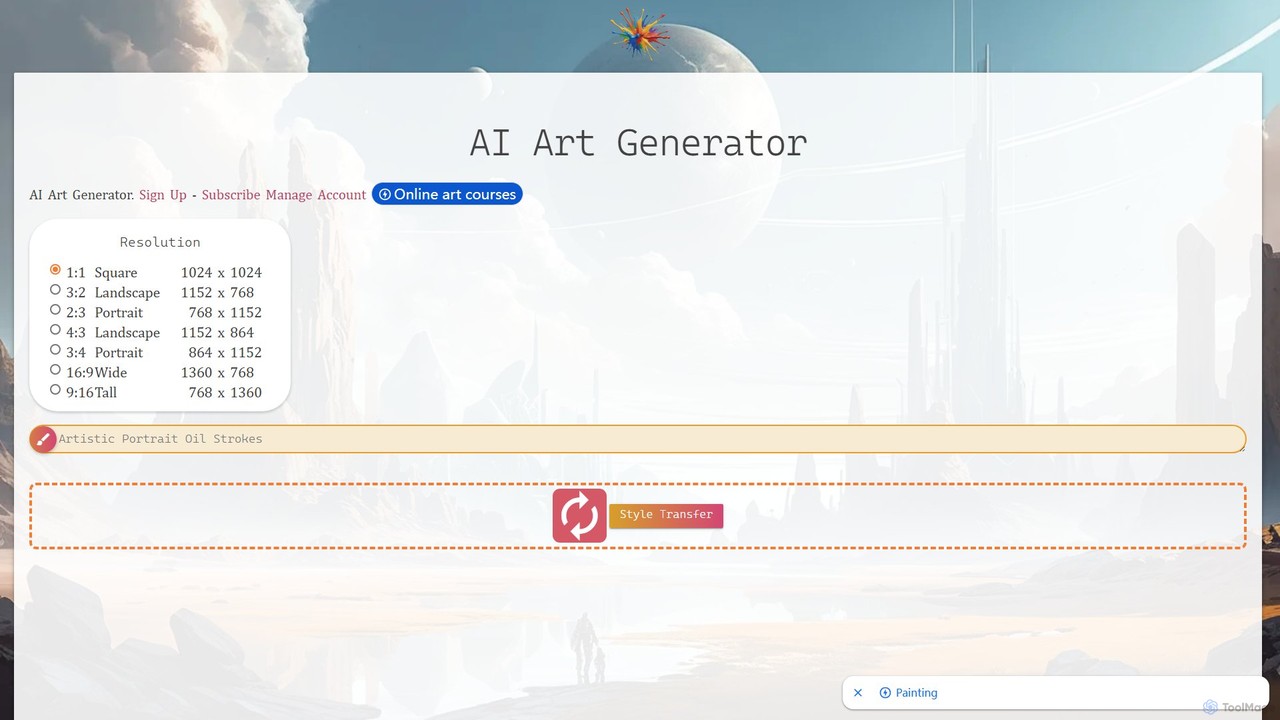
ebank AI Art Generator
A powerful and versatile AI art generator that combines text-to-image creation, style transfer, and an extensive image search. It features a vast library of artistic styles, 2K upscaling with eye-fix technology, an integrated editor, and video creation capabilities, making it an all-in-one solution for artists, designers, and content creators.
Illustration
PicPik.ai Comments (0)
Sign in to comment.
Sign inNo comments yet.