
DiffusionBee Overview
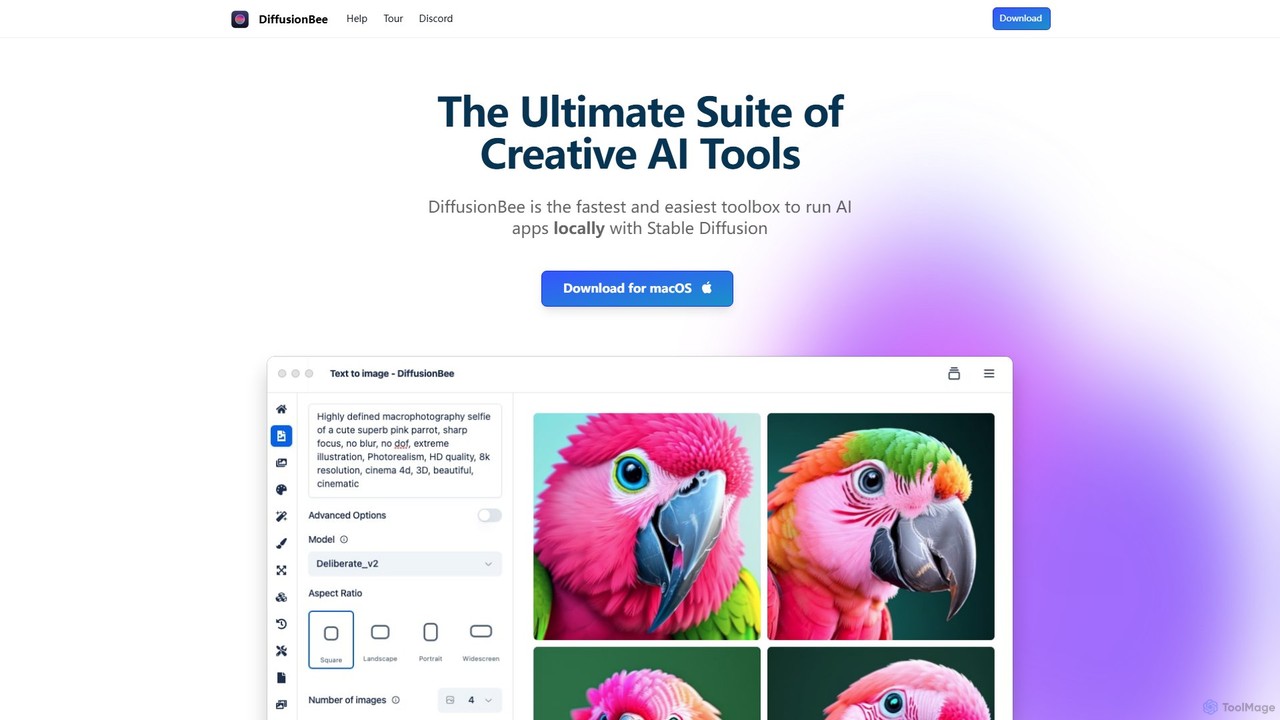
DiffusionBee is a comprehensive and powerful suite of creative AI tools, packaged into a user-friendly application for macOS. It brings the advanced capabilities of Stable Diffusion directly to your desktop, allowing you to generate and manipulate images without needing an internet connection or paying for subscriptions. This focus on local, offline operation makes it a standout choice for users who prioritize privacy, data security, and complete ownership of their creations. Whether you are a professional artist, a designer, a hobbyist, or simply curious about AI art, DiffusionBee provides an accessible yet robust platform to unleash your creativity.
The application is designed to be an all-in-one solution for AI-powered visual content creation. It eliminates the technical barriers often associated with running AI models, such as complex command-line setups and dependency management. With DiffusionBee, users can explore a wide array of features through an intuitive graphical interface, making the entire process from idea to final image seamless and enjoyable.
How to use DiffusionBee
Using DiffusionBee is straightforward, designed for users of all skill levels. Here’s a typical workflow:
- Download and Install: Visit the official DiffusionBee website and download the application for your macOS system (compatible with both Apple Silicon and Intel-based Macs).
- Launch the App: Once installed, open DiffusionBee. The initial setup might involve downloading the necessary Stable Diffusion models, which is a one-time process. After that, the app can run completely offline.
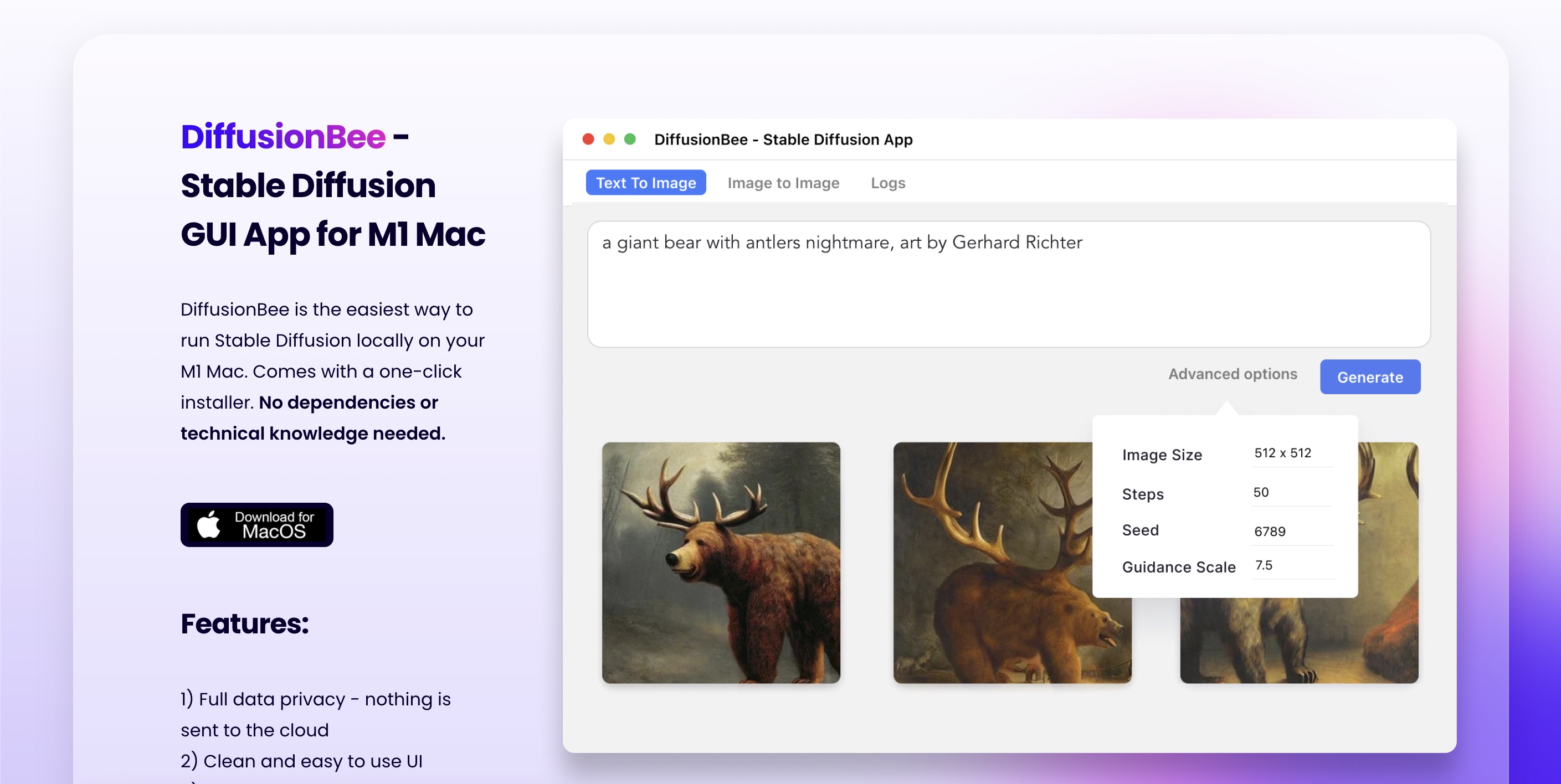
- Choose a Tool: The main interface presents a clear selection of tools. For generating a new image, select 'Text to Image'.
- Enter Prompts: In the 'Text to Image' tab, type a descriptive prompt of what you want to create (e.g., 'a majestic lion wearing a crown, photorealistic, cinematic lighting'). You can also use a 'Negative Prompt' to specify what you want to avoid in the image (e.g., 'cartoon, blurry, low quality').
- Adjust Settings: Fine-tune the generation process with advanced options like image resolution, generation steps, guidance scale (how closely the AI follows your prompt), and seed number for reproducibility.
- Generate: Click the 'Generate' button. The image will be created locally on your computer. The time taken depends on your Mac's hardware specifications.
- Edit and Refine: Use tools like 'Generative Fill' to add or remove elements, 'Image Upscaler' to increase resolution, or the 'AI Canvas' for more intricate edits combining drawing and prompting.
- Train Custom Models: For advanced users, navigate to the 'Train Models' section, upload your own dataset of images, and train a custom model to generate images in a specific style or featuring a particular subject.
Core Features of DiffusionBee
- Text to Image: The core function to create images from simple or complex text descriptions.
- Image to Image: Transform existing images by providing a new text prompt to guide the modification.
- Generative Fill (Inpainting & Outpainting): Seamlessly add, remove, or replace objects within a selected area of an image, or expand the image's canvas.
- AI Canvas: An interactive workspace where you can sketch, prompt, and edit iteratively, blending human input with AI generation for precise control.
- Custom Model Training: Train your own AI models on personal image datasets to replicate specific art styles, characters, or objects.
- Control Images (ControlNet): Use structural reference images (like poses, depth maps, or line art) to guide the composition and structure of the generated image with high precision.
- Image Upscaler: Enhance the resolution and detail of your generated or existing images using AI.
- Illusion Generator: Craft fascinating optical illusions and hidden patterns within your images.
- Video Tools: Generate short animations and video clips from text prompts or by animating existing images.
- 100% Offline & Private: All processing happens on your local machine. Your prompts, models, and generated images never leave your computer.
Use Cases for DiffusionBee
DiffusionBee is a versatile tool suitable for a wide range of applications:
- Artists and Illustrators: Quickly generate concept art, character designs, background scenes, and inspirational mood boards.
- Graphic Designers: Create unique assets, textures, patterns, and marketing visuals. Use Generative Fill to perfect commercial photos.
- Content Creators & Marketers: Produce eye-catching thumbnails, social media posts, and blog illustrations without worrying about stock photo licenses.
- Hobbyists and AI Enthusiasts: Experiment with the limitless possibilities of AI art generation in a free and private environment.
- Architects and Interior Designers: Visualize design concepts and generate realistic renderings of spaces.
- Game Developers: Create game assets, character sprites, and environmental textures for prototypes or final products.
Advantages of DiffusionBee
The primary advantages of DiffusionBee lie in its user-centric design and philosophy:
- Completely Free: There are no subscriptions, credits, or hidden costs. The software is free to download and use indefinitely.
- Unmatched Privacy: As an offline tool, it offers the highest level of privacy. Your creative process is entirely your own.
- Full Ownership of Creations: Images generated are yours to use freely, for both personal and commercial projects.
- Ease of Use: It provides a simple, intuitive interface that makes Stable Diffusion accessible to non-technical users.
- All-in-One Toolkit: It consolidates numerous AI imaging tools into a single, cohesive application, eliminating the need for multiple programs.
- No Internet Required: After the initial setup, you can create anywhere, anytime, without depending on an internet connection.
Pricing and Plans
DiffusionBee is completely free. There are no pricing tiers, subscription plans, or one-time purchase fees. The application is available as a free download from its official website for all macOS users. This commitment to being a free tool makes it one of the most accessible and cost-effective ways to engage with high-quality AI image generation.
Traffic
Latest traffic
Status
Monthly traffic trend
- 2025-9: 72.1K
- 2026-1: 80.0K
- 2026-2: 81.8K
- 2026-3: 86.5K
- 2026-4: 62.2K
- 2026-5: 63.6K
Geography
Top 5 countries / regions
- 🇺🇸United States36.6%
- 🇲🇽Mexico18.4%
- 🇻🇳Vietnam18.2%
- 🇮🇳India15.2%
- 🇫🇷France11.6%
Traffic sources
| Source type | Percentage |
|---|---|
Referral | 66.2% |
Direct | 33.4% |
Email | 0.4% |
Top keywords
| Keyword | Cost per click |
|---|---|
| diffusion bee | $2.27 |
| diffusionbee | $1.95 |
| diffusionbee mac | $1.39 |
| diffusionbee windows | $0.00 |
| diffusonbee | $0.00 |
DiffusionBee Alternatives
getimg.ai
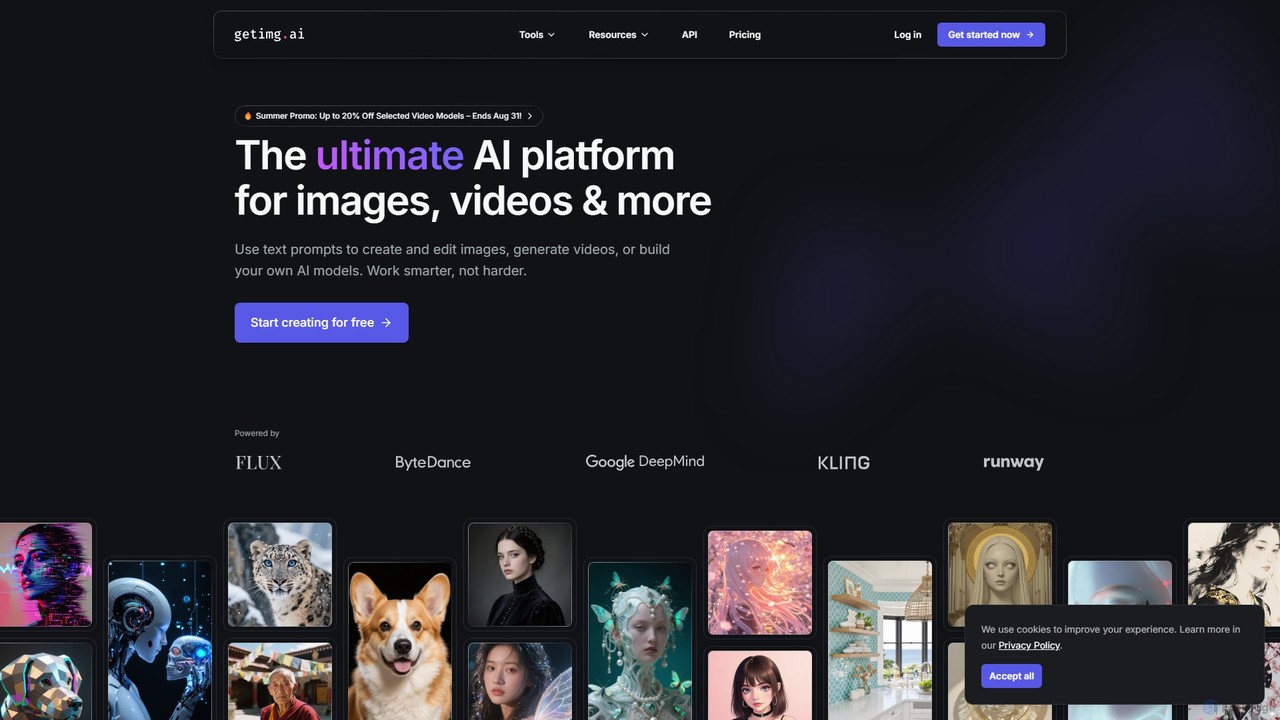
getimg.ai is a comprehensive AI suite for creating images, videos, and custom AI models. It provides a user-friendly platform to generate high-quality visuals from text prompts, edit images with advanced tools, and access a wide range of industry-leading AI models. Ideal for artists, marketers, and designers seeking fast, polished, and consistent creative assets.
Creative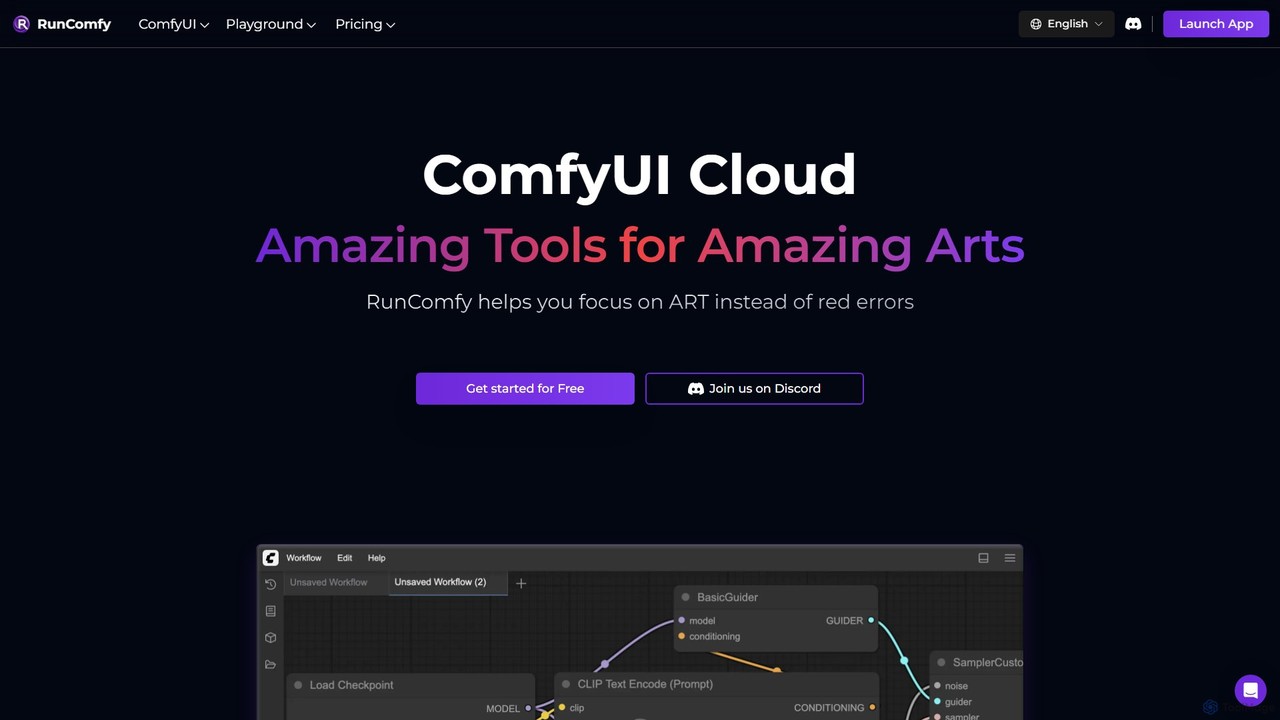
RunComfy
RunComfy is a leading cloud platform for ComfyUI, providing a seamless, no-setup environment for AI art and video generation. It offers on-demand high-performance GPUs, pre-built workflows, and easy model management, allowing artists and creators to focus on creativity instead of technical configurations.
Image Generation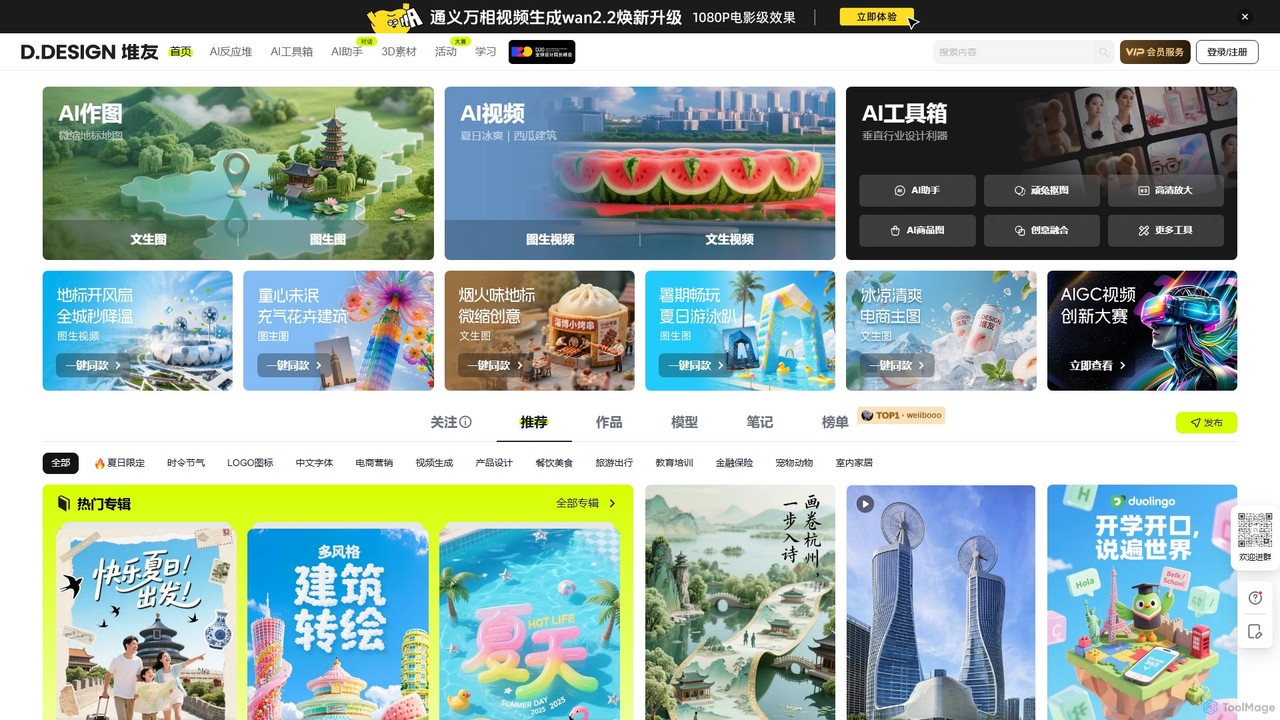
DuiYou
DuiYou (d.design) is an all-in-one AI creative platform by Alibaba. It integrates multi-style AI image and video generation, a comprehensive toolbox for editing, custom model training, and a vibrant community. It's designed for designers, marketers, and creators to streamline their workflow and unleash creativity.
Graphic Design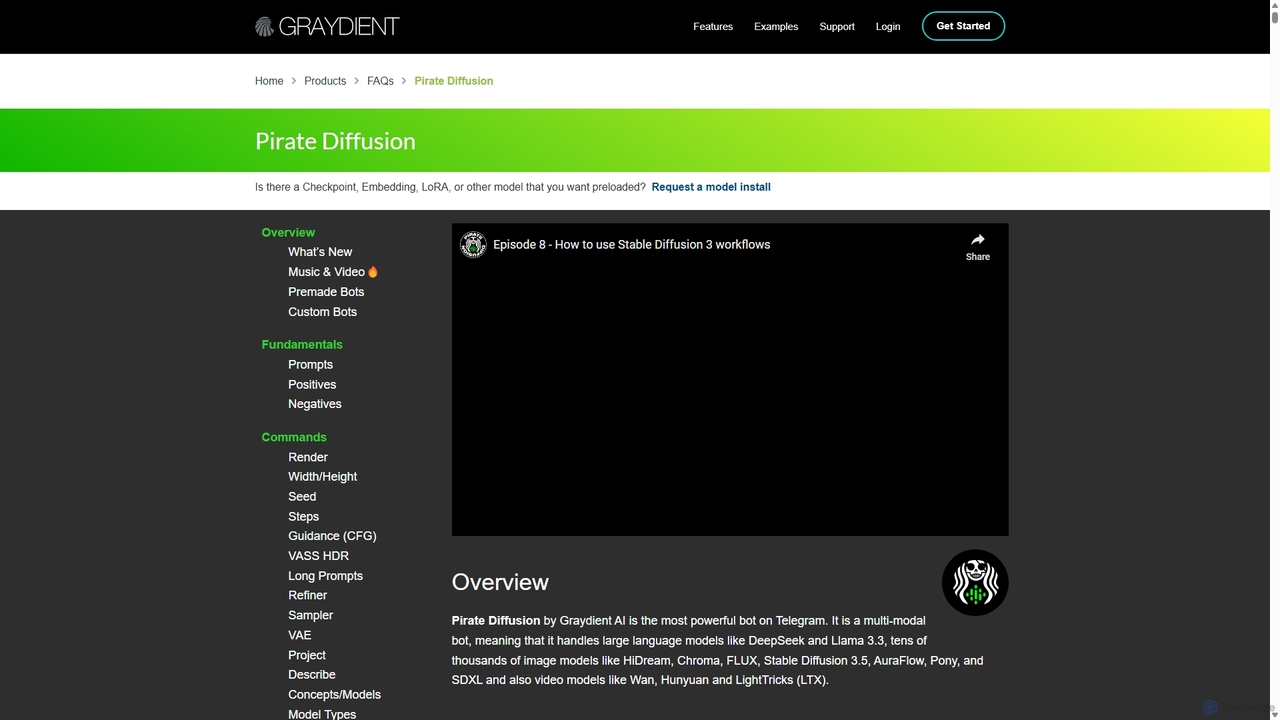
Piratediffusion
A powerful, multi-modal AI generation bot on Telegram by Graydient AI. It offers unlimited image, video, music, and text generation without a credit system. Access tens of thousands of models like Stable Diffusion, FLUX, and Llama 3, with advanced features like ControlNet and Inpainting via simple chat commands.
Music Generation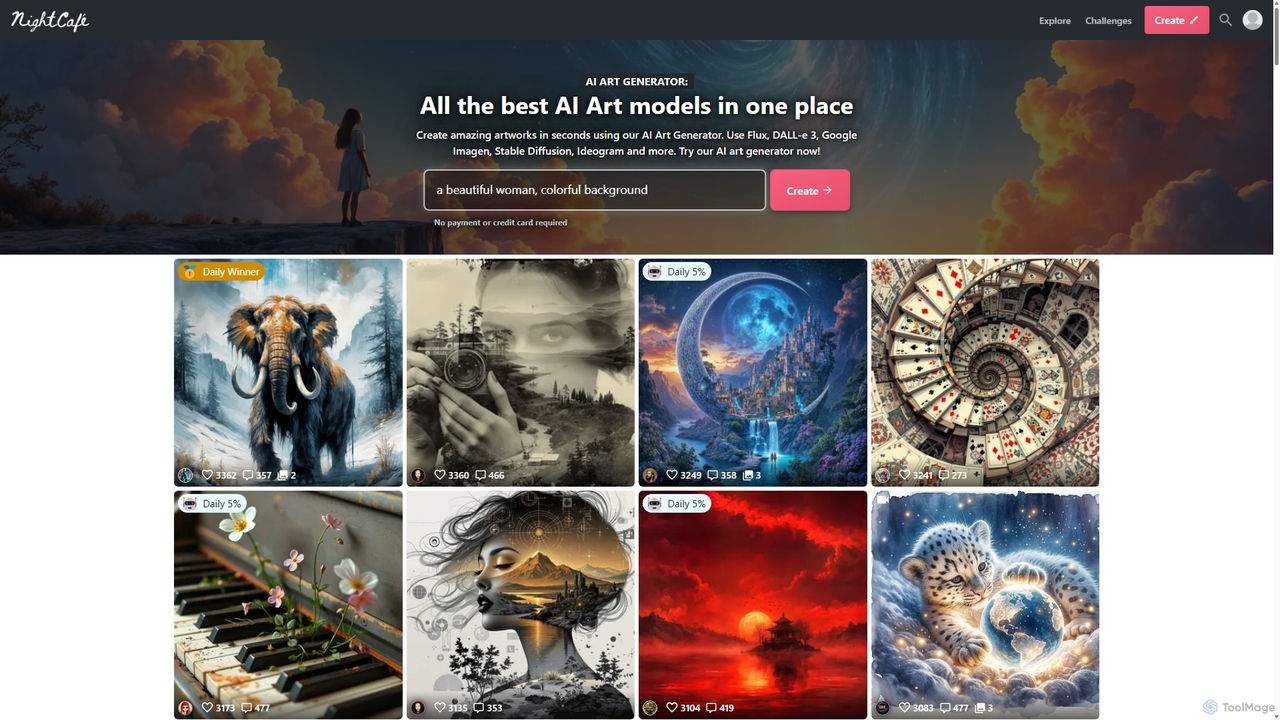
NightCafe
NightCafe is a versatile AI art generator and a vibrant community platform. It provides access to a wide range of AI models like DALL-E 3, Stable Diffusion, and Flux, allowing users to create, share, and discuss AI-generated art. Engage in daily challenges, collaborate with friends, and explore millions of creations in a supportive environment, suitable for both beginners and experts.
Generative ArtDiffusionBee Categories
DiffusionBee Embed Widget
Copy this embed code to place the badge on your blog, article, or product site and send readers directly to this ToolMage detail page.

Related AI tools
Draw Things
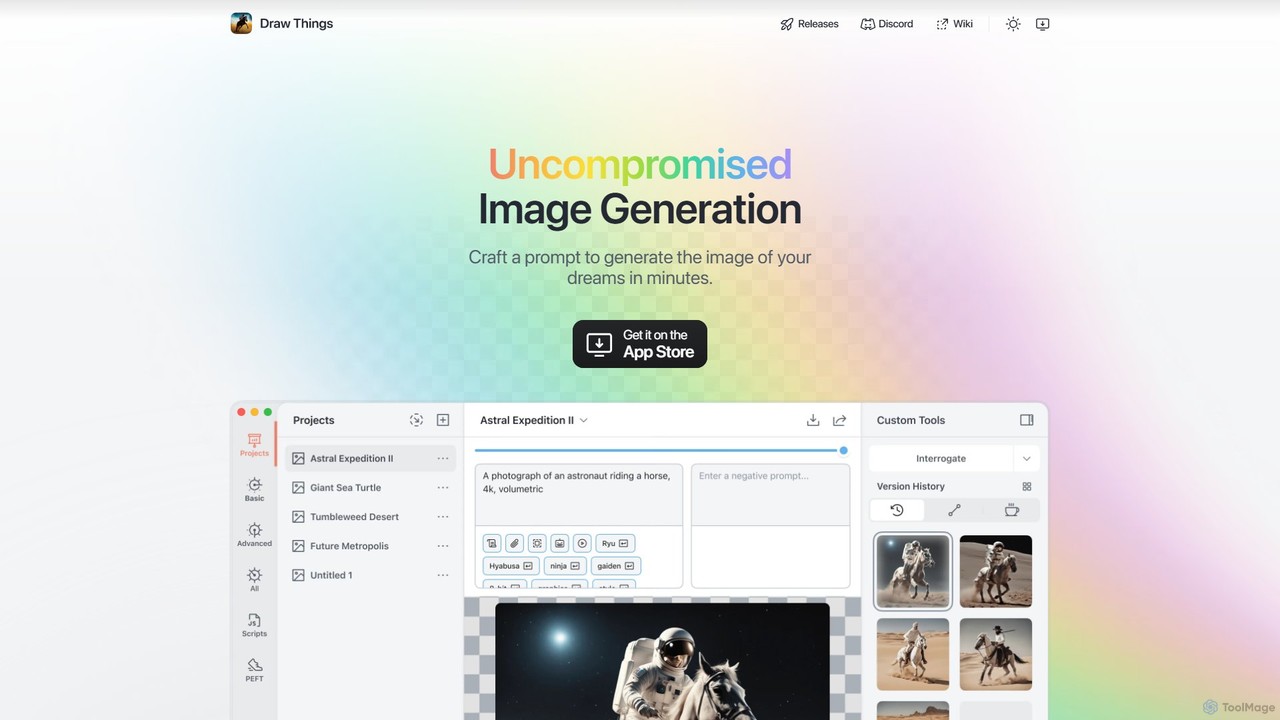
Draw Things is a powerful, free AI image generation app for iPhone, iPad, and Mac. It runs entirely offline on your device, ensuring 100% privacy. Create stunning art from text prompts, edit with advanced tools like in-painting, out-painting, and pose control, and manage your creative process with a non-destructive workflow. It's a full-featured art studio in your pocket, with no subscriptions or server costs.
Digital Artgetimg.ai
getimg.ai is a comprehensive AI suite for creating images, videos, and custom AI models. It provides a user-friendly platform to generate high-quality visuals from text prompts, edit images with advanced tools, and access a wide range of industry-leading AI models. Ideal for artists, marketers, and designers seeking fast, polished, and consistent creative assets.
Creative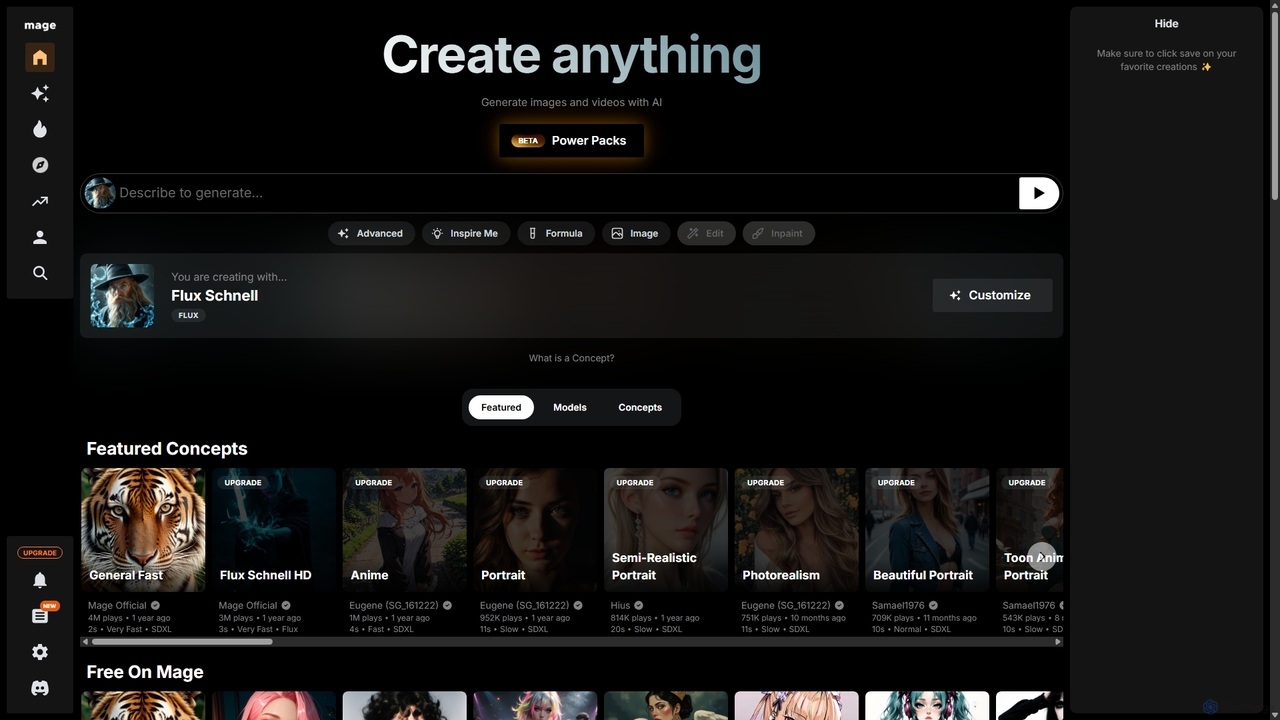
Mage
Mage is a powerful and versatile AI image and video generator offering free, unlimited creation capabilities. It provides access to a vast array of models like Stable Diffusion, Flux, and Wan, enabling users to generate diverse content from photorealistic portraits to anime and abstract art. With advanced features including LoRA, ControlNet, inpainting, and video animation, Mage caters to both beginners and professional artists seeking extensive creative control.
For Fun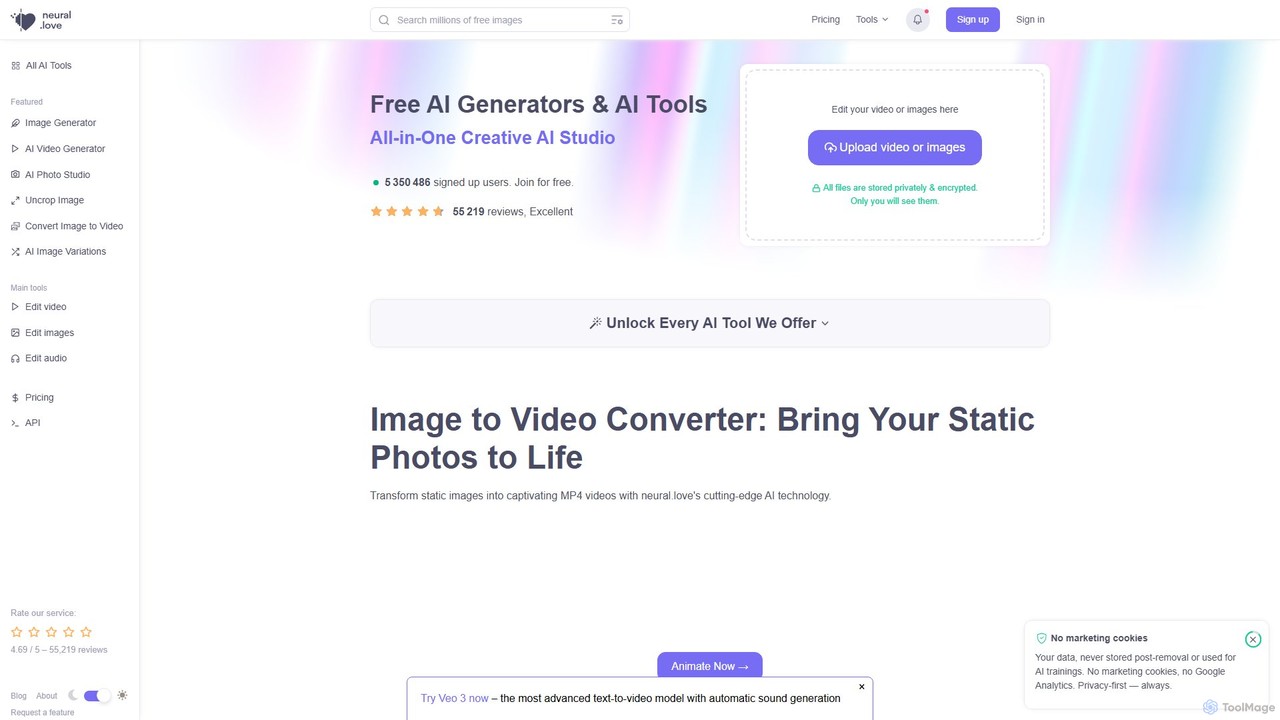
neural.love
An all-in-one AI creative suite offering a wide range of tools for image, video, and audio generation and enhancement. It features an AI art generator, video enhancer, audio restoration, and unique tools like AI Photo Studio and Uncrop. With a strong focus on user privacy, neural.love provides both free and premium plans to accelerate creative workflows for artists, marketers, and developers.
Audio Editing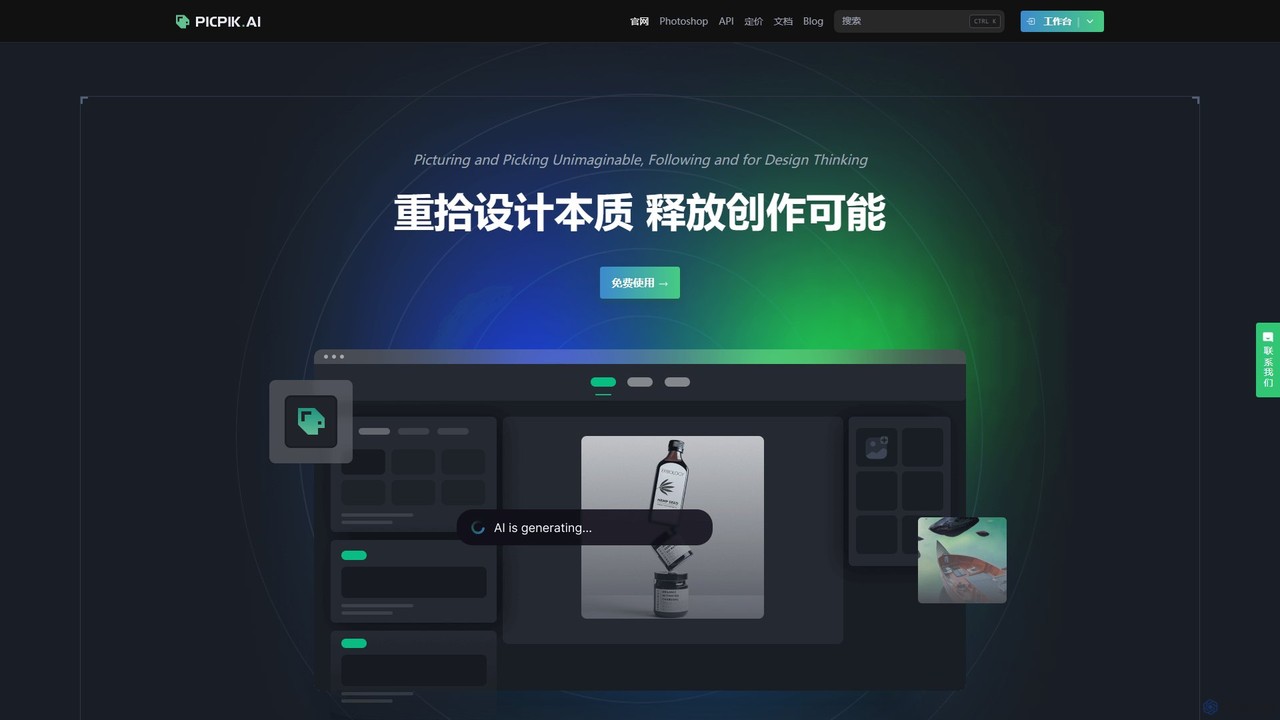
PicPik.ai
PicPik.ai is a professional-grade AI art generator and Photoshop plugin designed for designers and creative teams. It offers high-quality image generation with pre-optimized models, custom LoRA model training, seamless workflow integration, and a suite of powerful AI tools like face swapping, HD upscaling, and background removal.
Graphic Design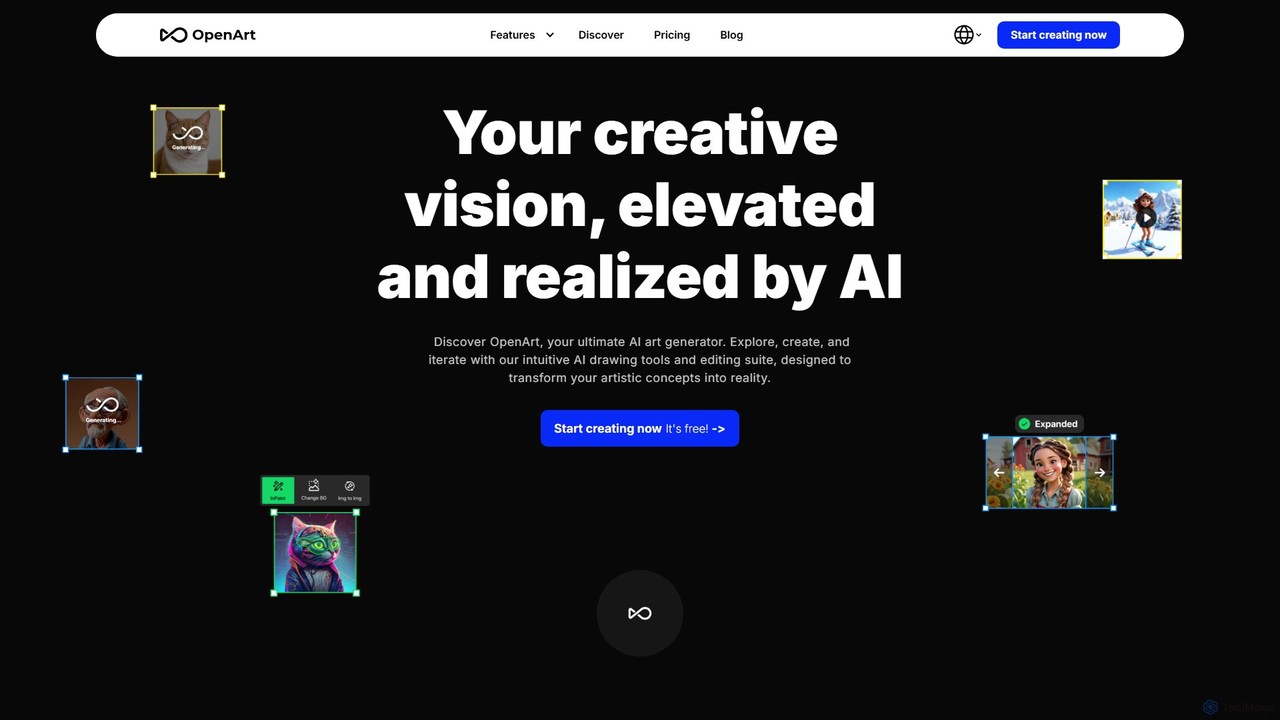
OpenArt
OpenArt is a powerful AI art platform for creating and editing images. It features an advanced AI image generator, a comprehensive suite of editing tools, and the unique ability to train custom AI models for specific styles or characters. Ideal for artists, designers, and hobbyists, it offers both free and professional plans.
Art Generation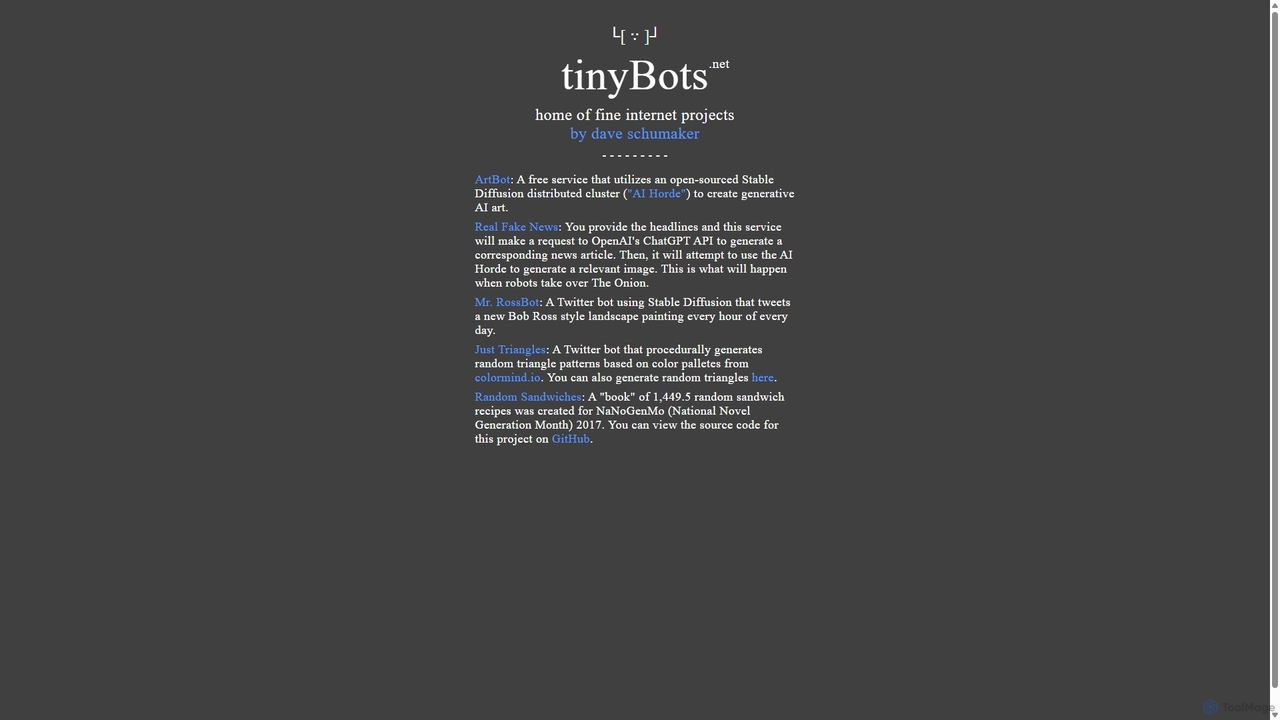
Tinybots.net
Tinybots.net is a collection of creative and experimental AI projects. Its flagship tool, ArtBot, provides free, unlimited AI image generation using the power of a distributed Stable Diffusion network (AI Horde). Users can create art from text, images, and even live drawings without registration. The collection also includes unique bots for generating satirical news, Bob Ross-style paintings, and procedural art, showcasing the diverse and fun applications of artificial intelligence.
Image Generation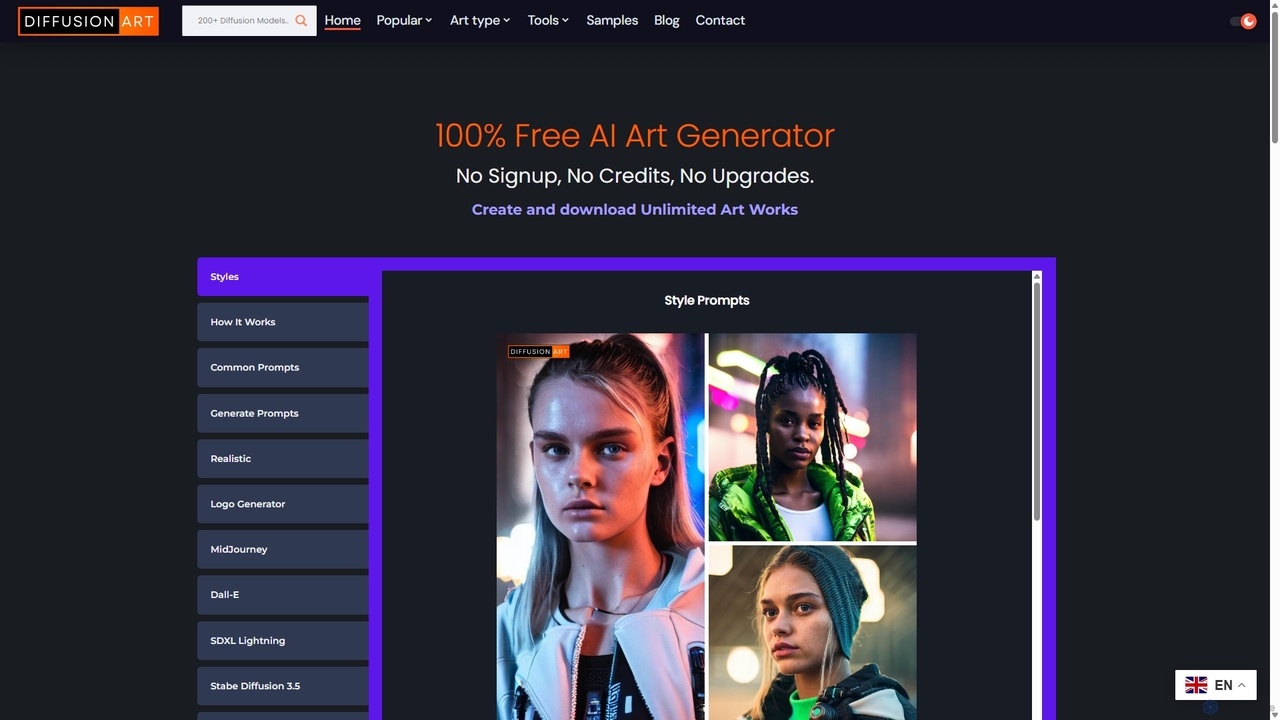
DiffusionArt.co
DiffusionArt.co is a 100% free AI art generator offering unlimited image creation without sign-ups or credits. It provides access to hundreds of hosted Stable Diffusion models for various styles like art, anime, and photorealism. Features include multi-model generation, prompt assistance, and integrated editing tools like upscaling and background removal, all accessible through a user-friendly web interface.
Art GenerationRunComfy
RunComfy is a leading cloud platform for ComfyUI, providing a seamless, no-setup environment for AI art and video generation. It offers on-demand high-performance GPUs, pre-built workflows, and easy model management, allowing artists and creators to focus on creativity instead of technical configurations.
Image GenerationDuiYou
DuiYou (d.design) is an all-in-one AI creative platform by Alibaba. It integrates multi-style AI image and video generation, a comprehensive toolbox for editing, custom model training, and a vibrant community. It's designed for designers, marketers, and creators to streamline their workflow and unleash creativity.
Graphic DesignPiratediffusion
A powerful, multi-modal AI generation bot on Telegram by Graydient AI. It offers unlimited image, video, music, and text generation without a credit system. Access tens of thousands of models like Stable Diffusion, FLUX, and Llama 3, with advanced features like ControlNet and Inpainting via simple chat commands.
Music Generation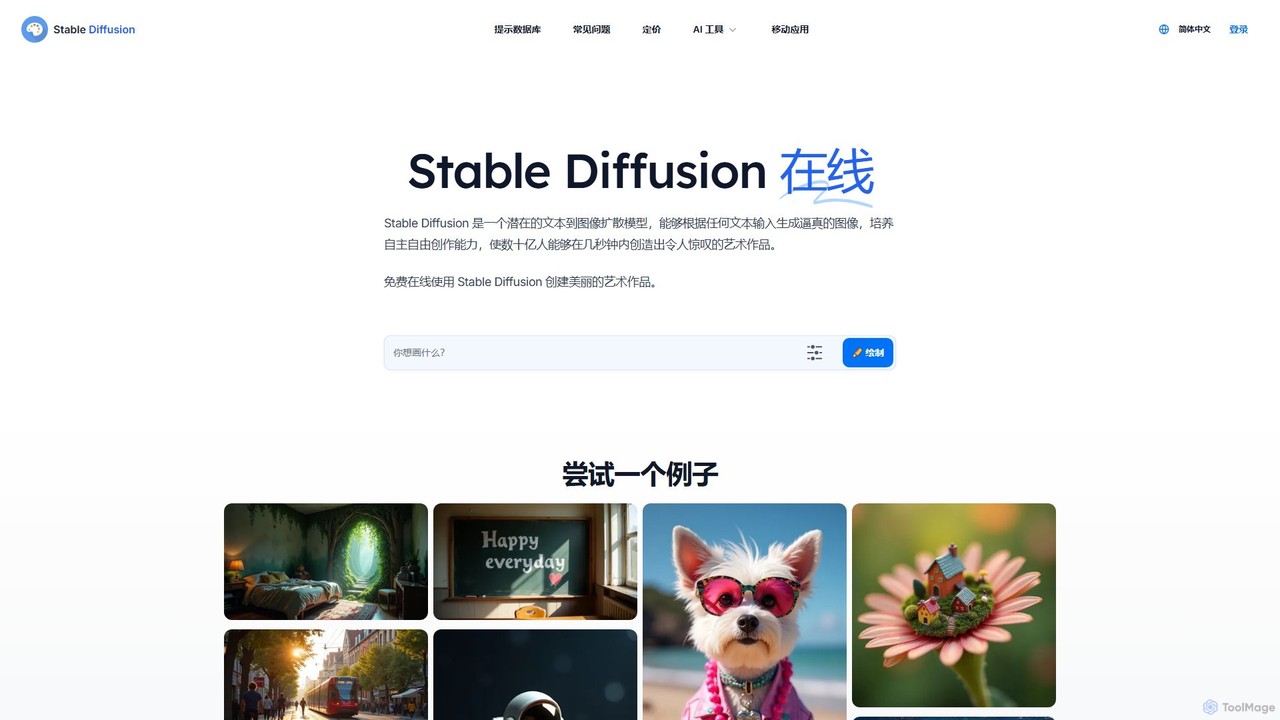
Stable Diffusion Online
Stable Diffusion Online is a free and user-friendly web tool for creating high-quality, photorealistic images from text prompts. Powered by the advanced Stable Diffusion XL (SDXL) and SDXL Turbo models, it allows anyone to generate stunning AI art in seconds without any technical setup. It emphasizes privacy, requires no registration, and includes a massive searchable database of over 9 million prompts to inspire your creations. All generated images are in the public domain (CC0).
Generative Art
RunDiffusion
RunDiffusion is a cloud-based platform providing instant access to powerful, pre-configured Stable Diffusion environments. Launch private sessions with top-tier GPUs in seconds, without any setup. Ideal for AI artists, designers, and developers who need high-performance image generation, model training, and workflow experimentation on demand.
Ai Art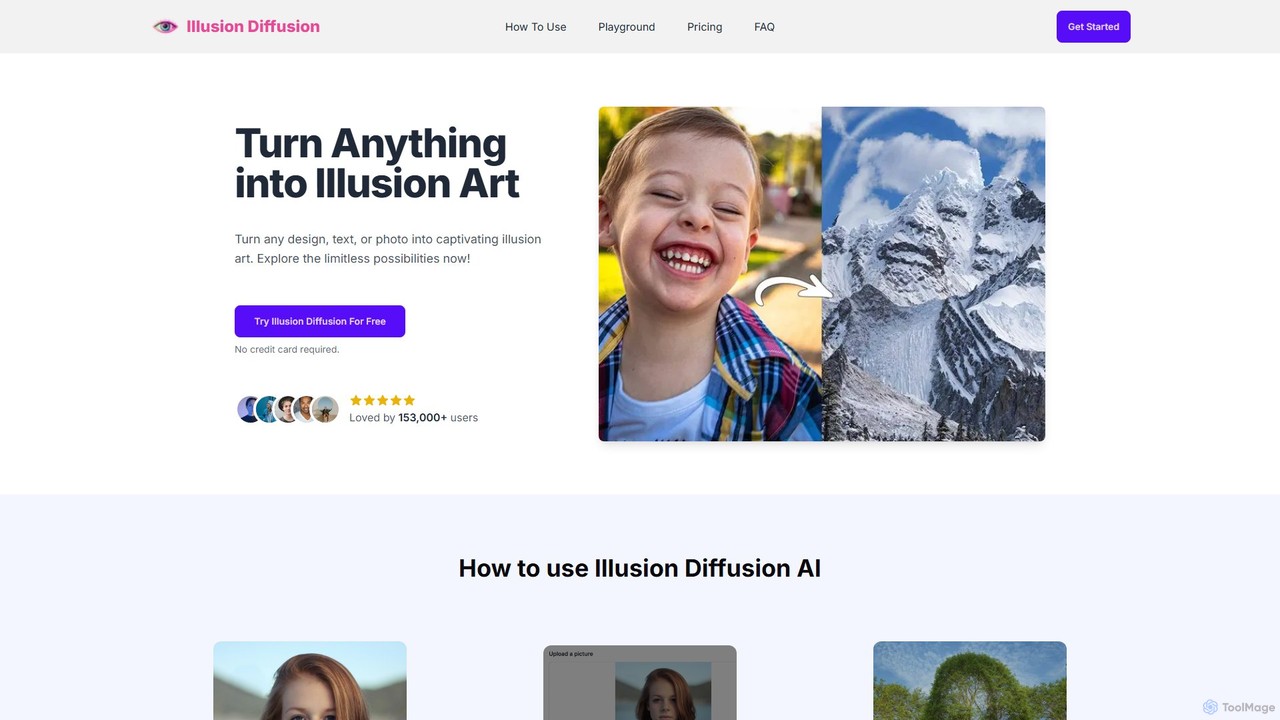
Illusion Diffusion
Illusion Diffusion is an AI-powered art generator that transforms any image, text, or logo into a mesmerizing optical illusion. Using advanced ControlNet and Stable Diffusion models, it embeds a detailed scene within the structure of a base image, creating a unique piece of art. It's designed for artists, marketers, and creators to produce captivating visuals with a simple three-step process.
Generative Art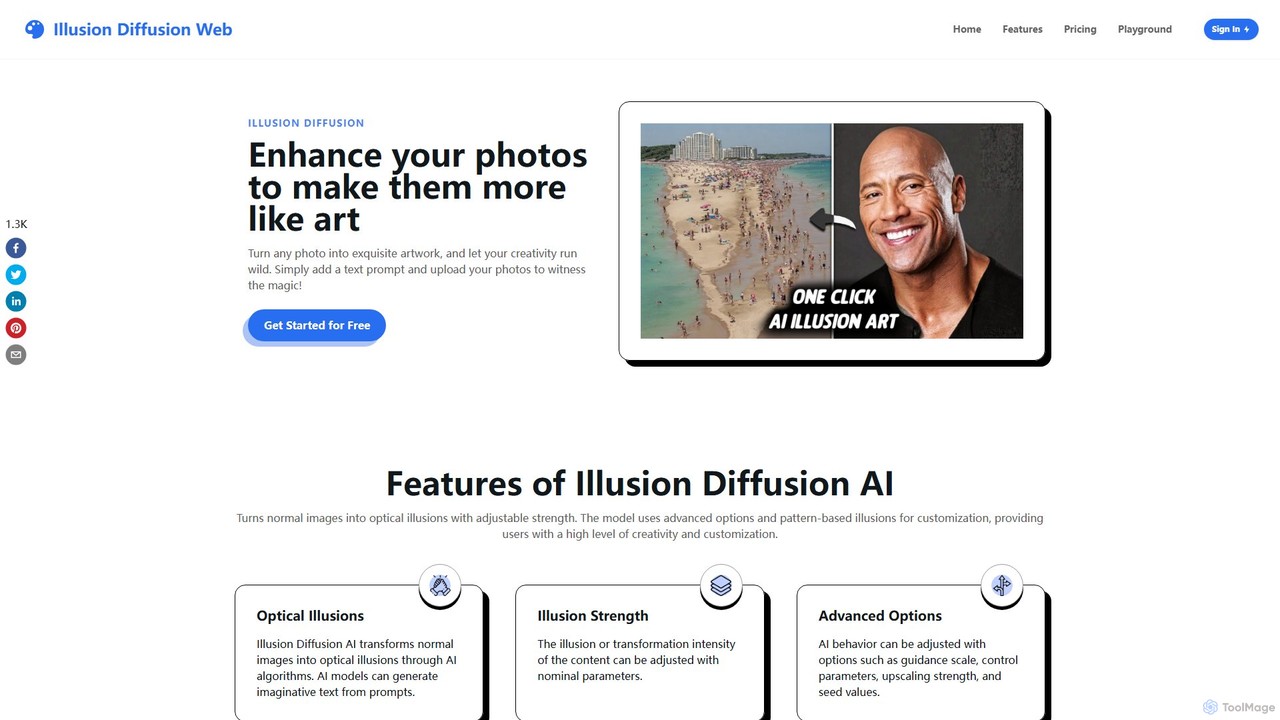
illusiondiffusionweb
Illusion Diffusion is an online AI tool that transforms your photos into captivating optical illusions and artistic images. By combining your image with a text prompt, it leverages Stable Diffusion and ControlNet models to generate unique, surreal artwork. Users can adjust illusion strength and fine-tune results with advanced settings for a high degree of creative control.
Generative Art
DiffusionBee Comments (0)
Sign in to comment.
Sign inNo comments yet.