Productivity Best in category 10 results Design Tools AI Tool

Popular AI tools in the Design Tools field of Productivity include imgupscaler、imgcreator、DiffusionBee、AI Architectures、RemoveBackgroundAI、OptiClean、Exdera、LanHive、Nero Muse、kuart.io, etc., helping you quickly improve efficiency.

LanHive

LanHive

LanHive is an all-in-one AI filmmaking platform that integrates top generative AI models for video, image, and audio …

2.7K
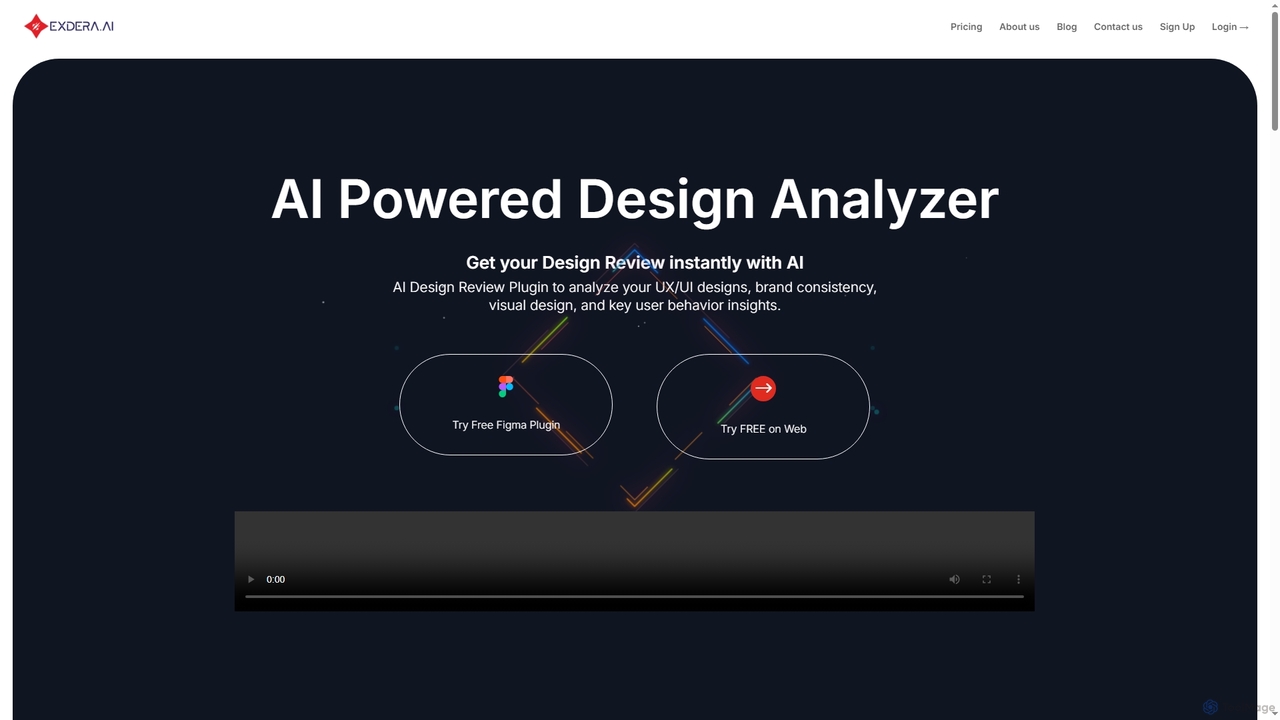
Exdera

Exdera

Exdera is an AI-powered design review tool available as a Figma plugin and web application. It instantly analyzes …

2.7K
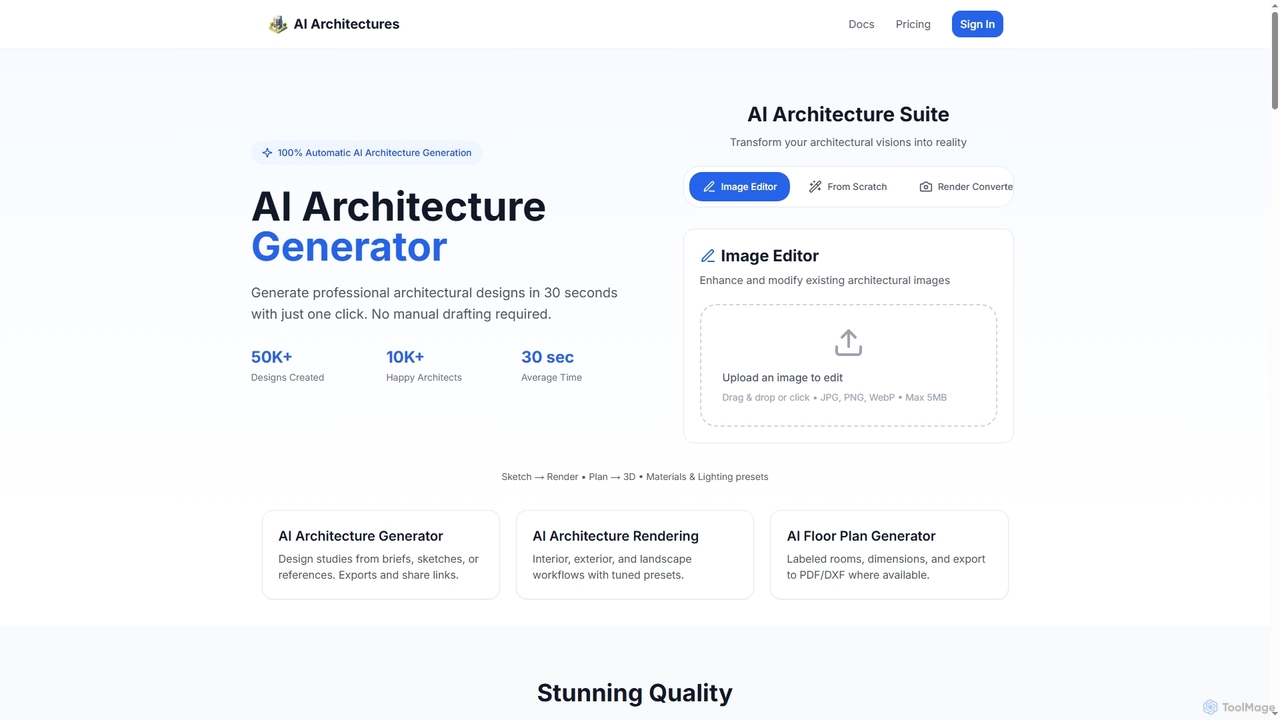
AI Architectures

AI Architectures

AI Architectures is an advanced AI platform designed for architects and designers, enabling 100% automatic generation of professional …

5.5K
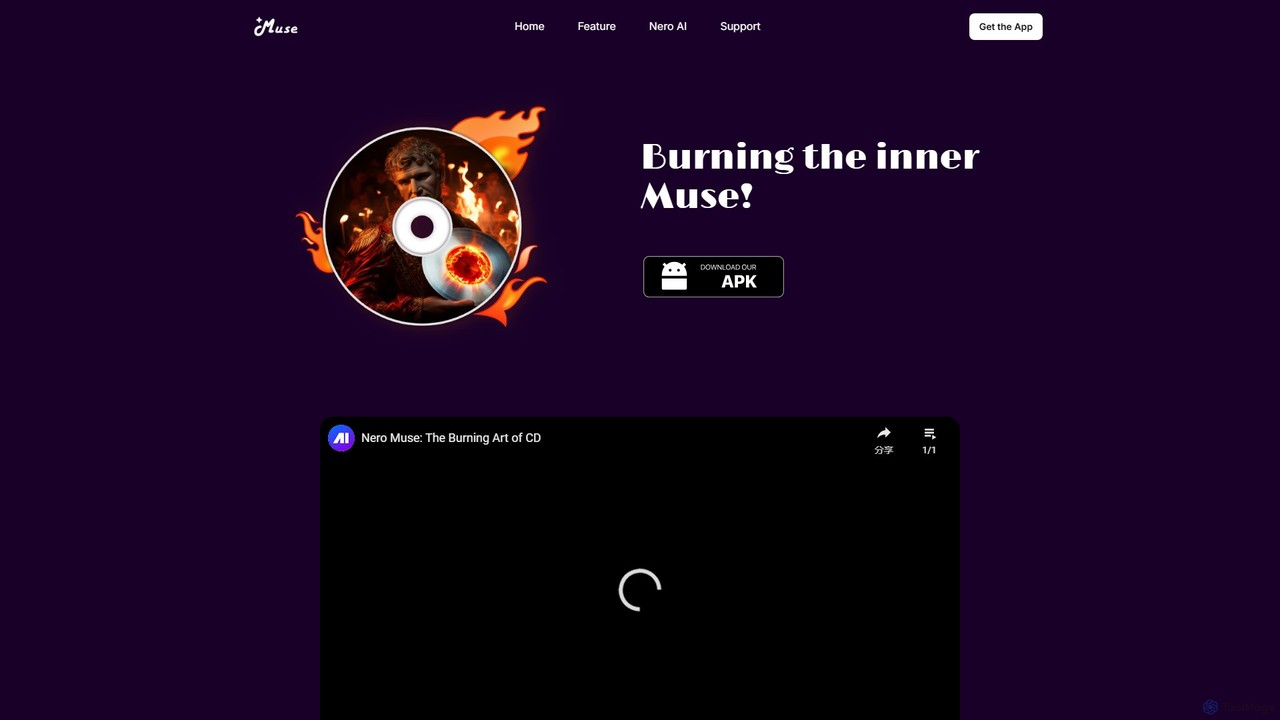
Nero Muse

Nero Muse

Nero Muse is a user-friendly AI art generator for iOS and Android. It transforms text prompts or images …

2.7K
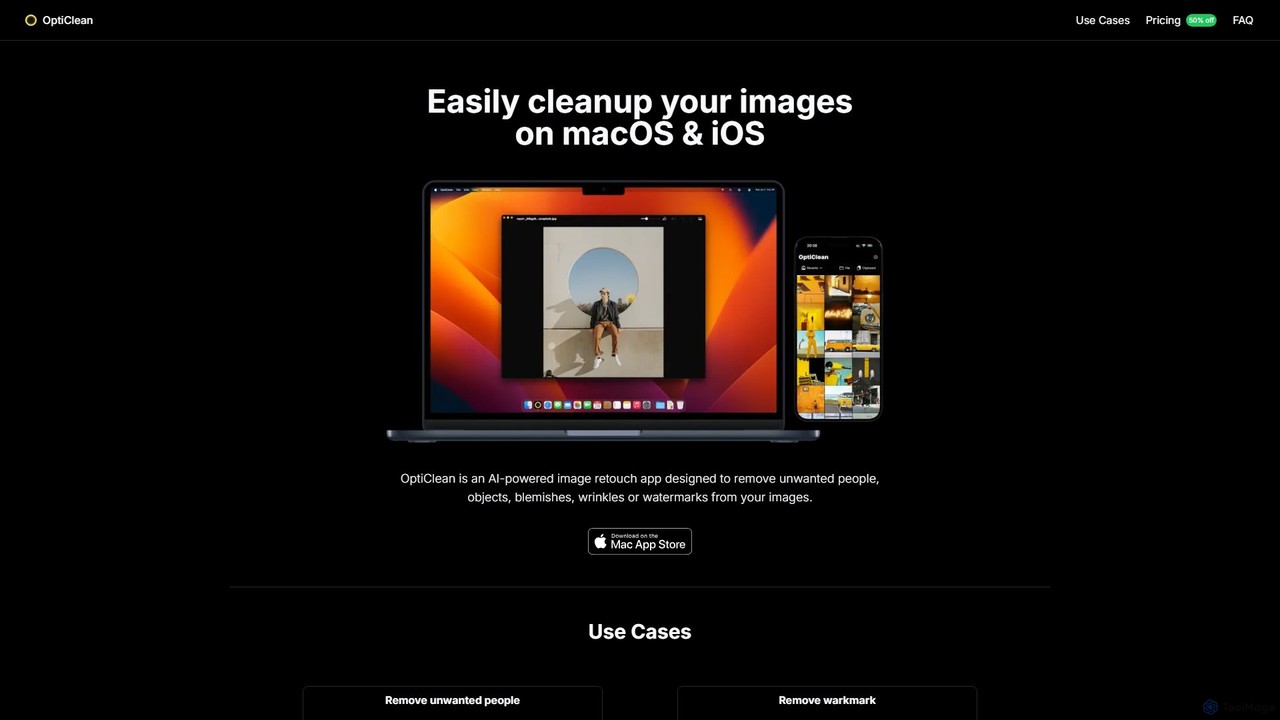
OptiClean

OptiClean

OptiClean is an AI-powered image retouching app for macOS and iOS, designed to effortlessly remove unwanted objects, people, …

3.0K
RemoveBackgroundAI

RemoveBackgroundAI

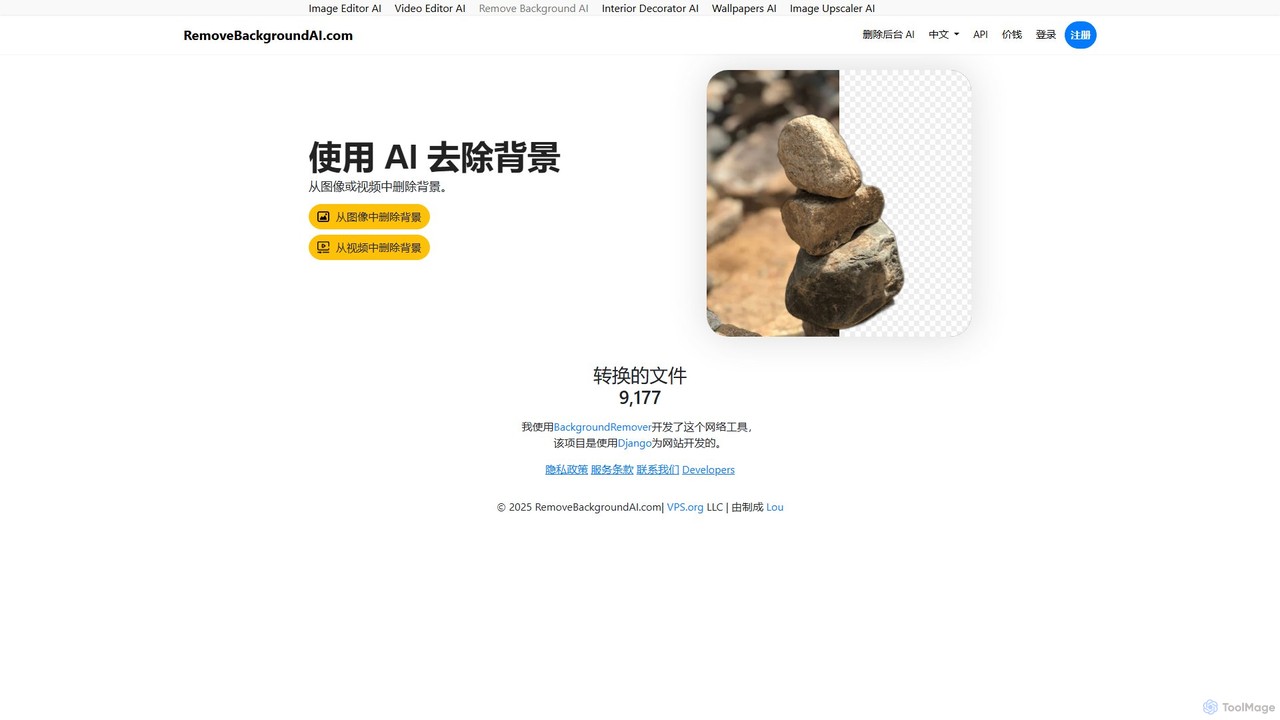
RemoveBackgroundAI is a free, AI-powered online tool that automatically removes backgrounds from both images and videos. With a …

3.5K
Free
DiffusionBee

DiffusionBee

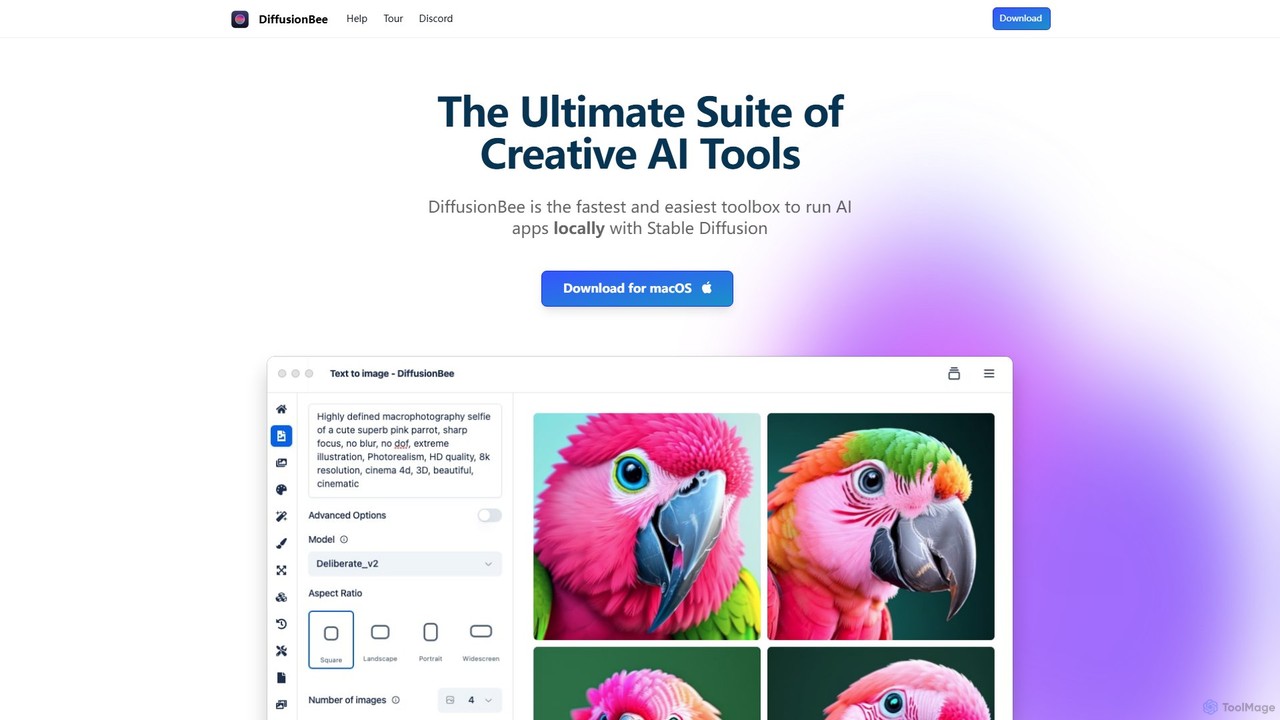
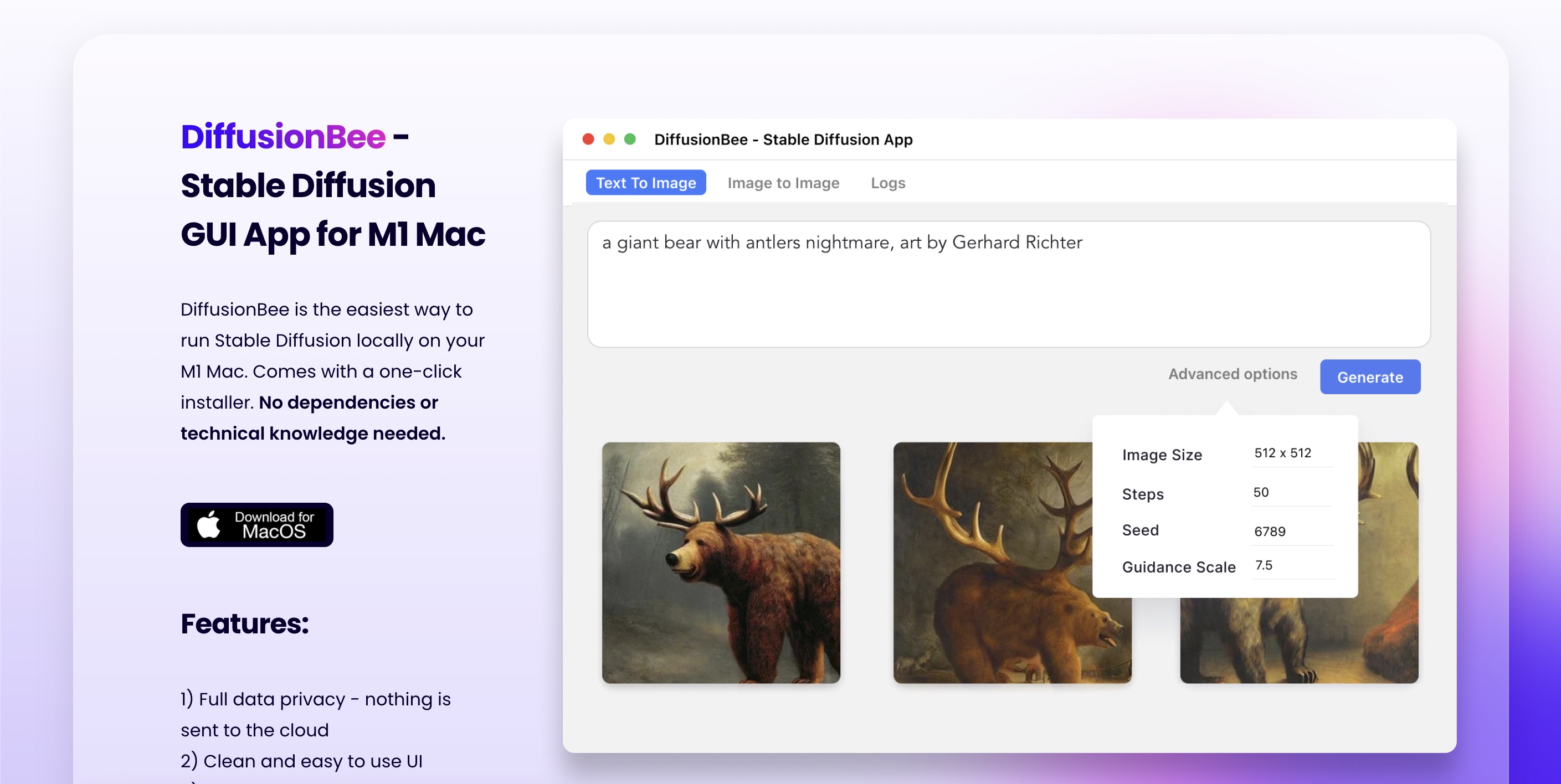
DiffusionBee is a free, easy-to-use macOS application that allows you to run Stable Diffusion locally on your computer. …

65.0K
imgupscaler

imgupscaler

imgupscaler is an AI-powered tool designed to enlarge and enhance images without sacrificing quality. Using advanced deep learning …

3.5M
kuart.io

kuart.io

kuart.io is an AI-powered platform that transforms standard QR codes into stunning, scannable works of art. By simply …

2.6K
imgcreator

imgcreator

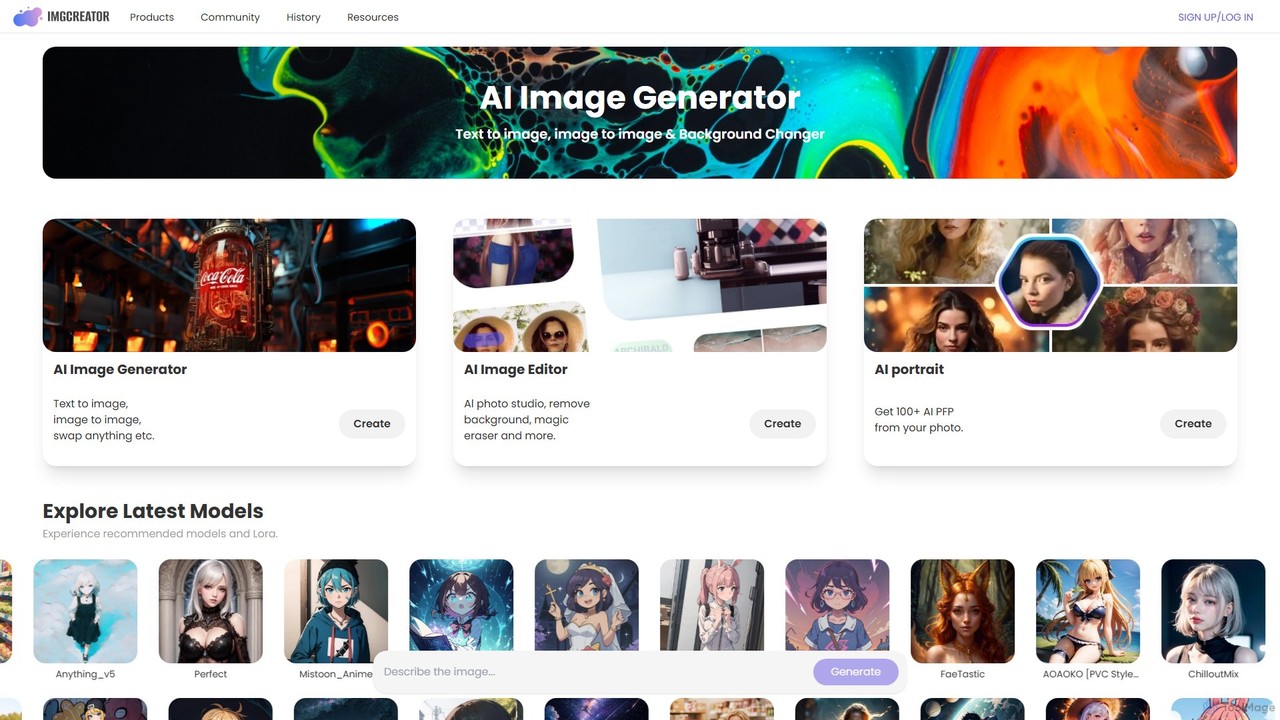
imgcreator is a powerful AI creative suite for generating and editing images. It offers text-to-image, image-to-image, an extensive …

73.5K

About Design Tools

Design Tools are AI-powered applications that revolutionize visual content creation and design workflows. Leveraging advanced machine learning algorithms, these tools can automate repetitive tasks, generate novel design elements, and assist designers in various creative processes. They significantly enhance efficiency and unlock new creative possibilities for professionals and enthusiasts alike, fitting seamlessly into the broader productivity landscape.

Core Features

  • Generative Design: Automatically create diverse design variations, layouts, or images from text prompts or basic inputs.
  • Intelligent Image Editing: Perform complex photo manipulations, background removal, object generation, or style transfers with AI precision.
  • Automated Layout & Branding: Generate consistent brand assets, marketing materials, or UI layouts based on predefined guidelines.
  • 3D Model & Texture Generation: Quickly produce 3D assets or realistic textures from 2D images or textual descriptions.
  • Design Asset Management: Organize, tag, and recommend design assets using AI for faster retrieval and reuse.

Applicable Scenarios

Graphic designers use them for rapid concept iteration; marketing teams for scalable content creation; UI/UX designers for prototyping and user flow visualization; and product developers for generating 3D models and textures. These tools streamline creative processes across various industries.

How to Choose

Consider the specific design task (e.g., image generation, layout automation), the level of creative control offered, integration with existing design software, ease of use for your skill level, and the pricing model. Evaluate the quality of AI-generated outputs and the tool's ability to customize results to your brand or style.

Design ToolsUse Cases

1

Generating Marketing Campaign Visuals

Marketing specialists use AI design tools to quickly produce a wide array of social media graphics, banner ads, and email visuals from simple text prompts, ensuring brand consistency across diverse platforms and significantly reducing design turnaround time. This allows campaigns to launch faster and adapt to market trends more efficiently.

2

Rapid UI/UX Prototyping

UI/UX designers leverage AI to generate multiple interface layouts, component variations, and user flow mockups based on wireframes or design system inputs. This accelerates the initial design phase, allowing for faster iteration and stakeholder feedback, ultimately leading to more refined and user-centric product experiences.

3

Automating Product Image Background Removal

E-commerce businesses utilize AI design tools to automatically remove backgrounds from hundreds or thousands of product photos, ensuring clean, professional-looking images for online catalogs. This process saves countless hours of manual editing, allowing products to be listed faster and enhancing the overall visual appeal of online stores.

4

Creating Unique Illustrations for Content

Content creators and illustrators employ AI to generate unique character designs, abstract art, or scene elements from textual descriptions. This helps overcome creative blocks and provides a rich source of inspiration for articles, presentations, and digital art, allowing for highly customized and engaging visual storytelling.

5

Personalizing Brand Asset Generation

Small businesses use AI design tools to create personalized logos, brand kits, and stationery designs by inputting their brand values and aesthetic preferences. The AI generates multiple options, helping establish a professional brand identity without extensive design expertise, making high-quality branding accessible to a wider audience.

6

Developing Game Environment Textures

Game developers use AI to generate realistic and diverse textures for 3D models and game environments from simple reference images or descriptive text. This dramatically speeds up asset creation, allowing for richer and more immersive game worlds, and frees up artists to focus on more complex creative tasks.

Design ToolsFrequently Asked Questions