ToolMage
Sign in

Best 2 Design AI tools for Ai Assistant

Popular Design AI tools in Ai Assistant include Sleek and Exdera, helping you work more efficiently.

Exdera
Freemium

Exdera

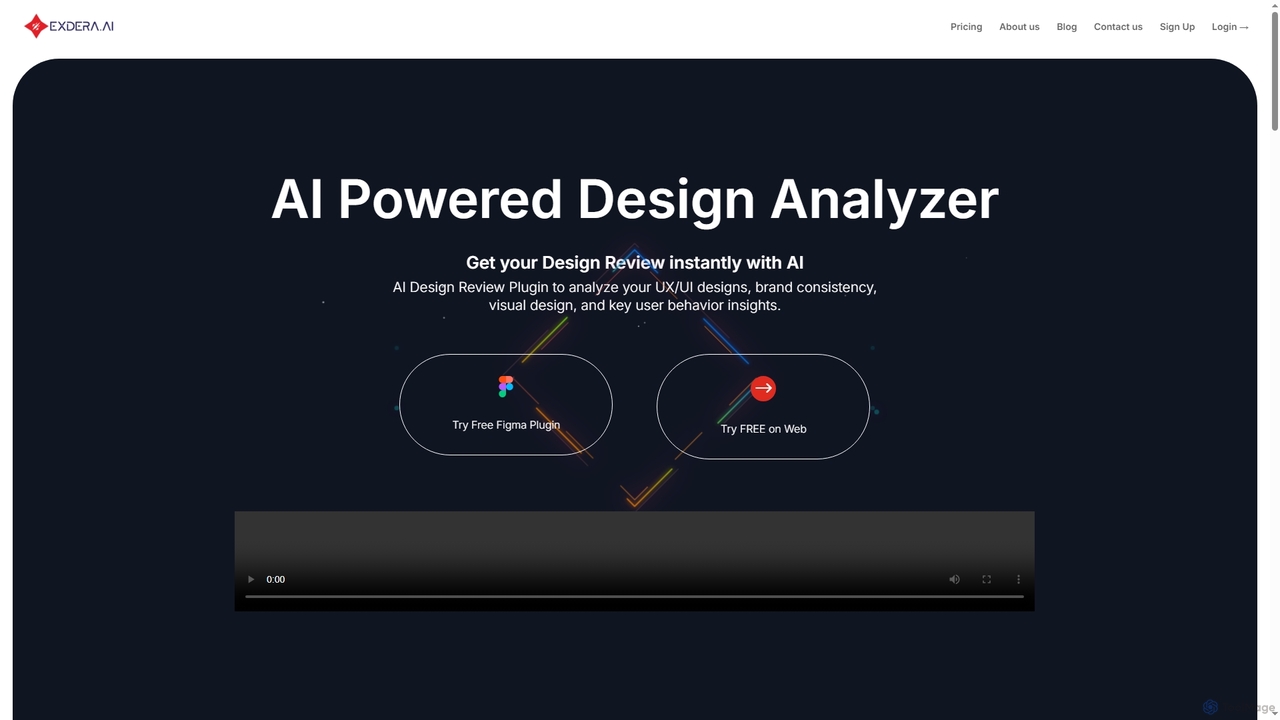
Exdera is an AI-powered design review tool available as a Figma plugin and web application. It instantly analyzes UX/UI designs, brand consistency, visual elements, and user behavior, providing actionable insights to optimize designs for better engagement and conversions without guesswork.

Design
Visits 6.3KFavorites 81Likes 74
Sleek
Freemium

Sleek

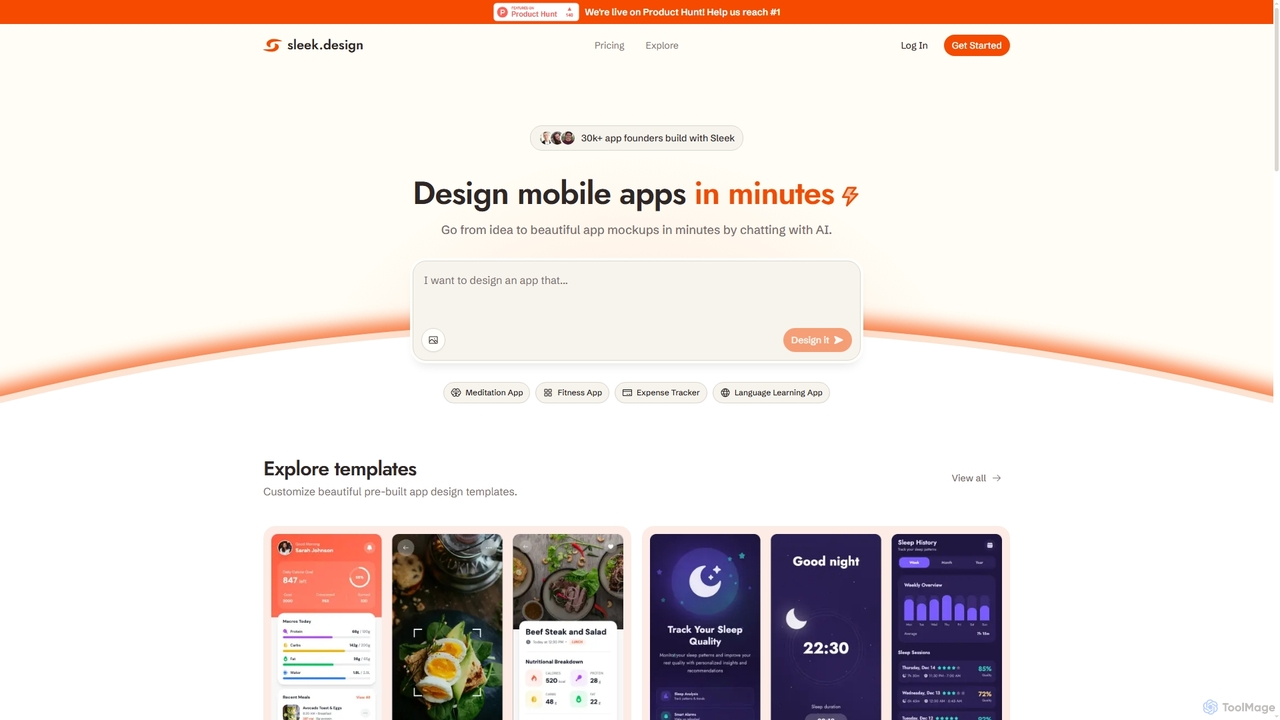
Sleek is an AI-powered mobile app designer that enables founders and entrepreneurs to create professional app mockups in minutes. It transforms ideas into beautiful designs through conversational AI, offering customizable templates and export options to Figma or code, making app design accessible to everyone.

Design
Visits 162.7KFavorites 124Likes 124

About Design

AI Design tools are a category of AI assistants that leverage artificial intelligence to automate and enhance various aspects of the design process. These tools utilize advanced algorithms like generative AI, machine learning, and computer vision to create, modify, and optimize visual content. They empower designers, marketers, and content creators to accelerate workflows, explore new creative possibilities, and produce high-quality visuals with unprecedented efficiency. From generating unique graphics to automating layout and enhancing images, AI design tools are transforming how creative projects are conceived and executed.

Core Features

  • Generative Design: Automatically creates design variations, layouts, or elements from text prompts or existing assets.
  • Image & Video Enhancement: Upscales resolution, removes noise, corrects colors, or applies artistic styles to media.
  • Content Creation Automation: Generates social media posts, banners, or presentations based on specific themes and requirements.
  • Smart Editing & Retouching: AI-powered object removal, background changes, or facial retouching with minimal manual effort.
  • Layout & Composition Assistance: Suggests optimal arrangements, auto-generates responsive designs, and ensures visual harmony.

Use Cases

AI Design tools are widely adopted across industries for tasks requiring visual creativity and efficiency. Graphic designers use them for rapid concept generation, while marketing teams leverage them to produce diverse ad creatives at scale. UI/UX designers apply these tools for quick prototyping and iteration, and content creators utilize them to enhance visual storytelling and personalize content for various platforms.

How to Choose

When selecting an AI Design tool, consider its specific design capabilities (e.g., image generation, video editing, layout), integration with your existing design software, and the learning curve involved. Evaluate the quality of its output, customization options, and the pricing model to ensure it aligns with your budget and project scalability needs. User reviews and community support can also provide valuable insights into its practical performance.

Design use cases

1

Generate Marketing Visuals for Campaigns

A digital marketer needs to create diverse ad creatives for A/B testing across multiple platforms. By using AI design tools, they can input product descriptions and target audience demographics to rapidly generate hundreds of variations of banners, social media posts, and ad images. This process saves hours of manual design time, allowing for extensive testing to identify the most effective visuals and significantly improving campaign performance and ROI.

2

Automate UI/UX Design Prototyping

A UI/UX designer aims to quickly iterate on design concepts for web and mobile applications. By inputting wireframes or text descriptions into AI design tools, they can generate high-fidelity mockups, receive suggestions for layout improvements, and create consistent design systems. This significantly accelerates the prototyping phase, allowing more time for user testing and refinement, ultimately leading to a more intuitive and user-friendly product experience.

3

Create Unique Brand Assets (Logos, Illustrations)

A startup founder needs to develop a distinctive brand identity without a large design budget. By utilizing AI design platforms, they can input brand values and keywords to generate unique logo concepts, custom illustrations, and brand color palettes. This enables them to obtain professional-quality brand assets quickly and affordably, establishing a strong visual presence from the outset and saving significant costs compared to traditional design agencies.

4

Enhance and Upscale Product Photography

An e-commerce manager needs to improve the quality of product images for online listings to attract more customers. By employing AI design tools, they can automatically remove backgrounds, enhance lighting, correct colors, and upscale low-resolution photos to high-definition. This ensures visual consistency across all products and presents them more professionally, ultimately increasing customer engagement and conversion rates with visually appealing imagery.

5

Personalize Content for Targeted Audiences

A content creator needs to adapt visual content for different audience segments across various platforms. Using AI design tools, they can automatically reformat, resize, and adjust visual elements (e.g., text overlays, color schemes) of a core design to suit specific demographics or platform requirements. This enables the delivery of highly personalized and relevant visual content at scale, significantly boosting audience engagement and message resonance without extensive manual customization for each segment.

6

Generate Storyboards and Concept Art for Media Production

A concept artist or filmmaker needs to visualize scenes and character designs rapidly during pre-production. By inputting script excerpts or character descriptions into AI design tools, they can generate diverse concept art, storyboards, and mood boards, exploring various artistic styles and compositions. This significantly speeds up the visual development process, providing a rich foundation for creative teams to build upon and refine, ultimately enhancing the efficiency and creativity of media production.

Design FAQ

What are AI Design tools?

AI Design tools are software applications that use artificial intelligence to assist and automate various design tasks. They leverage technologies like generative AI, machine learning, and computer vision to create, modify, and optimize visual content. Their core purpose is to enhance efficiency, spark creativity, and enable users to produce high-quality designs, from generating unique graphics and automating layouts to enhancing images and videos, making design more accessible and faster for professionals and novices alike.

How do AI Design tools differ from traditional design software?

AI Design tools primarily differ from traditional design software by their ability to automate complex and repetitive tasks, generate content autonomously, and offer intelligent suggestions based on data. While traditional software (like Photoshop or Illustrator) requires manual input for every detail, AI tools augment the designer's capabilities by handling mundane tasks such as background removal, image upscaling, or even generating entire design variations from a simple text prompt. They focus on augmentation and generation, allowing designers to concentrate on higher-level creative strategy and problem-solving rather than tedious execution.

What types of design tasks can AI tools automate?

AI design tools can automate a wide array of tasks, significantly streamlining workflows. These include background removal and object isolation, image upscaling and enhancement (e.g., denoising, color correction), generating design variations for logos, social media posts, or ad creatives, and even creating entire illustrations or concept art from text descriptions. They can also assist with layout suggestions, smart cropping, style transfer, and generating consistent brand assets, freeing designers from repetitive work to focus on more strategic and creative aspects.

Who can benefit most from using AI Design tools?

A wide range of professionals can benefit significantly from AI Design tools. Graphic designers can use them for rapid concept generation and automating tedious tasks like background removal. Marketing teams and content creators leverage them to produce diverse visual content at scale for campaigns and social media. UI/UX designers find value in quick prototyping and iterating on user interfaces. Small business owners and entrepreneurs can create professional-quality brand assets and marketing materials without a large budget, making design more accessible and efficient for various roles and industries.

Are AI Design tools replacing human designers?

No, AI Design tools are not replacing human designers; rather, they are powerful assistants that augment human creativity and efficiency. These tools automate mundane, repetitive, and time-consuming tasks, allowing designers to focus on higher-level strategic thinking, conceptualization, and problem-solving. They provide inspiration, accelerate workflows, and enable designers to explore more creative options faster. AI tools empower designers to achieve more, not to be replaced, by handling the heavy lifting of execution and iteration, thus elevating the designer's role to a more strategic and innovative level.