


imgupscaler Overview
imgupscaler is an advanced online tool that leverages the power of artificial intelligence to increase the resolution of images with remarkable clarity and detail. Traditional image resizing methods often result in pixelation and blurriness, but imgupscaler utilizes sophisticated Generative Adversarial Networks (GANs) and other deep learning models to intelligently analyze and reconstruct images. It doesn't just stretch the pixels; it genuinely creates new, realistic details, making it perfect for rescuing low-resolution photos, preparing images for high-quality printing, or enhancing digital art.
The platform is designed for simplicity and efficiency, catering to a wide range of users from professional photographers and graphic designers to e-commerce store owners and anime enthusiasts. By automating the complex process of image enhancement, imgupscaler saves valuable time and eliminates the need for expensive software or manual editing skills. It can effectively remove JPEG compression artifacts, reduce noise from photos taken in low light, and sharpen blurry details, transforming mediocre images into stunning, high-definition visuals.
How to use imgupscaler
Using imgupscaler is a straightforward, three-step process designed for maximum ease of use:
- Upload Your Image: Simply visit the imgupscaler website and drag and drop your low-resolution image (such as JPG, PNG, etc.) into the upload area, or click to browse and select a file from your computer.
- Select Upscaling Options: Choose your desired upscaling factor, typically from 2x, 4x, or up to 8x for premium users. You may also have the option to select a specific AI model optimized for different types of content, such as photographs, anime/cartoons, or digital art, for the best possible results.
- Process and Download: Click the 'Upscale' or 'Start' button to let the AI work its magic. Within seconds, you will be presented with a side-by-side comparison of the original and the upscaled image. If you are satisfied with the result, you can download the new high-resolution image to your device.
Core Features of imgupscaler
- AI-Powered Upscaling: Enlarge images up to 4x or 8x their original size while preserving and enhancing details.
- Detail & Texture Enhancement: The AI intelligently adds realistic texture and sharpens details, avoiding the plastic look of some other tools.
- Noise and Artifact Reduction: Automatically cleans up digital noise and removes distracting JPEG compression artifacts for a cleaner, smoother image.
- Specialized AI Models: Offers different algorithms tailored for various image types, including realistic photos, anime, and digital illustrations, ensuring optimal results for each.
- Batch Processing: Allows users to upload and upscale multiple images simultaneously, significantly improving workflow efficiency for large projects.
- User-Friendly Interface: A simple and intuitive web interface that requires no technical expertise to operate.
- Fast Processing Speed: Leverages powerful cloud servers to deliver high-quality upscaled images in just a few seconds.
Use Cases for imgupscaler
imgupscaler is a versatile tool with applications across many fields:
- E-commerce: Upscale low-quality supplier photos into crisp, professional product images for online stores, leading to better customer engagement and sales.
- Photography: Restore old, scanned family photos or enlarge a cropped section of a high-resolution shot without losing critical detail.
- Web & Graphic Design: Ensure all visual assets, from logos to banners, are sharp and clear on high-resolution displays like Retina screens.
- Printing: Prepare digital images for physical media such as posters, flyers, and merchandise by increasing their resolution to meet print-quality standards.
- Anime & Art Community: Enhance favorite anime screenshots or digital fan art to create beautiful, high-resolution wallpapers and prints.
- Real Estate: Improve the quality of property photos to make listings more appealing to potential buyers.
Advantages of imgupscaler
The primary advantage of imgupscaler is its ability to produce superior quality results compared to traditional methods. It generates natural-looking details, making it a powerful alternative to the basic 'Image Size' function in software like Photoshop. Its speed and automation save users countless hours of manual work. Furthermore, its accessibility via a web browser makes it a convenient tool for quick enhancements without software installation. The freemium model allows users to test the service before committing to a paid plan, making professional-grade image enhancement available to everyone.
Pricing and Plans
imgupscaler typically operates on a freemium model, offering both free and paid plans:
- Free Plan: Ideal for casual users, this plan usually offers a limited number of free image upscales per month (e.g., 5-10 credits). The upscaling might be limited to 2x or 4x, and a watermark may be applied to the output.
- Subscription Plans (e.g., Starter/Pro): For professionals and frequent users, paid plans offer a larger number of monthly credits, access to higher upscaling factors (like 8x), batch processing capabilities, faster processing speeds, and no watermarks.
- Pay-as-you-go: Some services also offer credit packs for users who need to process a large number of images occasionally without a monthly commitment. Pro plans may also include API access for developers.
Traffic
Latest traffic
Status
Monthly traffic trend
- 2025-9: 3.7M
- 2026-1: 4.0M
- 2026-2: 3.4M
- 2026-3: 3.4M
- 2026-4: 3.5M
- 2026-5: 3.4M
Geography
Top 5 countries / regions
- 🇮🇳India35.1%
- 🇺🇸United States24.2%
- 🇮🇩Indonesia23.3%
- 🇲🇽Mexico9.1%
- 🇵🇭Philippines8.3%
Traffic sources
| Source type | Percentage |
|---|---|
Direct | 88.3% |
Referral | 10.5% |
Email | 1.2% |
Top keywords
| Keyword | Cost per click |
|---|---|
| ai image upscaler | $0.58 |
| image upscaler | $0.26 |
| imgupscaler | $0.38 |
| upscale image | $0.30 |
| upscaler | $0.39 |
imgupscaler Videos on YouTube


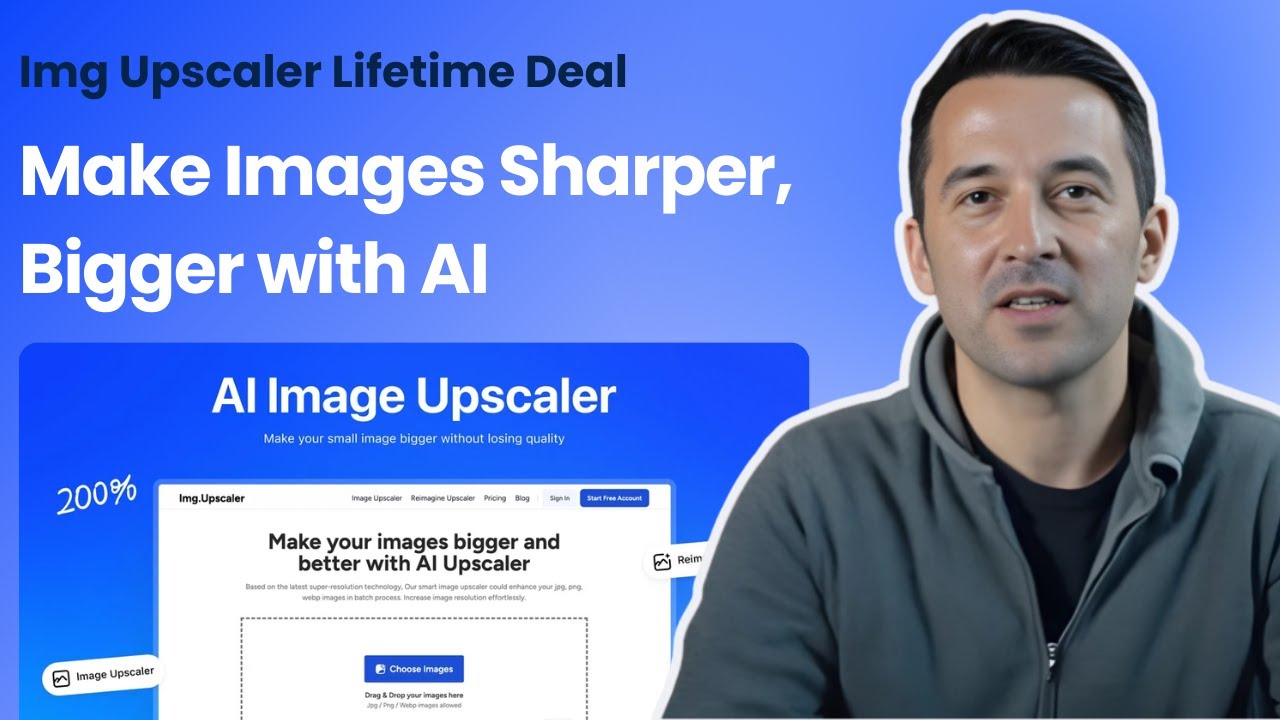
SaaS Tool Insider
imgupscaler Alternatives
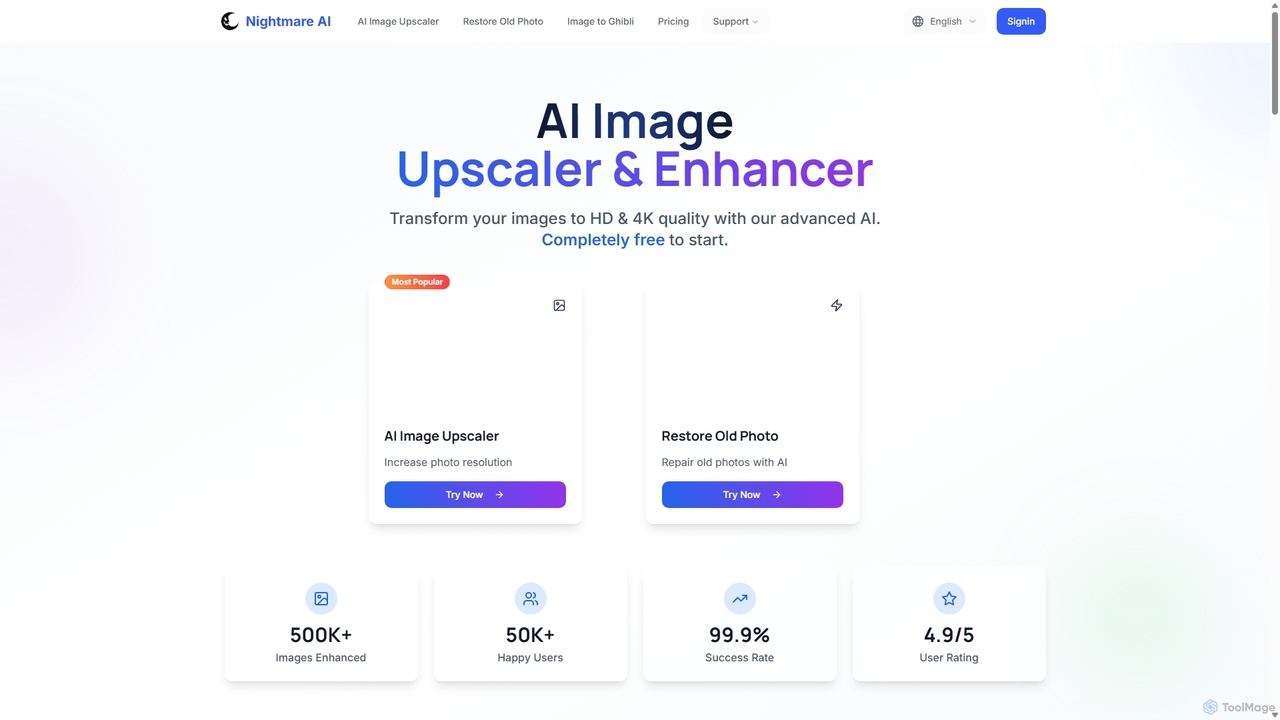
Nightmare AI
Nightmare AI is a powerful online tool that uses advanced AI algorithms like Real-ESRGAN to upscale images to 4K, enhance photo quality, and restore old, damaged photos. It specializes in improving photos, anime, and cartoons without losing detail. Offering a user-friendly interface, it provides both free and premium plans for photographers, artists, and content creators.
Image Enhancement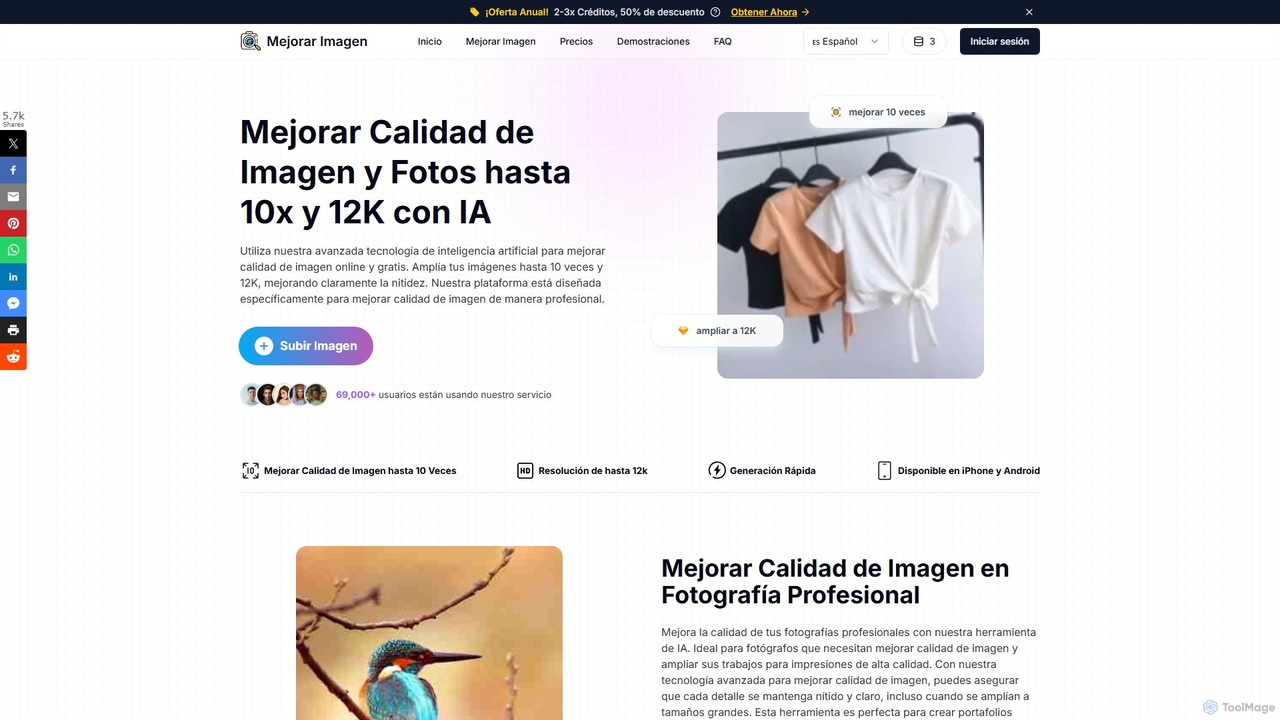
MejorarImagen
MejorarImagen is an AI-powered online tool designed to enhance and upscale image quality. It can enlarge images up to 10x and achieve resolutions up to 12K, significantly improving sharpness and detail. Ideal for professional photographers, graphic designers, and social media managers, it also offers features like batch processing and portrait enhancement.
Image Enhancement
Upscale.media
Upscale.media is a free AI-powered tool that automatically upscales and enhances images in seconds. It increases image resolution by up to 8x without losing quality, sharpens details, and removes artifacts. Ideal for e-commerce, photographers, and personal use, it offers web, mobile app, and API access for seamless integration.
Image Editing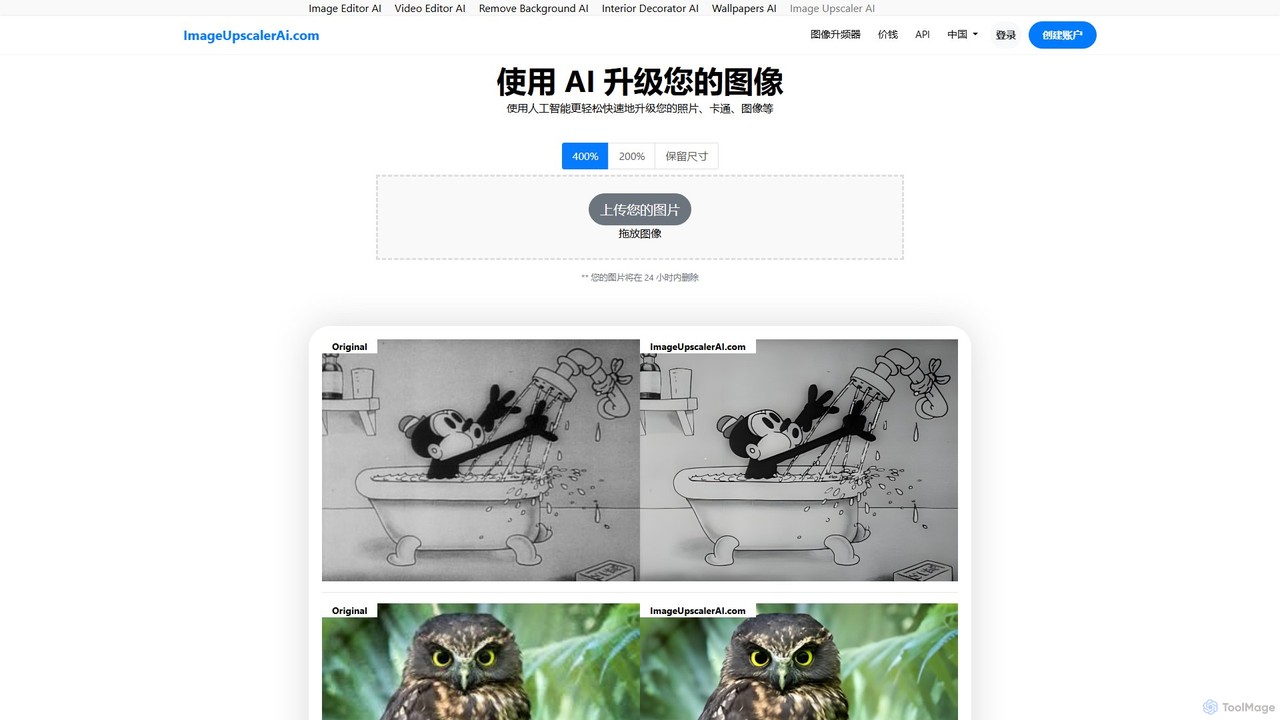
ImageUpscalerAI
ImageUpscalerAI is an AI-powered online tool designed to enlarge and enhance images by up to 400% without losing quality. It supports various image types, including photos, cartoons, and digital art, offering a simple drag-and-drop interface for quick and easy high-resolution results. It prioritizes user privacy by deleting all uploaded images within 24 hours.
Graphics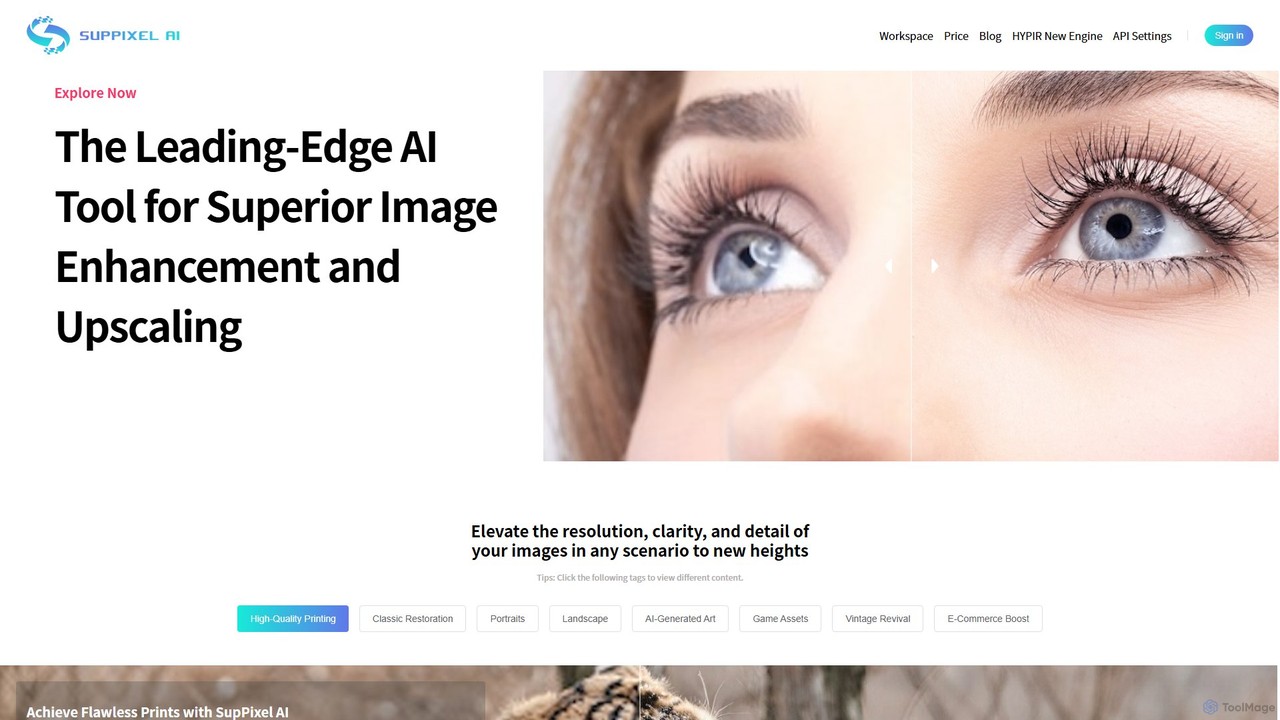
SupPixel AI
SupPixel AI is a leading-edge AI tool for superior image enhancement and upscaling. It elevates the resolution, clarity, and detail of any image, making it ideal for high-quality printing, photo restoration, e-commerce, and enhancing AI-generated art.
Image Editingimgupscaler Categories
imgupscaler Embed Widget
Copy this embed code to place the badge on your blog, article, or product site and send readers directly to this ToolMage detail page.

Related AI tools
Nightmare AI
Nightmare AI is a powerful online tool that uses advanced AI algorithms like Real-ESRGAN to upscale images to 4K, enhance photo quality, and restore old, damaged photos. It specializes in improving photos, anime, and cartoons without losing detail. Offering a user-friendly interface, it provides both free and premium plans for photographers, artists, and content creators.
Image EnhancementUpscale.media
Upscale.media is a free AI-powered tool that automatically upscales and enhances images in seconds. It increases image resolution by up to 8x without losing quality, sharpens details, and removes artifacts. Ideal for e-commerce, photographers, and personal use, it offers web, mobile app, and API access for seamless integration.
Image EditingImageUpscalerAI
ImageUpscalerAI is an AI-powered online tool designed to enlarge and enhance images by up to 400% without losing quality. It supports various image types, including photos, cartoons, and digital art, offering a simple drag-and-drop interface for quick and easy high-resolution results. It prioritizes user privacy by deleting all uploaded images within 24 hours.
Graphics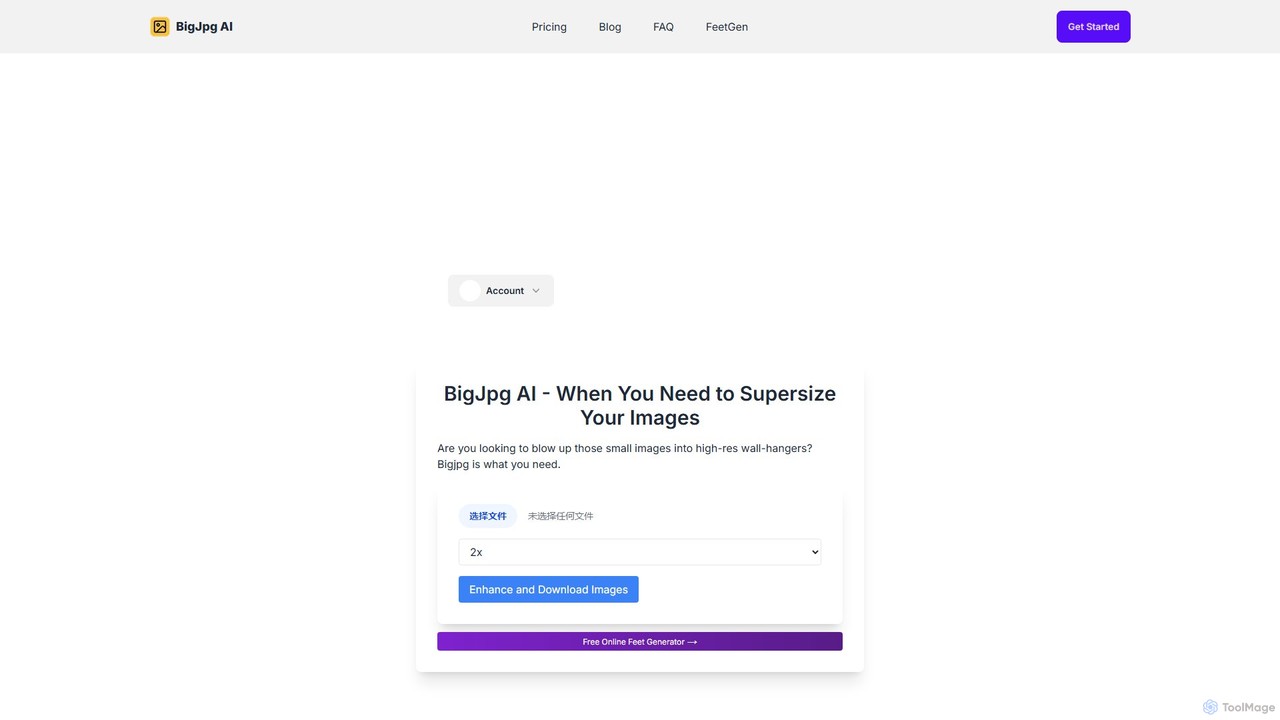
Bigjpg
Bigjpg is an AI-powered image upscaler that uses Deep Convolutional Neural Networks (CNN) to enlarge images without losing quality. It excels at processing anime and illustrations, intelligently reducing noise and serration to produce crisp, clear results. It also supports regular photos, offering a superior alternative to traditional scaling methods. With web, desktop, and mobile apps, Bigjpg provides a flexible solution for artists, designers, and anyone needing to increase image resolution while preserving detail and color fidelity.
Generative Art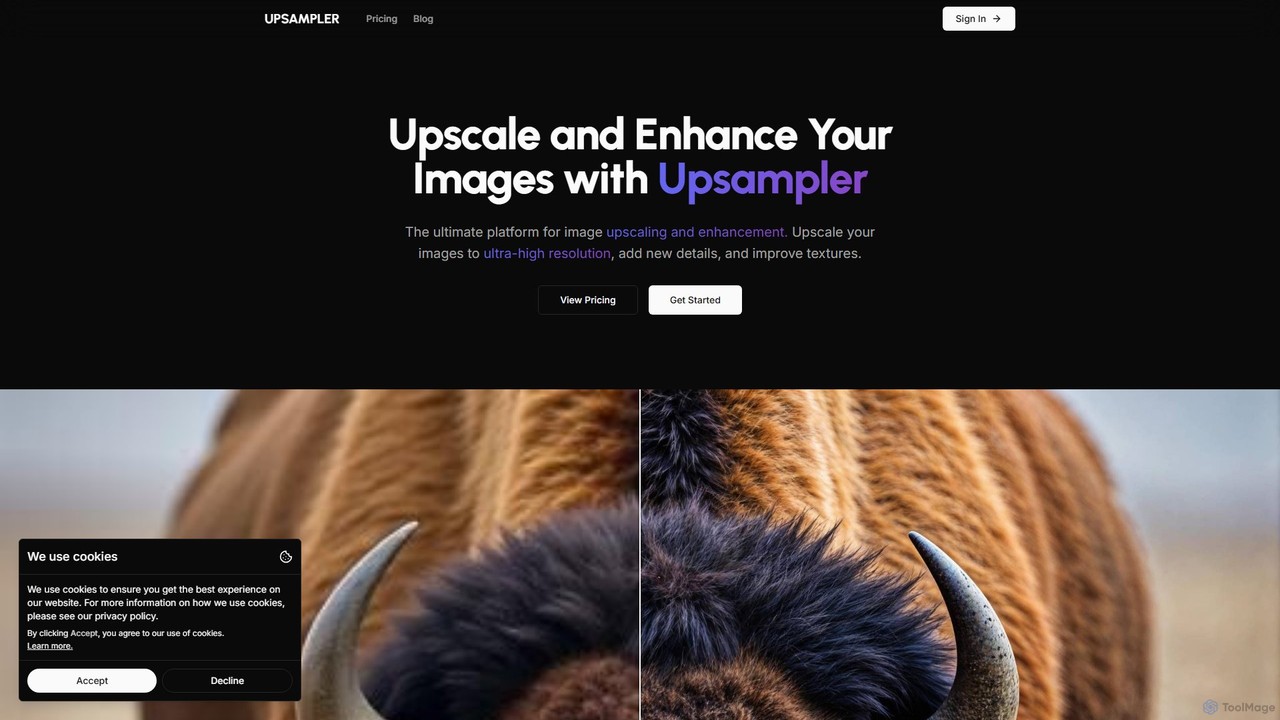
Upsampler
Upsampler is a comprehensive AI-powered online platform for image upscaling, enhancement, restoration, and generation. It features multiple upscaling modes like Smart, Dynamic, and Precise to cater to different image types, from AI art to real photos. It also offers generative fill, photo restoration, and integrates top AI models like GPT-4o and Imagen for image creation.
Image Generation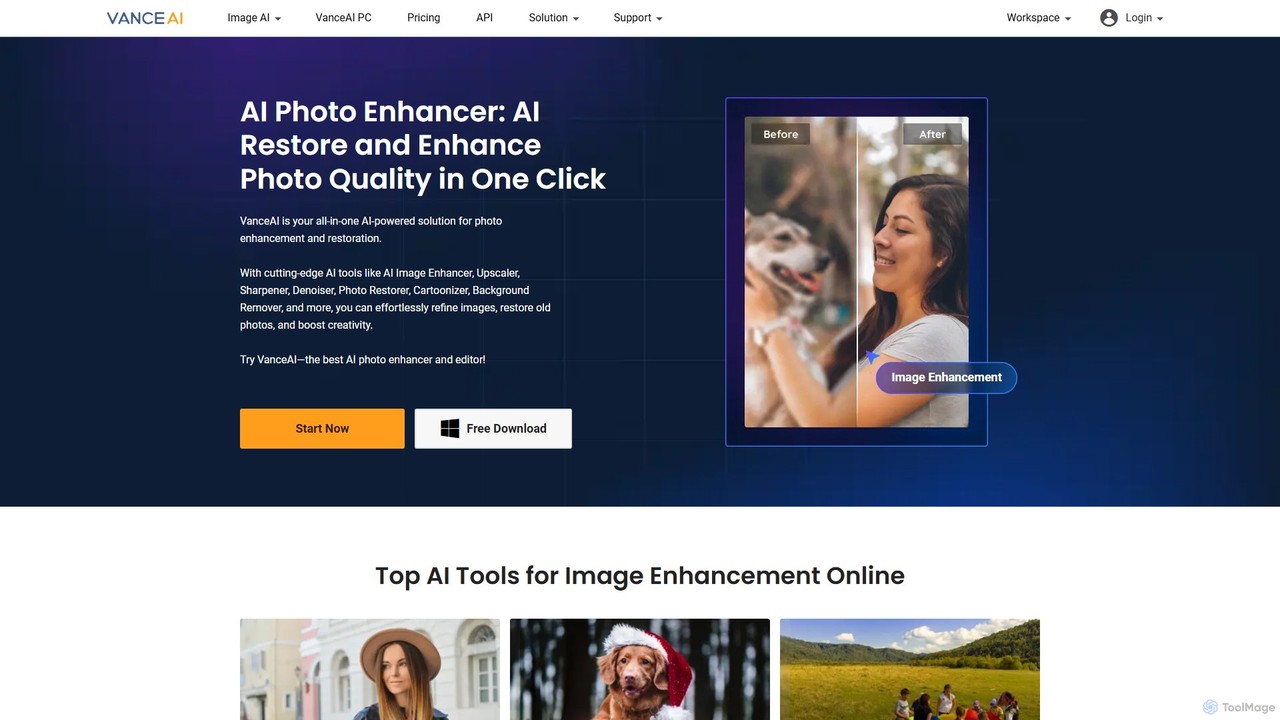
VanceAI
VanceAI is a comprehensive, AI-powered suite for photo enhancement, restoration, and editing. It offers a wide range of tools, including an image upscaler, sharpener, denoiser, background remover, and photo restorer. With one-click solutions and batch processing capabilities, VanceAI helps users from photographers to e-commerce businesses improve image quality, streamline workflows, and boost creativity effortlessly, available both online and as a desktop application.
Image Editing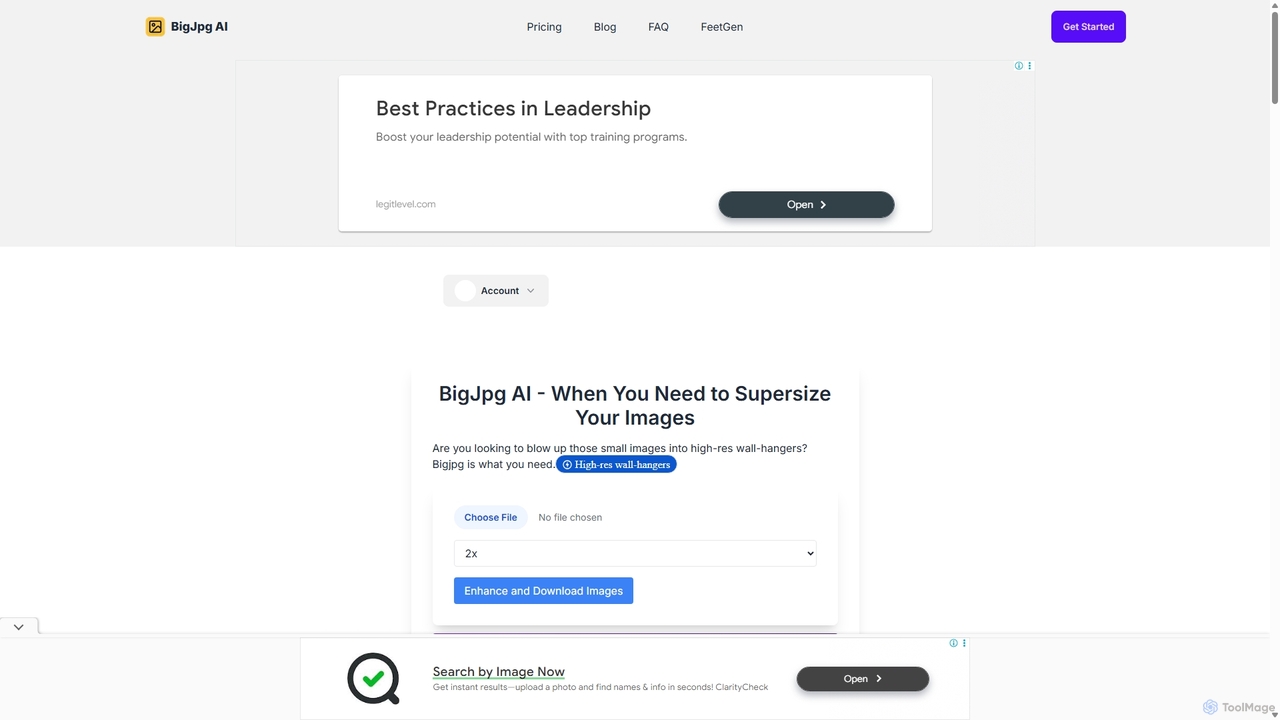
BigJpg AI
BigJpg AI is an advanced AI-powered image upscaler that enlarges images up to 16x their original size without losing quality. It intelligently analyzes and enhances image details, making it perfect for creating high-resolution prints, web graphics, and detailed visuals from small source files. Ideal for photographers, designers, and marketers.
Image Editing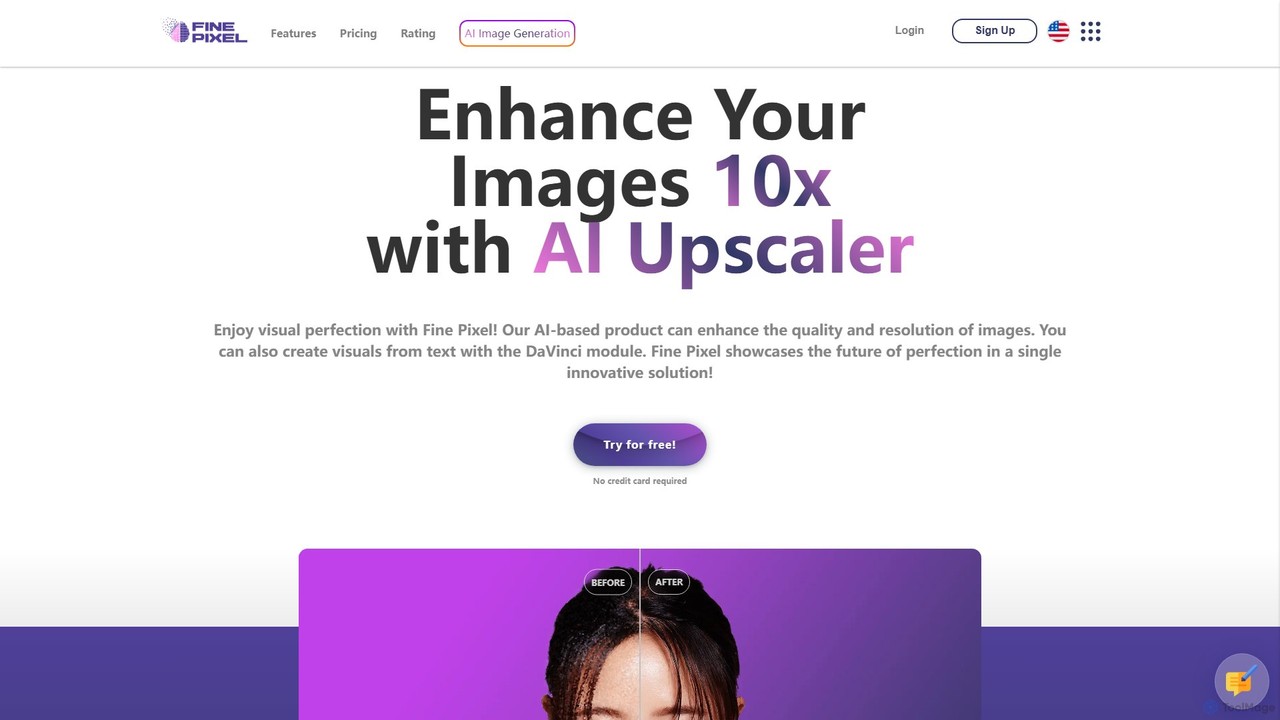
Fine Pixel
Fine Pixel is an all-in-one AI-powered image suite that enhances, generates, and edits visuals. It features a high-resolution image upscaler for print-quality results (300+ DPI), a text-to-image generator (DaVinci Diffusion XL) for instant creativity, and an inpainting tool to seamlessly add or remove objects from photos. It's designed for users of all skill levels, from marketers and designers to personal users, enabling professional-grade image manipulation in seconds.
Image Editing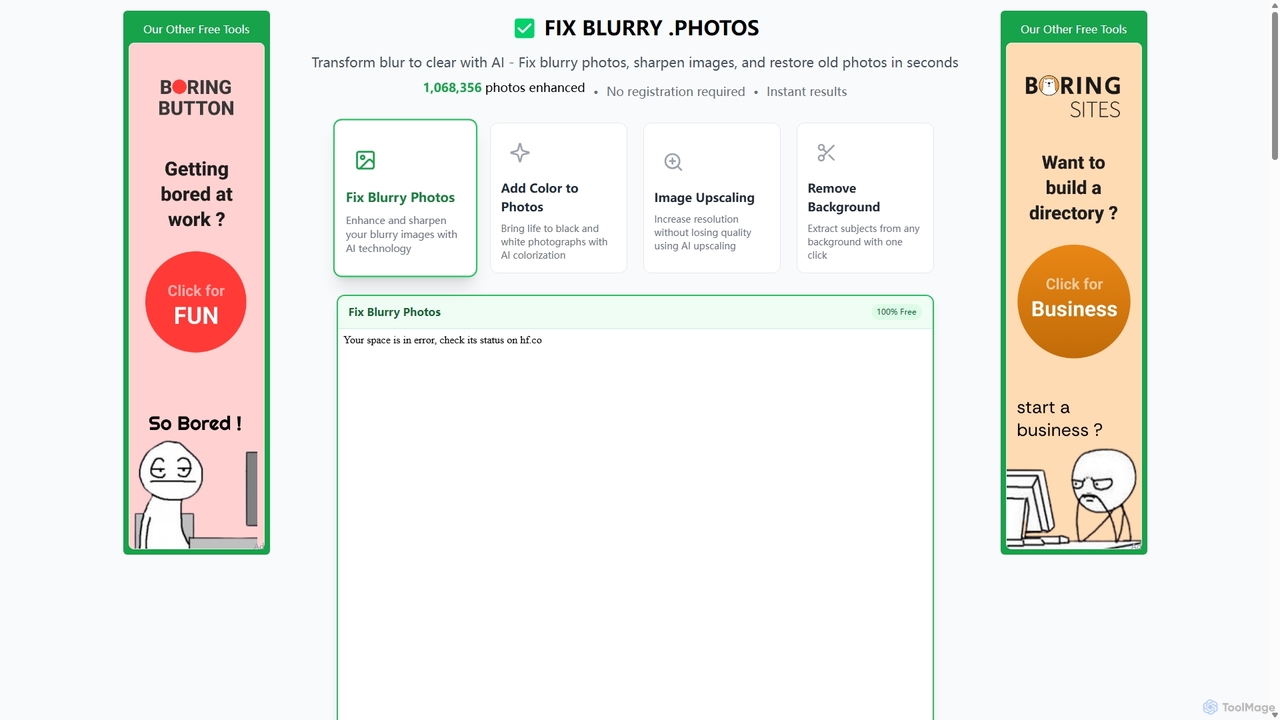
Fixblurry
fixblurry is a free, AI-powered online tool suite designed to enhance your images instantly. It specializes in unblurring and sharpening photos, restoring old or faded pictures, upscaling low-resolution images without quality loss, colorizing black-and-white photos, and removing backgrounds with a single click. No registration or software installation is required, offering professional-grade results for everyone.
Image Editing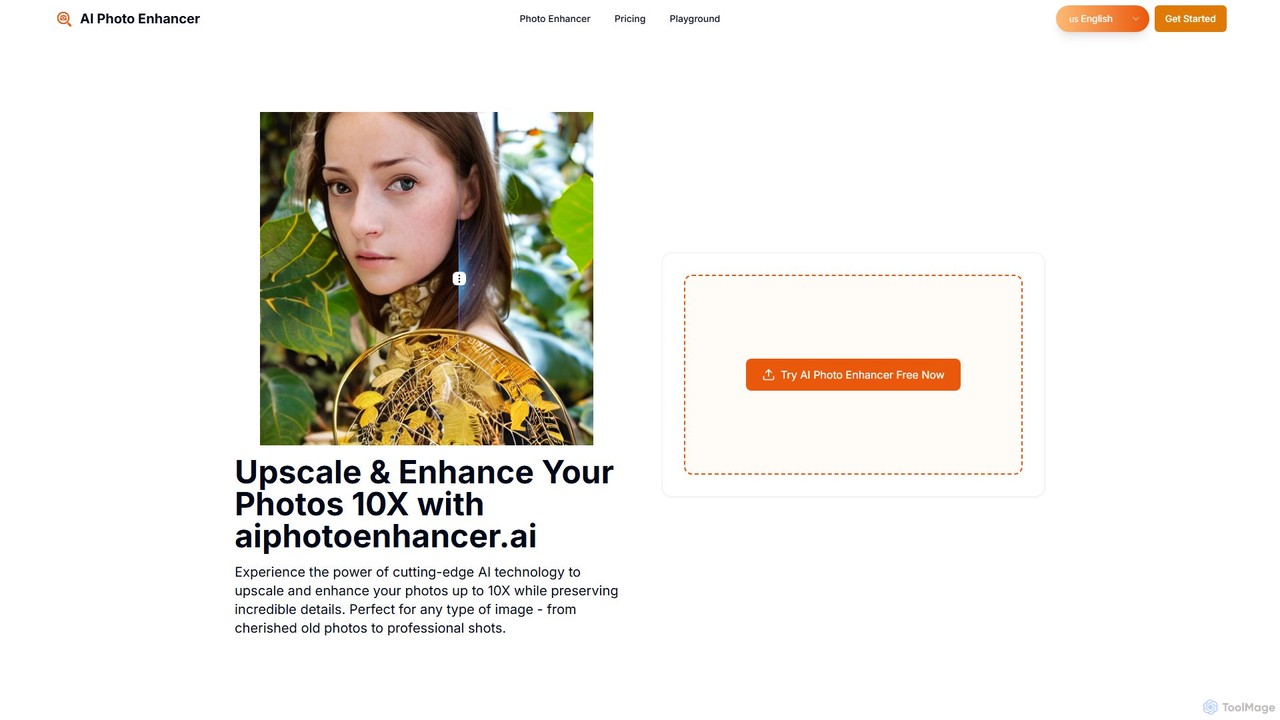
aiphotoenhancer
aiphotoenhancer is an AI-powered tool that upscales and enhances images up to 10X resolution while preserving details. It supports batch processing for up to 10 images and offers specialized modes for various photo types, including portraits, landscapes, e-commerce products, and old photos. With daily free credits, users can easily restore, sharpen, and improve their images for both personal and commercial use.
Image Editing
Jyek
Jyek is an AI agent platform that understands objectives, creates execution plans, uses tools, and delivers verifiable results for complex, multi-step tasks.
Automation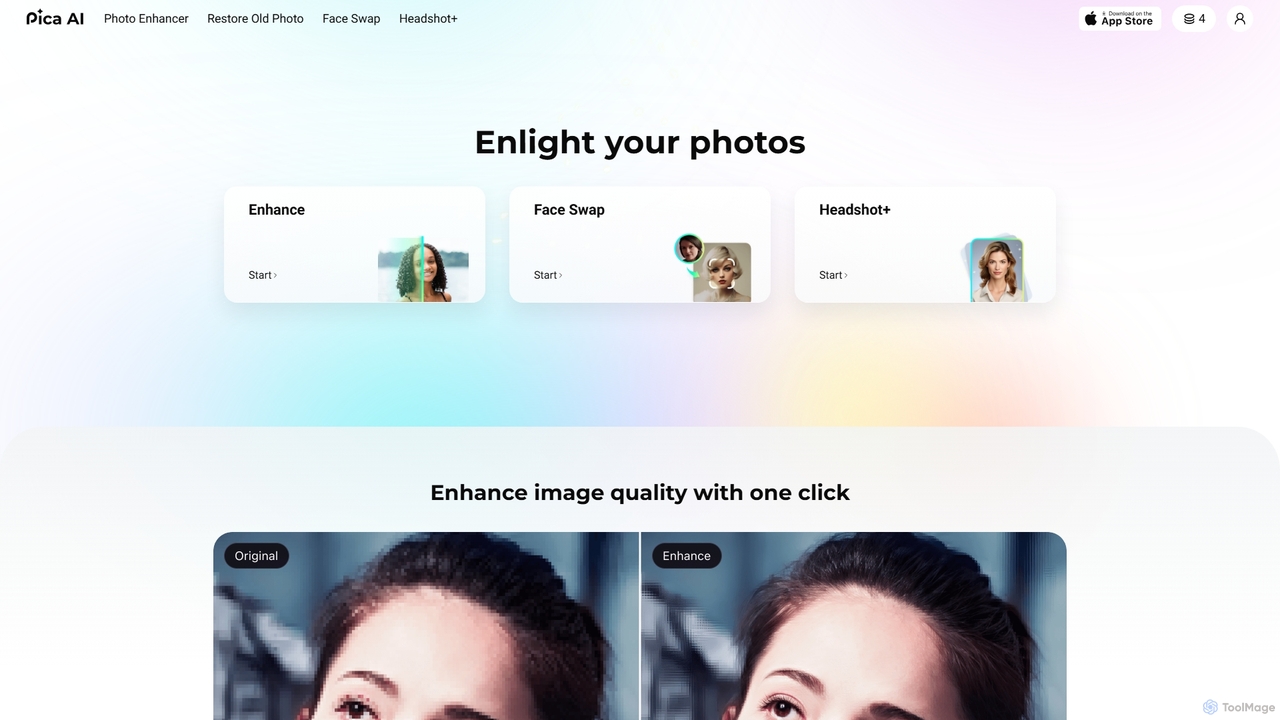
Pica AI
Pica AI is a versatile AI-powered platform for photo editing and creation. It offers a suite of tools including a photo enhancer to improve quality and resolution, an old photo restorer to fix scratches and damage, a fun face swap tool for photos and videos, and a professional AI headshot generator. It's designed for ease of use, delivering high-quality results with just a few clicks.
3DMejorarImagen
MejorarImagen is an AI-powered online tool designed to enhance and upscale image quality. It can enlarge images up to 10x and achieve resolutions up to 12K, significantly improving sharpness and detail. Ideal for professional photographers, graphic designers, and social media managers, it also offers features like batch processing and portrait enhancement.
Image Enhancement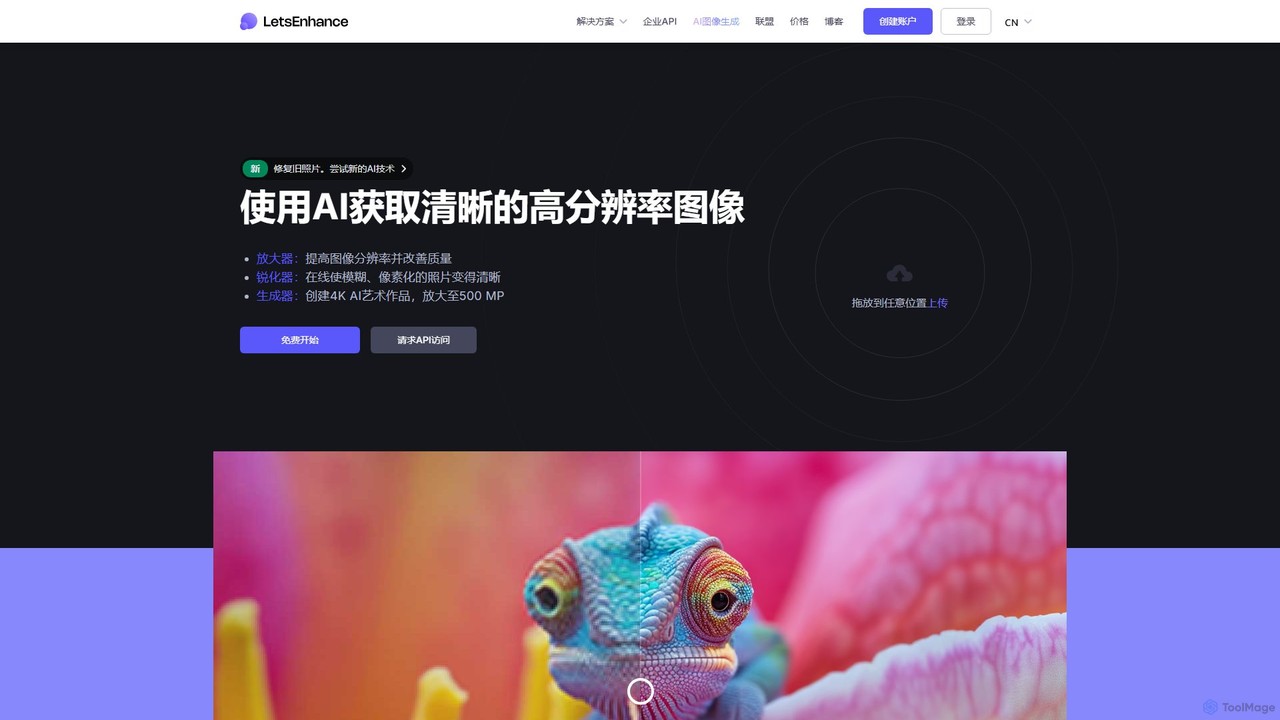
LetsEnhance
An AI-powered platform for image enhancement, upscaling, and generation. It automatically increases image resolution up to 16x, sharpens details, corrects colors, and removes artifacts. Features include old photo restoration, a text-to-image generator for creating high-resolution AI art, and batch processing. Ideal for photographers, designers, e-commerce, and print professionals.
Image Enhancement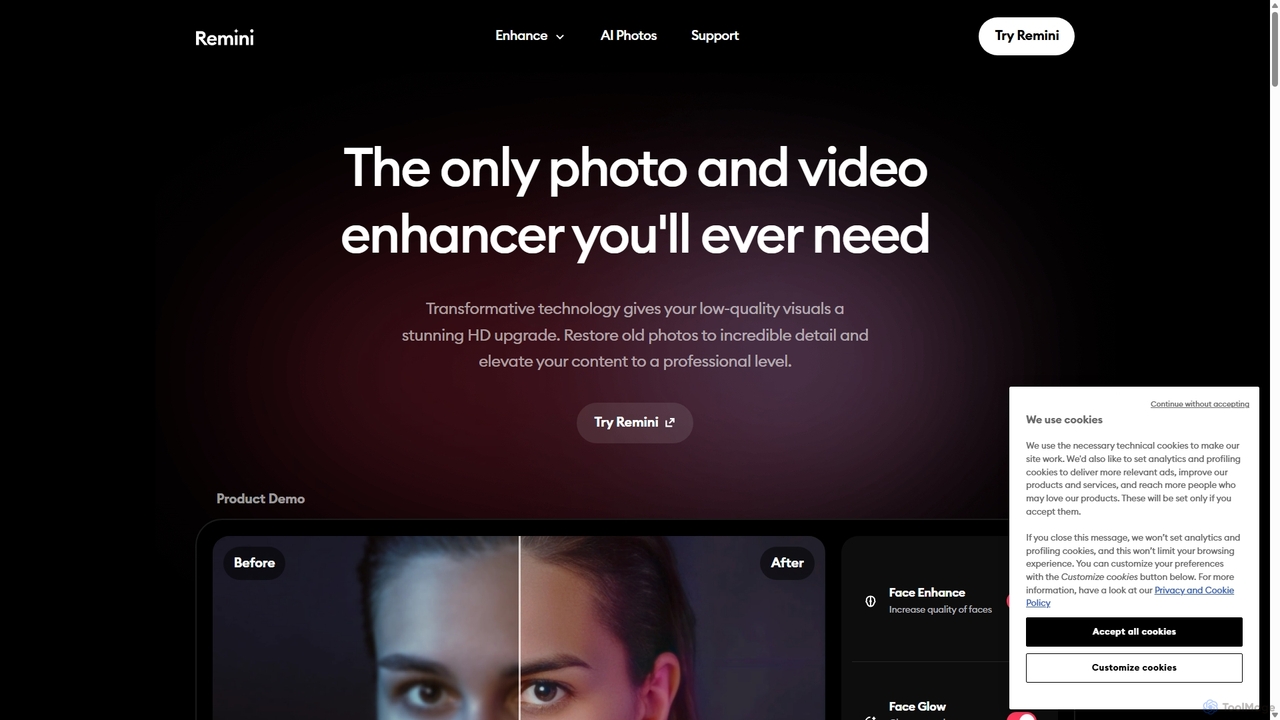
Remini
Remini is an AI-powered photo and video enhancer that transforms low-quality, blurry, or old images and videos into stunning high-definition visuals. Using advanced AI, it restores details, sharpens focus, reduces noise, and can even generate professional-quality AI photos of yourself.
3D
imgupscaler Comments (0)
Sign in to comment.
Sign inNo comments yet.