

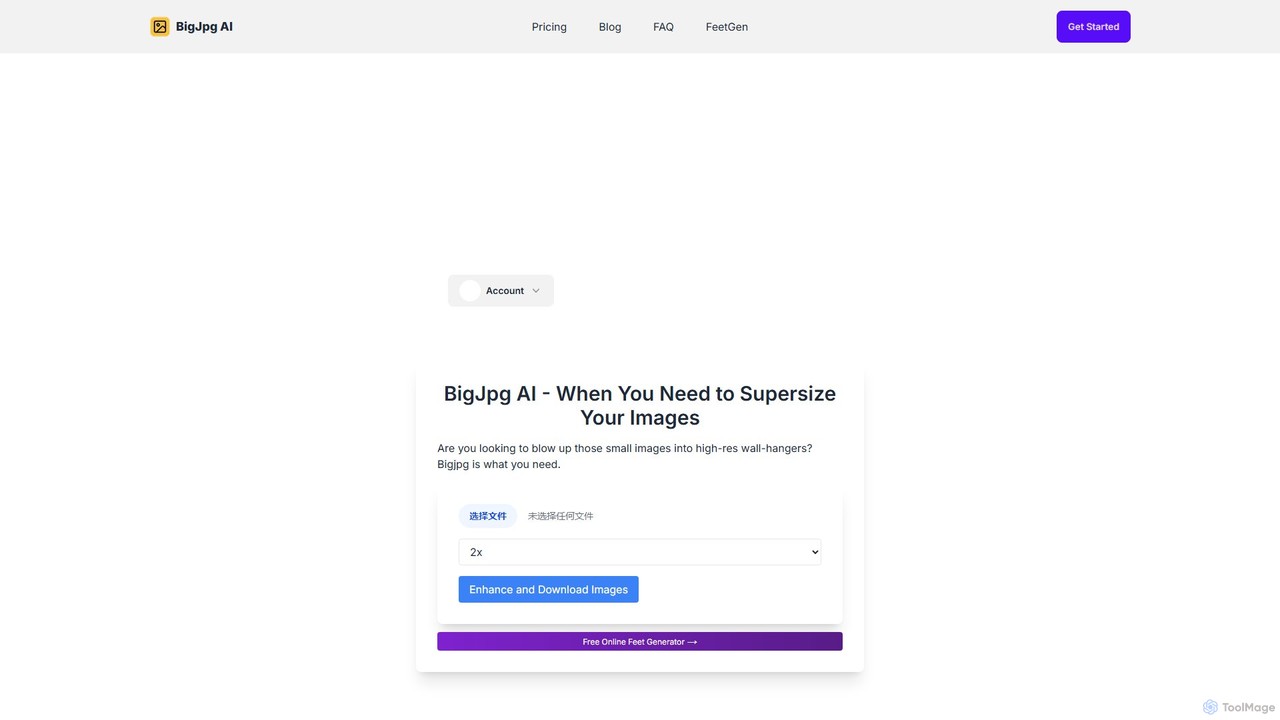
Bigjpg Overview
Bigjpg is a state-of-the-art AI image enlarger that leverages advanced Deep Convolutional Neural Networks (CNN) to upscale images with remarkable clarity and precision. Unlike traditional resizing tools like Photoshop or PhotoZoom that often result in blurriness, artifacts, and noise, Bigjpg's AI model is specifically trained to analyze and enhance images. It intelligently identifies and reconstructs lines, colors, and details, while simultaneously reducing noise and jagged edges (serration). This process ensures that the enlarged image is not only bigger but also cleaner and sharper, making it an indispensable tool for professionals and hobbyists alike.
The platform is particularly renowned for its exceptional performance with anime-style images and illustrations, where it can achieve near-perfect results, preserving sharp lines and vibrant colors. However, its capabilities extend to regular photographs, significantly improving their quality when upscaled. Bigjpg offers both a free service with generous limits and a premium plan for users who require faster processing, larger file support, and additional features like offline enlarging.
How to use Bigjpg
Using Bigjpg is a straightforward process designed for ease and efficiency:
- Select Image: Visit the Bigjpg website or open one of its desktop/mobile applications. Click the "Select Images" button to upload your low-resolution image from your device.
- Configure Settings (Optional): For registered users, you may have options to select the upscaling factor (e.g., 2x, 4x) and the type of artwork (e.g., Anime, Photo).
- Start Upscaling: Once the image is uploaded, the enlarging process will begin. The system will display an estimated processing time, which varies based on image size and server load.
- Download Result: After the processing is complete, you can preview the upscaled image and download it to your device.
- Login for More Features: For an enhanced experience, create a free account. Logged-in users can access their enlargement history, process images offline (you can close the browser), and benefit from potentially faster queues.
Core Features of Bigjpg
- AI-Powered Upscaling: Utilizes Deep Convolutional Neural Networks (CNN) for intelligent, high-quality image enlargement.
- Noise & Serration Reduction: Automatically cleans up digital noise and smooths jagged edges for a polished final image.
- Optimized for Illustrations & Anime: Delivers exceptional results for cartoons, anime, and digital illustrations, preserving crisp lines and details.
- Photo Enhancement: Effectively upscales regular photographs, improving clarity and detail.
- Cross-Platform Support: Accessible via a web browser and dedicated applications for Windows (32/64-bit), macOS, iOS, and Android.
- API Access: Provides an API for developers to integrate Bigjpg's upscaling technology into their own applications and workflows.
- Offline Processing: Logged-in users can close their browser while an image is processing and return later to download the result.
- History Tracking: Registered users can view and manage their past upscaling tasks.
Use Cases for Bigjpg
Bigjpg is a versatile tool for various applications:
- Digital Artists & Illustrators: Upscale original artwork to create high-resolution versions for printing, portfolios, or online galleries without losing detail.
- Anime & Manga Fans: Enlarge favorite scenes, wallpapers, or fan art from low-resolution sources to create stunning, high-quality images for personal use.
- Graphic Designers: Enhance low-quality client assets, icons, or logos for use in larger design projects.
- Photographers: Recover detail from older digital photos or enlarge cropped sections of an image while maintaining quality.
- Web Content Creators: Improve the quality of images for websites and blogs to ensure they look sharp on high-resolution displays.
Advantages of Bigjpg
Compared to conventional image scaling software, Bigjpg offers significant advantages. Traditional methods often stretch pixels, leading to a blurry, pixelated look with noticeable artifacts. Bigjpg's neural network, however, doesn't just stretch the image; it intelligently adds new pixel data based on its understanding of shapes, lines, and textures. This results in genuinely sharper edges, richer colors, and a dramatic reduction in noise. The final output is clean and professional, free from the common "glitter" or ghosting effects seen with other tools, making it the superior choice for quality-critical applications.
Pricing and Plans
Bigjpg operates on a freemium model, making powerful AI upscaling accessible to everyone.
- Free Plan: Users can upscale images for free with certain limitations. This typically includes a cap on image resolution (e.g., 3000x3000px) and file size (e.g., 5MB). Processing is done on shared servers, and non-registered users must keep their browser window open.
- Paid Plan: For users with more demanding needs, a paid subscription offers significant benefits. These include support for much larger images (up to 50MB), access to independent high-performance servers for faster and more stable processing, the ability to upscale more images, and the convenience of offline processing. Specific pricing tiers and details are available on the official website after logging in.
Traffic
Latest traffic
Status
Monthly traffic trend
- 2025-9: 1.5M
- 2026-1: 1.5M
- 2026-2: 1.2M
- 2026-3: 1.4M
- 2026-4: 1.4M
- 2026-5: 1.4M
Geography
Top 5 countries / regions
- 🇨🇳China38.4%
- 🇷🇺Russia20.4%
- 🇵🇪Peru16.6%
- 🇲🇽Mexico15.4%
- 🇮🇩Indonesia9.3%
Traffic sources
| Source type | Percentage |
|---|---|
Direct | 91.2% |
Referral | 8.2% |
Email | 0.7% |
Top keywords
| Keyword | Cost per click |
|---|---|
| big jpg | $0.32 |
| bigjpg | $0.39 |
| bigjpg ai | $0.62 |
| hd foto | $0.60 |
| улучшить качество фото | $0.22 |
Bigjpg Videos on YouTube

The Zinny Studio
Bigjpg Alternatives
Upscayl
Upscayl is a free and open-source AI image upscaler that enhances low-resolution images into high-quality, sharp visuals. It offers both a cross-platform desktop application for local processing and a powerful cloud version with advanced features like batch upscaling and commercial use.
Image Editing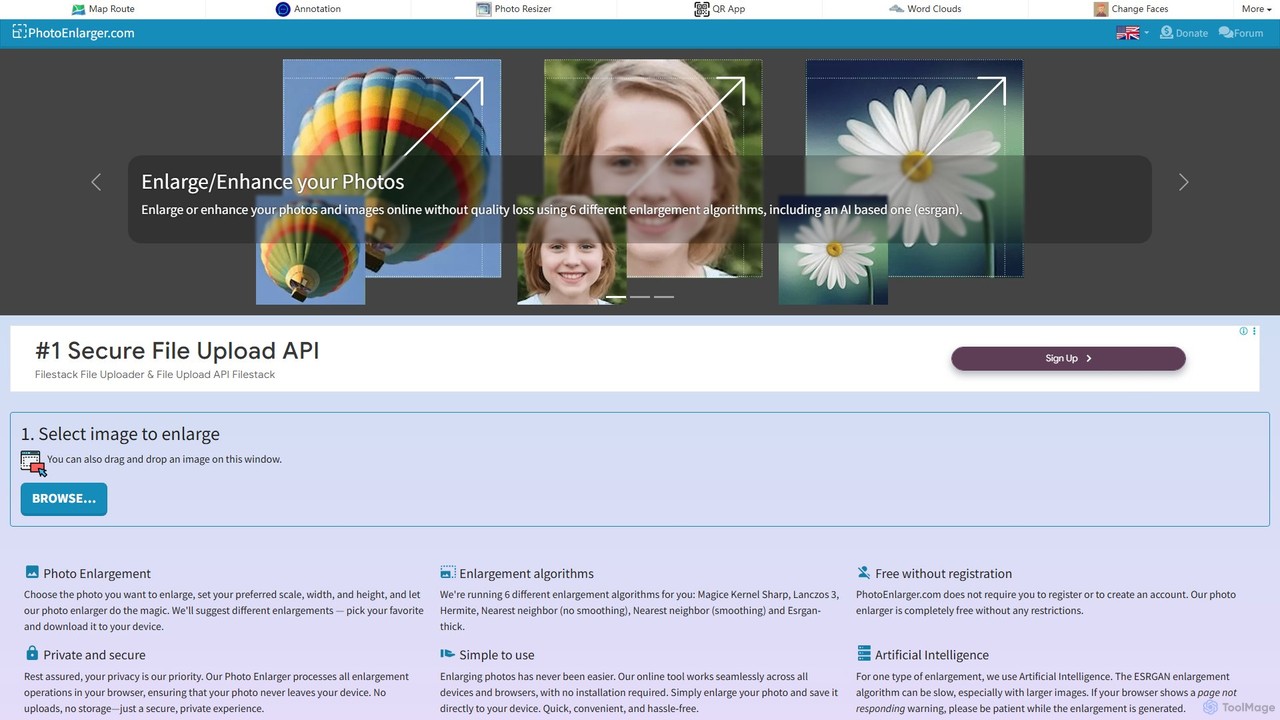
PhotoEnlarger
A free, browser-based tool that enlarges and enhances photos using multiple algorithms, including AI-powered ESRGAN. It requires no registration, processes images directly in your browser for maximum privacy, and offers various enlargement options to choose from.
Image Editing
imgupscaler
imgupscaler is an AI-powered tool designed to enlarge and enhance images without sacrificing quality. Using advanced deep learning algorithms, it can upscale photos, anime art, and digital graphics up to 8x, intelligently adding detail, reducing noise, and fixing blurriness. It's a fast, user-friendly solution for professionals and hobbyists alike.
Image Enhancement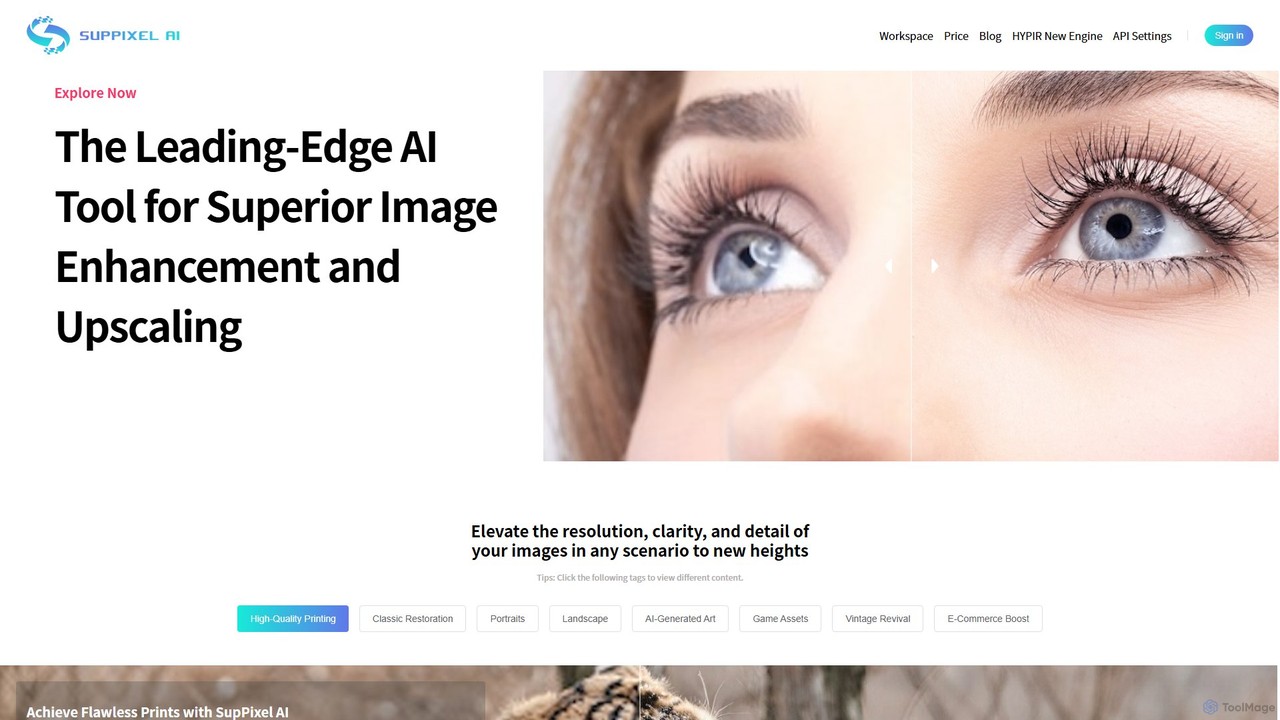
SupPixel AI
SupPixel AI is a leading-edge AI tool for superior image enhancement and upscaling. It elevates the resolution, clarity, and detail of any image, making it ideal for high-quality printing, photo restoration, e-commerce, and enhancing AI-generated art.
Image Editing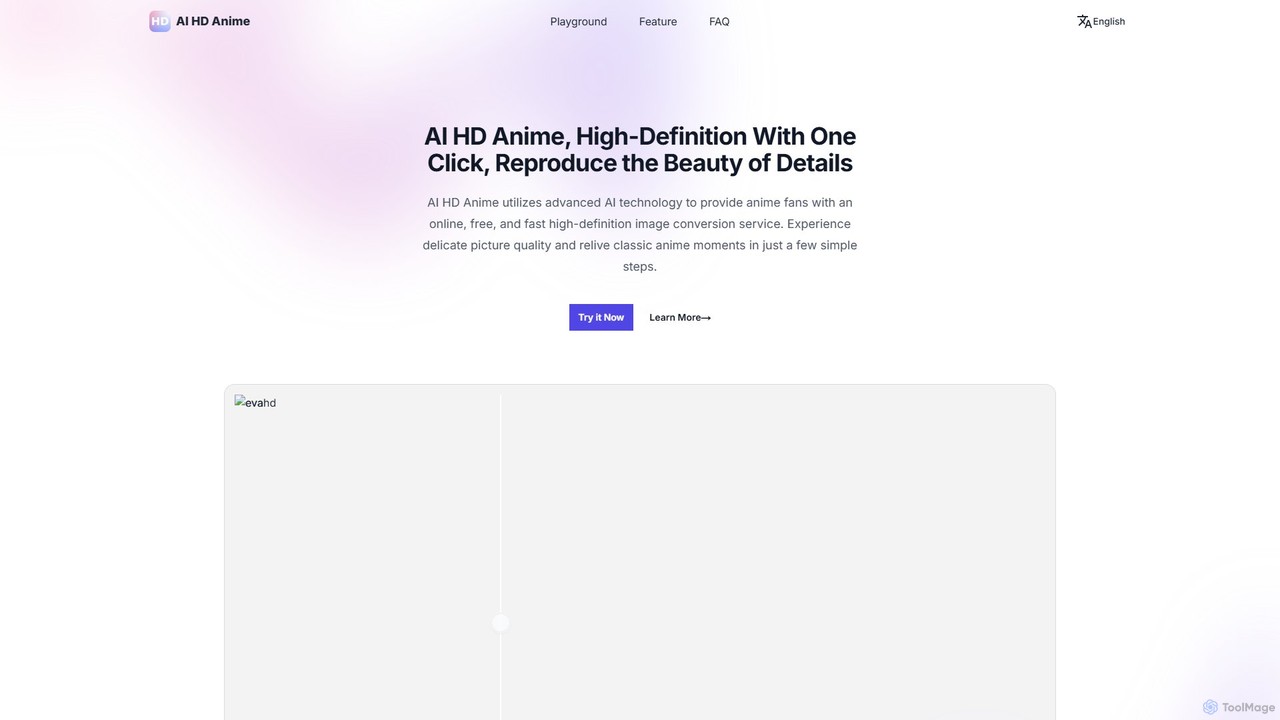
AI HD Anime
AI HD Anime is a free online tool that uses advanced AI technology (APISR) to upscale and enhance anime and manga images. With a single click, it transforms low-resolution pictures into high-definition quality, restoring fine details, sharpening lines, and improving overall clarity. It's specifically designed for anime art, providing superior results for fans, artists, and content creators.
AnimeBigjpg Categories
Bigjpg Embed Widget
Copy this embed code to place the badge on your blog, article, or product site and send readers directly to this ToolMage detail page.

Related AI tools
imgupscaler
imgupscaler is an AI-powered tool designed to enlarge and enhance images without sacrificing quality. Using advanced deep learning algorithms, it can upscale photos, anime art, and digital graphics up to 8x, intelligently adding detail, reducing noise, and fixing blurriness. It's a fast, user-friendly solution for professionals and hobbyists alike.
Image Enhancement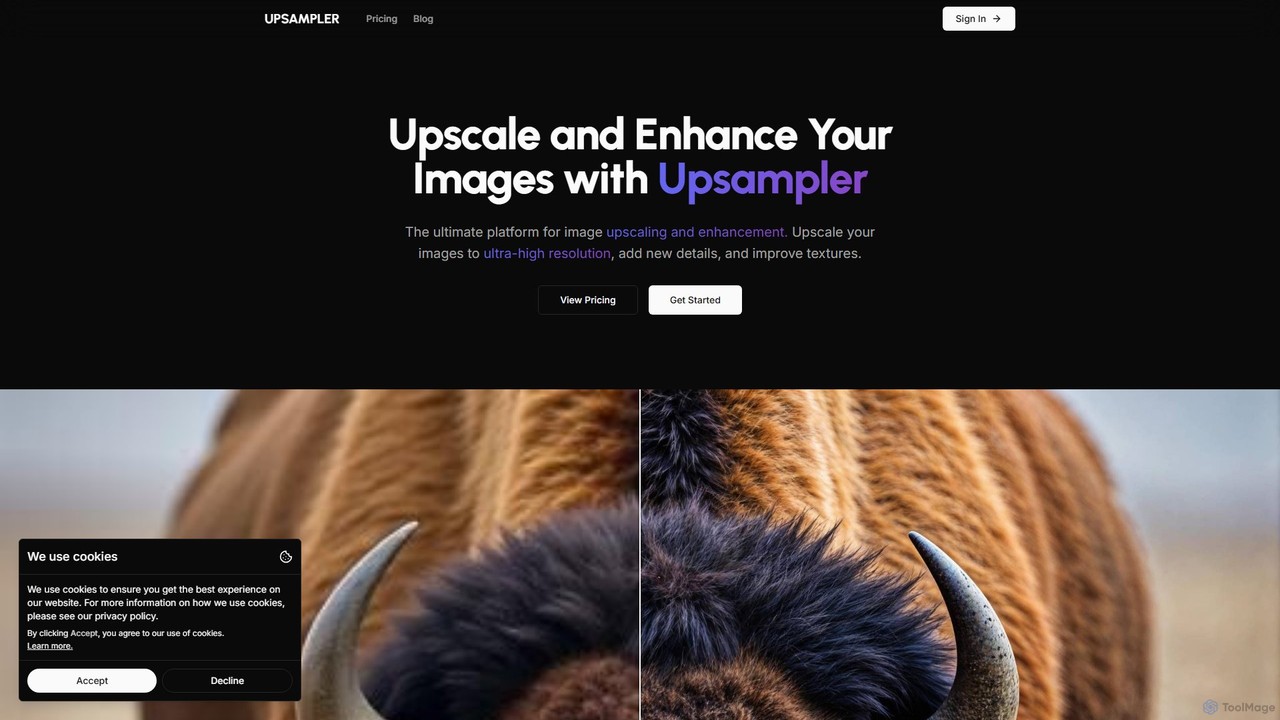
Upsampler
Upsampler is a comprehensive AI-powered online platform for image upscaling, enhancement, restoration, and generation. It features multiple upscaling modes like Smart, Dynamic, and Precise to cater to different image types, from AI art to real photos. It also offers generative fill, photo restoration, and integrates top AI models like GPT-4o and Imagen for image creation.
Image Generation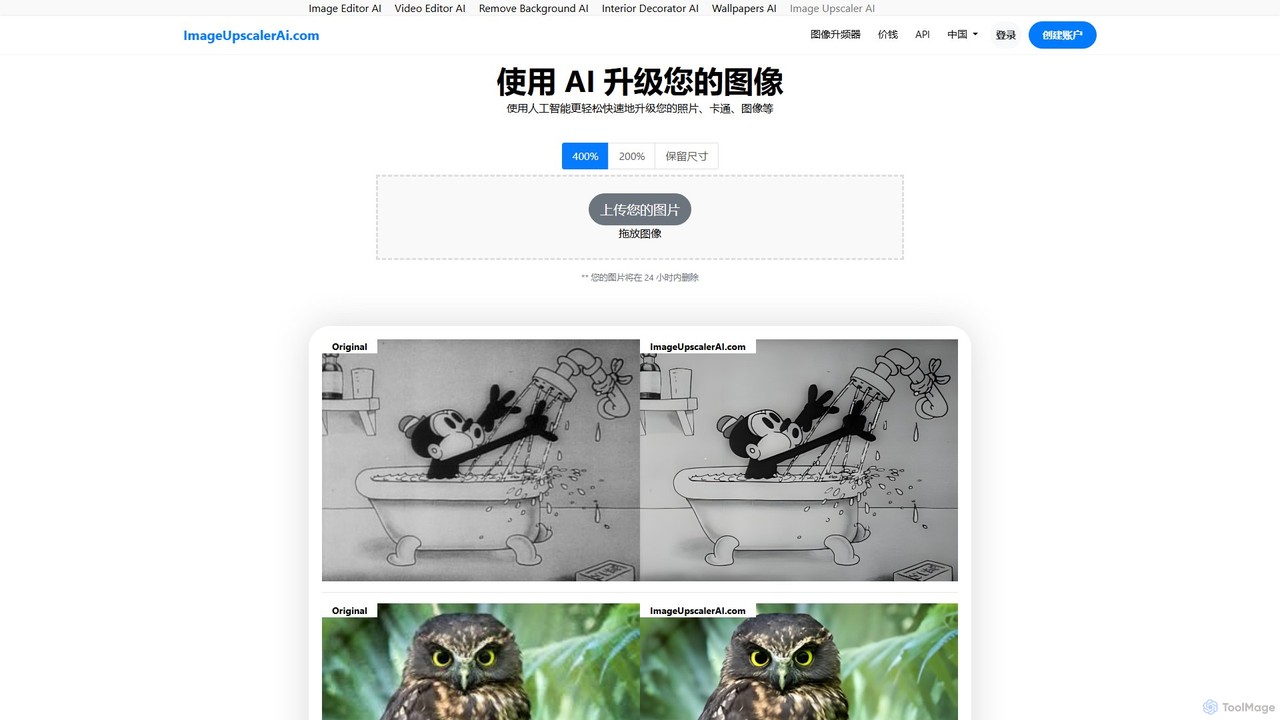
ImageUpscalerAI
ImageUpscalerAI is an AI-powered online tool designed to enlarge and enhance images by up to 400% without losing quality. It supports various image types, including photos, cartoons, and digital art, offering a simple drag-and-drop interface for quick and easy high-resolution results. It prioritizes user privacy by deleting all uploaded images within 24 hours.
Graphics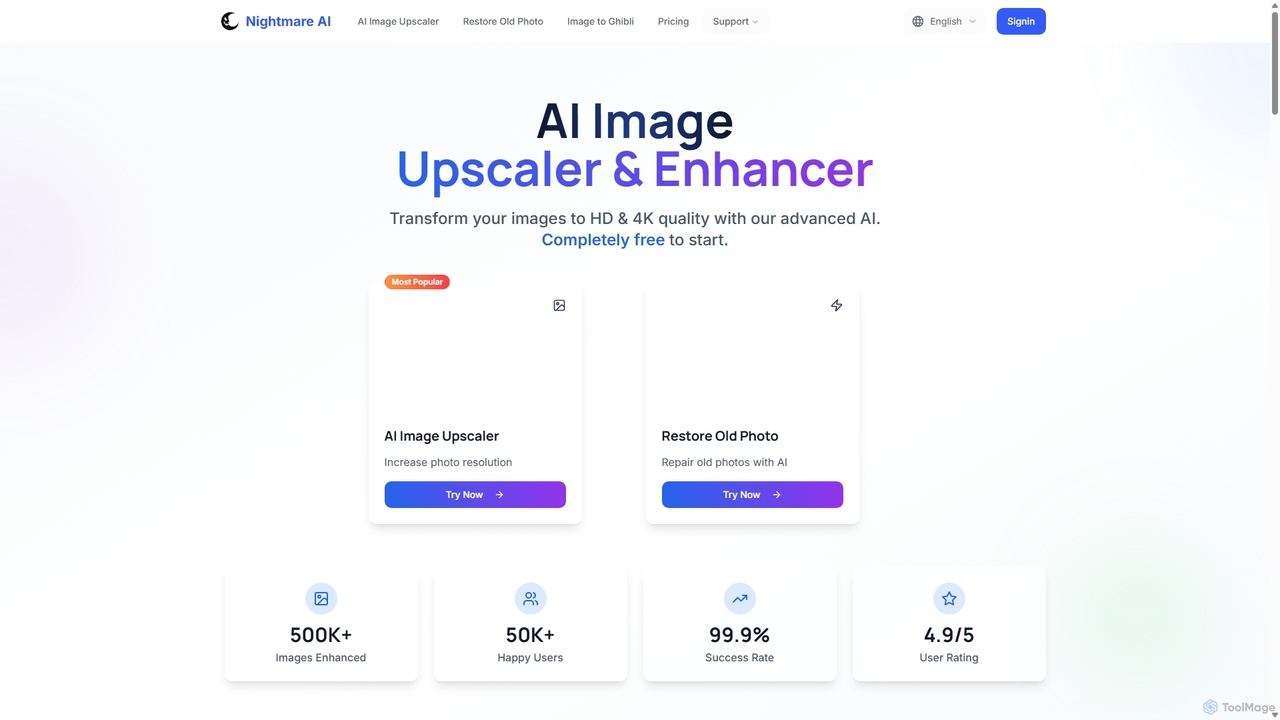
Nightmare AI
Nightmare AI is a powerful online tool that uses advanced AI algorithms like Real-ESRGAN to upscale images to 4K, enhance photo quality, and restore old, damaged photos. It specializes in improving photos, anime, and cartoons without losing detail. Offering a user-friendly interface, it provides both free and premium plans for photographers, artists, and content creators.
Image Enhancement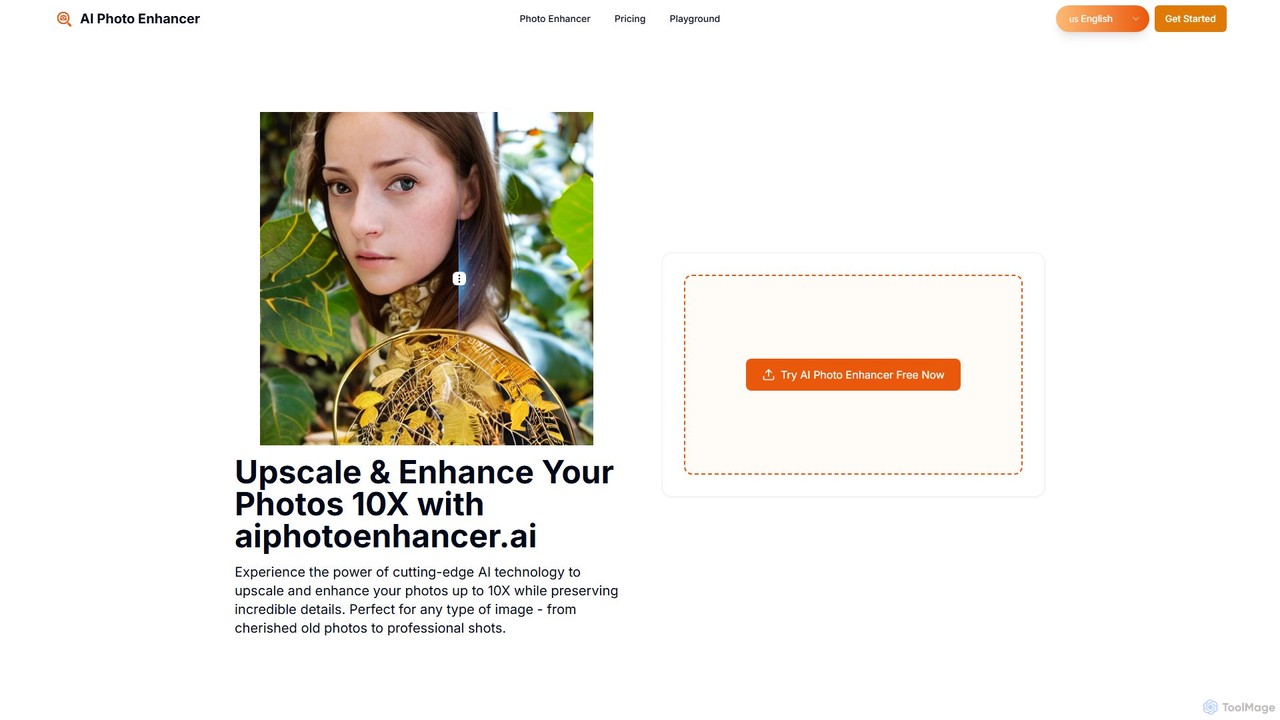
aiphotoenhancer
aiphotoenhancer is an AI-powered tool that upscales and enhances images up to 10X resolution while preserving details. It supports batch processing for up to 10 images and offers specialized modes for various photo types, including portraits, landscapes, e-commerce products, and old photos. With daily free credits, users can easily restore, sharpen, and improve their images for both personal and commercial use.
Image Editing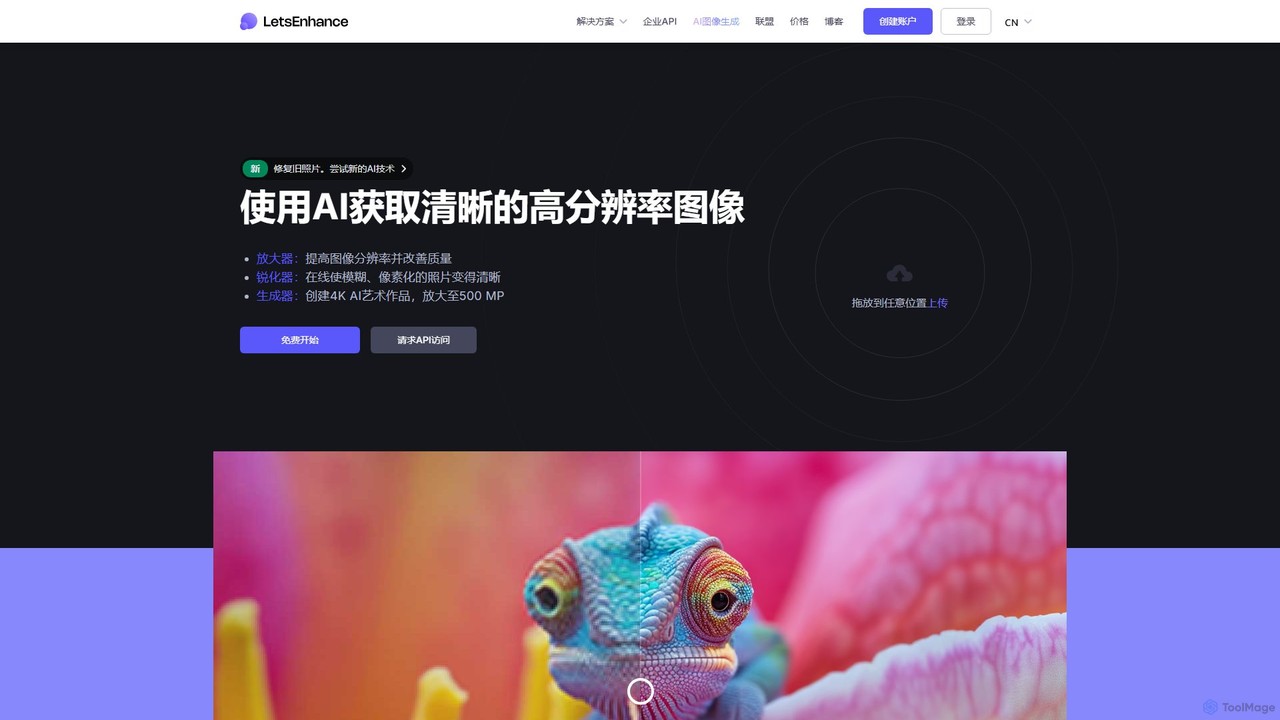
LetsEnhance
An AI-powered platform for image enhancement, upscaling, and generation. It automatically increases image resolution up to 16x, sharpens details, corrects colors, and removes artifacts. Features include old photo restoration, a text-to-image generator for creating high-resolution AI art, and batch processing. Ideal for photographers, designers, e-commerce, and print professionals.
Image Enhancement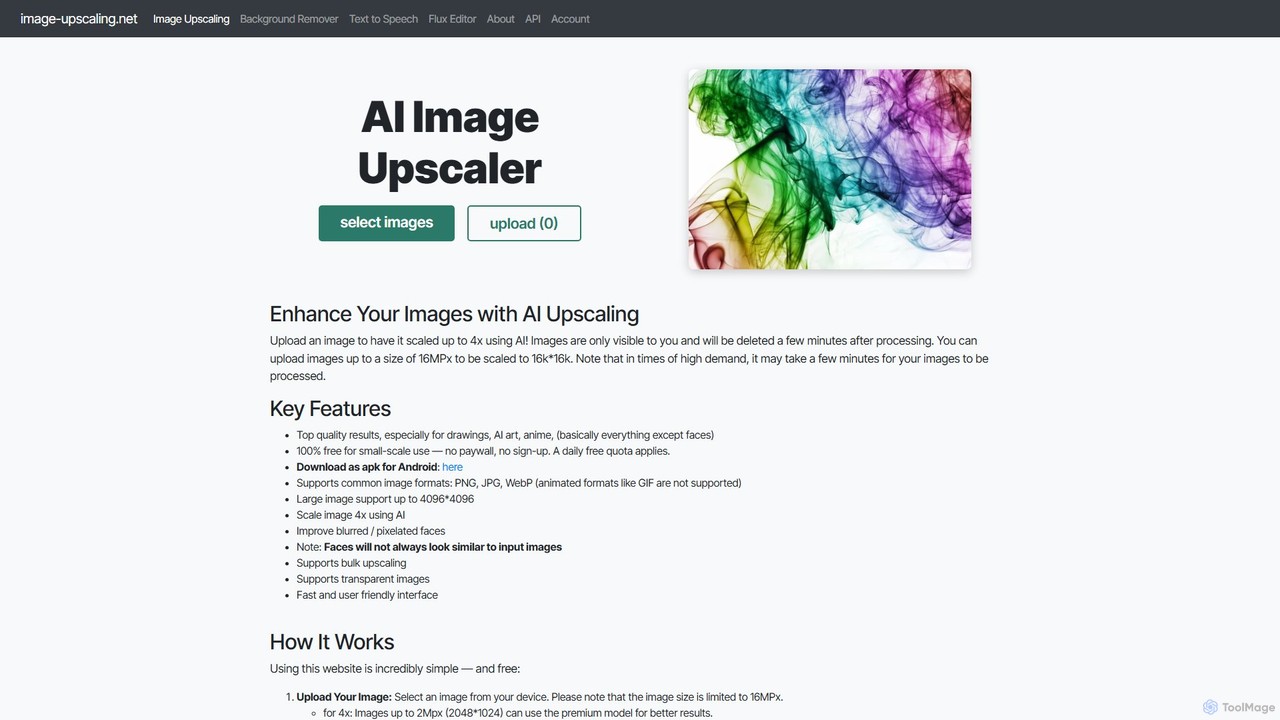
Image-Upscaling.net
A free, web-based AI tool for upscaling images up to 16K resolution without sign-ups or watermarks. It uses advanced AI to enhance details and preserve quality, offering a simple upload-process-download workflow. It also provides background removal and text-to-speech services. The platform is privacy-focused, deleting images after 30 minutes, and offers a fair pay-as-you-go model for extended use beyond the daily free quota.
GraphicsUpscayl
Upscayl is a free and open-source AI image upscaler that enhances low-resolution images into high-quality, sharp visuals. It offers both a cross-platform desktop application for local processing and a powerful cloud version with advanced features like batch upscaling and commercial use.
Image EditingPhotoEnlarger
A free, browser-based tool that enlarges and enhances photos using multiple algorithms, including AI-powered ESRGAN. It requires no registration, processes images directly in your browser for maximum privacy, and offers various enlargement options to choose from.
Image Editing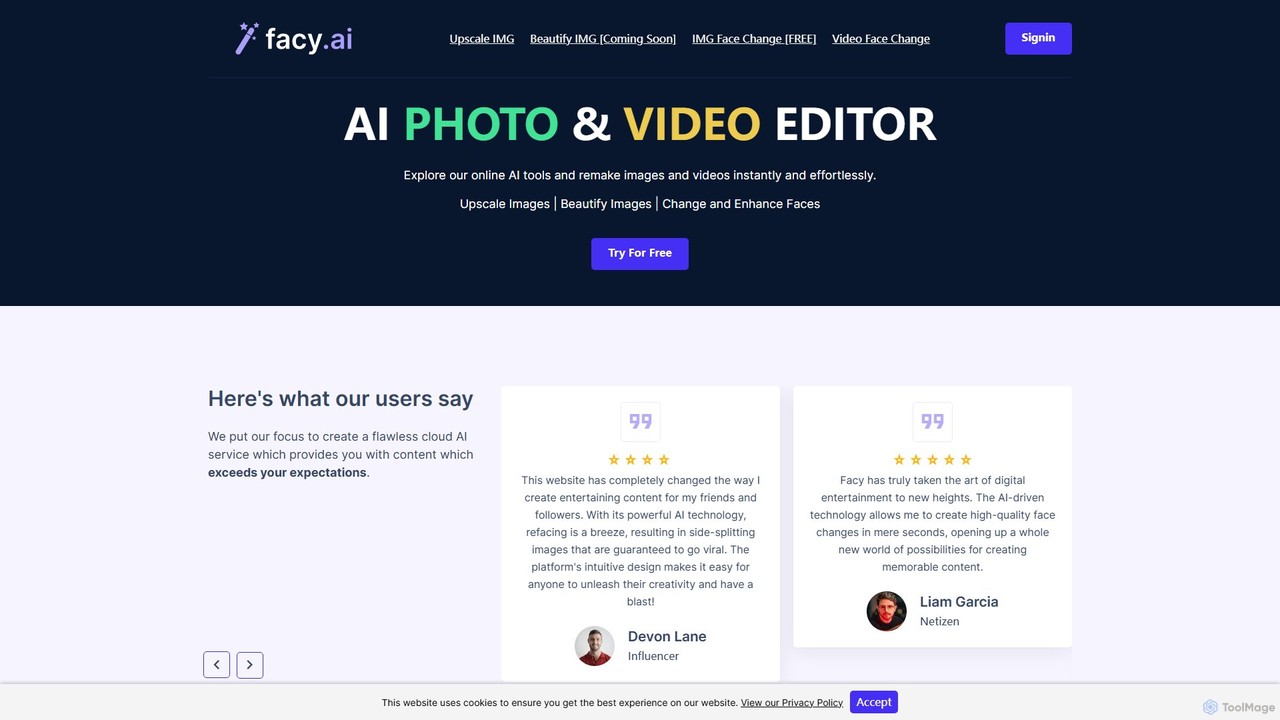
facy
facy is a user-friendly AI-powered platform specializing in high-quality face swapping for both images and videos. It also offers a powerful AI image upscaler to enhance photo resolution. Designed for content creators, social media users, and anyone looking for fun, facy allows you to create entertaining and viral-worthy content in seconds. The platform provides free image face swaps and a freemium model for advanced features like video swaps and 4x image upscaling, making it accessible to everyone.
Meme Generator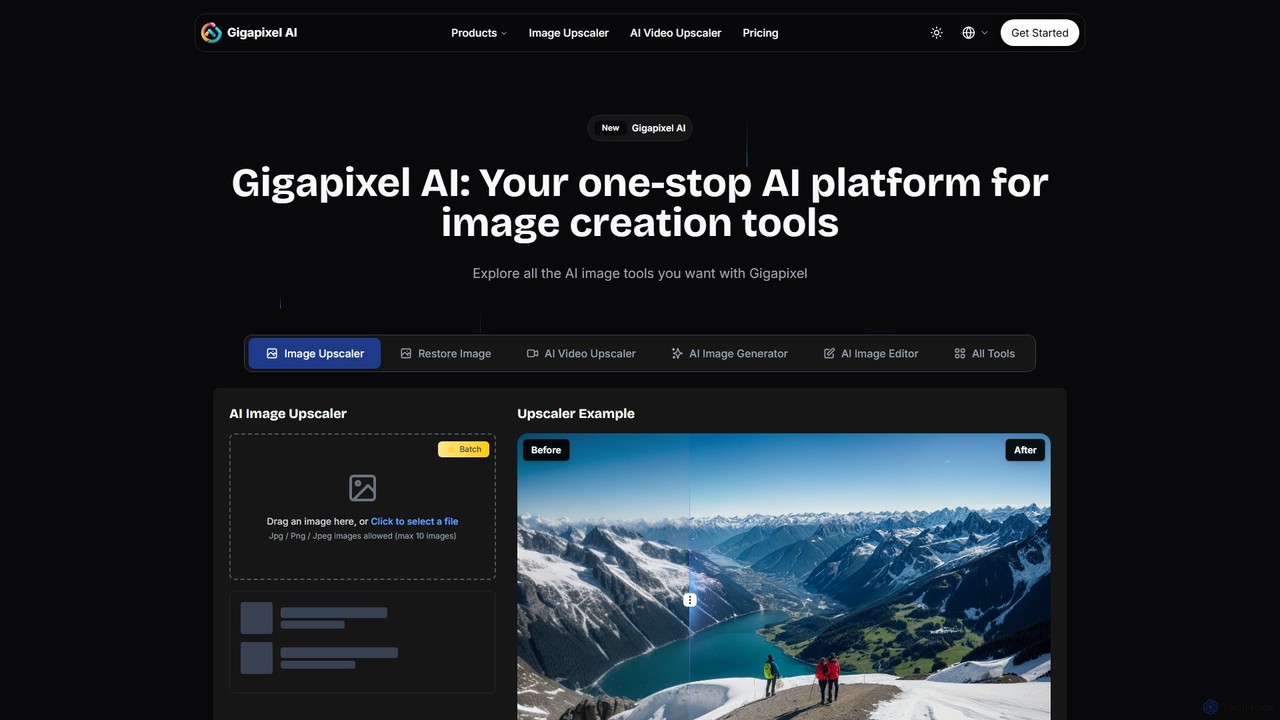
Gigapixel AI
Gigapixel AI is a comprehensive, all-in-one AI platform for image and video creation. It offers a suite of powerful tools, including an advanced image and video upscaler, a versatile image generator, a precise image editor, and a background remover. It's designed for creators, marketers, and developers to enhance, generate, and edit visual content with professional-grade quality and efficiency.
Image Editing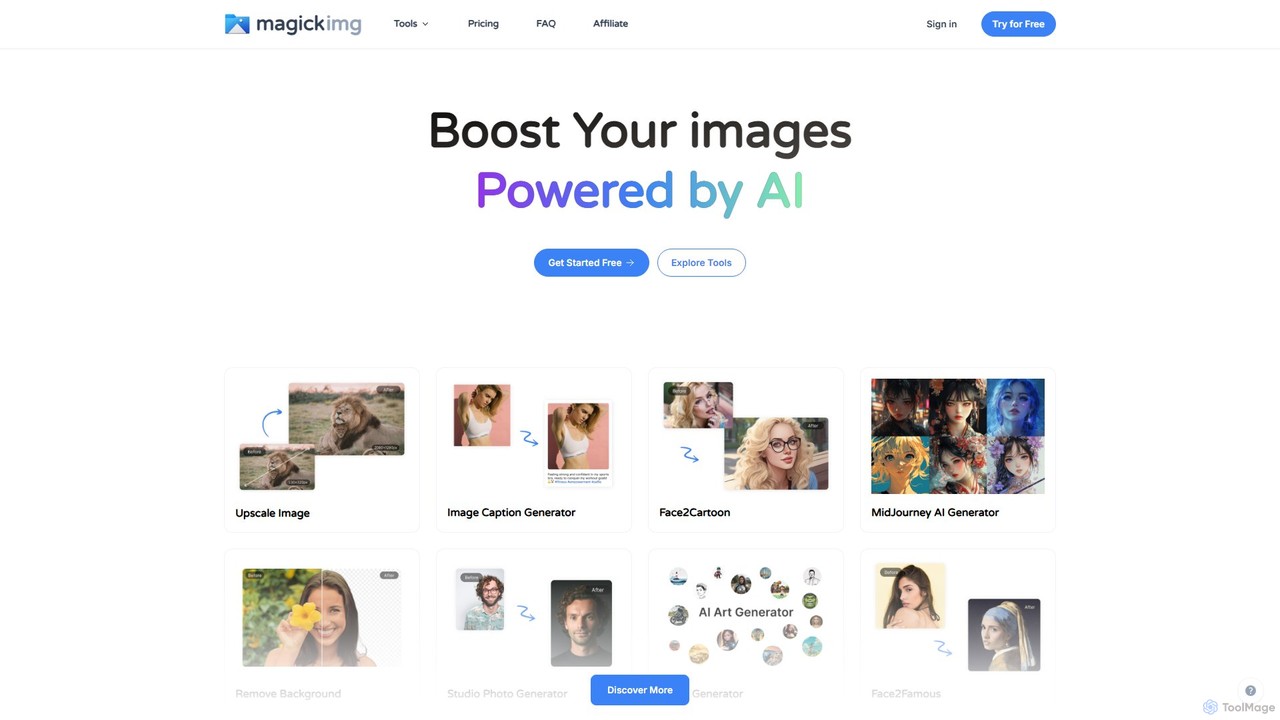
MagickImg
MagickImg is a comprehensive AI-powered image toolkit for generating, enhancing, and editing images. It offers a wide range of tools, including a text-to-image art generator, photo restorer, image upscaler, avatar creator, and more, all accessible through a user-friendly interface.
Generative Art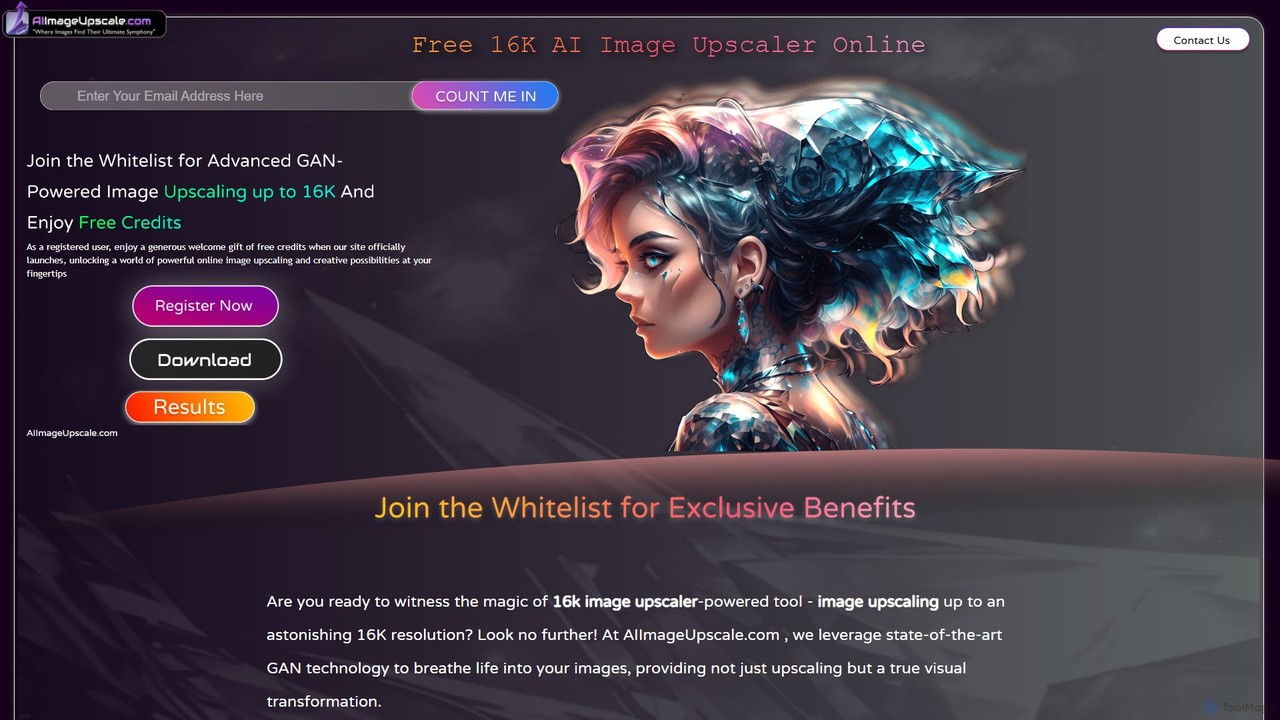
aiimageupscale
An AI-powered online tool that uses advanced GAN technology to upscale images to an astonishing 16K resolution. It not only enhances image quality but also provides intelligent color correction and features for 3D artists to improve textures. Ideal for photographers, designers, e-commerce businesses, and game developers seeking superior visual clarity and detail.
Ai Art Generator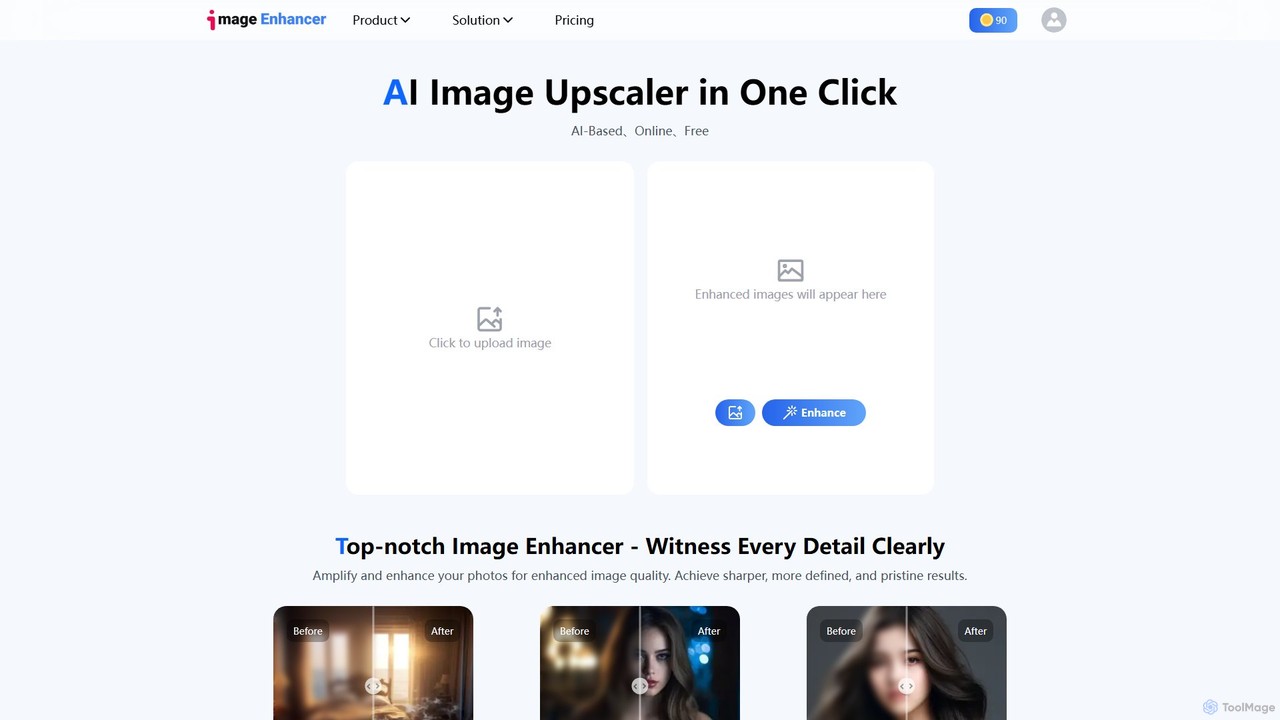
imageenhan
An AI-powered suite of tools for enhancing images and videos. It offers one-click upscaling, sharpening, denoising, background removal, and creative features like cartoonizers and face swapping. Ideal for photographers, designers, and social media users to improve visual quality effortlessly.
Generators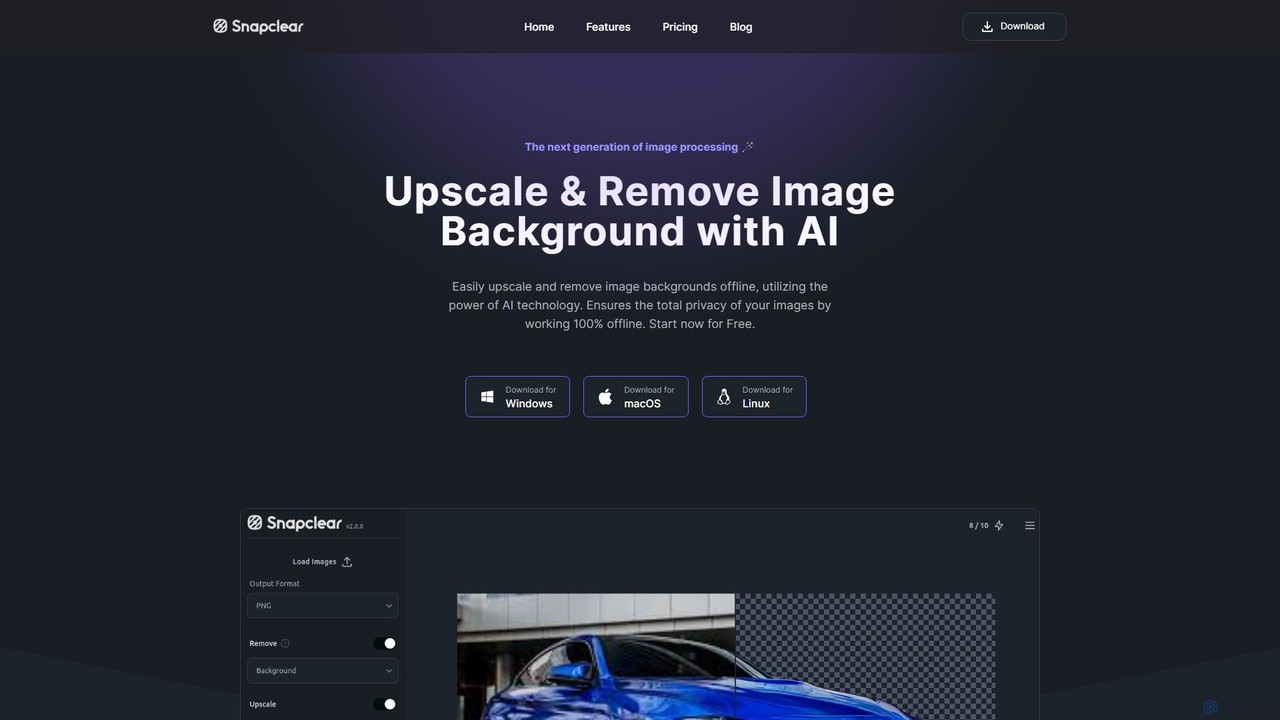
Snapclear
Snapclear is an AI-powered desktop application designed for offline image enhancement. It offers one-click solutions for upscaling images, removing backgrounds, and reducing noise. Supporting bulk processing and multiple formats, it's a versatile tool for photographers, designers, and content creators who prioritize privacy and efficiency.
Background Removal
Bigjpg Comments (0)
Sign in to comment.
Sign inNo comments yet.