

PhotoEnlarger Overview
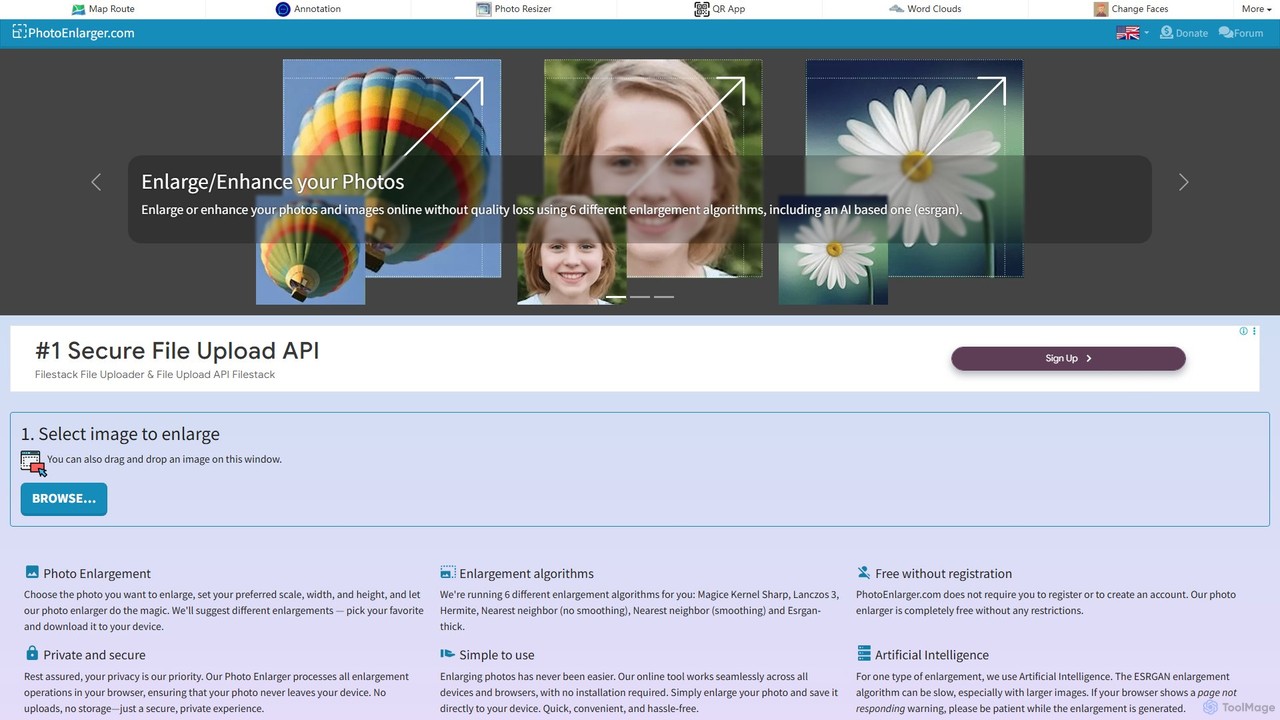
PhotoEnlarger is a powerful and accessible online tool designed to enlarge and enhance digital images without compromising quality. Developed by Zygomatic, this tool stands out by offering a completely free, registration-free, and highly secure user experience. It operates entirely within the user's browser, ensuring that personal photos are never uploaded to a server, thus guaranteeing complete privacy. The platform is perfect for a wide range of users, from professional photographers and designers to casual social media users who need to improve the resolution of their images.
The core of PhotoEnlarger's functionality lies in its diverse set of enlargement algorithms. Users are not limited to a single enhancement method; instead, they can choose from six different options to find the perfect result for their specific image. This flexibility allows for fine-tuned results, whether you need a sharp, clean enlargement or a more smoothed-out appearance. The inclusion of the AI-powered ESRGAN algorithm sets it apart, using advanced neural networks to intelligently add detail and texture, creating remarkably clear and high-resolution results from low-quality sources.
How to use PhotoEnlarger
Using PhotoEnlarger is designed to be a simple and intuitive three-step process that requires no technical expertise:
- Choose Your Photo: Navigate to the PhotoEnlarger website and click the button to select an image file from your computer or mobile device.
- Set Enlargement Parameters: Once the image is loaded, you can define how you want to enlarge it. You can set a specific scale (e.g., 200% or 400%), or enter a desired width or height in pixels. The tool will maintain the original aspect ratio.
- Select and Download: The tool will process your image using its various algorithms and present you with several enlarged versions. You can preview each one to compare the results. Simply click on your preferred version to download it directly to your device.
Core Features of PhotoEnlarger
- Multiple Enlargement Algorithms: Offers six distinct algorithms: Magice Kernel Sharp, Lanczos 3, Hermite, Nearest neighbor (no smoothing), Nearest neighbor (smoothing), and the advanced AI-based Esrgan-thick.
- AI-Powered Enhancement: Utilizes the ESRGAN (Enhanced Super-Resolution Generative Adversarial Networks) algorithm, which excels at upscaling images by adding realistic details, making it ideal for complex photos.
- Browser-Side Processing: All image processing happens locally in your browser. Your photos are never uploaded to a server, ensuring 100% privacy and security.
- Completely Free and No Registration: The service is entirely free to use with no hidden costs, limitations, or the need to create an account.
- Simple and User-Friendly Interface: The tool is incredibly easy to use, with a straightforward workflow that makes image enlargement accessible to everyone.
- Cross-Platform Compatibility: As a web-based tool, it works seamlessly on any device with a modern browser, including desktops, laptops, tablets, and smartphones, without any installation.
Use Cases for PhotoEnlarger
PhotoEnlarger is a versatile tool suitable for various applications:
- Graphic Designers and Web Developers: Upscaling low-resolution logos, icons, or assets for use in high-resolution web designs and print materials.
- Photographers: Enlarging older, lower-resolution photos for printing or digital display, or recovering detail from a cropped section of a high-resolution image.
- E-commerce Businesses: Enhancing small product images to create high-quality, zoomable photos for online store listings.
- Social Media Enthusiasts: Improving the quality of images before posting them on platforms like Instagram or Facebook to ensure they look sharp and professional.
- Students and Academics: Increasing the resolution of images, diagrams, or charts for inclusion in presentations and research papers.
Advantages of PhotoEnlarger
The primary advantages of using PhotoEnlarger are its accessibility, privacy, and flexibility. Being completely free and requiring no sign-up removes all barriers to entry. The client-side processing model is a significant benefit for users concerned about the privacy of their personal or professional images. Furthermore, providing a choice of six different algorithms, including a sophisticated AI option, empowers users to select the best possible outcome for their specific needs, a feature not commonly found in other free online tools.
Pricing and Plans
PhotoEnlarger is a completely free tool. There are no subscription plans, usage limits, or premium features locked behind a paywall. The service is supported by voluntary donations, which help the developers at Zygomatic continue to offer and maintain their tools for free. A donation does not provide any additional services or ad removal.
Traffic
Latest traffic
Status
Monthly traffic trend
- 2025-9: 85.5K
- 2026-1: 109.8K
- 2026-2: 86.3K
- 2026-3: 85.8K
- 2026-4: 83.1K
- 2026-5: 99.6K
Geography
Top 5 countries / regions
- 🇺🇸United States65.4%
- 🇨🇦Canada13.1%
- 🇮🇳India8.4%
- 🇮🇩Indonesia6.9%
- 🇻🇳Vietnam6.2%
Traffic sources
| Source type | Percentage |
|---|---|
Direct | 96.7% |
Referral | 3.3% |
Top keywords
| Keyword | Cost per click |
|---|---|
| enlarge image | $0.72 |
| enlarge jpg online | $0.00 |
| enlarge photo | $2.90 |
| image enlarger | $1.12 |
| photo enlarger | $0.99 |
PhotoEnlarger Alternatives

Bigjpg
Bigjpg is an AI-powered image upscaler that uses Deep Convolutional Neural Networks (CNN) to enlarge images without losing quality. It excels at processing anime and illustrations, intelligently reducing noise and serration to produce crisp, clear results. It also supports regular photos, offering a superior alternative to traditional scaling methods. With web, desktop, and mobile apps, Bigjpg provides a flexible solution for artists, designers, and anyone needing to increase image resolution while preserving detail and color fidelity.
Generative Art
Upscayl
Upscayl is a free and open-source AI image upscaler that enhances low-resolution images into high-quality, sharp visuals. It offers both a cross-platform desktop application for local processing and a powerful cloud version with advanced features like batch upscaling and commercial use.
Image Editing
BigJpg AI
BigJpg AI is an advanced AI-powered image upscaler that enlarges images up to 16x their original size without losing quality. It intelligently analyzes and enhances image details, making it perfect for creating high-resolution prints, web graphics, and detailed visuals from small source files. Ideal for photographers, designers, and marketers.
Image Editing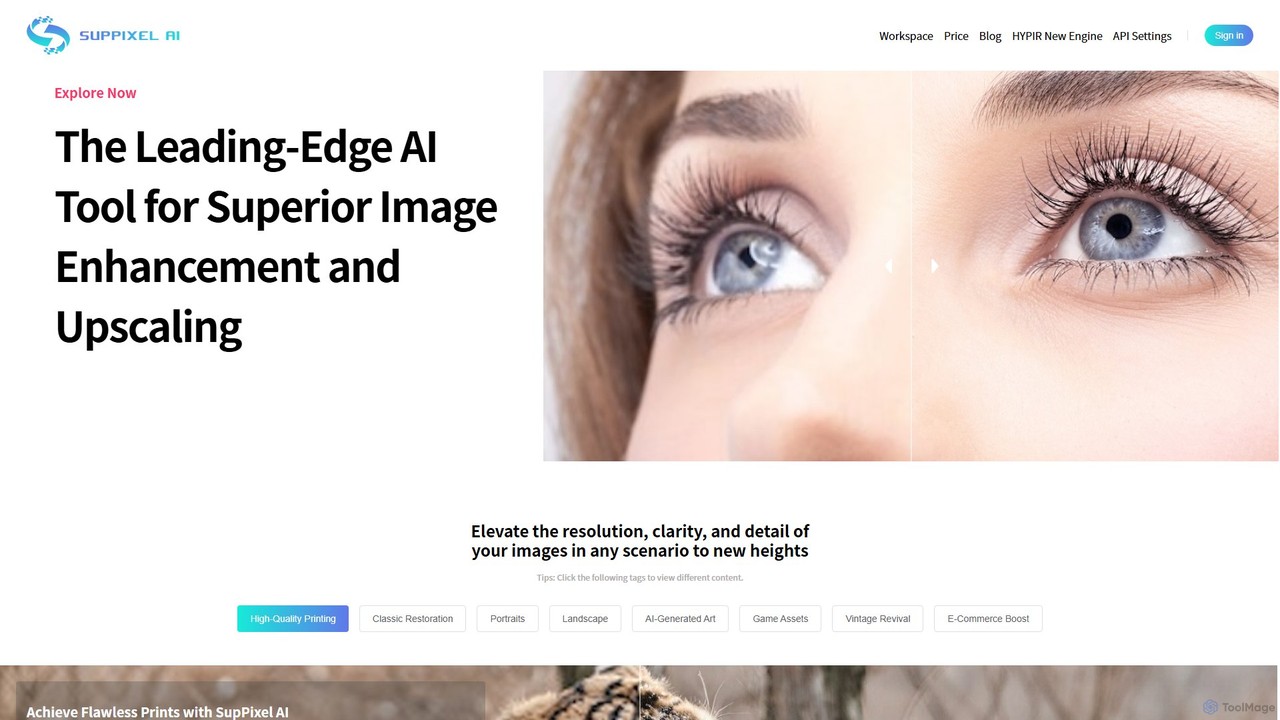
SupPixel AI
SupPixel AI is a leading-edge AI tool for superior image enhancement and upscaling. It elevates the resolution, clarity, and detail of any image, making it ideal for high-quality printing, photo restoration, e-commerce, and enhancing AI-generated art.
Image Editing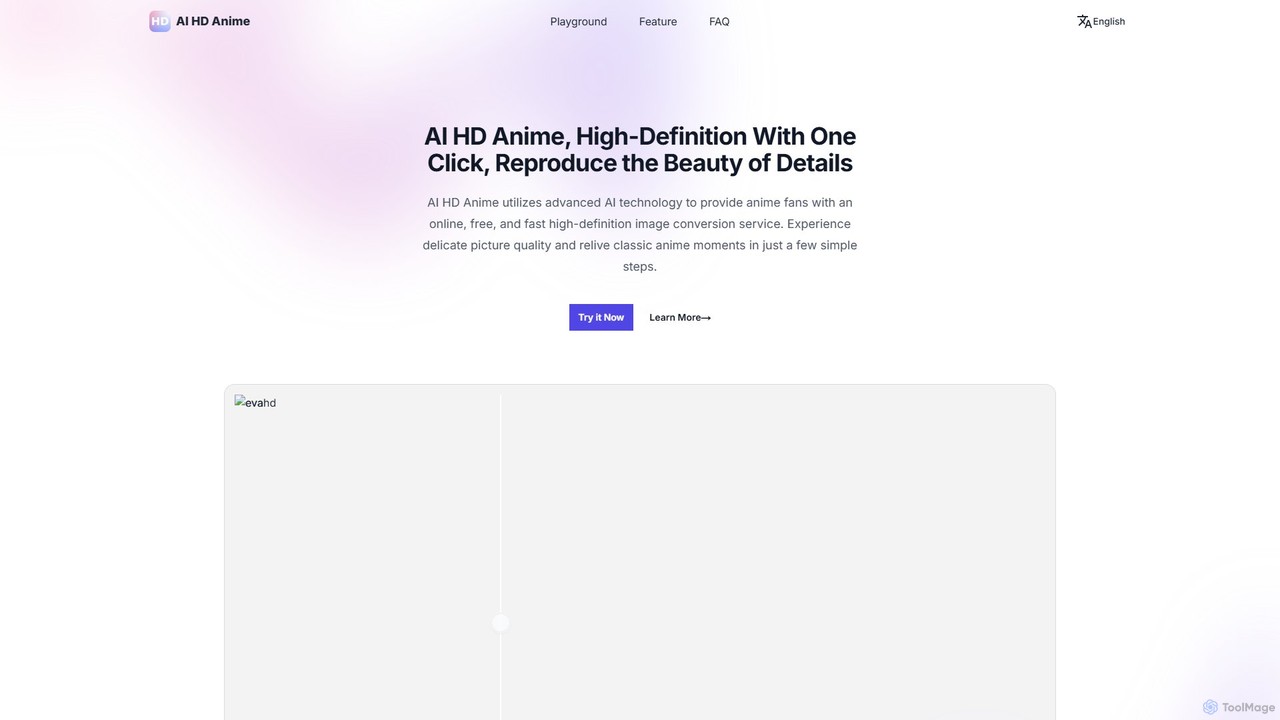
AI HD Anime
AI HD Anime is a free online tool that uses advanced AI technology (APISR) to upscale and enhance anime and manga images. With a single click, it transforms low-resolution pictures into high-definition quality, restoring fine details, sharpening lines, and improving overall clarity. It's specifically designed for anime art, providing superior results for fans, artists, and content creators.
AnimePhotoEnlarger Categories
PhotoEnlarger Embed Widget
Copy this embed code to place the badge on your blog, article, or product site and send readers directly to this ToolMage detail page.

Related AI tools

imgupscaler
imgupscaler is an AI-powered tool designed to enlarge and enhance images without sacrificing quality. Using advanced deep learning algorithms, it can upscale photos, anime art, and digital graphics up to 8x, intelligently adding detail, reducing noise, and fixing blurriness. It's a fast, user-friendly solution for professionals and hobbyists alike.
Image Enhancement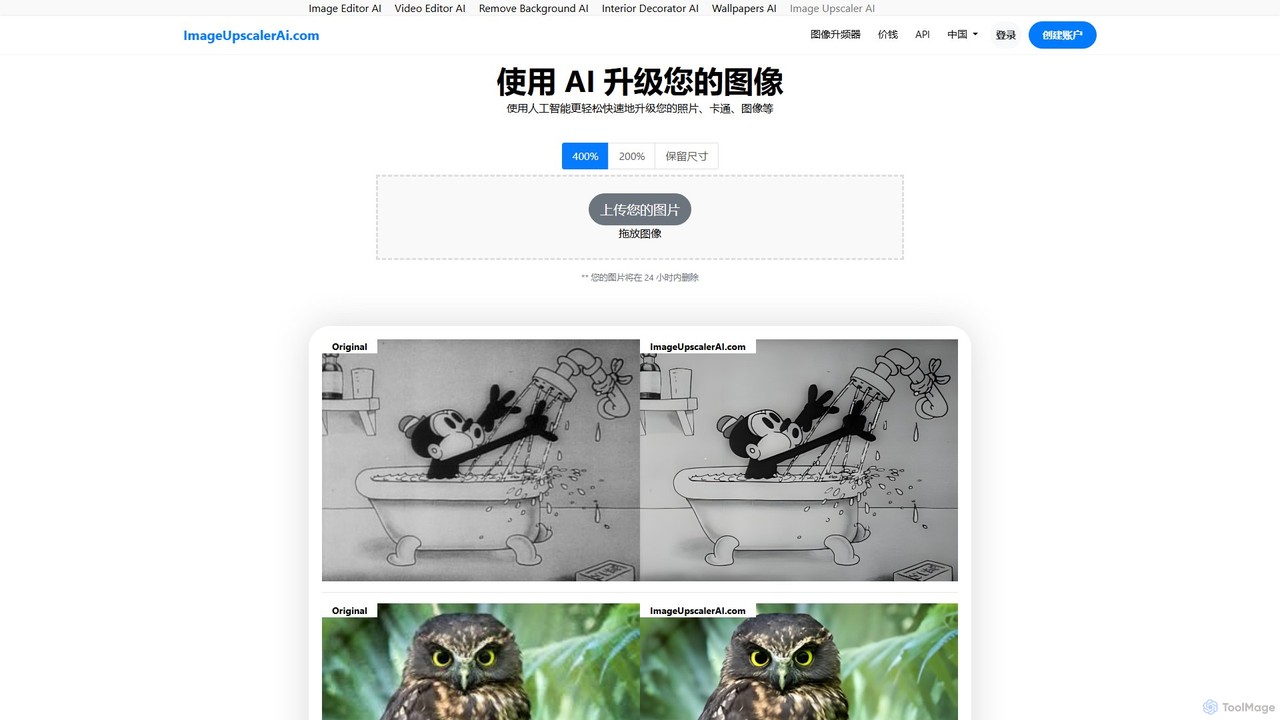
ImageUpscalerAI
ImageUpscalerAI is an AI-powered online tool designed to enlarge and enhance images by up to 400% without losing quality. It supports various image types, including photos, cartoons, and digital art, offering a simple drag-and-drop interface for quick and easy high-resolution results. It prioritizes user privacy by deleting all uploaded images within 24 hours.
Graphics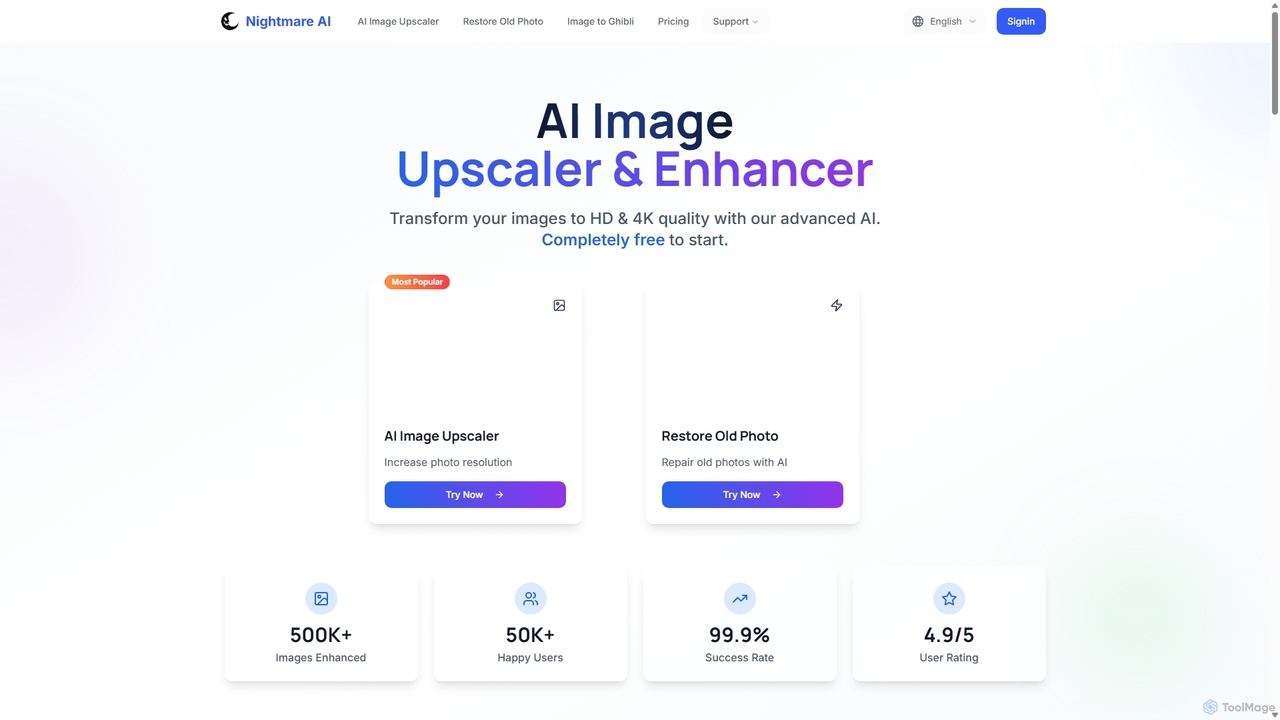
Nightmare AI
Nightmare AI is a powerful online tool that uses advanced AI algorithms like Real-ESRGAN to upscale images to 4K, enhance photo quality, and restore old, damaged photos. It specializes in improving photos, anime, and cartoons without losing detail. Offering a user-friendly interface, it provides both free and premium plans for photographers, artists, and content creators.
Image Enhancement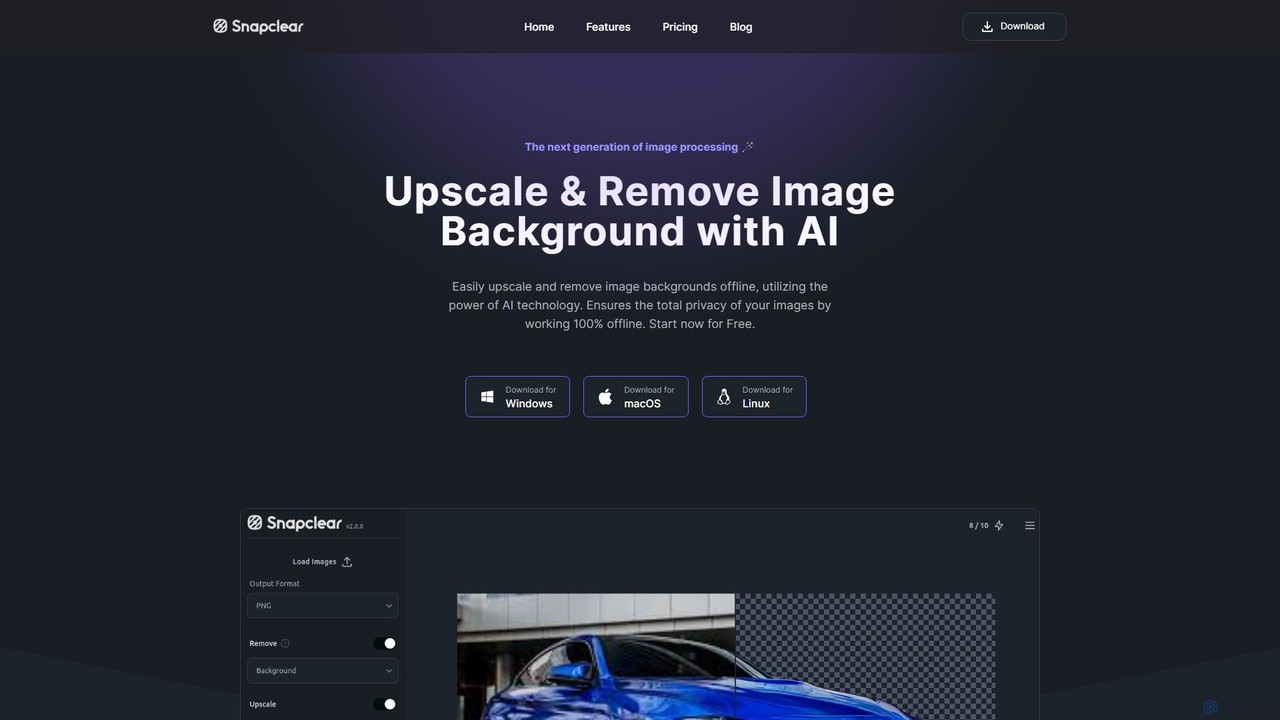
Snapclear
Snapclear is an AI-powered desktop application designed for offline image enhancement. It offers one-click solutions for upscaling images, removing backgrounds, and reducing noise. Supporting bulk processing and multiple formats, it's a versatile tool for photographers, designers, and content creators who prioritize privacy and efficiency.
Background Removal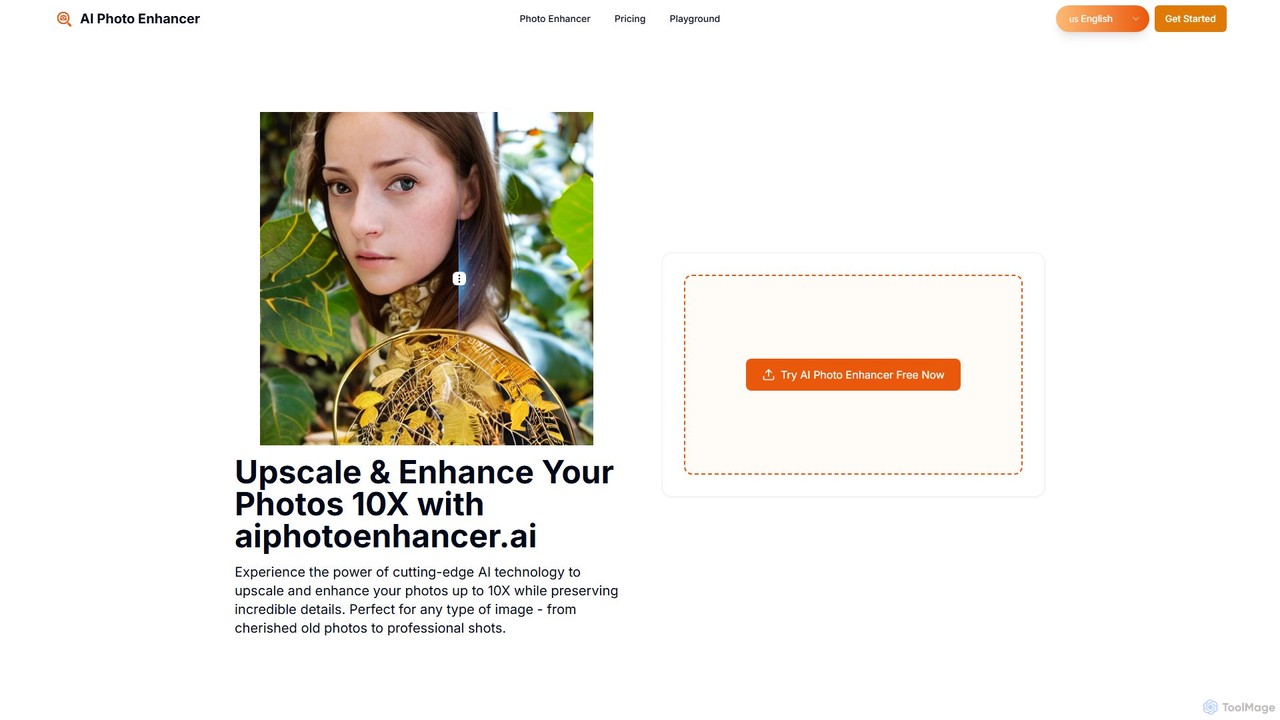
aiphotoenhancer
aiphotoenhancer is an AI-powered tool that upscales and enhances images up to 10X resolution while preserving details. It supports batch processing for up to 10 images and offers specialized modes for various photo types, including portraits, landscapes, e-commerce products, and old photos. With daily free credits, users can easily restore, sharpen, and improve their images for both personal and commercial use.
Image Editing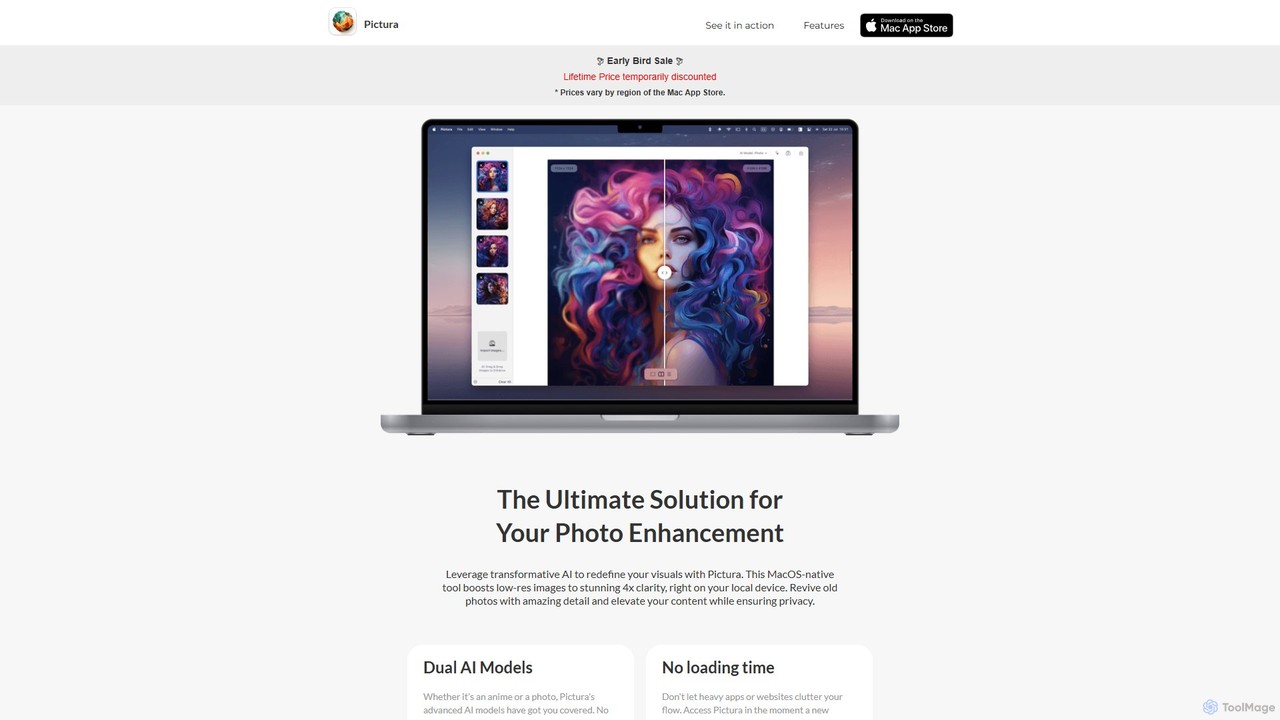
Pictura
Pictura is a native macOS AI application for effortless photo enhancement. It upscales low-resolution images to 4x clarity directly on your device, ensuring complete privacy. Featuring dual AI models tailored for both realistic photos and anime, Pictura revives old pictures, enhances details, and elevates your visuals with a simple drag-and-drop interface, optimized for Apple Silicon.
Graphics
Fixblurry
fixblurry is a free, AI-powered online tool suite designed to enhance your images instantly. It specializes in unblurring and sharpening photos, restoring old or faded pictures, upscaling low-resolution images without quality loss, colorizing black-and-white photos, and removing backgrounds with a single click. No registration or software installation is required, offering professional-grade results for everyone.
Image EditingBigjpg
Bigjpg is an AI-powered image upscaler that uses Deep Convolutional Neural Networks (CNN) to enlarge images without losing quality. It excels at processing anime and illustrations, intelligently reducing noise and serration to produce crisp, clear results. It also supports regular photos, offering a superior alternative to traditional scaling methods. With web, desktop, and mobile apps, Bigjpg provides a flexible solution for artists, designers, and anyone needing to increase image resolution while preserving detail and color fidelity.
Generative ArtUpscayl
Upscayl is a free and open-source AI image upscaler that enhances low-resolution images into high-quality, sharp visuals. It offers both a cross-platform desktop application for local processing and a powerful cloud version with advanced features like batch upscaling and commercial use.
Image EditingBigJpg AI
BigJpg AI is an advanced AI-powered image upscaler that enlarges images up to 16x their original size without losing quality. It intelligently analyzes and enhances image details, making it perfect for creating high-resolution prints, web graphics, and detailed visuals from small source files. Ideal for photographers, designers, and marketers.
Image Editing
Upscale.media
Upscale.media is a free AI-powered tool that automatically upscales and enhances images in seconds. It increases image resolution by up to 8x without losing quality, sharpens details, and removes artifacts. Ideal for e-commerce, photographers, and personal use, it offers web, mobile app, and API access for seamless integration.
Image Editing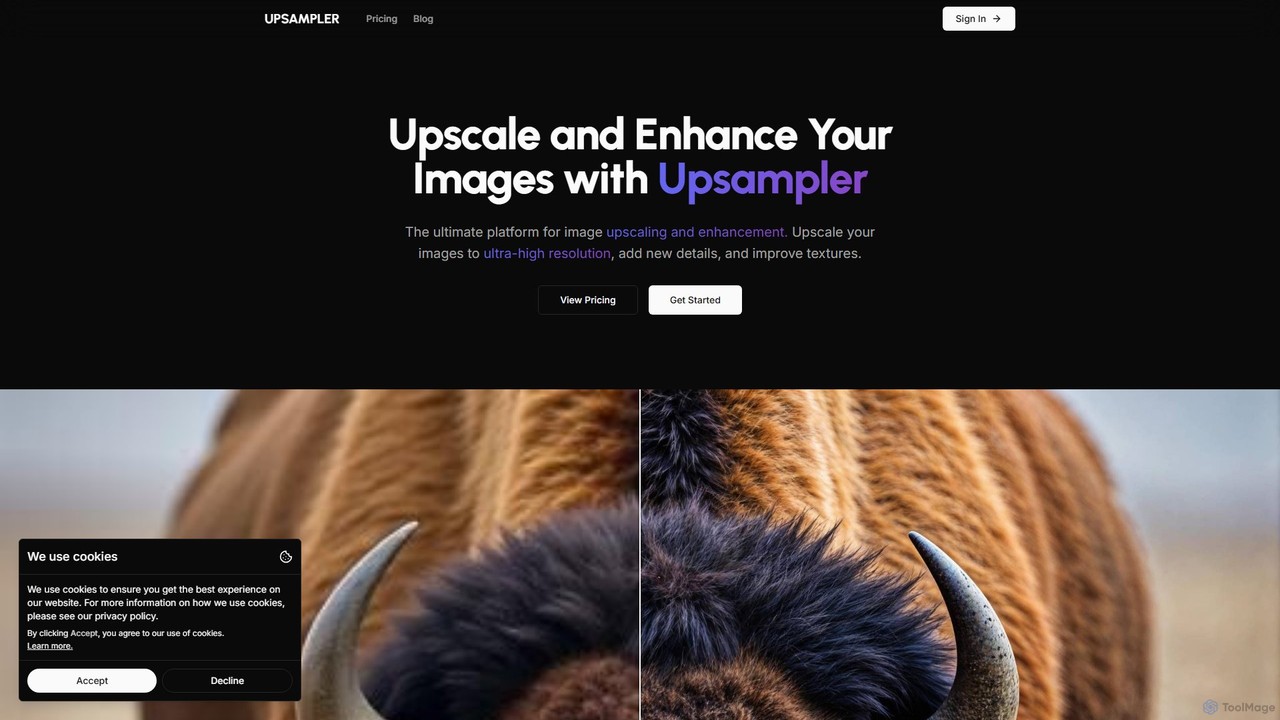
Upsampler
Upsampler is a comprehensive AI-powered online platform for image upscaling, enhancement, restoration, and generation. It features multiple upscaling modes like Smart, Dynamic, and Precise to cater to different image types, from AI art to real photos. It also offers generative fill, photo restoration, and integrates top AI models like GPT-4o and Imagen for image creation.
Image Generation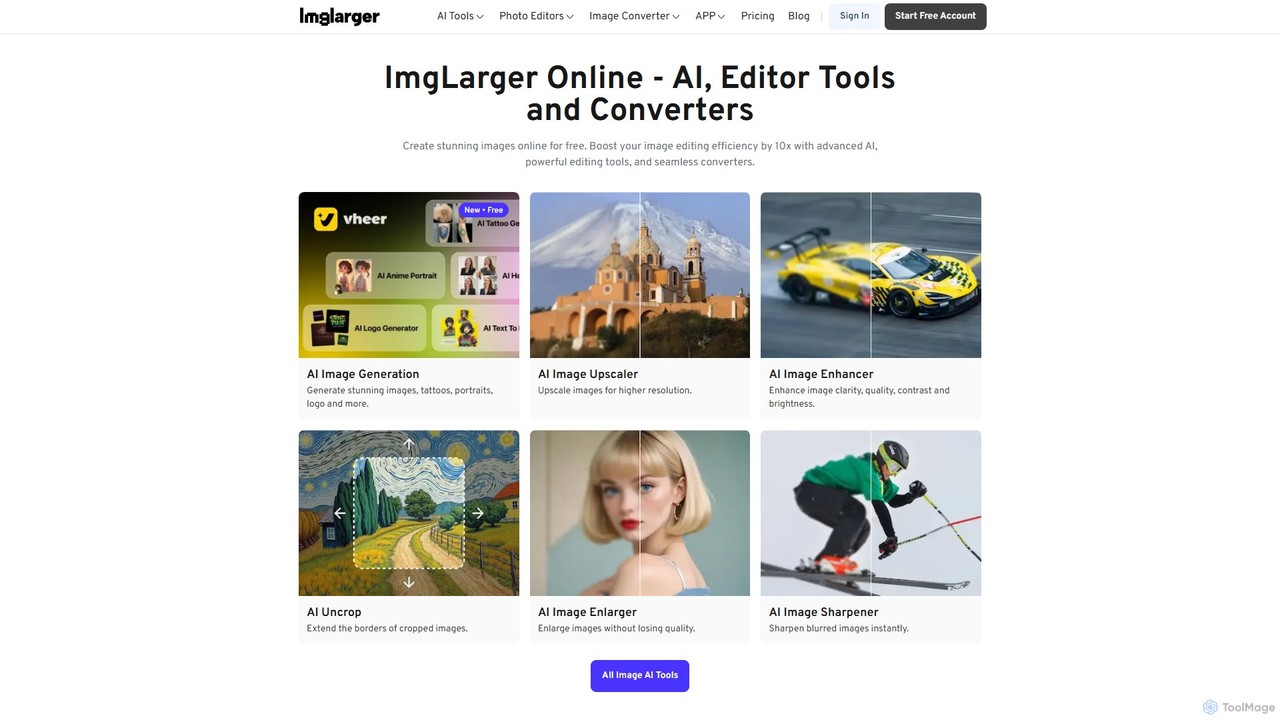
Imglarger
Imglarger is an all-in-one AI-powered toolkit for enhancing, editing, and converting images. It allows users to upscale photos up to 800% without quality loss, remove noise, restore old photos, and perform a wide range of edits like cropping, resizing, and color adjustments. It's a fast, online solution for photographers, designers, and social media managers.
Image Editing
facy
facy is a user-friendly AI-powered platform specializing in high-quality face swapping for both images and videos. It also offers a powerful AI image upscaler to enhance photo resolution. Designed for content creators, social media users, and anyone looking for fun, facy allows you to create entertaining and viral-worthy content in seconds. The platform provides free image face swaps and a freemium model for advanced features like video swaps and 4x image upscaling, making it accessible to everyone.
Meme Generator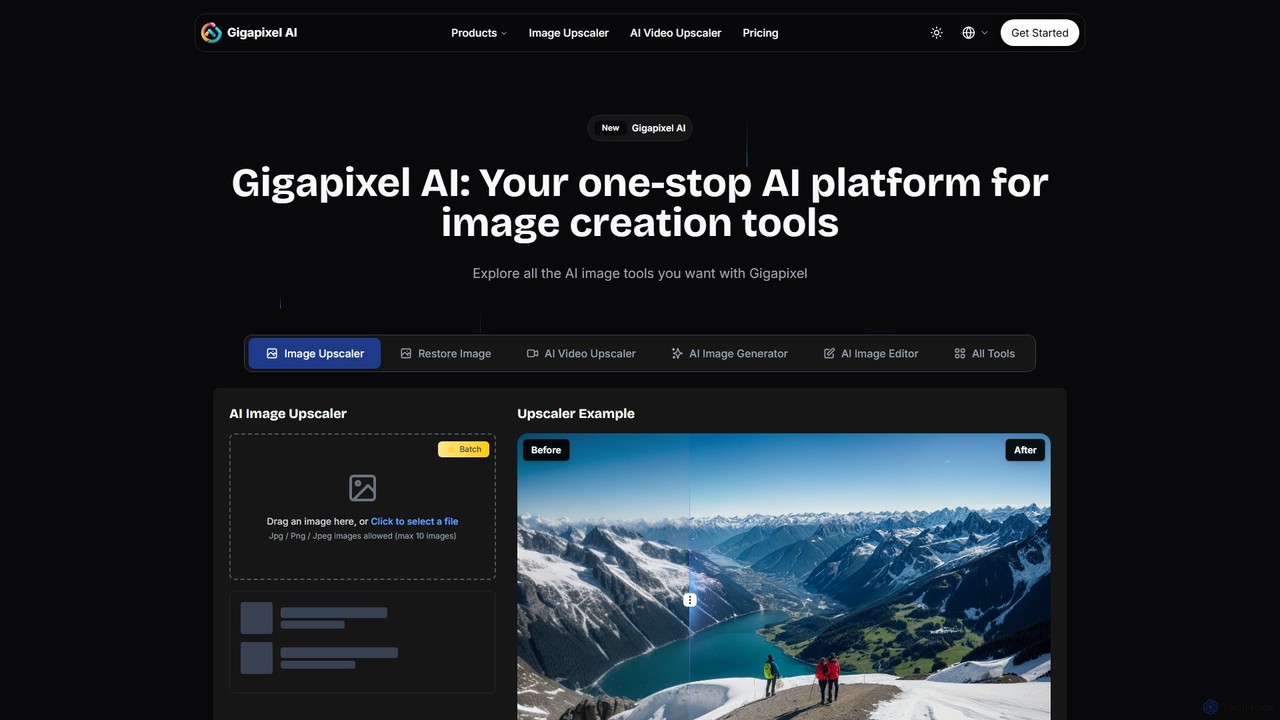
Gigapixel AI
Gigapixel AI is a comprehensive, all-in-one AI platform for image and video creation. It offers a suite of powerful tools, including an advanced image and video upscaler, a versatile image generator, a precise image editor, and a background remover. It's designed for creators, marketers, and developers to enhance, generate, and edit visual content with professional-grade quality and efficiency.
Image Editing
PhotoEnlarger Comments (0)
Sign in to comment.
Sign inNo comments yet.