


facy Overview
facy is a versatile and intuitive cloud-based AI service designed to revolutionize digital content creation. It offers a powerful suite of tools focused on image and video manipulation, primarily known for its high-fidelity face swapping (refacing) and AI-powered image upscaling. The platform is built with simplicity in mind, catering to a wide audience from casual internet users and meme enthusiasts to professional content creators and social media influencers. With facy, creating hilarious, surprising, or simply higher-quality visual content is just a few clicks away, requiring no technical expertise.
The core philosophy of facy is to provide a seamless and enjoyable user experience. Testimonials highlight its user-friendly design and the impressive quality of its output. The AI technology at its heart is sophisticated enough to produce realistic swaps and enhancements in mere seconds, making it a highly efficient tool for modern content demands. Whether you're looking to create the next viral meme, produce unique video content, or simply enhance your personal photos, facy provides the necessary tools in an accessible web-based platform.
How to use facy
Using facy is a straightforward process, designed for maximum ease of use. Here’s a step-by-step guide for its main features:
For AI Face Swapping:
- Navigate to the 'Change Faces on Photos' or 'Video Face Swap' section on the facy website.
- For the source face, click 'BROWSE FACE IMAGE' to upload a clear picture of the face you want to use.
- For the destination, click 'BROWSE TARGET IMAGE' to upload the photo or video you want to place the new face onto.
- Before proceeding, you must read and accept the Terms of Service, confirming you have the consent of all individuals in the photos and that the content is not NSFW.
- For enhanced results, premium users can select the 'Multi Engine Change' option.
- Click the 'Change Faces' button and let the AI work its magic. Your new image or video will be generated in seconds.
For AI Image Upscaling:
- Go to the 'AI Upscale Photo' tool.
- Drag and drop your image file into the designated area or click to select it from your device.
- Choose your desired upscaling factor. 'x2' is available for all users, while 'x4' is a premium feature for higher-quality results.
- Confirm that you have the necessary permissions to modify the photo.
- Click 'Upload' to start the enhancement process. The upscaled image will be ready for download shortly.
Core Features of facy
- AI Face Swap: Seamlessly and realistically swap faces on both static images and dynamic videos. The AI intelligently adjusts for lighting, angles, and expressions to create a believable result.
- AI Image Upscaler: Enhance the resolution and quality of your photos. The tool can increase image dimensions by 2x or 4x, perfect for improving low-resolution pictures or preparing images for print.
- User-Friendly Interface: An intuitive, drag-and-drop interface that makes complex AI editing accessible to beginners and non-technical users.
- High-Speed Processing: The cloud-based infrastructure ensures that both face swaps and image upscaling are completed in seconds, not minutes.
- Freemium Model: Offers core features like image face swapping and 2x upscaling for free, with affordable premium options for advanced capabilities.
- Premium Features: Unlocks video face swapping, 4x image upscaling, and a 'Multi Engine' for superior face swap quality, catering to more demanding users.
- No Software Installation: As a fully web-based tool, facy can be accessed from any device with an internet browser, with no need to download or install any software.
Use Cases for facy
facy's tools are versatile and can be applied in various creative and professional scenarios:
- Social Media Content: Create hilarious memes, reaction GIFs, and short-form videos for platforms like TikTok, Instagram, Reddit, and Twitter to engage followers and increase visibility.
- Personal Entertainment: Have fun with friends and family by creating funny face-swapped photos for birthdays, holidays, or just for a laugh.
- Content Creators & Influencers: Quickly generate unique and eye-catching content to maintain a consistent posting schedule and keep their audience entertained.
- Digital Marketing: Develop novel and engaging visual assets for advertising campaigns that are more likely to be shared and go viral.
- Photo Restoration and Enhancement: Use the AI upscaler to improve the quality of old family photos or low-resolution images before sharing them online or using them in projects.
Advantages of facy
facy stands out in the crowded market of AI tools due to several key advantages:
- Dual Functionality: It combines two highly sought-after AI tools—face swapping and image upscaling—into a single, convenient platform.
- Quality and Realism: The AI engine is praised for producing high-quality, spot-on swaps that look natural.
- Accessibility: The generous free tier allows anyone to experiment with the core features without any financial commitment.
- Speed and Efficiency: The rapid processing time is a major benefit for users who need to create content quickly.
- Ethical Use Policy: By requiring user consent and prohibiting NSFW content, facy promotes a responsible and safe creative environment.
Pricing and Plans
facy operates on a freemium model, providing both free and paid options:
- Free Plan: This plan is ideal for casual users. It includes access to unlimited face swaps on images and the standard 2x AI image upscaler.
- Premium Plan: Aimed at frequent users and professionals, the premium plan unlocks the platform's full potential. Benefits include the ability to perform face swaps on videos, access to the high-quality 4x image upscaler, and use of the advanced 'Multi Engine Change' for the most realistic results. Specific pricing details for video processing or subscription plans are available on the website after user registration.
Traffic
Latest traffic
Status
Monthly traffic trend
- 2025-9: 187.1K
- 2026-1: 560.2K
- 2026-2: 552.6K
- 2026-3: 579.3K
- 2026-4: 611.0K
- 2026-5: 525.2K
Geography
Top 5 countries / regions
- 🇺🇸United States56.1%
- 🇮🇳India14.1%
- 🇯🇵Japan11.9%
- 🇧🇷Brazil9.2%
- 🇸🇰Slovakia8.8%
Traffic sources
| Source type | Percentage |
|---|---|
Direct | 93.7% |
Referral | 5.5% |
Email | 0.9% |
Top keywords
| Keyword | Cost per click |
|---|---|
| face swap ai free | $0.32 |
| face swap video | $0.41 |
| face swap video ai free | $0.24 |
| video face swap | $0.63 |
| video face swap ai free | $0.18 |
facy Alternatives
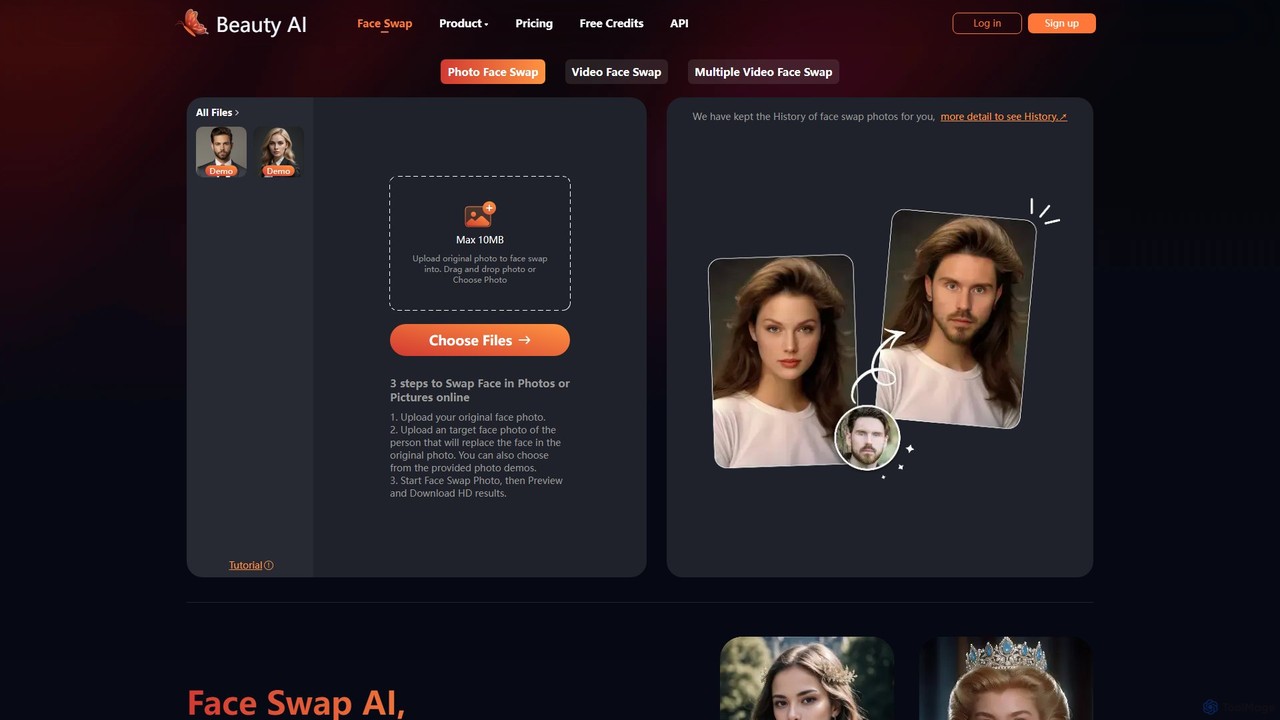
BeautyAI
BeautyAI is a powerful and user-friendly online tool for creating realistic AI-powered face swaps in photos and videos. Easily swap single or multiple faces, generate funny memes, or enhance your creative projects with high-definition results. It offers a simple 3-step process, making advanced editing accessible to everyone, from social media enthusiasts to content creators.
Meme Generator
DeepFaceSwap.AI
DeepFaceSwap.AI is a powerful online tool for creating high-quality, watermark-free AI face swaps in images and videos. Utilizing advanced deep learning technology, it offers a user-friendly interface for seamless swapping. Beyond face swapping, it includes a Magic Editor for text-based image editing, an Avatar AI for generating custom portraits, and an AI Companion for interactive chat. A generous free plan is available.
Meme Generator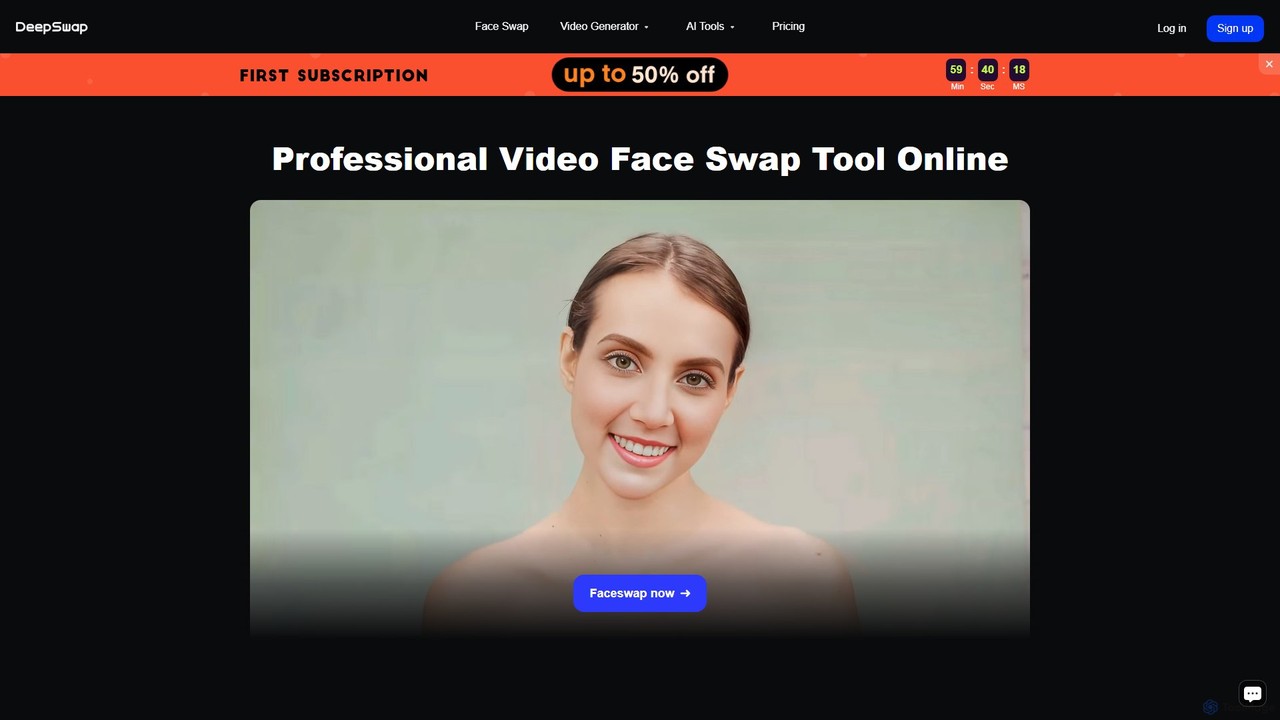
Deepswap
Deepswap is an advanced AI-powered online tool for creating hyper-realistic face swaps in videos, photos, and GIFs. It utilizes proprietary models to achieve over 90% similarity, supports up to 6 faces in a single clip, and offers 4K video output. Additional features include image enhancement, background removal, and a cartoonizer, making it a versatile tool for creators and professionals.
Meme Generator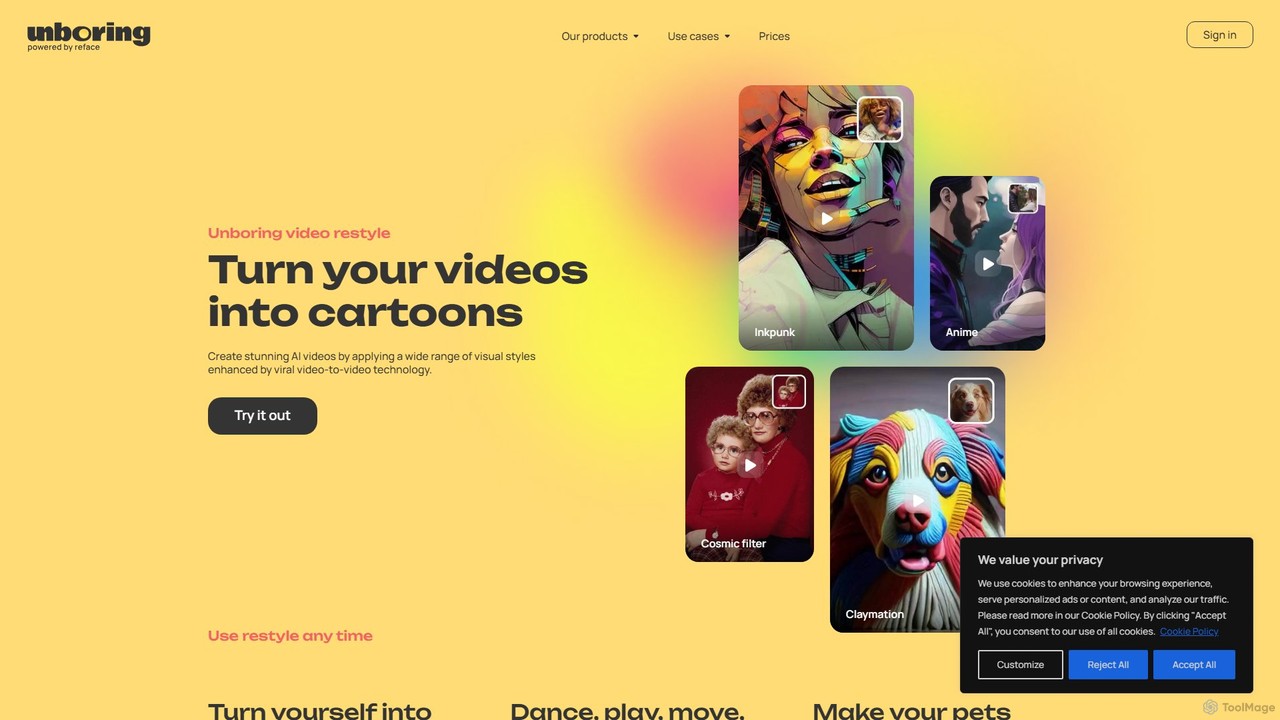
unboring
unboring is an AI-powered online tool by Reface that specializes in high-quality face swapping and photo animation. It allows users to transform static images into dynamic, entertaining content like memes, animated portraits, and funny videos, making content creation simple and fun.
Meme Generator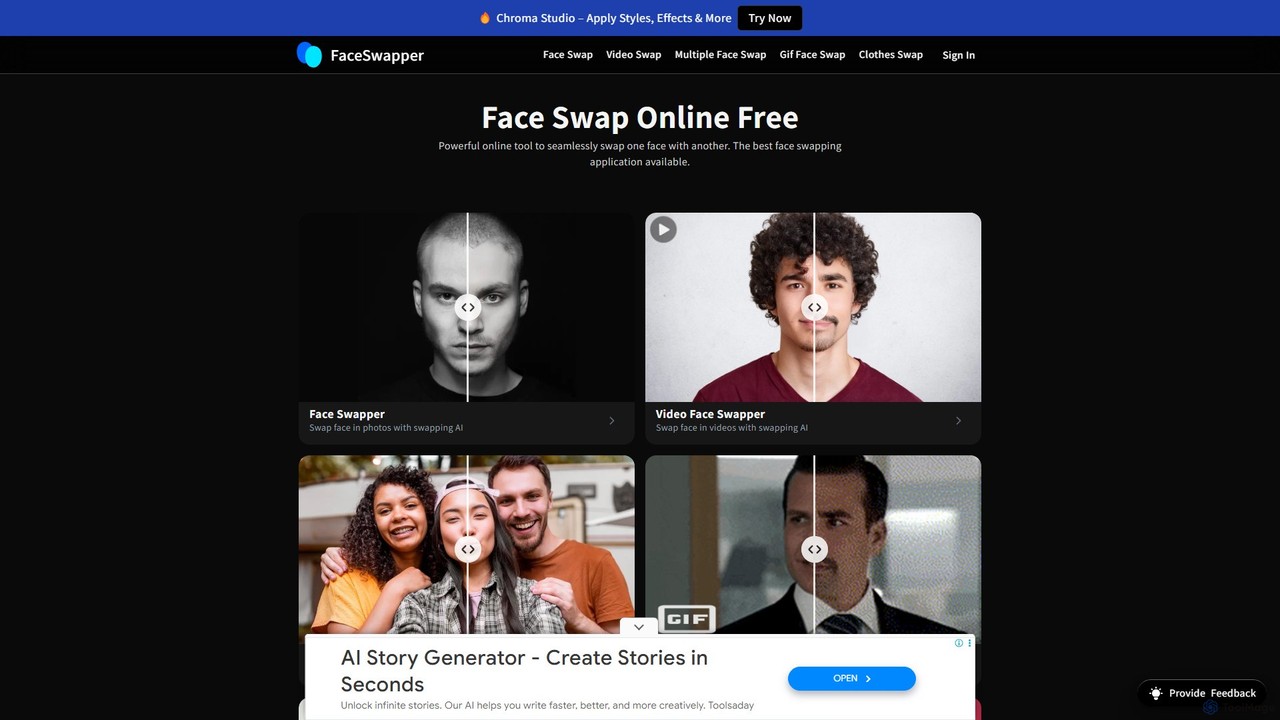
FaceSwapper
FaceSwapper is a powerful AI-driven online tool for seamlessly swapping faces in photos, videos, and GIFs. It offers a suite of features including multiple face swaps, gender swaps, clothes swapping, and an AI face generator. The platform is designed for ease of use, providing unlimited free swaps with a focus on privacy and high-quality, realistic results.
Meme Generatorfacy Categories
facy Embed Widget
Copy this embed code to place the badge on your blog, article, or product site and send readers directly to this ToolMage detail page.

Related AI tools
BeautyAI
BeautyAI is a powerful and user-friendly online tool for creating realistic AI-powered face swaps in photos and videos. Easily swap single or multiple faces, generate funny memes, or enhance your creative projects with high-definition results. It offers a simple 3-step process, making advanced editing accessible to everyone, from social media enthusiasts to content creators.
Meme Generator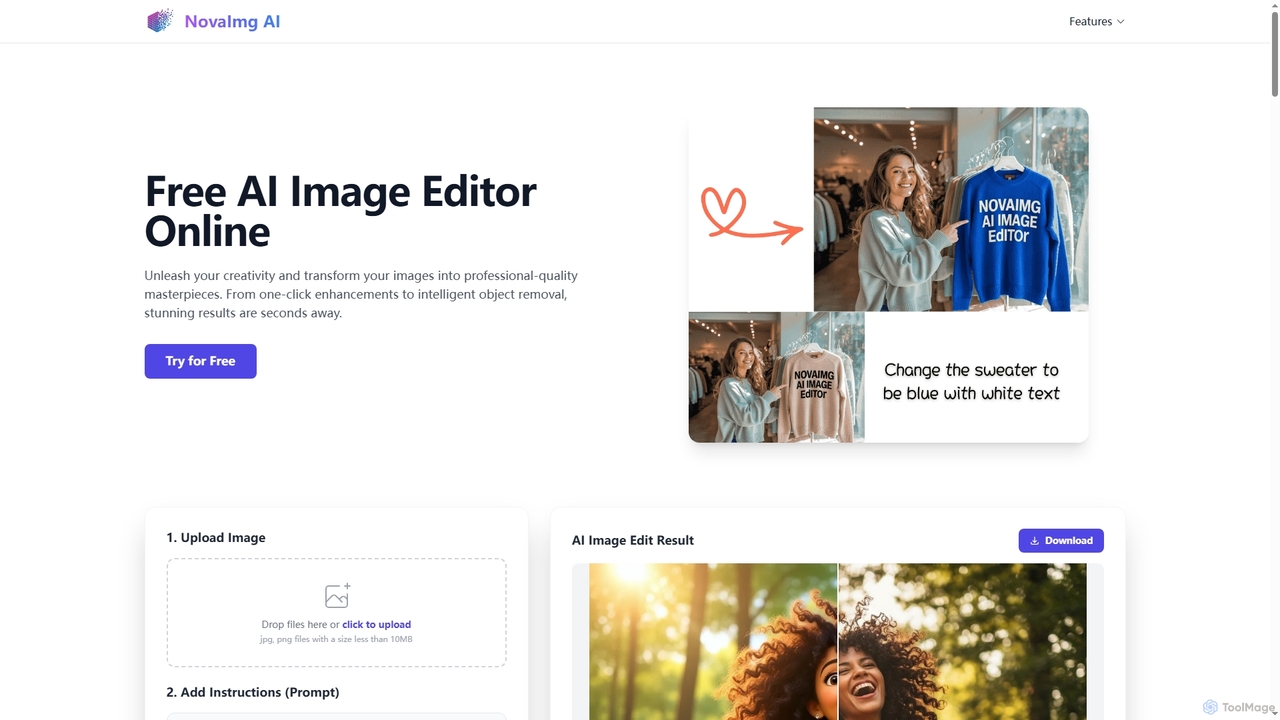
Novaimg
Novaimg is a versatile online AI tool suite for transforming and enhancing visual content. It offers a range of features including AI image editing with text prompts, 4K image upscaling, realistic face swapping for photos, videos, and GIFs, and an intelligent watermark remover. Designed for ease of use, Novaimg helps users create professional-quality images and videos for social media, e-commerce, and creative projects, often for free or with generous daily limits.
Graphic DesignDeepswap
Deepswap is an advanced AI-powered online tool for creating hyper-realistic face swaps in videos, photos, and GIFs. It utilizes proprietary models to achieve over 90% similarity, supports up to 6 faces in a single clip, and offers 4K video output. Additional features include image enhancement, background removal, and a cartoonizer, making it a versatile tool for creators and professionals.
Meme Generatorunboring
unboring is an AI-powered online tool by Reface that specializes in high-quality face swapping and photo animation. It allows users to transform static images into dynamic, entertaining content like memes, animated portraits, and funny videos, making content creation simple and fun.
Meme GeneratorFaceSwapper
FaceSwapper is a powerful AI-driven online tool for seamlessly swapping faces in photos, videos, and GIFs. It offers a suite of features including multiple face swaps, gender swaps, clothes swapping, and an AI face generator. The platform is designed for ease of use, providing unlimited free swaps with a focus on privacy and high-quality, realistic results.
Meme Generator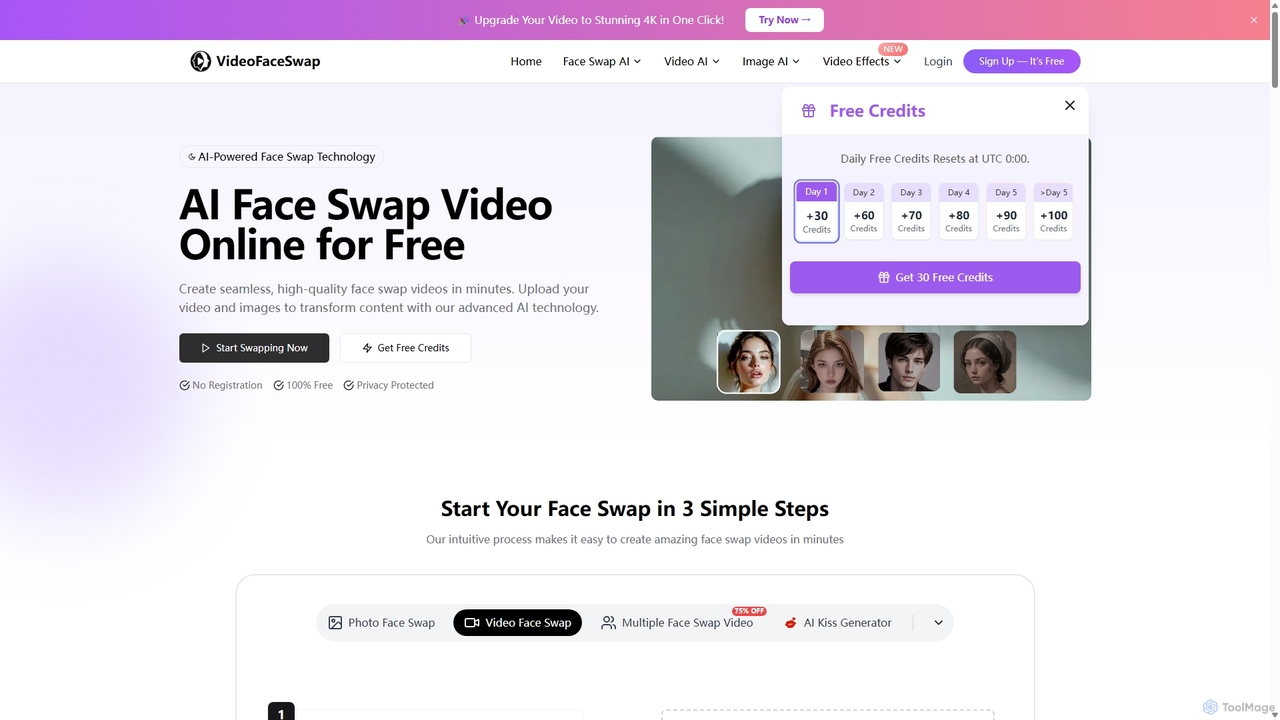
Videofaceswap
Videofaceswap is a free, AI-powered online tool for creating seamless face swaps in videos, GIFs, and photos. It offers single, multiple, and batch face swapping with a simple three-step process. No registration is required to start, and it prioritizes user privacy with high-quality, realistic results for creative and entertainment purposes.
Meme Generator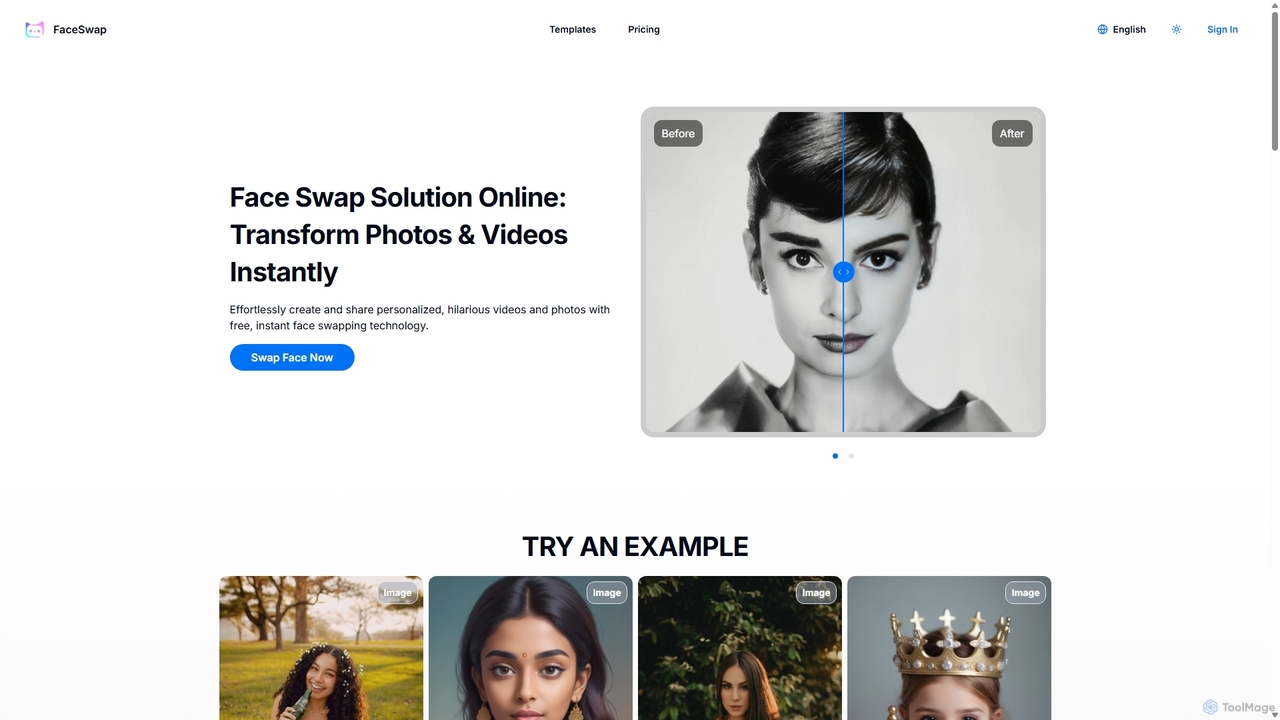
FaceSwap
FaceSwap is a free online AI tool that allows you to instantly swap faces in photos and videos. With support for single, group, and multi-person swaps, it's perfect for creating hilarious memes, engaging social media content, and personalized videos. The platform is user-friendly, requires no installation, and prioritizes user privacy by not storing any uploaded files.
Meme Generator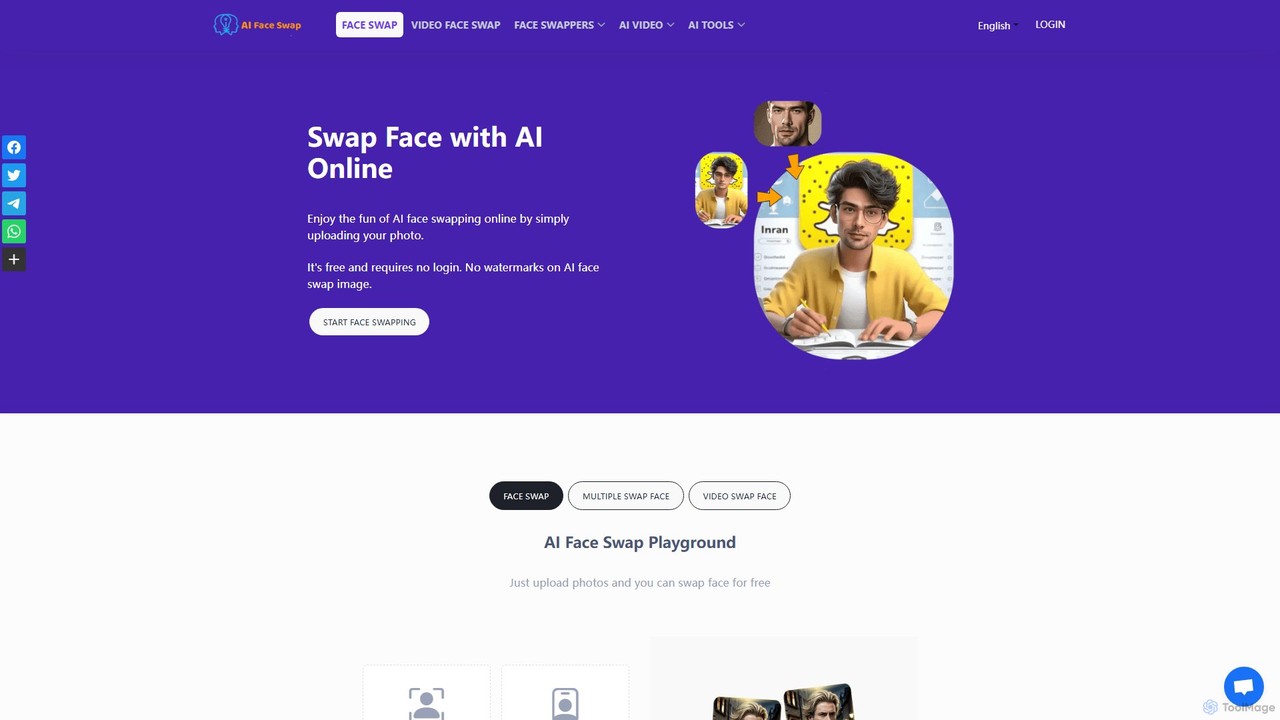
aifaceswap
A powerful and free online AI tool for seamlessly swapping faces in both images and videos. Create hilarious memes, transform into celebrities, or produce high-quality video edits in seconds without any sign-up required for basic features.
Face Swap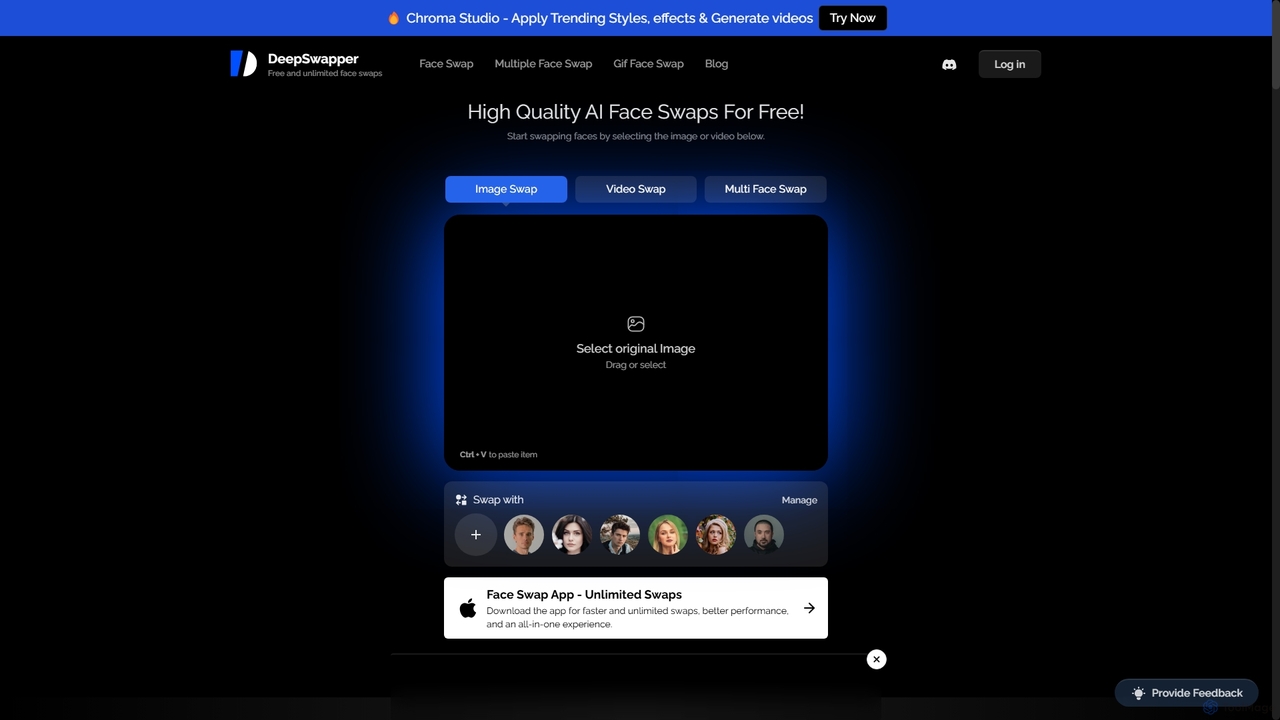
DeepSwapper
DeepSwapper is a free AI-powered online tool for creating high-quality, realistic face swaps in photos, videos, and GIFs. It offers unlimited, watermark-free image swaps without requiring a sign-up. The platform supports single and multiple face swaps, providing a fast, user-friendly experience for creating fun content, memes, and creative projects.
Meme Generator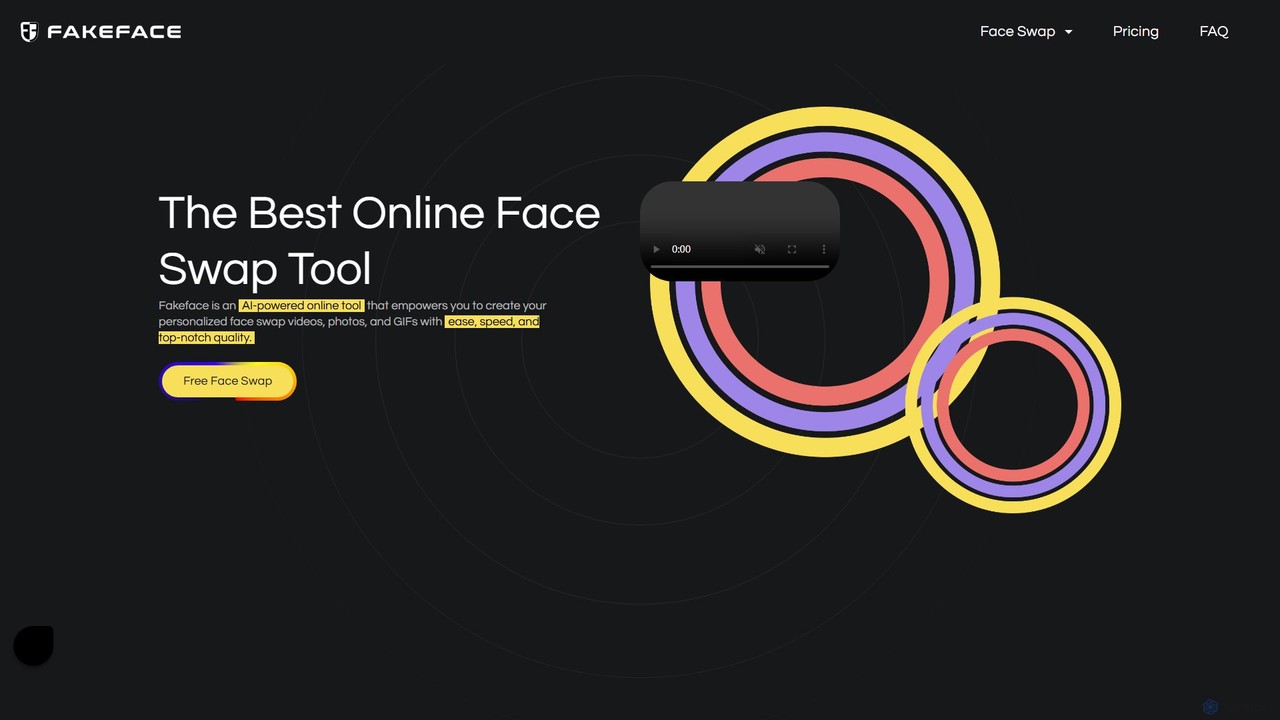
Fakeface
Fakeface is a powerful and free online AI tool for creating high-quality face swaps in videos, photos, and GIFs. Using proprietary AI technology, it allows users to seamlessly exchange faces in just three simple steps. The platform boasts high-speed processing, realistic results without blur or distortion, and supports a wide range of media formats. It's an ideal tool for creating memes, personalized content, and entertainment.
Meme Generator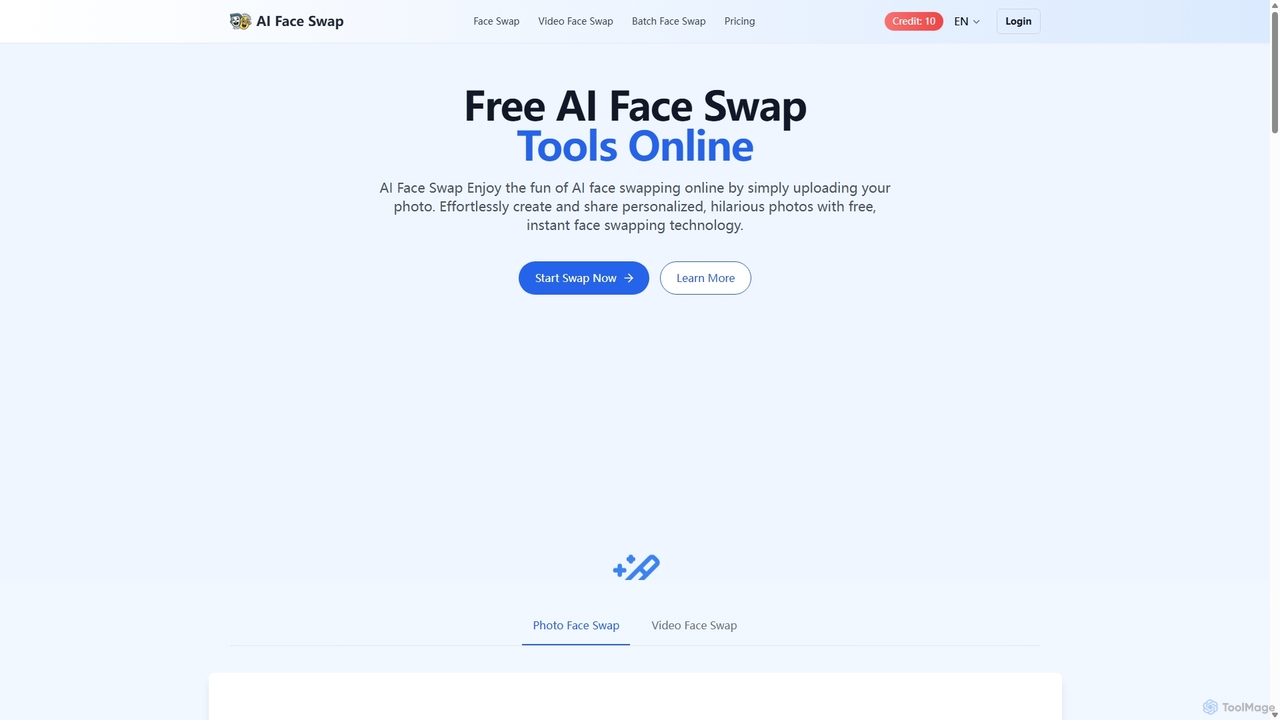
Aifaceswap
Aifaceswap is a free online AI tool that allows users to seamlessly swap faces in photos and videos. It offers features for single image swaps, batch processing for multiple photos, and dynamic video face swapping. With a user-friendly interface and a credit-based system, it's accessible for both casual fun and professional content creation, ensuring high-quality, realistic results instantly without any software installation.
Entertainment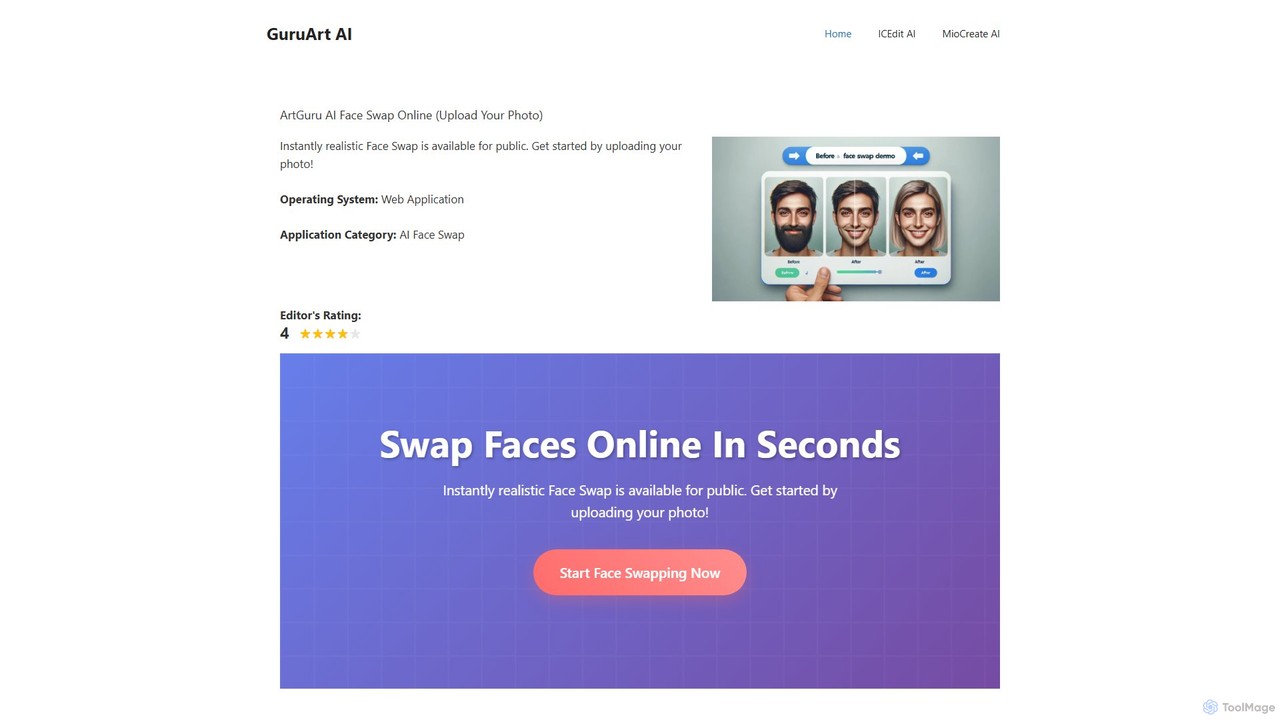
ArtGuru Face Swap
ArtGuru Face Swap is a versatile AI tool for creating realistic face swaps in photos and videos. It supports single, multiple, and video face swaps with a user-friendly interface. It's fast, requires no sign-up for basic use, and offers both free and premium plans for advanced features.
3D
Unboring
Unboring is a powerful AI-driven online tool by Reface that specializes in face swapping and photo animation. Effortlessly transform static images into dynamic, expressive videos, or place any face onto popular memes, GIFs, and video clips. It's designed for creating hilarious, engaging, and highly shareable content for social media, marketing, or personal entertainment without requiring any technical skills.
Meme GeneratorDeepFaceSwap.AI
DeepFaceSwap.AI is a powerful online tool for creating high-quality, watermark-free AI face swaps in images and videos. Utilizing advanced deep learning technology, it offers a user-friendly interface for seamless swapping. Beyond face swapping, it includes a Magic Editor for text-based image editing, an Avatar AI for generating custom portraits, and an AI Companion for interactive chat. A generous free plan is available.
Meme Generator
Face AI
Face AI is an all-in-one online tool for effortlessly swapping faces in photos, videos, and GIFs. Utilizing advanced AI, it delivers fast, realistic, and high-quality results without requiring editing skills or registration. Perfect for creating memes, fun edits, or professional-looking transformations, Face AI ensures privacy and ease of use for everyone.
Face Swapping
facy Comments (0)
Sign in to comment.
Sign inNo comments yet.