ToolMage
Sign in

Best 26 Image Upscaling AI tools for Image

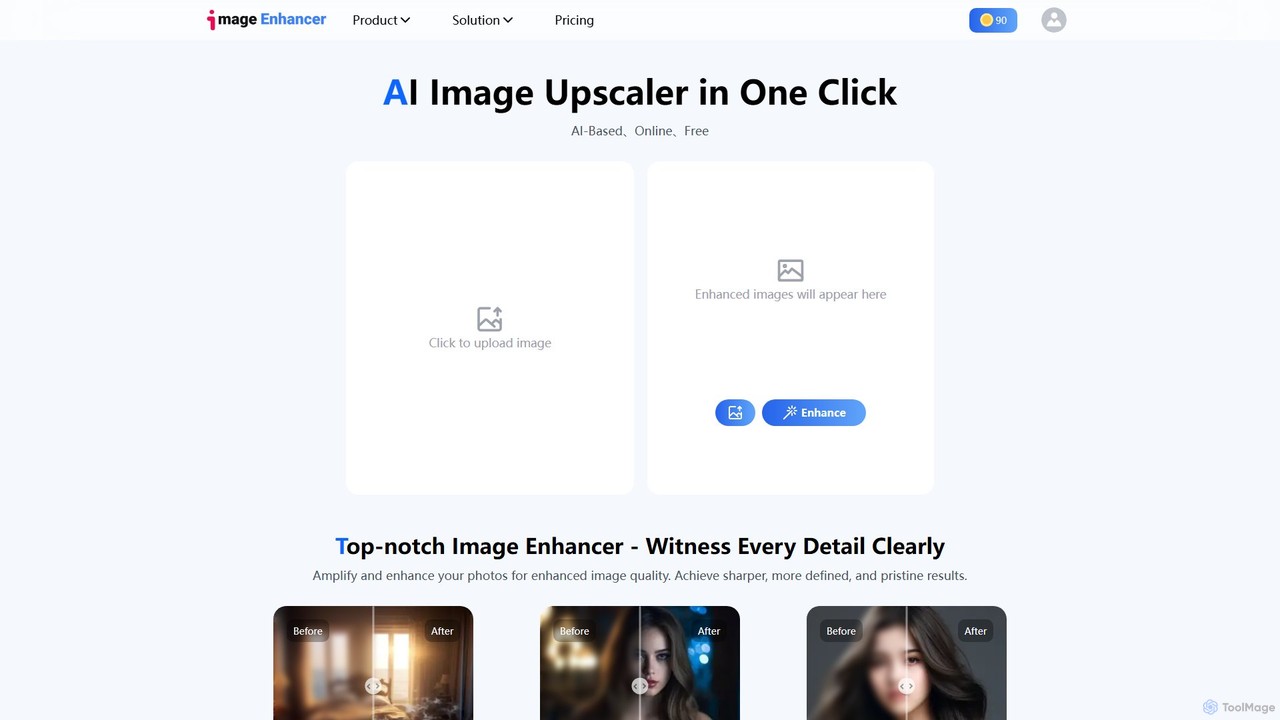
Popular Image Upscaling AI tools in Image include imgupscaler, Upscale.media, Bigjpg, Upscayl, Upsampler, Imglarger, facy, deep_image.ai, Gigapixel AI, and PhotoEnlarger, helping you work more efficiently.

Nightmare AI
Freemium

Nightmare AI

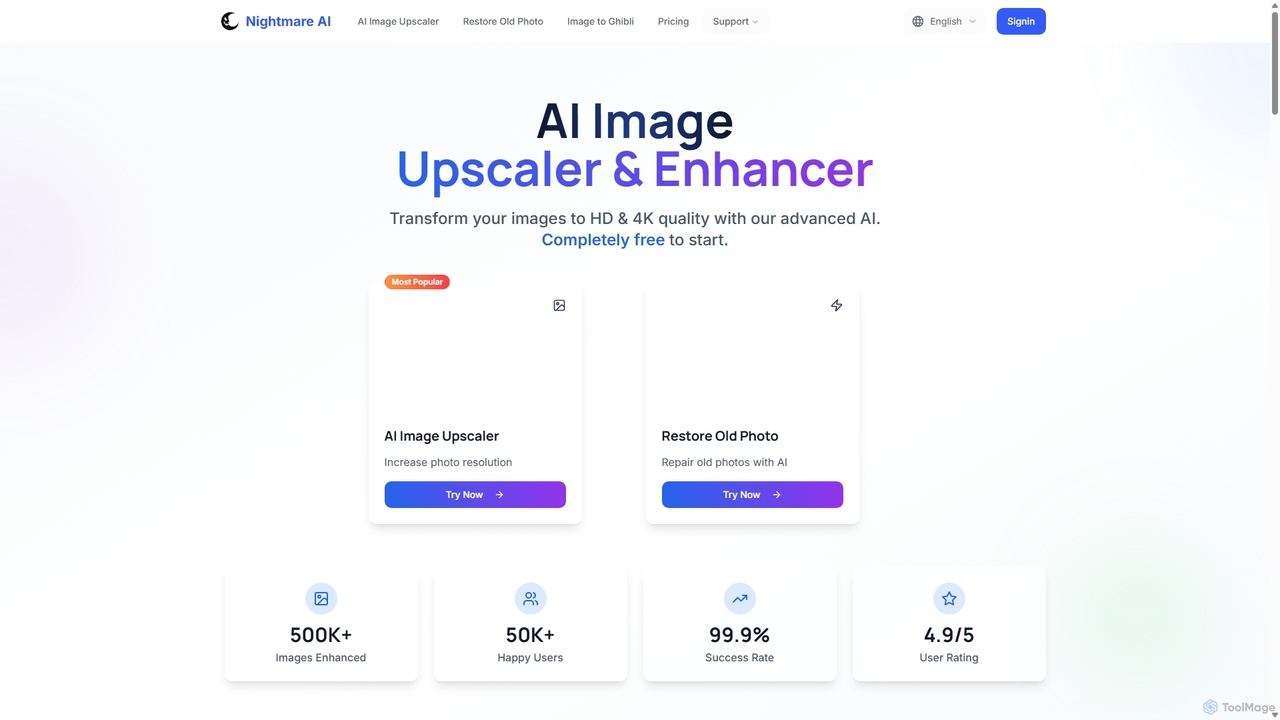
Nightmare AI is a powerful online tool that uses advanced AI algorithms like Real-ESRGAN to upscale images to 4K, enhance photo quality, and restore old, damaged photos. It specializes in improving photos, anime, and cartoons without losing detail. Offering a user-friendly interface, it provides both free and premium plans for photographers, artists, and content creators.

Image Enhancement
Visits 10.3KFavorites 150Likes 160
BigJpg AI
Freemium

BigJpg AI

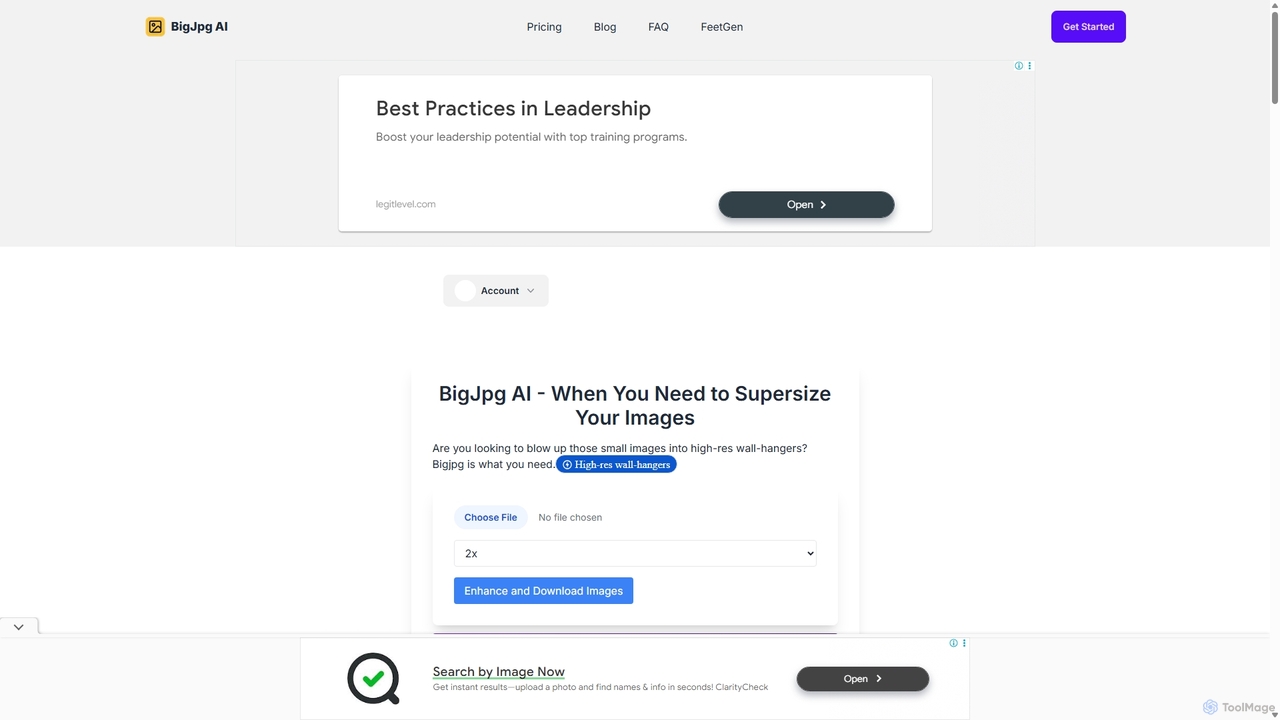
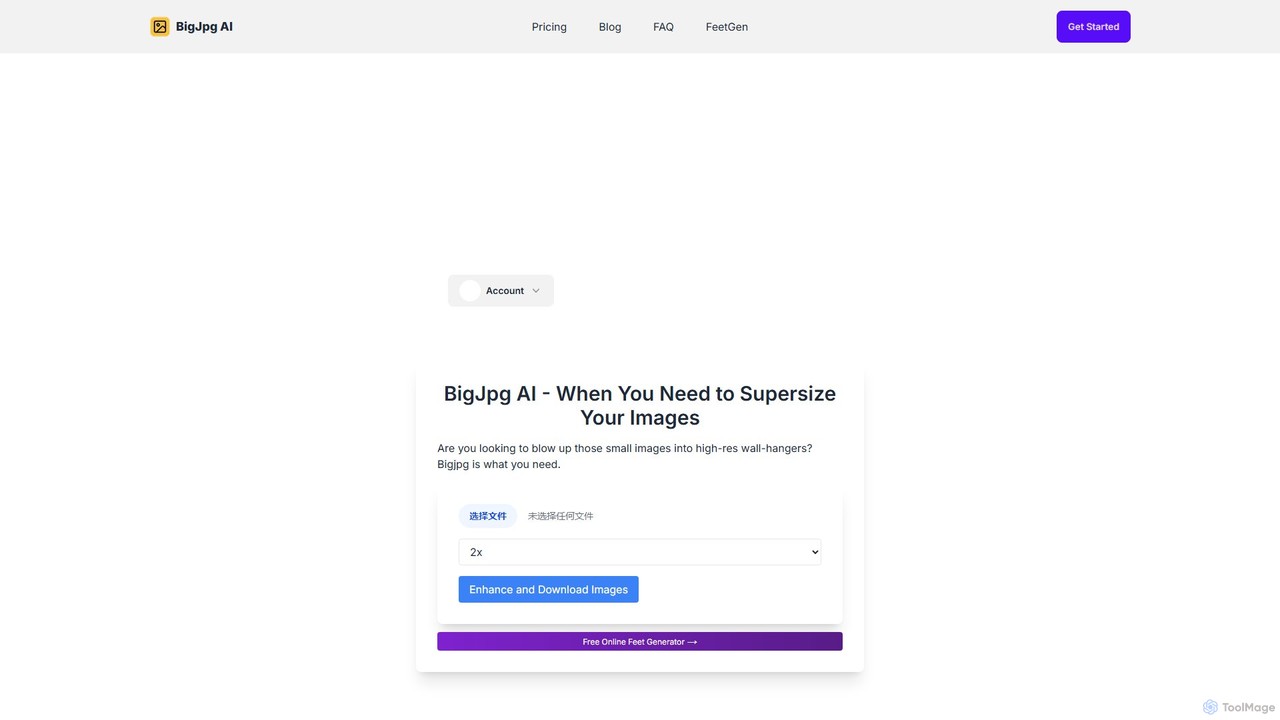
BigJpg AI is an advanced AI-powered image upscaler that enlarges images up to 16x their original size without losing quality. It intelligently analyzes and enhances image details, making it perfect for creating high-resolution prints, web graphics, and detailed visuals from small source files. Ideal for photographers, designers, and marketers.

Image Editing
Visits 47.4KFavorites 195Likes 181
aiimageupscale
Freemium

aiimageupscale

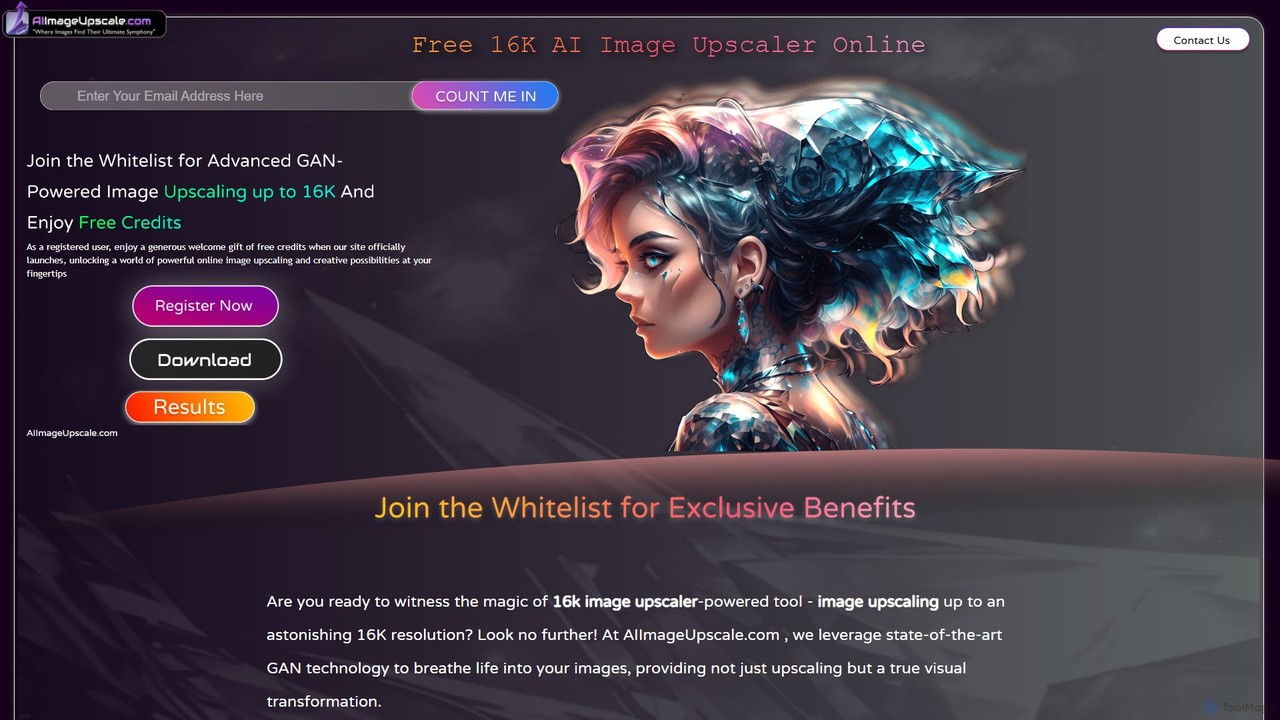
An AI-powered online tool that uses advanced GAN technology to upscale images to an astonishing 16K resolution. It not only enhances image quality but also provides intelligent color correction and features for 3D artists to improve textures. Ideal for photographers, designers, e-commerce businesses, and game developers seeking superior visual clarity and detail.

Ai Art Generator
Visits 9.9KFavorites 122Likes 118
SupaRes
Freemium

SupaRes

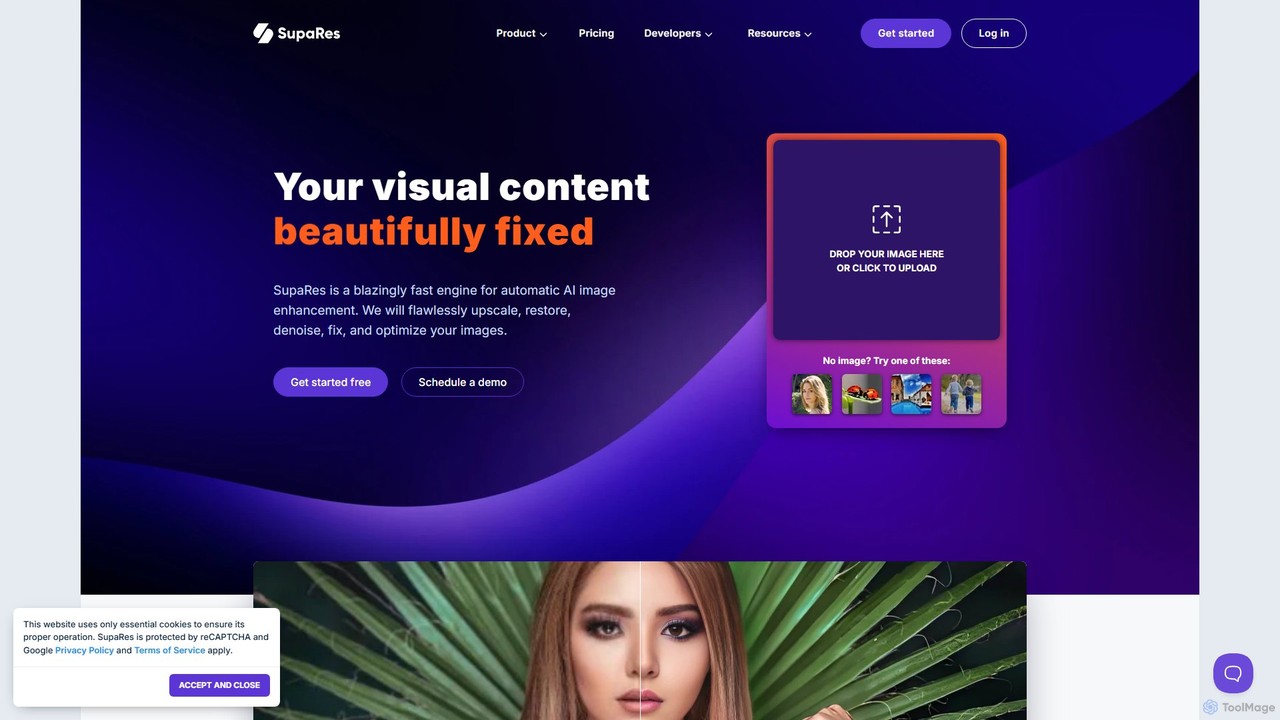
SupaRes is an AI-powered image enhancement platform that automatically upscales, restores, denoises, and optimizes your visual content. It provides a fast, one-stop solution for businesses and individuals to achieve professional-quality images in seconds without complex software.

Image Enhancement
Visits 4.2KFavorites 112Likes 108
Upscayl
Freemium

Upscayl

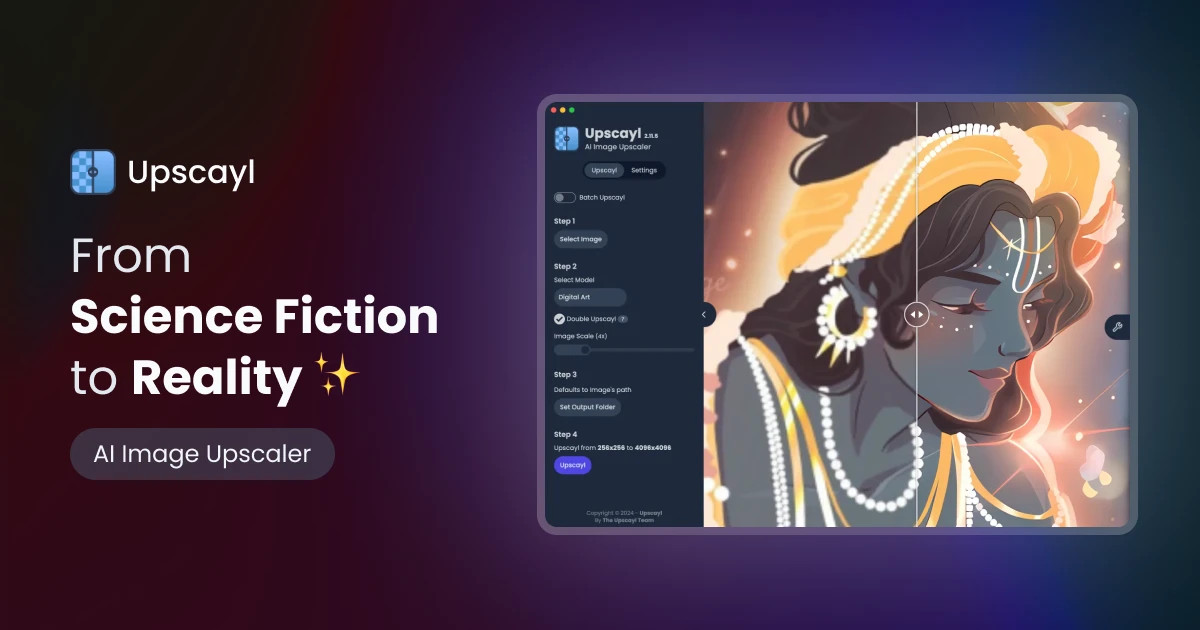
Upscayl is a free and open-source AI image upscaler that enhances low-resolution images into high-quality, sharp visuals. It offers both a cross-platform desktop application for local processing and a powerful cloud version with advanced features like batch upscaling and commercial use.

Image Editing
Visits 903.9KFavorites 128Likes 111
Upscale.media
Freemium

Upscale.media

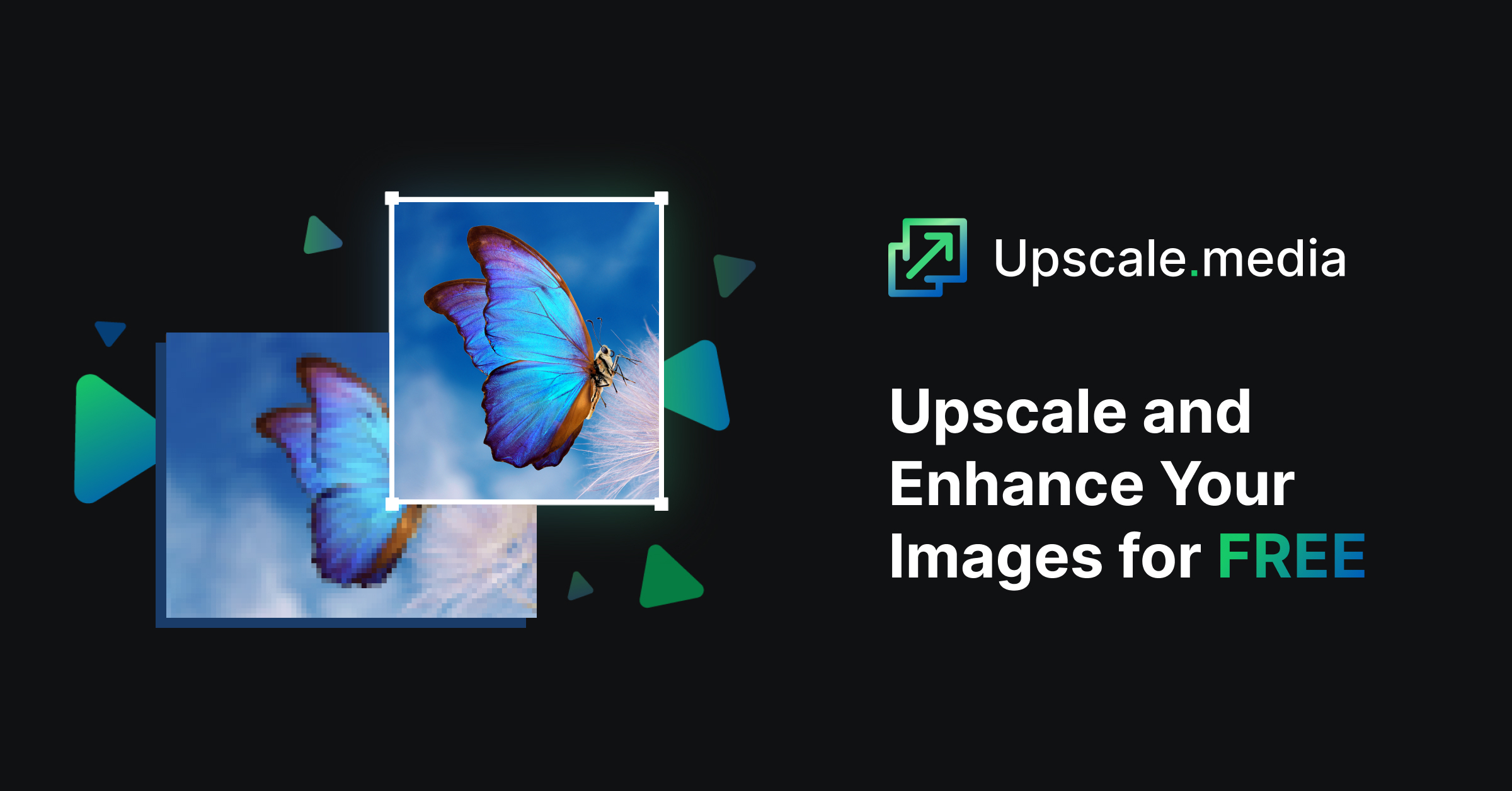
Upscale.media is a free AI-powered tool that automatically upscales and enhances images in seconds. It increases image resolution by up to 8x without losing quality, sharpens details, and removes artifacts. Ideal for e-commerce, photographers, and personal use, it offers web, mobile app, and API access for seamless integration.

Image Editing
Visits 3MFavorites 101Likes 92
Fine Pixel
Freemium

Fine Pixel

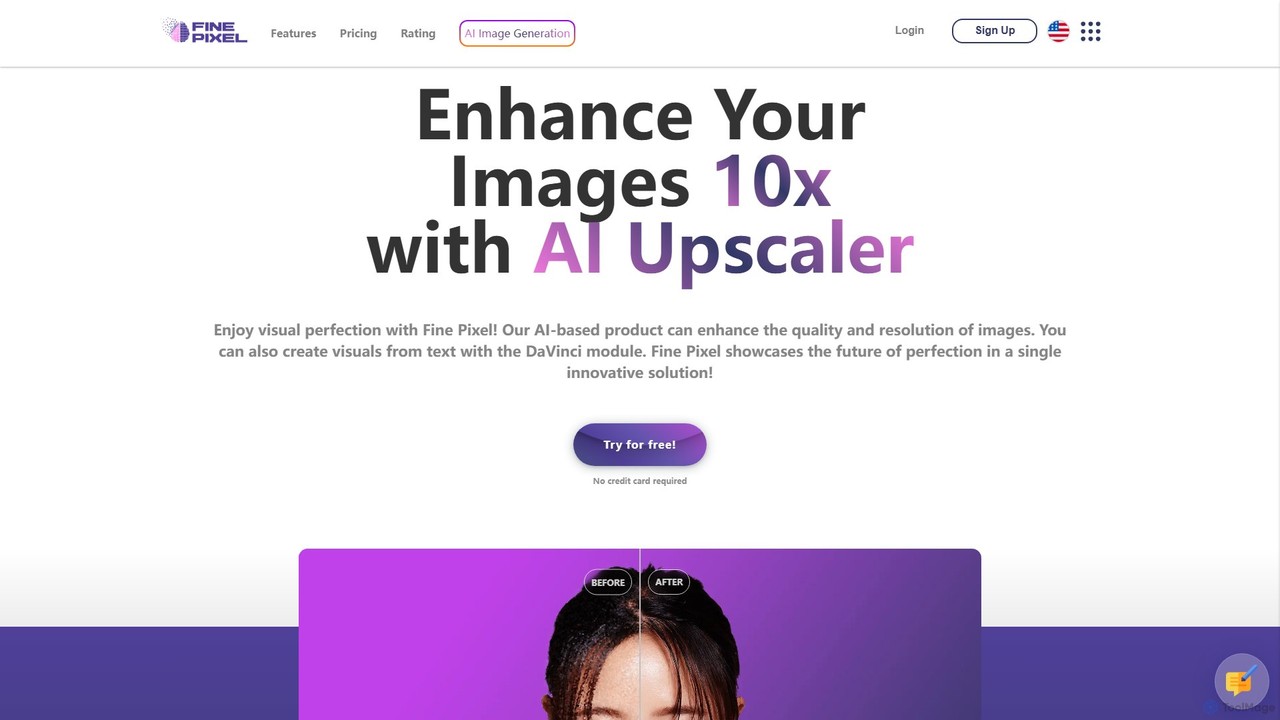
Fine Pixel is an all-in-one AI-powered image suite that enhances, generates, and edits visuals. It features a high-resolution image upscaler for print-quality results (300+ DPI), a text-to-image generator (DaVinci Diffusion XL) for instant creativity, and an inpainting tool to seamlessly add or remove objects from photos. It's designed for users of all skill levels, from marketers and designers to personal users, enabling professional-grade image manipulation in seconds.

Image Editing
Visits 4.5KFavorites 120Likes 112
SupPixel AI
Paid

SupPixel AI

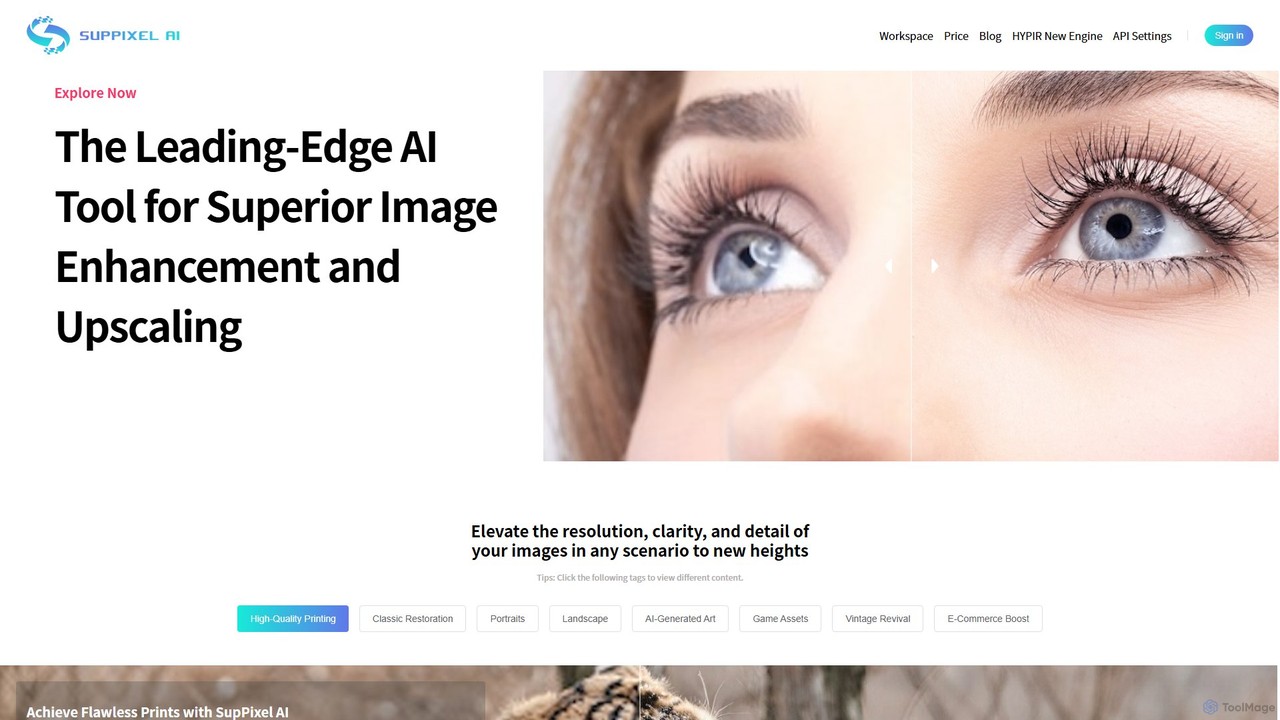
SupPixel AI is a leading-edge AI tool for superior image enhancement and upscaling. It elevates the resolution, clarity, and detail of any image, making it ideal for high-quality printing, photo restoration, e-commerce, and enhancing AI-generated art.

Image Editing
Visits 8.4KFavorites 132Likes 132
Upscalepics
Freemium

Upscalepics

Upscalepics is an AI-powered image toolkit that enhances, upscales, and edits photos with remarkable precision. It can increase image resolution up to 8x, remove backgrounds, compress files, and prepare images for high-quality printing at 300 DPI. With features like batch processing, a browser extension, and API access, it serves photographers, designers, and e-commerce businesses.

Image Editing
Visits 70.1KFavorites 132Likes 124
ImageUpscalerAI
Freemium

ImageUpscalerAI

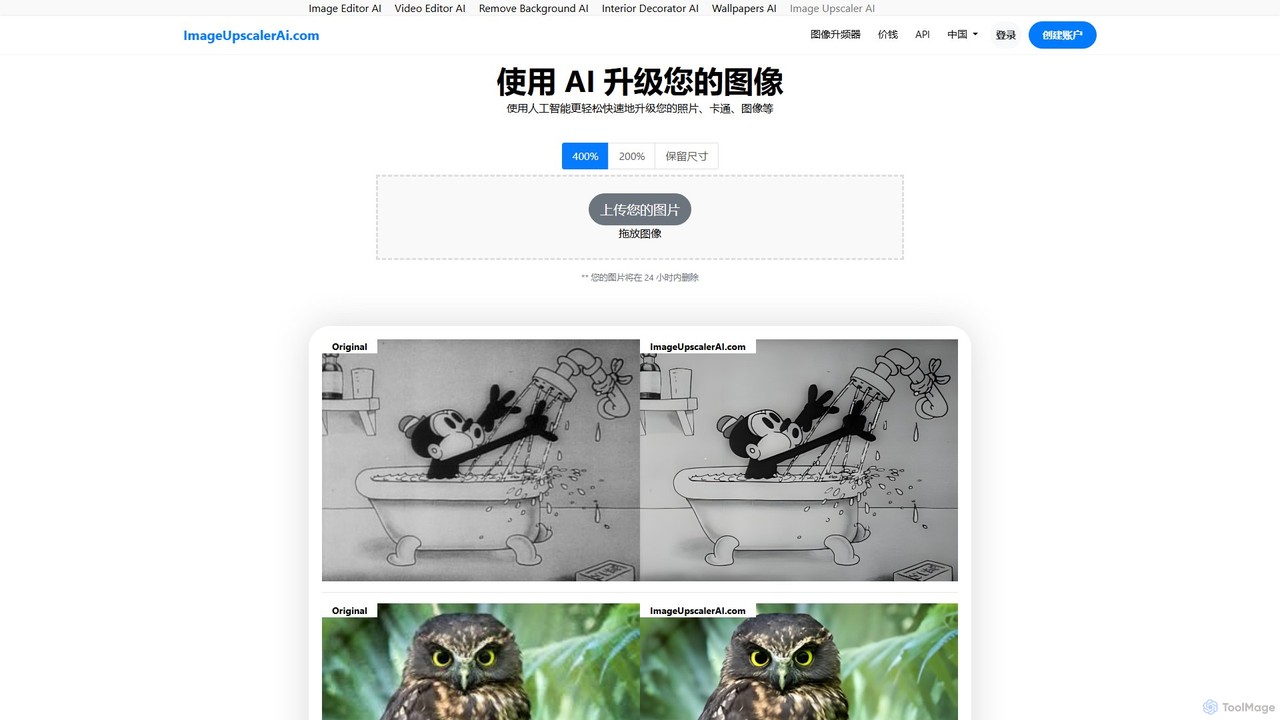
ImageUpscalerAI is an AI-powered online tool designed to enlarge and enhance images by up to 400% without losing quality. It supports various image types, including photos, cartoons, and digital art, offering a simple drag-and-drop interface for quick and easy high-resolution results. It prioritizes user privacy by deleting all uploaded images within 24 hours.

Graphics
Visits 17.7KFavorites 123Likes 140
aiphotoenhancer
Freemium

aiphotoenhancer

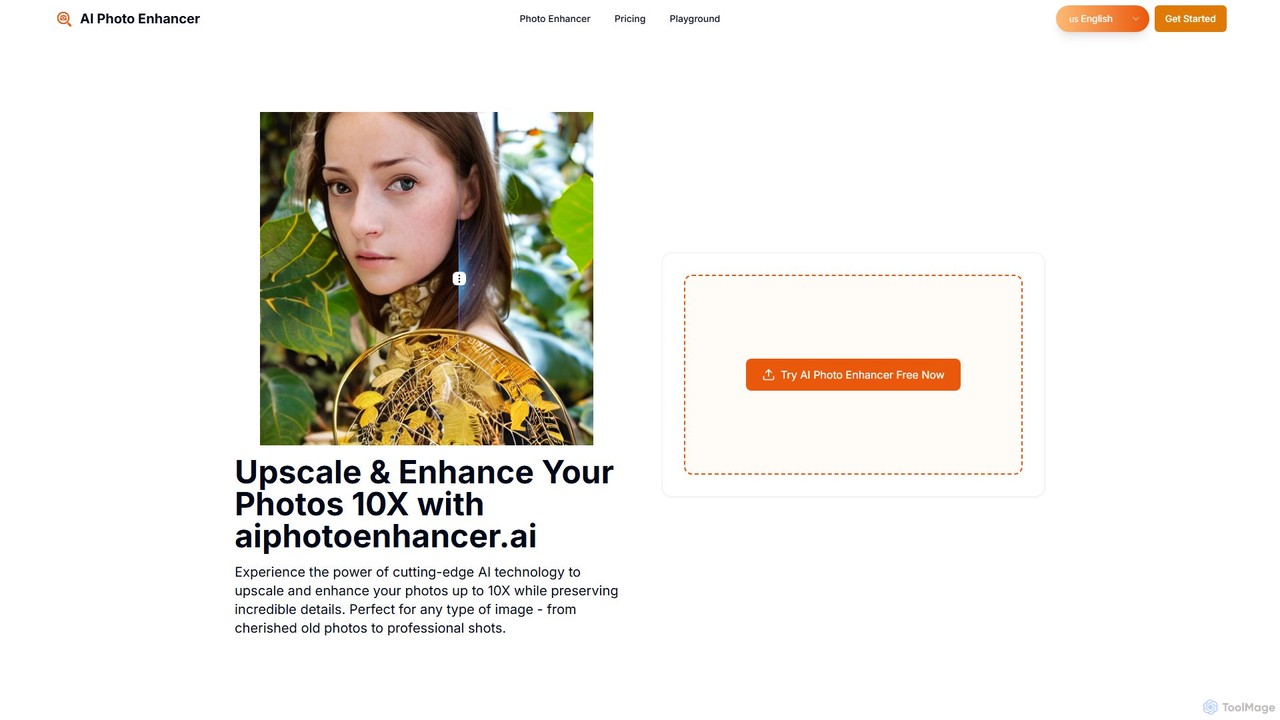
aiphotoenhancer is an AI-powered tool that upscales and enhances images up to 10X resolution while preserving details. It supports batch processing for up to 10 images and offers specialized modes for various photo types, including portraits, landscapes, e-commerce products, and old photos. With daily free credits, users can easily restore, sharpen, and improve their images for both personal and commercial use.

Image Editing
Visits 4.3KFavorites 106Likes 102
imgupscaler
Freemium

imgupscaler

imgupscaler is an AI-powered tool designed to enlarge and enhance images without sacrificing quality. Using advanced deep learning algorithms, it can upscale photos, anime art, and digital graphics up to 8x, intelligently adding detail, reducing noise, and fixing blurriness. It's a fast, user-friendly solution for professionals and hobbyists alike.

Image Enhancement
Visits 3.4MFavorites 169Likes 155
Upsampler
Freemium

Upsampler

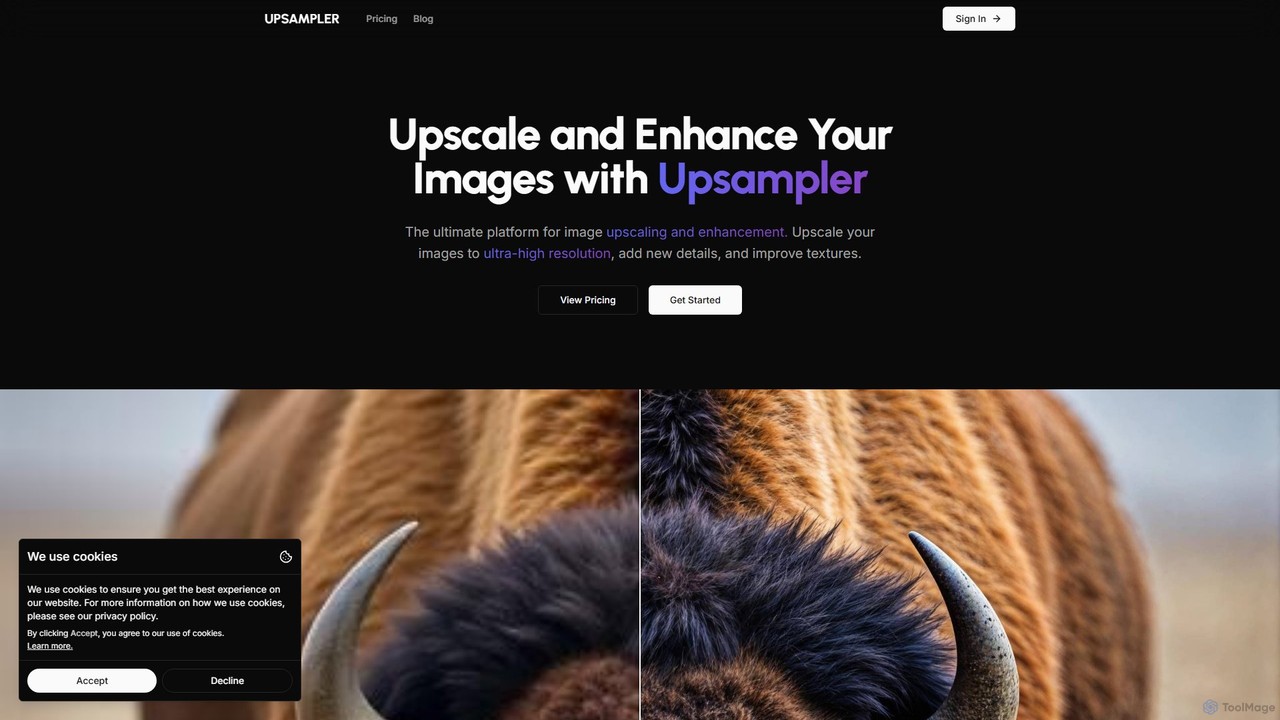
Upsampler is a comprehensive AI-powered online platform for image upscaling, enhancement, restoration, and generation. It features multiple upscaling modes like Smart, Dynamic, and Precise to cater to different image types, from AI art to real photos. It also offers generative fill, photo restoration, and integrates top AI models like GPT-4o and Imagen for image creation.

Image Generation
Visits 717.6KFavorites 122Likes 135
Snapclear
Freemium

Snapclear

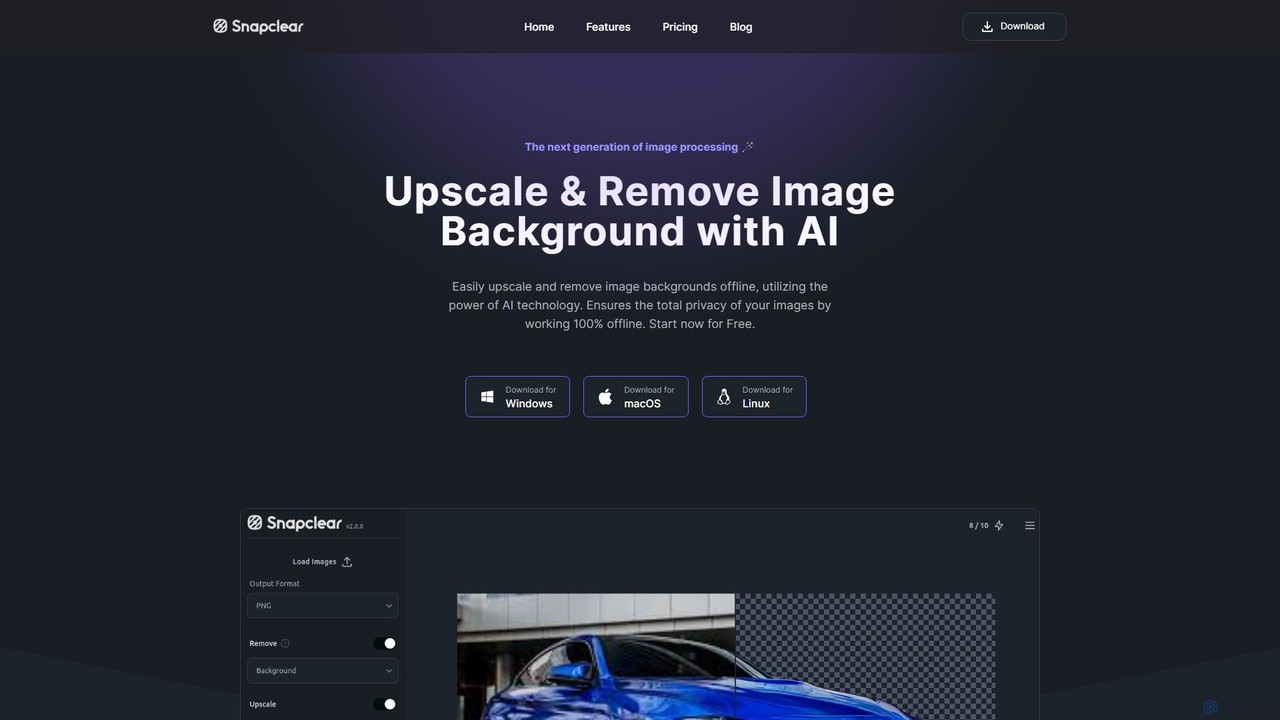
Snapclear is an AI-powered desktop application designed for offline image enhancement. It offers one-click solutions for upscaling images, removing backgrounds, and reducing noise. Supporting bulk processing and multiple formats, it's a versatile tool for photographers, designers, and content creators who prioritize privacy and efficiency.

Background Removal
Visits 5.9KFavorites 114Likes 107
AI HD Anime
Freemium

AI HD Anime

AI HD Anime is a free online tool that uses advanced AI technology (APISR) to upscale and enhance anime and manga images. With a single click, it transforms low-resolution pictures into high-definition quality, restoring fine details, sharpening lines, and improving overall clarity. It's specifically designed for anime art, providing superior results for fans, artists, and content creators.

Anime
Visits 5.2KFavorites 77Likes 91
Neuralfulai
Freemium

Neuralfulai

Neuralfulai offers a comprehensive suite of AI-powered tools for image editing and productivity. Enhance, upscale, restore, and generate stunning visuals effortlessly across web, mobile, and desktop platforms. Ideal for influencers, photographers, and developers.

Image Editing
Visits 4.6KFavorites 139Likes 152
MejorarImagen
Freemium

MejorarImagen

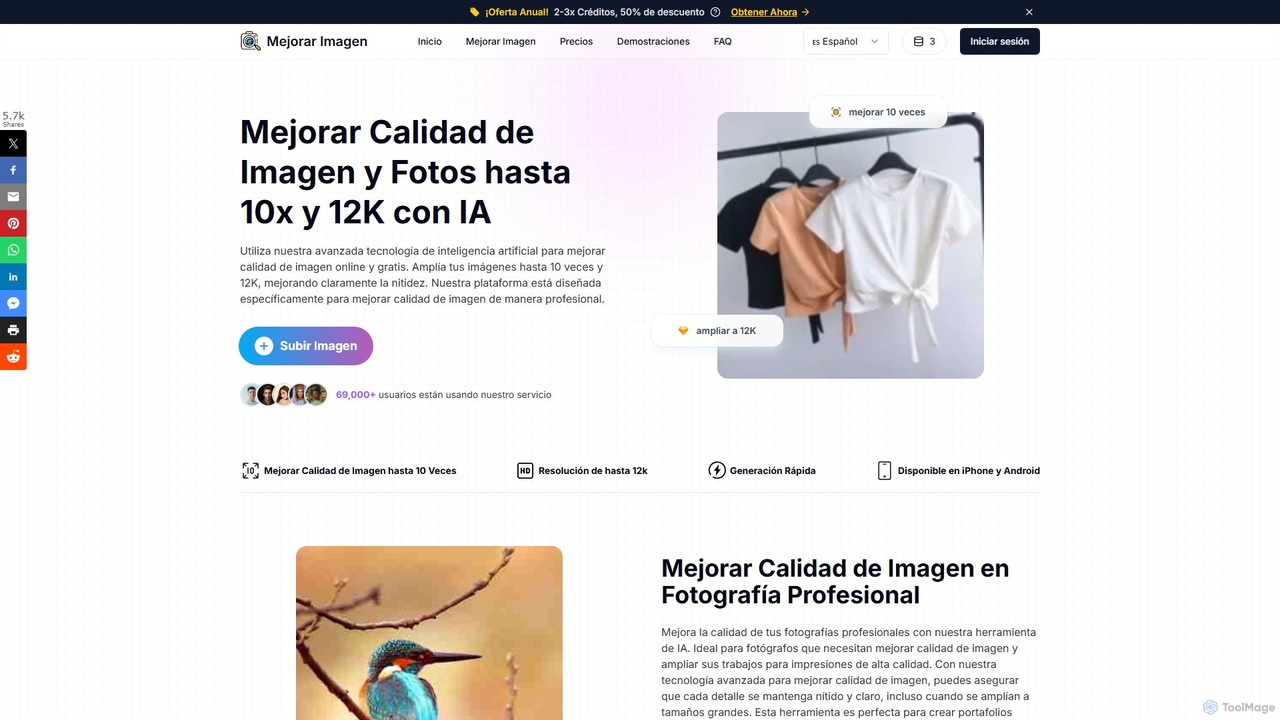
MejorarImagen is an AI-powered online tool designed to enhance and upscale image quality. It can enlarge images up to 10x and achieve resolutions up to 12K, significantly improving sharpness and detail. Ideal for professional photographers, graphic designers, and social media managers, it also offers features like batch processing and portrait enhancement.

Image Enhancement
Visits 20.1KFavorites 114Likes 121
imageenhan
Freemium

imageenhan

An AI-powered suite of tools for enhancing images and videos. It offers one-click upscaling, sharpening, denoising, background removal, and creative features like cartoonizers and face swapping. Ideal for photographers, designers, and social media users to improve visual quality effortlessly.

Generators
Visits 6KFavorites 105Likes 113
Gigapixel AI
Freemium

Gigapixel AI

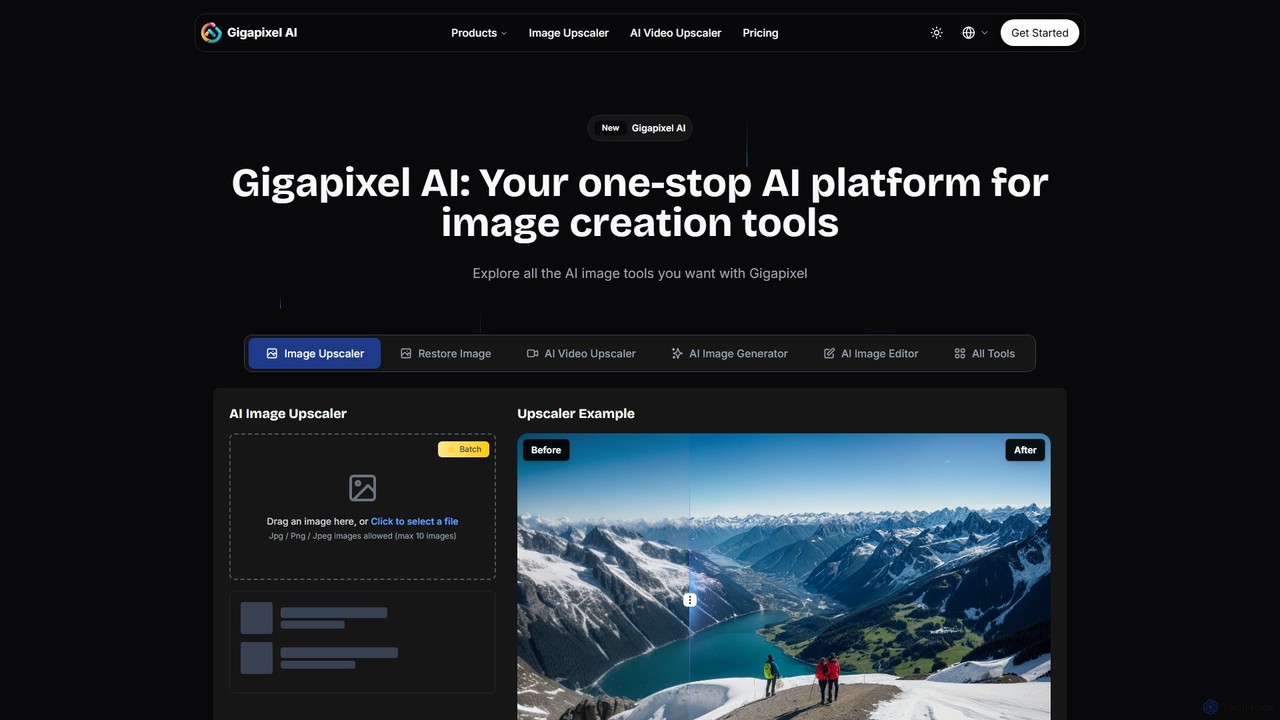
Gigapixel AI is a comprehensive, all-in-one AI platform for image and video creation. It offers a suite of powerful tools, including an advanced image and video upscaler, a versatile image generator, a precise image editor, and a background remover. It's designed for creators, marketers, and developers to enhance, generate, and edit visual content with professional-grade quality and efficiency.

Image Editing
Visits 333.4KFavorites 144Likes 140
Bigjpg
Freemium

Bigjpg

Bigjpg is an AI-powered image upscaler that uses Deep Convolutional Neural Networks (CNN) to enlarge images without losing quality. It excels at processing anime and illustrations, intelligently reducing noise and serration to produce crisp, clear results. It also supports regular photos, offering a superior alternative to traditional scaling methods. With web, desktop, and mobile apps, Bigjpg provides a flexible solution for artists, designers, and anyone needing to increase image resolution while preserving detail and color fidelity.

Generative Art
Visits 1.4MFavorites 128Likes 123
deep_image.ai
Freemium

deep_image.ai

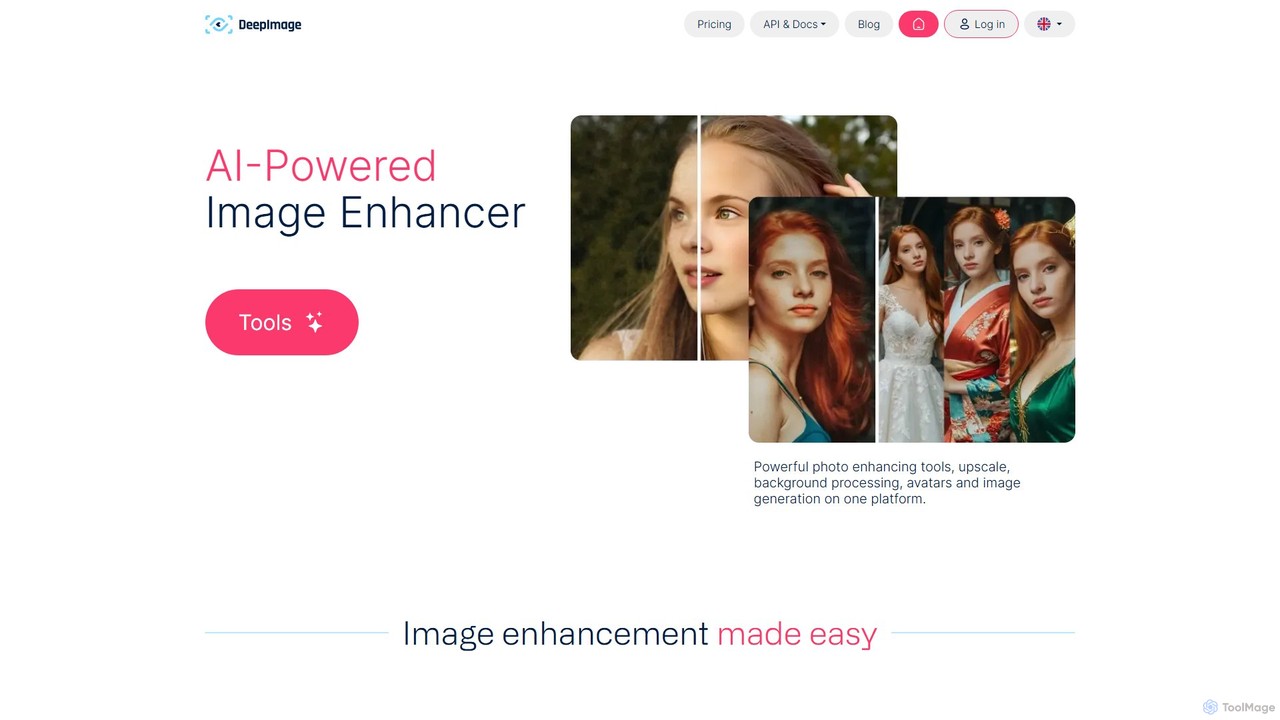
A comprehensive AI-powered platform for image enhancement, upscaling, and generation. It offers a suite of tools including noise reduction, sharpening, color correction, background removal, and creating new images from text. Ideal for photographers, e-commerce businesses, and content creators seeking professional-quality results.

Image Editing
Visits 336.2KFavorites 96Likes 103
PhotoEnlarger
Free

PhotoEnlarger

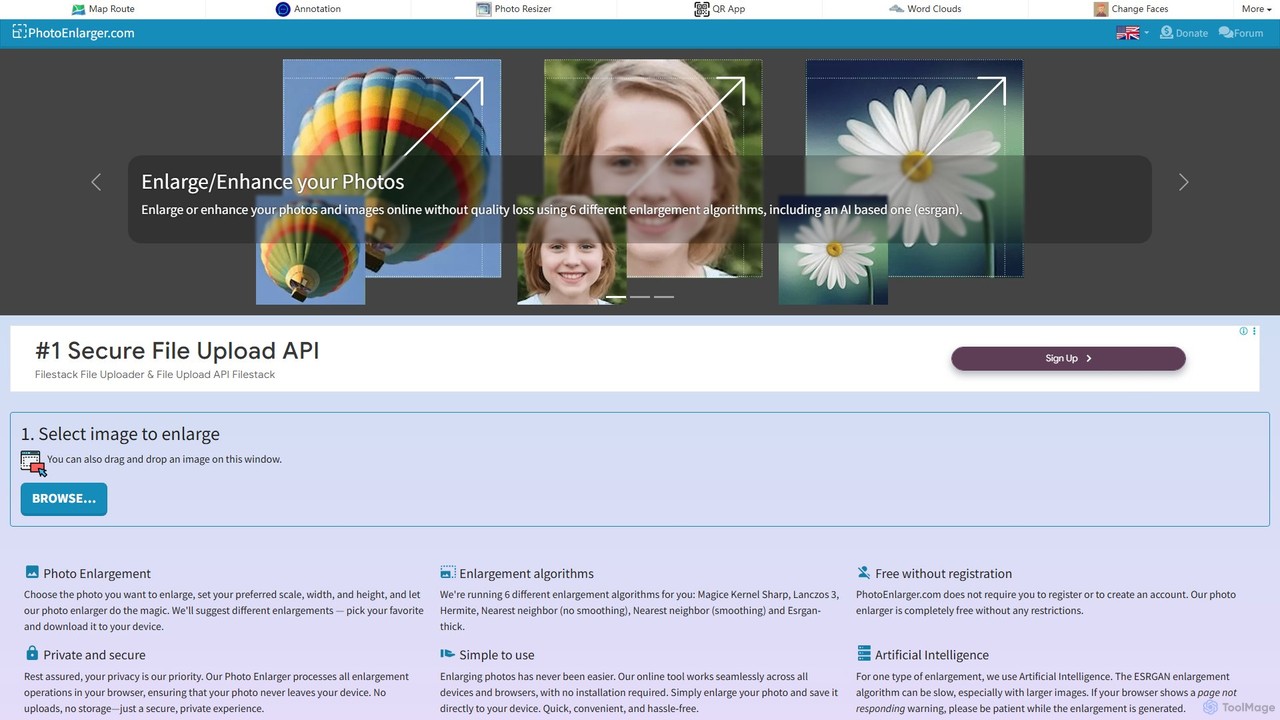
A free, browser-based tool that enlarges and enhances photos using multiple algorithms, including AI-powered ESRGAN. It requires no registration, processes images directly in your browser for maximum privacy, and offers various enlargement options to choose from.

Image Editing
Visits 103.9KFavorites 110Likes 96
facy
Freemium

facy

facy is a user-friendly AI-powered platform specializing in high-quality face swapping for both images and videos. It also offers a powerful AI image upscaler to enhance photo resolution. Designed for content creators, social media users, and anyone looking for fun, facy allows you to create entertaining and viral-worthy content in seconds. The platform provides free image face swaps and a freemium model for advanced features like video swaps and 4x image upscaling, making it accessible to everyone.

Meme Generator
Visits 529.6KFavorites 116Likes 112
imgupscaling
Freemium

imgupscaling

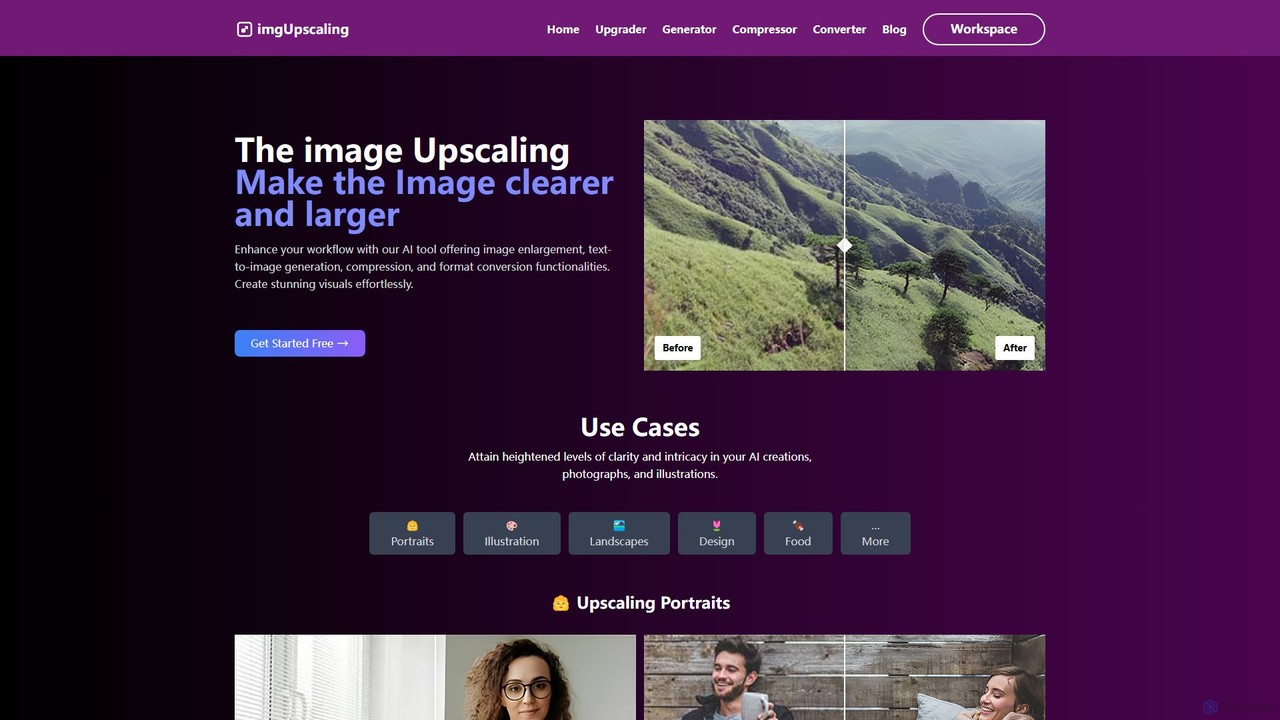
imgupscaling is a versatile AI-powered platform for enhancing your visual workflow. It offers high-resolution image upscaling up to 4K, text-to-image generation, efficient image compression, and format conversion. Designed for graphic designers, photographers, and content creators, it provides a free plan and flexible subscriptions to meet various creative and professional needs.

Image Editing
Visits 4.3KFavorites 99Likes 101

About Image Upscaling

Image Upscaling tools are AI-powered solutions designed to increase the resolution and quality of digital images. These tools leverage advanced algorithms, often based on deep learning, to intelligently add pixels and reconstruct details, transforming low-resolution images into high-definition versions. They are invaluable for enhancing visual content across various professional and personal applications, ensuring clarity and sharpness without pixelation.

Core Features

  • AI Super Resolution: Intelligently generates new pixels to increase image dimensions and detail.
  • Noise Reduction: Automatically removes grain and digital noise for cleaner images.
  • Detail Enhancement: Sharpens edges and recovers fine textures lost in lower resolutions.
  • Batch Processing: Upscale multiple images simultaneously, saving significant time.
  • Format Support: Compatibility with various image formats like JPG, PNG, WebP.

Use Cases

Professionals in graphic design, e-commerce, and photography frequently use image upscaling tools. They can enlarge product photos for high-resolution displays, prepare small web images for print, or restore old, low-quality photographs. These tools ensure visual assets meet modern quality standards for diverse media.

How to Choose

When selecting an image upscaling tool, consider the desired output quality, the types of images you'll process, and the available features like noise reduction or batch processing. Evaluate the maximum supported resolution, processing speed, and pricing models (e.g., subscription vs. pay-per-image). User interface and integration options with existing workflows are also important.

Featured tool rankings

Image Upscaling use cases

1

Enhancing E-commerce Product Photos

E-commerce businesses can use AI upscaling tools to enlarge small product images for high-resolution display on websites and marketing materials. This ensures product details are crisp and appealing, improving customer perception and reducing bounce rates. By transforming low-res images into sharp, detailed visuals, online stores can present their products more professionally and attractively, leading to better engagement and sales.

2

Preparing Web Graphics for Print

Graphic designers often encounter situations where web-optimized images (low resolution) need to be used in print media. Upscaling tools allow them to increase the resolution of logos, banners, or illustrations without pixelation, making them suitable for high-quality printing. This saves time and resources by avoiding the need to recreate assets from scratch, ensuring brand consistency across digital and physical platforms.

3

Restoring Old or Low-Quality Photographs

Individuals and archivists can utilize image upscaling to breathe new life into old, scanned photos or low-resolution digital images. The tools can enhance facial details, sharpen blurry elements, and reduce artifacts, preserving memories with improved clarity. This process not only improves visual quality but also makes these historical images suitable for modern digital displays or high-quality prints, ensuring their longevity and accessibility.

4

Improving AI-Generated Art Quality

Artists using AI image generators sometimes get outputs that are lower resolution than desired. Upscaling tools can take these generated images and enhance their detail and size, making them suitable for high-resolution prints, digital portfolios, or commercial use. This allows creators to fully realize the potential of their AI-generated concepts, transforming initial drafts into polished, professional-grade artwork.

5

Upscaling Game Textures and Assets

Game developers and modders can employ image upscaling to improve the visual fidelity of older game textures or low-resolution assets. This allows for a significant graphical upgrade without the need to manually redraw or recreate assets, enhancing the overall gaming experience. By applying AI upscaling, games can achieve a more modern and immersive look, extending the lifespan of classic titles or improving indie game aesthetics efficiently.

6

Creating High-Resolution Marketing Visuals

Marketing teams frequently need high-quality visuals for campaigns across various platforms. Image upscaling tools enable them to take existing smaller images, such as social media graphics or website banners, and enlarge them for large-format advertisements, presentations, or billboards while maintaining sharp details. This ensures brand messaging is consistently presented with professional clarity, regardless of the original image size, enhancing overall campaign impact.

Image Upscaling FAQ

What are AI Image Upscaling tools?

AI Image Upscaling tools are software applications that use artificial intelligence, specifically deep learning algorithms, to increase the resolution of digital images. Unlike traditional scaling methods that simply stretch pixels, AI upscalers intelligently generate new pixels and details, resulting in sharper, clearer, and higher-quality images without pixelation. They are primarily used to enhance visual content for various digital and print applications.

How do AI Image Upscaling tools work?

AI Image Upscaling tools typically work by training deep neural networks on vast datasets of high-resolution and low-resolution image pairs. When a low-resolution image is input, the AI analyzes its patterns, textures, and edges, then predicts and generates new pixels to fill in the missing information, effectively reconstructing a higher-resolution version. This process often includes noise reduction and detail enhancement for superior results, making the output look naturally sharp and detailed.

What is the difference between Image Upscaling and Image Editing?

Image Upscaling specifically focuses on increasing an image's resolution and improving its quality by adding pixels and details. Image Editing, a broader category, involves modifying various aspects of an image, such as color correction, cropping, adding filters, removing objects, or compositing. While upscaling can be a part of an editing workflow, its core function is resolution enhancement, whereas editing encompasses a wider range of visual manipulations.

Who can benefit most from using Image Upscaling tools?

Image Upscaling tools are highly beneficial for graphic designers, photographers, e-commerce businesses, content creators, and marketing professionals who frequently work with visual assets. They are also useful for individuals looking to restore old photos or enhance AI-generated art. Anyone needing to transform low-resolution images into high-quality, print-ready, or display-optimized visuals will find these tools invaluable for achieving professional results.

What factors should I consider when choosing an Image Upscaling tool?

When choosing an Image Upscaling tool, consider the maximum output resolution it supports, the quality of its upscaling algorithms (look for detail retention and artifact reduction), and its processing speed. Also, evaluate features like batch processing, noise reduction, and compatibility with various image formats. Pricing models (free, subscription, or pay-per-image) and ease of use are also important considerations for your specific needs and workflow integration.