

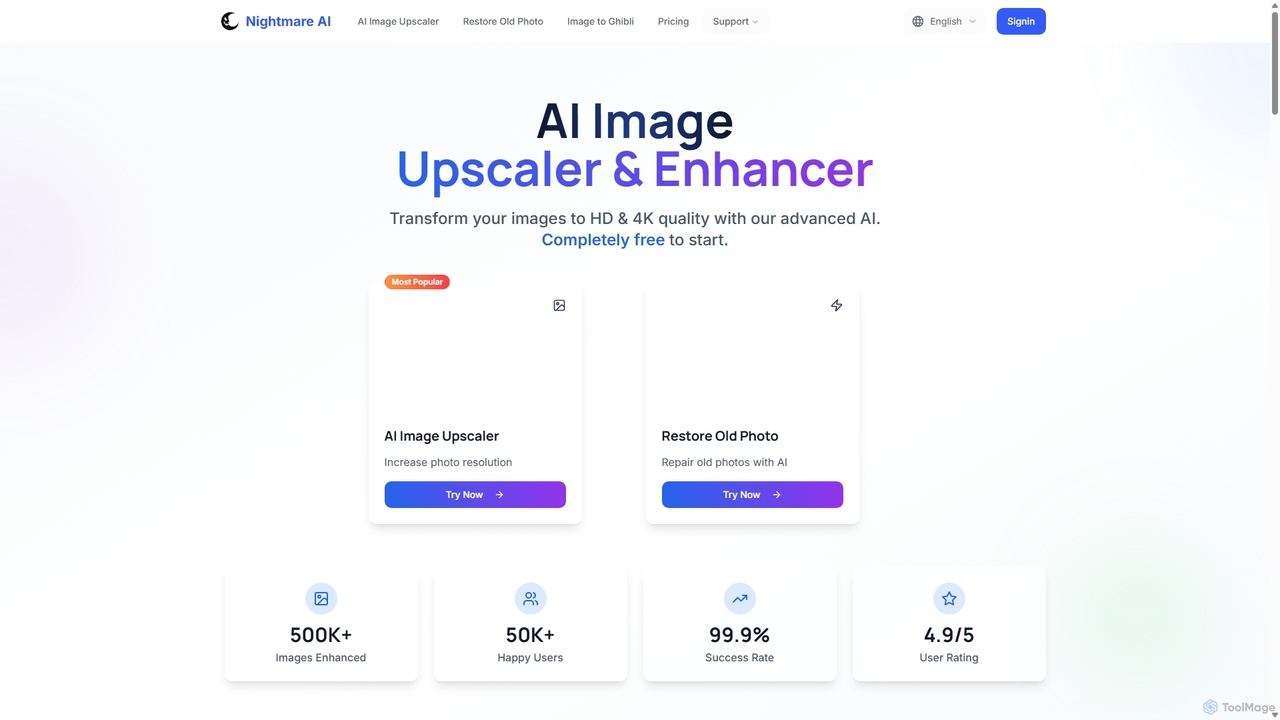
Nightmare AI Overview
Nightmare AI is a comprehensive, web-based AI image enhancement suite designed to breathe new life into your digital images. Leveraging sophisticated super-resolution generative adversarial networks (GANs), specifically the Real-ESRGAN algorithm, it excels at increasing image resolution, enhancing quality, and restoring old photographs. Whether you're dealing with a blurry photo, a low-resolution anime screenshot, or a faded family heirloom, Nightmare AI provides the tools to transform it into a crystal-clear, high-definition masterpiece. The platform is trusted by over 50,000 users, including professionals in photography, digital art, and marketing, for its ability to deliver sharp, natural-looking results without the artifacts common in traditional resizing methods.
How to use Nightmare AI
The process of enhancing an image with Nightmare AI is designed to be simple and intuitive, requiring just three steps:
- Select and Upload: Begin by dragging and dropping your image file (JPG, PNG, or WebP, up to 10MB) onto the platform, or use the upload button to select a file from your device. The tool supports batch processing for users on premium plans.
- Upscale and Enhance: Once uploaded, the AI automatically analyzes the image. You can then choose your desired upscale factor, such as 2x or 4x, or select a target resolution like 2K or 4K. The AI intelligently adds new pixels, sharpens details, and reduces noise to improve overall quality.
- Download: After a brief processing time, you can preview the enhanced image with a before-and-after slider. If you're satisfied with the result, simply click the download button to save the new high-resolution image to your device.
Core Features of Nightmare AI
- AI Image Upscaler: Increases image resolution by up to 4x or to 4K, using the Real-ESRGAN algorithm to maintain sharpness and detail without significant quality loss.
- AI Photo Enhancer: Unblurs photos, improves clarity, and enhances overall image quality, making blurry images sharp and clear.
- Old Photo Restoration: A specialized feature that repairs old, damaged photos by removing scratches, dust spots, fixing faded colors, and restoring missing details.
- Specialized Anime Upscaler: Trained specifically for anime, cartoons, and comics, this feature preserves sharp lines, vibrant colors, and unique art styles without creating unwanted artifacts.
- Batch Processing: Pro users can upload and process multiple images simultaneously, significantly improving workflow efficiency.
- Web-Based and Accessible: The entire tool is online, requiring no software installation. It's accessible from any browser on any device.
Use Cases for Nightmare AI
Nightmare AI is a versatile tool suitable for a wide range of applications:
- Professional Photography: Wedding photographers can restore old family photos for clients or enhance the quality of their own shots for large-format printing.
- Content Creation: Social media managers and bloggers can upscale images to 4K to improve the visual quality of their content and increase engagement.
- Digital Art and Illustration: Manga artists and illustrators can digitize their hand-drawn sketches into high-resolution artwork suitable for digital portfolios or printing.
- E-commerce: Online store owners can enhance product photos to make them look more professional and appealing to customers, leading to higher conversion rates.
- Real Estate: Agents can improve the quality of older property photos to meet modern digital standards for online listings without needing expensive reshoots.
- Personal Use: Individuals can restore cherished old family photos, create high-resolution wallpapers from favorite images, or simply improve the quality of their smartphone pictures.
Advantages of Nightmare AI
Nightmare AI stands out for its high-quality results, preserving details and creating a natural appearance. Its specialized models for different image types, especially anime, ensure optimal outcomes. The platform is incredibly user-friendly and fast, making advanced AI technology accessible to everyone. The freemium model allows users to test the core functionality for free before committing to a paid plan for more advanced features and higher limits.
Pricing and Plans
Nightmare AI offers a flexible pricing structure to suit different needs:
- Free Plan: Allows users to try the basic upscaling features, likely with limitations on resolution and usage.
- Basic Plan: Priced at $7 per month (billed annually). Includes 100 credits, no watermark, unlimited use of x2/x4 upscaler, upscaling to 2K/4K, AI Image Enhancer, and an ad-free experience.
- Standard Plan: The most popular option, priced at $14 per month (billed annually). Includes 300 credits and all the features of the Basic plan.
Monthly billing options are also available, with annual plans offering a 30% discount.
Traffic
Latest traffic
Status
Monthly traffic trend
- 2025-9: 77.8K
- 2026-1: 12.1K
- 2026-2: 9.0K
- 2026-3: 8.1K
- 2026-4: 6.6K
- 2026-5: 6.0K
Geography
Top 5 countries / regions
- 🇹🇷Türkiye57.3%
- 🇮🇩Indonesia19.6%
- 🇸🇦Saudi Arabia10.0%
- 🇫🇷France9.4%
- 🇮🇳India3.7%
Top keywords
| Keyword | Cost per click |
|---|---|
| ai nightmare | $0.00 |
| night mare ai | $0.00 |
| nightmare ai | $0.24 |
| nightmareai | $0.00 |
| nightmare upscale | $0.00 |
Nightmare AI Alternatives
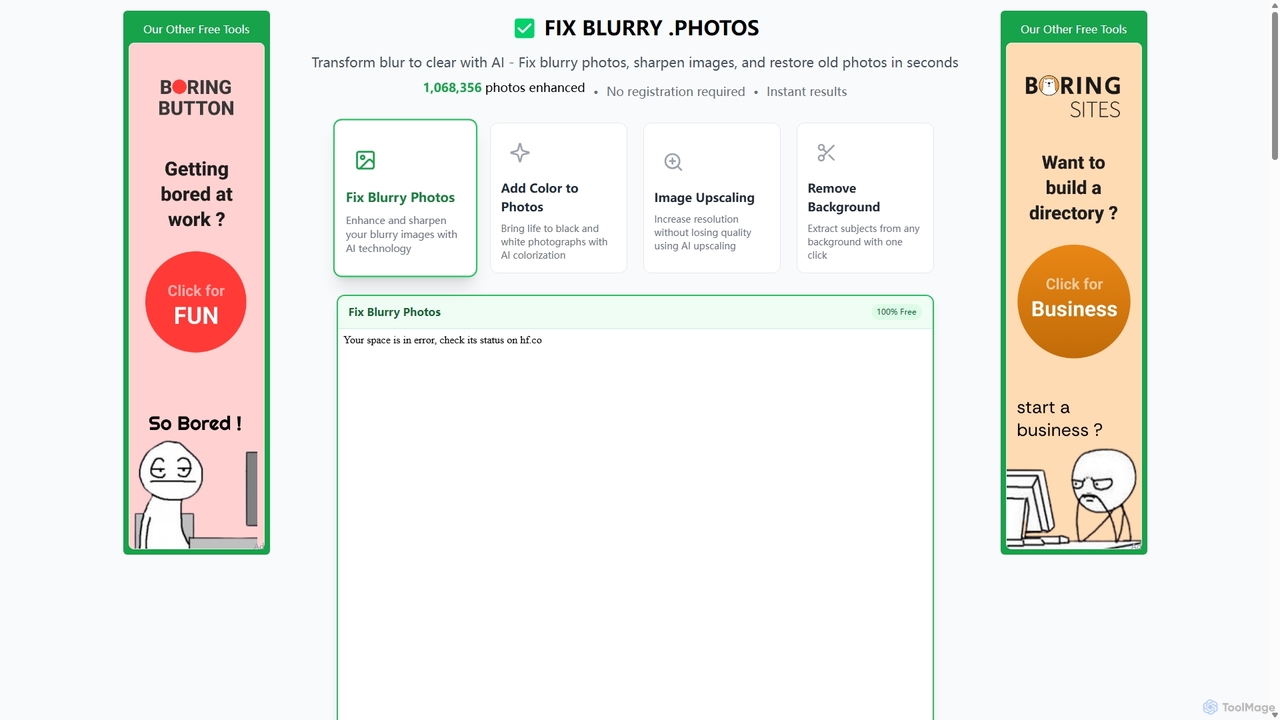
Fixblurry
fixblurry is a free, AI-powered online tool suite designed to enhance your images instantly. It specializes in unblurring and sharpening photos, restoring old or faded pictures, upscaling low-resolution images without quality loss, colorizing black-and-white photos, and removing backgrounds with a single click. No registration or software installation is required, offering professional-grade results for everyone.
Image Editing
imgupscaler
imgupscaler is an AI-powered tool designed to enlarge and enhance images without sacrificing quality. Using advanced deep learning algorithms, it can upscale photos, anime art, and digital graphics up to 8x, intelligently adding detail, reducing noise, and fixing blurriness. It's a fast, user-friendly solution for professionals and hobbyists alike.
Image Enhancement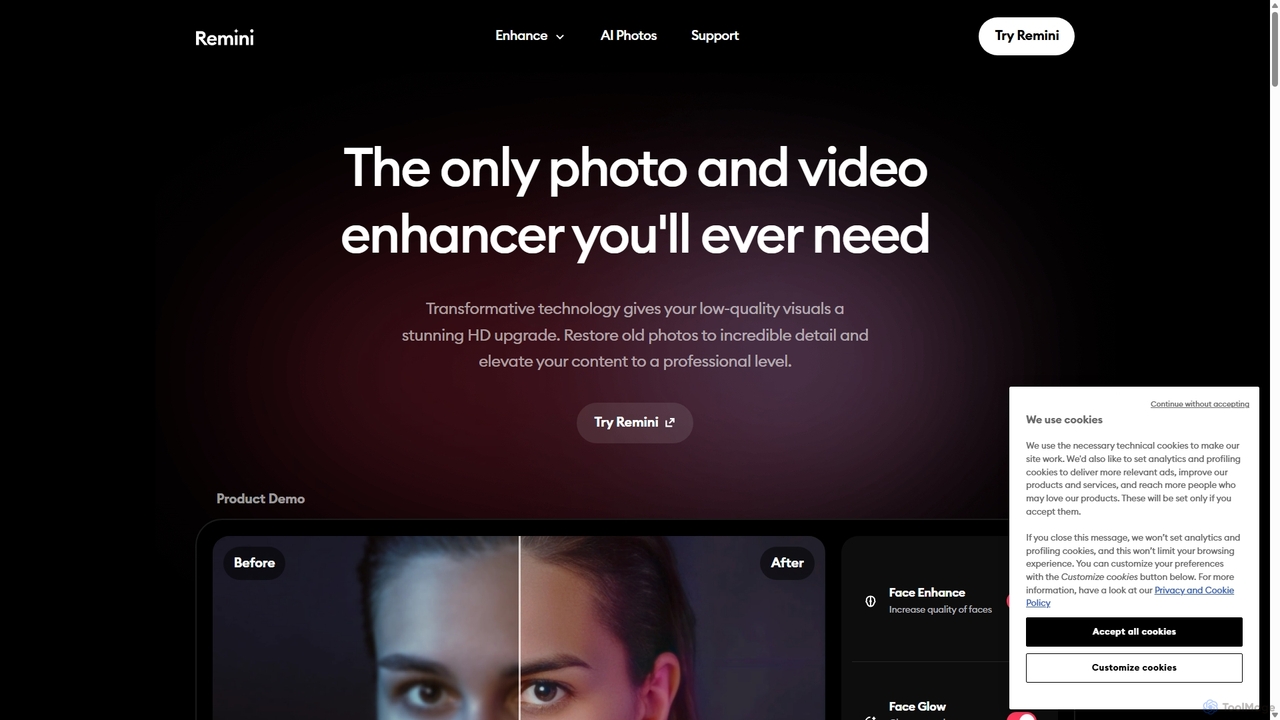
Remini
Remini is an AI-powered photo and video enhancer that transforms low-quality, blurry, or old images and videos into stunning high-definition visuals. Using advanced AI, it restores details, sharpens focus, reduces noise, and can even generate professional-quality AI photos of yourself.
3D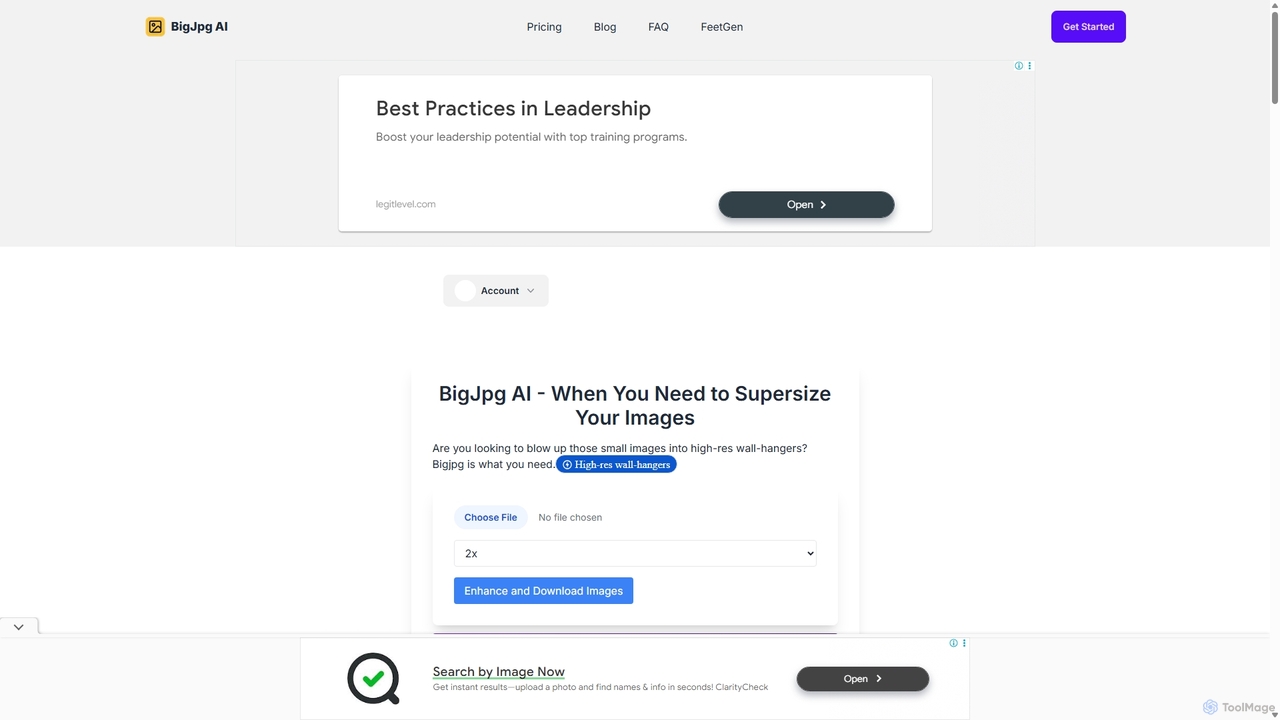
BigJpg AI
BigJpg AI is an advanced AI-powered image upscaler that enlarges images up to 16x their original size without losing quality. It intelligently analyzes and enhances image details, making it perfect for creating high-resolution prints, web graphics, and detailed visuals from small source files. Ideal for photographers, designers, and marketers.
Image Editing
Nero Lens
Nero Lens is an all-in-one AI-powered photo enhancer app that instantly upscales, restores, colorizes, and denoises images. It also features an AI avatar and headshot generator, turning your selfies into stunning, stylized photos for social media, dating profiles, or professional use.
Ai Avatar GeneratorNightmare AI Categories
Nightmare AI Jobs
Nightmare AI Embed Widget
Copy this embed code to place the badge on your blog, article, or product site and send readers directly to this ToolMage detail page.

Related AI tools
Fixblurry
fixblurry is a free, AI-powered online tool suite designed to enhance your images instantly. It specializes in unblurring and sharpening photos, restoring old or faded pictures, upscaling low-resolution images without quality loss, colorizing black-and-white photos, and removing backgrounds with a single click. No registration or software installation is required, offering professional-grade results for everyone.
Image EditingRemini
Remini is an AI-powered photo and video enhancer that transforms low-quality, blurry, or old images and videos into stunning high-definition visuals. Using advanced AI, it restores details, sharpens focus, reduces noise, and can even generate professional-quality AI photos of yourself.
3D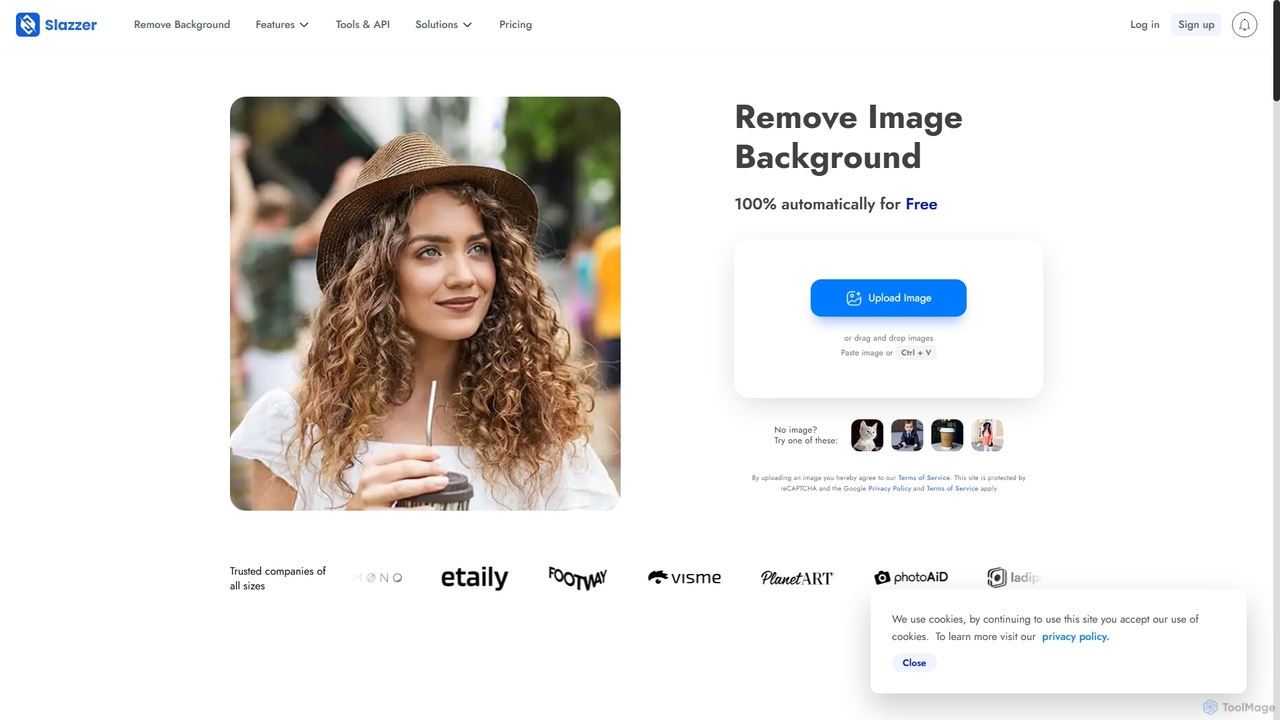
Slazzer
Slazzer is an AI-powered visual editing platform that automatically removes image backgrounds in seconds. It offers a suite of tools including AI background generation, image enhancement, upscaling, and shadow creation. Designed for efficiency, it serves e-commerce, photographers, marketers, and developers with web-based tools, desktop apps, and API integration for bulk processing.
Api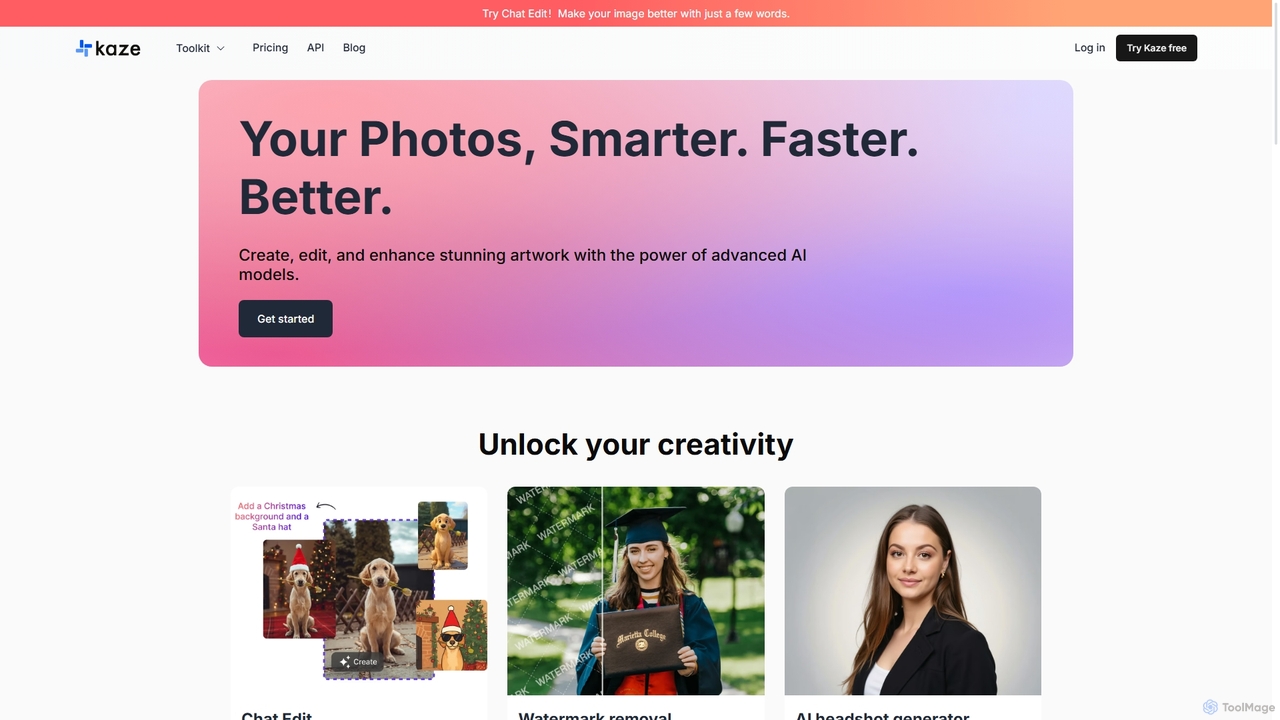
Kaze
Kaze is a comprehensive AI-powered image editing suite designed to create, edit, and enhance photos effortlessly. It offers a wide range of tools including one-click watermark and object removal, photo restoration, image upscaling, background removal, and an AI headshot generator. With its user-friendly interface and advanced AI models, Kaze delivers professional, studio-quality results in seconds, catering to creators, marketers, and photographers.
3D
Pixelfox
Pixelfox is a comprehensive, free-to-use AI suite for creators and businesses. It combines a powerful online photo and video editor with over 300 AI writing tools. Effortlessly retouch photos, remove backgrounds, generate images from text, swap faces, and enhance quality. Simultaneously, create SEO-optimized articles, social media content, product descriptions, and much more, all within a single, no-download platform.
3DBigJpg AI
BigJpg AI is an advanced AI-powered image upscaler that enlarges images up to 16x their original size without losing quality. It intelligently analyzes and enhances image details, making it perfect for creating high-resolution prints, web graphics, and detailed visuals from small source files. Ideal for photographers, designers, and marketers.
Image Editing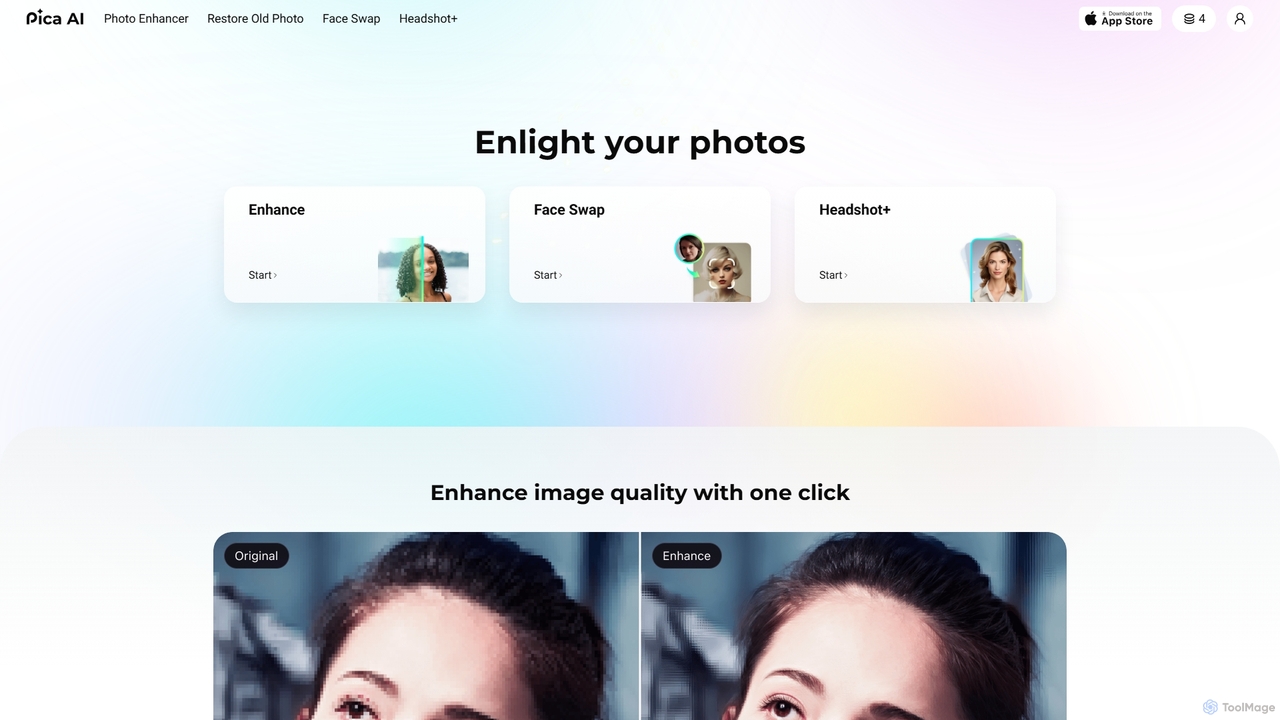
Pica AI
Pica AI is a versatile AI-powered platform for photo editing and creation. It offers a suite of tools including a photo enhancer to improve quality and resolution, an old photo restorer to fix scratches and damage, a fun face swap tool for photos and videos, and a professional AI headshot generator. It's designed for ease of use, delivering high-quality results with just a few clicks.
3D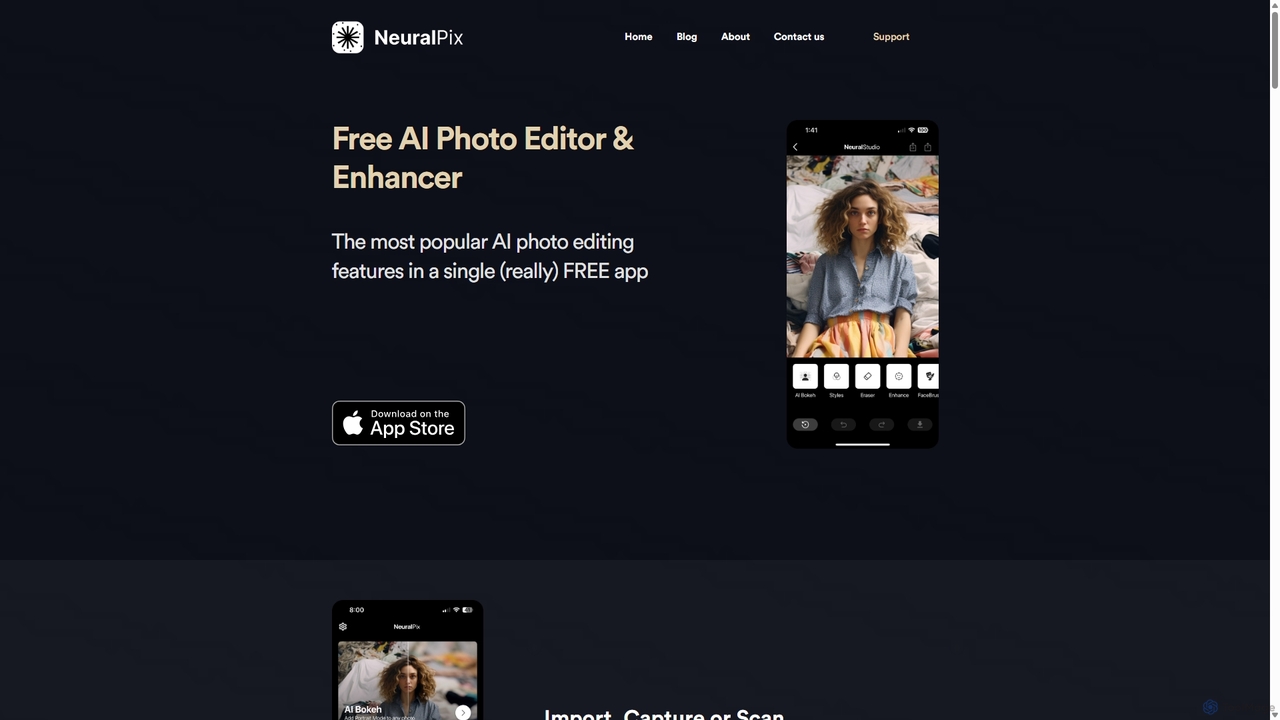
NeuralPix
NeuralPix is a completely free, all-in-one AI photo editor and enhancer app. It packs powerful features like Magic Eraser, AI Bokeh, Photo Enhancer, Unblur, Colorization, and Upscaling into a single, user-friendly interface. Perfect for both casual users and professionals to effortlessly improve photos, restore old memories, and create stunning images without subscriptions or ads.
Image EditingNero Lens
Nero Lens is an all-in-one AI-powered photo enhancer app that instantly upscales, restores, colorizes, and denoises images. It also features an AI avatar and headshot generator, turning your selfies into stunning, stylized photos for social media, dating profiles, or professional use.
Ai Avatar Generator
Jyek
Jyek is an AI agent platform that understands objectives, creates execution plans, uses tools, and delivers verifiable results for complex, multi-step tasks.
Automationimgupscaler
imgupscaler is an AI-powered tool designed to enlarge and enhance images without sacrificing quality. Using advanced deep learning algorithms, it can upscale photos, anime art, and digital graphics up to 8x, intelligently adding detail, reducing noise, and fixing blurriness. It's a fast, user-friendly solution for professionals and hobbyists alike.
Image Enhancement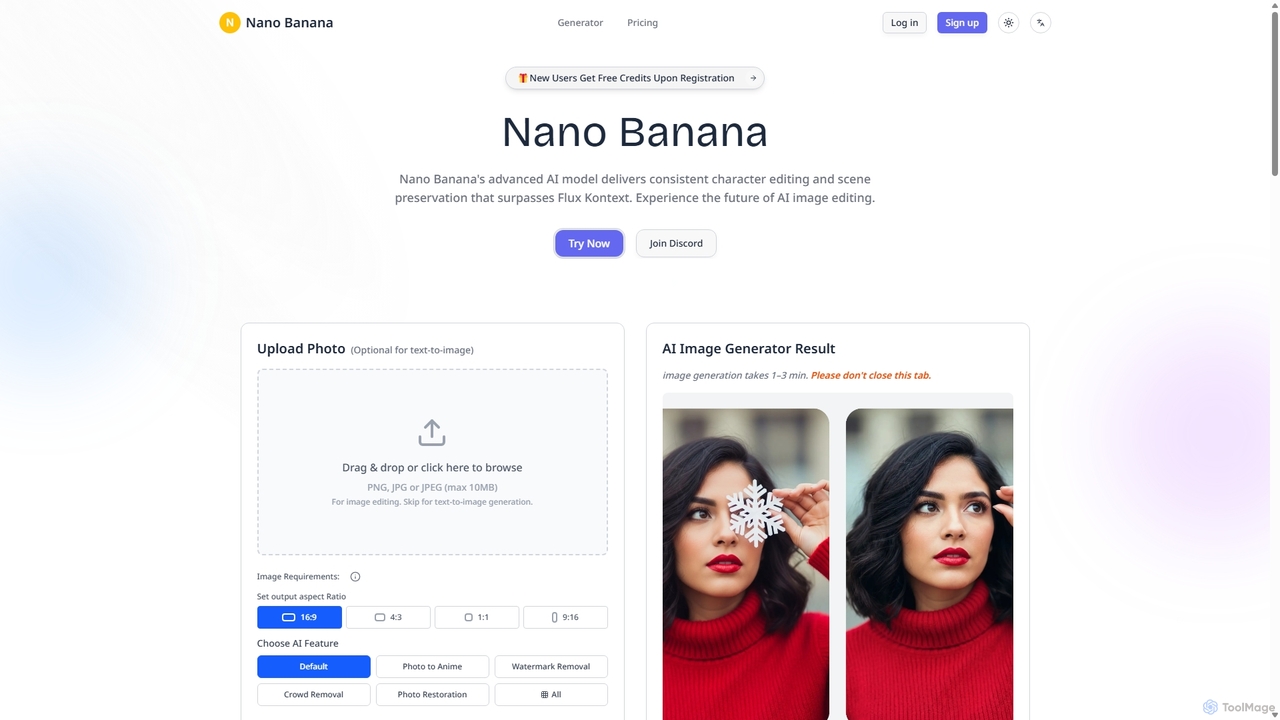
Nanobanana
Nanobanana is an advanced AI image editing and generation platform that transforms images using natural language prompts. It specializes in maintaining character consistency and scene integrity while offering powerful features like watermark removal, photo restoration, and batch processing. Ideal for creators, marketers, and photographers seeking efficient, high-quality visual content creation.
3D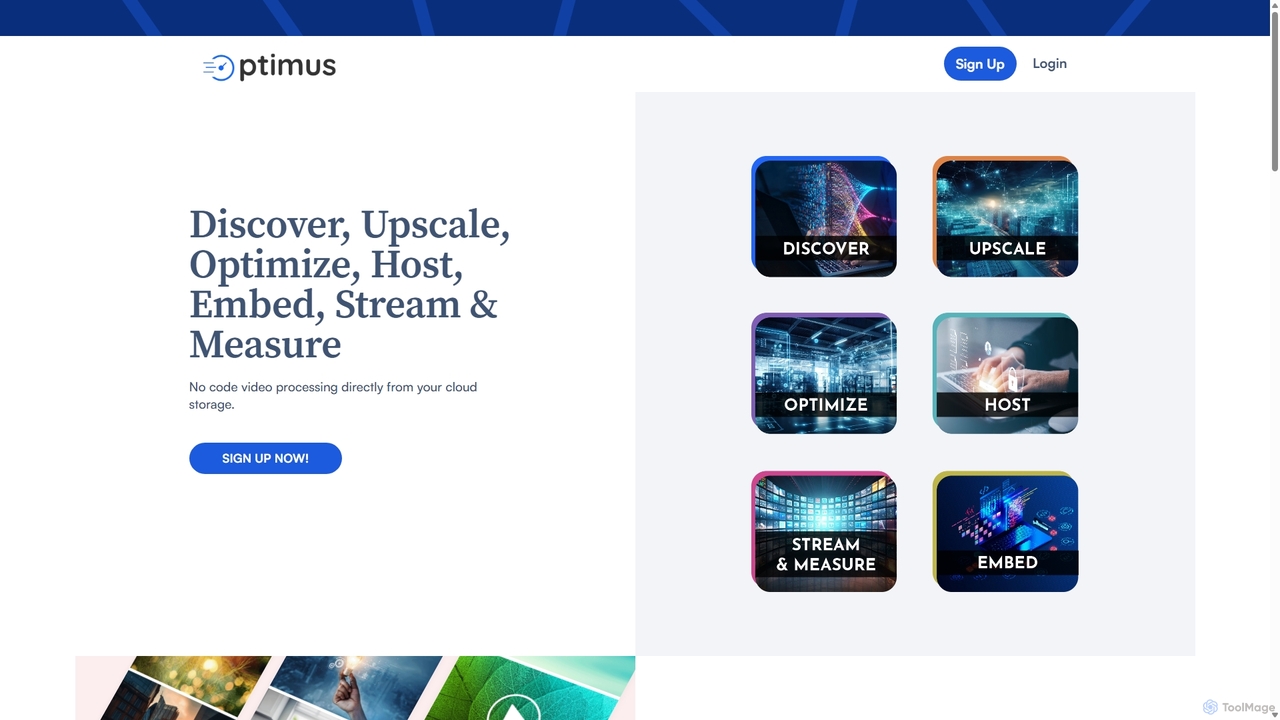
optimusdrive
An AI-powered media processing platform offering a suite of tools for video and image optimization. It specializes in high-quality compression, resolution upscaling to 4K, and advanced facial enhancement to transform your media assets for web and streaming.
Image Enhancement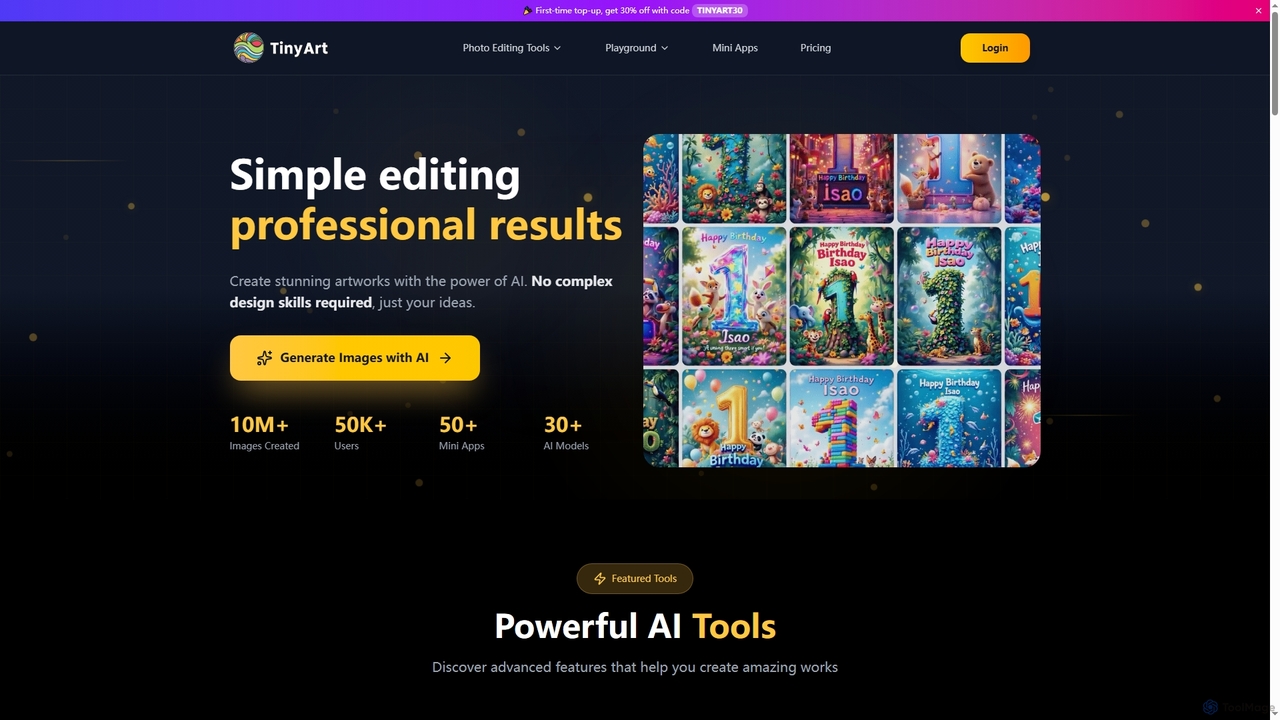
TinyArt
TinyArt is an AI-powered photo editing and image generation platform designed for professional results without complex design skills. It offers a suite of tools including background removal, image upscaling, watermark removal, object cleanup, and text-to-image generation, alongside specialized mini-apps for ID photos, face swaps, and photo restoration.
Creative Tools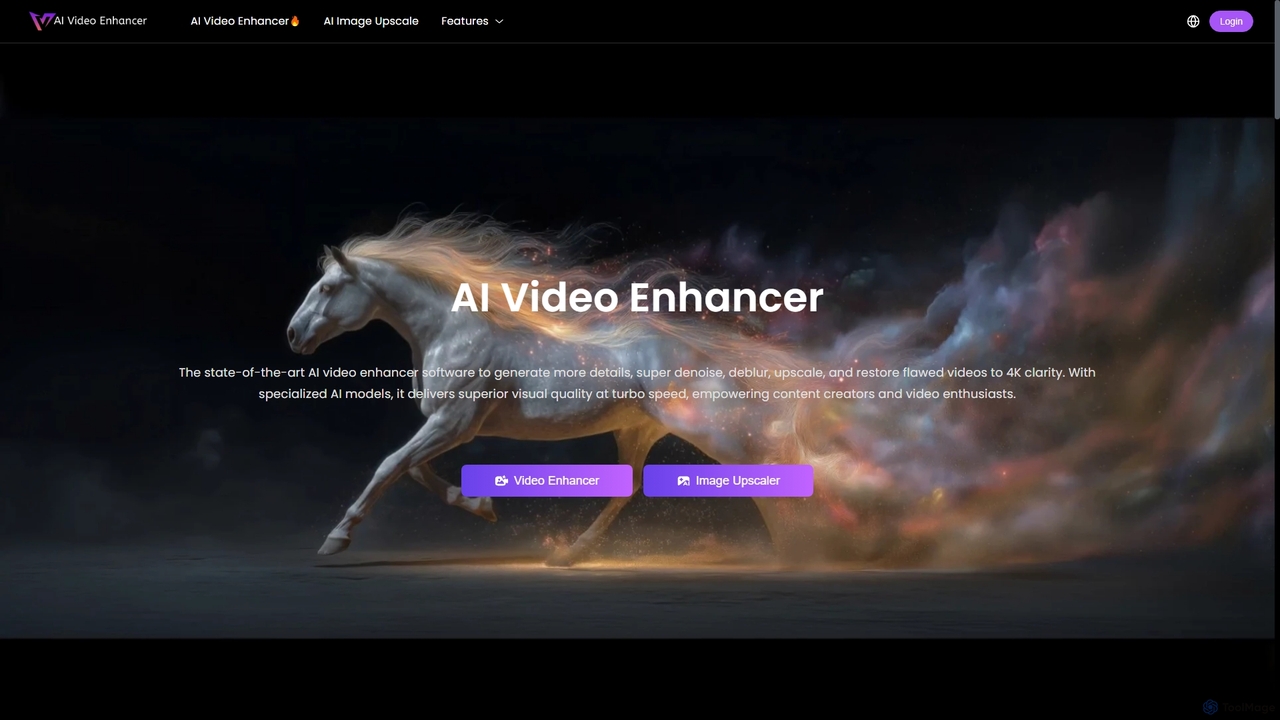
AIVideoEnhancer
AIVideoEnhancer is an AI-powered online tool designed to enhance and upscale low-quality videos to 4K resolution. It also functions as an image upscaler, increasing photo resolution by up to 800%. The tool automatically denoises, deblurs, and restores details with one-click simplicity, focusing on realistic results and fast, GPU-accelerated processing.
Creative
Nightmare AI Comments (0)
Sign in to comment.
Sign inNo comments yet.