

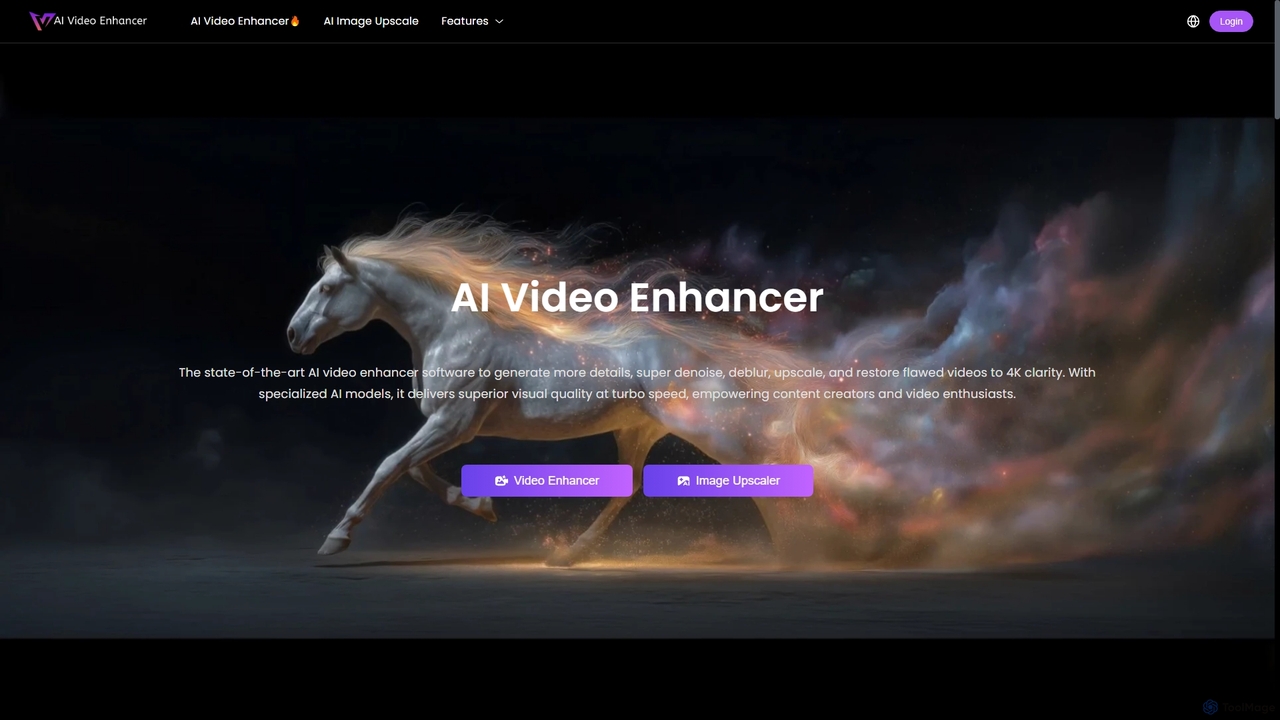
AIVideoEnhancer Overview
AIVideoEnhancer is a state-of-the-art AI software designed for content creators, video editors, and enthusiasts who need to improve the quality of their visual media. It leverages advanced AI models, including diffusion and GANs, to upscale, denoise, deblur, and restore flawed videos to crisp 4K clarity. The platform also offers a powerful AI image upscaler to enhance photos for professional or personal use. With a focus on realism, speed, and ease of use, it transforms low-resolution footage and images into high-definition masterpieces effortlessly.
How to use AIVideoEnhancer
The process is designed to be simple and intuitive, requiring no technical expertise. Users can enhance their media in just three easy steps:
- Upload Your Media: Drag and drop or select the video (MP4, MOV) or image (JPG, PNG, JPEG) file you wish to enhance.
- Apply AI Enhancement: Choose your desired settings, such as resolution (up to 4K for video, up to 8x for images) and frame rate, then click the "Generate" button to let the AI work its magic.
- Download & Share: After a few moments of processing, preview the result and download your enhanced, watermark-free video or image.
Core Features of AIVideoEnhancer
- AI Video Enhancement: Upscales videos to 1080p, 2K, or 4K resolution. It intelligently denoises, deblurs, and restores details for superior clarity.
- AI Image Upscaling: Enlarges images by 200%, 400%, or 800% (2x, 4x, 8x) without losing quality, ideal for prints, e-commerce, and digital art.
- Frame-by-Frame Processing: Analyzes and optimizes each frame individually for consistent quality, smoother motion, and balanced clarity.
- Advanced AI Models: Utilizes a combination of diffusion and GAN models to generate realistic textures and natural details, avoiding over-smoothed or artificial effects.
- Multiple Enhancement Tools: Includes specialized tools like AI Frame Interpolation (up to 120fps), Video Sharpener, Face Enhancer, Video Brightener, and Video Stabilizer.
- Upcoming Features: An AI Image to Video Generator and an AI Text to Video Generator are planned for future release.
Use Cases for AIVideoEnhancer
This tool is versatile and serves a wide range of users:
- Content Creators & YouTubers: Enhance older footage or fix low-light recordings to maintain high-quality standards across their channels.
- Video Editors & Photographers: Restore detail in client footage, upscale low-resolution clips for projects, and sharpen images for professional portfolios.
- Marketing Managers: Improve the quality of product photos for e-commerce stores and create crisp marketing videos for campaigns.
- Personal Use: Restore old, blurry family videos and photos, bringing cherished memories back to life with stunning clarity.
- Movie Enthusiasts: Upscale personal movie collections to 4K for an enhanced viewing experience.
Advantages of AIVideoEnhancer
- High-Quality, Realistic Results: Focuses on detail accuracy and natural-looking enhancements rather than artificial, "painted" effects.
- Fast & Efficient: Employs GPU-accelerated processing to deliver enhanced videos and images in minutes.
- User-Friendly: Features a simple one-click interface that requires no technical skills.
- Privacy-Focused: All uploads are encrypted, not used for model training, and automatically deleted within three days.
- Freemium Model: Offers a free tier with daily credits, allowing users to test core features before committing.
- Watermark-Free Output: All generated videos are clean and ready for professional or personal use without any watermarks.
AIVideoEnhancer FAQ
AIVideoEnhancer Alternatives
TensorPix
TensorPix is an AI-powered online platform for video and image enhancement. It offers a suite of tools to upscale resolution up to 4K/8K, restore old footage, remove noise, and improve overall visual quality. Ideal for filmmakers, content creators, and archivists, TensorPix simplifies complex post-production tasks with an intuitive web-based interface, making professional-grade restoration accessible to everyone.
Creative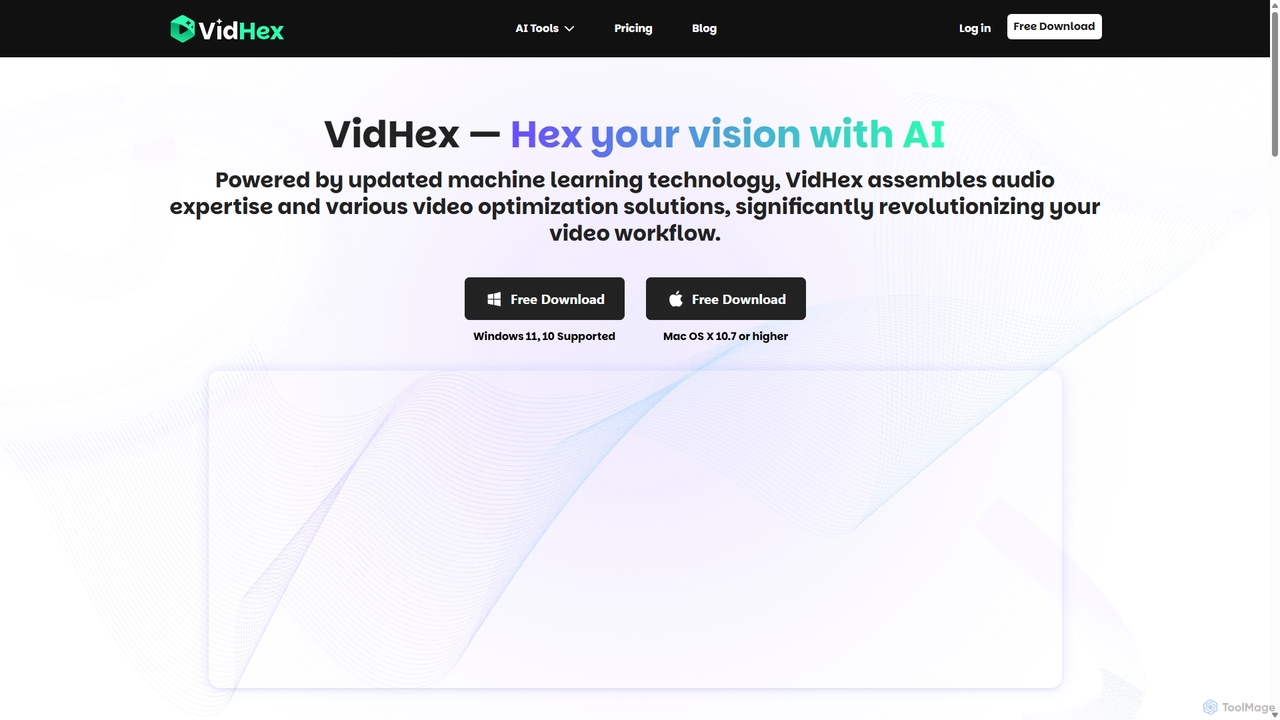
VidHex
VidHex is an all-in-one, AI-powered desktop application for Windows and Mac designed to enhance, restore, and upscale video quality. It offers a suite of tools for intelligent upscaling to 4K/8K, realistic colorization of black-and-white footage, video repair, denoising, and frame interpolation. It's built for content creators, e-commerce sellers, educators, and anyone looking to transform imperfect videos into stunning visual experiences with minimal effort.
Tools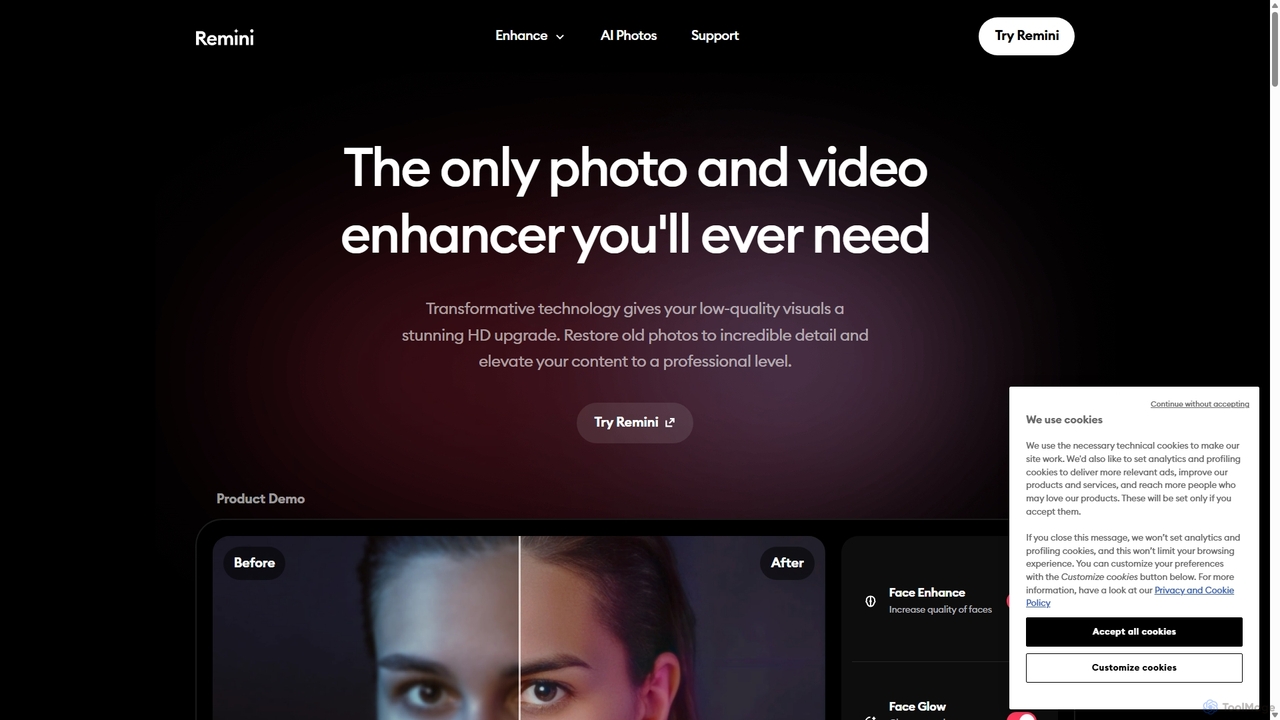
Remini
Remini is an AI-powered photo and video enhancer that transforms low-quality, blurry, or old images and videos into stunning high-definition visuals. Using advanced AI, it restores details, sharpens focus, reduces noise, and can even generate professional-quality AI photos of yourself.
3D
Filmora
Filmora is an AI-powered video editor that simplifies the creation process for both beginners and professionals. It offers a vast suite of AI tools, including smart clip generation, text-to-video, and advanced audio enhancement, combined with a user-friendly interface and a massive library of effects and resources to make video editing faster and more creative.
Social Media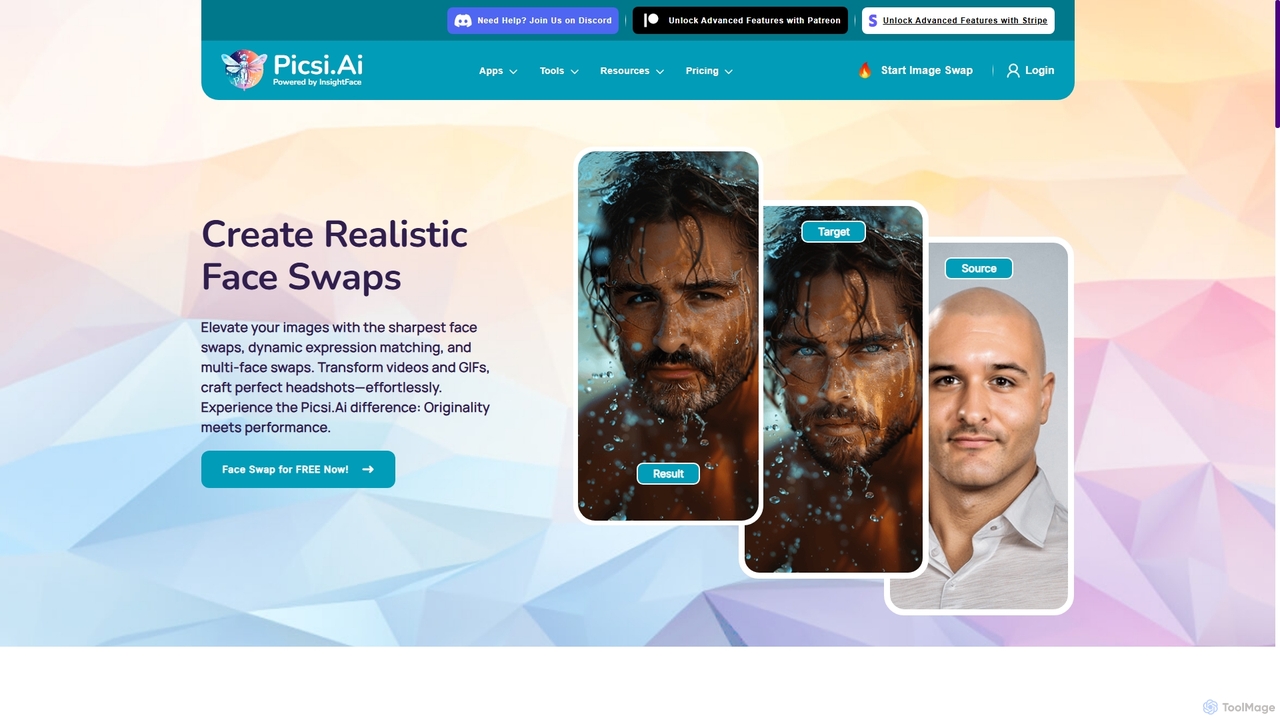
Picsi
Picsi is an advanced AI face-swapping platform powered by InsightFace technology, enabling users to create highly realistic face swaps in images, videos, and GIFs. It offers a versatile ecosystem including a web app, iOS app with live swapping, Discord bot, Chrome extension, and Photoshop plugin. It features multi-face swapping, AI headshot creation, and a suite of advanced editing tools for both creative and professional use.
EntertainmentAIVideoEnhancer Categories
AIVideoEnhancer Jobs
AIVideoEnhancer Embed Widget
Copy this embed code to place the badge on your blog, article, or product site and send readers directly to this ToolMage detail page.

Related AI tools
TensorPix
TensorPix is an AI-powered online platform for video and image enhancement. It offers a suite of tools to upscale resolution up to 4K/8K, restore old footage, remove noise, and improve overall visual quality. Ideal for filmmakers, content creators, and archivists, TensorPix simplifies complex post-production tasks with an intuitive web-based interface, making professional-grade restoration accessible to everyone.
CreativeRemini
Remini is an AI-powered photo and video enhancer that transforms low-quality, blurry, or old images and videos into stunning high-definition visuals. Using advanced AI, it restores details, sharpens focus, reduces noise, and can even generate professional-quality AI photos of yourself.
3DVidHex
VidHex is an all-in-one, AI-powered desktop application for Windows and Mac designed to enhance, restore, and upscale video quality. It offers a suite of tools for intelligent upscaling to 4K/8K, realistic colorization of black-and-white footage, video repair, denoising, and frame interpolation. It's built for content creators, e-commerce sellers, educators, and anyone looking to transform imperfect videos into stunning visual experiences with minimal effort.
Tools
Novaimg
Novaimg is a versatile online AI tool suite for transforming and enhancing visual content. It offers a range of features including AI image editing with text prompts, 4K image upscaling, realistic face swapping for photos, videos, and GIFs, and an intelligent watermark remover. Designed for ease of use, Novaimg helps users create professional-quality images and videos for social media, e-commerce, and creative projects, often for free or with generous daily limits.
Graphic Design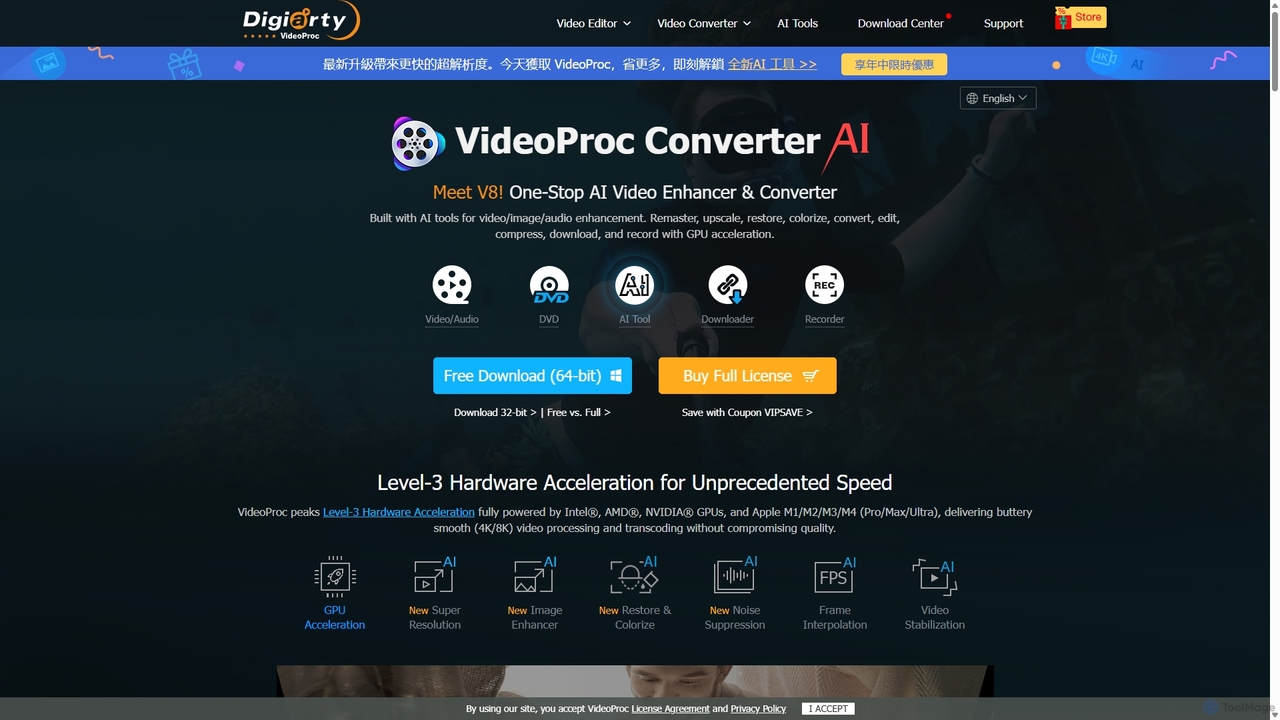
VideoProc
VideoProc is a one-stop, AI-powered media processing suite. It enhances, converts, edits, compresses, downloads, and records 4K/8K videos with full GPU acceleration. Its AI tools upscale video/images, stabilize shaky footage, interpolate frames for smooth motion, and remove background noise from audio.
Audio Editing
Slazzer
Slazzer is an AI-powered visual editing platform that automatically removes image backgrounds in seconds. It offers a suite of tools including AI background generation, image enhancement, upscaling, and shadow creation. Designed for efficiency, it serves e-commerce, photographers, marketers, and developers with web-based tools, desktop apps, and API integration for bulk processing.
Api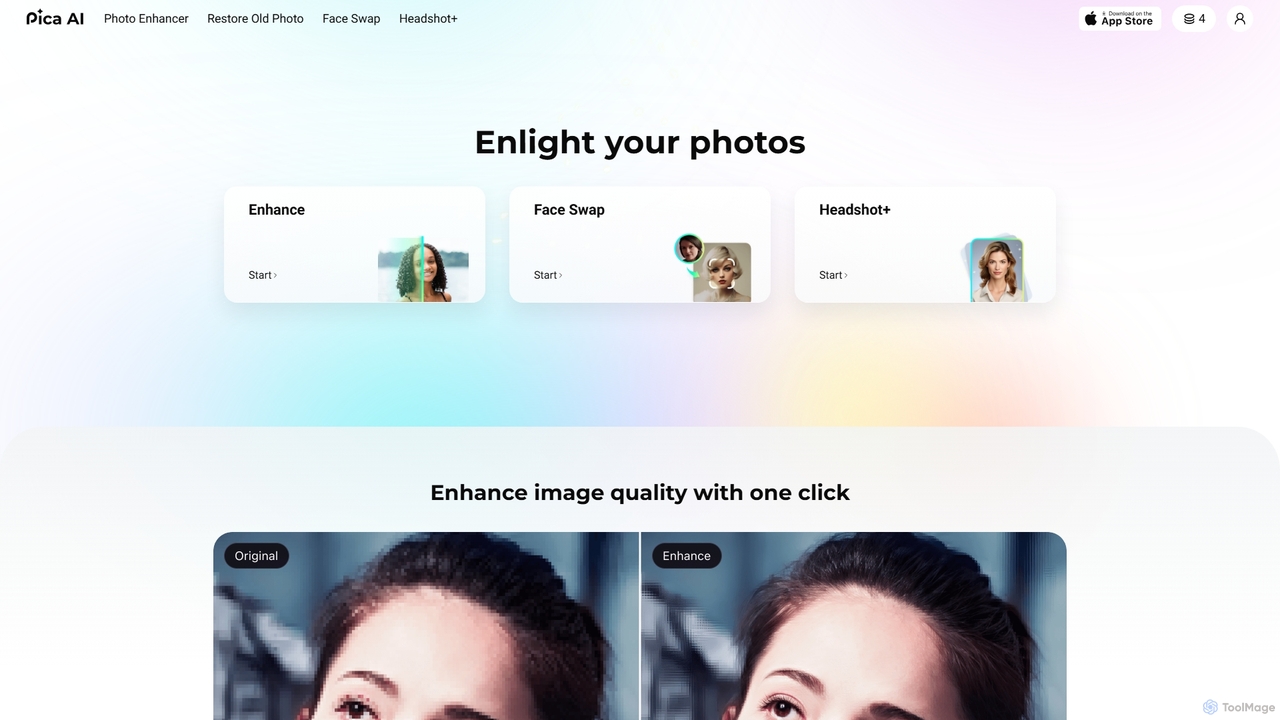
Pica AI
Pica AI is a versatile AI-powered platform for photo editing and creation. It offers a suite of tools including a photo enhancer to improve quality and resolution, an old photo restorer to fix scratches and damage, a fun face swap tool for photos and videos, and a professional AI headshot generator. It's designed for ease of use, delivering high-quality results with just a few clicks.
3D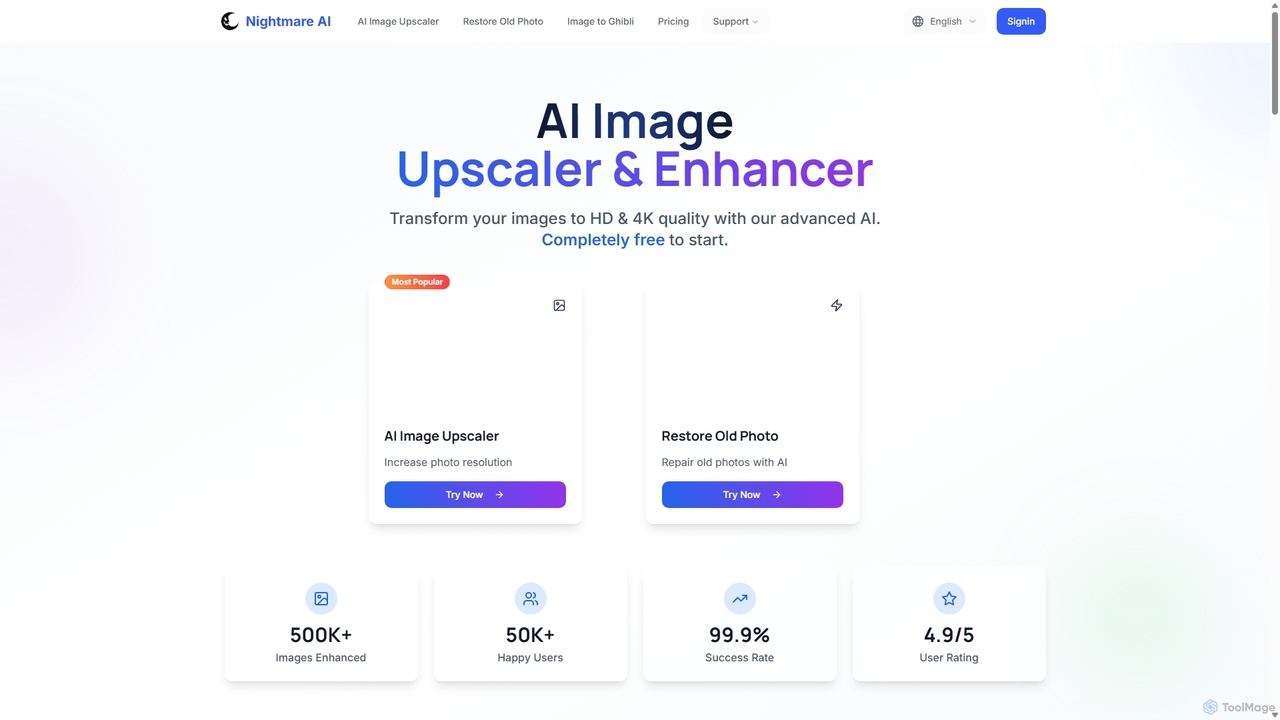
Nightmare AI
Nightmare AI is a powerful online tool that uses advanced AI algorithms like Real-ESRGAN to upscale images to 4K, enhance photo quality, and restore old, damaged photos. It specializes in improving photos, anime, and cartoons without losing detail. Offering a user-friendly interface, it provides both free and premium plans for photographers, artists, and content creators.
Image Enhancement
Nero Lens
Nero Lens is an all-in-one AI-powered photo enhancer app that instantly upscales, restores, colorizes, and denoises images. It also features an AI avatar and headshot generator, turning your selfies into stunning, stylized photos for social media, dating profiles, or professional use.
Ai Avatar Generator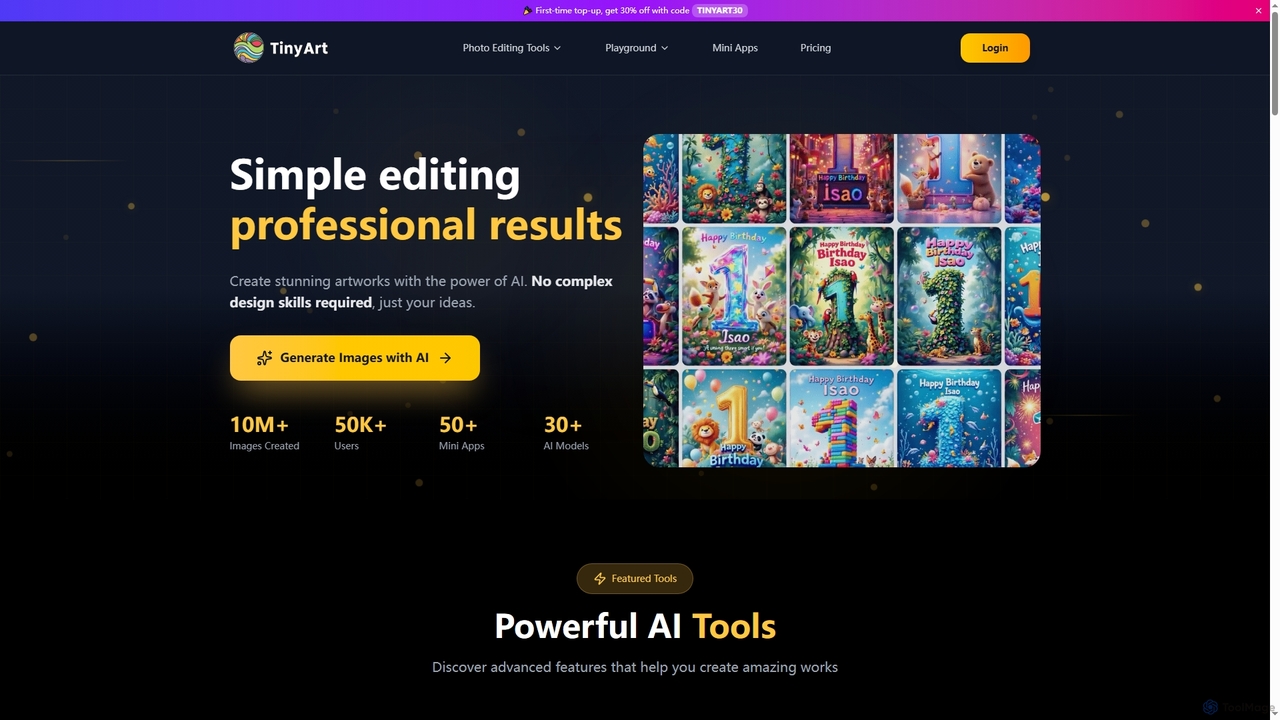
TinyArt
TinyArt is an AI-powered photo editing and image generation platform designed for professional results without complex design skills. It offers a suite of tools including background removal, image upscaling, watermark removal, object cleanup, and text-to-image generation, alongside specialized mini-apps for ID photos, face swaps, and photo restoration.
Creative Tools
Fixblurry
fixblurry is a free, AI-powered online tool suite designed to enhance your images instantly. It specializes in unblurring and sharpening photos, restoring old or faded pictures, upscaling low-resolution images without quality loss, colorizing black-and-white photos, and removing backgrounds with a single click. No registration or software installation is required, offering professional-grade results for everyone.
Image Editing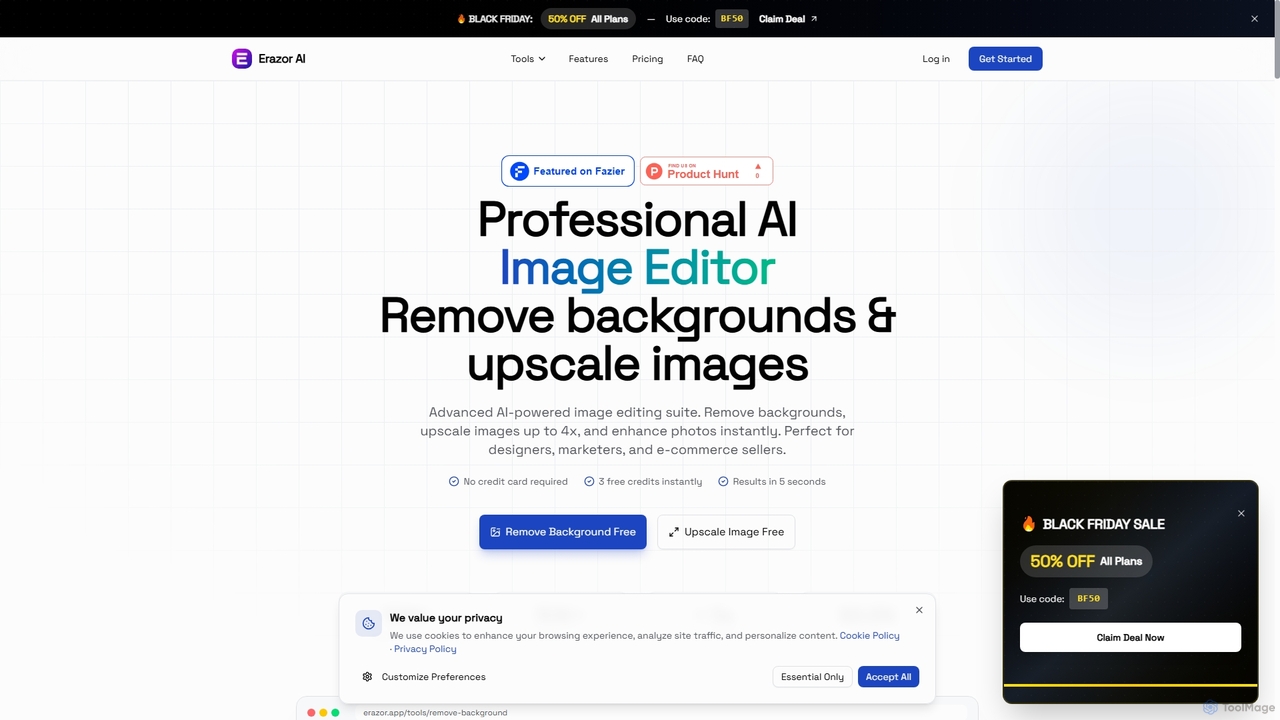
Erazor
Erazor is a professional AI image editor that specializes in lightning-fast background removal and intelligent image upscaling. Designed for designers, marketers, and e-commerce sellers, it delivers high-quality results in seconds, enhancing productivity and visual content creation.
Graphic Design
optimusdrive
An AI-powered media processing platform offering a suite of tools for video and image optimization. It specializes in high-quality compression, resolution upscaling to 4K, and advanced facial enhancement to transform your media assets for web and streaming.
Image Enhancement
MindPic
MindPic is a free online AI photo editor and design tool that empowers users to effortlessly enhance, transform, and generate images. It offers a suite of AI-powered features like object removal, background replacement, image upscaling, photo retouching, and art generation from text or reference images, all without requiring any login or prior editing experience.
Graphic Design
DreamFace
DreamFace is a comprehensive AI-powered creative suite for video and image generation. It offers a wide array of tools, including animated avatar creation, image-to-video transformation, text-to-image synthesis, voice cloning, and video enhancement. Designed for content creators, marketers, and individuals, it simplifies the production of high-quality, engaging digital content across multiple platforms like desktop, iOS, and Android, making professional-grade creation accessible to everyone.
Voice Synthesis
AIVideoEnhancer Comments (0)
Sign in to comment.
Sign inNo comments yet.