

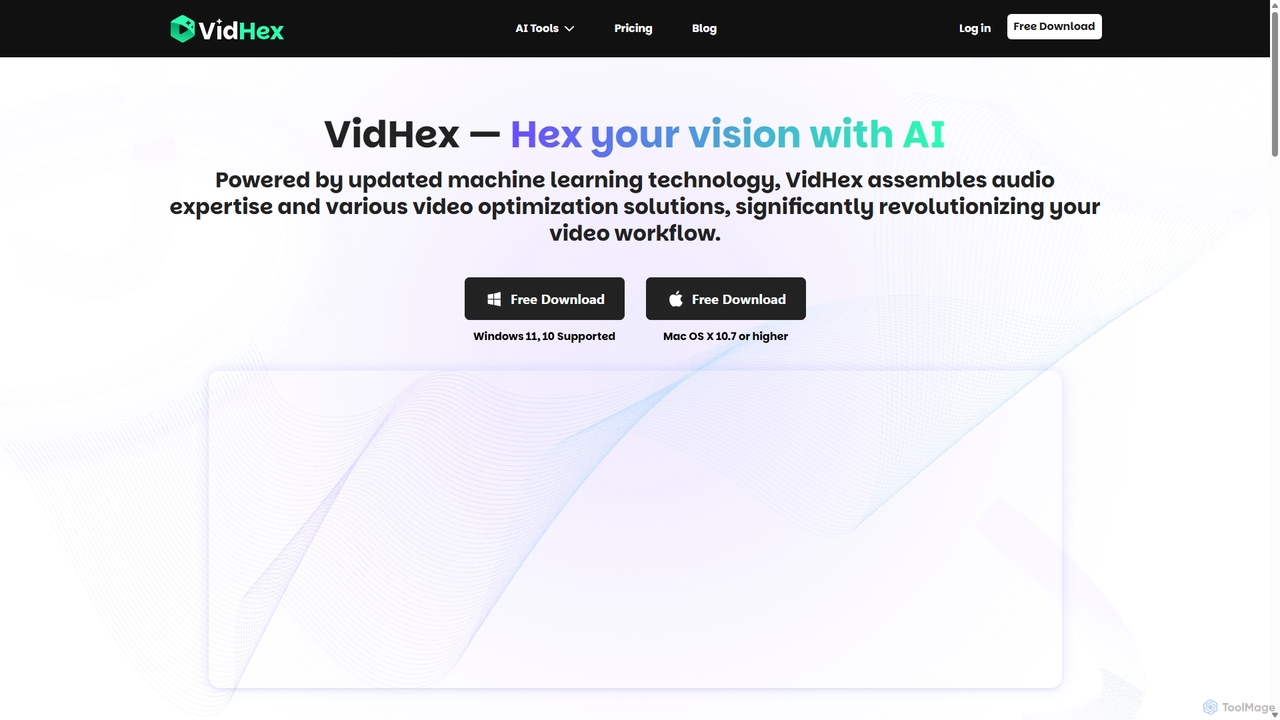
VidHex Overview
VidHex is a comprehensive, AI-driven video enhancement software designed to address common video quality issues and transform imperfect footage into high-definition masterpieces. Available for both Windows and Mac, this all-in-one solution empowers users of all skill levels, from casual enthusiasts to professional content creators, to restore and elevate their video content. The core mission of VidHex is to leverage cutting-edge artificial intelligence to recreate original video quality, ensuring that no cherished memory or important project is diminished by technical flaws like poor resolution, lack of color, or signs of decay.
The software suite is equipped with a powerful array of tools that automate complex enhancement processes. Whether you're working with old family tapes, low-resolution downloads, or grainy footage shot in poor lighting, VidHex provides an intelligent and user-friendly platform to breathe new life into your videos. It simplifies the technical challenges of video restoration, allowing you to focus on the creative aspects of your projects.
How to use VidHex
Using VidHex is a straightforward process designed for efficiency and ease of use:
- Download and Install: First, download the VidHex application from the official website and install it on your Windows or Mac computer.
- Import Your Video: Launch the software and import the video file you wish to enhance. The interface is designed to be intuitive, allowing you to easily add your media.
- Select an AI Tool: Choose from the suite of available AI tools based on your needs. For example, select 'Video Upscaler' to increase resolution, 'Video Colorizer' for black and white footage, or 'Video Denoiser' to remove grain.
- Configure Settings (Optional): Depending on the tool, you may have options to adjust specific parameters to fine-tune the enhancement process for optimal results.
- Process the Video: Start the AI processing. VidHex supports parallel processing for up to 5 videos simultaneously, significantly speeding up your workflow if you're working on multiple files.
- Preview and Export: Once the processing is complete, preview the enhanced video to ensure it meets your expectations. Then, export the final high-quality video in your desired format.
Core Features of VidHex
- Intelligent Video Upscaling: Dramatically increase video resolution from SD or HD to crisp 4K or even breathtaking 8K, making old footage suitable for modern high-resolution displays.
- Realistic AI Colorization: Automatically analyze and add natural, vibrant colors to black and white videos, bringing historical moments and family memories to life.
- Flawless Restoration & Repair: Effectively fix common video issues such as blurriness, camera shake, and excessive noise. The tool can also repair corrupted video files, salvaging content that might otherwise be lost.
- AI Frame Interpolation: Increase the frames per second (FPS) of your video to create exceptionally smooth, fluid motion, ideal for action scenes or slow-motion effects.
- Video Brightener: Intelligently enhance dark, underexposed, or poorly lit videos, revealing details and improving overall visual quality with lively colors.
- Video Denoiser: Remove distracting grain and noise from videos shot in low light while preserving important details for a cleaner, more professional look.
- Parallel Processing: Enhance up to 5 videos at the same time, maximizing productivity and reducing waiting times for large projects.
Use Cases for VidHex
VidHex is a versatile tool that caters to a wide range of users and applications:
- Content Creators: Quickly produce professional-grade Instagram Reels, YouTube tutorials, and vlogs. Save significant time on editing and keep your content feed fresh, trendy, and engaging.
- E-commerce Sellers: Level up product and promotional videos to showcase items in the best possible light, boosting engagement and potentially skyrocketing sales.
- Educators and Teachers: Improve the visual quality of lesson materials and instructional videos, fostering better student understanding and knowledge retention.
- Archivists and Families: Restore and preserve old family videos, VHS tapes, and historical footage by upscaling resolution, adding color, and repairing damage.
- Filmmakers and Videographers: Use it as a powerful post-production tool to enhance footage, fix problematic shots, and deliver the highest quality final product to clients.
- Casual Users: Effortlessly polish videos of everyday moments, such as family events, travel adventures, or chats with friends, turning them into cherished, high-quality memories.
Advantages of VidHex
VidHex stands out with several key advantages. Its all-in-one nature consolidates multiple video enhancement functionalities into a single, user-friendly application, eliminating the need for multiple software subscriptions. The powerful AI automation handles the heavy lifting, making professional-quality results accessible to non-experts. The ability to upscale to 8K and perform realistic colorization sets a high standard for quality. Furthermore, its flexible pricing, including a perpetual license, offers great value, while features like 5-video parallel processing ensure an efficient and productive workflow.
Pricing and Plans
VidHex offers several purchasing options to suit different user needs, available for both Windows and Mac.
- 1-Month Plan: Priced at $39.90 per month, this plan provides full access to all AI features, unlimited usage, support for 5 parallel processes, and free upgrades. It renews automatically but can be canceled at any time.
- 1-Year Plan: A more economical option at $99.90 per year. It includes all the benefits of the monthly plan for a full year.
- Perpetual Plan: For a one-time payment of $299.90, you get lifetime access to all current AI features, free lifetime upgrades, and all other VIP benefits. This is the best value for long-term users.
All plans come with 50 additional credits. These credits can be used for an optional accelerated cloud processing service (approximately 1 credit per second of processing). Additional credits can be purchased and are valid for a lifetime.
Traffic
Latest traffic
Status
Monthly traffic trend
- 2025-9: 27.0K
- 2026-1: 74.5K
- 2026-2: 56.1K
- 2026-3: 59.7K
- 2026-4: 58.0K
- 2026-5: 62.3K
Geography
Top 5 countries / regions
- 🇺🇸United States43.6%
- 🇩🇪Germany22.1%
- 🇫🇷France17.2%
- 🇹🇼Taiwan8.6%
- 🇳🇱Netherlands8.5%
Traffic sources
| Source type | Percentage |
|---|---|
Direct | 75.0% |
Referral | 25.0% |
Top keywords
| Keyword | Cost per click |
|---|---|
| best ai video upscaler linux | $0.00 |
| convertisseur film hd | $0.00 |
| video enhancer ai free without login | $0.00 |
| vidhex | $0.00 |
| vidhex video enhancer | $0.00 |
VidHex Videos on YouTube
𝕊𝕂𝕐 𝕊𝕋𝕆ℝ𝕐 𝔸𝕟𝕚𝕞𝕖🕊️

VidHex Alternatives

WinXDVD
WinXDVD is a comprehensive software suite featuring the AI-powered Winxvideo AI for video/image enhancement, conversion, and editing, alongside the renowned WinX DVD Ripper for fast digital backups. It leverages GPU acceleration to upscale videos to 4K, stabilize shaky footage, and rip DVDs with exceptional speed and quality, making it an all-in-one solution for modern media management.
File Management
TensorPix
TensorPix is an AI-powered online platform for video and image enhancement. It offers a suite of tools to upscale resolution up to 4K/8K, restore old footage, remove noise, and improve overall visual quality. Ideal for filmmakers, content creators, and archivists, TensorPix simplifies complex post-production tasks with an intuitive web-based interface, making professional-grade restoration accessible to everyone.
Creative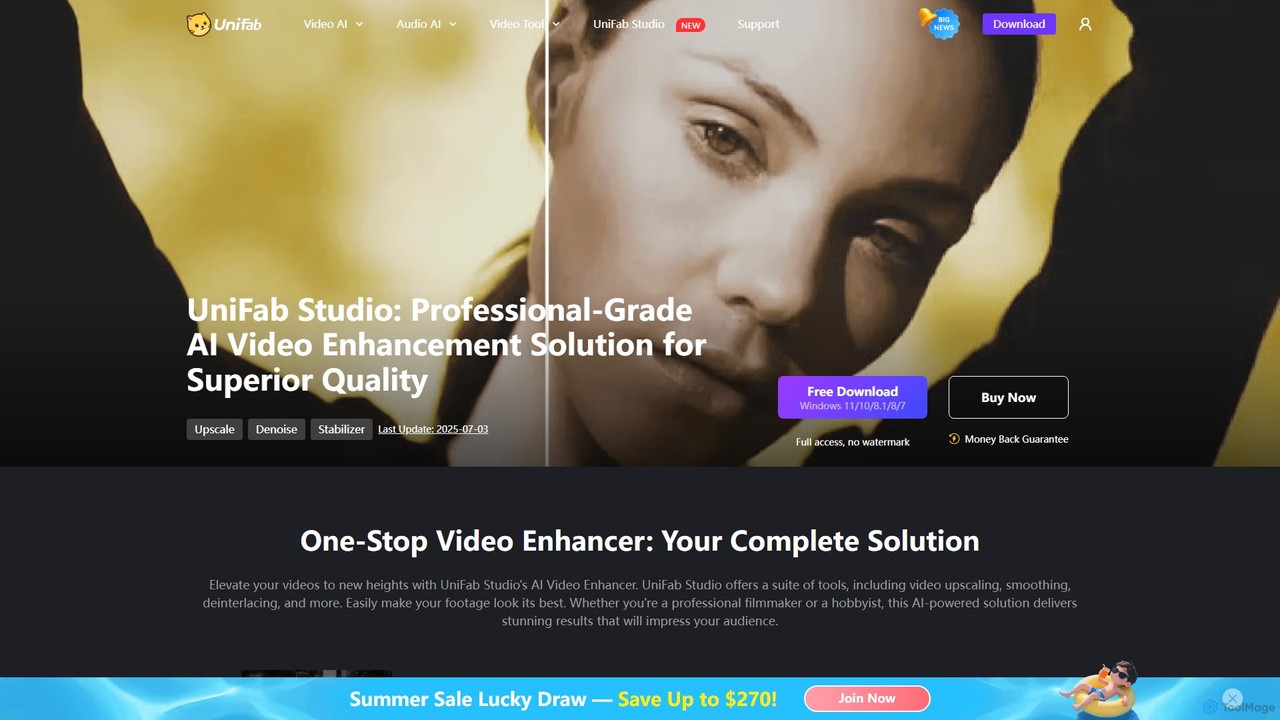
UniFab Studio
UniFab Studio is an all-in-one, AI-powered video enhancement suite designed for professionals and enthusiasts. It elevates video quality by upscaling to 4K/8K, converting SDR to HDR, stabilizing shaky footage, removing noise, and increasing frame rates up to 120FPS. With GPU acceleration and a user-friendly interface, it delivers professional-grade results efficiently.
Creative Tools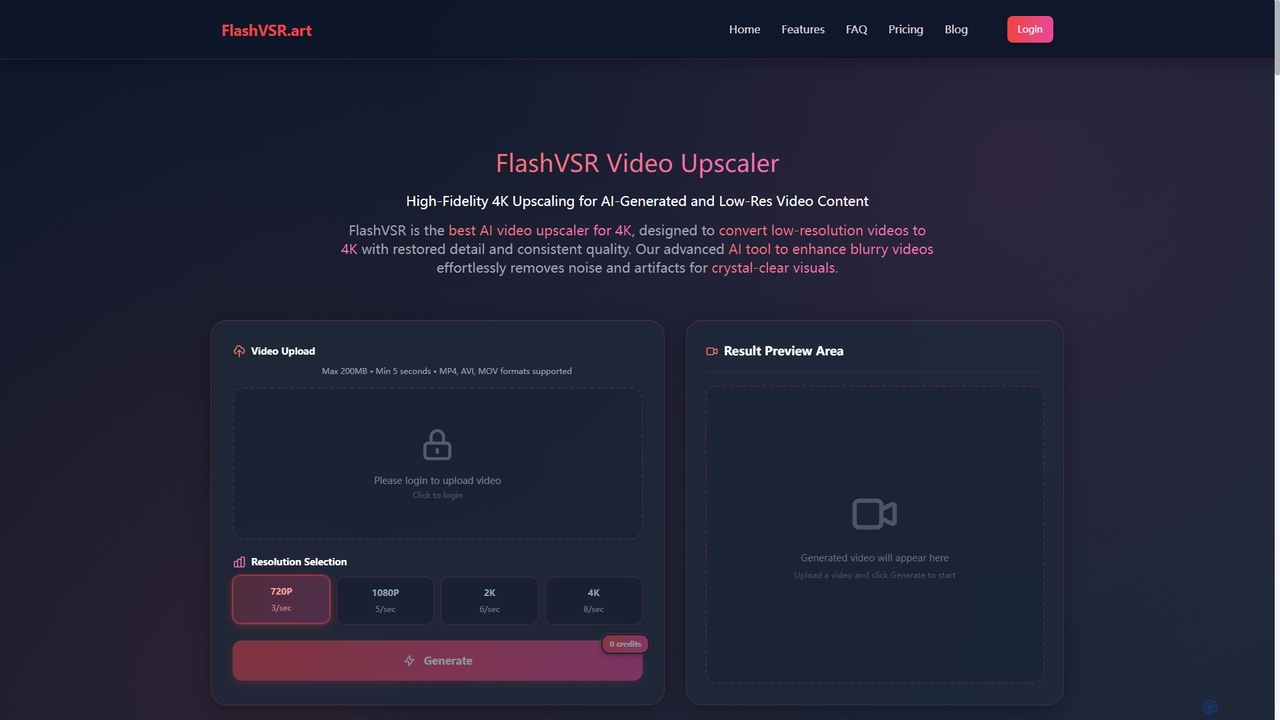
Flashvsr
Flashvsr is an AI-powered video upscaler that enhances and restores low-resolution videos to 4K quality. It uses advanced diffusion models to recover details, remove noise, and ensure temporal consistency, making it ideal for content creators, video editors, and marketers.
Content Creation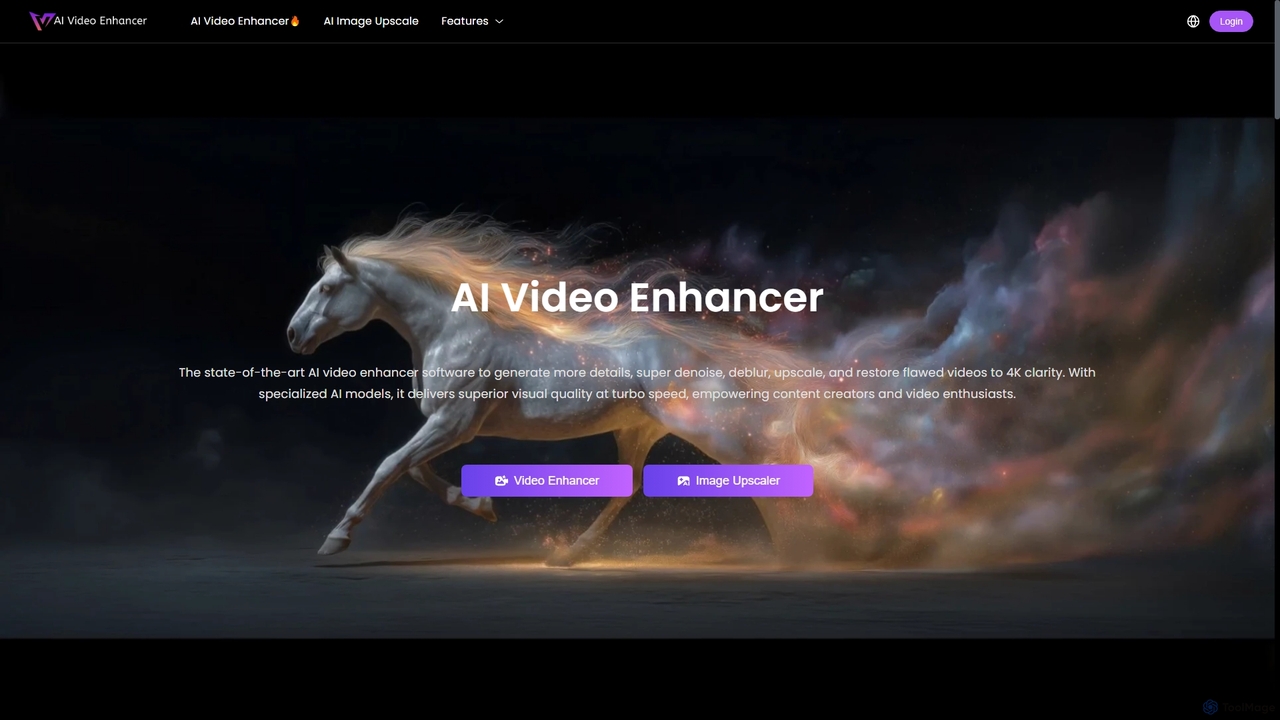
AIVideoEnhancer
AIVideoEnhancer is an AI-powered online tool designed to enhance and upscale low-quality videos to 4K resolution. It also functions as an image upscaler, increasing photo resolution by up to 800%. The tool automatically denoises, deblurs, and restores details with one-click simplicity, focusing on realistic results and fast, GPU-accelerated processing.
CreativeVidHex Categories
VidHex Jobs
VidHex Embed Widget
Copy this embed code to place the badge on your blog, article, or product site and send readers directly to this ToolMage detail page.

Related AI tools
TensorPix
TensorPix is an AI-powered online platform for video and image enhancement. It offers a suite of tools to upscale resolution up to 4K/8K, restore old footage, remove noise, and improve overall visual quality. Ideal for filmmakers, content creators, and archivists, TensorPix simplifies complex post-production tasks with an intuitive web-based interface, making professional-grade restoration accessible to everyone.
CreativeAIVideoEnhancer
AIVideoEnhancer is an AI-powered online tool designed to enhance and upscale low-quality videos to 4K resolution. It also functions as an image upscaler, increasing photo resolution by up to 800%. The tool automatically denoises, deblurs, and restores details with one-click simplicity, focusing on realistic results and fast, GPU-accelerated processing.
CreativeWinXDVD
WinXDVD is a comprehensive software suite featuring the AI-powered Winxvideo AI for video/image enhancement, conversion, and editing, alongside the renowned WinX DVD Ripper for fast digital backups. It leverages GPU acceleration to upscale videos to 4K, stabilize shaky footage, and rip DVDs with exceptional speed and quality, making it an all-in-one solution for modern media management.
File ManagementFlashvsr
Flashvsr is an AI-powered video upscaler that enhances and restores low-resolution videos to 4K quality. It uses advanced diffusion models to recover details, remove noise, and ensure temporal consistency, making it ideal for content creators, video editors, and marketers.
Content Creation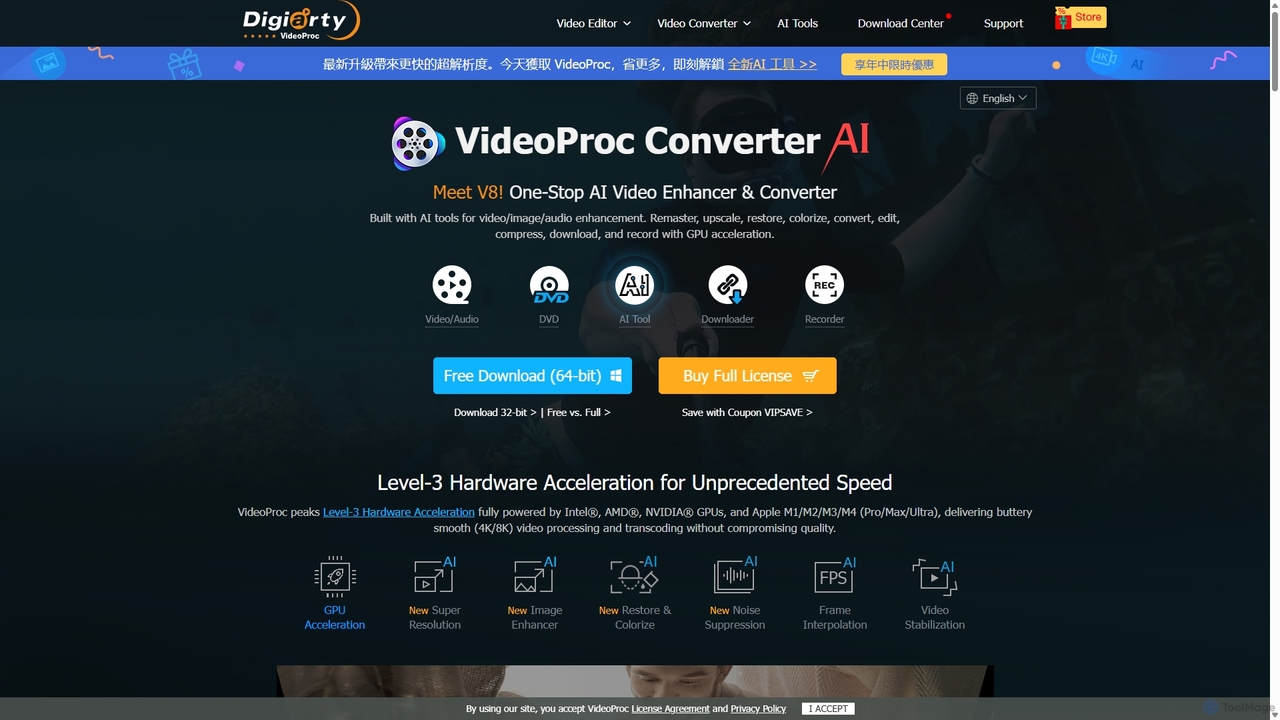
VideoProc
VideoProc is a one-stop, AI-powered media processing suite. It enhances, converts, edits, compresses, downloads, and records 4K/8K videos with full GPU acceleration. Its AI tools upscale video/images, stabilize shaky footage, interpolate frames for smooth motion, and remove background noise from audio.
Audio Editing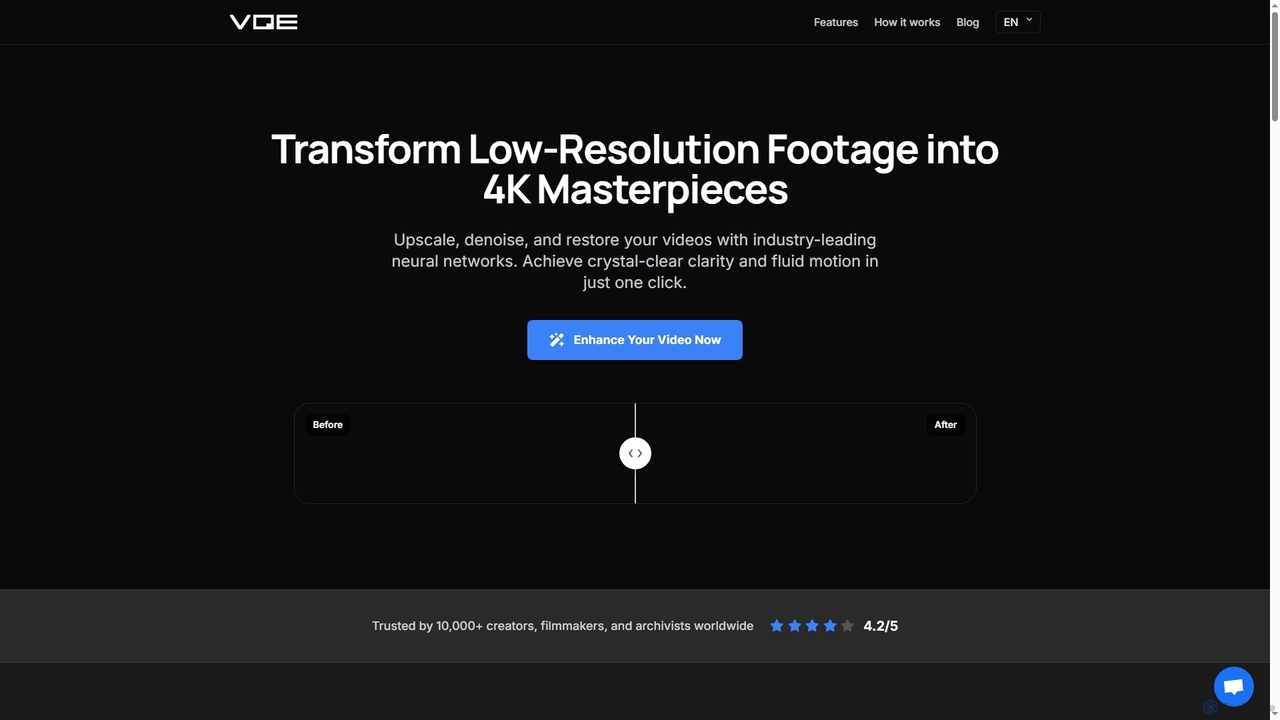
Video Quality Enhancer
Video Quality Enhancer is an AI-powered online tool that transforms low-resolution videos into stunning 4K/8K masterpieces. It intelligently upscales, denoises, restores old footage, and refines details like faces, all within your browser.
3D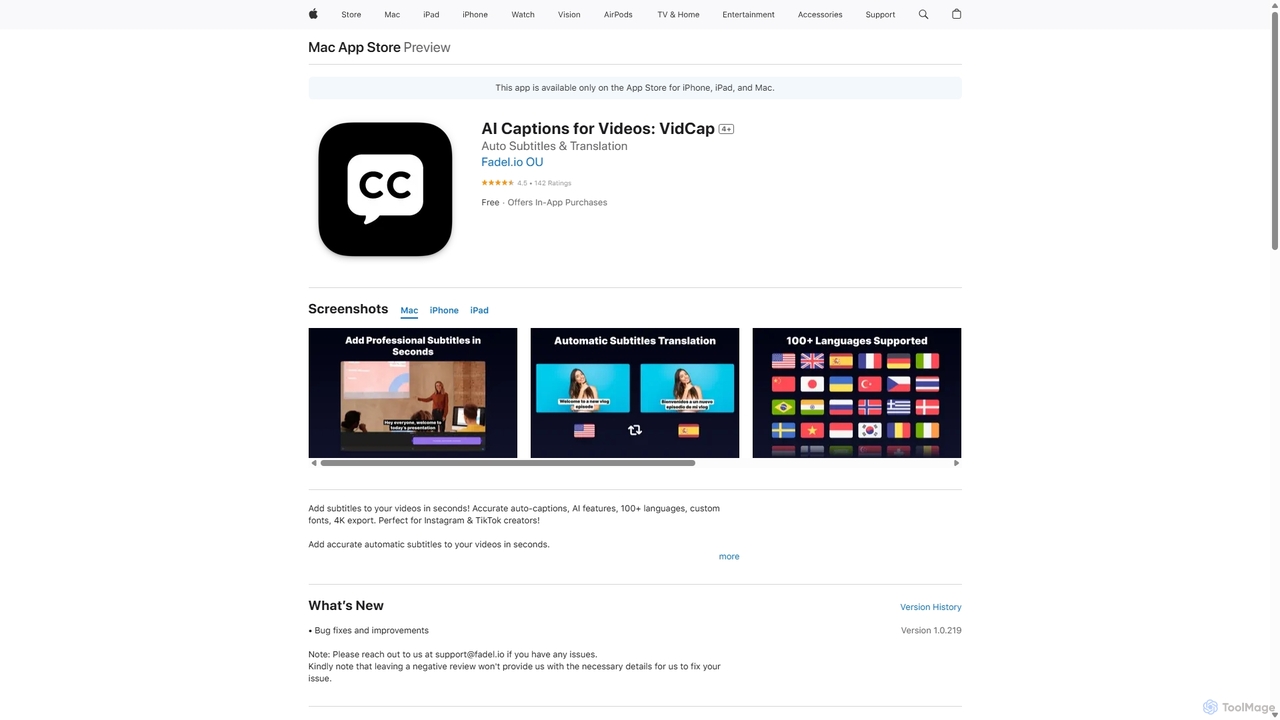
VidCap
VidCap is an AI-powered mobile application designed for content creators to effortlessly add accurate, automatic subtitles to videos. It supports over 100 languages, offers extensive customization options like fonts and animations, and includes advanced features such as AI Eye Contact, a video teleprompter, and background noise removal. Export videos in stunning 4K quality, perfect for boosting engagement on platforms like Instagram and TikTok.
Transcription
Runway
Runway is an advanced AI-powered creative suite for content creation. It offers a wide range of tools, including state-of-the-art text-to-video (Gen-2), video-to-video (Gen-1), image generation, AI-powered video editing, and more. It's designed for filmmakers, artists, and marketers to ideate, generate, and edit content like never before, streamlining complex creative workflows.
Image Generation
OpusClip
OpusClip is a generative AI video repurposing tool that turns long videos into viral short clips with one click. It automatically identifies the most compelling hooks, reframes the video, adds dynamic captions, and scores clips for virality, streamlining content creation for social media.
Video Marketing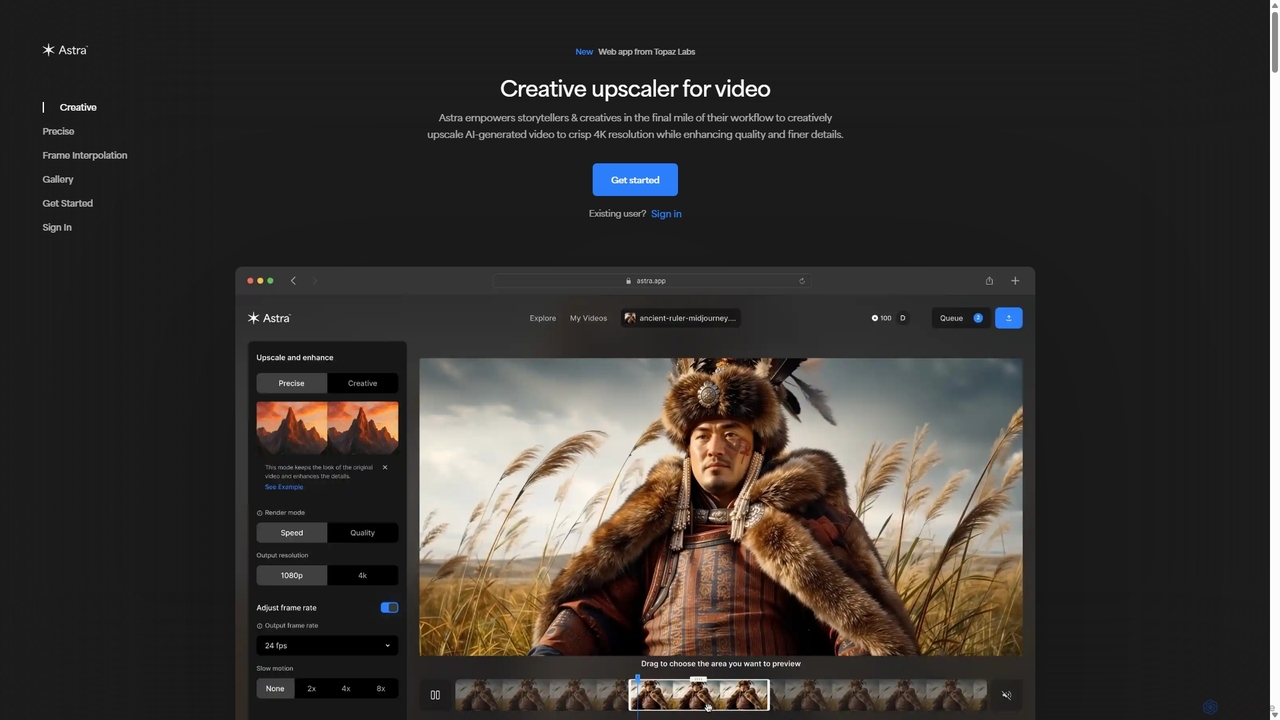
Astra
A powerful AI video upscaling tool from Topaz Labs, designed for creatives and storytellers. Astra transforms videos, especially AI-generated content, into crisp 4K resolution. It offers both a "Creative" mode to reimagine details and a "Precise" mode to faithfully enhance original footage, improving quality and clarity for professional workflows.
Motion Graphics
WUI.AI
WUI.AI is an AI-powered platform that transforms long-form videos and podcasts into engaging, viral short clips for social media. It automates highlight detection, subtitling, resizing, and translation, helping creators and marketers save time and maximize their content's reach on platforms like TikTok, Instagram, and YouTube Shorts.
AutomationUniFab Studio
UniFab Studio is an all-in-one, AI-powered video enhancement suite designed for professionals and enthusiasts. It elevates video quality by upscaling to 4K/8K, converting SDR to HDR, stabilizing shaky footage, removing noise, and increasing frame rates up to 120FPS. With GPU acceleration and a user-friendly interface, it delivers professional-grade results efficiently.
Creative Tools
story
story is an AI-powered movie maker and video editor that transforms text prompts or scripts into high-quality HD videos and illustrated storybooks. It features a timeline editor for scene-level control, consistent character generation, and a flexible pay-per-use pricing model, making it ideal for creators, marketers, and storytellers.
Image Generation
ToMoviee
ToMoviee is an all-in-one AI creative studio that empowers users to generate videos, images, voice, and sound effects from simple text prompts. It integrates a full suite of tools, including text-to-video, image-to-video, AI music composition, and voice generation, designed to streamline the creative workflow for creators, marketers, and filmmakers.
Music Generation
SendShort.ai
SendShort.ai is an AI-powered platform that transforms long-form videos into engaging, viral-ready short clips for social media. Automatically identify key moments, add dynamic captions, and repurpose your content for TikTok, Reels, and Shorts in minutes, maximizing your reach and saving hours of editing time.
Video Marketing
VidHex Comments (0)
Sign in to comment.
Sign inNo comments yet.