

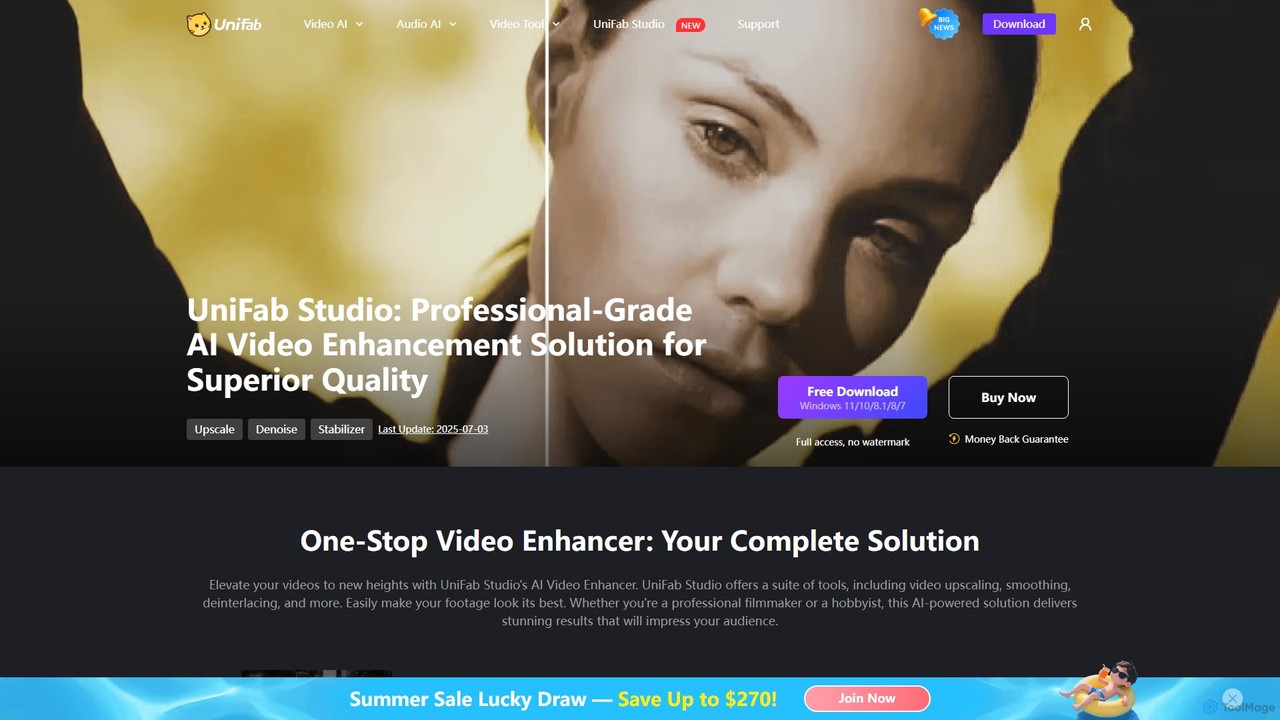
UniFab Studio Overview
UniFab Studio is a comprehensive, professional-grade AI video enhancement solution designed to elevate your video content to new heights. It serves as a one-stop toolkit for a wide range of video quality improvements, leveraging advanced artificial intelligence algorithms to automate and perfect complex editing tasks. Whether you're a professional filmmaker, a content creator, or a hobbyist looking to restore old memories, UniFab Studio provides the tools necessary to transform your footage into stunning, high-quality visuals. The software is built for efficiency, featuring GPU acceleration for fast processing and a streamlined workflow that supports batch processing and over 60 export formats.
How to use UniFab Studio
Using UniFab Studio is designed to be an intuitive and straightforward process, even for those new to video enhancement. The typical workflow is as follows:
- Download and Install: First, download the UniFab Studio application from the official website and install it on your Windows computer.
- Import Video: Launch the software and import the video file or files you wish to enhance. You can drag and drop files directly into the interface.
- Select an AI Module: From the main dashboard, choose the specific enhancement tool you need. This could be the Upscaler, Denoiser, Stabilizer, Smoother, or Deinterlacer.
- Configure Settings: While many processes are one-click, you can adjust specific parameters to fine-tune the results. For example, in the Upscaler, you can select the target resolution (e.g., 4K or 8K). In the Smoother, you can choose the target frame rate (e.g., 60FPS or 120FPS).
- Process the Video: Once you are satisfied with the settings, start the enhancement process. Thanks to GPU acceleration, the processing is significantly faster than traditional methods. For multiple files, you can use the batch processing feature to save time.
- Preview and Export: After processing, you can preview the enhanced video to see the improvements. Finally, export your video in one of the 60+ supported formats, ready for sharing or further editing.
Core Features of UniFab Studio
- AI Video Upscaler: Intelligently upscales low-resolution videos to stunning 4K or even 8K quality. It analyzes and enhances each pixel, with a special focus on precise facial enhancement to ensure faces look crisp and clear.
- SDR to HDR/Dolby Vision Converter: Uses AI to transform Standard Dynamic Range (SDR) videos into vibrant High Dynamic Range (HDR) or Dolby Vision formats, dramatically improving color, contrast, and brightness.
- AI Smoother (Frame Interpolation): Increases the video's frame rate up to 120FPS. This creates incredibly smooth, cinematic motion and reduces motion blur, ideal for action scenes, sports, and gaming content.
- AI Video Denoiser: Effectively removes unwanted noise and grain from videos, especially those shot in low light or from older sources, restoring original details for a clean, professional look.
- AI Video Stabilizer: Fixes shaky and unstable footage with a single click. The AI analyzes camera movement and smooths it out, making handheld shots look like they were filmed with a gimbal.
- AI Deinterlacer: Converts interlaced videos (common in older broadcast and camera formats) into progressive scan footage, eliminating flickering and motion artifacts for flawless playback on modern screens.
- Efficient Workflow: Features include a simple video pre-editor (for cropping, rotating), batch processing capabilities, flexible hotkey support, and compatibility with over 60 export formats.
Use Cases for UniFab Studio
UniFab Studio is versatile and can be used by various users for different purposes:
- Professional Video Producers: Upscaling archival or lower-resolution stock footage to integrate seamlessly into 4K/8K projects. Restoring old film or television content for remastering.
- YouTubers and Content Creators: Enhancing the quality of their vlogs, tutorials, or gaming videos to meet modern high-definition standards and impress their audience. Stabilizing action camera footage for a more professional look.
- Home Users and Archivists: Digitizing and restoring old family videos from VHS tapes or old camcorders, removing noise, and improving clarity to preserve precious memories.
- Sports Enthusiasts: Stabilizing shaky footage from GoPro or drone cameras and increasing the frame rate for stunning slow-motion replays of action shots.
Advantages of UniFab Studio
The primary advantage of UniFab Studio is its all-in-one nature, combining multiple professional AI enhancement tools into a single, user-friendly package. Its AI-driven automation simplifies complex tasks, making high-quality video enhancement accessible to everyone. The use of GPU acceleration ensures a fast and efficient workflow, while the breadth of features—from upscaling to stabilization—covers nearly every aspect of video quality improvement. The results are consistently professional, transforming mediocre footage into visually impressive content.
Pricing and Plans
UniFab Studio operates on a freemium model. Users can download a free trial version to test its core functionalities, which may come with certain limitations such as watermarks or restricted feature access. To unlock the full suite of tools and enjoy unlimited, watermark-free exports, users must purchase a license. UniFab typically offers various subscription plans, such as monthly, yearly, or a lifetime license for a one-time payment. For the most current pricing and promotional offers, it is recommended to visit the official UniFab Studio website.
Traffic
Latest traffic
Status
Monthly traffic trend
- 2026-1: 292.5K
- 2026-2: 189.5K
- 2026-3: 204.8K
- 2026-4: 187.7K
- 2026-5: 196.0K
Geography
Top 5 countries / regions
- 🇯🇵Japan42.2%
- 🇺🇸United States26.3%
- 🇩🇪Germany14.9%
- 🇬🇧United Kingdom10.3%
- 🇫🇷France6.3%
Traffic sources
| Source type | Percentage |
|---|---|
Direct | 66.0% |
Referral | 30.2% |
Email | 3.8% |
Top keywords
| Keyword | Cost per click |
|---|---|
| javplayer | $0.00 |
| unifab | $0.97 |
| unifab モザイク | $0.75 |
| unifab モザイク除去 | $0.00 |
| モザイク破壊 | $0.00 |
UniFab Studio Alternatives
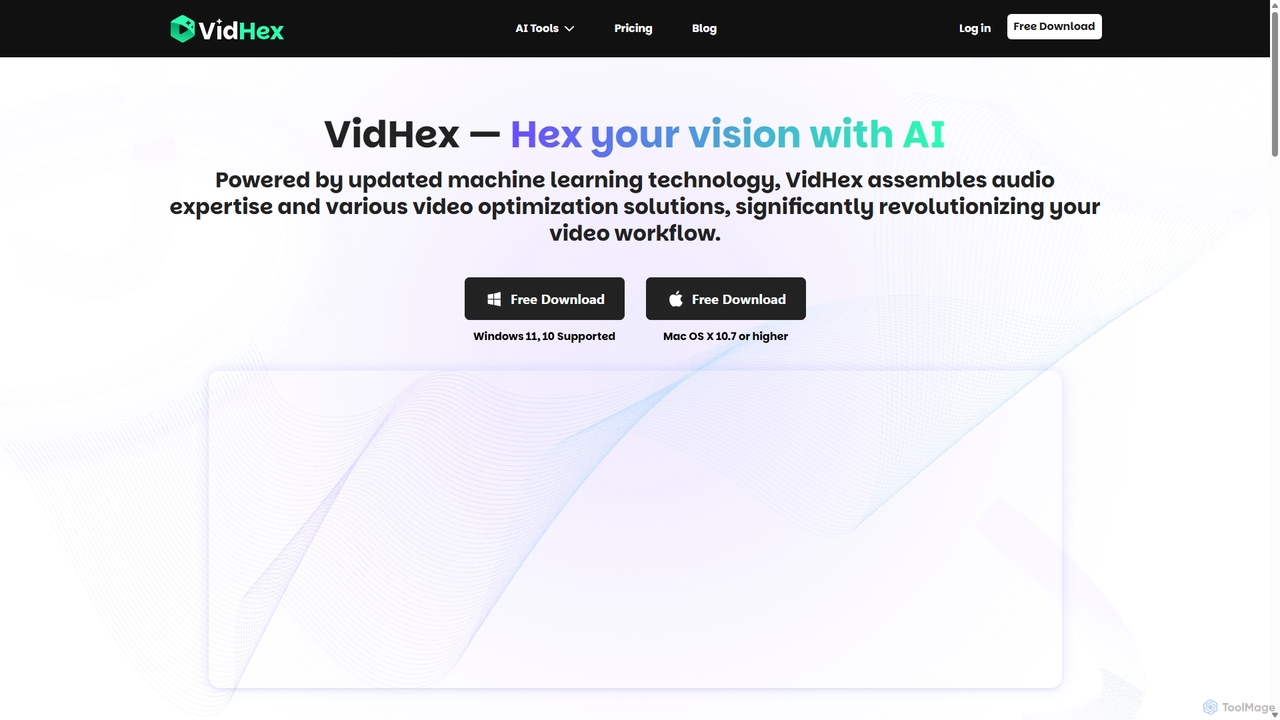
VidHex
VidHex is an all-in-one, AI-powered desktop application for Windows and Mac designed to enhance, restore, and upscale video quality. It offers a suite of tools for intelligent upscaling to 4K/8K, realistic colorization of black-and-white footage, video repair, denoising, and frame interpolation. It's built for content creators, e-commerce sellers, educators, and anyone looking to transform imperfect videos into stunning visual experiences with minimal effort.
Tools
WinXDVD
WinXDVD is a comprehensive software suite featuring the AI-powered Winxvideo AI for video/image enhancement, conversion, and editing, alongside the renowned WinX DVD Ripper for fast digital backups. It leverages GPU acceleration to upscale videos to 4K, stabilize shaky footage, and rip DVDs with exceptional speed and quality, making it an all-in-one solution for modern media management.
File Management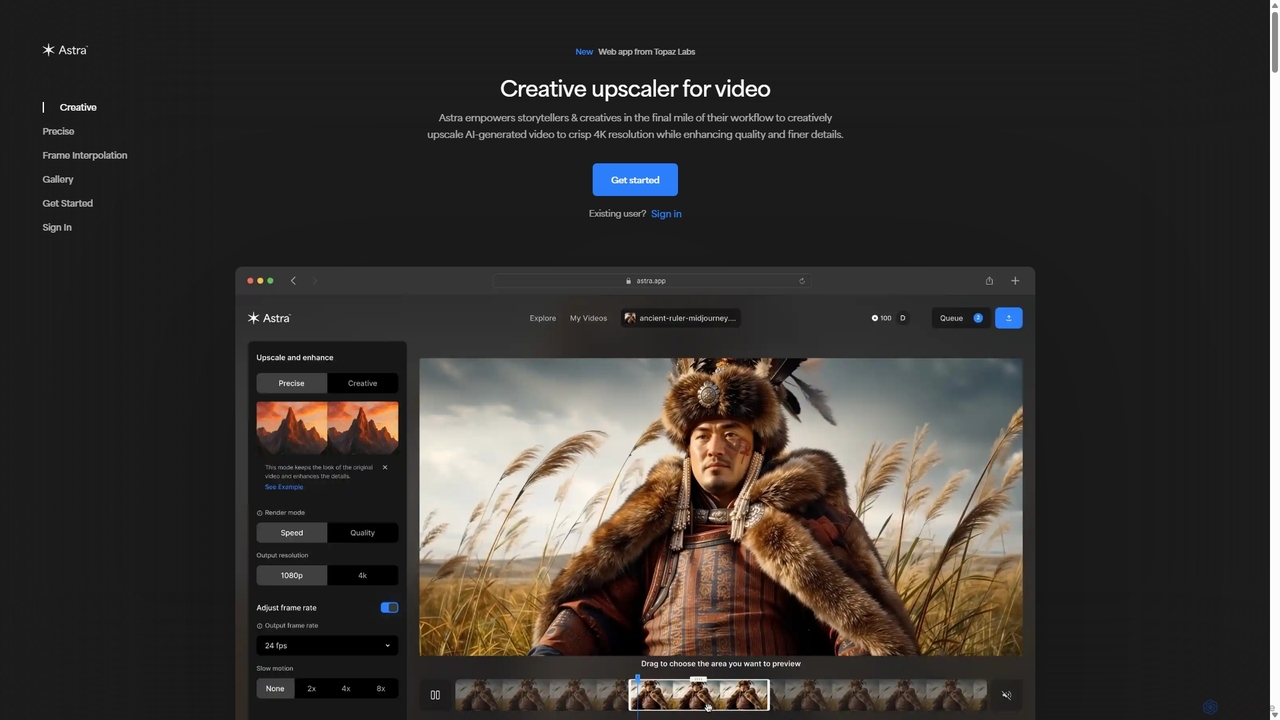
Astra
A powerful AI video upscaling tool from Topaz Labs, designed for creatives and storytellers. Astra transforms videos, especially AI-generated content, into crisp 4K resolution. It offers both a "Creative" mode to reimagine details and a "Precise" mode to faithfully enhance original footage, improving quality and clarity for professional workflows.
Motion Graphics
TensorPix
TensorPix is an all-in-one, web-based AI platform for enhancing media. It allows users to upscale videos to 4K, improve image quality, restore old footage, generate unique images from text, and compress video files. It's designed for both professionals and casual users, requiring no powerful hardware or complex software.
Generative Art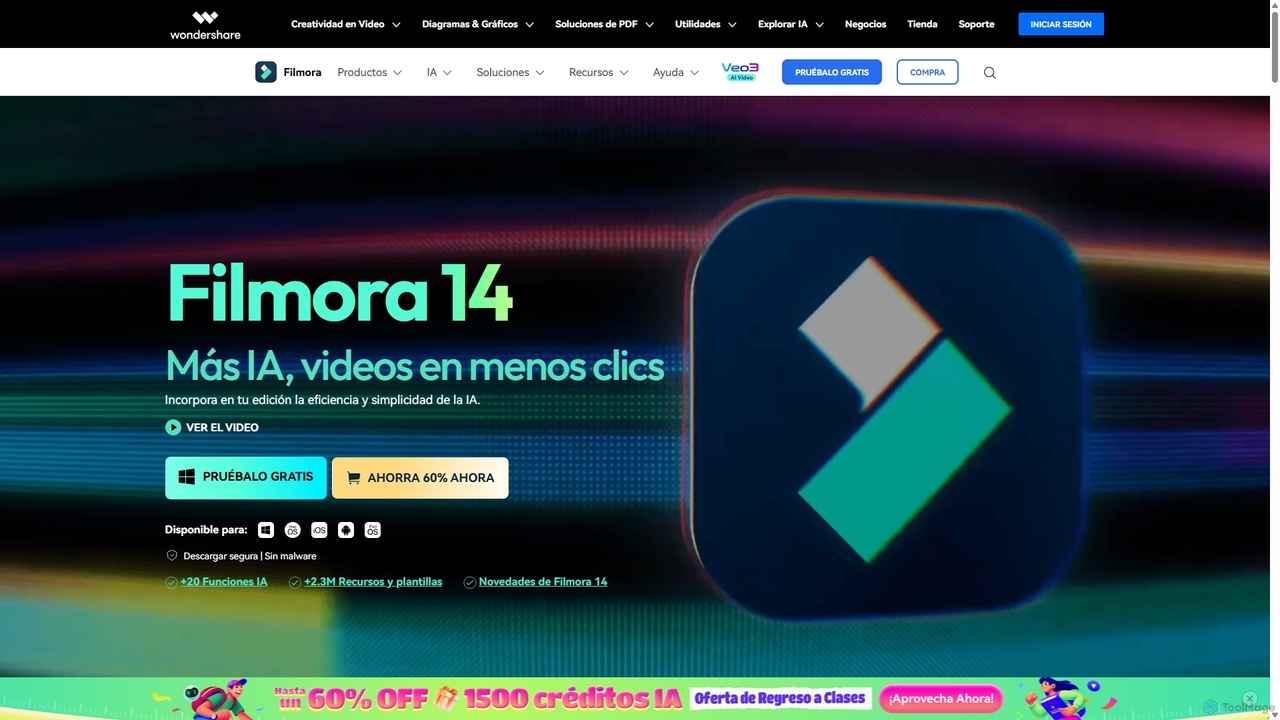
Filmora
Filmora is an AI-powered video editor that simplifies the creation process for both beginners and professionals. It offers a vast suite of AI tools, including smart clip generation, text-to-video, and advanced audio enhancement, combined with a user-friendly interface and a massive library of effects and resources to make video editing faster and more creative.
Social MediaUniFab Studio Categories
UniFab Studio Embed Widget
Copy this embed code to place the badge on your blog, article, or product site and send readers directly to this ToolMage detail page.

Related AI tools
VidHex
VidHex is an all-in-one, AI-powered desktop application for Windows and Mac designed to enhance, restore, and upscale video quality. It offers a suite of tools for intelligent upscaling to 4K/8K, realistic colorization of black-and-white footage, video repair, denoising, and frame interpolation. It's built for content creators, e-commerce sellers, educators, and anyone looking to transform imperfect videos into stunning visual experiences with minimal effort.
ToolsTensorPix
TensorPix is an all-in-one, web-based AI platform for enhancing media. It allows users to upscale videos to 4K, improve image quality, restore old footage, generate unique images from text, and compress video files. It's designed for both professionals and casual users, requiring no powerful hardware or complex software.
Generative Art
bigmp4
An AI-powered online tool for comprehensive video and image enhancement. It specializes in lossless video upscaling to 4K/8K, frame interpolation for ultra-smooth motion, B&W video colorization, and slow-motion effects. It also supports batch image processing and GIF enhancement, using advanced AI models to restore and improve visual quality.
Restoration
Swapface
Swapface is an advanced AI-powered online platform for creating high-quality, realistic face swaps in videos, photos, and GIFs. It offers a comprehensive suite of tools, including clothes swapping, expression changing, and media enhancement, catering to both entertainment and professional content creation needs. Get started for free and explore a new dimension of digital creativity.
Api
UniFab
UniFab is an all-in-one AI-powered video and audio enhancement suite. It upscales videos to 16K, converts SDR to HDR, denoises, colorizes, and stabilizes footage. It also features audio upmixing to surround sound, format conversion for over 1000 formats, and free tools like a vocal and background remover. Designed for both professionals and enthusiasts, it streamlines content creation with a user-friendly interface and GPU-accelerated processing.
Audio Editing
Anvsoft
Anvsoft offers a suite of AI-powered multimedia software designed to enhance, convert, and edit videos and photos. Its flagship products, like AI Video Enhancer and AI Video Blur, use advanced algorithms for upscaling, colorization, face refinement, and automatic blurring, catering to both casual users and professionals.
Image Enhancement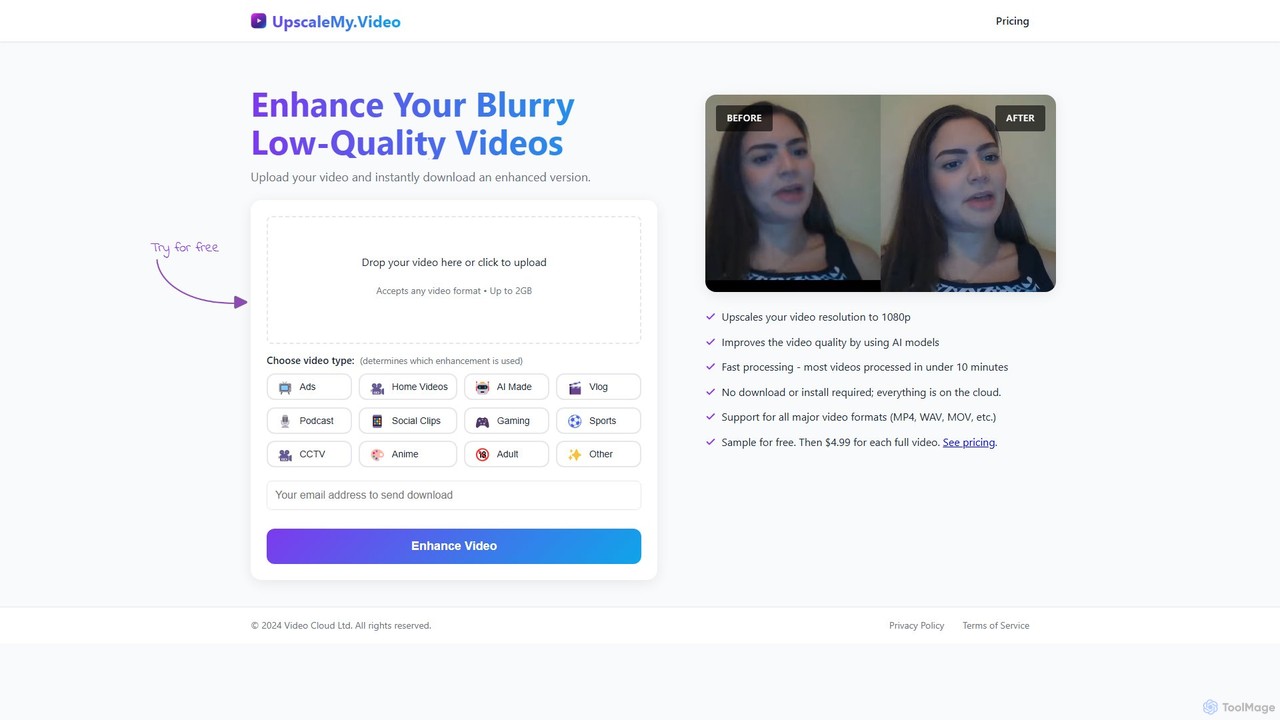
UpscaleMy.Video
UpscaleMy.Video is an AI-powered online tool that enhances and upscales blurry, low-quality videos to crisp 1080p resolution. It uses specialized AI models for different video types, offering fast, cloud-based processing without any software installation. Users can preview the enhancement for free and then pay per video for the full download.
Editing
ClipRemix
ClipRemix is an AI-powered platform that transforms long-form videos and podcasts into engaging, short-form clips for social media. It automatically identifies key moments, adds dynamic captions, and reformats content for platforms like TikTok, Reels, and Shorts, helping creators and marketers maximize their reach.
Repurposing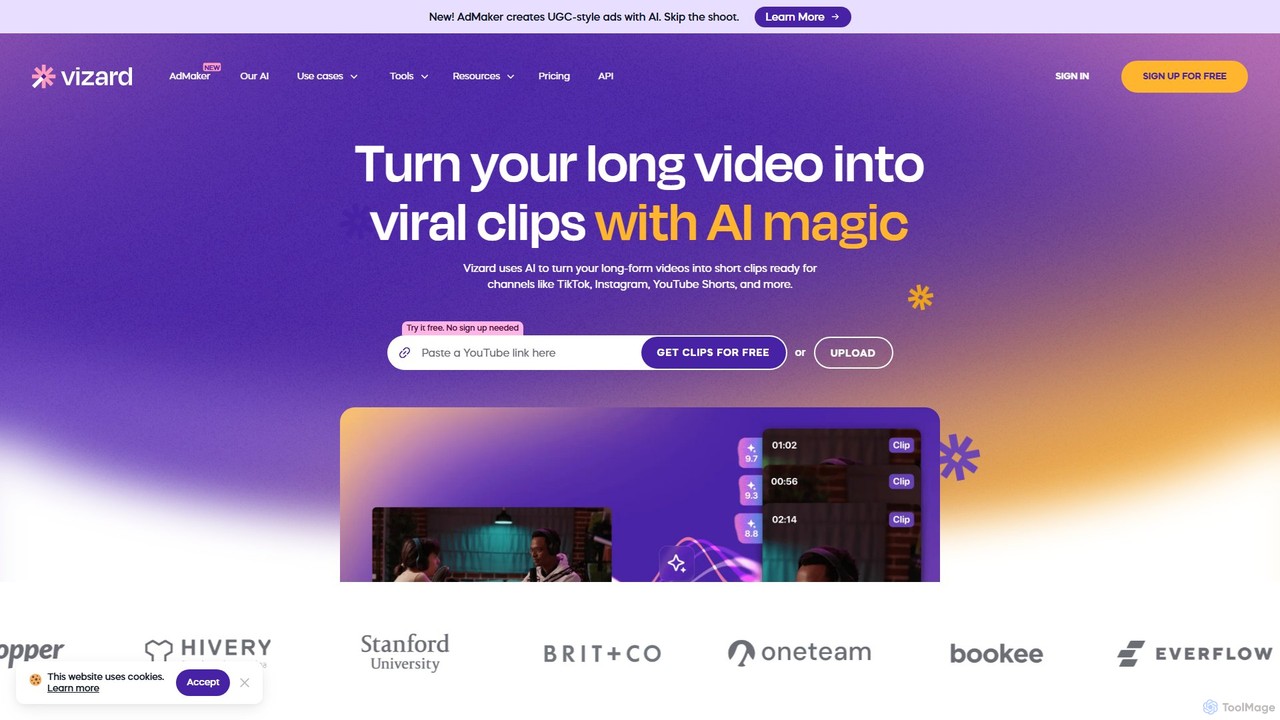
Vizard
Vizard is an AI-powered video editing platform that automatically transforms long-form videos into engaging, short clips for social media. It uses AI to identify highlights, generate transcriptions and captions, and resize videos for platforms like TikTok, Instagram, and YouTube Shorts, saving creators and marketers hours of manual work.
Video Marketing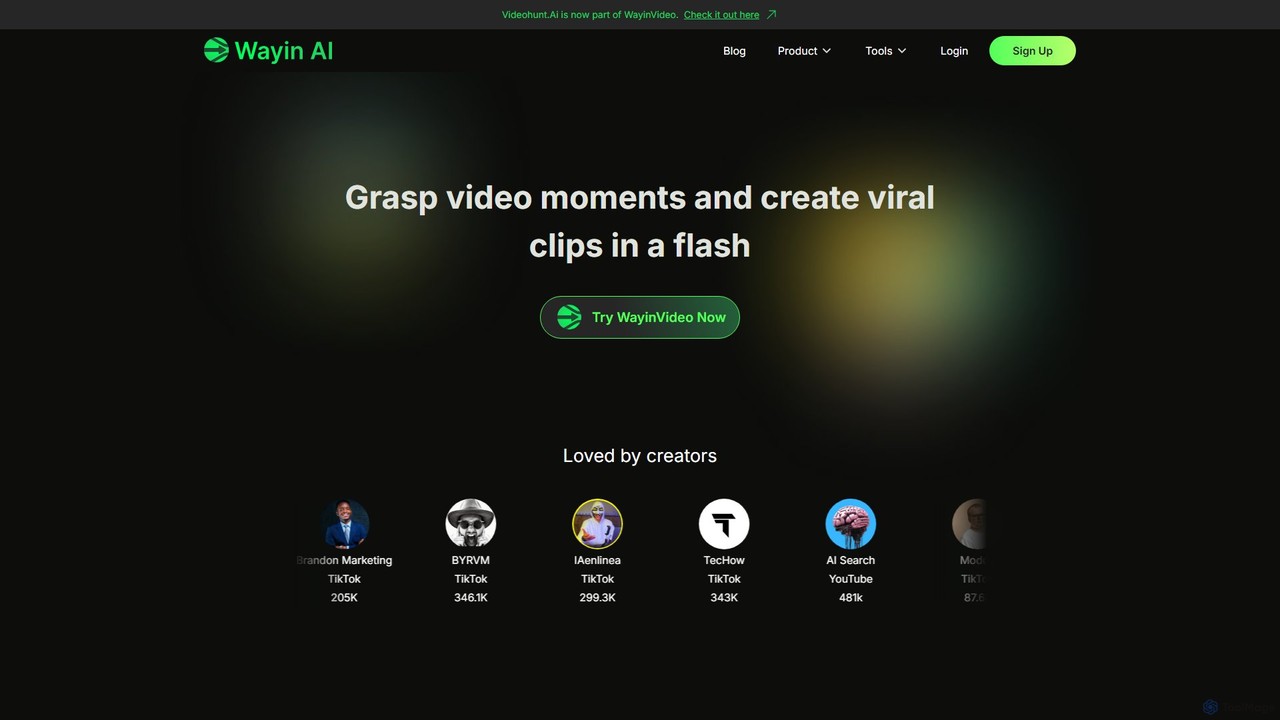
WayinVideo
WayinVideo is an AI-powered platform designed for content creators and marketers to effortlessly transform long-form videos into engaging, viral short clips. By simply pasting a video link or uploading a file, the AI automatically identifies key moments, generates animated captions, and reframes content for social media platforms like TikTok, YouTube Shorts, and Instagram Reels, saving hours of manual editing.
Automation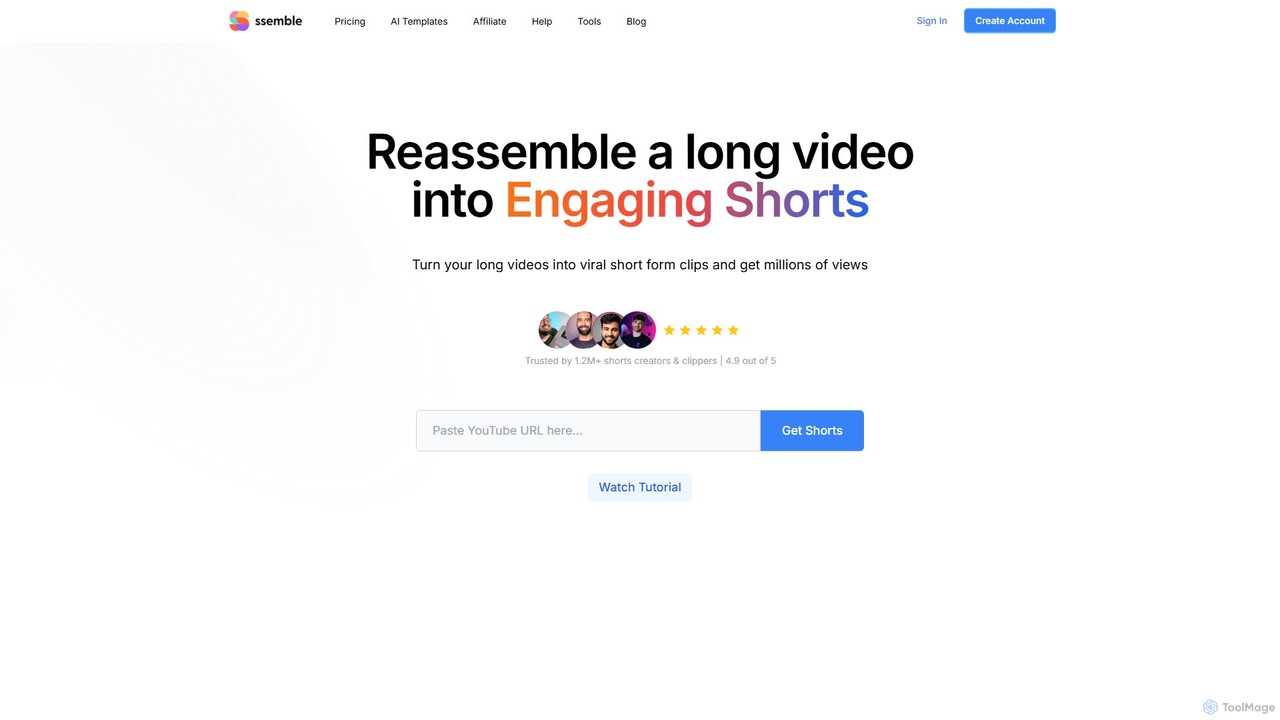
Ssemble
Ssemble is an AI-powered video editing platform that transforms long-form videos into engaging, viral short-form clips. It automates finding key moments, adding captions, reframing for vertical formats, and scheduling posts for TikTok, YouTube Shorts, and Instagram Reels. Ideal for content creators and marketers looking to maximize their reach and engagement with minimal effort.
Video Marketing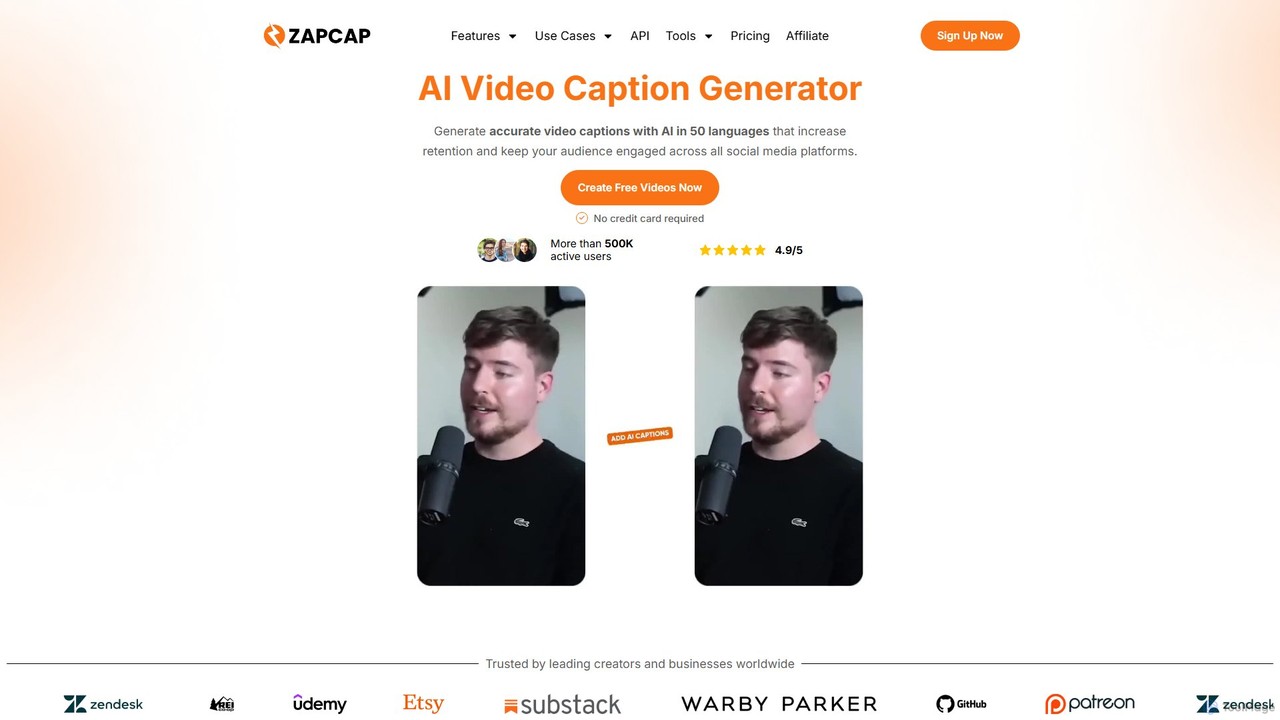
zapcap
zapcap is an AI-powered video editing platform designed to create viral short-form videos with ease. It automatically generates accurate captions in over 50 languages, removes silences, creates short clips from long videos, adds B-roll, sound effects, and generates SEO-optimized descriptions. It's an all-in-one tool for content creators, marketers, and businesses to boost engagement and save time.
Video Marketing
TensorPix
TensorPix is an AI-powered online platform for video and image enhancement. It offers a suite of tools to upscale resolution up to 4K/8K, restore old footage, remove noise, and improve overall visual quality. Ideal for filmmakers, content creators, and archivists, TensorPix simplifies complex post-production tasks with an intuitive web-based interface, making professional-grade restoration accessible to everyone.
Creative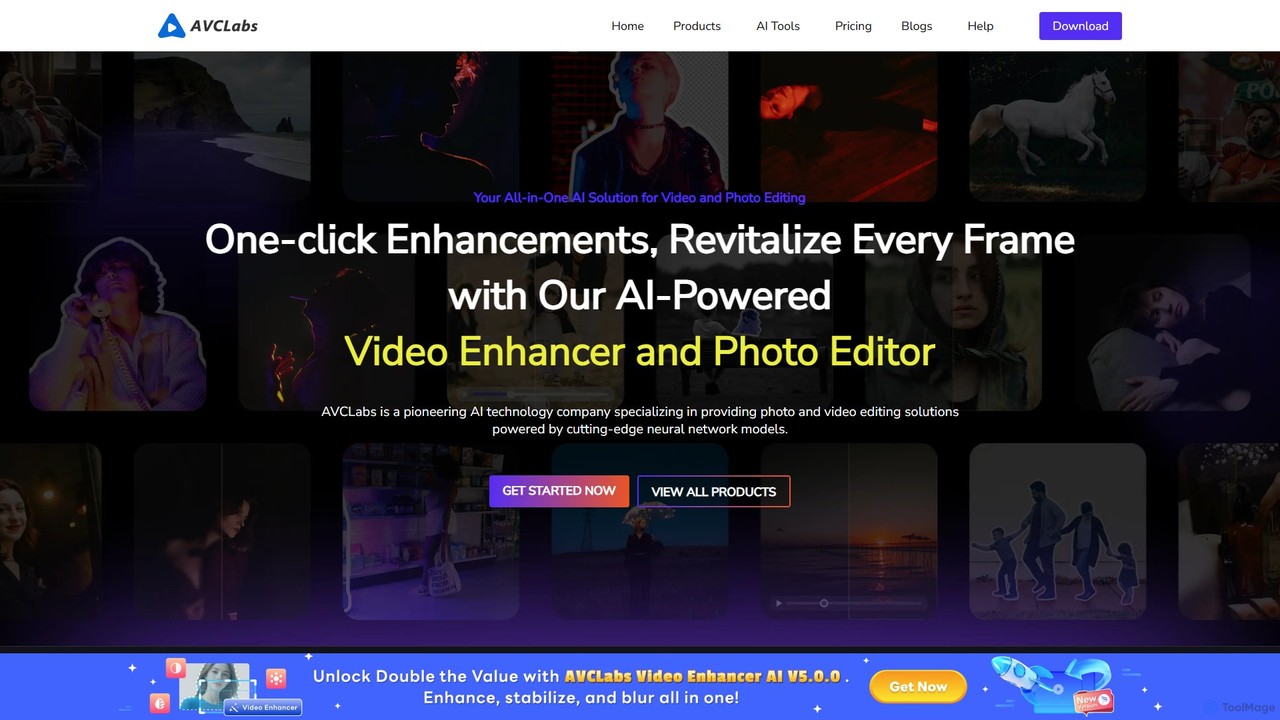
AVCLabs
AVCLabs offers a suite of AI-powered desktop applications designed to enhance, restore, upscale, and edit videos and photos. It leverages artificial intelligence to automate complex tasks like quality improvement to 4K/8K, colorization, noise reduction, and privacy blurring, making professional-grade results accessible to everyone.
Enhancement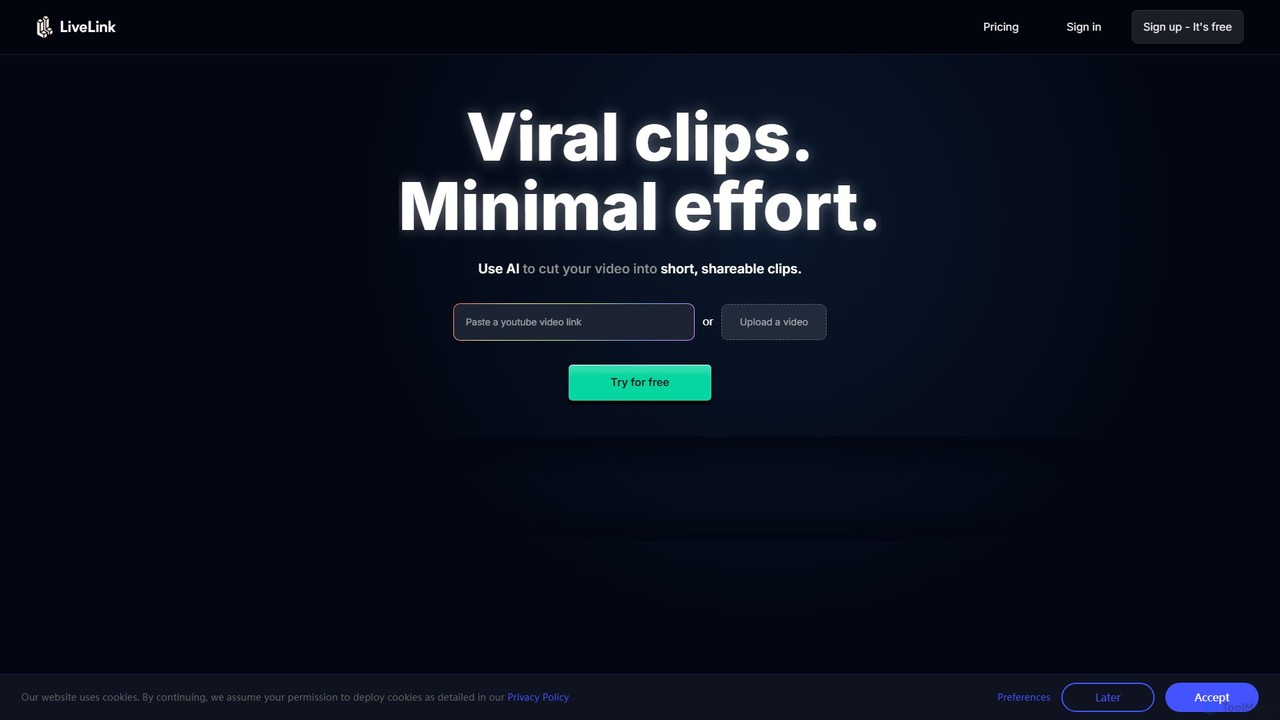
LiveLink
LiveLink is an AI-powered video clip maker that transforms long-form videos into engaging, shareable short clips for social media. It automates clipping, adds captions, reframes shots, and schedules posts to platforms like TikTok, YouTube Shorts, and Instagram Reels, saving creators and marketers significant time.
Repurposing
UniFab Studio Comments (0)
Sign in to comment.
Sign inNo comments yet.