

UpscaleMy.Video Overview
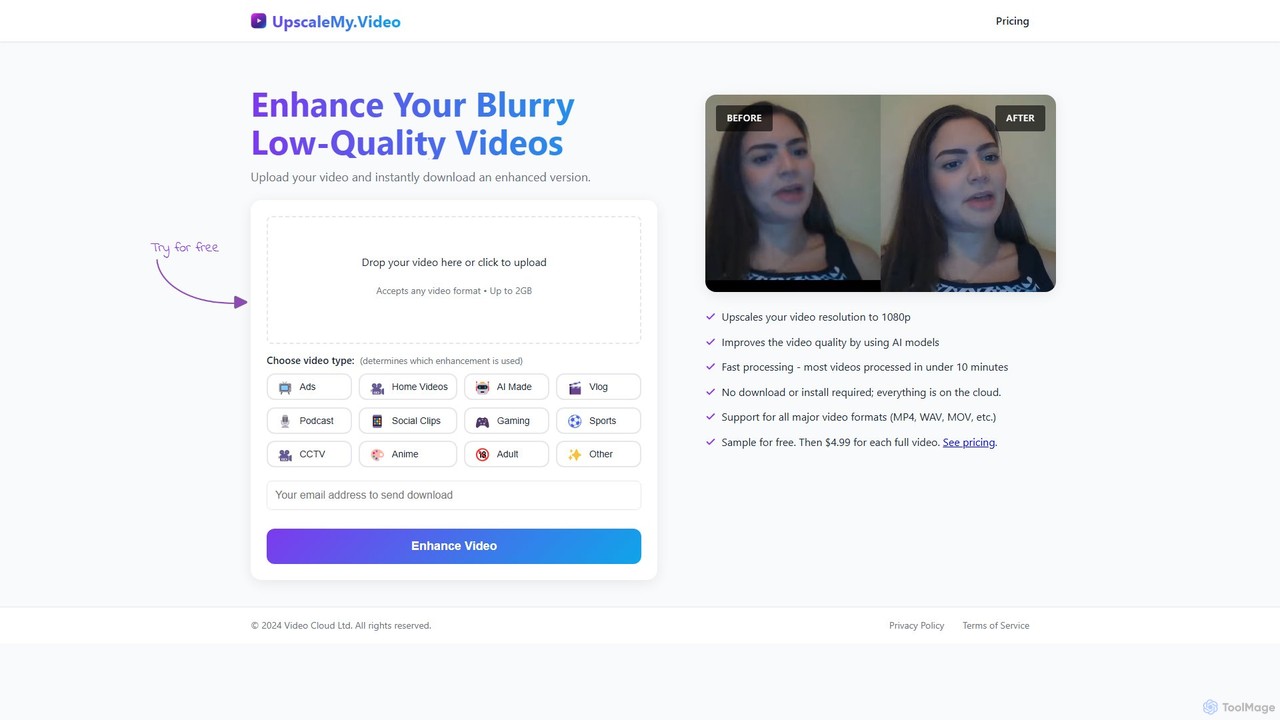
UpscaleMy.Video is a cutting-edge, web-based AI tool designed to solve the common problem of low-resolution and blurry video footage. By leveraging advanced artificial intelligence, it automatically enhances video quality, increases resolution to 1080p, and improves overall clarity. The service is entirely cloud-based, meaning there's no need to download or install any software. It's built for simplicity, allowing anyone to transform their videos with just a few clicks.
The platform stands out by using specialized AI models tailored to specific video categories. When uploading a video, users can select its type—such as Ads, Home Videos, AI-Generated Content, Vlogs, Gaming, or CCTV footage. This ensures that the enhancement process is optimized for the unique characteristics of the content, delivering superior results compared to one-size-fits-all solutions.
How to use UpscaleMy.Video
Using UpscaleMy.Video is a straightforward, three-step process designed for maximum convenience:
- Upload Your Video: Navigate to the UpscaleMy.Video website and drag and drop your video file onto the upload area, or click to browse your computer. The tool accepts all major video formats (like MP4, MOV, WAV) up to 2GB in size.
- Select Video Type: Choose the category that best describes your video from the provided options (e.g., Social Clips, Sports, Anime). This selection tells the AI which specialized model to use for the best possible enhancement.
- Process and Download: The AI will begin processing your video. This is typically completed in under 10 minutes. Once finished, you can preview a sample of the enhanced video. If you're satisfied with the result, you can pay a one-time fee to download the full, high-resolution 1080p version.
Core Features of UpscaleMy.Video
- AI Video Upscaling to 1080p: Automatically increases the resolution of your videos to Full HD (1080p), making them sharper and more detailed.
- Advanced Quality Enhancement: The AI not only upscales but also improves overall video quality by reducing blurriness, noise, and compression artifacts.
- Specialized AI Models: Offers distinct enhancement algorithms for various video types, including commercials, personal videos, AI-generated content, vlogs, gaming, sports, CCTV, and anime, ensuring optimized results for each.
- Cloud-Based Processing: The entire process happens on their servers, requiring no powerful hardware on your end and no software to install.
- Fast Processing Speed: Most videos are processed and ready for download in less than 10 minutes.
- Broad Format Support: Compatible with all major video formats, providing flexibility for different sources and workflows.
- User-Friendly Interface: A simple drag-and-drop interface makes the tool accessible to everyone, regardless of technical expertise.
Use Cases for UpscaleMy.Video
UpscaleMy.Video is a versatile tool for a wide range of users:
- Content Creators & YouTubers: Enhance vlogs, tutorials, and social media clips (Reels, TikToks) to meet modern HD standards and increase audience engagement.
- Marketers & Businesses: Upgrade promotional videos, product demos, and advertisements for a more professional and polished look.
- Families & Individuals: Restore old, digitized family videos, home movies, or blurry footage from older smartphones, preserving precious memories in higher quality.
- Security Professionals: Improve the clarity of CCTV or surveillance footage to better identify details, faces, or license plates.
- Gamers & Streamers: Upscale gameplay recordings for clearer and more immersive content on platforms like Twitch and YouTube.
- AI & Digital Artists: Refine and enhance videos generated by other AI tools like Runway or Pika, giving them a final, high-definition polish.
Advantages of UpscaleMy.Video
The primary advantage of UpscaleMy.Video is its combination of simplicity, speed, and quality. It democratizes video enhancement, making professional-grade results accessible without expensive software or technical skills. The pay-per-video model is highly cost-effective for users who only need to enhance videos occasionally, avoiding the commitment of a monthly subscription. Furthermore, its specialized AI models provide a level of tailored optimization that generic enhancers often lack.
Pricing and Plans
UpscaleMy.Video operates on a straightforward and transparent pricing model:
- Free Sample: Users can upload any video and receive a free, watermarked preview of the enhancement to judge the quality before committing.
- Pay-Per-Video: To download the full, non-watermarked, 1080p enhanced video, the cost is a flat fee of $4.99 per video.
This model is ideal for users with occasional needs, as there are no recurring subscriptions or hidden fees.
Traffic
Latest traffic
Status
Monthly traffic trend
- 2025-9: 310
- 2026-1: 0
- 2026-2: 0
- 2026-3: 337
- 2026-4: 278
- 2026-5: 761
Geography
Top 5 countries / regions
- 🇮🇶Iraq36.0%
- 🇵🇰Pakistan26.6%
- 🇪🇸Spain20.2%
- 🇩🇪Germany17.2%
Top keywords
| Keyword | Cost per click |
|---|---|
| deblur video | $1.25 |
| "free" video unblur | $0.00 |
| unblur video | $0.64 |
| unblur video ai | $0.23 |
| video unblur | $0.43 |
UpscaleMy.Video Alternatives
invideo
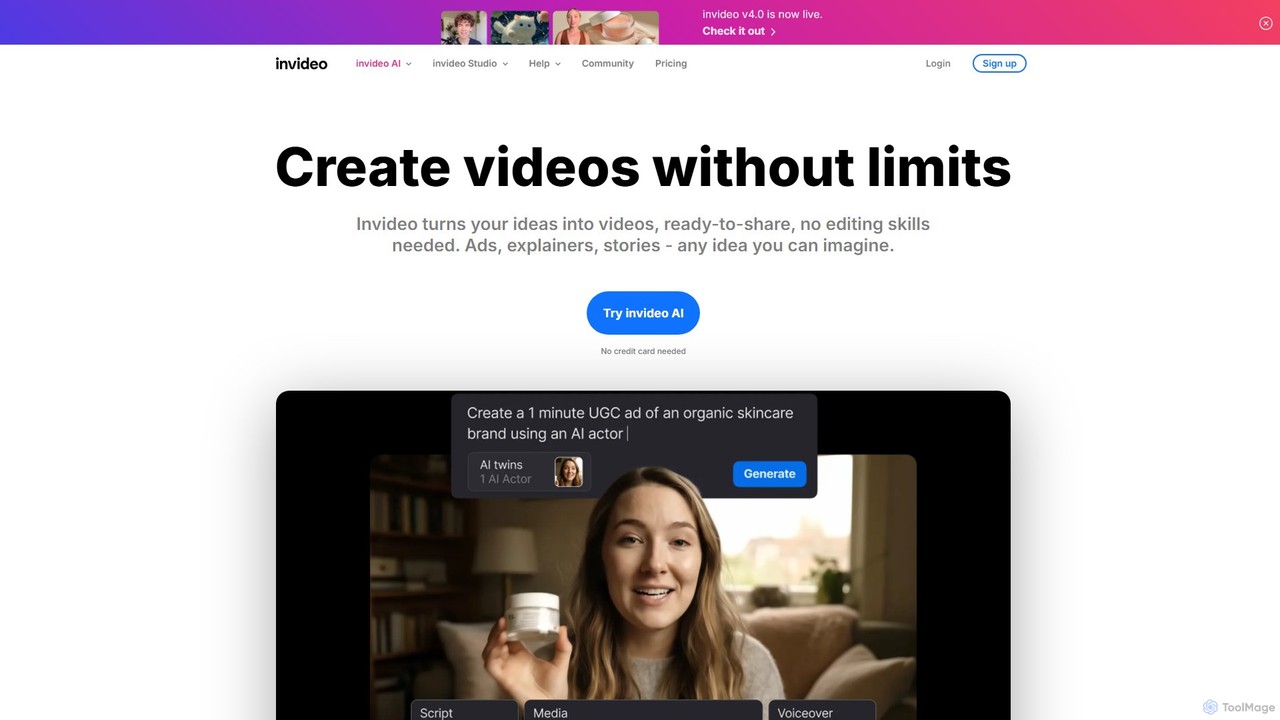
invideo is an AI-powered video creation platform that transforms text prompts, ideas, or URLs into publish-ready videos. It automates scriptwriting, visual creation, voiceovers, and editing, enabling users without technical skills to produce high-quality ads, social media content, and explainer videos in minutes.
Text To Speech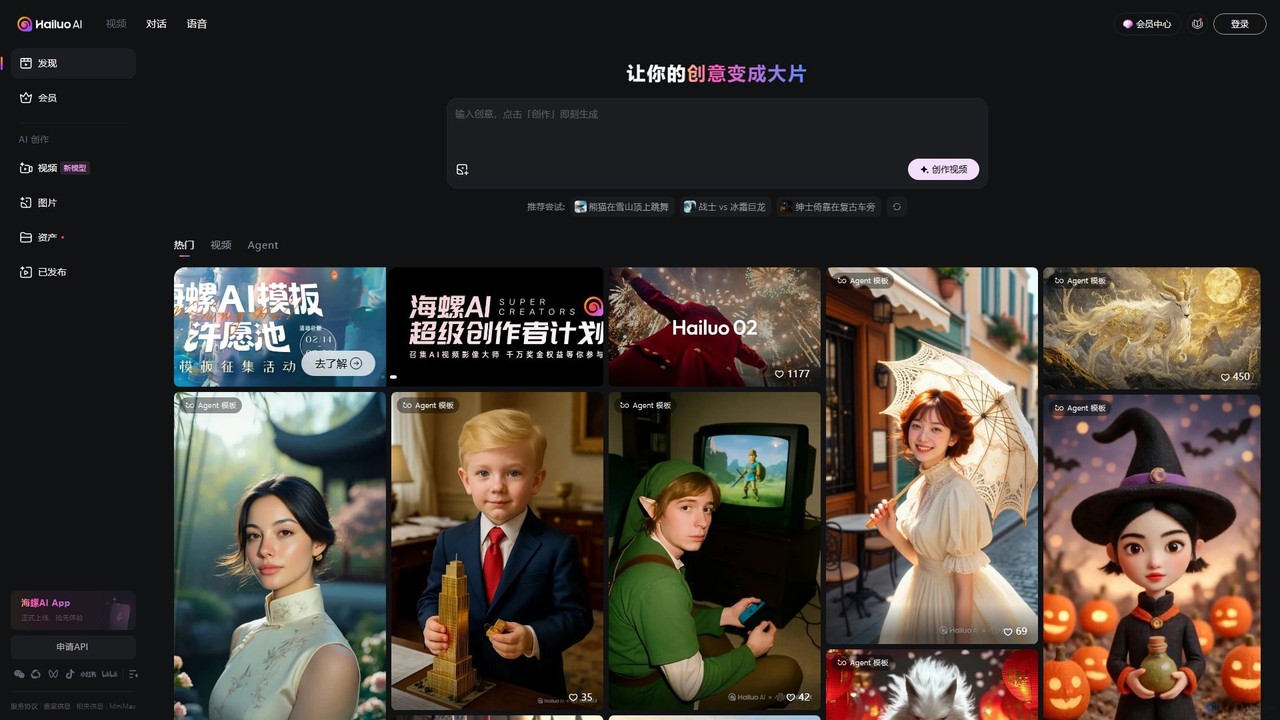
Hailuo AI
Hailuo AI is a powerful AI video generator that transforms your ideas, text prompts, and images into stunning, high-quality videos. Leveraging advanced AI from MiniMax, it offers a wide range of creative templates and customization options, making video creation simple, fun, and efficient for marketers, content creators, and individuals.
Generative Art
Nim
Nim is an all-in-one AI video production platform that consolidates the best AI models and editing tools. It enables users to create full-length videos from text or images with features like text-to-video, lip-sync, upscaling, and a comprehensive clip editor, catering to over 1.5 million creators.
Generative Art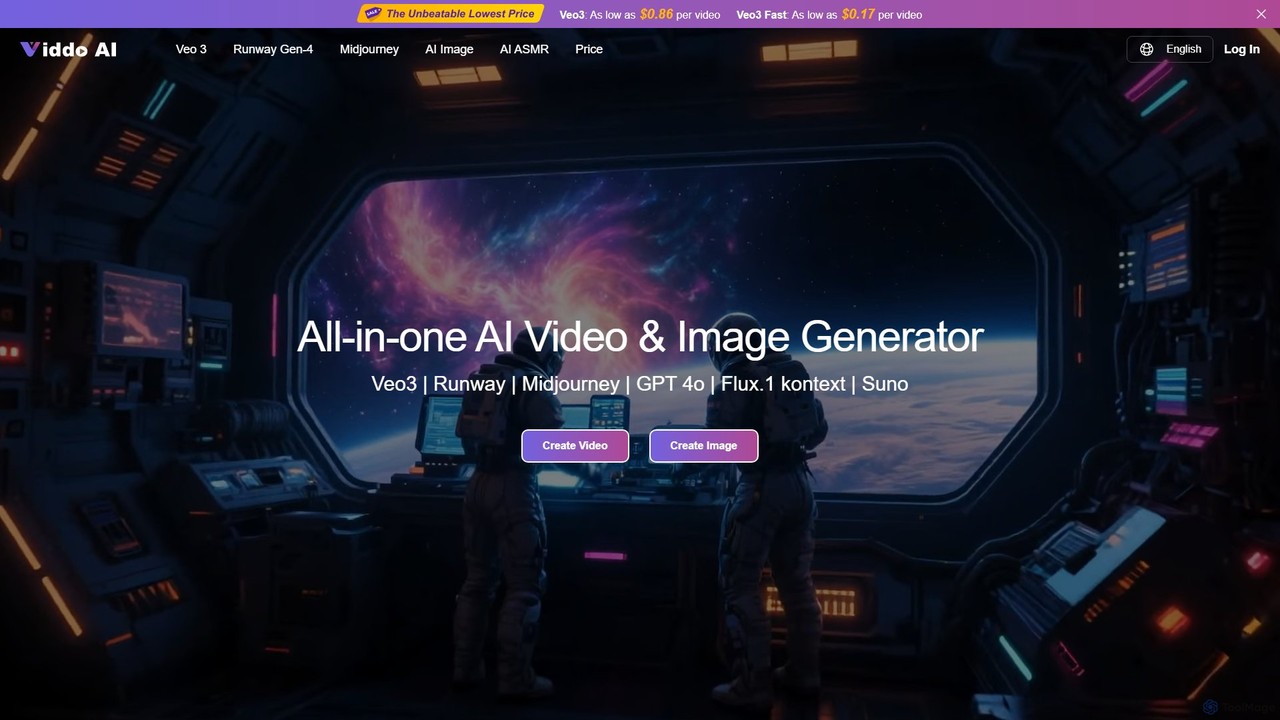
Viddo
Viddo is an all-in-one AI generation platform that integrates leading models like Google's Veo3, Runway, Midjourney, and Suno. It empowers users to effortlessly create high-quality, cinematic videos, images, and audio from simple text prompts or static images, streamlining the creative workflow for marketers, artists, and content creators.
Music Generation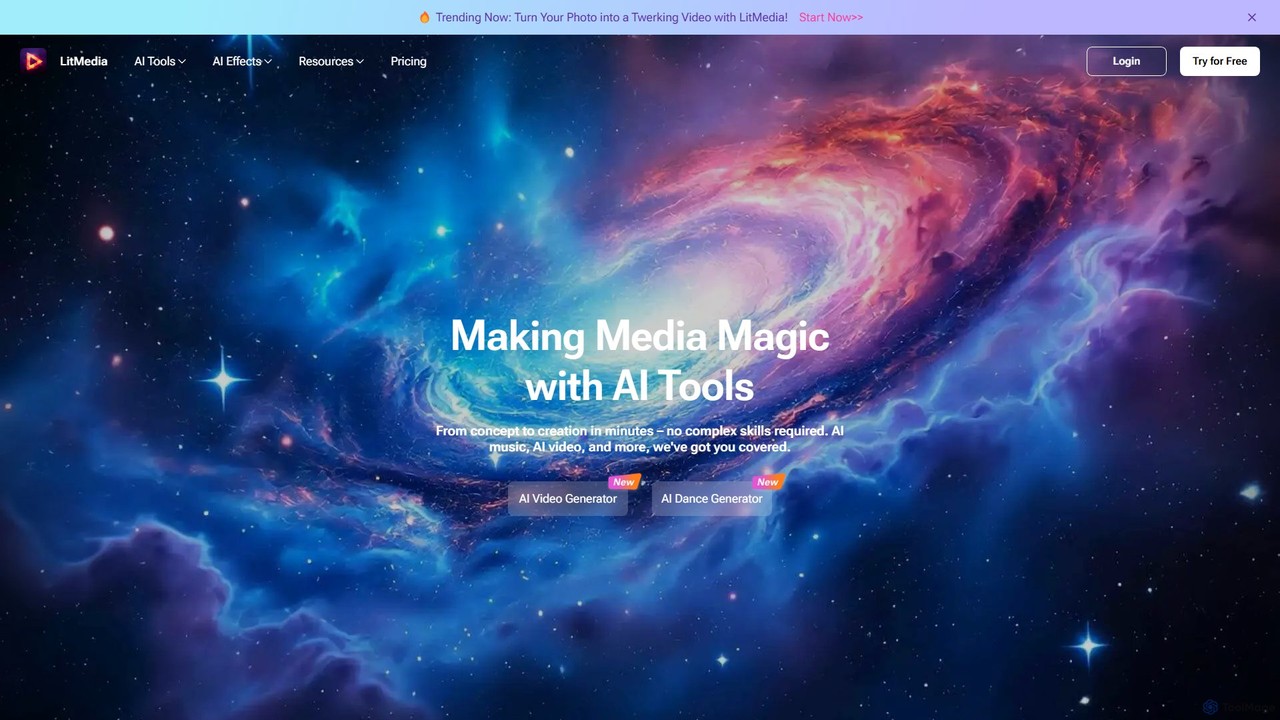
LitMedia
LitMedia is an all-in-one AI-powered creative suite designed to generate stunning videos, royalty-free music, and engaging dance animations. It integrates multiple advanced AI models like Kling and Vidu, allowing users to transform text, images, and videos into high-quality media content effortlessly. Ideal for content creators, marketers, and businesses, LitMedia simplifies the creative process, requiring no technical skills to produce professional-grade results in minutes.
Music GenerationUpscaleMy.Video Categories
UpscaleMy.Video Embed Widget
Copy this embed code to place the badge on your blog, article, or product site and send readers directly to this ToolMage detail page.

Related AI tools
invideo
invideo is an AI-powered video creation platform that transforms text prompts, ideas, or URLs into publish-ready videos. It automates scriptwriting, visual creation, voiceovers, and editing, enabling users without technical skills to produce high-quality ads, social media content, and explainer videos in minutes.
Text To SpeechHailuo AI
Hailuo AI is a powerful AI video generator that transforms your ideas, text prompts, and images into stunning, high-quality videos. Leveraging advanced AI from MiniMax, it offers a wide range of creative templates and customization options, making video creation simple, fun, and efficient for marketers, content creators, and individuals.
Generative ArtNim
Nim is an all-in-one AI video production platform that consolidates the best AI models and editing tools. It enables users to create full-length videos from text or images with features like text-to-video, lip-sync, upscaling, and a comprehensive clip editor, catering to over 1.5 million creators.
Generative ArtViddo
Viddo is an all-in-one AI generation platform that integrates leading models like Google's Veo3, Runway, Midjourney, and Suno. It empowers users to effortlessly create high-quality, cinematic videos, images, and audio from simple text prompts or static images, streamlining the creative workflow for marketers, artists, and content creators.
Music GenerationLitMedia
LitMedia is an all-in-one AI-powered creative suite designed to generate stunning videos, royalty-free music, and engaging dance animations. It integrates multiple advanced AI models like Kling and Vidu, allowing users to transform text, images, and videos into high-quality media content effortlessly. Ideal for content creators, marketers, and businesses, LitMedia simplifies the creative process, requiring no technical skills to produce professional-grade results in minutes.
Music Generation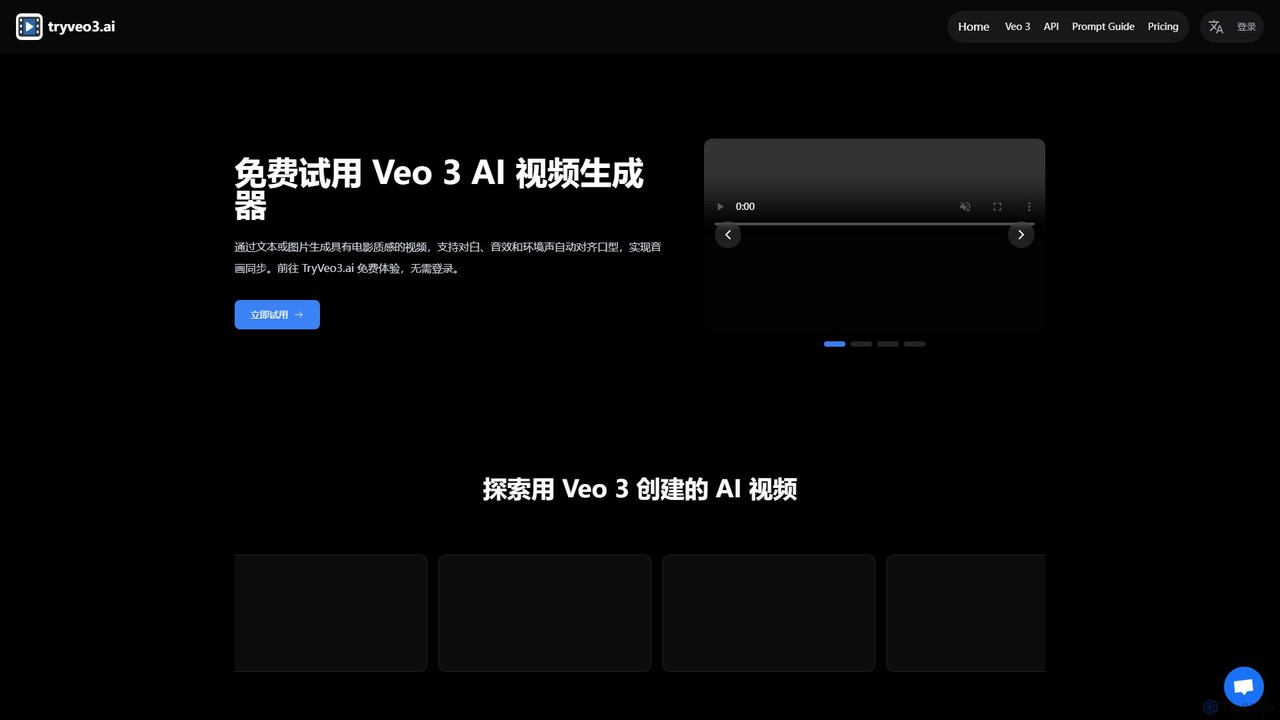
tryveo3
tryveo3 is an AI video generation platform powered by Google's Veo 3 model. It creates high-quality, 1080p cinematic videos from text or image prompts. Its standout feature is the ability to generate videos with perfectly synchronized audio, including dialogue, sound effects, and accurate lip-syncing, making it ideal for creators, marketers, and filmmakers.
Social Media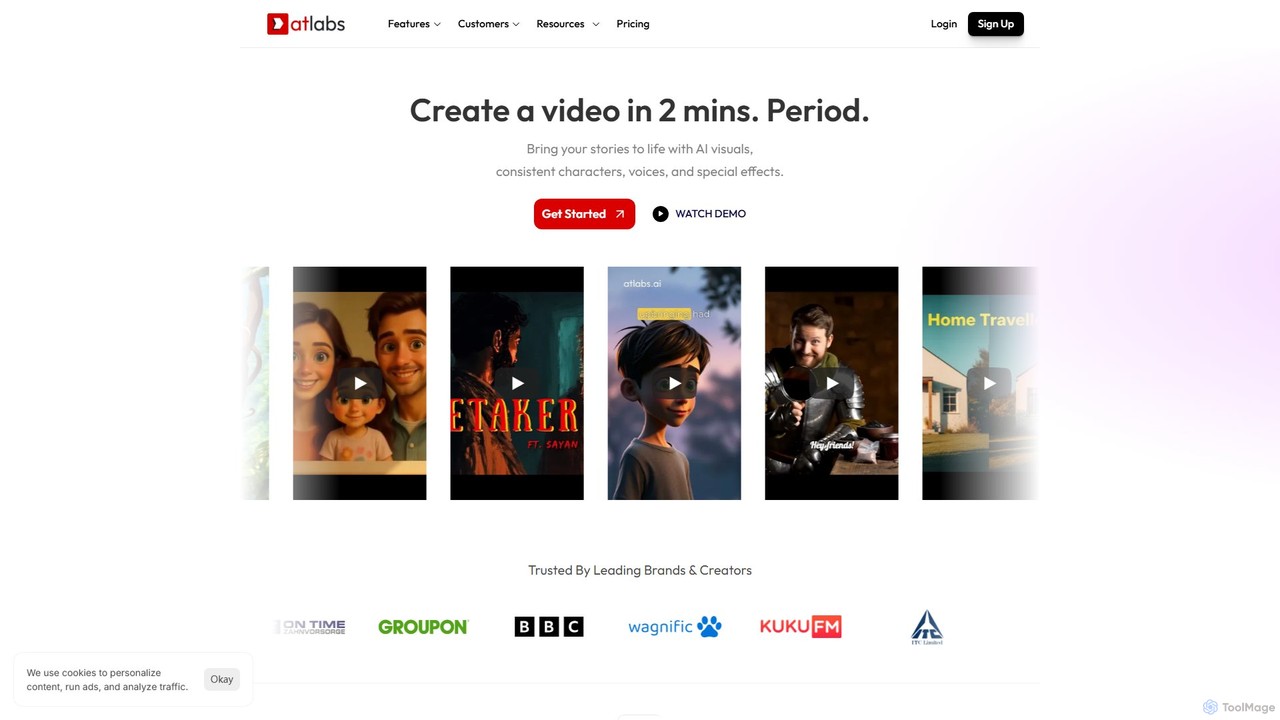
atlabs
atlabs is a powerful AI video generator that transforms text scripts into engaging visual stories in minutes. It features AI-driven scriptwriting, consistent character generation, ultra-realistic voiceovers, and intelligent editing. With support for over 40 languages and various visual styles, it's designed for marketers, creators, and businesses to produce high-quality video content efficiently, from social media clips to full-length series.
Social Media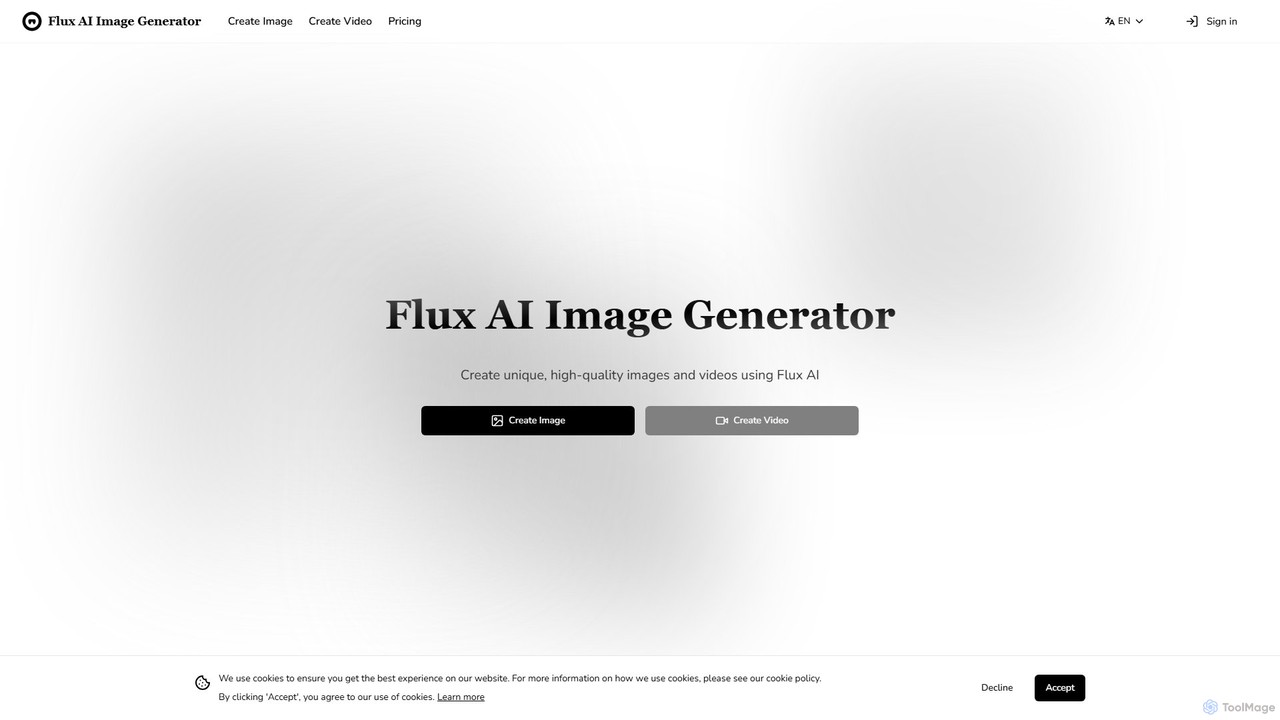
Flux AI Image Generator
Flux AI is a comprehensive suite for creating high-quality, unique visuals. It offers advanced AI tools for image and video generation from text or images, featuring multiple models, LoRA fine-tuning for customization, high-resolution output, and a suite of image enhancement tools for designers, marketers, and creators.
Image Generation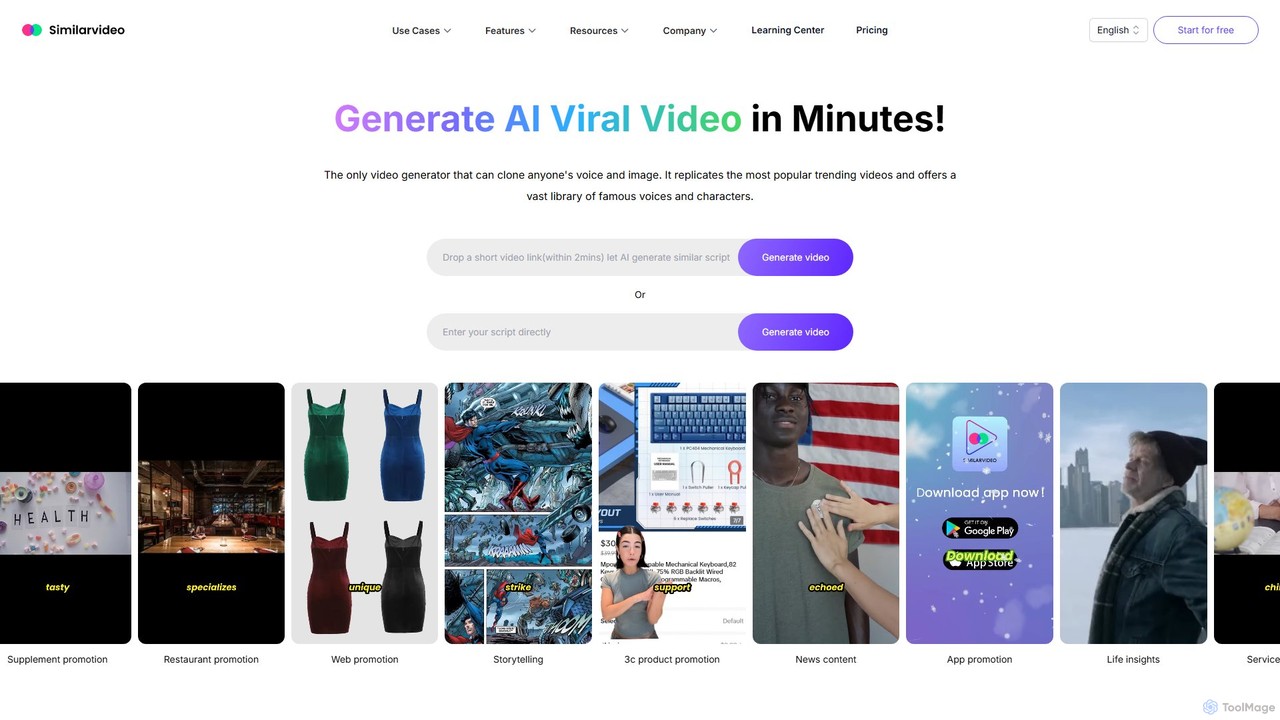
Similarvideo
Similarvideo is an AI-powered viral video generator that enables users to create engaging marketing videos in minutes. It specializes in cloning popular video styles, voices, and images. Key features include creating custom AI talking avatars, accessing a library of celebrity voices and memes, and generating scripts to quickly produce content for platforms like TikTok, YouTube, and Instagram.
Voice Cloning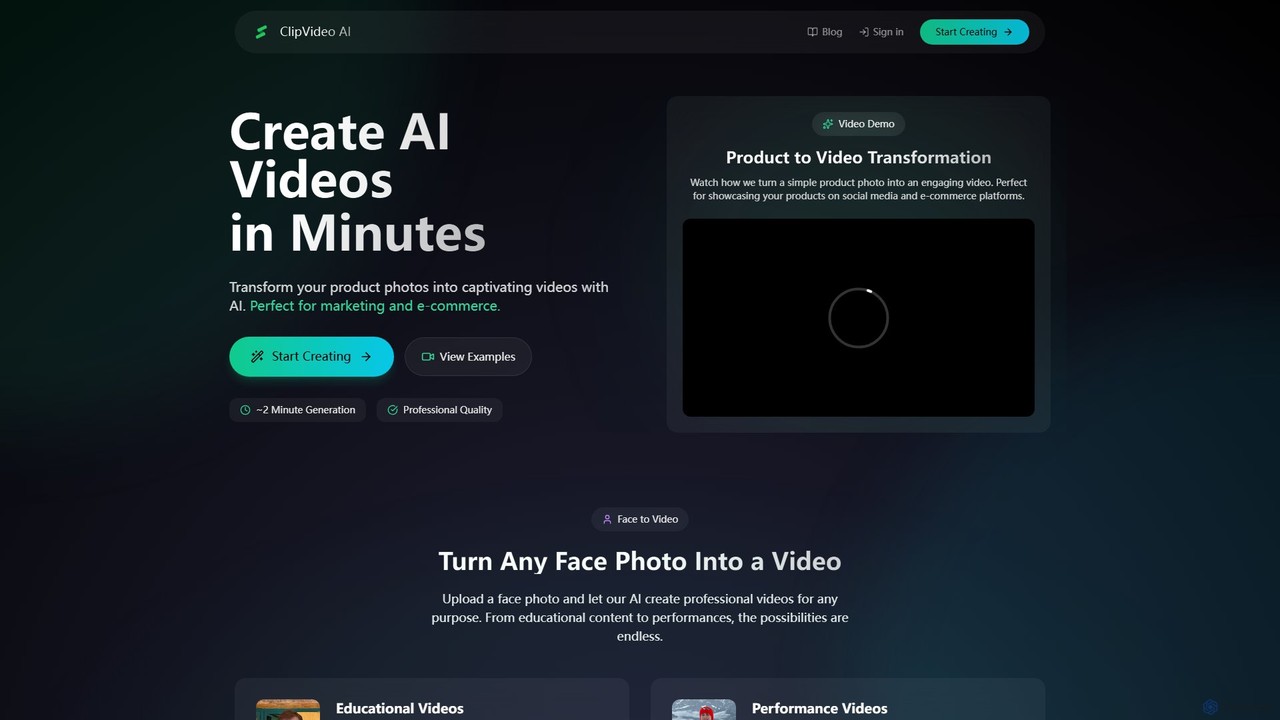
ClipVideoAI
ClipVideoAI is a powerful AI video generator that transforms product photos, face images, and text prompts into captivating, professional-quality videos in minutes. It's designed for marketing, e-commerce, content creation, and education, simplifying video production for various needs.
E Learning
Fluxvid
Fluxvid is an AI-powered video creation platform that effortlessly transforms text and images into stunning, cinematic videos. Featuring movie-like camera movements and lifelike visuals, it's perfect for marketers, creators, and storytellers. Generate high-quality content for social media, ads, and creative projects in seconds, with support for multiple languages and aspect ratios. Start for free to experience the next generation of video creation.
Social Media
Jyek
Jyek is an AI agent platform that understands objectives, creates execution plans, uses tools, and delivers verifiable results for complex, multi-step tasks.
Automation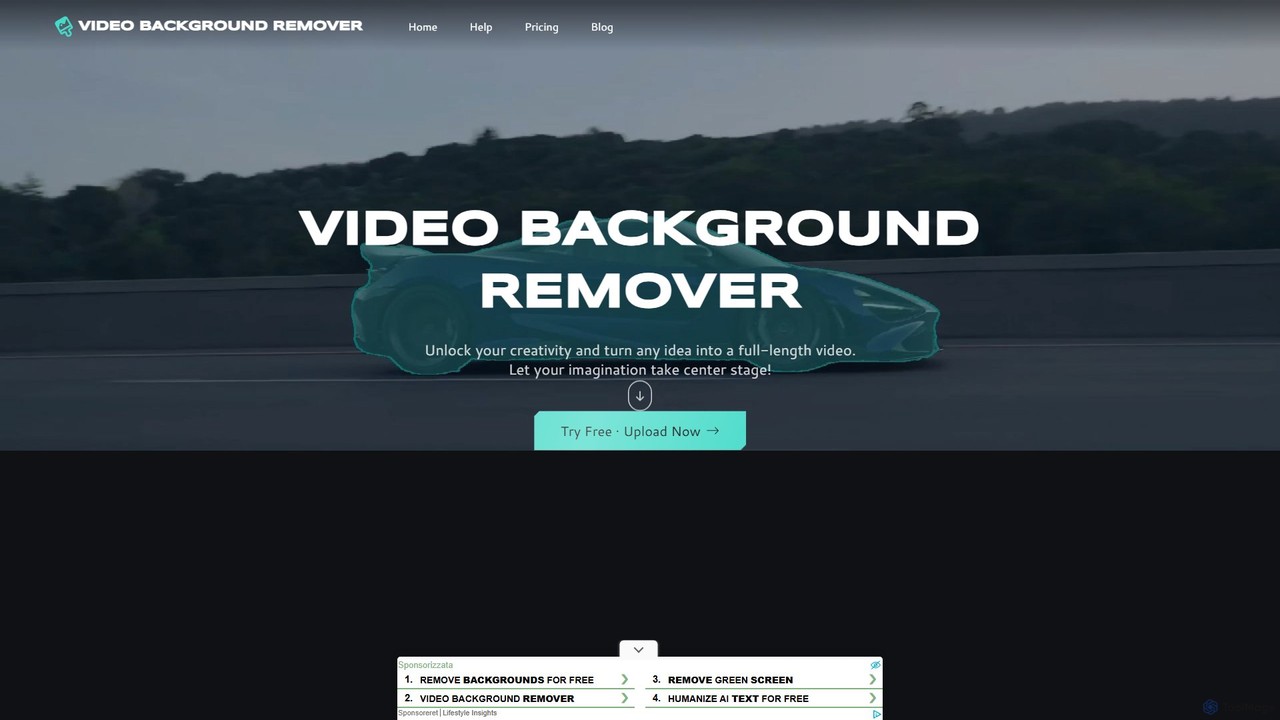
video_background_remover
An AI-powered online tool that allows users to remove video backgrounds instantly without a green screen. It supports multi-subject selection, various editing effects, and Full HD export, all for free and directly in your browser.
Social Media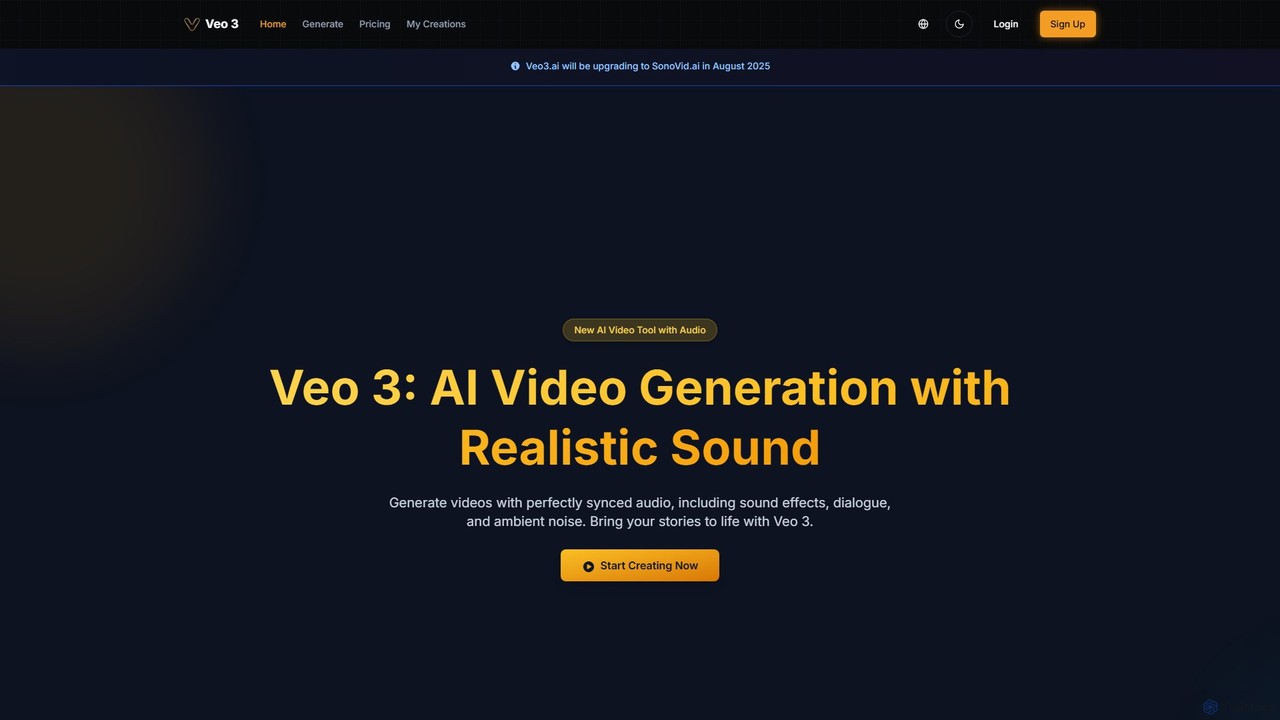
veo3.bot
veo3.bot is an AI video generation platform that provides access to Google's advanced Veo 3 model. It enables users to create high-quality 1080p videos from text or images, complete with native synchronized audio and precise lip-sync. The platform offers a free trial and flexible pricing without requiring a Google Gemini subscription, making advanced video creation accessible to creators, marketers, and developers.
Social Media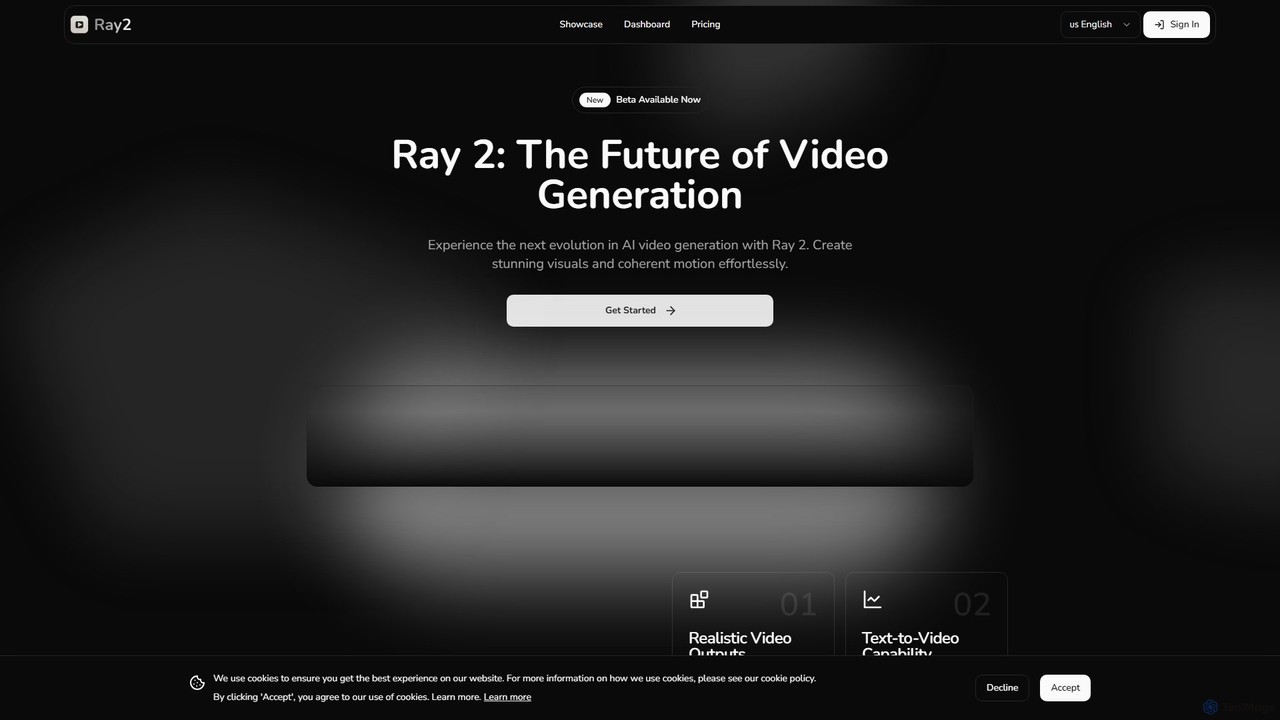
ray2
Ray 2 is an advanced AI video generation platform that transforms text prompts and images into high-quality, coherent video clips. Designed for creators, marketers, and designers, it simplifies video production with a user-friendly interface, multiple aspect ratios, and fast processing speeds, making it ideal for creating engaging content for social media, advertising, and artistic projects.
Social Media
UpscaleMy.Video Comments (0)
Sign in to comment.
Sign inNo comments yet.