Media Best in category 2 results Editing AI Tool

Popular AI tools in the Editing field of Media include Free AI Video Upscaler、UpscaleMy.Video, etc., helping you quickly improve efficiency.

Free
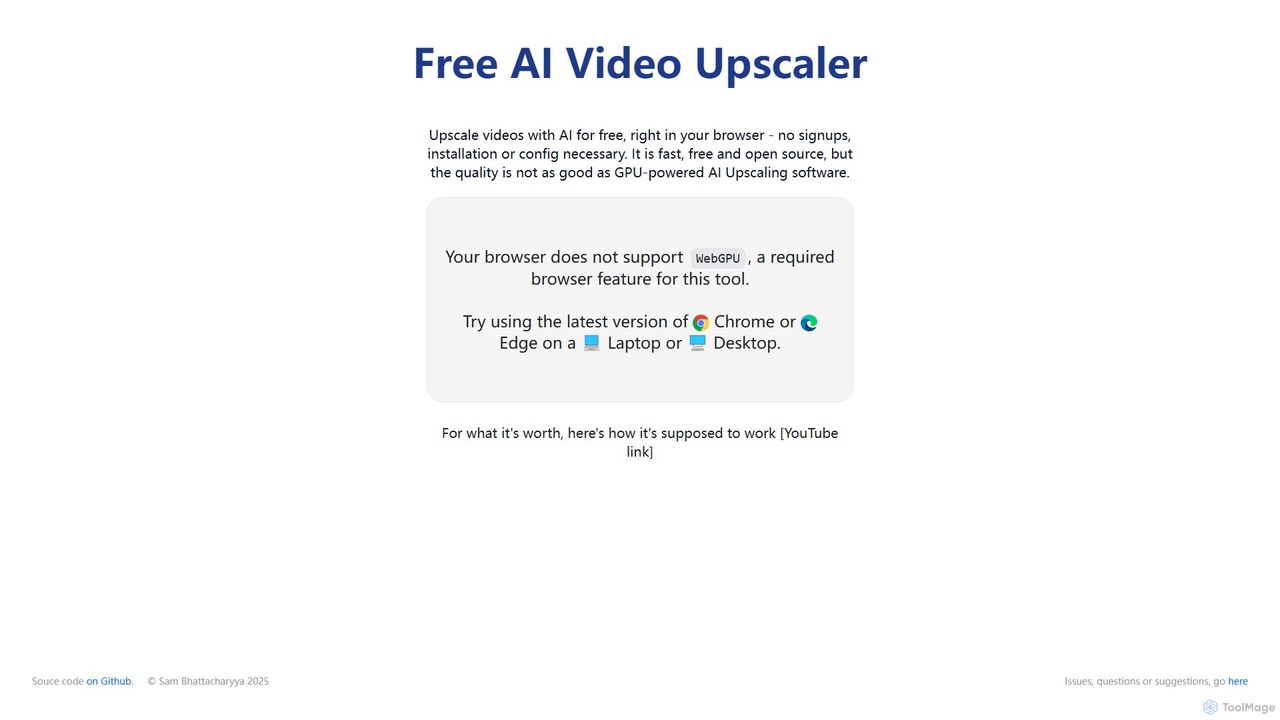
Free AI Video Upscaler

Free AI Video Upscaler

A free, browser-based AI tool that enhances and upscales video resolution without requiring any signup or software installation. …

580.2K
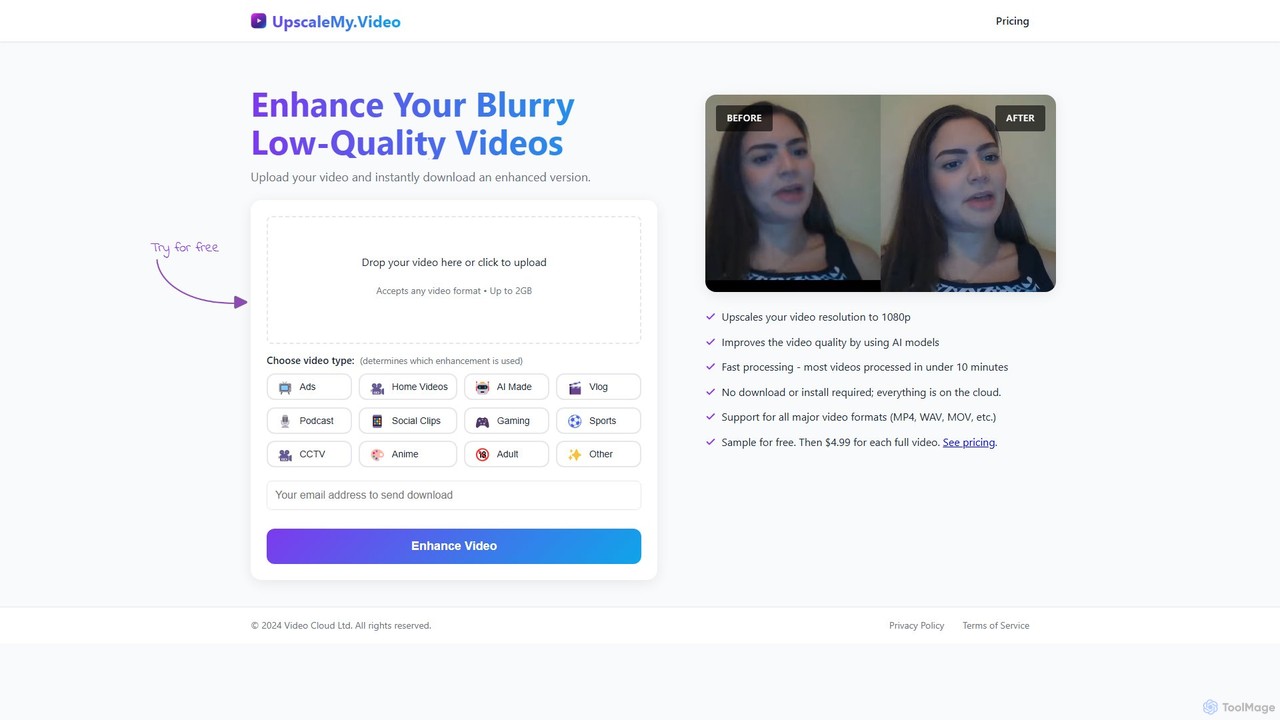
UpscaleMy.Video

UpscaleMy.Video

UpscaleMy.Video is an AI-powered online tool that enhances and upscales blurry, low-quality videos to crisp 1080p resolution. It …

2.6K

About Editing

AI Editing tools are a class of software that use artificial intelligence to refine, correct, and enhance various types of media content. These tools leverage advanced algorithms for tasks like grammar correction, video stabilization, audio noise reduction, and code refactoring to automate complex editing processes. This enables creators and professionals to significantly improve the quality and clarity of their work, from written documents to video productions, with greater speed and precision. They act as intelligent assistants, identifying errors and suggesting improvements that a human editor might miss.

Core Features

  • Intelligent Proofreading: Analyzes text for grammar, style, tone, and clarity, offering contextual suggestions beyond simple spell-checking.
  • Automated Media Enhancement: Automatically corrects issues in video and audio, such as color balance, stabilization, and background noise removal.
  • Smart Object Manipulation: Identifies and allows for the easy removal, replacement, or alteration of objects within images and videos.
  • Code Refactoring & Optimization: Scans source code to identify inefficiencies, suggest improvements, and automatically apply refactoring patterns for better performance.

Applicable Scenarios

These tools are widely used by content creators, marketers, academic writers, software developers, and video producers. For example, a marketing team can use an AI editor to ensure brand voice consistency across all written content, while a developer can use a code editor to clean up legacy codebases, improving maintainability and speed.

Selection Criteria

When choosing an AI Editing tool, consider the specific media type you work with (text, video, audio, code). Evaluate the depth of its AI features and the level of control it offers. Also, assess its integration capabilities with your existing workflow (e.g., browser extensions, IDE plugins) and its pricing model to ensure it aligns with your budget and usage frequency.

EditingUse Cases

1

Polishing Marketing and Blog Content

A content marketer needs to publish a high-quality blog post quickly. Using an AI text editing tool, they can instantly check for grammatical errors, awkward phrasing, and tonal inconsistencies. The tool suggests alternative sentence structures to improve readability and ensures the article aligns with the company's brand voice. This process reduces the manual proofreading time by over 70% and enhances the final content's professionalism, leading to better reader engagement.

2

Enhancing Podcast and Video Audio

A podcaster or video creator often deals with audio recordings that have background noise, inconsistent volume levels, or filler words like 'um' and 'ah'. An AI audio editing tool can automatically analyze the audio track, identify and remove these imperfections in one pass. It can balance dialogue levels, reduce hiss, and even remove unwanted sounds like a door closing. This saves hours of tedious manual editing and results in a clean, professional-sounding final product.

3

Refactoring and Optimizing Software Code

A software development team is tasked with modernizing a legacy codebase. An AI code editing tool can scan the entire project to identify redundant code, suggest more efficient algorithms, and automatically apply refactoring patterns for improved readability and performance. It can also detect potential bugs and security vulnerabilities that might be missed by human review. This accelerates the development cycle and reduces technical debt, making the software more robust and easier to maintain.

4

Automating Photo Retouching for E-commerce

An e-commerce store manager needs to process hundreds of product photos. An AI image editing tool can automate repetitive tasks like background removal, color correction, and object centering. By uploading a batch of images, the manager can apply consistent edits to all photos simultaneously. The AI can also intelligently remove unwanted reflections or shadows, ensuring a clean and uniform look across the entire product catalog. This drastically reduces manual labor and improves the visual appeal of the online store.

5

Improving Academic and Scientific Papers

A researcher is preparing a manuscript for submission to a scientific journal. An AI editing tool specialized for academic writing can help check for clarity, conciseness, and adherence to specific formatting styles (e.g., APA, MLA). It can identify overly complex sentences, suggest more precise terminology, and even check for unintentional plagiarism. This ensures the paper is polished and professional, increasing its chances of being accepted for publication by helping the author communicate their findings more effectively.

6

Stabilizing and Color Grading Video Footage

A freelance videographer has shaky handheld footage from an event. Instead of using complex keyframing in traditional software, they use an AI video editor. The tool's stabilization feature analyzes the motion and smooths it out with a single click. Additionally, its AI color grading function can automatically match the color palette of the shaky clip to other professionally shot footage in the timeline, creating a consistent and cinematic look throughout the entire video. This saves significant time in post-production.

EditingFrequently Asked Questions