
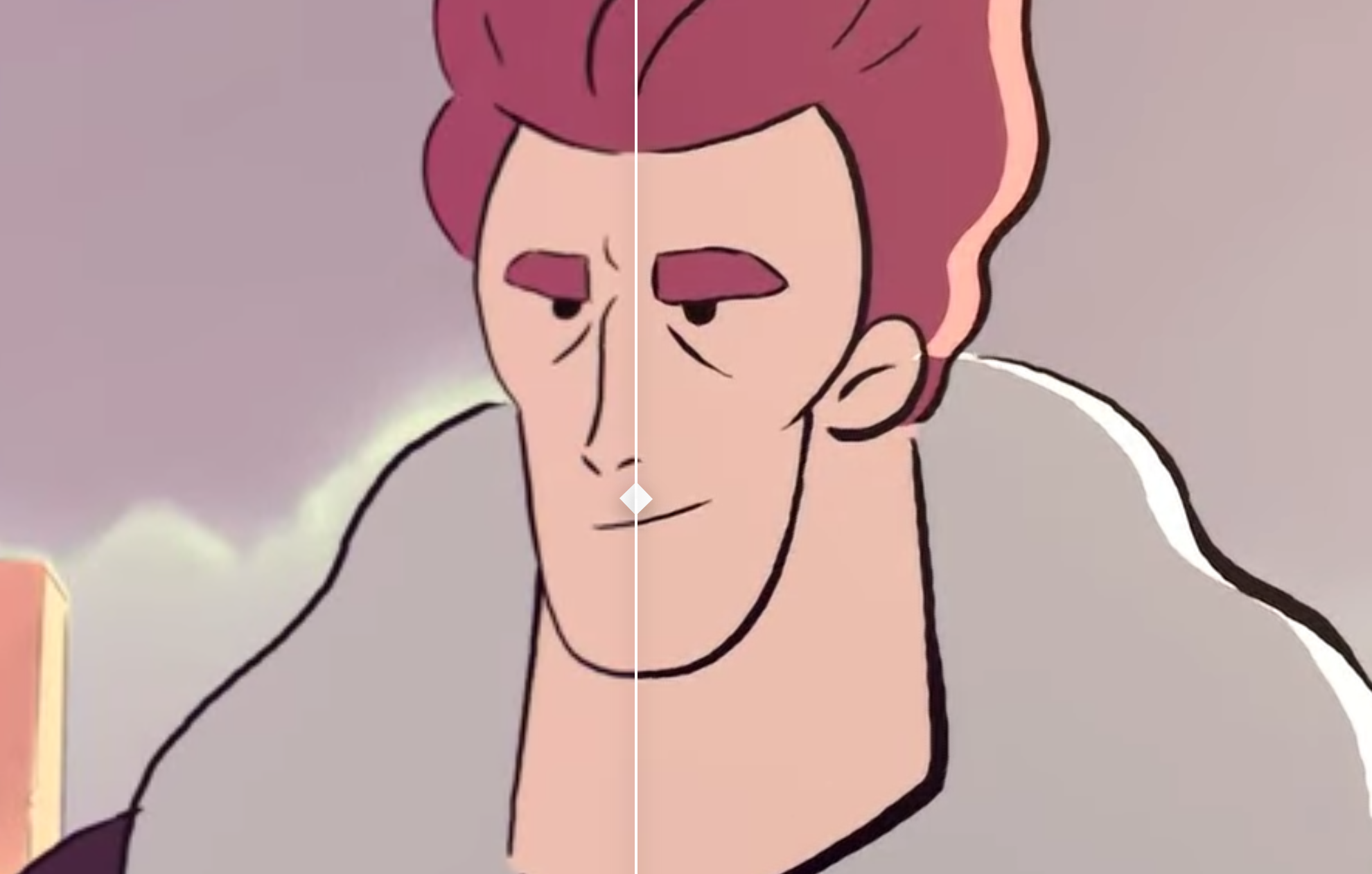
Free AI Video Upscaler Overview
Free AI Video Upscaler is a powerful and accessible online tool designed to increase the resolution and improve the quality of your videos using advanced artificial intelligence. It operates entirely within your web browser, eliminating the need for complex software installations or powerful hardware. The service is completely free and does not require users to create an account, making it an incredibly convenient solution for quick video enhancements.
The tool leverages sophisticated AI algorithms to intelligently add detail and clarity to low-resolution footage. Instead of simply stretching the pixels, which often results in a blurry or blocky image, the AI analyzes the content of the video to reconstruct and generate new, high-quality details. This process effectively reduces noise, sharpens edges, and enhances textures, transforming standard-definition videos into crisp, high-definition content.
How to use Free AI Video Upscaler
The user interface is designed for simplicity and efficiency, allowing anyone to enhance their videos in just a few steps:
- Upload Your Video: Navigate to the Free AI Video Upscaler website and upload your video file. You can typically drag and drop the file directly onto the page or use the file selection button.
- Configure Settings: Before starting the process, you can tailor the upscaling to your specific video content. Choose the appropriate 'Upscaling Network' size (Small, Medium, or Large), which may affect processing time and quality. Then, select the 'Content Style' that best matches your video—options include 'Animated,' 'Real Life,' or '3D.' This ensures the AI model used is optimized for your footage.
- Start Upscaling: Once your settings are configured, click the 'Start Upscaling' button to begin the enhancement process. The tool will display an estimated time remaining.
- Download the Result: After the AI has finished processing your video, a download link will become available. Simply click the button to save the new, high-resolution video file to your computer.
Core Features of Free AI Video Upscaler
- AI-Powered Resolution Enhancement: Intelligently increases video resolution (e.g., from 480p or 720p to 1080p or even 4K) while improving visual quality.
- Content-Specific AI Models: Provides specialized settings for different video types ('Animated,' 'Real Life,' '3D') to ensure the best possible results and avoid common artifacts.
- Zero Installation Required: As a fully browser-based tool, it works on any operating system with a modern web browser, without needing any downloads or installations.
- No Signup or Registration: Offers complete anonymity and immediate access. Users can start upscaling videos right away without providing any personal information.
- Completely Free to Use: The core service is offered at no cost, making professional-grade video upscaling accessible to everyone.
- Intuitive User Interface: A straightforward, step-by-step process makes it easy for both beginners and experienced users to enhance their videos.
Use Cases for Free AI Video Upscaler
This tool is versatile and can be used in a wide range of scenarios:
- Restoring Old Media: Breathe new life into old family videos, digitized VHS tapes, or classic film clips by improving their clarity and resolution for modern displays.
- Content Creators: YouTubers, social media influencers, and vloggers can enhance lower-quality footage from older cameras or smartphones to meet the high-definition standards of today's platforms.
- Archivists and Historians: Improve the quality of historical footage for documentaries, research, or digital archives, making important moments in history clearer and more accessible.
- Marketing Professionals: Upscale older promotional videos, user-generated content, or stock footage for use in new marketing campaigns, ensuring a polished and professional look.
- Anime and Animation Fans: Enhance classic or low-resolution animated series and films using the specialized 'Animated' model, which preserves sharp lines and vibrant colors without introducing unwanted artifacts.
Advantages of Free AI Video Upscaler
The primary advantage of this tool is its unparalleled accessibility. By being free, anonymous, and browser-based, it removes all common barriers to using advanced AI technology. Unlike professional software that requires expensive licenses and powerful GPUs, or other free tools that demand complex command-line installations, Free AI Video Upscaler offers a simple 'upload-and-download' solution. The inclusion of content-specific models is another significant benefit, as it demonstrates a more sophisticated approach to upscaling, leading to superior results compared to generic, one-size-fits-all algorithms.
Pricing and Plans
Free AI Video Upscaler is, as its name suggests, completely free to use. There are no subscription plans, hidden fees, or premium tiers for the service offered on the website. The tool provides its full functionality without requiring any payment, making it an excellent choice for users with occasional or one-time upscaling needs. The website does mention a paid alternative, 'Fast AI Video Upscaler,' for those who may require faster processing or higher quality, but the core tool itself remains 100% free.
Traffic
Latest traffic
Status
Monthly traffic trend
- 2025-9: 42.1K
- 2026-1: 457.6K
- 2026-2: 512.8K
- 2026-3: 657.3K
- 2026-4: 577.8K
- 2026-5: 783.4K
Geography
Top 5 countries / regions
- 🇺🇸United States28.7%
- 🇮🇳India21.1%
- 🇧🇷Brazil19.9%
- 🇮🇩Indonesia18.7%
- 🇬🇧United Kingdom11.5%
Traffic sources
| Source type | Percentage |
|---|---|
Direct | 89.3% |
Referral | 9.2% |
Email | 1.5% |
Top keywords
| Keyword | Cost per click |
|---|---|
| ai video upscaler | $1.06 |
| free video upscaler | $0.68 |
| upscale video | $0.52 |
| video upscaler | $0.57 |
| video upscaler free | $0.32 |
Free AI Video Upscaler Videos on YouTube


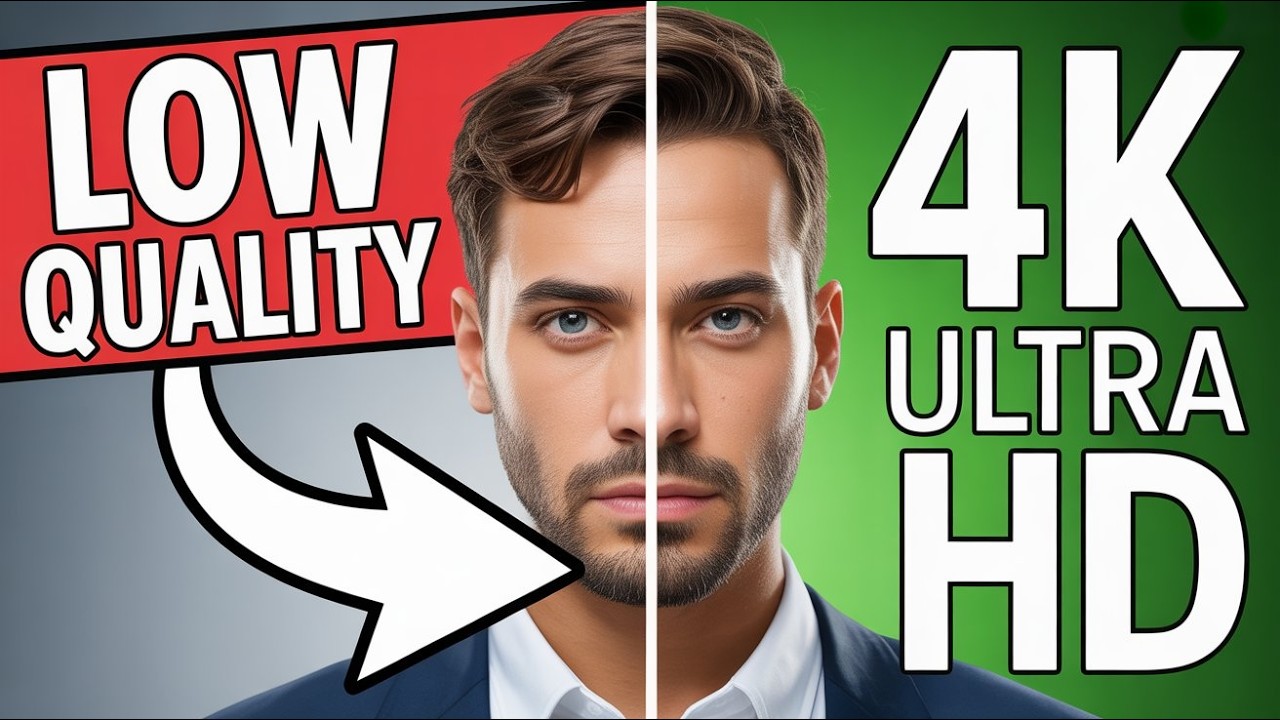
AI Tech With Muaz
Free AI Video Upscaler Alternatives
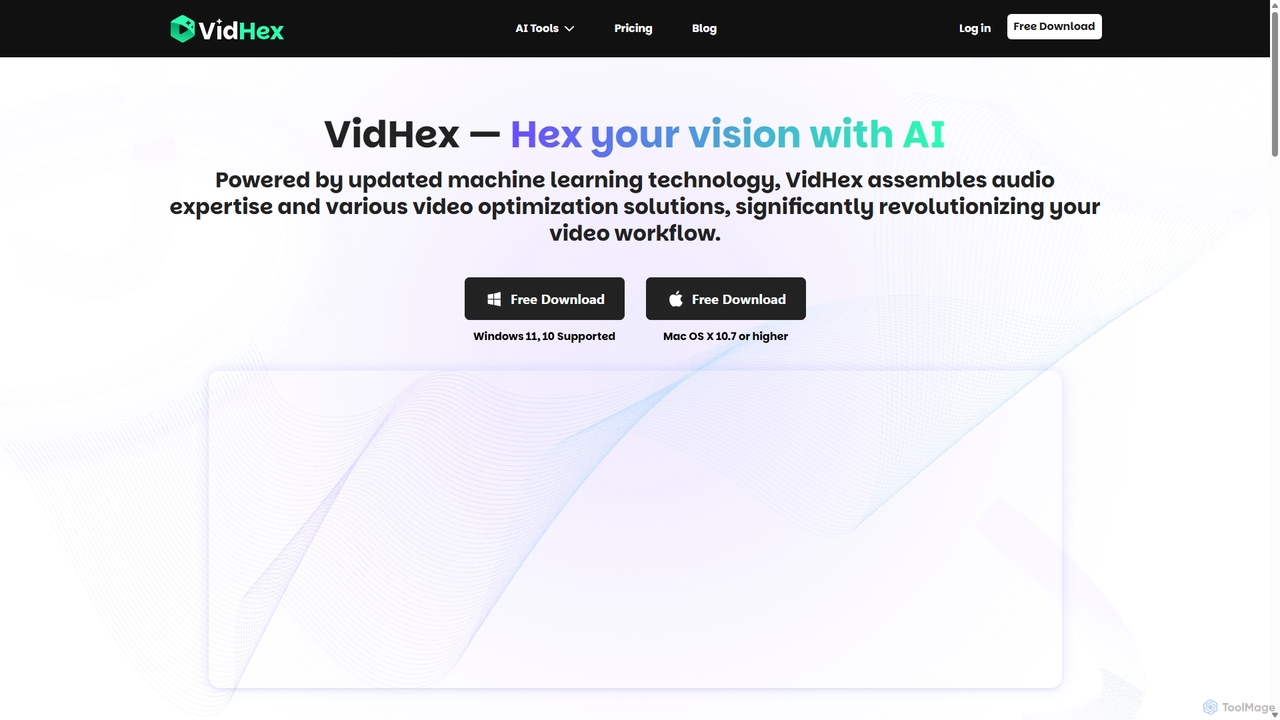
VidHex
VidHex is an all-in-one, AI-powered desktop application for Windows and Mac designed to enhance, restore, and upscale video quality. It offers a suite of tools for intelligent upscaling to 4K/8K, realistic colorization of black-and-white footage, video repair, denoising, and frame interpolation. It's built for content creators, e-commerce sellers, educators, and anyone looking to transform imperfect videos into stunning visual experiences with minimal effort.
Tools
WinXDVD
WinXDVD is a comprehensive software suite featuring the AI-powered Winxvideo AI for video/image enhancement, conversion, and editing, alongside the renowned WinX DVD Ripper for fast digital backups. It leverages GPU acceleration to upscale videos to 4K, stabilize shaky footage, and rip DVDs with exceptional speed and quality, making it an all-in-one solution for modern media management.
File Management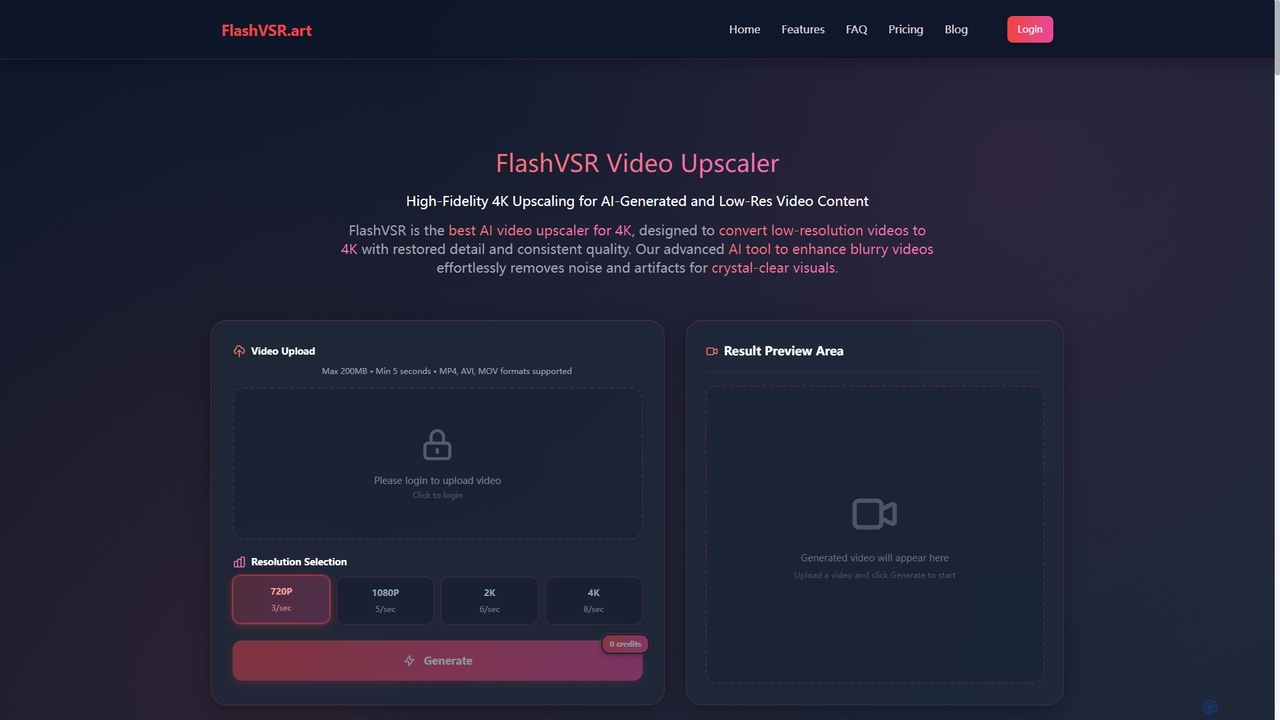
Flashvsr
Flashvsr is an AI-powered video upscaler that enhances and restores low-resolution videos to 4K quality. It uses advanced diffusion models to recover details, remove noise, and ensure temporal consistency, making it ideal for content creators, video editors, and marketers.
Content Creation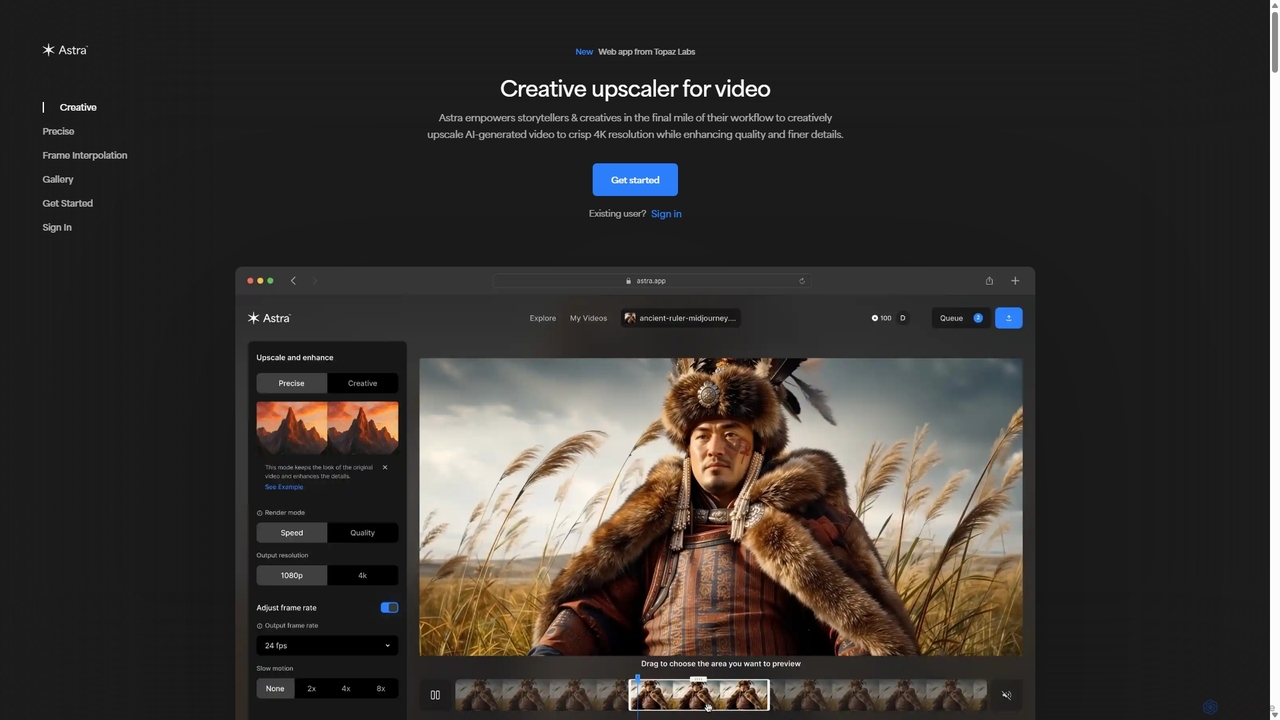
Astra
A powerful AI video upscaling tool from Topaz Labs, designed for creatives and storytellers. Astra transforms videos, especially AI-generated content, into crisp 4K resolution. It offers both a "Creative" mode to reimagine details and a "Precise" mode to faithfully enhance original footage, improving quality and clarity for professional workflows.
Motion Graphics
Pixop
Pixop is an AI-powered video enhancement platform designed for broadcasters and content owners. It offers solutions for real-time live stream conversion, archival footage restoration, and on-demand video upscaling to 4K/UHD. Leveraging proprietary machine learning models, Pixop improves video quality without requiring expensive infrastructure upgrades.
BroadcastingFree AI Video Upscaler Categories
Free AI Video Upscaler Embed Widget
Copy this embed code to place the badge on your blog, article, or product site and send readers directly to this ToolMage detail page.

Related AI tools
WinXDVD
WinXDVD is a comprehensive software suite featuring the AI-powered Winxvideo AI for video/image enhancement, conversion, and editing, alongside the renowned WinX DVD Ripper for fast digital backups. It leverages GPU acceleration to upscale videos to 4K, stabilize shaky footage, and rip DVDs with exceptional speed and quality, making it an all-in-one solution for modern media management.
File ManagementFlashvsr
Flashvsr is an AI-powered video upscaler that enhances and restores low-resolution videos to 4K quality. It uses advanced diffusion models to recover details, remove noise, and ensure temporal consistency, making it ideal for content creators, video editors, and marketers.
Content Creation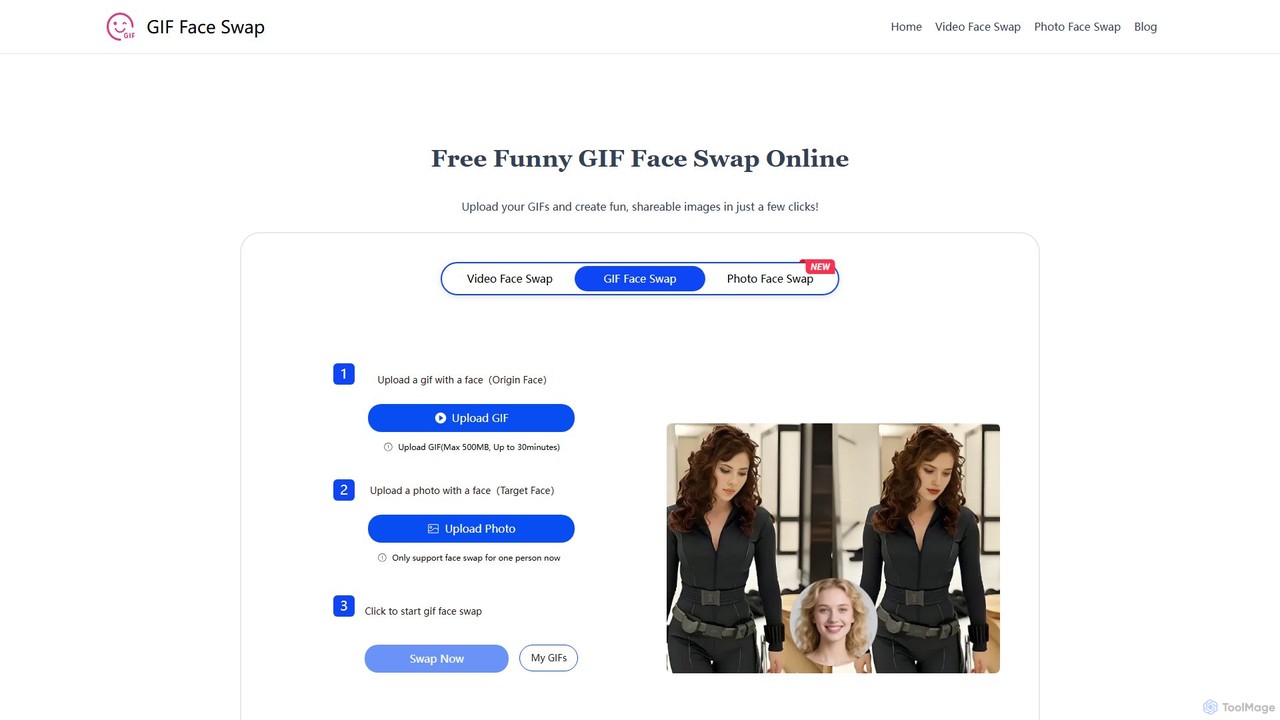
giffaceswap
giffaceswap is a free, online AI tool that allows you to seamlessly swap faces in GIFs, videos, and photos. With no registration required, you can create high-quality, realistic, and watermark-free face swaps in just a few clicks. It's perfect for creating funny memes, social media content, and personalized media.
Meme GeneratorVidHex
VidHex is an all-in-one, AI-powered desktop application for Windows and Mac designed to enhance, restore, and upscale video quality. It offers a suite of tools for intelligent upscaling to 4K/8K, realistic colorization of black-and-white footage, video repair, denoising, and frame interpolation. It's built for content creators, e-commerce sellers, educators, and anyone looking to transform imperfect videos into stunning visual experiences with minimal effort.
Tools
Jyek
Jyek is an AI agent platform that understands objectives, creates execution plans, uses tools, and delivers verifiable results for complex, multi-step tasks.
AutomationAstra
A powerful AI video upscaling tool from Topaz Labs, designed for creatives and storytellers. Astra transforms videos, especially AI-generated content, into crisp 4K resolution. It offers both a "Creative" mode to reimagine details and a "Precise" mode to faithfully enhance original footage, improving quality and clarity for professional workflows.
Motion GraphicsPixop
Pixop is an AI-powered video enhancement platform designed for broadcasters and content owners. It offers solutions for real-time live stream conversion, archival footage restoration, and on-demand video upscaling to 4K/UHD. Leveraging proprietary machine learning models, Pixop improves video quality without requiring expensive infrastructure upgrades.
Broadcasting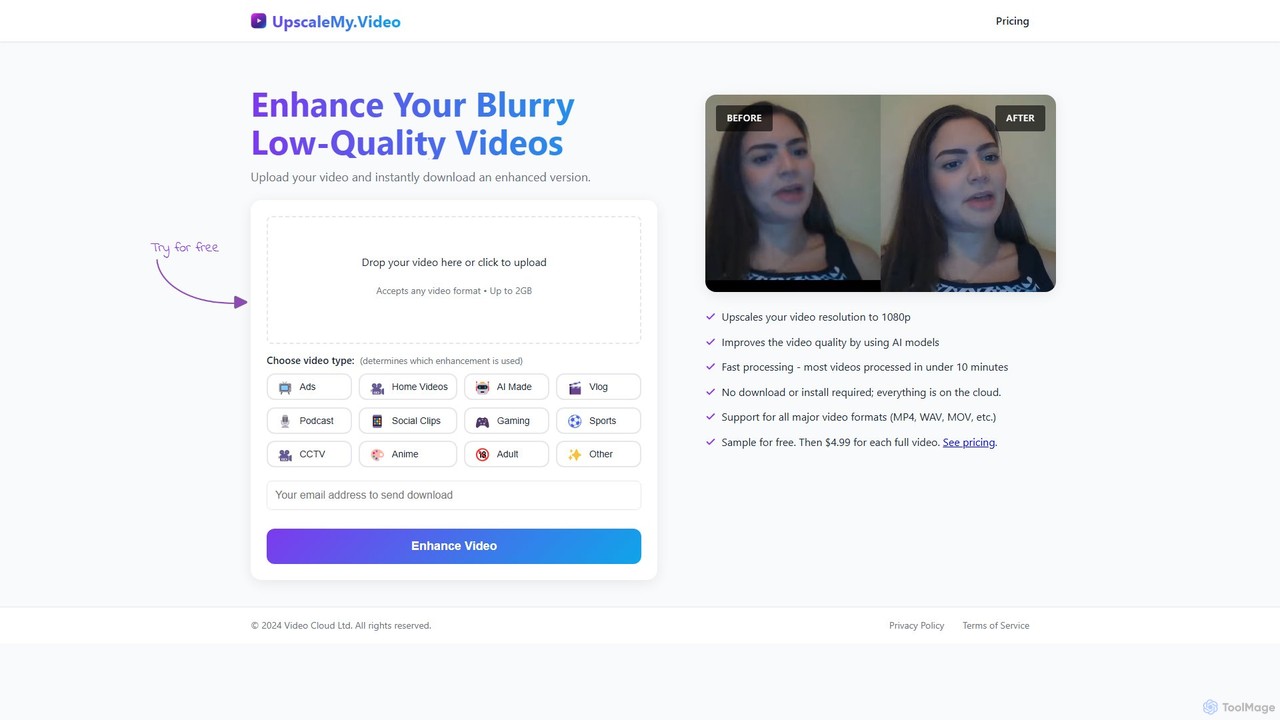
UpscaleMy.Video
UpscaleMy.Video is an AI-powered online tool that enhances and upscales blurry, low-quality videos to crisp 1080p resolution. It uses specialized AI models for different video types, offering fast, cloud-based processing without any software installation. Users can preview the enhancement for free and then pay per video for the full download.
Editing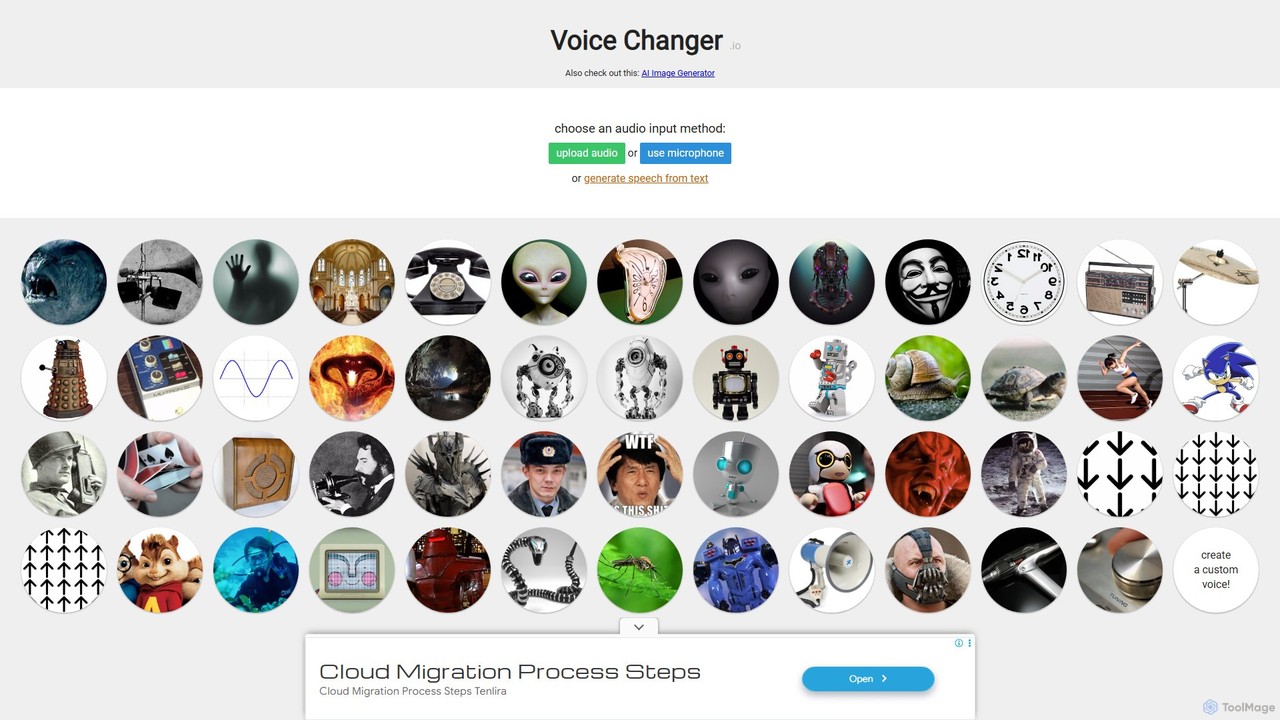
Voice Changer
A free, online tool that allows you to change your voice using various effects. You can record your voice, upload an audio file, or use text-to-speech, and then apply a wide range of effects to create unique voices for entertainment, content creation, or privacy.
Voice Modulation
TensorPix
TensorPix is an all-in-one, web-based AI platform for enhancing media. It allows users to upscale videos to 4K, improve image quality, restore old footage, generate unique images from text, and compress video files. It's designed for both professionals and casual users, requiring no powerful hardware or complex software.
Generative Art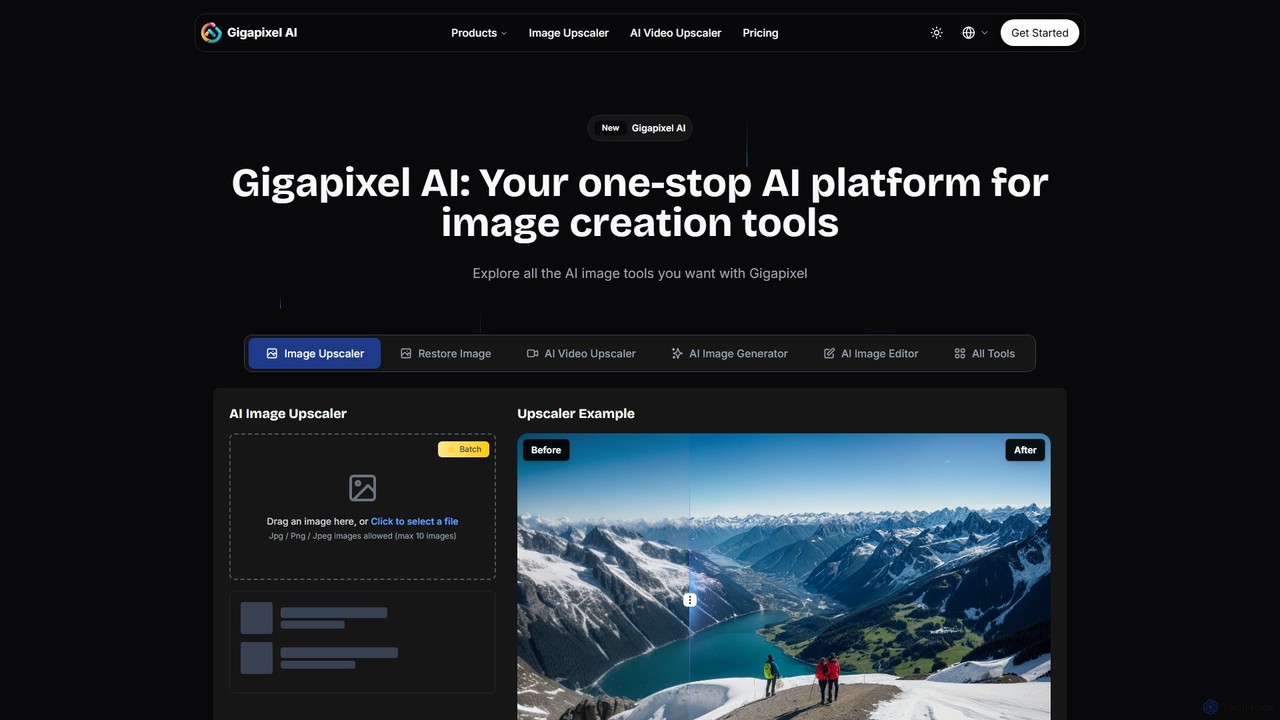
Gigapixel AI
Gigapixel AI is a comprehensive, all-in-one AI platform for image and video creation. It offers a suite of powerful tools, including an advanced image and video upscaler, a versatile image generator, a precise image editor, and a background remover. It's designed for creators, marketers, and developers to enhance, generate, and edit visual content with professional-grade quality and efficiency.
Image Editing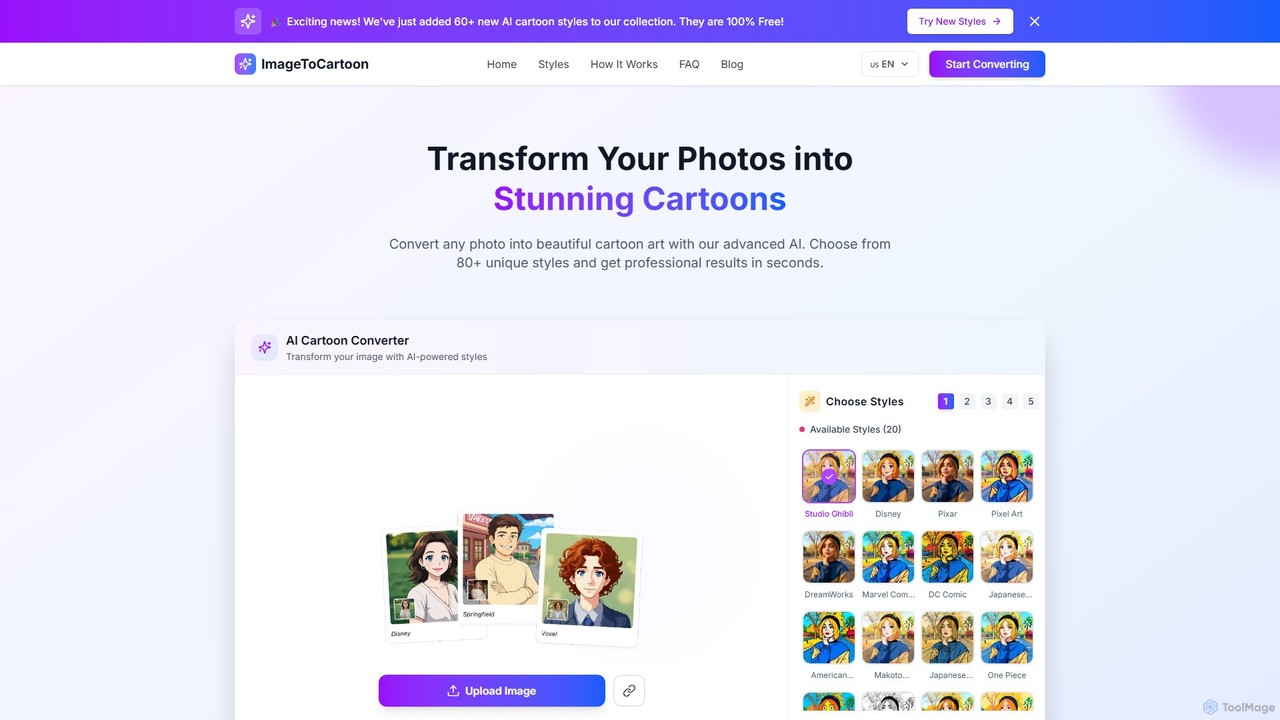
imagetocartoon
imagetocartoon is a free, web-based AI tool that transforms your photos into cartoons instantly. With over 80 unique styles, including Disney, Pixar, Anime, and Ghibli, you can create high-quality, professional-looking cartoon images in seconds. No software installation or registration is required. Simply upload your image, choose a style, and download your cartoonized photo for avatars, social media, or commercial projects.
Generative Art
Edit.Photo
A completely free, private, and browser-based online photo editor. Edit.Photo offers a seamless experience with no ads, popups, or account creation. It features quick editing tools, social media templates, and a unique studio to build your own custom editor.
Image Editing
bigmp4
An AI-powered online tool for comprehensive video and image enhancement. It specializes in lossless video upscaling to 4K/8K, frame interpolation for ultra-smooth motion, B&W video colorization, and slow-motion effects. It also supports batch image processing and GIF enhancement, using advanced AI models to restore and improve visual quality.
Restoration
Aimages
Aimages is a powerful online AI tool for enhancing and upscaling videos and images. It uses advanced algorithms to improve quality, fix blur, reduce noise, restore colors, and increase video frame rates. Ideal for professionals and hobbyists looking to restore old media or perfect new content.
Image Generation
Free AI Video Upscaler Comments (0)
Sign in to comment.
Sign inNo comments yet.