

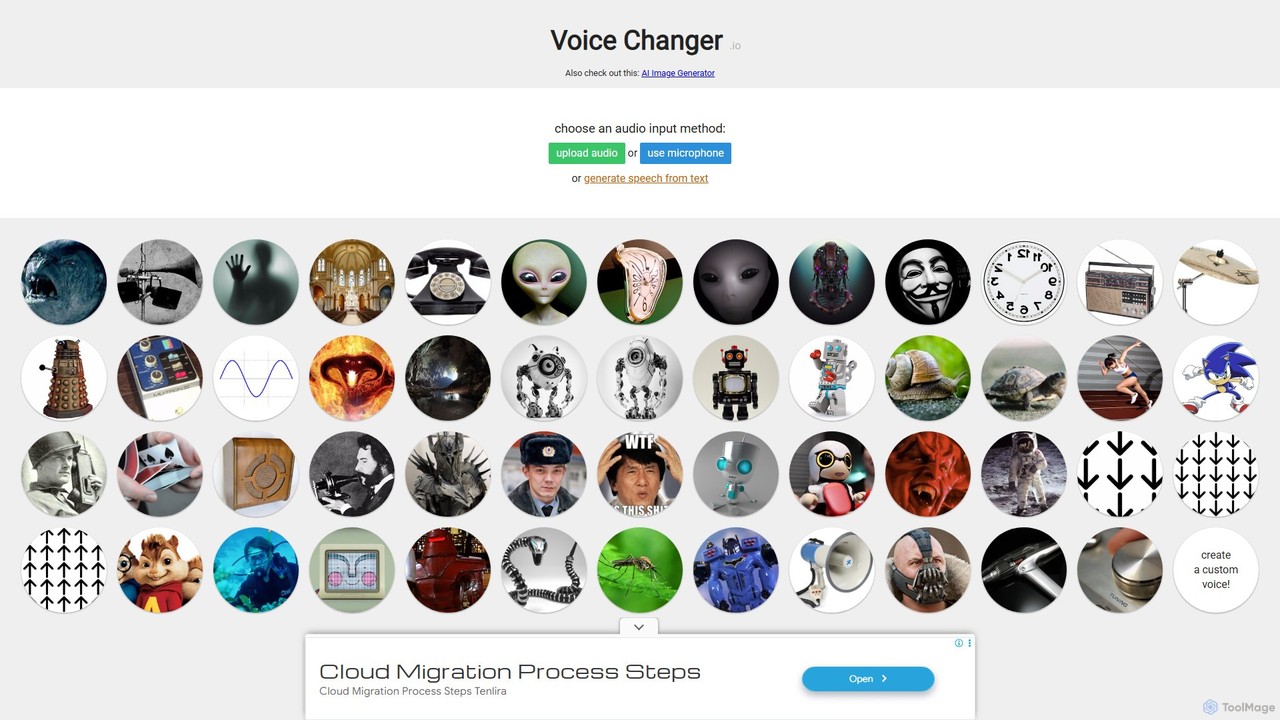
Voice Changer Overview
Voice Changer (voicechanger.io) is a versatile and completely free web-based tool designed for real-time voice modification and custom voice creation. It offers a simple yet powerful platform for users to transform their voice in multiple ways, catering to a wide audience from content creators and gamers to users seeking privacy or just having fun. The tool provides three convenient methods for audio input: generating audio from text (Text-to-Speech), recording a voice clip directly through the microphone, or uploading a pre-existing audio file from your device.
The platform is split into two main functionalities: a straightforward voice changer with pre-set effects and a more advanced 'Voice Maker'. The Voice Maker is the core of the tool, allowing users to build their own unique voice effects by combining and layering a vast library of audio processors. This provides an incredible degree of creative freedom, enabling the creation of everything from subtle vocal adjustments to completely new character voices.
How to use Voice Changer
Using Voice Changer is an intuitive process that requires no registration or software installation. Here’s a step-by-step guide:
- Choose Your Input Method: On the main page, select how you want to provide the source audio. You can type text for the Text-to-Speech engine, click the microphone icon to record a new clip, or click the folder icon to upload an audio file (e.g., MP3, WAV).
- Select an Effect (Simple Mode): For a quick transformation, you can browse the collection of pre-made voices on the main page and click one to apply it instantly to your input audio.
- Create a Custom Voice (Voice Maker): For more control, navigate to the Voice Maker. Here, you can click the 'Add an effect...' dropdown menu to start building your effect chain.
- Add and Customize Effects: Select effects like Pitch Shift, Phaser, Ring Modulator, Reverb, or Distortion from the list. Each effect you add will have its own set of parameters (e.g., sliders for pitch amount) that you can adjust to fine-tune the sound.
- Re-order Effects: The order of effects matters. You can drag and drop the effects in your chain to change their processing order, which can dramatically alter the final output.
- Generate and Download: Once you are satisfied with your effect chain, click the 're-generate' button to apply the changes to your audio. You can then listen to the preview and click the 'download' button to save the audio clip to your computer.
- Share Your Creation: The Voice Maker generates a unique URL for your specific combination of effects. You can copy this URL to share your custom voice preset with others.
Core Features of Voice Changer
- Multiple Input Options: Supports Text-to-Speech, direct microphone recording, and audio file uploads.
- Extensive Effect Library: A massive collection of audio effects including Pitch Shift, Phaser, Speed, Autowah, Synth/Vocoder, Ring Modulator (Dalek Robot), Ghost (Reverse Reverb), Telephone, Distortion, Old Radio, Delay (Echo), Compressor, and many more.
- Custom Voice Maker: A powerful feature to stack, re-order, and customize multiple effects to design unique and complex voice transformations.
- Pre-set Voice Effects: A selection of ready-to-use voices for quick and easy fun, such as Bane, Dalek, and various robot or monster types.
- No Registration Required: The tool is instantly accessible to everyone without the need for an account or sign-up.
- URL Sharing for Presets: Easily share your custom-made voice effect chains with others by simply sharing the page URL.
- Completely Free for All Uses: All generated audio can be used for any purpose, including commercial projects, without any cost or mandatory attribution.
Use Cases for Voice Changer
Voice Changer is a flexible tool suitable for various applications:
- Content Creation: YouTubers, podcasters, and streamers can create distinct character voices for animations, storytelling, or live broadcasts.
- Online Gaming: Gamers can use it for role-playing in online games, enhancing immersion, or simply having fun with friends in voice chat.
- Sound Design: Musicians and sound designers can experiment with vocal effects for music tracks, game audio, or film projects.
- Privacy and Anonymity: Users can disguise their voice for online videos or communications to protect their identity.
- Entertainment: Create funny voice messages for social media, prank calls with friends, or just experiment with different sounds for personal enjoyment.
Advantages of Voice Changer
The primary advantage of Voice Changer is its accessibility and power, offered completely for free. Unlike many other tools, it grants full commercial usage rights without any fees. The web-based nature means no downloads are necessary, and it works on any device with a modern browser. The high level of customization through the Voice Maker, combined with its user-friendly drag-and-drop interface, sets it apart as a highly creative and practical tool for both amateurs and professionals.
Pricing and Plans
Voice Changer is a hobby project and is available completely **free of charge**. There are no premium plans, subscriptions, or hidden fees. Users are free to use the generated audio for any purpose, including commercial use, without needing to provide credit to the site, although a mention is appreciated.
Traffic
Latest traffic
Status
Monthly traffic trend
- 2025-9: 599.7K
- 2026-1: 616.9K
- 2026-2: 546.6K
- 2026-3: 576.8K
- 2026-4: 537.7K
- 2026-5: 614.5K
Geography
Top 5 countries / regions
- 🇺🇸United States73.3%
- 🇬🇧United Kingdom10.5%
- 🇨🇦Canada6.1%
- 🇵🇭Philippines6.1%
- 🇮🇩Indonesia4.1%
Traffic sources
| Source type | Percentage |
|---|---|
Direct | 94.0% |
Referral | 5.6% |
Email | 0.5% |
Top keywords
| Keyword | Cost per click |
|---|---|
| free voice changer | $0.64 |
| voice changer | $0.38 |
| voicechanger | $1.29 |
| voice changer free | $0.69 |
| voice changer online | $0.60 |
Voice Changer Videos on YouTube

Voicemod: Real-Time AI Voice Changer & Soundboard
![[Free] RVC‘s Realtime AI Voice Changer | The Ultimate AI Voice Changer Tutorial](https://i.ytimg.com/vi/XIKSVb9AYa8/maxresdefault.jpg)


Voice Changer Alternatives
irocketx
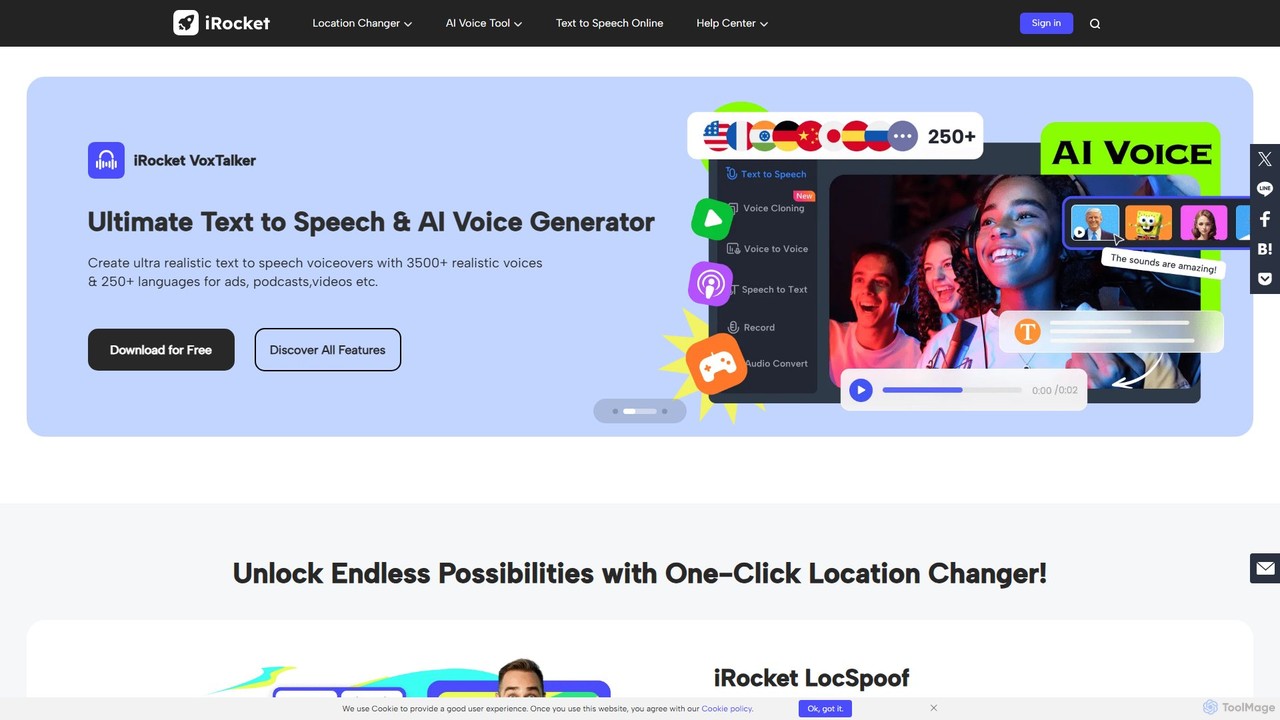
iRocket offers a suite of powerful AI tools for digital privacy, content creation, and gaming. It includes a location spoofer (LocSpoof), a text-to-speech and voice cloning generator (VoxTalker), a real-time voice changer (iCreaVoice), and a video converter (Fildown). These applications are designed to enhance online experiences, protect user privacy, and unlock creative potential with user-friendly interfaces.
Voice Modulation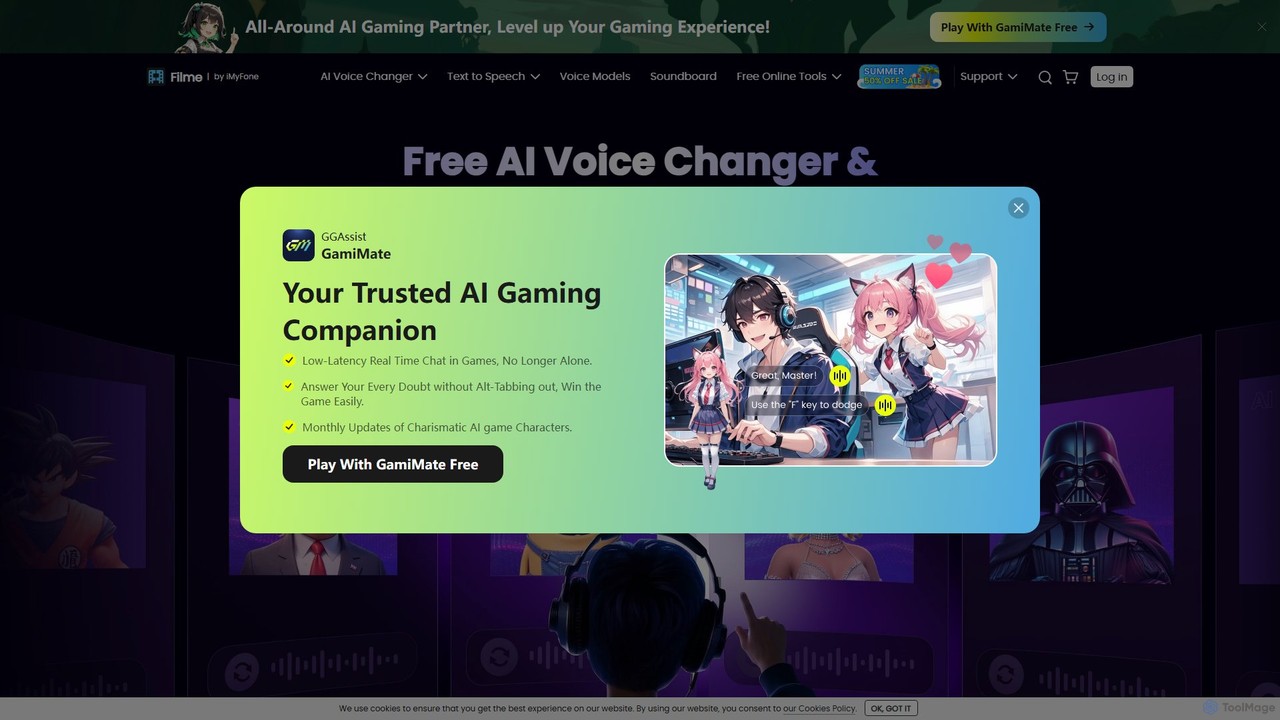
Filme
Filme by iMyFone is an all-in-one AI-powered creative suite for content creators and gamers. It includes a real-time voice changer, a user-friendly video editor, text-to-speech, AI music generation, and image editing tools. Enhance your gaming, streaming, and video production with a comprehensive set of easy-to-use applications for desktop and mobile.
Voice Modulation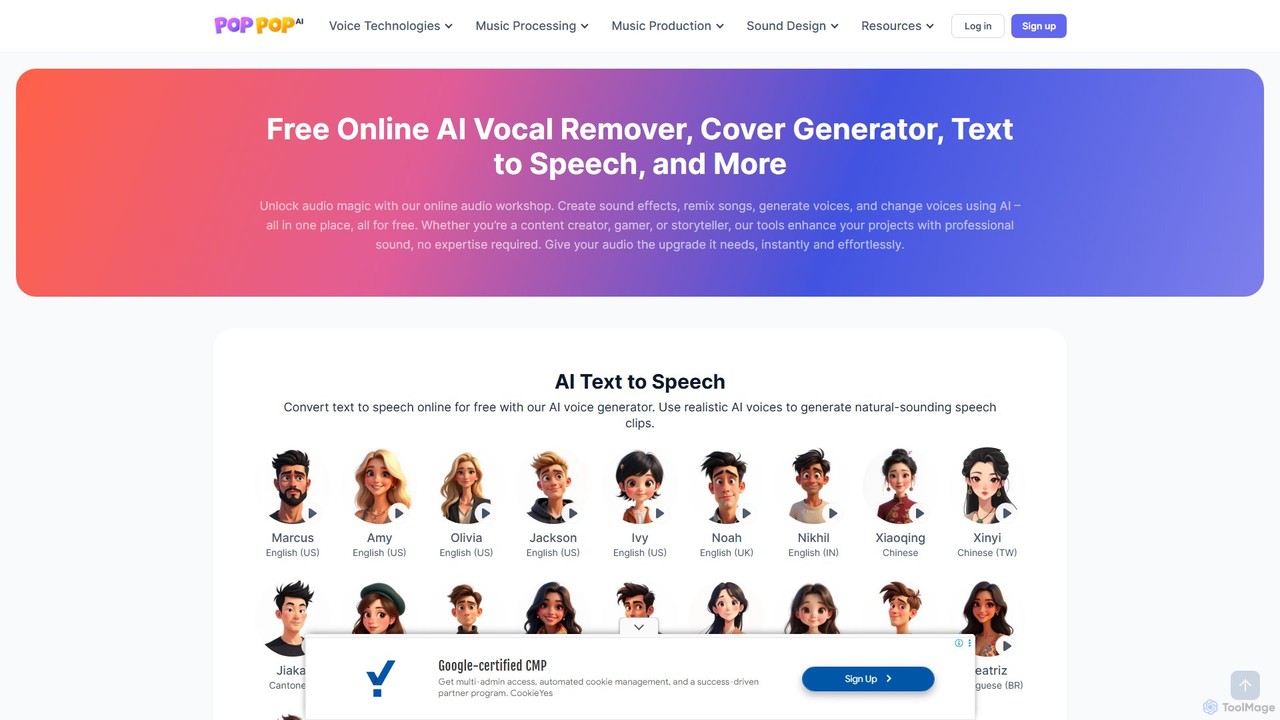
PopPop AI
PopPop AI is a free, all-in-one online audio workshop. It offers a suite of AI-powered tools, including a vocal remover, song cover generator, text-to-speech, sound effect generator, and voice changer. Designed for content creators, musicians, and gamers, it makes professional audio creation accessible to everyone without any cost or technical expertise.
Music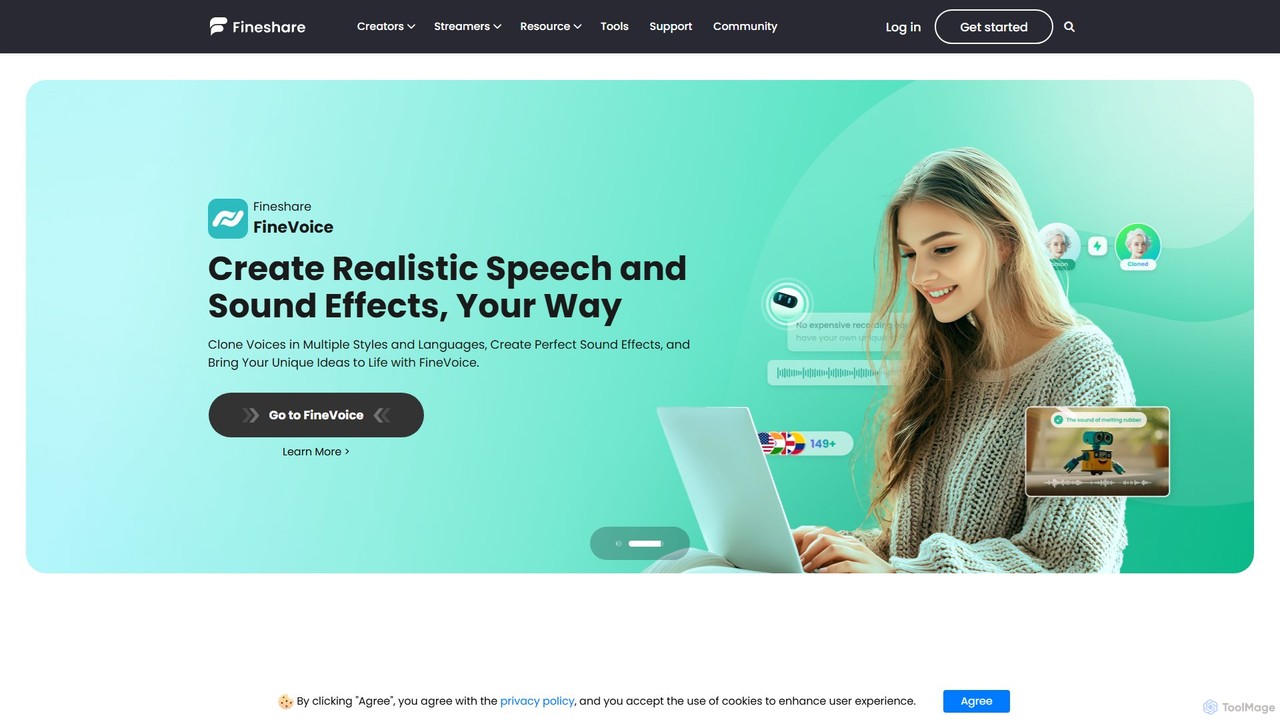
Fineshare
Fineshare offers a suite of AI-powered audio and video tools, including the advanced Finevoice AI voice generator for text-to-speech and voice cloning, and FineCam for turning your phone into a professional HD webcam. It's designed for content creators, marketers, and educators to produce high-quality media effortlessly.
Voice Cloning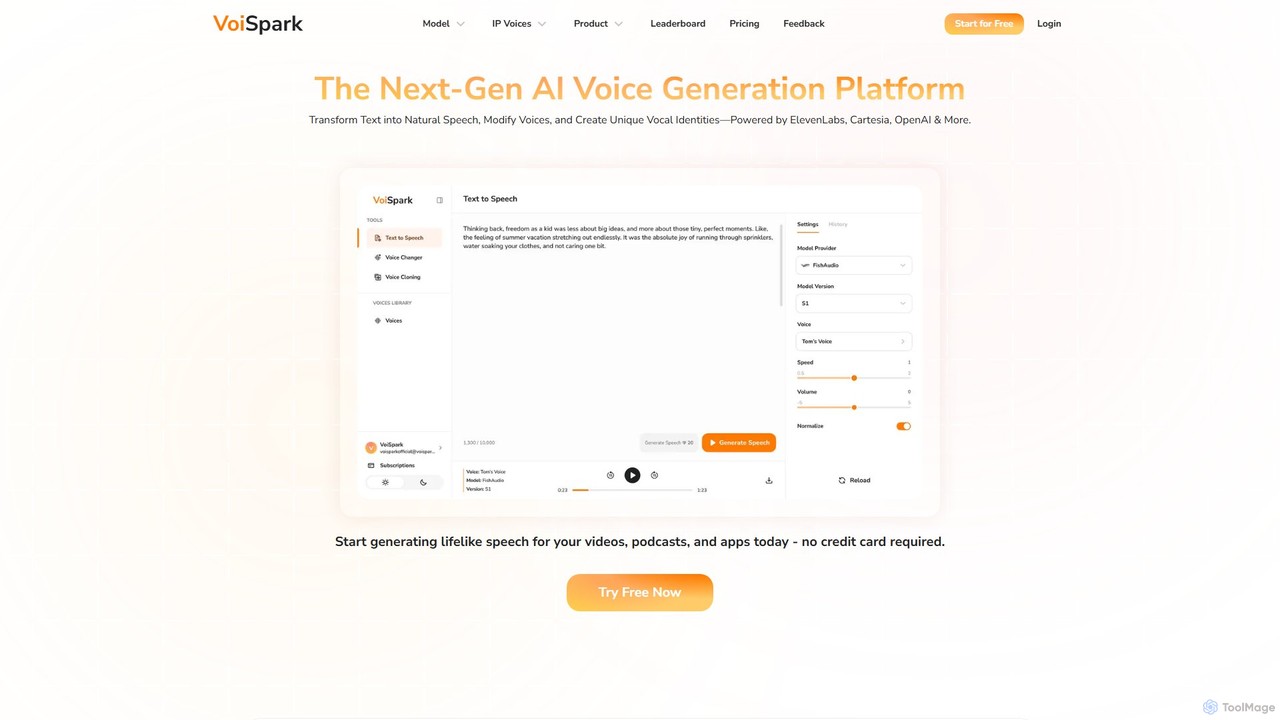
VoiSpark
VoiSpark is a next-generation AI voice platform offering a suite of tools for text-to-speech, voice cloning, voice changing, and custom voice design. Powered by leading models like ElevenLabs and OpenAI, it enables creators and businesses to generate ultra-realistic, studio-quality audio in over 50 languages for podcasts, videos, e-learning, and more.
Audio EditingVoice Changer Categories
Voice Changer Embed Widget
Copy this embed code to place the badge on your blog, article, or product site and send readers directly to this ToolMage detail page.

Related AI tools
irocketx
iRocket offers a suite of powerful AI tools for digital privacy, content creation, and gaming. It includes a location spoofer (LocSpoof), a text-to-speech and voice cloning generator (VoxTalker), a real-time voice changer (iCreaVoice), and a video converter (Fildown). These applications are designed to enhance online experiences, protect user privacy, and unlock creative potential with user-friendly interfaces.
Voice ModulationFineshare
Fineshare offers a suite of AI-powered audio and video tools, including the advanced Finevoice AI voice generator for text-to-speech and voice cloning, and FineCam for turning your phone into a professional HD webcam. It's designed for content creators, marketers, and educators to produce high-quality media effortlessly.
Voice CloningVoiSpark
VoiSpark is a next-generation AI voice platform offering a suite of tools for text-to-speech, voice cloning, voice changing, and custom voice design. Powered by leading models like ElevenLabs and OpenAI, it enables creators and businesses to generate ultra-realistic, studio-quality audio in over 50 languages for podcasts, videos, e-learning, and more.
Audio Editing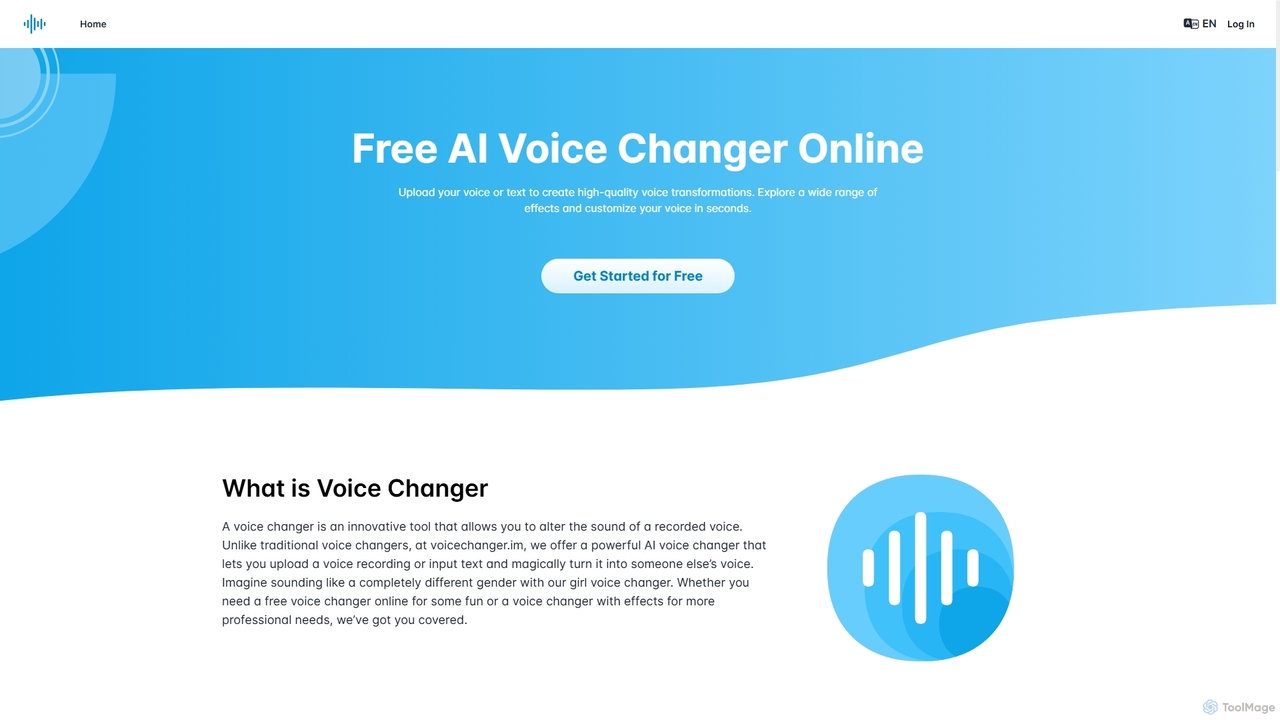
Voicechanger.im
A free, AI-powered online tool that transforms voices and generates speech from text. Upload audio or type text to create high-quality voiceovers with a wide range of effects, including gender conversion and various character voices. Ideal for content creators, gamers, and privacy-conscious users.
Voice Modulation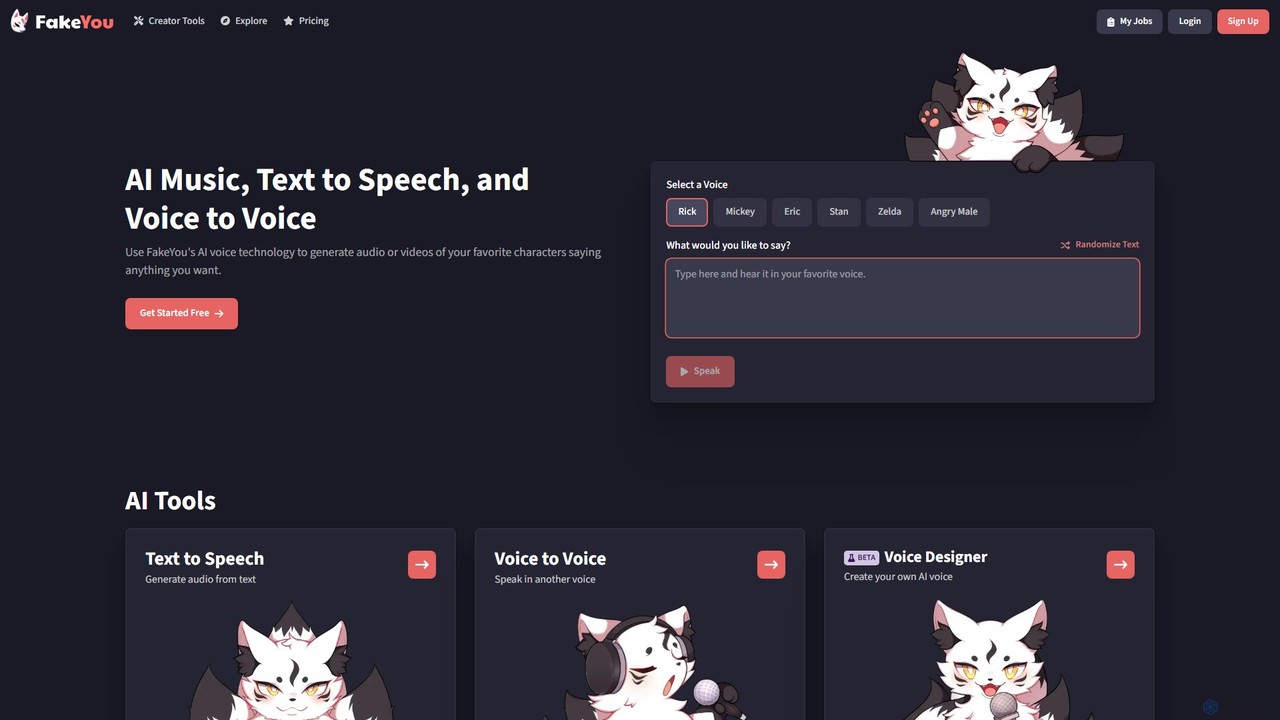
FakeYou
FakeYou is an advanced AI voice generator that lets you create audio and video content using a massive library of thousands of celebrity and character voices. It offers Text-to-Speech, Voice-to-Voice conversion, and voice cloning capabilities, empowering creators to produce high-quality, engaging content without a large budget or team. It's perfect for social media, entertainment, and personal projects.
Voice Synthesis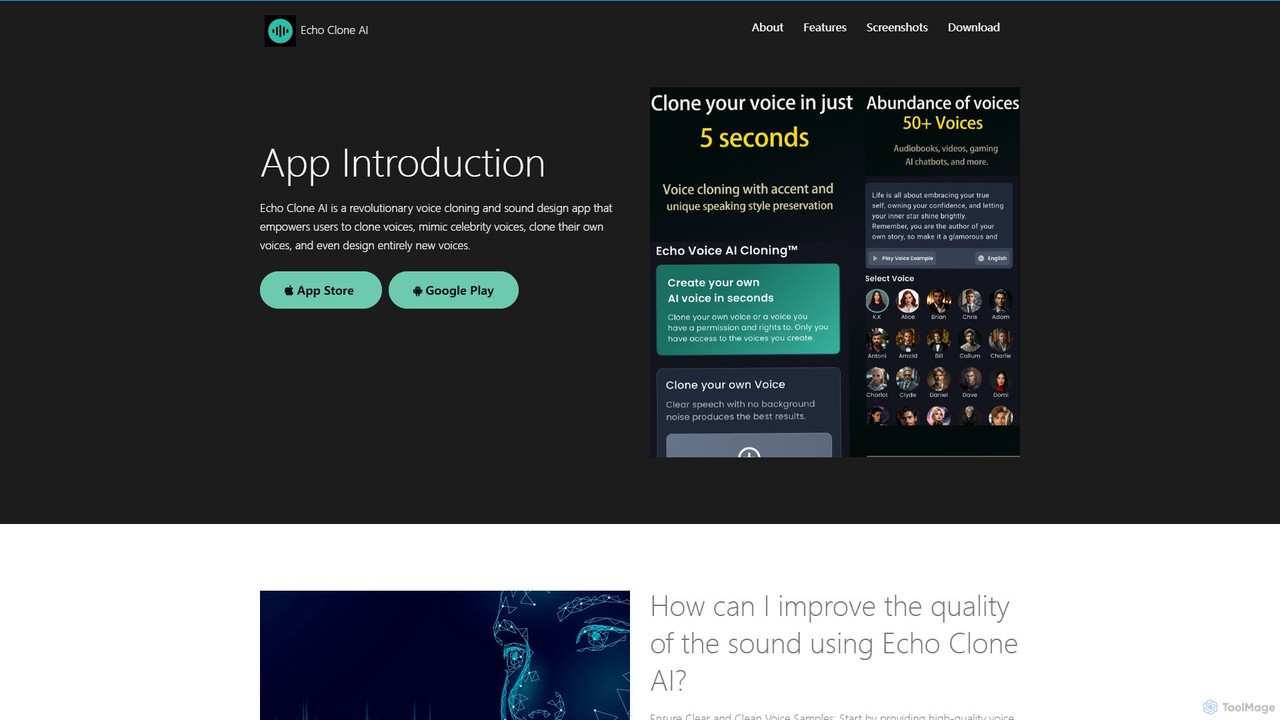
echovoiceai
echovoiceai is a powerful AI voice application that specializes in voice cloning and design. It allows users to clone celebrity voices from a library of over 80 options, create a digital replica of their own voice, or design entirely new voices by adjusting parameters like pitch and timbre. It's designed for content creators, gamers, and anyone looking for creative audio tools.
Voice Cloning
Papagaio AI
Papagaio AI is an innovative AI tool that generates videos with ultra-realistic Brazilian celebrity voices and perfect lip sync from text. Create viral content, personalized messages, and humorous videos in seconds for social media platforms like TikTok, Reels, and WhatsApp.
Social Media Content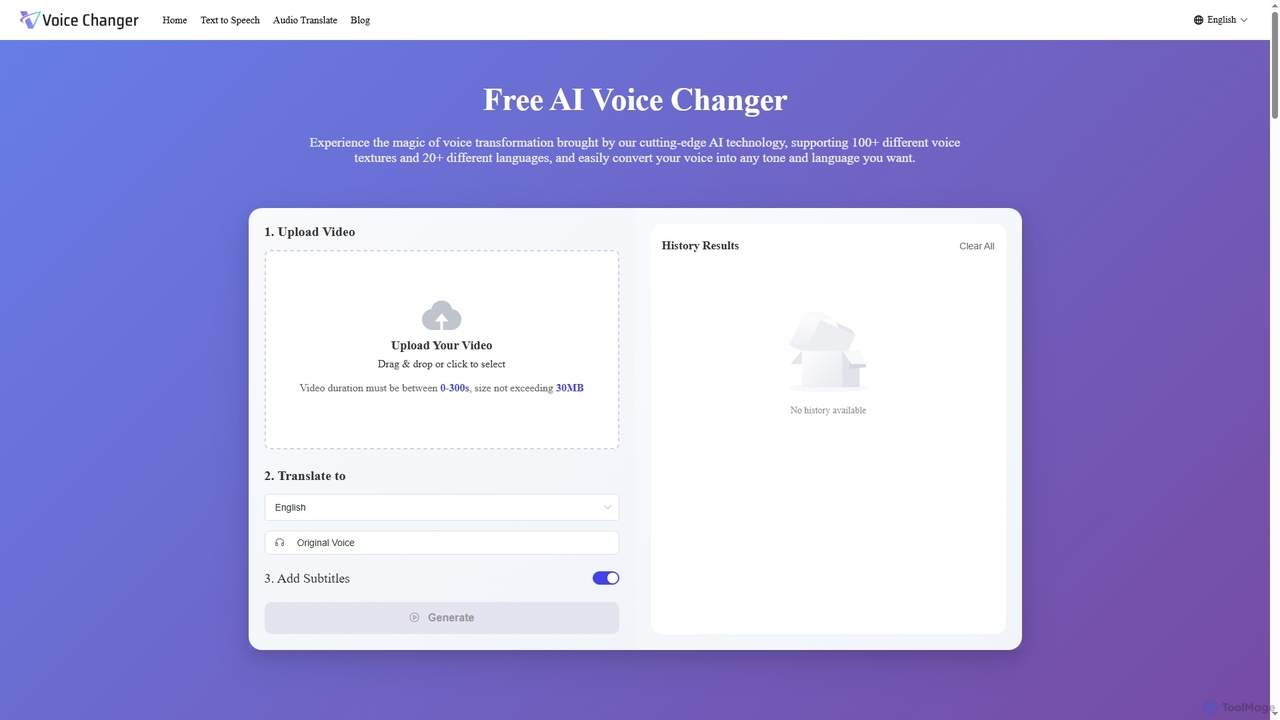
Voice Changer
Voice Changer is a versatile AI-powered online tool offering voice transformation, text-to-speech, and audio translation. It enables users to convert voices into over 100 different textures and 20+ languages, generate natural-sounding speech from text in 40+ languages, and translate audio while preserving original voice characteristics across 12+ languages. Designed for content creators, businesses, and educators, it provides a free, no sign-up solution for diverse audio needs.
Voice Transformation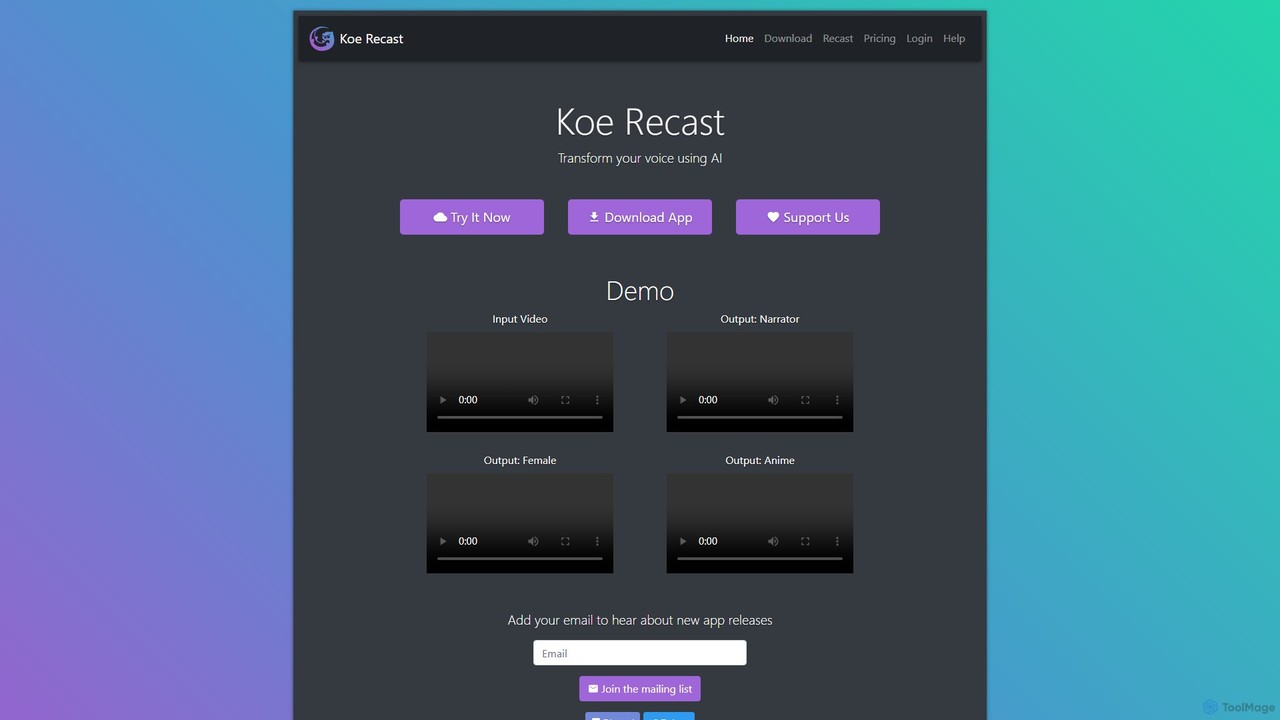
Koe Recast
Koe Recast is an AI-powered voice transformation tool that allows users to change their voice in real-time or convert audio/video files. It offers a web-based converter and a desktop application for Windows. With a variety of high-quality voices, from narrators to anime characters, users can create unique audio for personal projects, content creation, or online gaming. The tool provides both free and premium plans to suit different needs, including options for commercial use.
Voice ChangerFilme
Filme by iMyFone is an all-in-one AI-powered creative suite for content creators and gamers. It includes a real-time voice changer, a user-friendly video editor, text-to-speech, AI music generation, and image editing tools. Enhance your gaming, streaming, and video production with a comprehensive set of easy-to-use applications for desktop and mobile.
Voice Modulation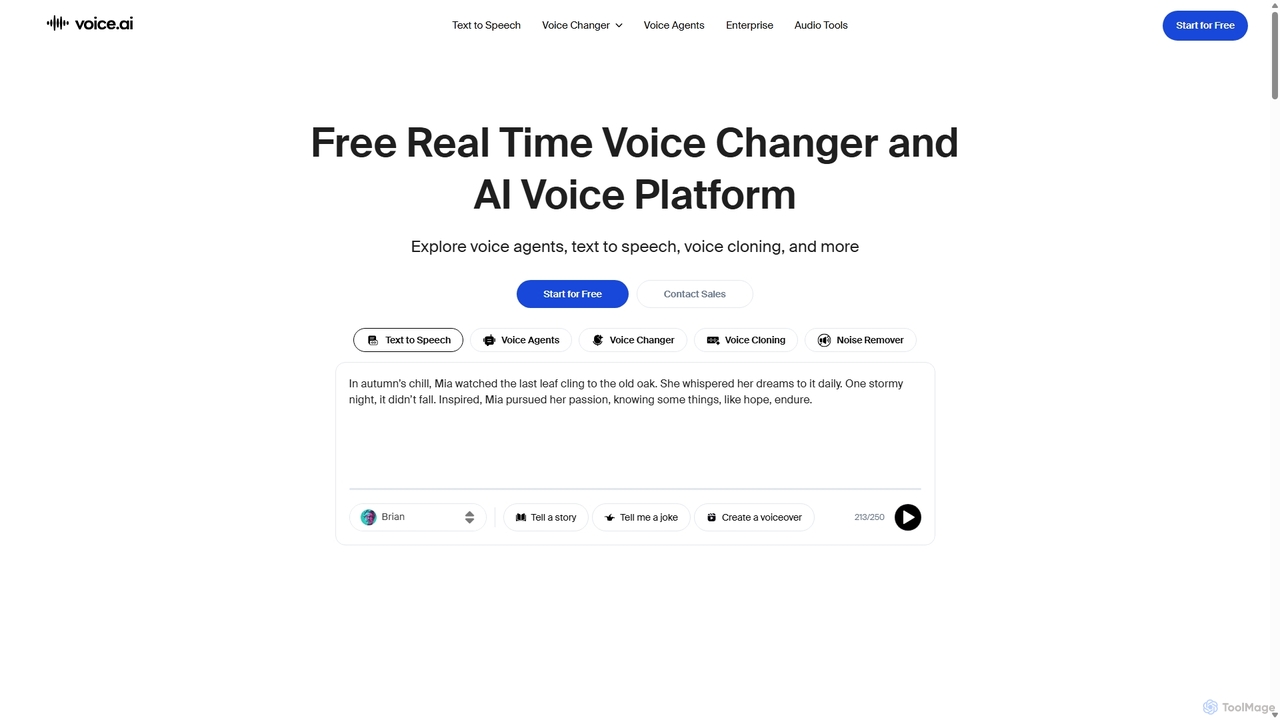
Voice.ai
Voice.ai is a versatile AI voice platform offering a free real-time voice changer, realistic text-to-speech, and precise voice cloning. Designed for gamers, streamers, content creators, and businesses, it features a vast library of user-generated voices, enabling seamless voice transformation across popular apps and games.
Text To Speech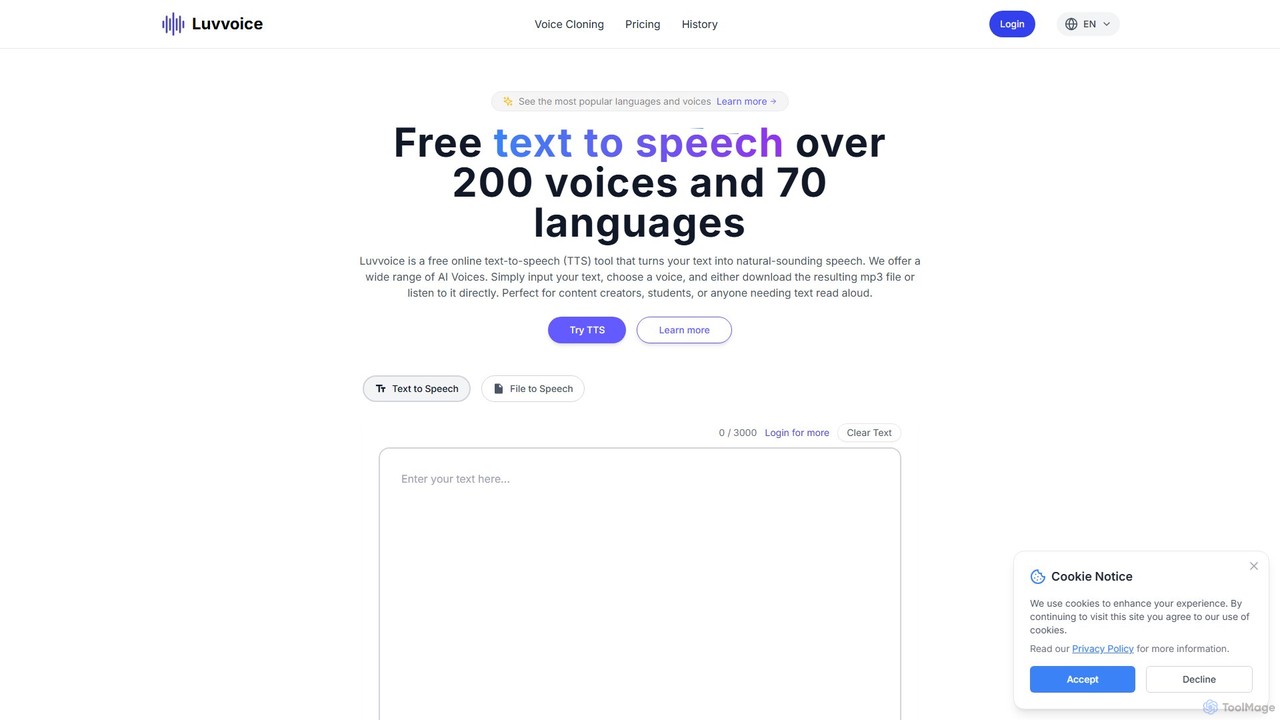
Luvvoice
Luvvoice is an advanced AI voice generator offering free text-to-speech (TTS) and voice cloning services. It converts text into natural-sounding speech with over 300 voices in 70+ languages. Key features include document-to-speech conversion (PDF, TXT), adjustable speech settings, and high-quality voice cloning from a short audio sample. It's ideal for content creators, educators, and businesses.
Voice Cloning
Jyek
Jyek is an AI agent platform that understands objectives, creates execution plans, uses tools, and delivers verifiable results for complex, multi-step tasks.
Automation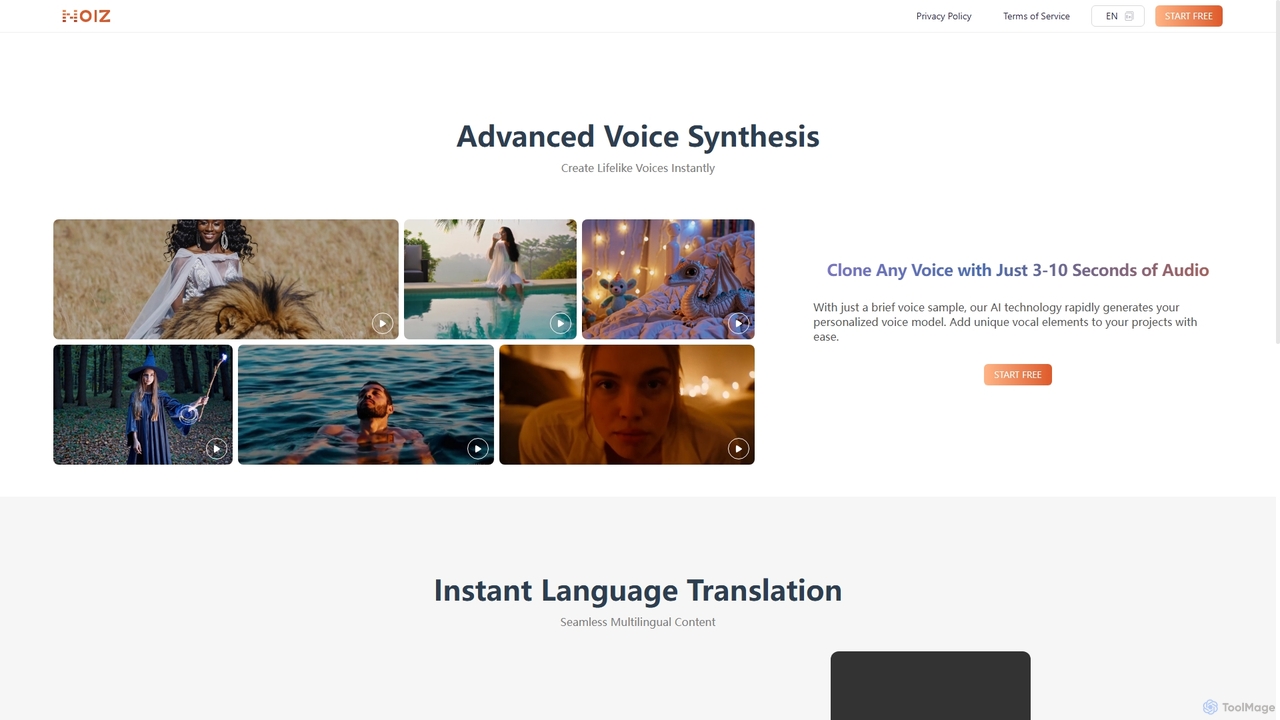
Noiz
Noiz is an advanced AI voice platform for text-to-speech, voice cloning, and instant video dubbing. Create lifelike voices, clone any voice from a 3-10 second audio clip, and translate your content into multiple languages while preserving the original vocal characteristics. Ideal for content creators, marketers, and developers.
Voice Synthesis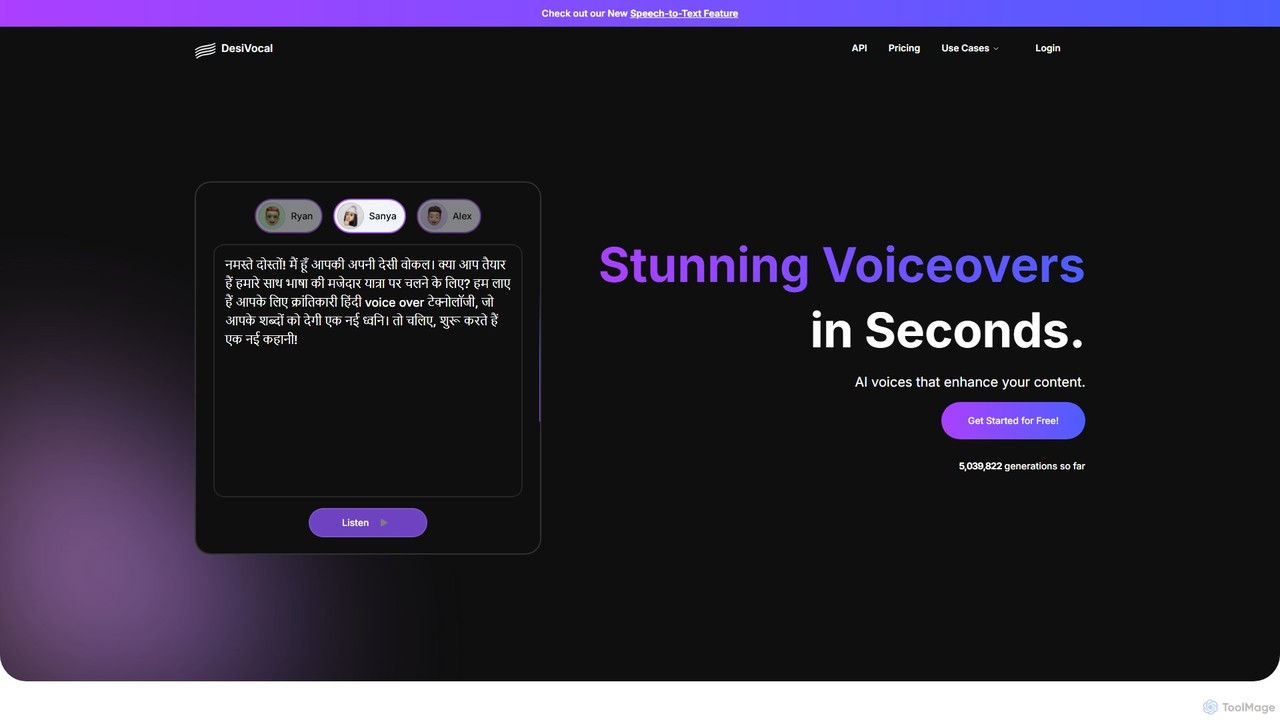
DesiVocal
DesiVocal is a powerful AI voice generator specializing in high-quality, authentic text-to-speech (TTS) conversions, with a strong focus on Indian and global languages. It enables content creators, marketers, and businesses to produce stunning voiceovers, audiobooks, and ad narrations in seconds. The platform also offers advanced features like ethical voice cloning, a voice changer, and speech-to-text transcription, making it a comprehensive solution for all audio content needs.
Text To Speech
Voice Changer Comments (0)
Sign in to comment.
Sign inNo comments yet.