

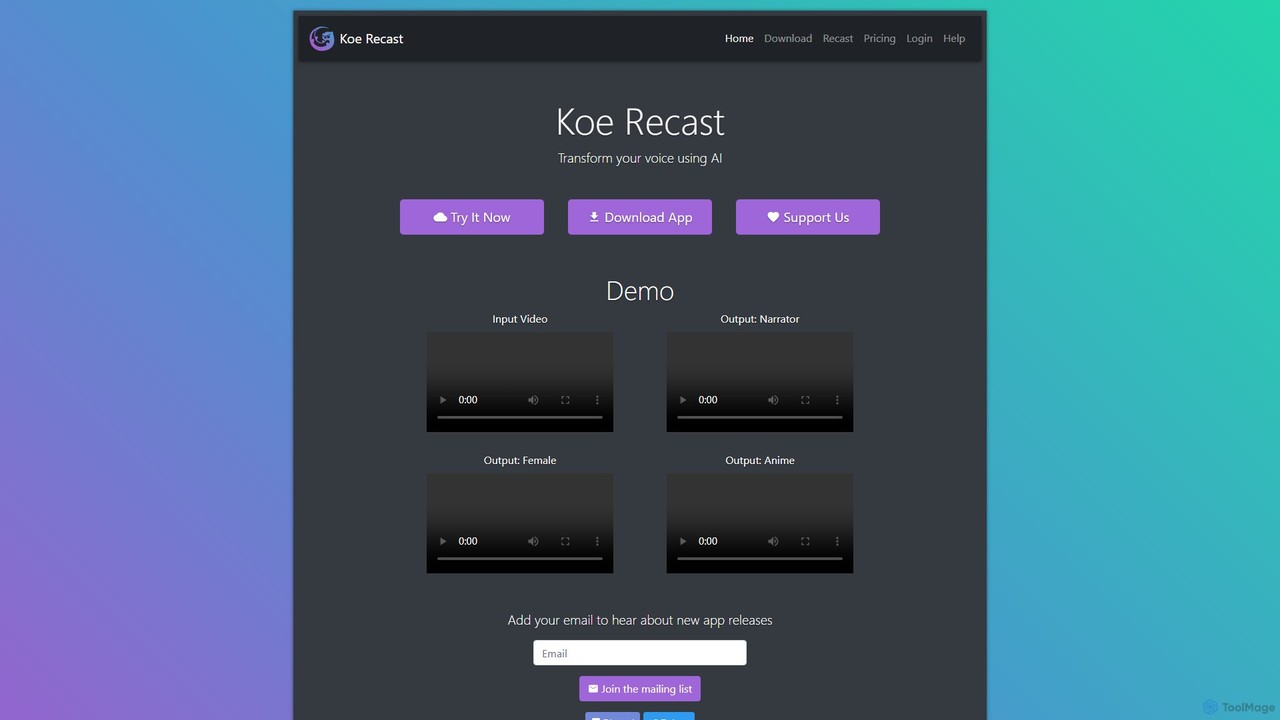
Koe Recast Overview
Koe Recast is a versatile and powerful AI voice transformation platform designed for a wide range of users, from content creators and gamers to individuals looking for a fun way to alter their voice. It leverages advanced artificial intelligence to convert a user's voice into a variety of different character voices with high fidelity. The service is accessible through two primary methods: a user-friendly web-based tool for converting audio and video files, and a dedicated desktop application for real-time voice modulation on Windows.
The platform boasts an impressive library of voices, allowing users to transform their speech into that of a professional narrator, an anime character, or various other personas. This flexibility makes it an invaluable tool for adding a creative touch to any audio-based project without the need for professional voice actors or complex audio editing software.
How to use Koe Recast
Using Koe Recast is straightforward, with distinct processes for the web and desktop versions.
For the Web-based Converter:
- Navigate to the Koe Recast website.
- You can either record your voice directly on the site or upload an existing audio or video file.
- Browse the library of available voices and select the one you wish to use. The free plan offers a selection of voices, while paid plans unlock the full library.
- Click the 'Submit' button to start the AI conversion process.
- Once completed, you can listen to the transformed audio and download the result. For best results, it's recommended to speak clearly and close to the microphone.
For the Real-Time Desktop App (Windows):
- Download and install the Koe Recast application from the official website. You may need to bypass a Windows Defender warning as the app uses a self-signed certificate during its alpha phase.
- To use it with other applications like Discord, OBS, or VRChat, you need to install a virtual audio driver like VB-Cable.
- In the Koe Recast app, set your output device to 'CABLE Input (VB-Audio Virtual Cable)'.
- In your target application (e.g., Discord), go to the voice/audio settings and set your input device to 'CABLE Output (VB-Audio Virtual Cable)'.
- Now, when you speak into your microphone, your voice will be processed by Koe Recast in real-time and outputted through the target application in the selected AI voice.
Core Features of Koe Recast
- AI-Powered Voice Transformation: Utilizes sophisticated AI to produce natural and expressive voice conversions.
- Diverse Voice Library: Offers a wide selection of over 20 voices, including male, female, narrator, and anime styles, with more being added.
- Real-time Voice Changing: The desktop application provides live voice modulation for seamless integration with gaming, streaming, and communication apps.
- Audio & Video File Conversion: The web tool allows users to upload files and convert the speech within them, automatically extracting audio from video files.
- Pitch Adjustment: Provides a slider to fine-tune the pitch of the output voice for further customization.
- Commercial Use License: The 'Ultimate' plan grants users the right to use the generated voices in commercial projects.
- Low System Requirements: The desktop app is optimized to run on standard Windows 10 systems without requiring a high-end GPU.
Use Cases for Koe Recast
Content Creators: YouTubers, podcasters, and animators can generate unique voiceovers for their characters or narration without hiring voice actors, saving time and money.
Gamers and VTubers: Enhance role-playing experiences or create a unique online persona by changing their voice in real-time during live streams or online multiplayer games.
Personal Entertainment: Users can have fun with friends on voice chat platforms like Discord and Zoom by surprising them with different voices.
Prototyping & Development: Game developers and app creators can use the tool to generate placeholder voice lines for characters during the development process.
Advantages of Koe Recast
Flexibility: The dual offering of a real-time app and a file converter caters to different user needs, whether for live interaction or offline content production.
Accessibility: A generous free plan allows anyone to test the core functionality, while the affordable paid plans provide significant upgrades.
Ease of Use: Both the web interface and desktop app are designed with simplicity in mind, making advanced voice modulation accessible to non-technical users.
High-Quality Output: The AI is trained to capture the emotion and tone of the input voice, resulting in more expressive and less robotic outputs compared to traditional voice changers.
Pricing and Plans
Koe Recast offers a freemium model with several tiers. Annual subscriptions provide a 20% discount.
- Free Plan ($0/mo): Includes access to 11 voices on the web, a 20-second file limit, watermarks on video output, and limited voice selection on the desktop app. For personal use only.
- Pro Plan ($10/mo): Unlocks all 23+ voices, increases the file limit to 2 minutes, removes watermarks, and gives full desktop app access. For personal use only.
- Ultimate Plan ($25/mo): Includes all Pro features, extends the file limit to 5 minutes, and grants a license for commercial use of the generated audio.
A full refund for the current billing period is available if you are not satisfied with your purchase.
Traffic
Latest traffic
Status
Monthly traffic trend
- 2025-9: 5.9K
- 2026-1: 2.4K
- 2026-2: 2.5K
- 2026-3: 3.6K
- 2026-4: 3.2K
- 2026-5: 1.1K
Geography
Top 5 countries / regions
- 🇺🇸United States67.8%
- 🇮🇳India32.1%
Top keywords
| Keyword | Cost per click |
|---|---|
| koe | $2.85 |
| koe ai | $0.00 |
| koe ai. | $0.00 |
| koe recast | $0.00 |
| potasium voice changer | $0.00 |
Koe Recast Alternatives
iMyFone MagicMic
iMyFone MagicMic is a real-time AI voice changer with over 225 AI voice filters and 600+ sound effects. It's designed for gamers, streamers, and content creators to modify their voice on platforms like Discord, Fortnite, Twitch, and Zoom. It also features voice cloning and a customizable soundboard.
Voice Changer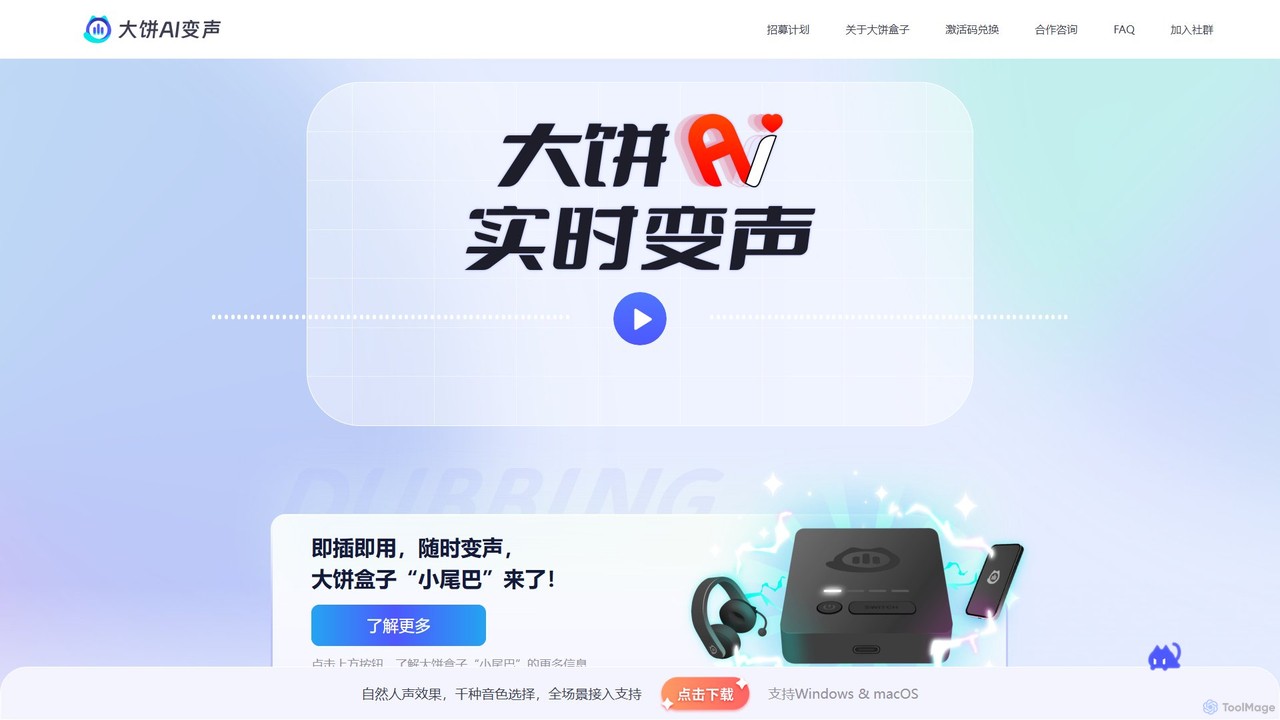
Dabing AI Voice Changer
Dabing AI Voice Changer is a real-time AI voice modulation tool for gamers, streamers, and content creators. It offers a wide range of high-quality, low-latency voices, supports multiple platforms (Windows, macOS, iOS, Android), and integrates seamlessly with popular games and applications. It also provides text-to-speech and voice timbre conversion features.
Voice Changer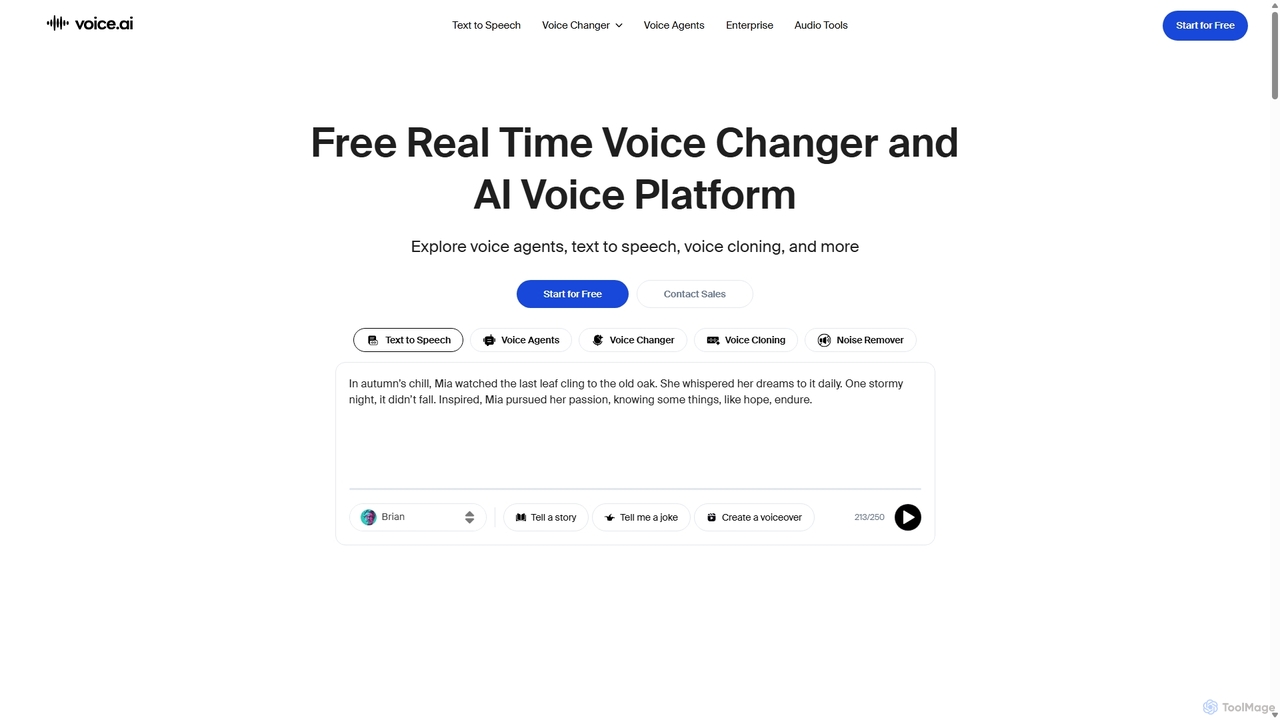
Voice.ai
Voice.ai is a versatile AI voice platform offering a free real-time voice changer, realistic text-to-speech, and precise voice cloning. Designed for gamers, streamers, content creators, and businesses, it features a vast library of user-generated voices, enabling seamless voice transformation across popular apps and games.
Text To Speech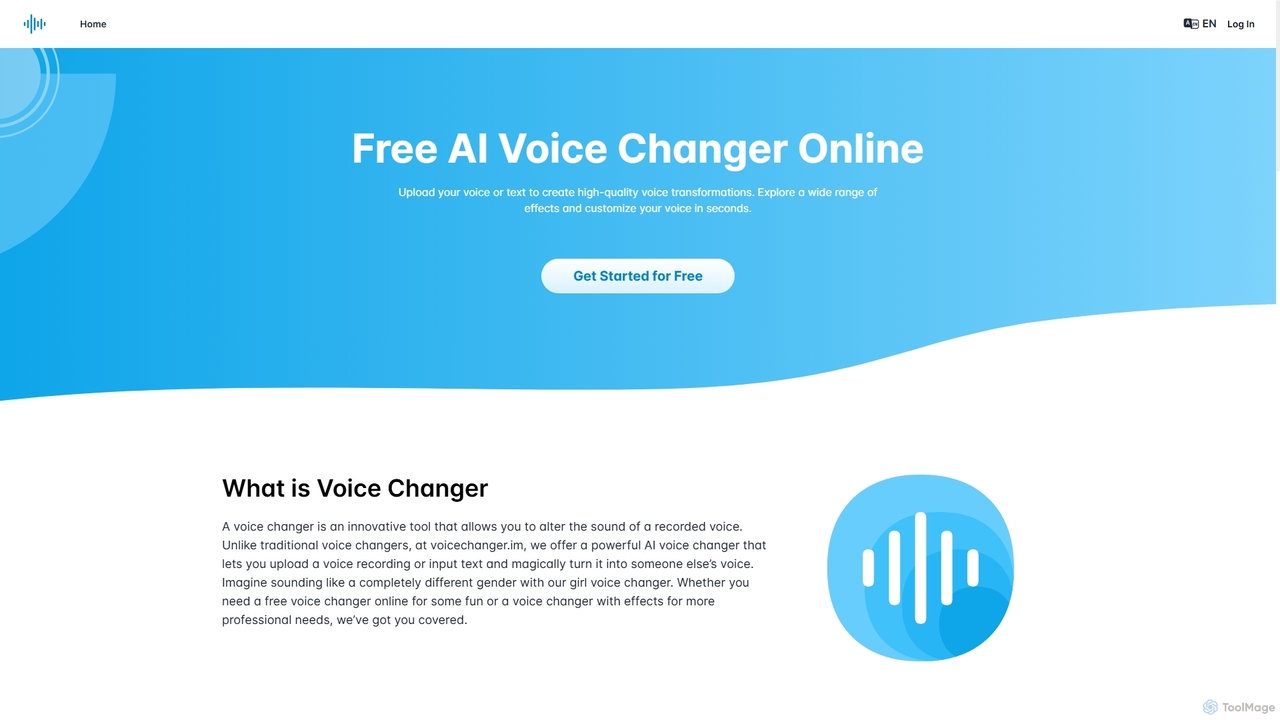
Voicechanger.im
A free, AI-powered online tool that transforms voices and generates speech from text. Upload audio or type text to create high-quality voiceovers with a wide range of effects, including gender conversion and various character voices. Ideal for content creators, gamers, and privacy-conscious users.
Voice Modulation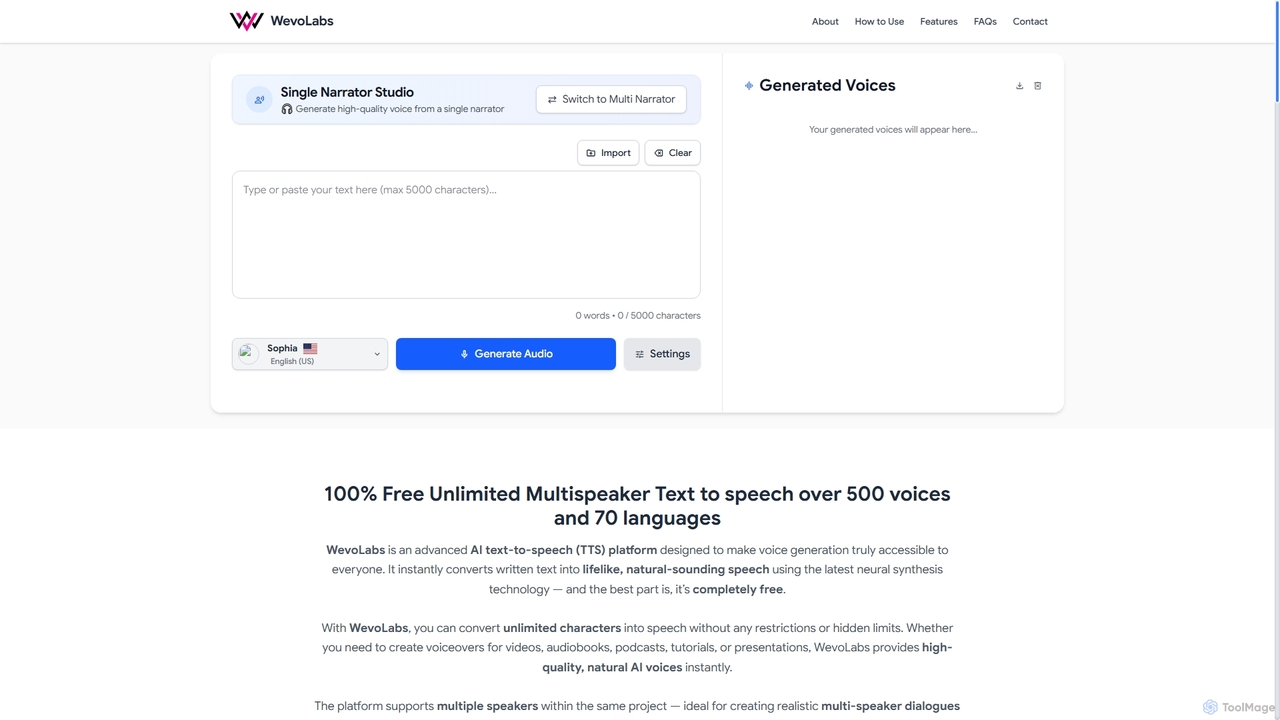
WevoLabs
WevoLabs is a completely free, advanced AI text-to-speech platform that converts written text, PDFs, and Word documents into lifelike, natural-sounding speech. It offers unlimited character conversion, over 580 voices in 75+ languages, and multi-speaker dialogue capabilities, all without requiring registration or imposing watermarks.
3DKoe Recast Categories
Koe Recast Embed Widget
Copy this embed code to place the badge on your blog, article, or product site and send readers directly to this ToolMage detail page.

Related AI tools
Dabing AI Voice Changer
Dabing AI Voice Changer is a real-time AI voice modulation tool for gamers, streamers, and content creators. It offers a wide range of high-quality, low-latency voices, supports multiple platforms (Windows, macOS, iOS, Android), and integrates seamlessly with popular games and applications. It also provides text-to-speech and voice timbre conversion features.
Voice Changer
Jyek
Jyek is an AI agent platform that understands objectives, creates execution plans, uses tools, and delivers verifiable results for complex, multi-step tasks.
AutomationVoice.ai
Voice.ai is a versatile AI voice platform offering a free real-time voice changer, realistic text-to-speech, and precise voice cloning. Designed for gamers, streamers, content creators, and businesses, it features a vast library of user-generated voices, enabling seamless voice transformation across popular apps and games.
Text To Speech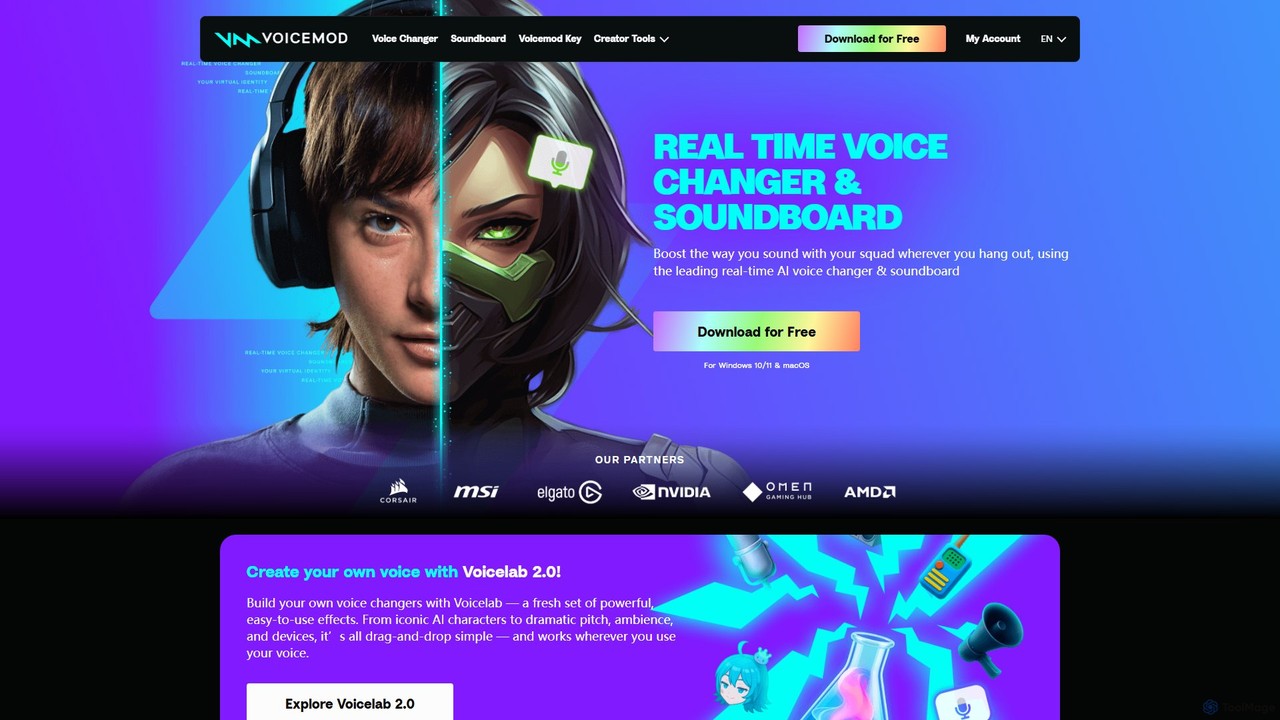
Voicemod
Voicemod is the leading real-time AI voice changer and soundboard for PC and Mac. Designed for gamers, streamers, and content creators, it allows you to transform your voice into anything you can imagine, from a robot to an anime character. With a vast library of voices, sound effects, and the powerful Voicelab for custom voice creation, Voicemod integrates seamlessly with all your favorite games and communication apps like Discord, Zoom, and VRChat.
Voice Modulation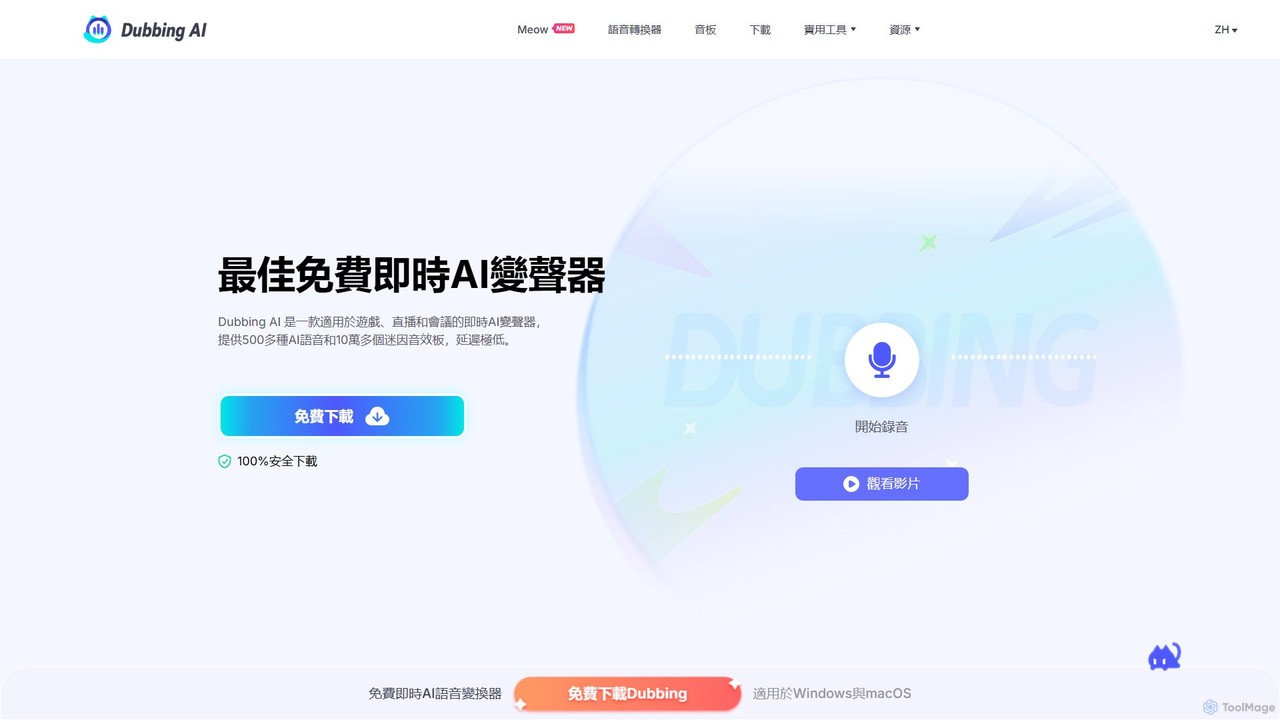
Dubbing AI
Dubbing AI is a free, real-time AI voice changer and soundboard designed for gamers, streamers, and content creators. It offers over 500 AI voices and 100,000+ meme sounds with ultra-low latency, enhancing online interactions on platforms like Discord, OBS, and popular games. Easy to set up and light on system resources, it allows users to transform their voice into characters, celebrities, and more.
Voice Modulation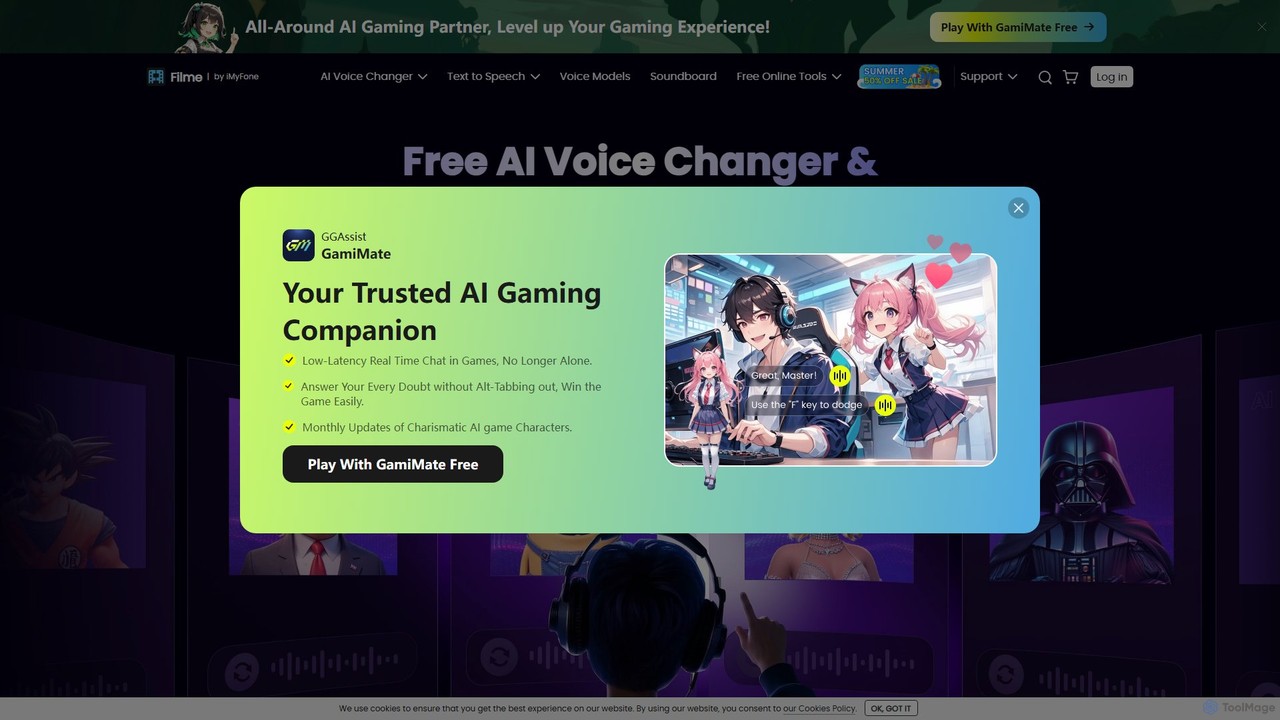
Filme
Filme by iMyFone is an all-in-one AI-powered creative suite for content creators and gamers. It includes a real-time voice changer, a user-friendly video editor, text-to-speech, AI music generation, and image editing tools. Enhance your gaming, streaming, and video production with a comprehensive set of easy-to-use applications for desktop and mobile.
Voice Modulation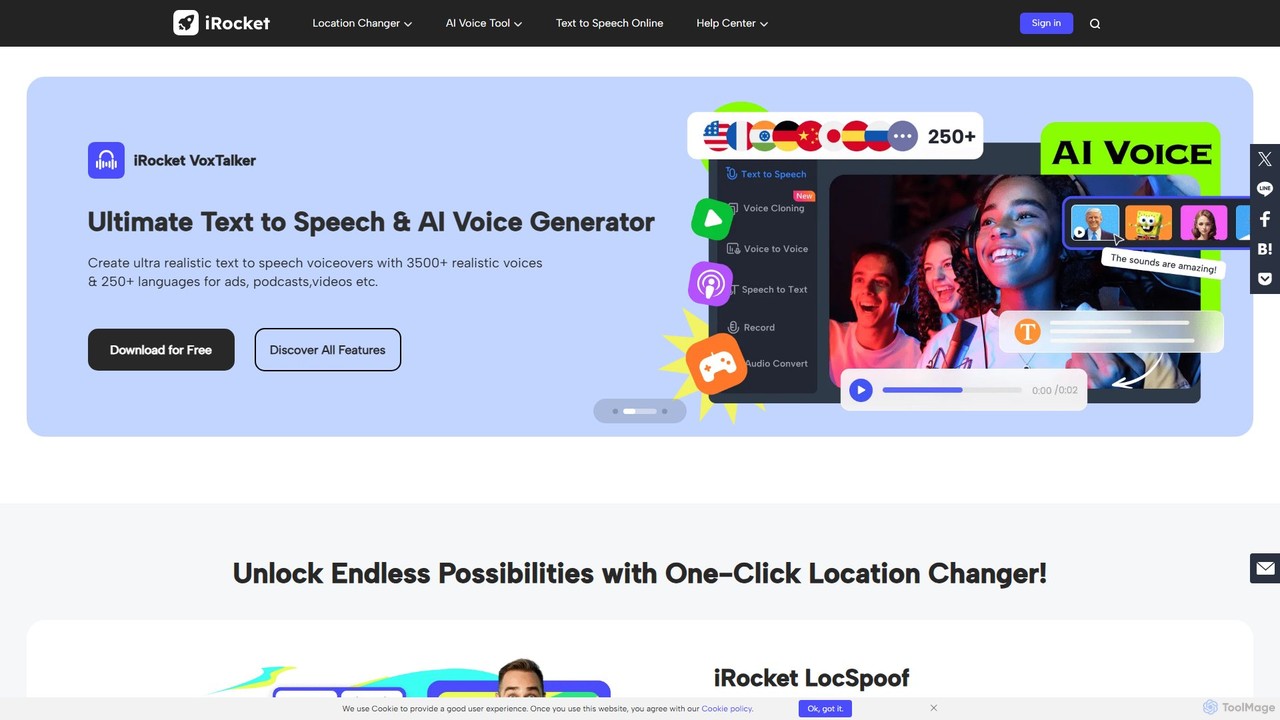
irocketx
iRocket offers a suite of powerful AI tools for digital privacy, content creation, and gaming. It includes a location spoofer (LocSpoof), a text-to-speech and voice cloning generator (VoxTalker), a real-time voice changer (iCreaVoice), and a video converter (Fildown). These applications are designed to enhance online experiences, protect user privacy, and unlock creative potential with user-friendly interfaces.
Voice ModulationiMyFone MagicMic
iMyFone MagicMic is a real-time AI voice changer with over 225 AI voice filters and 600+ sound effects. It's designed for gamers, streamers, and content creators to modify their voice on platforms like Discord, Fortnite, Twitch, and Zoom. It also features voice cloning and a customizable soundboard.
Voice ChangerVoicechanger.im
A free, AI-powered online tool that transforms voices and generates speech from text. Upload audio or type text to create high-quality voiceovers with a wide range of effects, including gender conversion and various character voices. Ideal for content creators, gamers, and privacy-conscious users.
Voice ModulationWevoLabs
WevoLabs is a completely free, advanced AI text-to-speech platform that converts written text, PDFs, and Word documents into lifelike, natural-sounding speech. It offers unlimited character conversion, over 580 voices in 75+ languages, and multi-speaker dialogue capabilities, all without requiring registration or imposing watermarks.
3D
Voicefy
Voicefy is an advanced AI-powered text-to-speech (TTS) platform that converts written text into incredibly natural and human-like audio. It offers a vast library of voices across multiple languages and accents, perfect for creators, marketers, and developers looking to produce high-quality voiceovers, audiobooks, and more.
Text To Speech
Parrot Talk
Parrot Talk is an AI-powered voice cloning tool that allows you to replicate any voice in seconds from a short audio sample. It features a simple, web-based interface for easy recording, cloning, and generating speech with the new voice, making it ideal for content creators, developers, and entertainment purposes.
Voice Cloning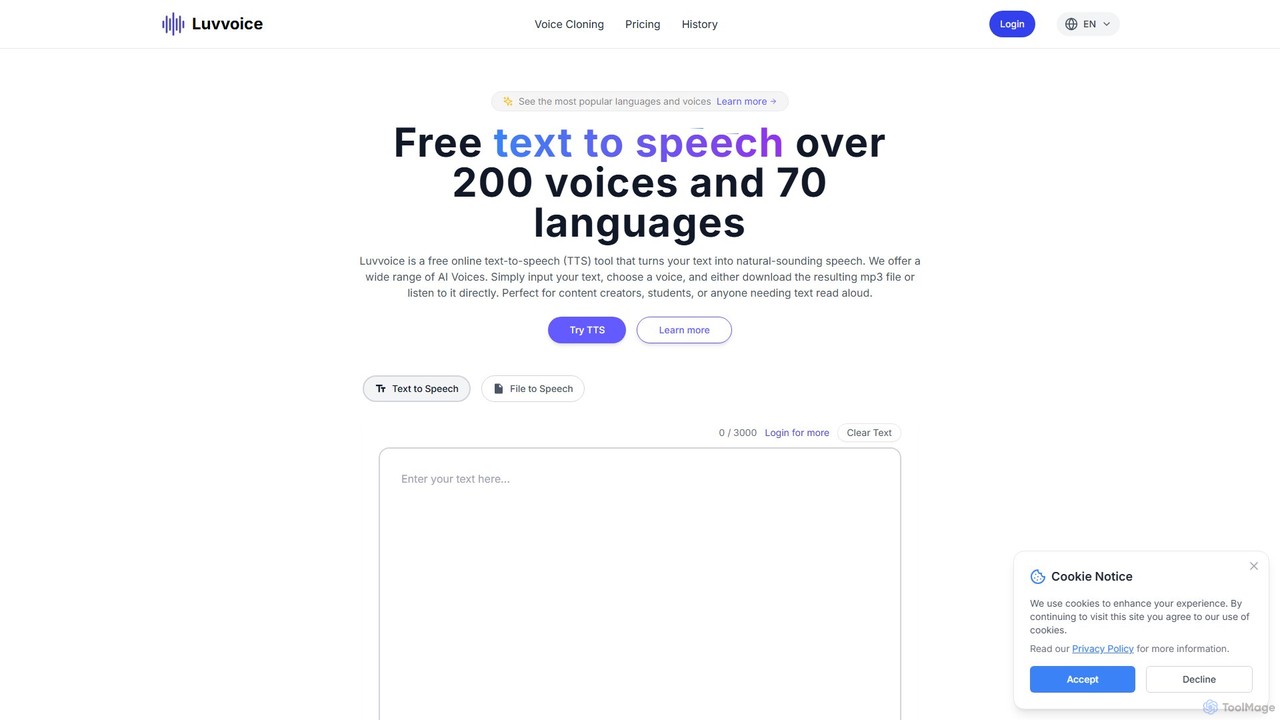
Luvvoice
Luvvoice is an advanced AI voice generator offering free text-to-speech (TTS) and voice cloning services. It converts text into natural-sounding speech with over 300 voices in 70+ languages. Key features include document-to-speech conversion (PDF, TXT), adjustable speech settings, and high-quality voice cloning from a short audio sample. It's ideal for content creators, educators, and businesses.
Voice Cloning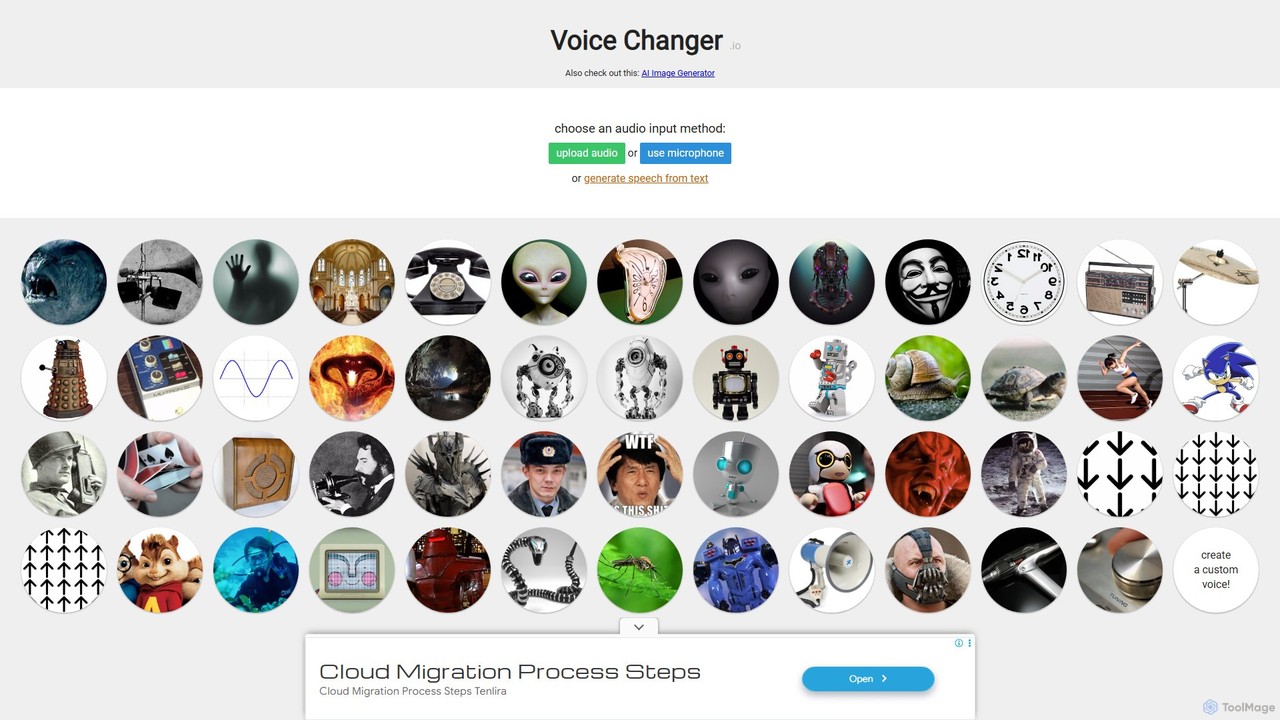
Voice Changer
A free, online tool that allows you to change your voice using various effects. You can record your voice, upload an audio file, or use text-to-speech, and then apply a wide range of effects to create unique voices for entertainment, content creation, or privacy.
Voice Modulation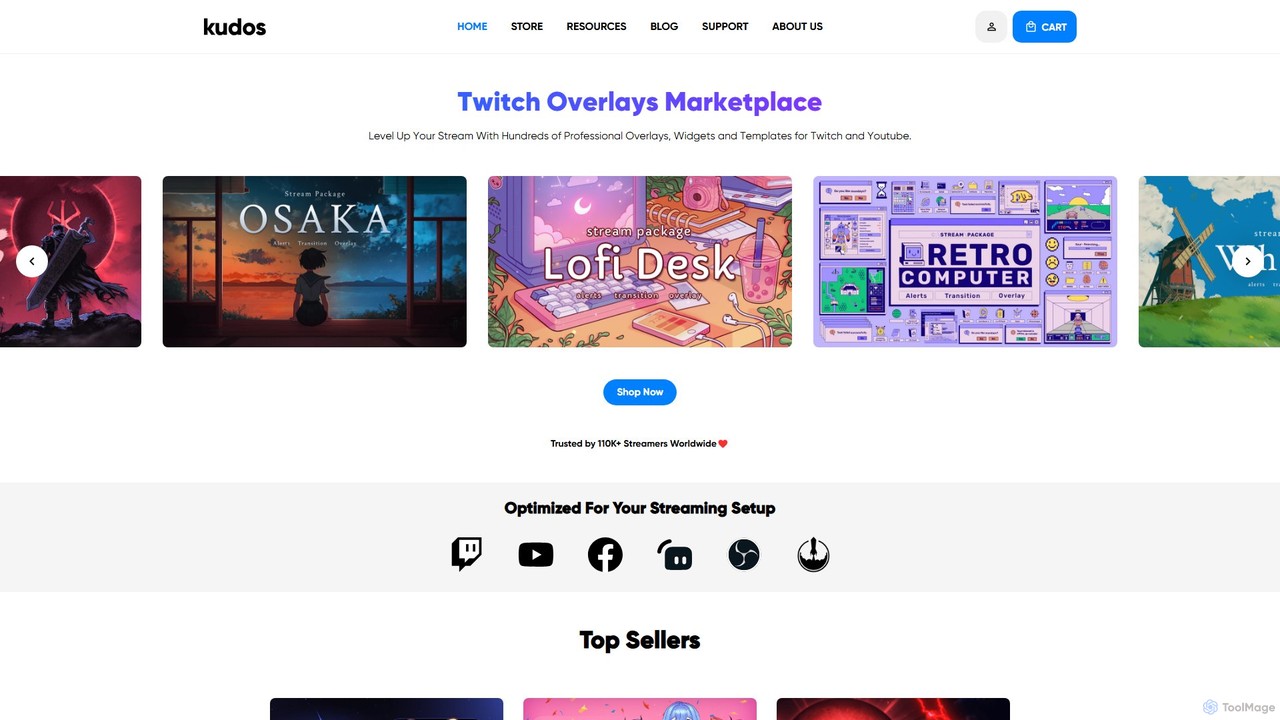
kudos
Kudos is a marketplace offering professional stream graphics for creators on Twitch and YouTube. It provides a vast library of high-quality overlays, widgets, alerts, VTuber models, and templates. Designed for easy setup with OBS, Streamlabs, and other software, Kudos helps streamers enhance their visual appeal, boost viewer engagement, and build a unique brand identity with both premium and free assets.
Graphics
Koe Recast Comments (0)
Sign in to comment.
Sign inNo comments yet.