Gaming Best in category 3 results Streaming AI Tool

Popular AI tools in the Streaming field of Gaming include Saved、Koe Recast、EasyClips, etc., helping you quickly improve efficiency.

Koe Recast

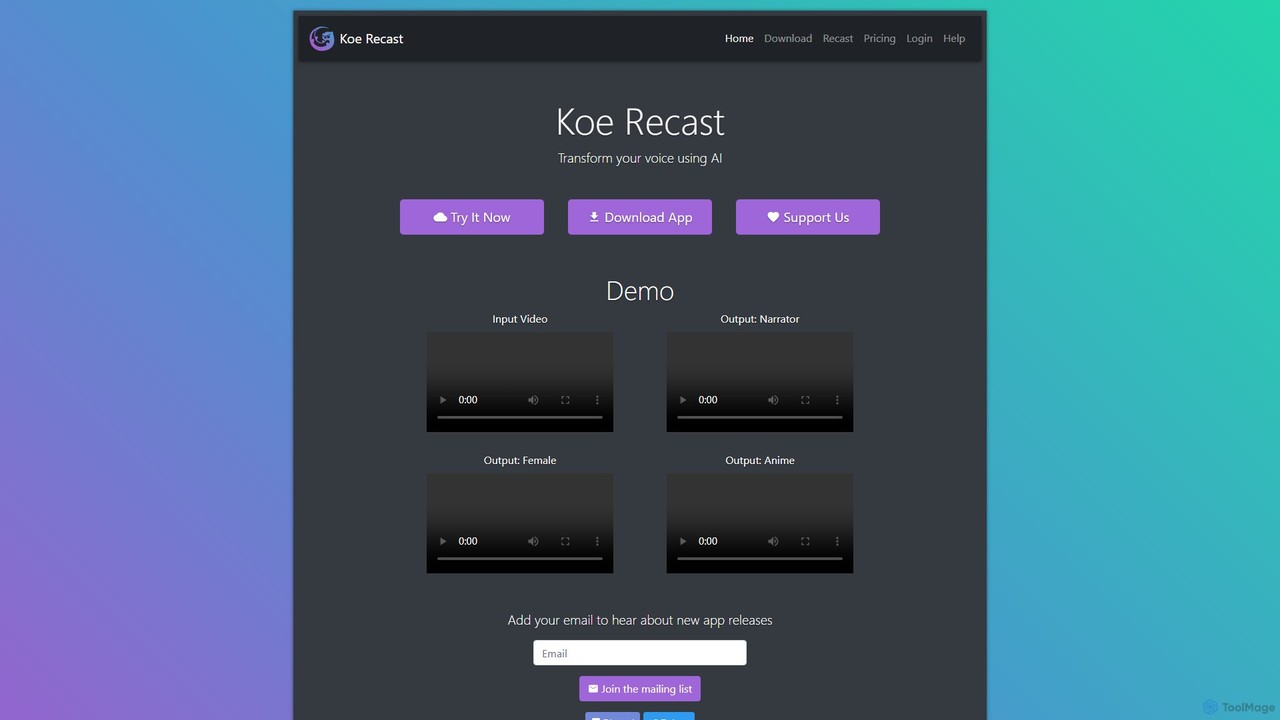
Koe Recast

Koe Recast is an AI-powered voice transformation tool that allows users to change their voice in real-time or …

6.8K
EasyClips

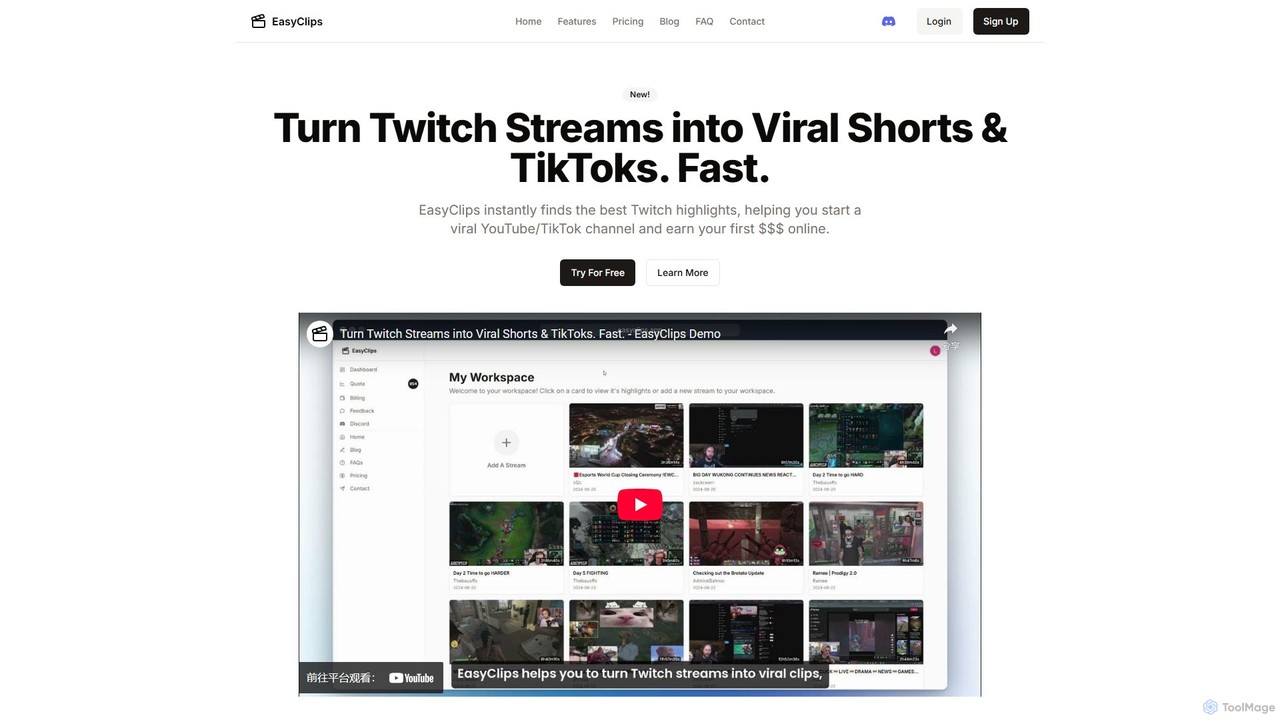
EasyClips

EasyClips is an AI-powered tool that automatically analyzes Twitch streams to find the most exciting and viral-worthy moments. …

3.8K
Saved

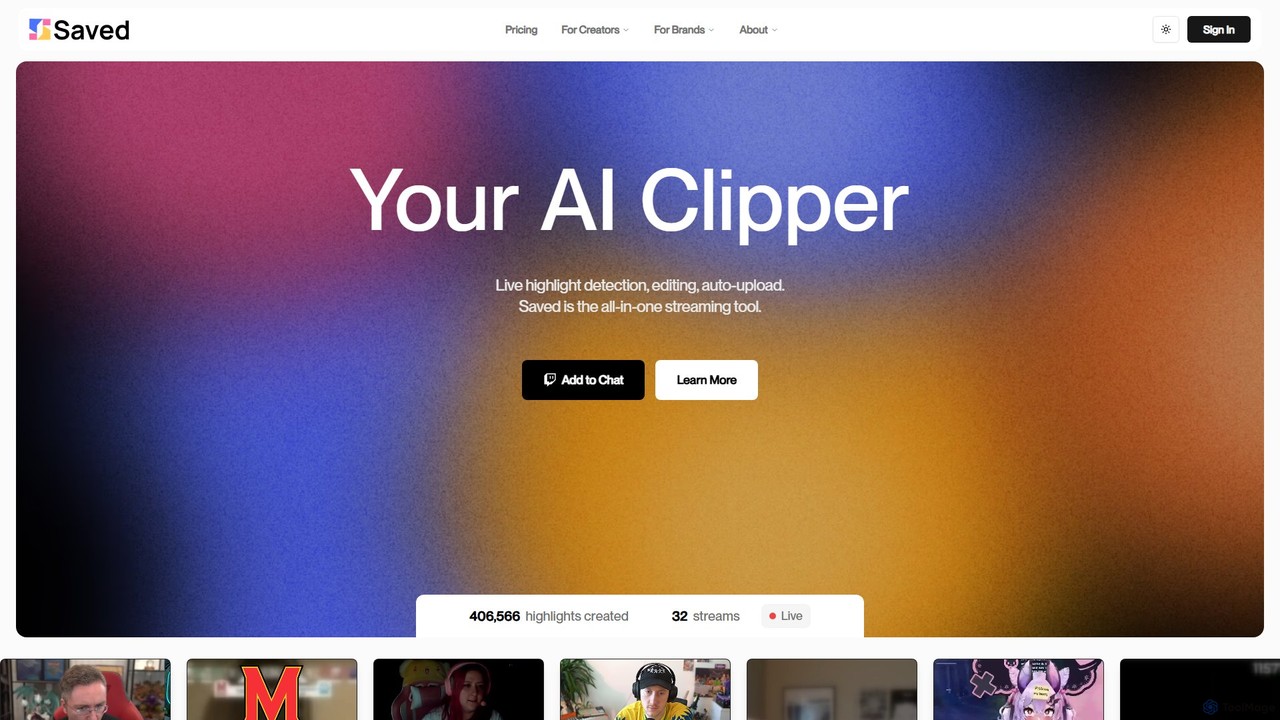
Saved

Saved is an AI-powered clipper for streamers and content creators. It automatically detects, edits, and uploads exciting moments …

8.5K

About Streaming

AI Streaming tools are a class of software designed to automate and enhance the live game streaming experience. These tools leverage artificial intelligence to analyze video, audio, and chat data in real-time, offloading repetitive tasks from the creator. This allows streamers to focus more on gameplay and audience interaction, improving content quality and community management. They act as intelligent assistants, automating everything from content creation to moderation.

Core Features

  • Automated Highlight Clipping: AI automatically identifies and captures exciting moments like kills, wins, or funny events to create shareable short-form videos.
  • Intelligent Chat Moderation: Utilizes natural language processing to detect and remove spam, hate speech, and spoilers from the live chat.
  • VTuber & Avatar Animation: Employs facial recognition and motion tracking to animate 2D or 3D virtual avatars in real-time.
  • Real-time Translation & Captions: Generates live captions and translates speech to make streams accessible to a global audience.
  • Content Repurposing: Automatically edits long stream VODs into concise formats suitable for platforms like YouTube or TikTok.

Use Cases

These tools are primarily used by game streamers on platforms like Twitch, YouTube Gaming, and Kick. From solo creators looking to grow their channel to professional esports organizations managing multiple streams, AI streaming tools help streamline production workflows. They are also valuable for content managers who need to repurpose live content for social media marketing.

How to Choose

When selecting an AI streaming tool, consider its integration with your primary streaming software (e.g., OBS, Streamlabs). Evaluate the specific features you need most—whether it's automated clipping, chat moderation, or VTubing capabilities. Also, assess the tool's performance impact on your system to ensure smooth gameplay and check the pricing model (subscription vs. one-time purchase) to fit your budget.

StreamingUse Cases

1

Automated Highlight Reel Creation for Social Media

A game streamer finishes a four-hour broadcast on Twitch. Instead of manually scrubbing through the entire video-on-demand (VOD) to find good clips, they use an AI streaming tool. The tool has already analyzed the stream in real-time, identifying key moments like multi-kills, clutch plays, and funny reactions. Within minutes, it presents a collection of 15-30 second clips. The streamer can then quickly review, make minor edits, and directly export these highlights in a vertical format for TikTok, YouTube Shorts, and Instagram Reels, saving hours of post-stream editing and accelerating channel growth.

2

Maintaining a Positive Community with AI Chat Moderation

A professional esports player is streaming a high-stakes tournament match to thousands of concurrent viewers. The chat is moving incredibly fast, making it impossible for human moderators to catch every rule-breaking message. An AI moderation tool runs in the background, instantly detecting and deleting messages containing hate speech, spam links, and excessive profanity based on pre-defined rules and contextual understanding. This ensures the chat remains a positive and welcoming environment for genuine fans, protecting the streamer's brand and allowing human moderators to focus on engaging with the community rather than just policing it.

3

Creating an Engaging VTuber Persona

A content creator wants to build a unique online identity without revealing their face. They use an AI streaming tool with VTubing capabilities. After designing a custom 2D avatar, they connect the software to their webcam. The AI's facial tracking technology captures their expressions—blinks, smiles, head tilts—and maps them onto the avatar in real-time with low latency. This allows them to stream with a dynamic, expressive character that reacts naturally during gameplay and conversations, helping them build a strong, memorable brand and a dedicated community around their virtual persona.

4

Breaking Language Barriers with Live Translation

A streamer based in Germany plays a globally popular game and wants to connect with viewers from Asia and North America. They activate an AI-powered real-time captioning and translation feature. As they speak in German, the tool transcribes their speech and instantly displays it as English and Japanese subtitles on the stream overlay. This small addition makes their content accessible to a much wider audience, leading to increased international viewership, more diverse chat interactions, and new subscribers from around the world who previously couldn't engage with the content.

5

AI-Powered Stream Coaching and Analysis

A competitive gamer aiming to go pro uses an AI coaching tool integrated with their stream. While they play ranked matches in a game like Valorant or League of Legends, the AI analyzes their gameplay in real-time. It provides subtle on-screen alerts about their positioning, ability usage, or economic decisions. After the stream, the tool generates a detailed performance report, highlighting recurring mistakes and offering data-driven suggestions for improvement. This transforms their streaming time into productive practice sessions, helping them improve their skills faster while still creating content for their audience.

6

Generating Interactive and Dynamic Stream Overlays

A creative streamer wants to make their broadcast more engaging than a simple gameplay window. They use an AI tool to create dynamic overlays. This tool connects to the game's API or uses screen recognition to detect in-game events. When the streamer gets a subscriber, an AI-generated animation plays on screen. When they win a match, a 'Victory' graphic with special effects automatically appears. This level of automation and interactivity makes the stream feel more professional and polished, enhancing the viewing experience and encouraging more audience participation, such as subscriptions and donations.

StreamingFrequently Asked Questions