
Saved Overview
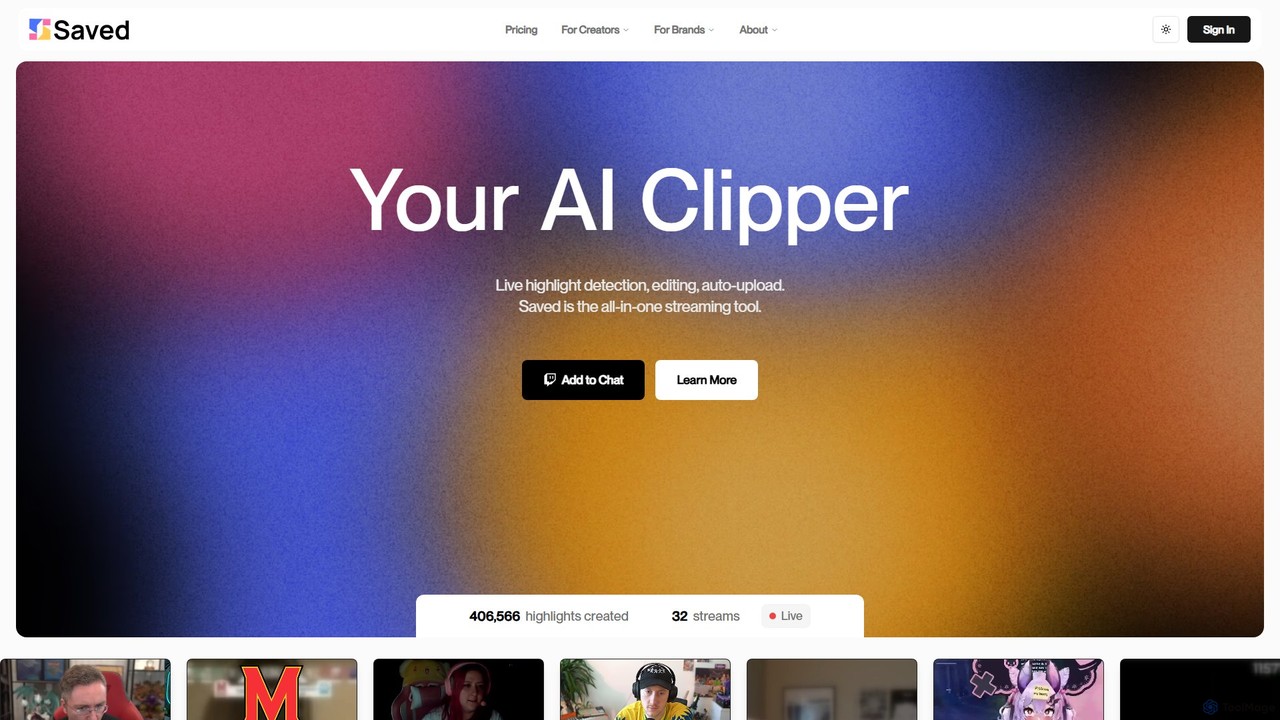
Saved is an all-in-one AI-powered tool designed specifically for the modern content creator and streamer. It addresses one of the most time-consuming challenges in the content lifecycle: identifying and editing compelling highlights from hours of live footage. By automating this process, Saved empowers creators to focus on what they do best—creating engaging live experiences and building their communities—while ensuring a steady flow of high-quality, short-form content for platforms like YouTube Shorts, TikTok, and Instagram Reels.
The platform operates on a simple yet powerful premise: its AI analyzes your live stream or pre-recorded videos (VODs) in real-time to detect moments of high excitement, humor, intense action, or significant community interaction. Once a highlight is identified, Saved automatically clips, edits, and prepares it for distribution. This seamless workflow dramatically reduces post-stream production time, turning what used to be hours of manual work into an automated background process. The tool is trusted by a wide range of creators, from gamers and Vtubers to talk show hosts, who praise its accuracy and efficiency in capturing genuinely watchable moments.
How to use Saved
Getting started with Saved is designed to be straightforward and efficient, allowing creators to integrate it into their workflow with minimal effort.
- One-Time Bot Setup: The first step is to connect Saved to your streaming platform. This involves a simple, one-time setup of the Saved bot for your Twitch, YouTube, or Kick channel.
- Go Live: Once the bot is active, simply start your stream as you normally would. The AI works silently in the background, analyzing your content for highlight-worthy moments without any input needed from you.
- Receive Real-Time Highlights: As the AI identifies and creates clips, you will receive notifications directly in your platform's chat or a designated Discord channel. This allows for immediate review and sharing.
- Convert Old Content: Use the 'Converters' feature to breathe new life into your back catalog. Upload old stream VODs or existing long-form clips, and Saved's AI will process them to find and create new, edited highlights.
- Customize and Refine: While the AI does the heavy lifting, you retain full creative control. Use Saved's powerful built-in editing tools to fine-tune every aspect of your highlights, add branding, or adjust pacing before publishing.
- Auto-Upload: For maximum efficiency, configure the auto-upload feature (available in the Pro plan) to automatically post your finished clips directly to your YouTube channel, completing the content pipeline.
Core Features of Saved
- AI Highlight Detection: Sophisticated AI that analyzes gameplay, chat sentiment, and creator reactions to automatically identify the most engaging moments of a stream.
- Multi-Platform Support: Seamlessly integrates with major streaming platforms including Twitch, YouTube, and Kick.
- Real-Time Clipping: Generates clips as you stream, providing near-instant content ready for sharing.
- VOD & Clip Converter: A powerful tool to repurpose your entire library of past broadcasts and videos into fresh, short-form content.
- Automated Editing: The AI not only clips moments but also performs basic editing to create a polished, ready-to-watch video.
- Powerful Customization Suite: A set of editing tools that allow for fine-tuning, branding, and personalizing each AI-generated clip.
- Auto-Upload to YouTube: Streamline your workflow by having finished clips automatically published to your YouTube channel.
- Discord & Chat Integration: Keeps you and your community in the loop with real-time notifications for new clips.
Use Cases for Saved
Saved is a versatile tool beneficial for various types of creators. For full-time streamers, it's an essential assistant that automates the creation of promotional content for social media, helping to grow their audience and drive traffic back to their live streams. Part-time creators, who often have limited time for editing, can maintain a consistent posting schedule on other platforms without sacrificing their personal time. Vtubers have found the AI to be surprisingly effective at picking up on key moments, even without traditional face-cam footage. Furthermore, game developers and marketing teams can use Saved to easily generate gameplay clips from community streams to promote their games.
Advantages of Saved
The primary advantage of Saved is the immense time savings it offers. It effectively acts as a personal video editor working 24/7. This leads to a significant increase in content output, particularly for short-form video platforms, which is crucial for discoverability and audience growth in today's digital landscape. Users consistently report that the quality of clips identified by Saved's AI is superior to other automated solutions, capturing moments that truly resonate with viewers. The freemium model makes it accessible to creators at any stage of their journey, while the Pro plan offers powerful features for those looking to scale their content production seriously.
Pricing and Plans
Saved offers a flexible pricing structure to suit different creator needs:
- Free Plan ($0/month): Ideal for new streamers or those wanting to try the service. It includes the Twitch bot for up to 5 hours per week, unlimited clip conversions from existing files, and 1080p video quality. Clips may contain a watermark.
- Pro Plan ($19.99/month, with a 30% discount for annual billing): Designed for serious creators. This plan includes everything in the Free tier, plus unlimited Twitch bot usage, the ability to convert 10 VODs per week, removal of watermarks, advanced bot message settings, and the highly valuable auto-YouTube upload feature.
Traffic
Latest traffic
Status
Monthly traffic trend
- 2025-9: 11.6K
- 2026-1: 8.8K
- 2026-2: 6.8K
- 2026-3: 6.6K
- 2026-4: 5.0K
- 2026-5: 3.8K
Geography
Top 5 countries / regions
- 🇺🇸United States85.8%
- 🇳🇱Netherlands9.4%
- 🇩🇪Germany3.1%
- 🇧🇷Brazil1.7%
Top keywords
| Keyword | Cost per click |
|---|---|
| ai clipper | $0.67 |
| eric saved.gg | $0.00 |
| saved | $1.72 |
| saved! | $3.55 |
| saved gg | $0.00 |
Saved Alternatives
EasyClips
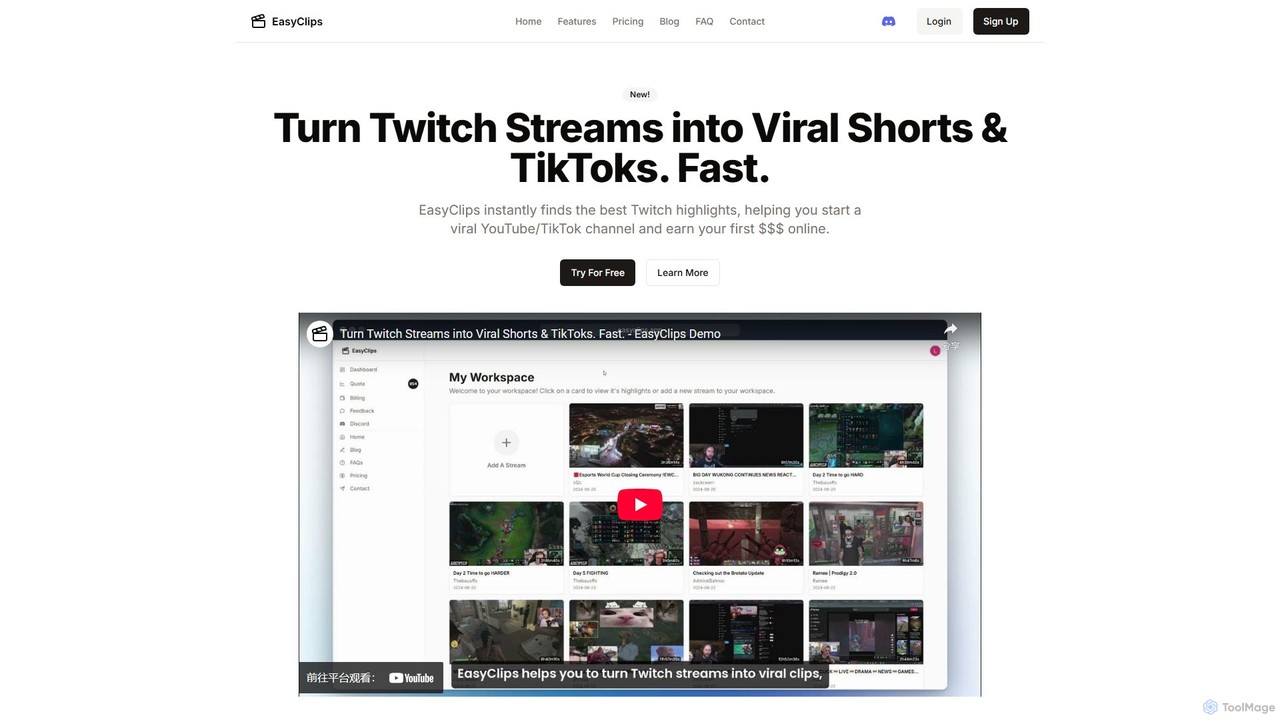
EasyClips is an AI-powered tool that automatically analyzes Twitch streams to find the most exciting and viral-worthy moments. It helps streamers and content creators effortlessly turn long broadcasts into engaging short videos for TikTok, YouTube Shorts, and other social media platforms, saving hours of manual editing.
Streaming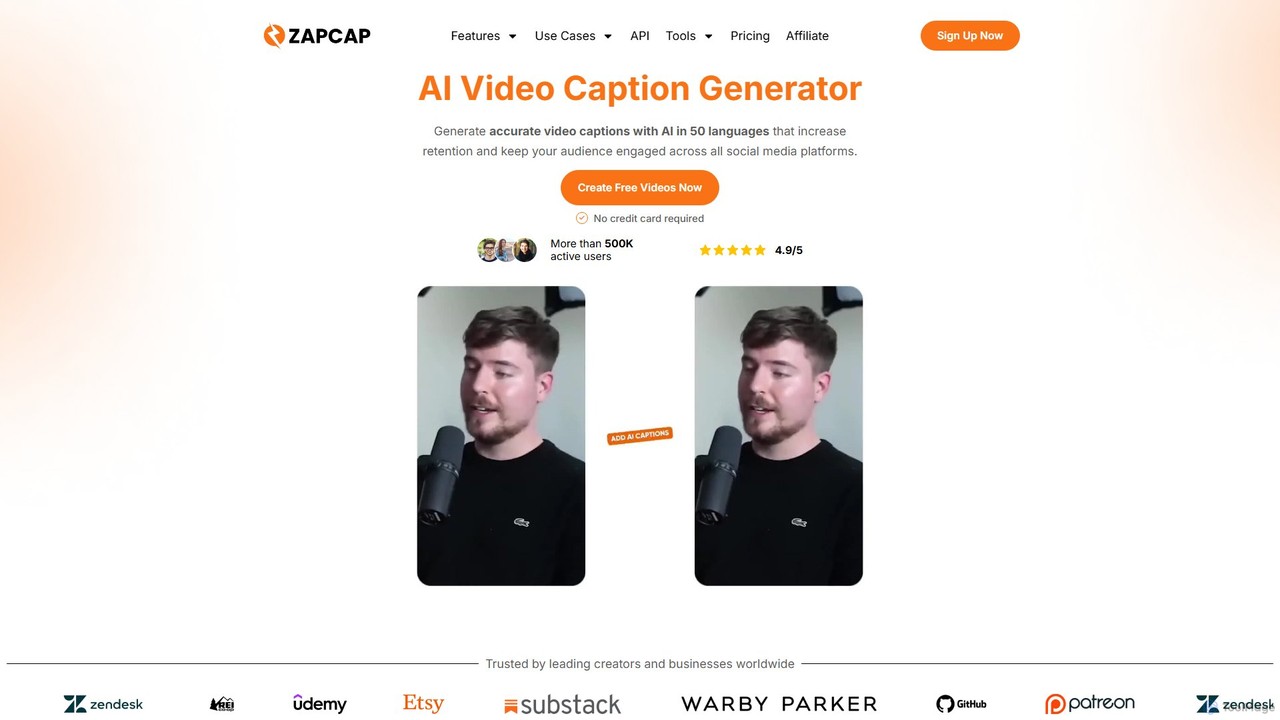
zapcap
zapcap is an AI-powered video editing platform designed to create viral short-form videos with ease. It automatically generates accurate captions in over 50 languages, removes silences, creates short clips from long videos, adds B-roll, sound effects, and generates SEO-optimized descriptions. It's an all-in-one tool for content creators, marketers, and businesses to boost engagement and save time.
Video Marketing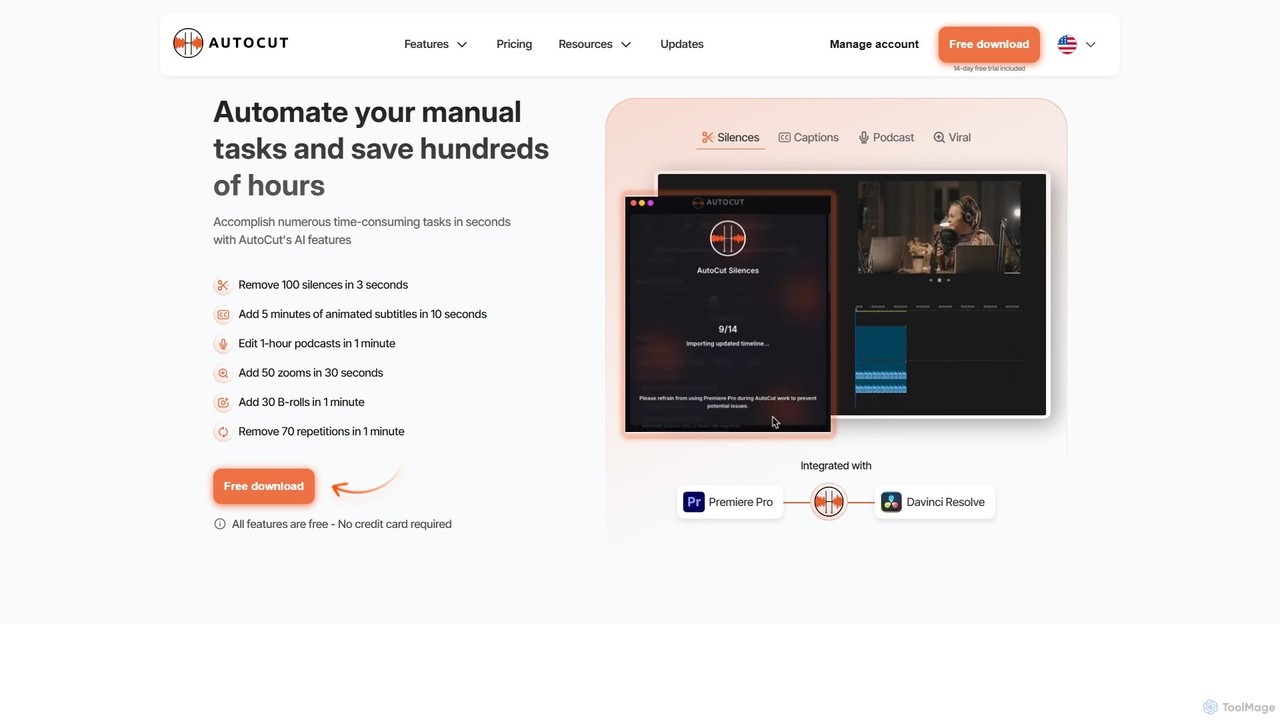
AutoCut
AutoCut is an AI-powered plugin for Adobe Premiere Pro and DaVinci Resolve that automates tedious video editing tasks. It saves editors hours by automatically removing silences, generating animated captions, editing multi-camera podcasts, adding dynamic zooms, and much more, streamlining the entire workflow.
Automation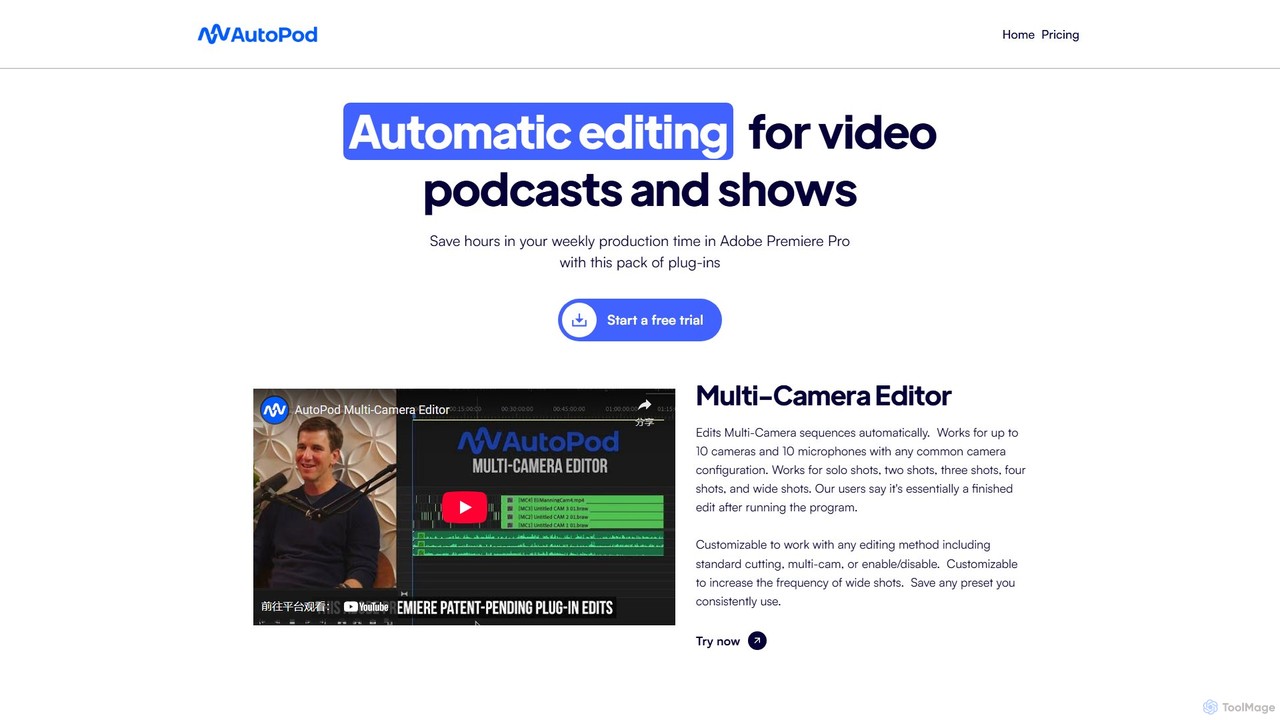
AutoPod
AutoPod is a suite of AI-powered plugins for Adobe Premiere Pro that automates video podcast and show editing. It saves editors hours of work by automatically handling multi-camera edits, creating social media clips, and generating jump cuts based on silence.
Automation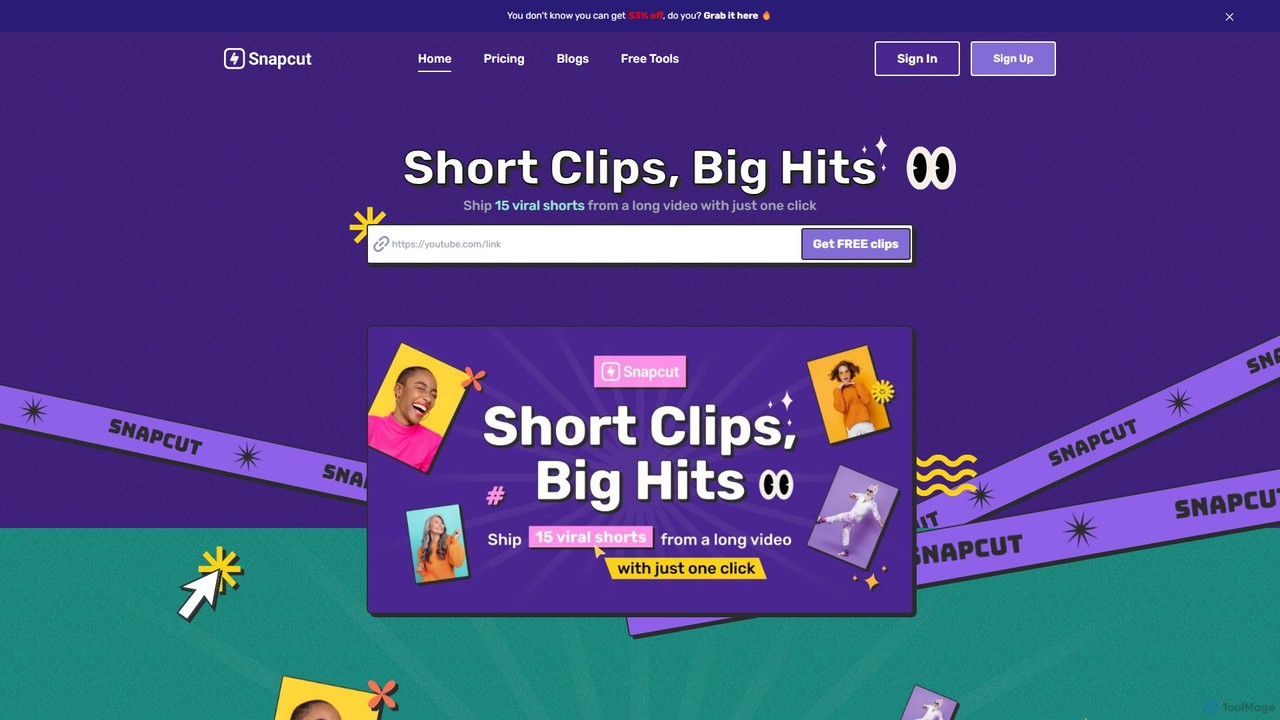
Snapcut
Snapcut is an AI-powered video editing tool that automatically repurposes long-form videos into multiple viral-ready short clips. With one click, it identifies engaging moments, adds animated captions, and reframes content for social media, saving creators up to 70% of their editing time.
AutomationSaved Categories
Saved Embed Widget
Copy this embed code to place the badge on your blog, article, or product site and send readers directly to this ToolMage detail page.

Related AI tools
EasyClips
EasyClips is an AI-powered tool that automatically analyzes Twitch streams to find the most exciting and viral-worthy moments. It helps streamers and content creators effortlessly turn long broadcasts into engaging short videos for TikTok, YouTube Shorts, and other social media platforms, saving hours of manual editing.
Streaming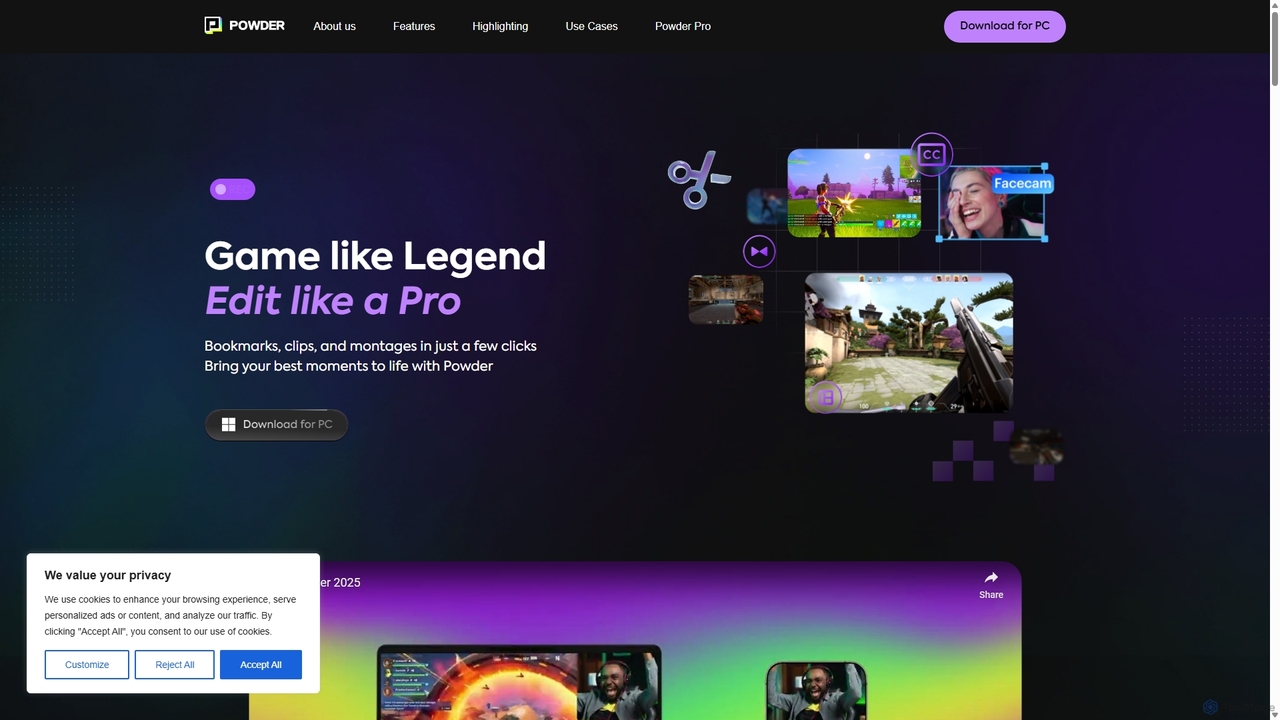
Powder
Powder is an AI-powered clipping software for gamers on Windows. It automatically records gameplay, identifies the best moments from hours of footage using AI, and helps create stunning, social-media-ready clips and montages. It's designed to save creators time and effort in content production.
Content Creation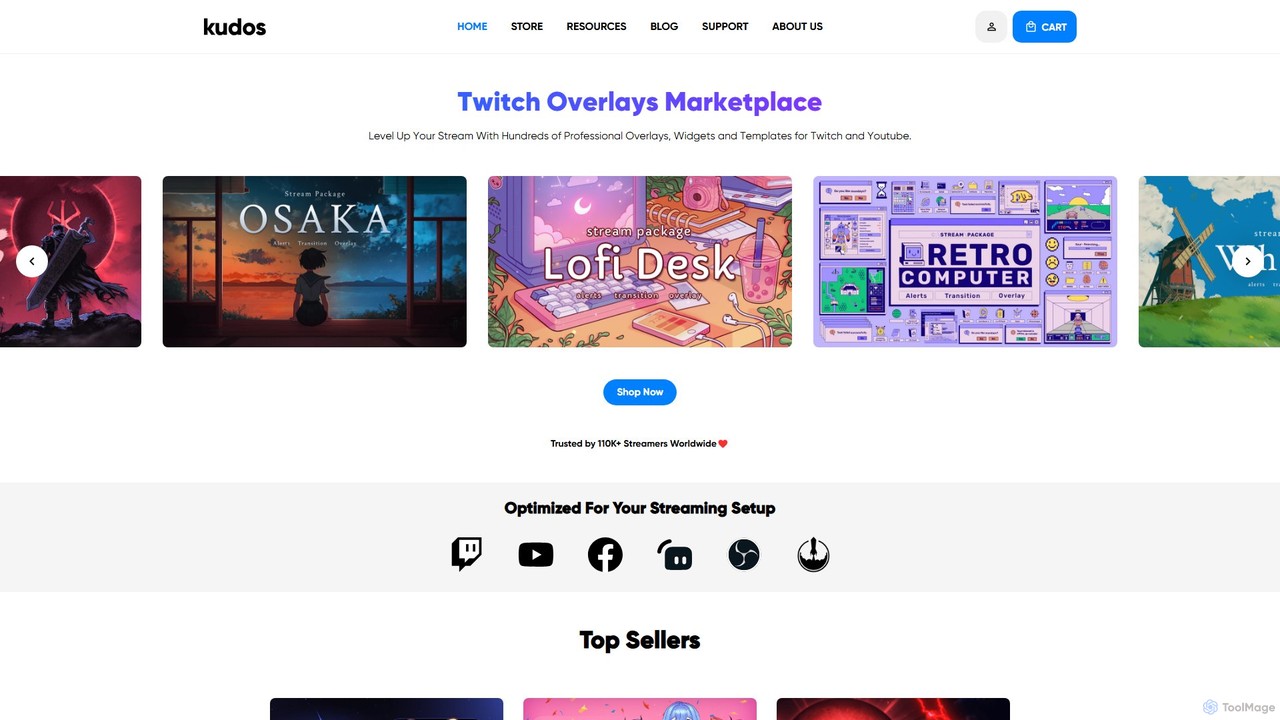
kudos
Kudos is a marketplace offering professional stream graphics for creators on Twitch and YouTube. It provides a vast library of high-quality overlays, widgets, alerts, VTuber models, and templates. Designed for easy setup with OBS, Streamlabs, and other software, Kudos helps streamers enhance their visual appeal, boost viewer engagement, and build a unique brand identity with both premium and free assets.
Graphics
mymod
MyMod is an AI-powered moderation bot designed for live streaming platforms like Twitch and YouTube. It helps creators and community managers maintain a healthy chat environment by automatically detecting and handling rule violations using natural language processing. Features include AI-driven timeouts, customizable commands, and a comprehensive dashboard with detailed chat and ban logs.
Moderation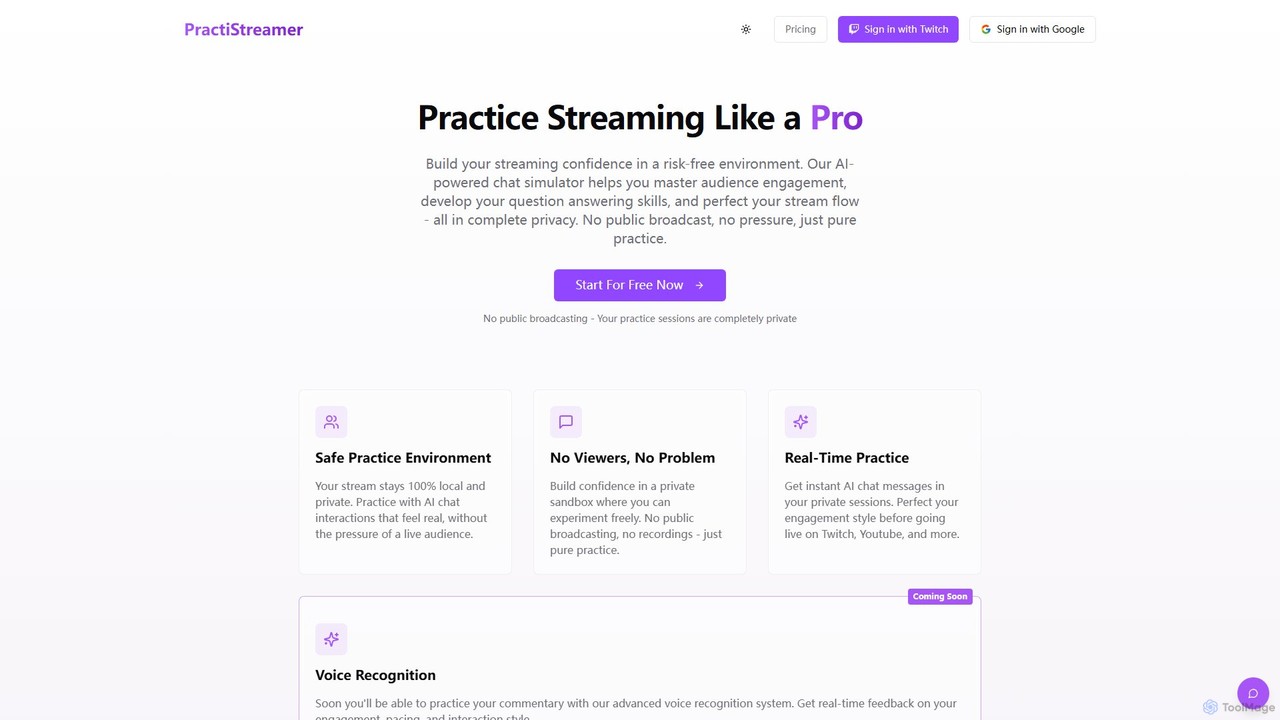
PractiStreamer
PractiStreamer is an AI-powered practice tool for live streamers. It provides a private, risk-free environment with an AI chat simulator to help you master audience engagement, Q&A skills, and stream flow. Build your confidence for platforms like Twitch and YouTube without the pressure of a live audience.
Training
Privastream
Privastream is a real-time AI toolkit designed for streamers and content creators to protect their privacy. It uses on-device Edge AI to automatically detect and blur sensitive information like faces and personal data during livestreams with zero latency, ensuring data never leaves your computer. It integrates seamlessly as a virtual camera with major streaming platforms like OBS, Twitch, and YouTube.
Privacyzapcap
zapcap is an AI-powered video editing platform designed to create viral short-form videos with ease. It automatically generates accurate captions in over 50 languages, removes silences, creates short clips from long videos, adds B-roll, sound effects, and generates SEO-optimized descriptions. It's an all-in-one tool for content creators, marketers, and businesses to boost engagement and save time.
Video MarketingAutoCut
AutoCut is an AI-powered plugin for Adobe Premiere Pro and DaVinci Resolve that automates tedious video editing tasks. It saves editors hours by automatically removing silences, generating animated captions, editing multi-camera podcasts, adding dynamic zooms, and much more, streamlining the entire workflow.
AutomationAutoPod
AutoPod is a suite of AI-powered plugins for Adobe Premiere Pro that automates video podcast and show editing. It saves editors hours of work by automatically handling multi-camera edits, creating social media clips, and generating jump cuts based on silence.
AutomationSnapcut
Snapcut is an AI-powered video editing tool that automatically repurposes long-form videos into multiple viral-ready short clips. With one click, it identifies engaging moments, adds animated captions, and reframes content for social media, saving creators up to 70% of their editing time.
Automation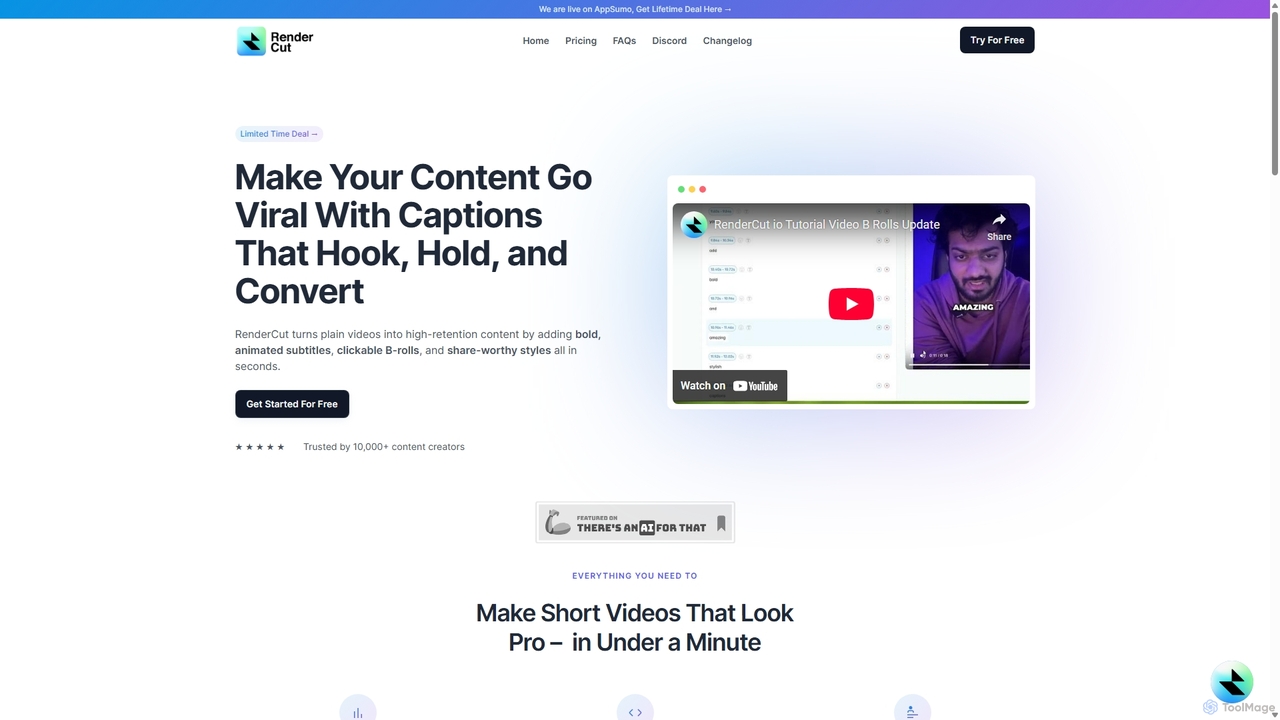
RenderCut
RenderCut is an AI-powered video editing tool that automatically generates stylish, animated subtitles for short-form videos. It helps content creators boost engagement and create viral content by adding customizable captions, B-rolls, emojis, and sound effects in minutes.
Automation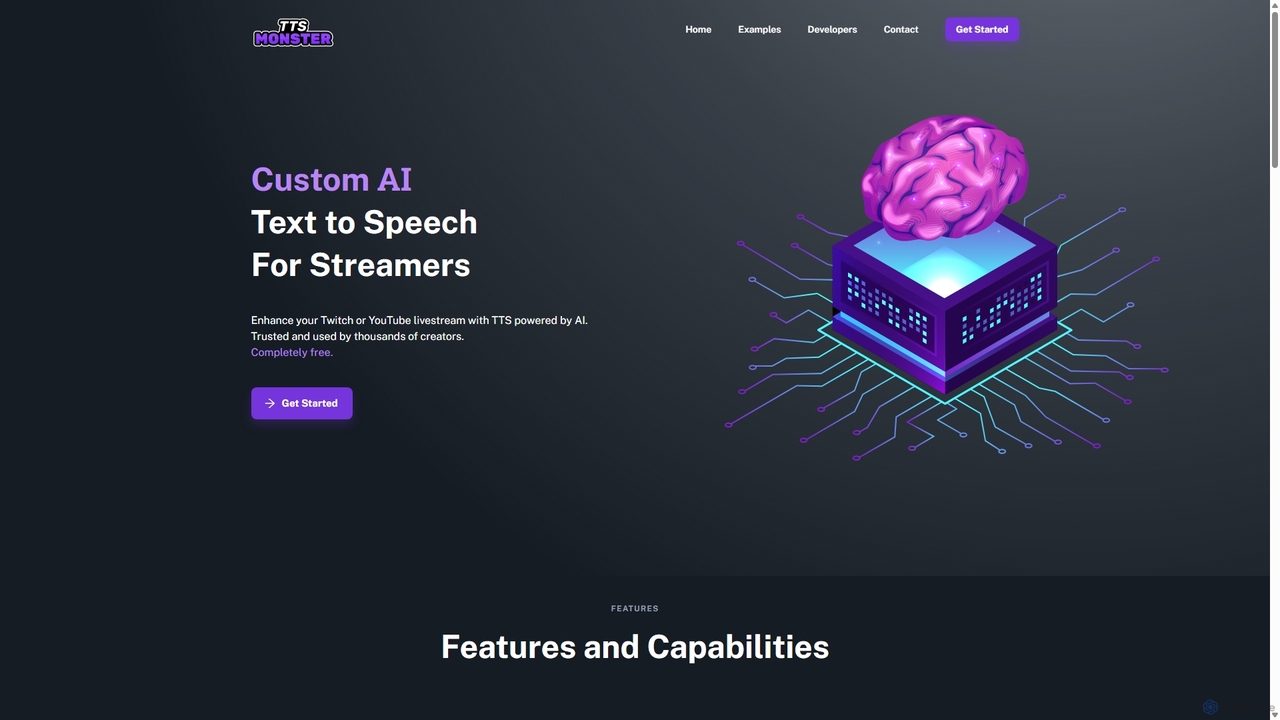
TTS.Monster
TTS.Monster is a free, AI-powered text-to-speech tool designed specifically for streamers. It enhances Twitch and YouTube livestreams by converting donation messages into speech using over 100 unique AI voices and sound bites. It integrates seamlessly with StreamElements, StreamLabs, and Ko-fi, helping creators boost engagement and revenue without taking any commission.
Text To Speech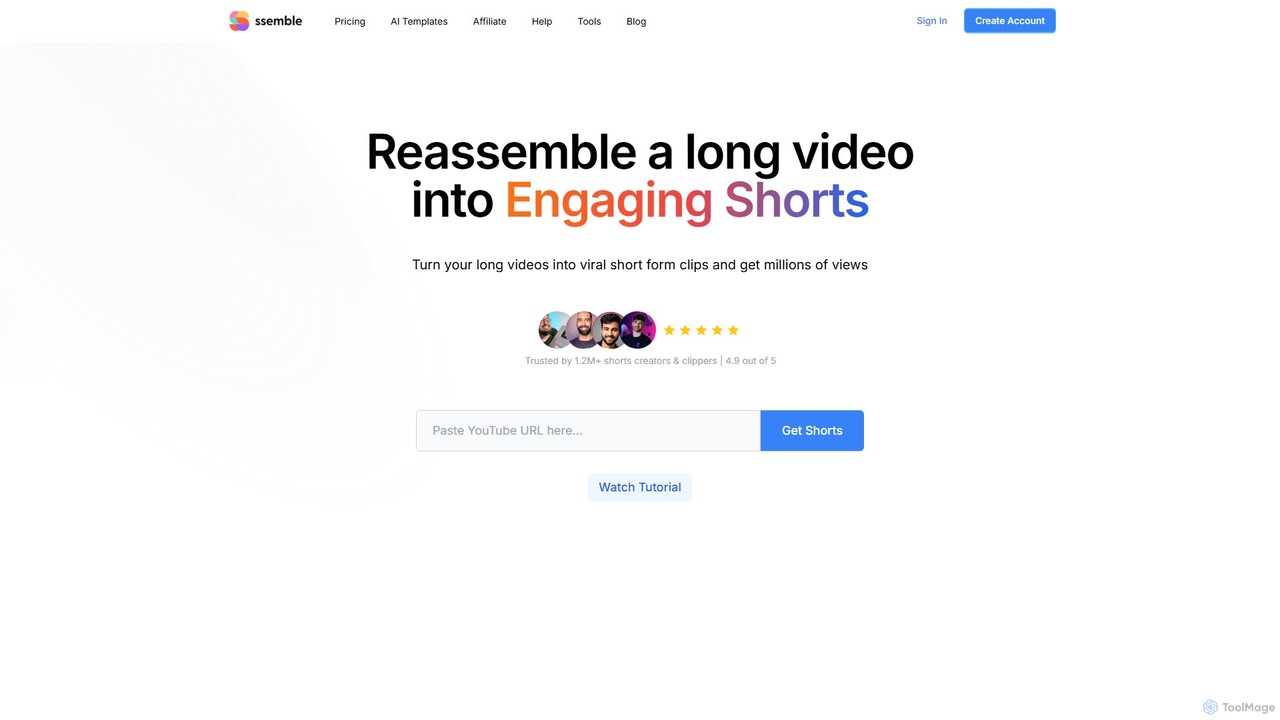
Ssemble
Ssemble is an AI-powered video editing platform that transforms long-form videos into engaging, viral short-form clips. It automates finding key moments, adding captions, reframing for vertical formats, and scheduling posts for TikTok, YouTube Shorts, and Instagram Reels. Ideal for content creators and marketers looking to maximize their reach and engagement with minimal effort.
Video Marketing
Jyek
Jyek is an AI agent platform that understands objectives, creates execution plans, uses tools, and delivers verifiable results for complex, multi-step tasks.
Automation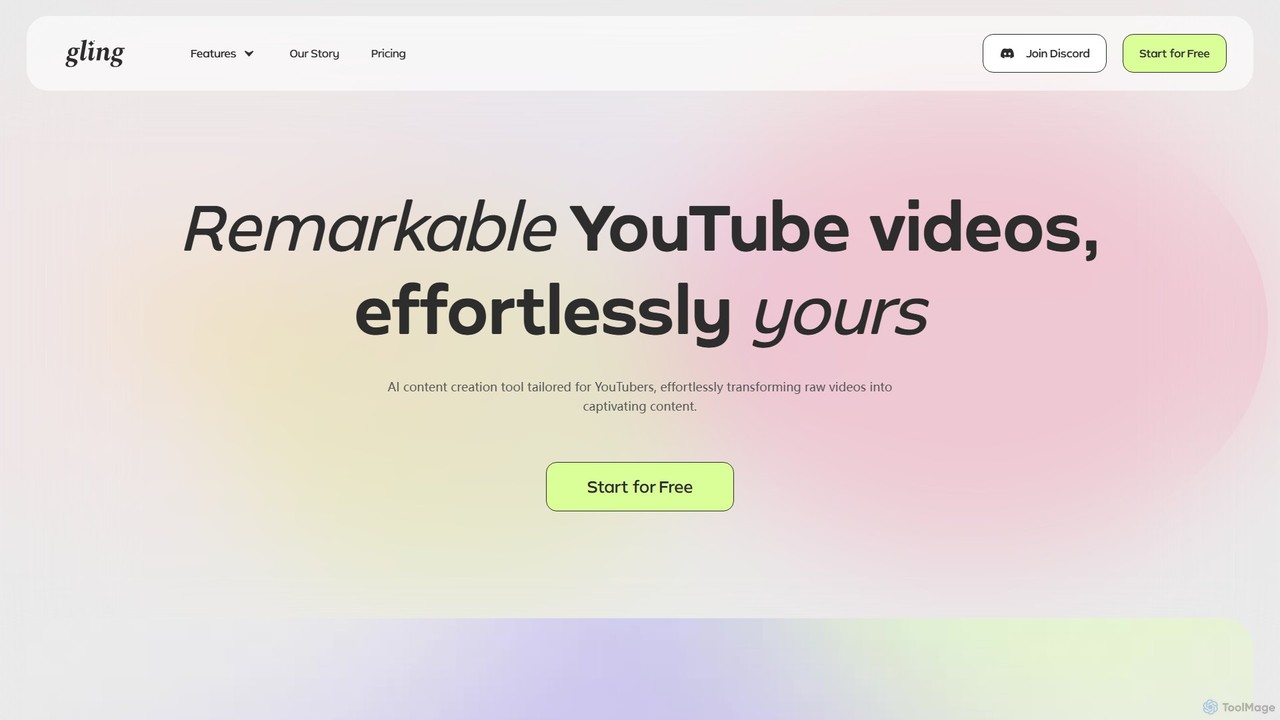
Gling
Gling is an AI-powered video editing software for YouTubers that automatically removes silences, bad takes, and filler words. It uses text-based editing to streamline the workflow, saving creators hours of manual work and helping them produce captivating content effortlessly.
Automation
Saved Comments (0)
Sign in to comment.
Sign inNo comments yet.