

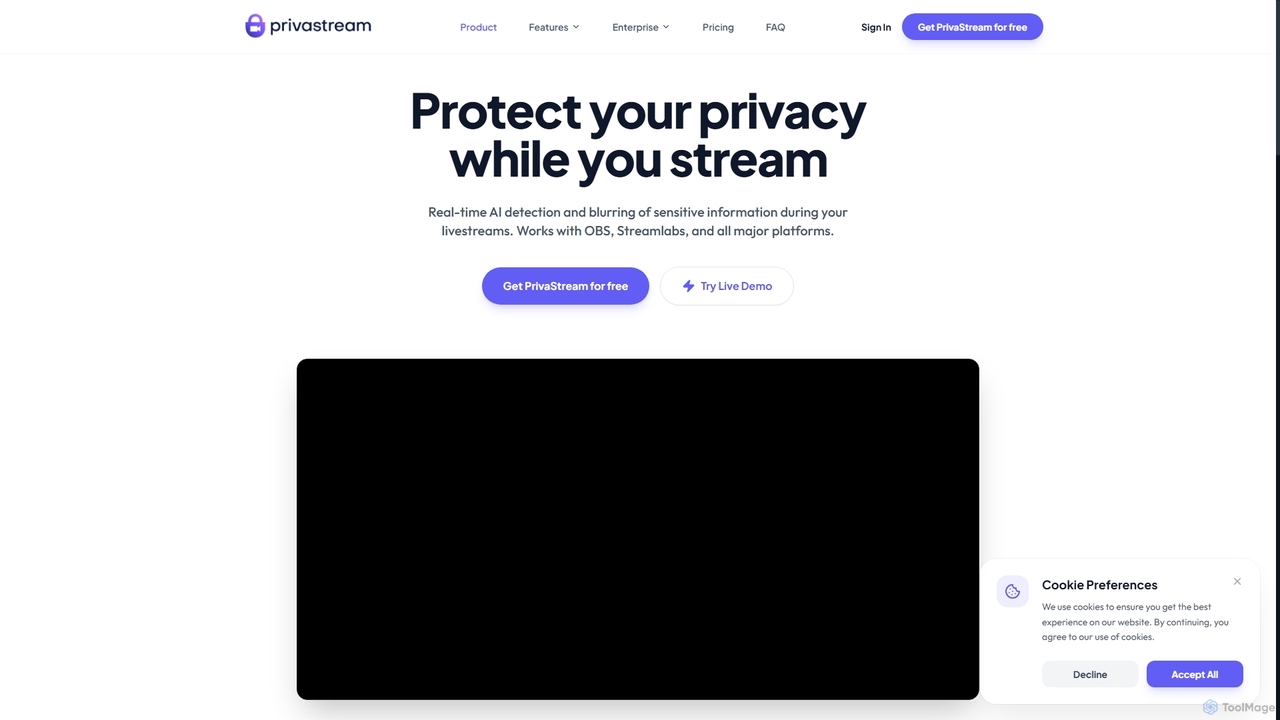
Privastream Overview
Privastream is a powerful privacy protection toolkit for live content creators, educators, and professionals. It leverages advanced Edge AI to perform real-time detection and blurring of sensitive information directly on the user's device. This local-first approach guarantees that your video feed is never processed in the cloud, ensuring maximum privacy and security. The tool is engineered for high performance, adding zero latency to your stream, which is critical for gaming and live interactions. It functions as a virtual camera, making it instantly compatible with popular broadcasting software and platforms like OBS, Streamlabs, Twitch, YouTube, Zoom, and more.
How to use Privastream
Using Privastream is straightforward. After installation, the software creates a virtual camera device on your system. In your preferred streaming software (like OBS Studio, Streamlabs, or Discord), you simply select 'PrivaStream Camera' as your video capture source instead of your regular webcam. The AI processing is applied automatically, and the protected video feed is then broadcasted to your platform of choice. No complex configuration is needed to get started.
Core Features of Privastream
- Real-time Face Blurring & Anonymization: Automatically detects and blurs faces in your video feed, with a smart 'whitelisting' feature to keep the creator's face visible while anonymizing others.
- Smart PII Detection: Identifies and redacts sensitive personal information such as addresses, phone numbers, and credit cards that may appear on screen.
- Edge AI & Local Processing: All AI processing happens on your device, ensuring no video data is sent to the cloud, guaranteeing privacy and security.
- Zero Latency Performance: The lightweight AI model runs with less than 5ms of latency and minimal CPU usage (under 5% on modern processors), preventing any impact on stream quality or frame rates.
- Audio Shield & Profanity Filter: Filters profanity and toxic speech from your audio in real-time.
- Seamless Integration: Works as a virtual camera, making it compatible with OBS, Streamlabs, Twitch, YouTube, Kick, Discord, Zoom, Google Meet, and more.
- Brand Safety & Logo Detection: Helps creators maintain a brand-safe stream by detecting and managing logos.
Use Cases for Privastream
Privastream is ideal for a variety of scenarios. IRL (In Real Life) streamers can broadcast from public places without worrying about filming strangers or accidentally revealing license plates. VTubers can use it as a safety net to prevent accidental face reveals if their avatar glitches. Educators and schools can create safe, COPPA and FERPA compliant digital classrooms by automatically redacting student faces and filtering inappropriate content. Journalists and interviewers can protect the identities of sensitive sources or whistleblowers during live interviews.
Advantages of Privastream
The primary advantage of Privastream is its commitment to privacy through local-first processing. Unlike cloud-based solutions, your data remains entirely on your computer. Its zero-latency performance is a significant benefit for streamers who cannot afford any delay. The tool's ease of use, via a simple virtual camera setup, makes powerful privacy protection accessible to everyone without a steep learning curve. Furthermore, its wide compatibility and comprehensive feature set, from video PII redaction to audio filtering, make it an all-in-one safety toolkit for any content creator.
Pricing and Plans
Privastream offers a freemium model with plans tailored to different needs:
- Starter Plan: $0/month. Includes basic face blurring, a PrivaStream watermark, 720p output quality, and standard support.
- Pro Streamer Plan: $19/month (or $15/month when billed annually). Removes the watermark, offers up to 4K output, adds smart object blurring (cards, addresses), and includes an audio profanity filter.
- Agency Plan: $99/month (or $79/month when billed annually). Includes all Pro features plus multi-seat management, custom AI model training, and a dedicated success manager.
Privastream FAQ
Privastream Alternatives
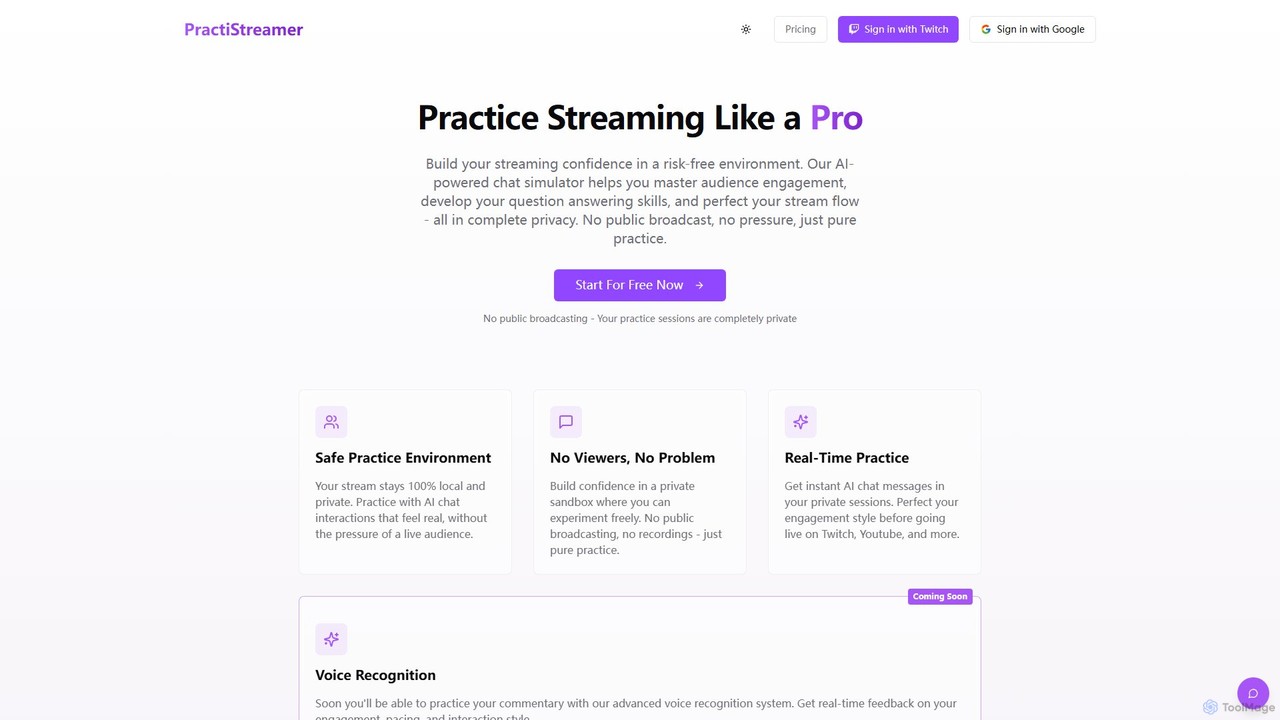
PractiStreamer
PractiStreamer is an AI-powered practice tool for live streamers. It provides a private, risk-free environment with an AI chat simulator to help you master audience engagement, Q&A skills, and stream flow. Build your confidence for platforms like Twitch and YouTube without the pressure of a live audience.
Training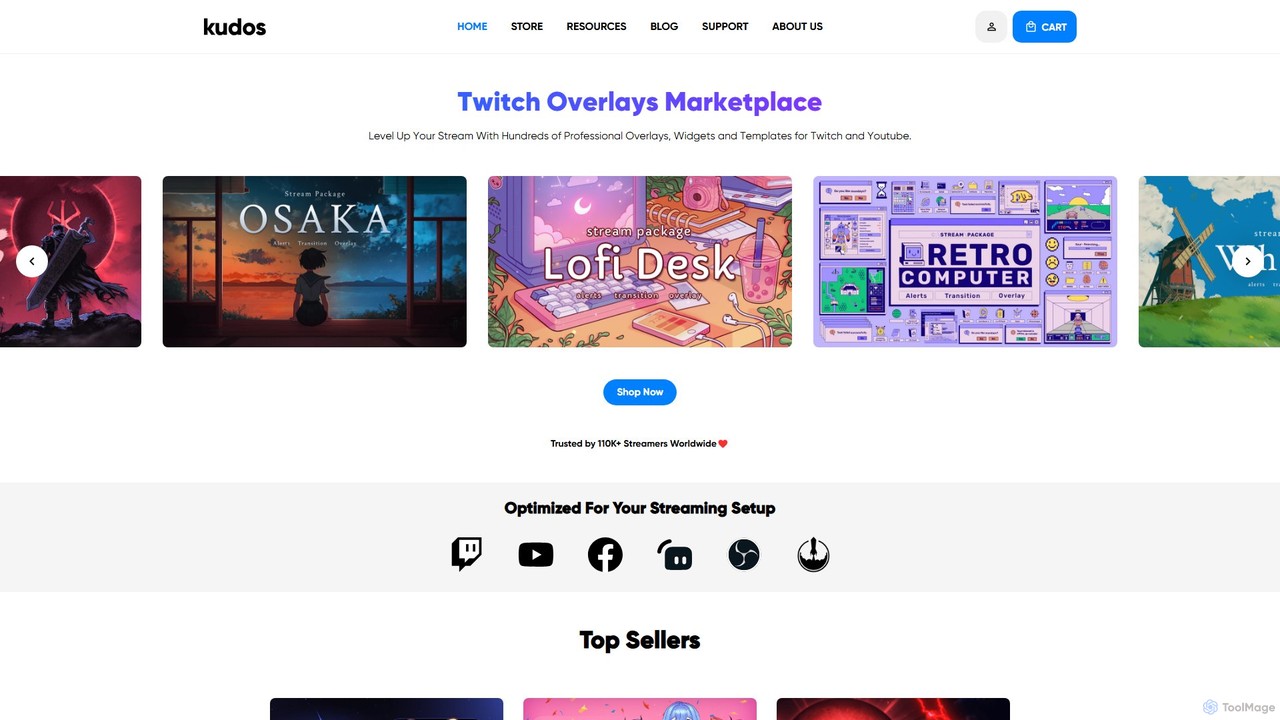
kudos
Kudos is a marketplace offering professional stream graphics for creators on Twitch and YouTube. It provides a vast library of high-quality overlays, widgets, alerts, VTuber models, and templates. Designed for easy setup with OBS, Streamlabs, and other software, Kudos helps streamers enhance their visual appeal, boost viewer engagement, and build a unique brand identity with both premium and free assets.
Graphics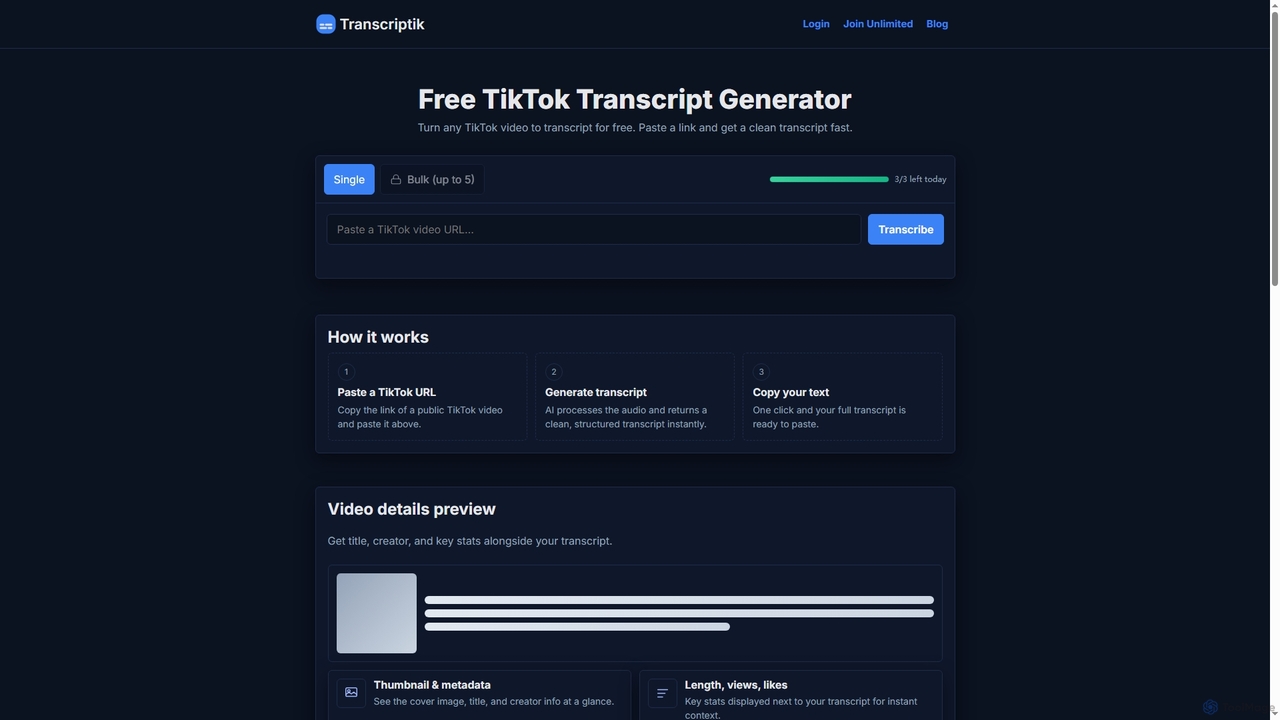
Transcriptik
Transcriptik is a free and fast AI-powered tool designed to generate accurate transcripts from TikTok videos. It supports over 50 languages, allowing users to quickly convert video audio into structured text for various content creation and analysis needs without requiring an account.
Text Generation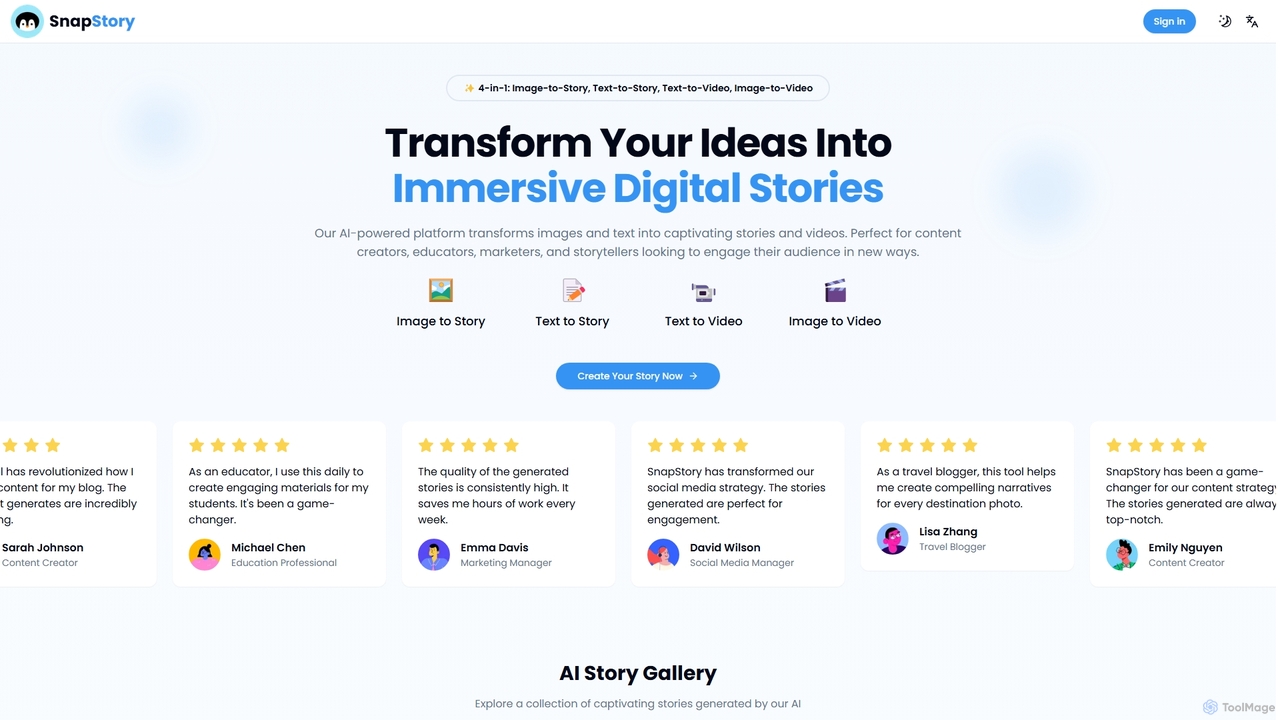
SnapStoryAI
SnapStoryAI is a 4-in-1 AI-powered platform that transforms images and text into captivating stories and dynamic videos. It's designed for content creators, marketers, and educators to effortlessly generate engaging narratives, customize tones and styles, and reach a global audience with multi-language support.
Storytelling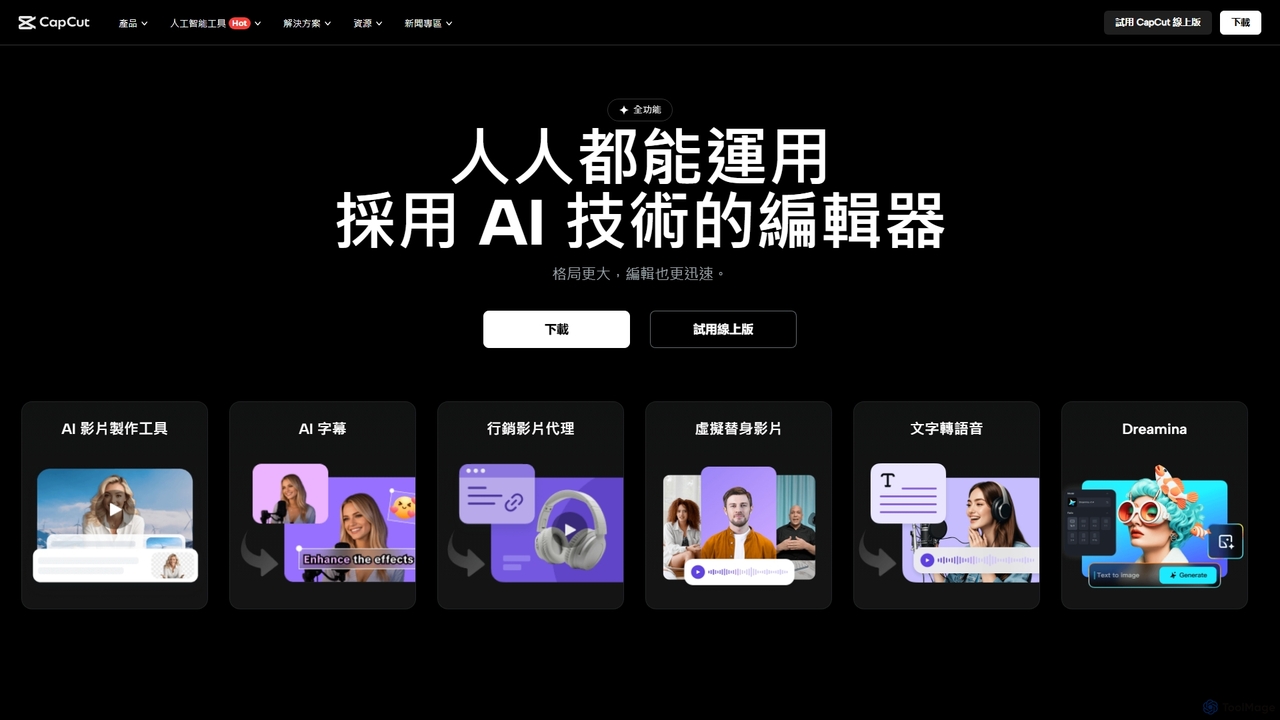
CapCut
CapCut is a powerful, all-in-one AI video editor and creative suite. It simplifies content creation with intuitive tools for video editing, graphic design, and team collaboration. It offers a wide range of AI features like auto-captions, script-to-video, background removal, and video upscaling, making professional-quality content accessible to everyone, from beginners to pros, across web, desktop, and mobile platforms.
GraphicsPrivastream Categories
Privastream Jobs
Privastream Embed Widget
Copy this embed code to place the badge on your blog, article, or product site and send readers directly to this ToolMage detail page.

Related AI tools
PractiStreamer
PractiStreamer is an AI-powered practice tool for live streamers. It provides a private, risk-free environment with an AI chat simulator to help you master audience engagement, Q&A skills, and stream flow. Build your confidence for platforms like Twitch and YouTube without the pressure of a live audience.
Training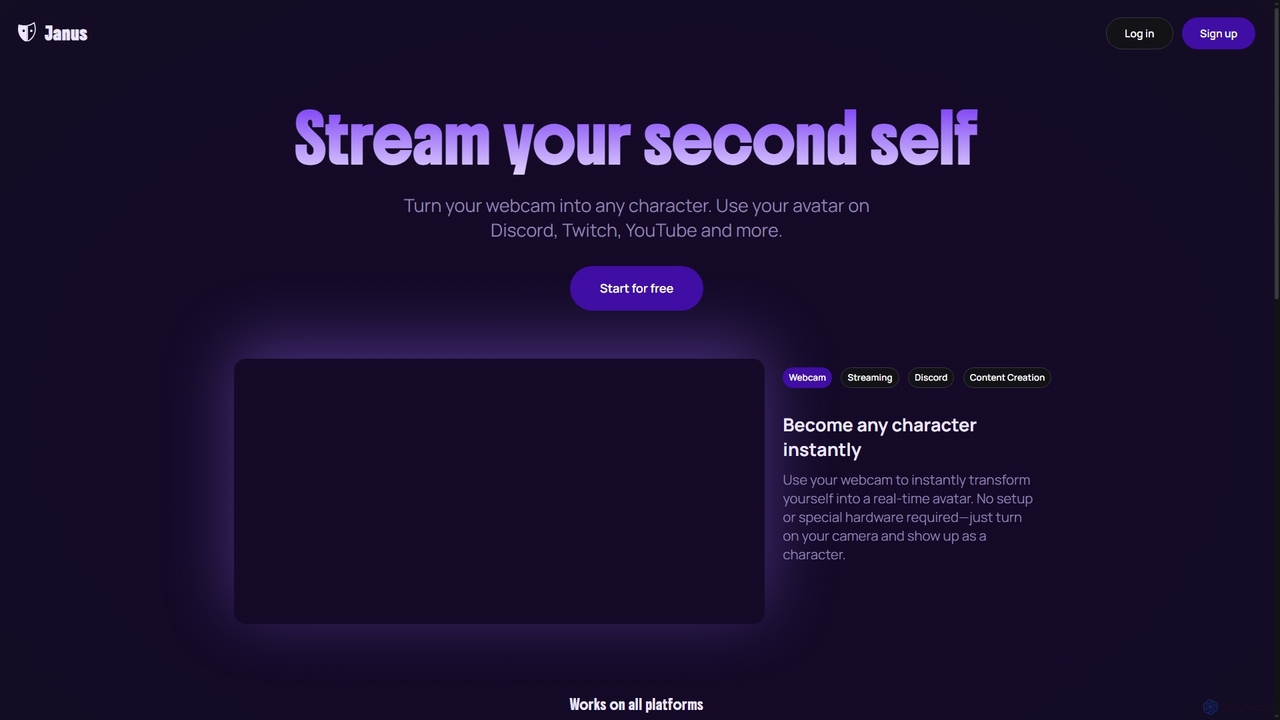
Janus
Janus is an AI-powered tool that transforms your webcam feed into a real-time animated avatar, allowing you to stream as any character. It requires no special hardware, offers an avatar library and builder, and integrates seamlessly with platforms like Discord, Twitch, YouTube, and OBS via a Chrome extension. Start for free and enhance your online presence.
Live Streaming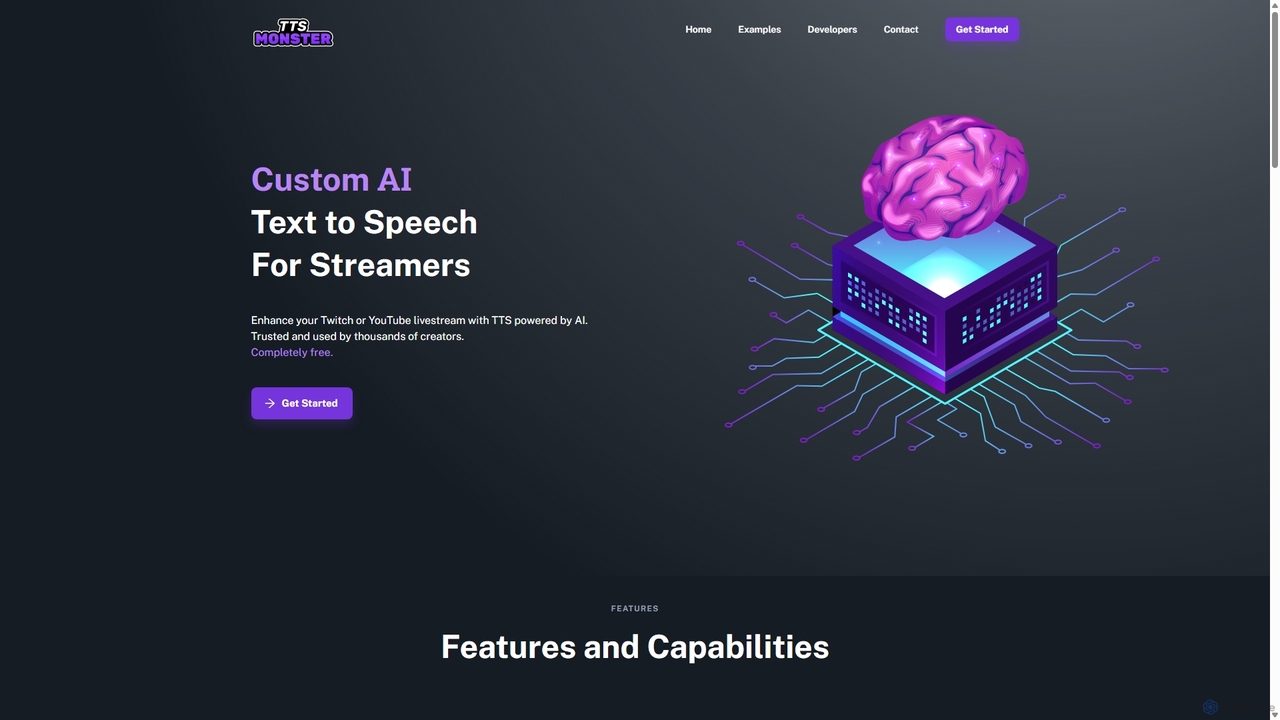
TTS.Monster
TTS.Monster is a free, AI-powered text-to-speech tool designed specifically for streamers. It enhances Twitch and YouTube livestreams by converting donation messages into speech using over 100 unique AI voices and sound bites. It integrates seamlessly with StreamElements, StreamLabs, and Ko-fi, helping creators boost engagement and revenue without taking any commission.
Text To Speechkudos
Kudos is a marketplace offering professional stream graphics for creators on Twitch and YouTube. It provides a vast library of high-quality overlays, widgets, alerts, VTuber models, and templates. Designed for easy setup with OBS, Streamlabs, and other software, Kudos helps streamers enhance their visual appeal, boost viewer engagement, and build a unique brand identity with both premium and free assets.
Graphics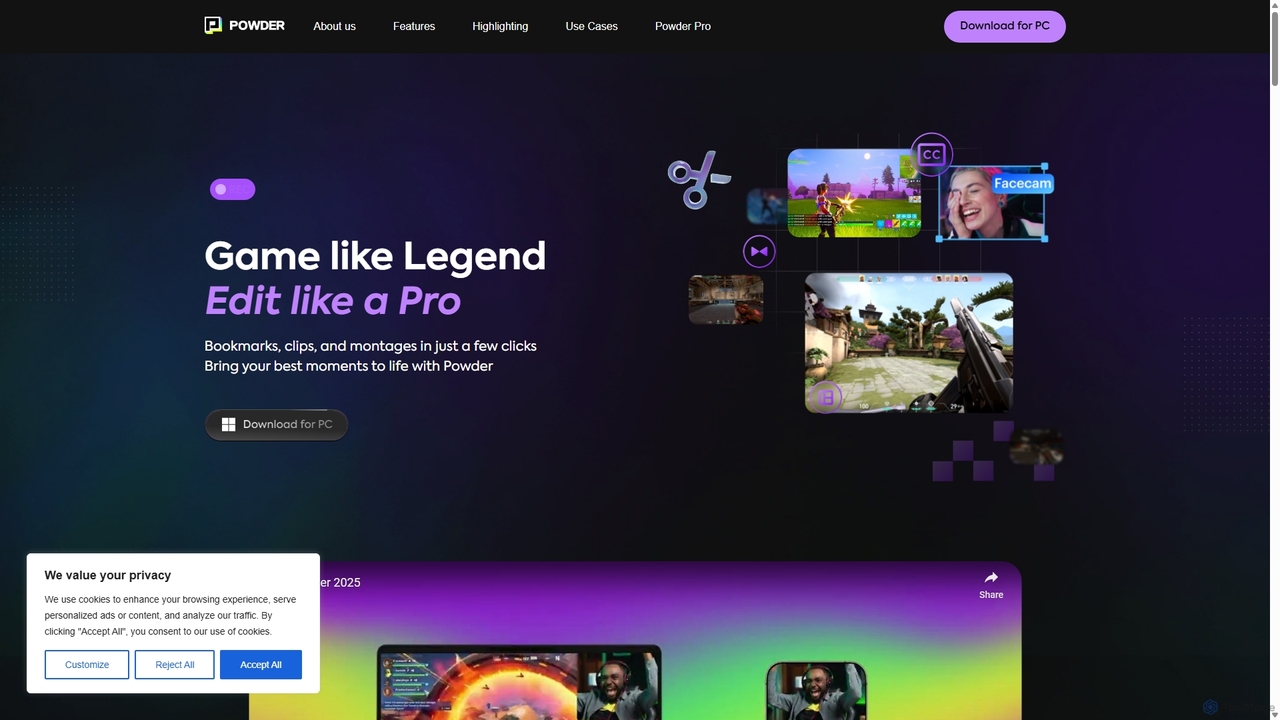
Powder
Powder is an AI-powered clipping software for gamers on Windows. It automatically records gameplay, identifies the best moments from hours of footage using AI, and helps create stunning, social-media-ready clips and montages. It's designed to save creators time and effort in content production.
Content Creation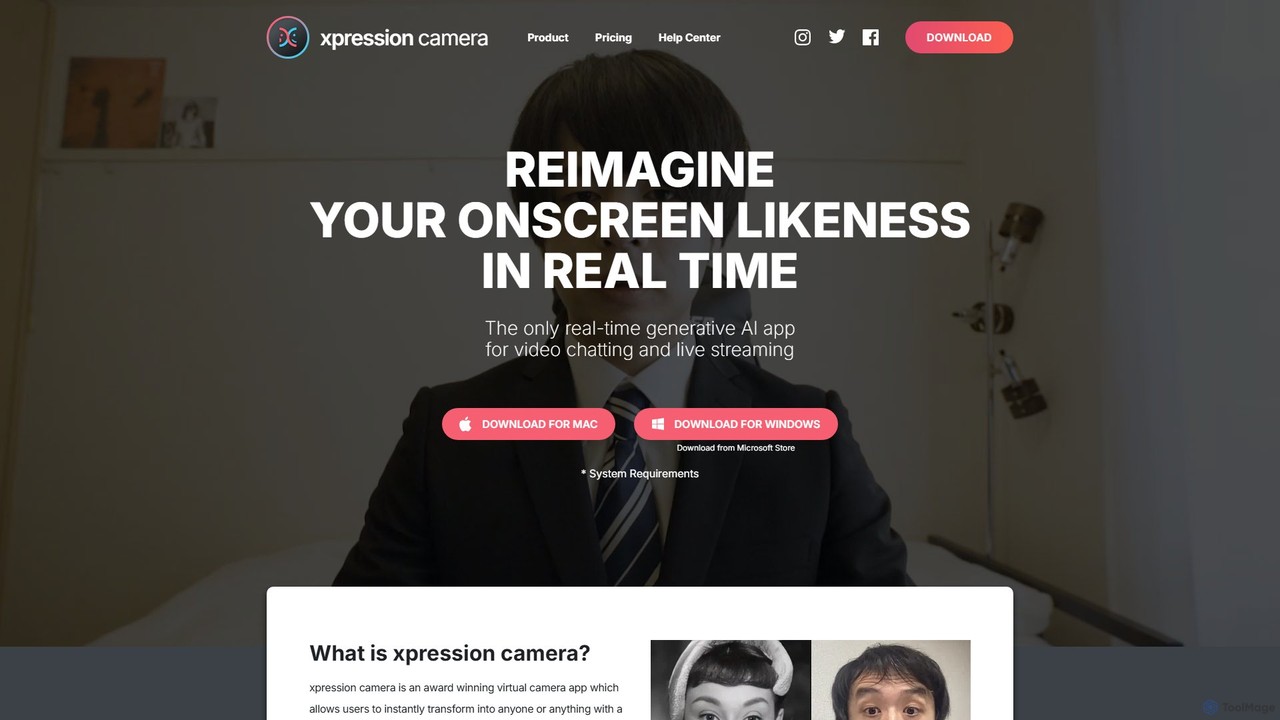
xpressioncamera
xpressioncamera is an award-winning AI virtual camera app that lets you instantly transform into anyone or anything with a face using a single photo. Animate avatars in real-time for video calls, streaming, and content creation, with features like Voice2Face and AI-powered effects.
Avatar Generator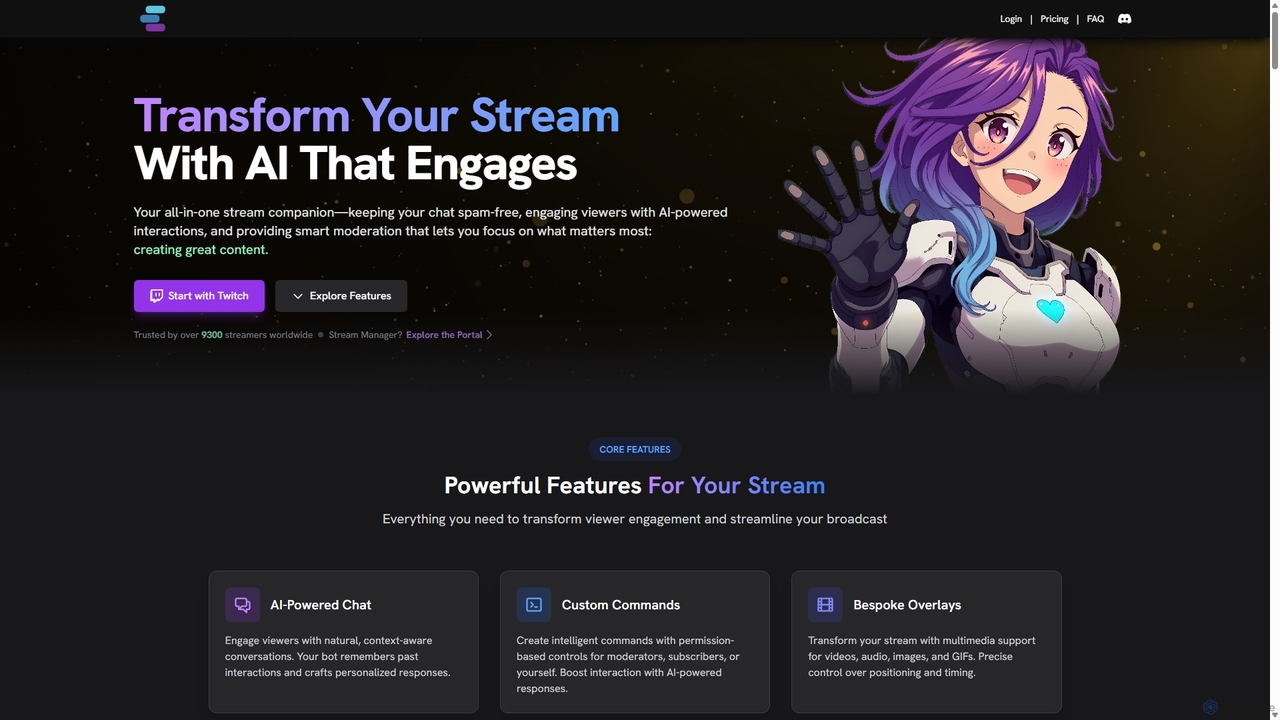
StreamChat A.I.
StreamChat A.I. is an all-in-one AI companion for Twitch streamers. It enhances streams with a customizable AI chatbot that engages viewers, provides smart moderation, automates repetitive tasks like answering FAQs, and generates interactive content like AI images. It's designed to combat quiet chats, reduce streamer workload, and build a safer, more interactive community.
Moderation
Transcriptik
Transcriptik is a free and fast AI-powered tool designed to generate accurate transcripts from TikTok videos. It supports over 50 languages, allowing users to quickly convert video audio into structured text for various content creation and analysis needs without requiring an account.
Text GenerationSnapStoryAI
SnapStoryAI is a 4-in-1 AI-powered platform that transforms images and text into captivating stories and dynamic videos. It's designed for content creators, marketers, and educators to effortlessly generate engaging narratives, customize tones and styles, and reach a global audience with multi-language support.
Storytelling
Official YouTube Blog
The Official YouTube Blog is the primary source for the latest news, updates, and insights directly from YouTube. It provides in-depth information on new features, including AI-powered tools for creators, platform policy changes, and cultural trends, serving as an essential resource for creators, marketers, and enthusiasts.
3D
TurboAITools
TurboAITools offers a comprehensive suite of free, AI-powered online utilities designed to simplify digital tasks. It includes tools like Twitter and Instagram video downloaders, an accurate voice-to-text converter, a versatile GPA calculator, and an intelligent house price predictor. Prioritizing user privacy and ease of use, TurboAITools provides fast, registration-free solutions for content creators, students, and real estate enthusiasts alike.
Academic Planning
Tangia
Tangia is an AI-powered interactive toolkit for live streamers designed to boost viewer engagement and monetization. It offers a suite of tools including custom AI TTS with voice cloning, interactive AI characters, on-stream memes, media sharing, and games. Integrated seamlessly with streaming software like OBS, Tangia helps creators build a more dynamic and participatory community, turning passive viewers into active participants.
Engagement
Magicam
Magicam is a powerful real-time face and voice swapping application. It allows users to change their appearance and voice simultaneously during live streams, video calls, or recordings with high-quality results. It features one-click operation, local data processing for privacy, and seamless integration with platforms like Twitch and Zoom.
Entertainment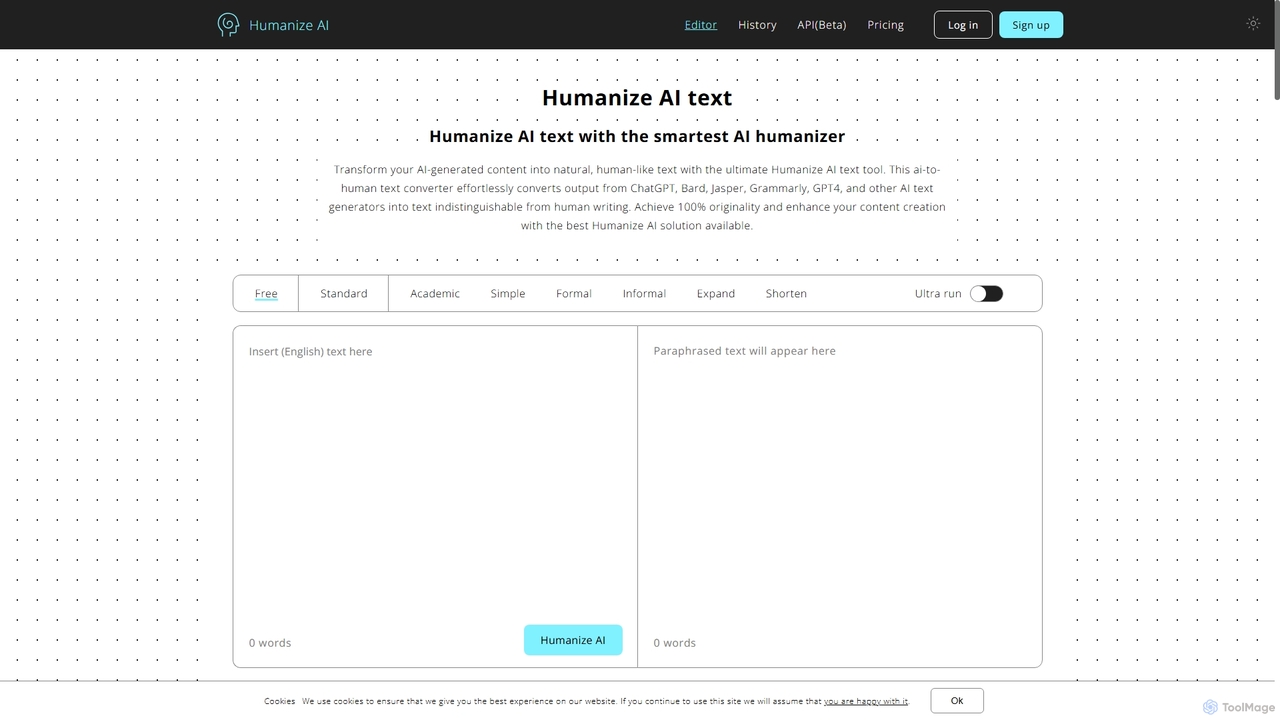
Humanize AI
Humanize AI is an advanced AI-to-human text converter that transforms robotic AI-generated content into natural, engaging, and undetectable human-like writing. It helps users bypass all major AI detectors like GPTZero and Turnitin while ensuring the output is 100% original, plagiarism-free, and SEO-friendly.
Academic Writing
Privastream Comments (0)
Sign in to comment.
Sign inNo comments yet.