ToolMage
Sign in

Best 1 Avatar Generator for Avatar

Popular Avatar Generator in Avatar include xpressioncamera, helping you work more efficiently.

xpressioncamera
Freemium

xpressioncamera

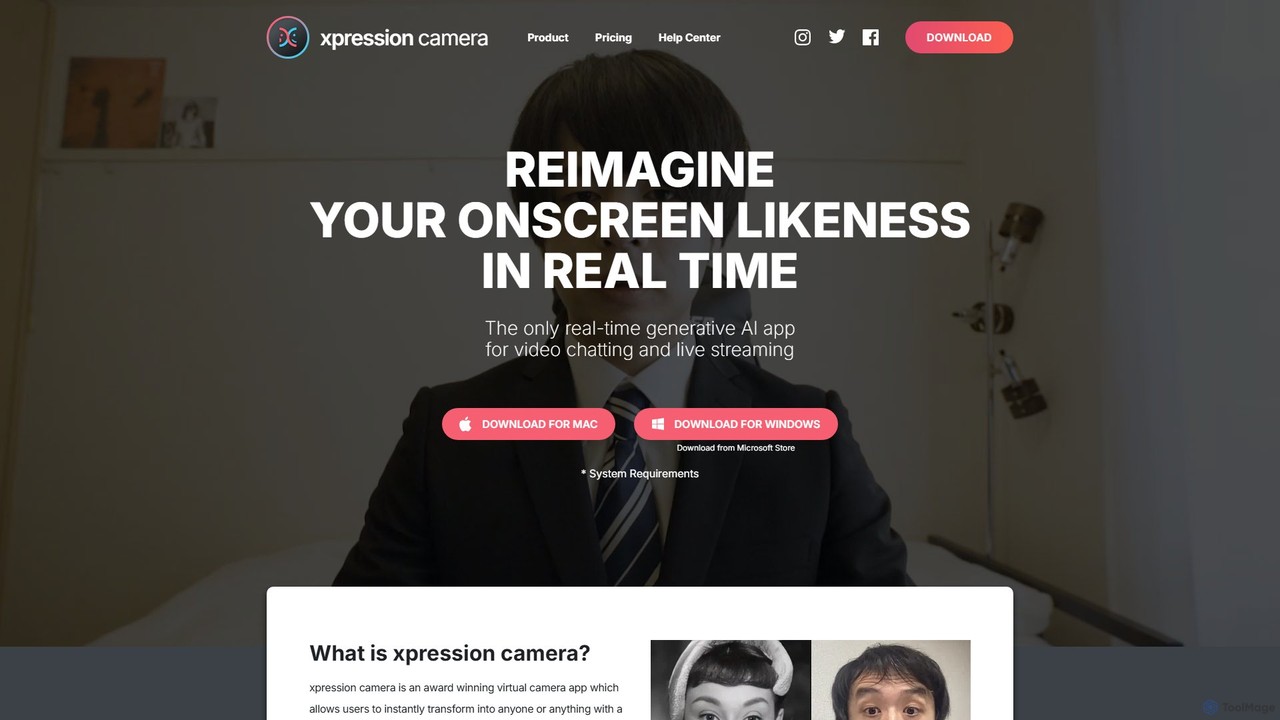
xpressioncamera is an award-winning AI virtual camera app that lets you instantly transform into anyone or anything with a face using a single photo. Animate avatars in real-time for video calls, streaming, and content creation, with features like Voice2Face and AI-powered effects.

Avatar Generator
Visits 42.2KFavorites 116Likes 102

About Avatar Generator

Avatar Generators are AI-powered tools that automatically create unique digital profile pictures or character representations. They typically use text prompts, uploaded photos, or parameter adjustments to produce a wide range of visual styles, from photorealistic portraits to stylized cartoons. These tools are valuable for individuals and businesses seeking to establish a distinct online identity, generate consistent character assets for projects, or create engaging visual content for social media and marketing. The core technology often involves generative models that can reinterpret facial features or descriptions into new artistic forms.

Core Features

  • Photo-to-Avatar Conversion: Transforms a real photograph into various artistic avatar styles while retaining the user's likeness.
  • Text-to-Avatar Creation: Generates a unique avatar based on a descriptive text prompt detailing appearance and style.
  • Style Customization: Offers a broad selection of visual styles, such as anime, 3D, cartoon, pixel art, and photorealistic.
  • Attribute Control: Allows for fine-tuning specific features like hairstyle, eye color, clothing, accessories, and background.
  • Batch Generation: Creates multiple avatar variations from a single input, providing a diverse set of options to choose from.

Use Cases

These tools are widely used by social media users to create unique profile pictures, by gamers and virtual world participants to design personalized characters, and by content creators for consistent branding. Businesses also leverage them to generate uniform team avatars for internal platforms or create relatable mascots for marketing campaigns.

How to Choose

When selecting an Avatar Generator, consider the variety of styles offered and whether they match your aesthetic. Evaluate the input methods (photo, text, or both) and the level of customization available. Also, check the output resolution and usage rights, especially for commercial projects. Finally, compare pricing models, from free tools with watermarks to subscription-based services with advanced features.

Avatar Generator use cases

1

Create a Professional Social Media Profile Picture

A freelancer or professional needs a unique headshot for LinkedIn or a personal website but lacks a recent high-quality photo. They upload a few casual photos to an AI Avatar Generator. The tool analyzes their facial features and generates over 100 professional-looking avatars in various styles, such as corporate, artistic, or minimalist. This process allows them to obtain a high-resolution, polished profile picture that enhances their personal brand without the cost or time commitment of a professional photoshoot.

2

Generate Consistent Gaming or Team Avatars

An esports team manager or a community manager needs a unified visual identity for their group. They use a generator that supports style consistency. By uploading photos of each team member and applying the same artistic filter (e.g., 'cyberpunk' or 'anime') to all of them, they can produce a cohesive set of avatars. This strengthens the team's identity on platforms like Discord, Twitch, or internal communication tools, making the group instantly recognizable and fostering a sense of unity.

3

Design Characters for Storytelling or Marketing

An author, marketer, or game developer needs visual representations for characters in a story, a campaign mascot, or non-player characters (NPCs). Using a text-to-avatar generator, they input detailed descriptions like 'a young wizard with silver hair, glowing blue eyes, and a dark cloak'. The tool produces multiple visual interpretations, allowing for rapid visualization. This process saves significant time on concept art and provides a consistent visual reference for further development or promotional materials.

4

Create Anonymous Avatars for Online Privacy

A forum user or blogger wants to participate in online discussions without using a real photo to protect their privacy. They use a generator to create a unique, non-identifiable avatar that reflects their personality. By choosing a style like abstract or cartoon that doesn't resemble a real person, they can maintain anonymity. This allows them to have a personalized and recognizable online presence while avoiding the use of generic default icons, ensuring both privacy and individuality.

5

Produce Diverse Avatars for Product Mockups

A UI/UX designer is creating a social app and needs realistic but fictional user profile pictures for mockups. Instead of using stock photos, which can be generic and have licensing issues, they use an avatar generator. The tool can batch-create a set of diverse avatars representing different ages, ethnicities, and styles. This populates the design mockups with high-quality, royalty-free placeholder images, making the product feel more realistic and complete to stakeholders and testers without violating privacy.

6

A/B Test Profile Pictures for Dating Apps

An individual using online dating apps wants to optimize their profile by testing which type of picture gets more engagement. They upload a good photo of themselves and use a generator to create several avatar versions in appealing styles, such as photorealistic painting, modern art, or cinematic. By A/B testing these visually striking and unique profile pictures, they can analyze which style performs best to increase matches and engagement, all while showcasing a creative and interesting personality.

Avatar Generator FAQ

What is an AI Avatar Generator?

An AI Avatar Generator is a tool that uses artificial intelligence to automatically create digital avatars. Unlike manual editors, it can generate new, unique images from text descriptions or by transforming uploaded photos into various artistic styles like cartoon, anime, or photorealistic portraits. They are commonly used to quickly create personalized profile pictures, game characters, or brand mascots without needing design skills.

How to choose the right Avatar Generator?

To choose the right tool, consider these key factors:

  • Input Method: Decide if you prefer generating from a photo, a text prompt, or detailed parameter controls.
  • Style Variety: Ensure the tool offers the specific aesthetic you want, whether it's professional, fantasy, cartoon, or another style.
  • Customization Level: Check if you can fine-tune details like hair color, accessories, expression, or background.
  • Usage Rights: Verify if the generated avatars can be used for commercial purposes, as many free tools have restrictions.
  • Output Quality: Compare the resolution and clarity of the final images, and consider the pricing model (free, one-time purchase, or subscription).
What's the difference between an Avatar Generator and a Character Creator?

An AI Avatar Generator typically focuses on creating 2D profile pictures or headshots, often by transforming a photo or text prompt using generative AI. The output is usually a static image. A Character Creator, especially in gaming contexts (like Vroid or Ready Player Me), is often more complex. It focuses on building a full-body 3D model with detailed customization of body shape, clothing, and animations for use in interactive virtual environments. In short, generators are for static 2D images, while creators are often for interactive 3D models.

Can I use the generated avatars for commercial purposes?

This depends entirely on the terms of service of the specific Avatar Generator you use. Many free tools restrict commercial use or require attribution. Paid or subscription-based services often grant a commercial license, allowing you to use the avatars in marketing, products, or other business-related projects. It is crucial to always review the licensing agreement of any tool before using its generated images for commercial activities to avoid copyright issues.

How does a photo-to-avatar generator work?

A photo-to-avatar generator uses AI models, often based on technologies like Generative Adversarial Networks (GANs) or Diffusion Models. When you upload a photo, the AI analyzes key facial features, structure, and composition. It then uses this data as a guide to re-render the image in a completely new artistic style that you select, such as 'anime' or 'oil painting'. The process involves training the AI on vast datasets of images to learn how to apply different styles effectively while preserving the recognizable likeness of the original person.