
ToolMage
Sign in

Best 1 Real Time Avatar AI tools for Avatar

Popular Real Time Avatar AI tools in Avatar include Deep Live Cam, helping you work more efficiently.

Deep Live Cam
Free

Deep Live Cam

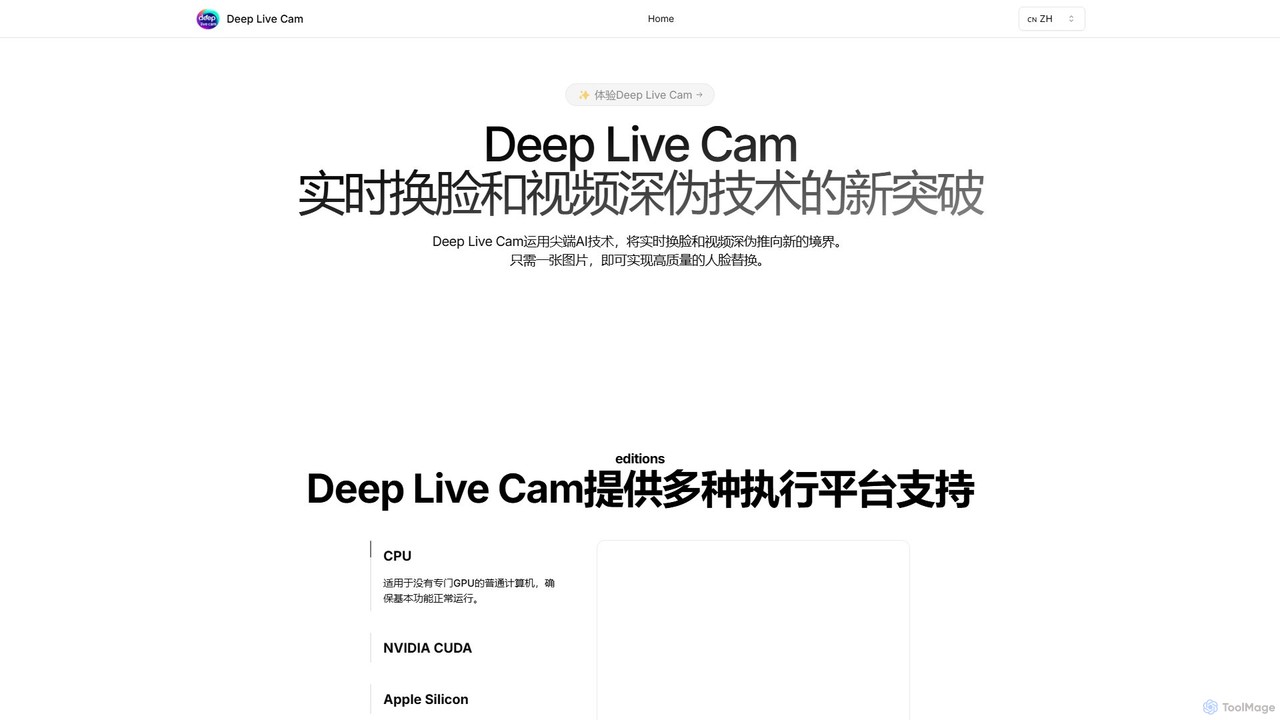
Deep Live Cam is a free, open-source AI tool for creating high-quality, real-time face swaps and video deepfakes. Using just a single image, it enables seamless face replacement in live video streams and pre-recorded footage. It supports multiple platforms, including CPU, NVIDIA CUDA, and Apple Silicon, making advanced AI video effects accessible to everyone.

Real Time Avatar
Visits 39KFavorites 139Likes 159

About Real Time Avatar

Real Time Avatar tools are AI-powered solutions that generate and animate virtual characters instantly, often mirroring user input. These tools leverage advanced AI for facial tracking, voice synthesis, and motion capture, enabling dynamic and interactive digital presence. They provide a seamless way to embody a digital persona for various live applications, enhancing engagement and immersion.

Core Features

  • Real-time Facial & Voice Sync: Captures user facial expressions and voice to drive the avatar's expressions and lip-sync in real time.
  • Dynamic Body & Gesture Tracking: Maps user body movements and hand gestures to the virtual avatar via cameras or sensors.
  • Multi-platform Integration: Supports seamless integration into live streaming platforms, video conferencing tools, and virtual event environments.
  • Personalized Customization: Allows users to customize the avatar's appearance, clothing, and style to match their brand or preference.
  • Interactive Engagement: Enables direct interaction with audiences through the avatar, responding to comments or questions dynamically.

Applicable Scenarios

Real Time Avatar tools are invaluable for professionals and organizations seeking to enhance their digital interactions. They are widely adopted in live broadcasting for virtual presenters, in online education for interactive lecturers, and in customer service for intelligent virtual assistants. These tools also find significant use in virtual meetings and immersive entertainment experiences.

How to Choose

When selecting a Real Time Avatar tool, consider its real-time performance and latency, the breadth of customization options available, and its compatibility with your existing platforms (e.g., OBS, Zoom). Evaluate the accuracy of facial and body tracking, the quality of voice synthesis, and the overall ease of use for setup and operation. Pricing models and the availability of technical support are also crucial factors.

Real Time Avatar use cases

1

Virtual Presenter for Live Streaming

Content creators or brands can use a Real Time Avatar as a virtual presenter for live streams on platforms like Twitch or YouTube. By tracking their own facial expressions and voice, they can animate a digital persona, maintaining anonymity while engaging with their audience. This allows for unique branding, consistent on-screen presence, and the ability to experiment with different characters without needing a physical setup, potentially increasing viewer retention and brand recognition.

2

Interactive Virtual Customer Service Agent

Businesses can deploy Real Time Avatars as intelligent customer service agents on their websites or in virtual kiosks. These avatars can greet customers, answer frequently asked questions, and guide them through services using natural language processing and real-time animation. This provides a more engaging and human-like interaction than traditional chatbots, improving customer satisfaction and reducing the workload on human support staff by handling routine inquiries efficiently.

3

Engaging Online Education & Training

Educators and trainers can utilize Real Time Avatars to deliver engaging online lessons or corporate training modules. By controlling an avatar with their own voice and expressions, they can create a more dynamic and visually appealing learning experience. This can help maintain student attention, simplify complex concepts through visual storytelling, and allow instructors to teach without revealing their personal appearance, offering privacy and flexibility in content creation.

4

Enhanced Virtual Meetings & Collaboration

Teams and remote workers can use Real Time Avatars in virtual meeting platforms to represent themselves. Instead of relying solely on static profile pictures or turning off cameras, participants can use an animated avatar that mirrors their expressions and speech. This fosters a more engaging and less fatiguing meeting environment, especially for long sessions, while still respecting privacy and reducing bandwidth usage compared to full video feeds.

5

Interactive Entertainment & Gaming

Game developers and entertainment companies can integrate Real Time Avatars into their applications to create more immersive and personalized experiences. Players could use their own facial movements to control in-game characters' expressions, or virtual concert attendees could embody unique avatars that react to the music and other participants. This deepens user engagement and offers novel forms of self-expression within digital worlds, pushing the boundaries of interactive entertainment.

6

Virtual Event Hosting & Moderation

Organizers of virtual conferences, webinars, or product launches can leverage Real Time Avatars to host or moderate events. A virtual host can deliver presentations, introduce speakers, and facilitate Q&A sessions with a dynamic and engaging presence. This adds a layer of professionalism and innovation to online events, making them more memorable and accessible, especially for global audiences where a human presenter might face time zone or language barriers.

Real Time Avatar FAQ

What are Real Time Avatars?

Real Time Avatars are AI-driven virtual characters that can be animated and controlled instantly, often by a human operator's movements and voice. They leverage technologies like facial tracking, voice synthesis, and motion capture to mirror human expressions and actions in real time. These avatars are primarily used for live interactions, presentations, and immersive digital experiences across various platforms.

How do Real Time Avatars differ from traditional static avatars?

The key difference lies in interactivity and immediacy. Traditional static avatars are pre-rendered images or 3D models used as profile pictures or non-animated representations. Real Time Avatars, however, are dynamically animated and responsive, mirroring a user's live input (facial expressions, voice, gestures). This allows for genuine, spontaneous interaction and a much higher degree of immersion, making them suitable for live broadcasts, virtual meetings, and interactive customer service, unlike their static counterparts.

What are the core technologies behind Real Time Avatars?

Real Time Avatars rely on a combination of advanced AI and computer graphics technologies. Key components include: Facial Tracking (using cameras to capture and interpret human facial expressions), Voice Synthesis (generating natural-sounding speech for the avatar), Motion Capture (translating human body movements and gestures into avatar animation), and 3D Rendering Engines (to display the avatar in real time with high fidelity). These work in concert to create a seamless, responsive digital persona.

Who can benefit most from using Real Time Avatars?

A wide range of users can benefit from Real Time Avatars. Content creators (streamers, YouTubers) can maintain privacy or create unique brand identities. Businesses can enhance customer service, marketing, and virtual event engagement. Educators can deliver more dynamic and accessible online lessons. Developers can create more immersive gaming and metaverse experiences. Essentially, anyone looking to create a dynamic, interactive digital presence without revealing their physical self, or to add a layer of engagement to their digital interactions, will find these tools valuable.

How can I choose the best Real Time Avatar tool for my needs?

To choose the best Real Time Avatar tool, first define your primary use case: live streaming, virtual meetings, customer service, or entertainment. Then, evaluate tools based on: Performance (low latency, smooth animation), Customization (avatar appearance, clothing, accessories), Integration (compatibility with your existing platforms like OBS, Zoom, Unity), Input Methods (webcam, depth sensor, VR headset), and Ease of Use (intuitive interface, quick setup). Also, consider the pricing model and the quality of technical support offered by the provider.