
Tangia Overview
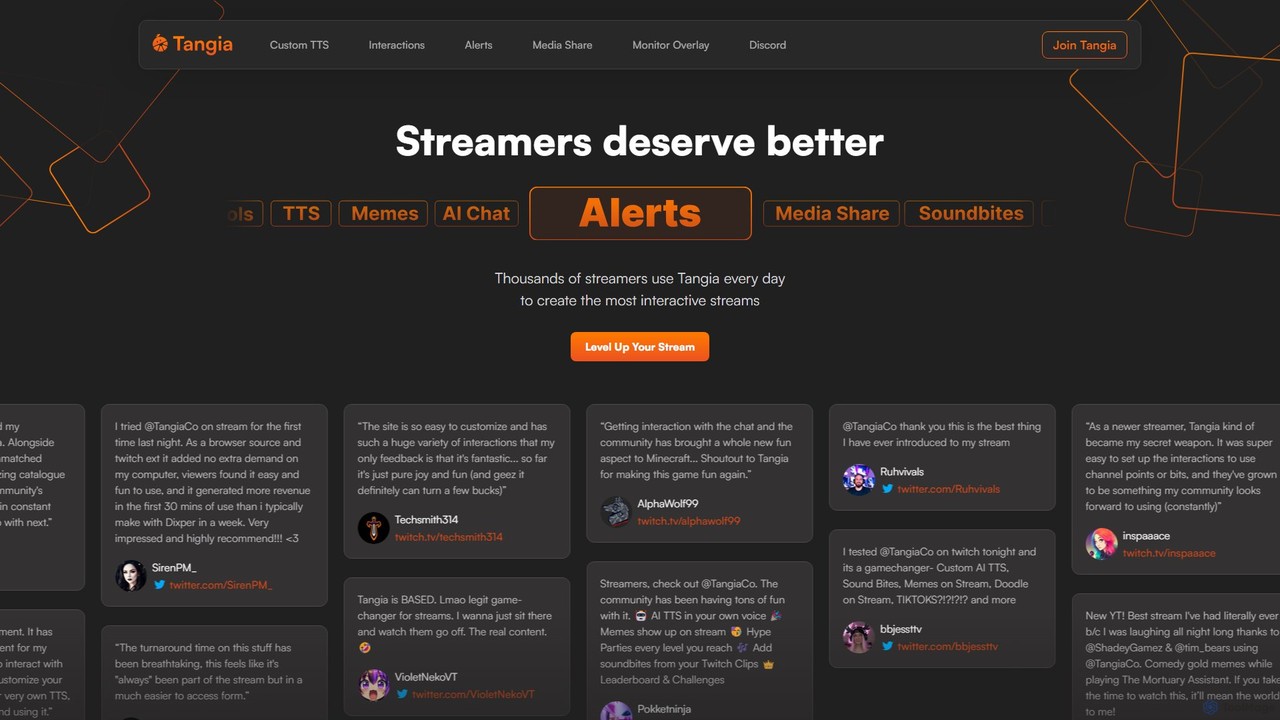
Tangia is a comprehensive, next-generation platform designed to revolutionize live streaming by making it more interactive and engaging. Built for streamers on platforms like Twitch, Tangia provides a powerful suite of tools that empower creators to connect with their audience in new and exciting ways. By integrating cutting-edge AI technology, Tangia transforms the viewing experience from a passive one into an active, collaborative event, which in turn helps increase viewer retention and revenue.
The platform consolidates numerous popular streaming interactions into a single, easy-to-use browser source, reducing system load and simplifying the streamer's setup. Instead of juggling multiple apps for alerts, TTS, and media requests, streamers can manage everything from the Tangia dashboard. This unified approach is praised by users for its simplicity and efficiency, allowing creators to focus more on their content and less on technical management.
How to use Tangia
Getting started with Tangia is designed to be straightforward and quick, allowing streamers to enhance their broadcasts in minutes.
- Sign Up and Connect: Create an account on the Tangia website and connect it to your streaming platform account (e.g., Twitch).
- Customize Interactions: Explore the Tangia dashboard to discover a vast library of interactions. You can enable pre-built memes, soundbites, and AI features, or create your own custom ones. Set prices for interactions using channel points or bits.
- Set up AI TTS: Use the Tangia TTS Studio to clone your own voice for a hyper-realistic, personalized text-to-speech experience, or choose from over 150+ pre-made voices. You can also create a custom AI persona for your TTS voice to engage in conversations with your chat.
- Integrate with Streaming Software: Tangia provides a unique browser source URL. Simply add this URL as a browser source in your streaming software (like OBS, Streamlabs, etc.). All interactions and alerts will be displayed through this single source.
- Engage Your Community: Inform your viewers about the new interactions available through the Tangia Twitch extension or the dedicated viewer page. They can then start using bits or channel points to trigger memes, AI responses, media shares, and more on your stream.
Core Features of Tangia
- Advanced AI TTS and Voice Cloning: Create a hyper-realistic TTS clone of your own voice in minutes. The platform also offers a library of over 150 diverse voices.
- AI Characters & Conversations: Implement context-aware AI personas that can chat with your audience, answer questions, and create spontaneous, entertaining moments.
- Massive Meme Library: Access thousands of curated memes that viewers can trigger to appear on stream, with options to share and add to the community library.
- Interactive Soundbites: Allow viewers to clip moments from your stream and turn them into soundbite interactions that can be played back by the community.
- AI Image Generation: Integrated with DALL-E 3, this feature lets viewers use prompts to generate and display unique AI images directly on the stream.
- Enhanced Media Share: A superior media sharing system that supports YouTube, TikTok, and Twitch clips, complete with a user-friendly trimmer and moderation tools.
- Interactive Games: Features like 'Tangia Dungeon' let viewers raid dungeons and collect loot, while 'Tangia Grid' allows them to create a live collage of images on your stream.
- Customizable Alerts & Hype Parties: Create dynamic alerts that trigger any Tangia feature. Set community goals that culminate in a 'Hype Party' with on-screen effects when reached.
- Direct to Charity Mode: Easily set up and run fundraising campaigns where donations are sent directly to the charity.
Use Cases for Tangia
Tangia is versatile and can be adapted to any type of stream. For gamers, viewers can trigger in-game effects, supportive memes during a tough boss fight, or distracting soundbites for a challenge. 'Just Chatting' streamers can use the AI conversation and media share features to drive discussions and react to content with their audience. Creative streamers can use the AI Image Generation to have their community contribute visual ideas in real-time. The platform's flexibility makes it a powerful tool for any creator looking to increase community participation.
Advantages of Tangia
The primary advantage of Tangia is its ability to significantly deepen the connection between a streamer and their community, leading to higher engagement and monetization. By consolidating multiple tools into one lightweight browser source, it simplifies the technical backend for streamers. The platform is highly customizable, allowing for a unique and branded interactive experience. Testimonials from numerous streamers highlight its ease of use, positive impact on revenue, and the sheer fun it brings to their broadcasts.
Pricing and Plans
Tangia operates on a freemium model. Streamers can get started for free, accessing a wide range of core features to engage their community. Revenue is primarily generated when viewers use bits or tokens to purchase interactions. For creators looking to unlock the platform's full potential, the TangiaPass is available. This subscription offers premium benefits such as extra custom TTS slots, discounts on interactions for Twitch subscribers, early access to new features, and the ability to share interactions with the wider Tangia community to earn rewards.
Traffic
Latest traffic
Status
Monthly traffic trend
- 2025-9: 147.0K
- 2026-1: 195.2K
- 2026-2: 160.8K
- 2026-3: 149.8K
- 2026-4: 142.3K
- 2026-5: 142.8K
Geography
Top 5 countries / regions
- 🇺🇸United States70.6%
- 🇩🇪Germany12.1%
- 🇬🇧United Kingdom6.9%
- 🇷🇺Russia5.8%
- 🇨🇦Canada4.5%
Traffic sources
| Source type | Percentage |
|---|---|
Direct | 94.1% |
Referral | 5.5% |
Email | 0.4% |
Top keywords
| Keyword | Cost per click |
|---|---|
| tangia | $0.00 |
| tangiabot | $0.00 |
| tangia dungeon auto join | $0.00 |
| tangia for twitch | $0.00 |
| tangia twitch | $0.00 |
Tangia Videos on YouTube


DerpChrisGaming

Tribe of Misfits

![Animal Crossing + Raft = ??? [Collector's Cove DEMO]](https://i.ytimg.com/vi/rTWq7ZPCUQA/maxresdefault.jpg)
beastfighter1
![The Demos Have Arrived At The Station [Indie Orchard Steam Next Fest Raid Train]](https://i.ytimg.com/vi/aeA8yDaK9dA/maxresdefault.jpg)

Country Fried Minis
Tangia Alternatives
StreamChat A.I.
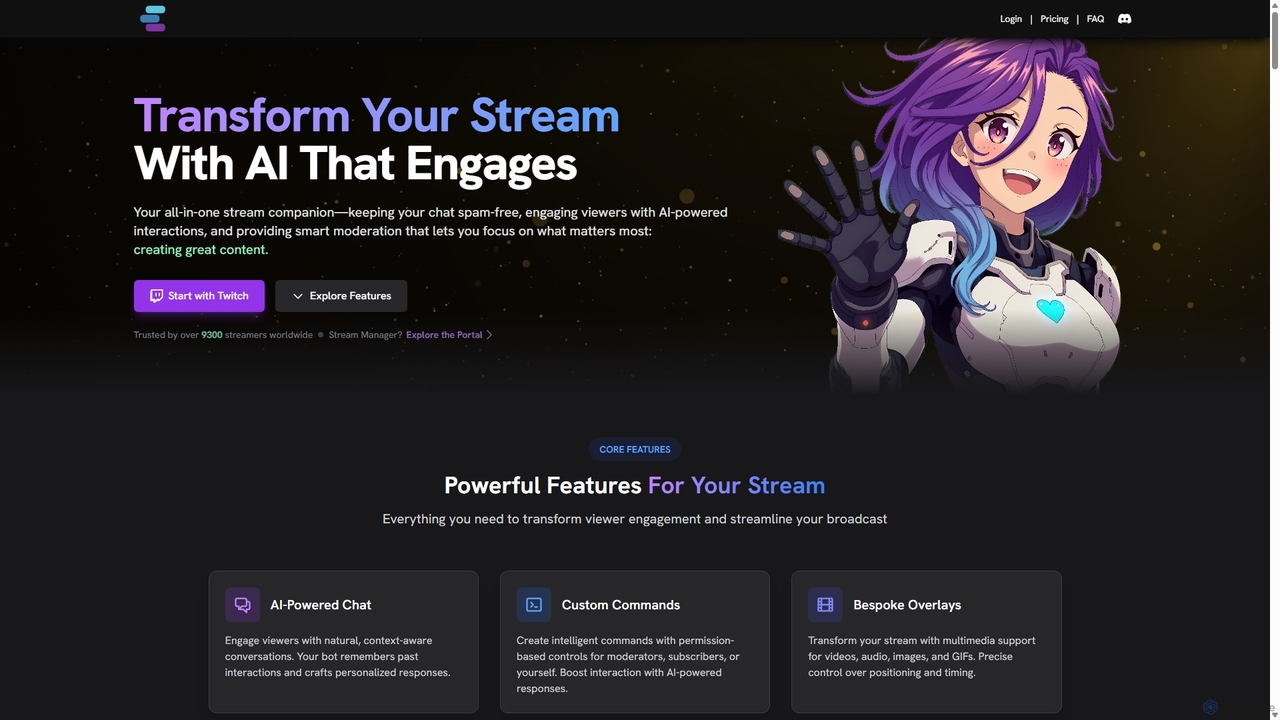
StreamChat A.I. is an all-in-one AI companion for Twitch streamers. It enhances streams with a customizable AI chatbot that engages viewers, provides smart moderation, automates repetitive tasks like answering FAQs, and generates interactive content like AI images. It's designed to combat quiet chats, reduce streamer workload, and build a safer, more interactive community.
Moderation
TTSLabs
TTSLabs is a specialized AI text-to-speech service designed for Twitch streamers. It enhances live streams by enabling custom AI voices for donation alerts, bits, and channel point redemptions. With over 125 voices, sound clip integration, and advanced moderation tools, it boosts viewer engagement and interaction.
Engagement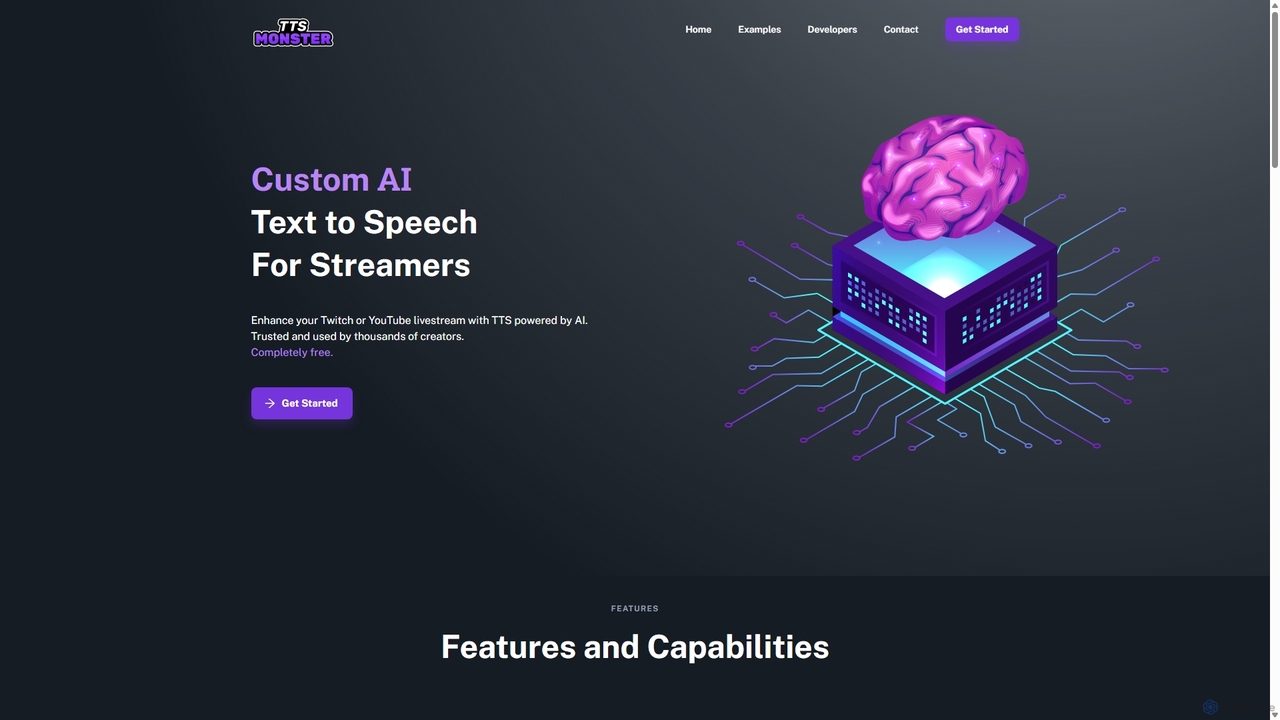
TTS.Monster
TTS.Monster is a free, AI-powered text-to-speech tool designed specifically for streamers. It enhances Twitch and YouTube livestreams by converting donation messages into speech using over 100 unique AI voices and sound bites. It integrates seamlessly with StreamElements, StreamLabs, and Ko-fi, helping creators boost engagement and revenue without taking any commission.
Text To Speech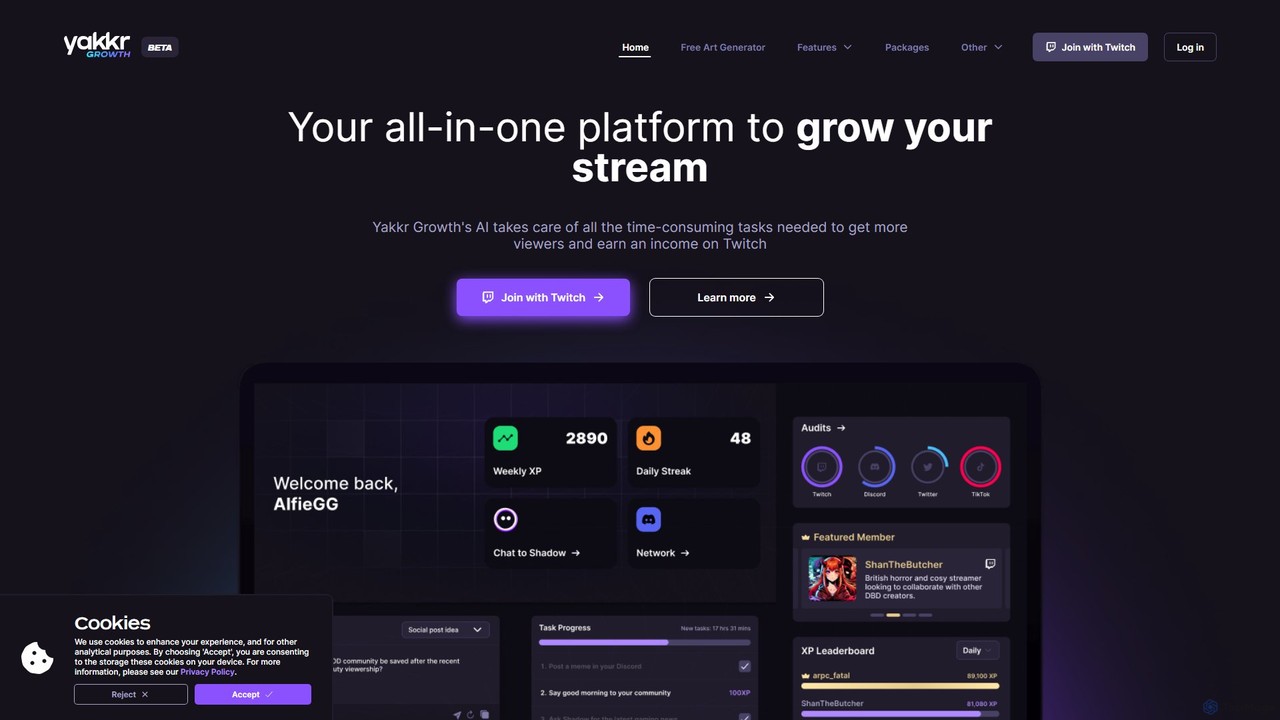
Yakkr Growth
Yakkr Growth is an all-in-one AI-powered platform designed for streamers to accelerate their channel growth. It uses an AI assistant, Shadow, to automate time-consuming tasks like content creation, social media management, and title optimization. The platform also offers asset generation, community features, and expert mentorship to help streamers increase viewership and monetize their content on platforms like Twitch, Kick, and YouTube.
Image Generator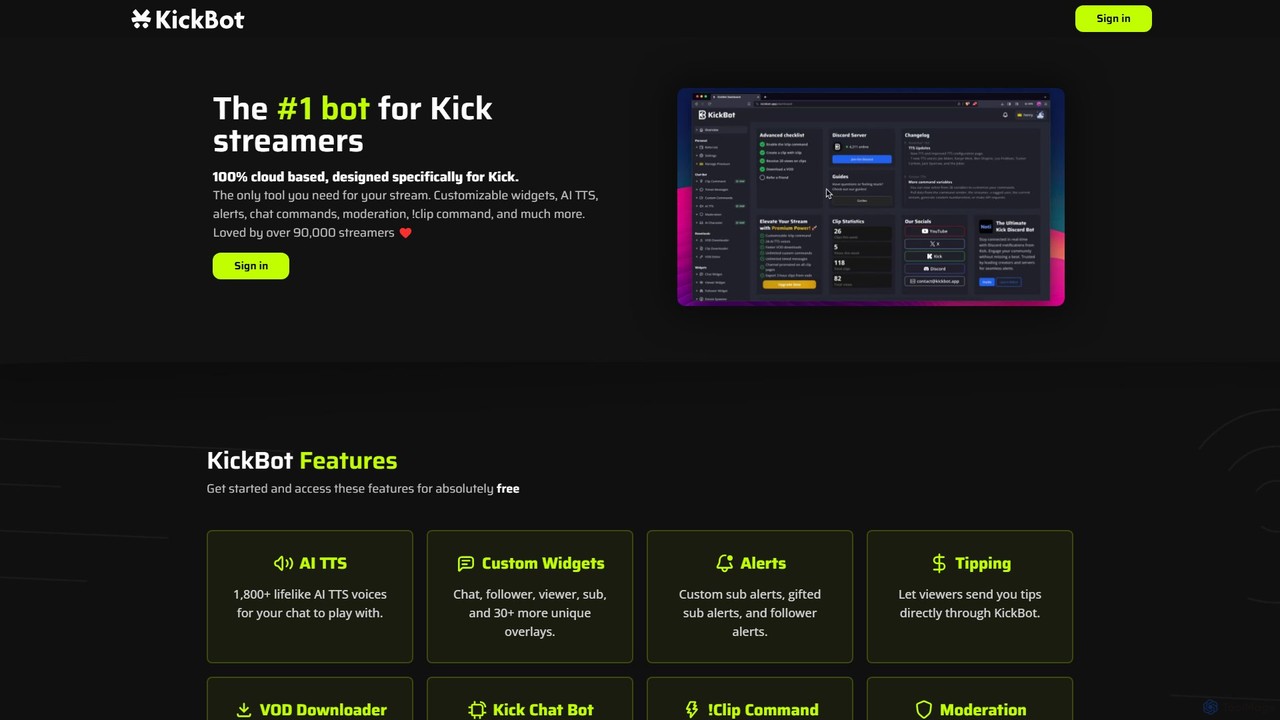
KickBot
KickBot is the #1 chatbot and streaming tool designed specifically for the Kick platform. It offers a comprehensive suite of features including AI TTS with 1,800+ voices, customizable widgets and alerts, advanced moderation, a cloud-based !clip command, and direct tipping. Trusted by over 90,000 streamers, KickBot is an all-in-one, cloud-based solution to enhance stream interactivity, engagement, and management.
AutomationTangia Categories
Tangia Embed Widget
Copy this embed code to place the badge on your blog, article, or product site and send readers directly to this ToolMage detail page.

Related AI tools
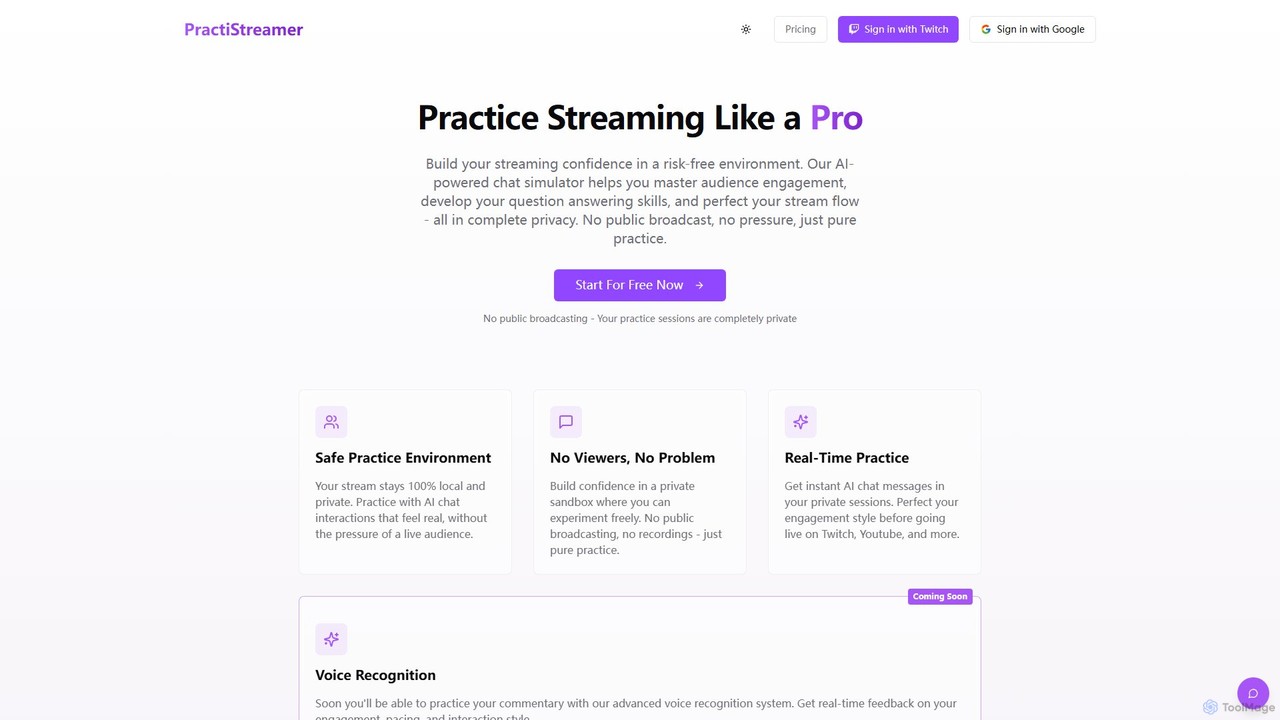
PractiStreamer
PractiStreamer is an AI-powered practice tool for live streamers. It provides a private, risk-free environment with an AI chat simulator to help you master audience engagement, Q&A skills, and stream flow. Build your confidence for platforms like Twitch and YouTube without the pressure of a live audience.
TrainingStreamChat A.I.
StreamChat A.I. is an all-in-one AI companion for Twitch streamers. It enhances streams with a customizable AI chatbot that engages viewers, provides smart moderation, automates repetitive tasks like answering FAQs, and generates interactive content like AI images. It's designed to combat quiet chats, reduce streamer workload, and build a safer, more interactive community.
ModerationTTSLabs
TTSLabs is a specialized AI text-to-speech service designed for Twitch streamers. It enhances live streams by enabling custom AI voices for donation alerts, bits, and channel point redemptions. With over 125 voices, sound clip integration, and advanced moderation tools, it boosts viewer engagement and interaction.
EngagementTTS.Monster
TTS.Monster is a free, AI-powered text-to-speech tool designed specifically for streamers. It enhances Twitch and YouTube livestreams by converting donation messages into speech using over 100 unique AI voices and sound bites. It integrates seamlessly with StreamElements, StreamLabs, and Ko-fi, helping creators boost engagement and revenue without taking any commission.
Text To Speech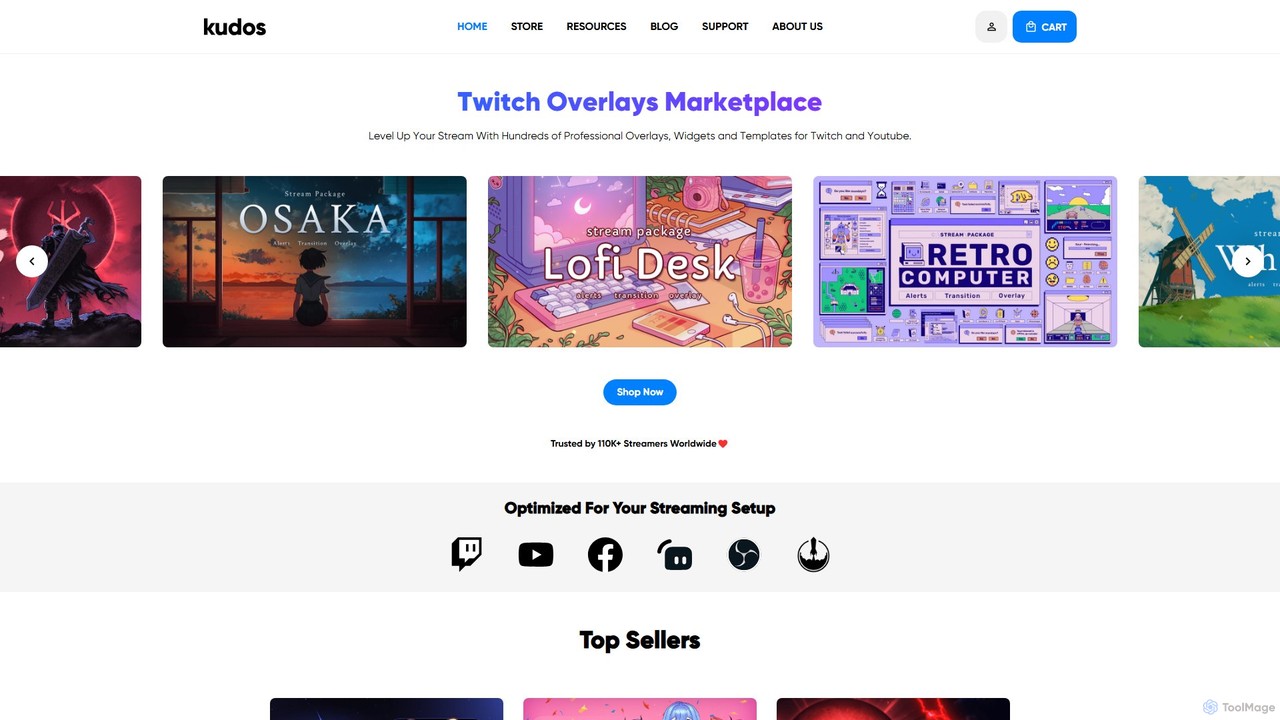
kudos
Kudos is a marketplace offering professional stream graphics for creators on Twitch and YouTube. It provides a vast library of high-quality overlays, widgets, alerts, VTuber models, and templates. Designed for easy setup with OBS, Streamlabs, and other software, Kudos helps streamers enhance their visual appeal, boost viewer engagement, and build a unique brand identity with both premium and free assets.
Graphics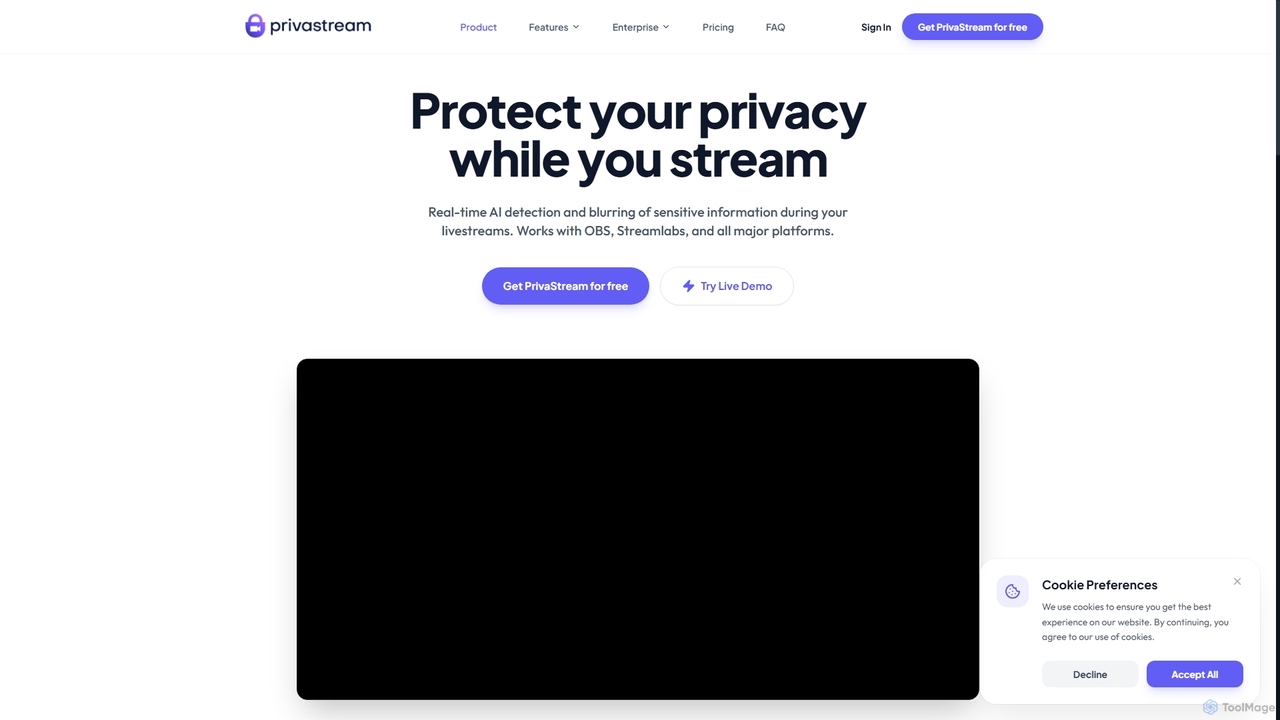
Privastream
Privastream is a real-time AI toolkit designed for streamers and content creators to protect their privacy. It uses on-device Edge AI to automatically detect and blur sensitive information like faces and personal data during livestreams with zero latency, ensuring data never leaves your computer. It integrates seamlessly as a virtual camera with major streaming platforms like OBS, Twitch, and YouTube.
PrivacyYakkr Growth
Yakkr Growth is an all-in-one AI-powered platform designed for streamers to accelerate their channel growth. It uses an AI assistant, Shadow, to automate time-consuming tasks like content creation, social media management, and title optimization. The platform also offers asset generation, community features, and expert mentorship to help streamers increase viewership and monetize their content on platforms like Twitch, Kick, and YouTube.
Image Generator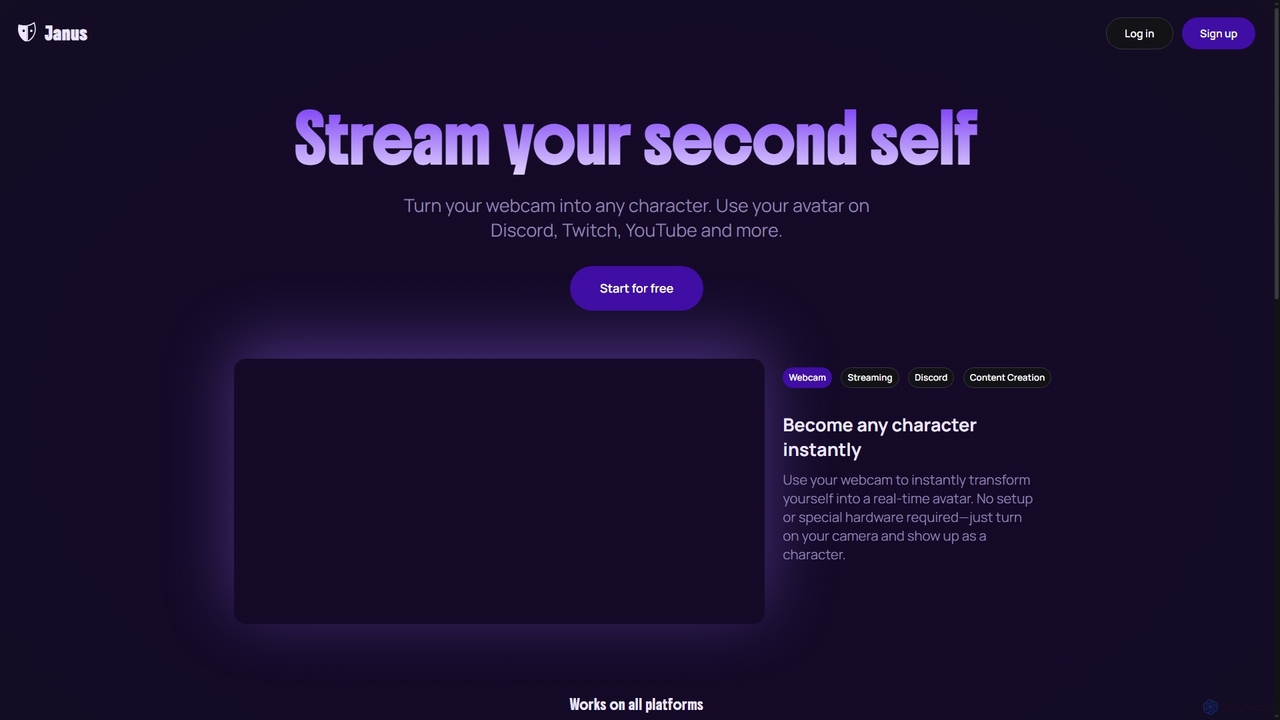
Janus
Janus is an AI-powered tool that transforms your webcam feed into a real-time animated avatar, allowing you to stream as any character. It requires no special hardware, offers an avatar library and builder, and integrates seamlessly with platforms like Discord, Twitch, YouTube, and OBS via a Chrome extension. Start for free and enhance your online presence.
Live StreamingKickBot
KickBot is the #1 chatbot and streaming tool designed specifically for the Kick platform. It offers a comprehensive suite of features including AI TTS with 1,800+ voices, customizable widgets and alerts, advanced moderation, a cloud-based !clip command, and direct tipping. Trusted by over 90,000 streamers, KickBot is an all-in-one, cloud-based solution to enhance stream interactivity, engagement, and management.
Automation
iMyFone MagicMic
iMyFone MagicMic is a real-time AI voice changer with over 225 AI voice filters and 600+ sound effects. It's designed for gamers, streamers, and content creators to modify their voice on platforms like Discord, Fortnite, Twitch, and Zoom. It also features voice cloning and a customizable soundboard.
Voice Changer
Jyek
Jyek is an AI agent platform that understands objectives, creates execution plans, uses tools, and delivers verifiable results for complex, multi-step tasks.
Automation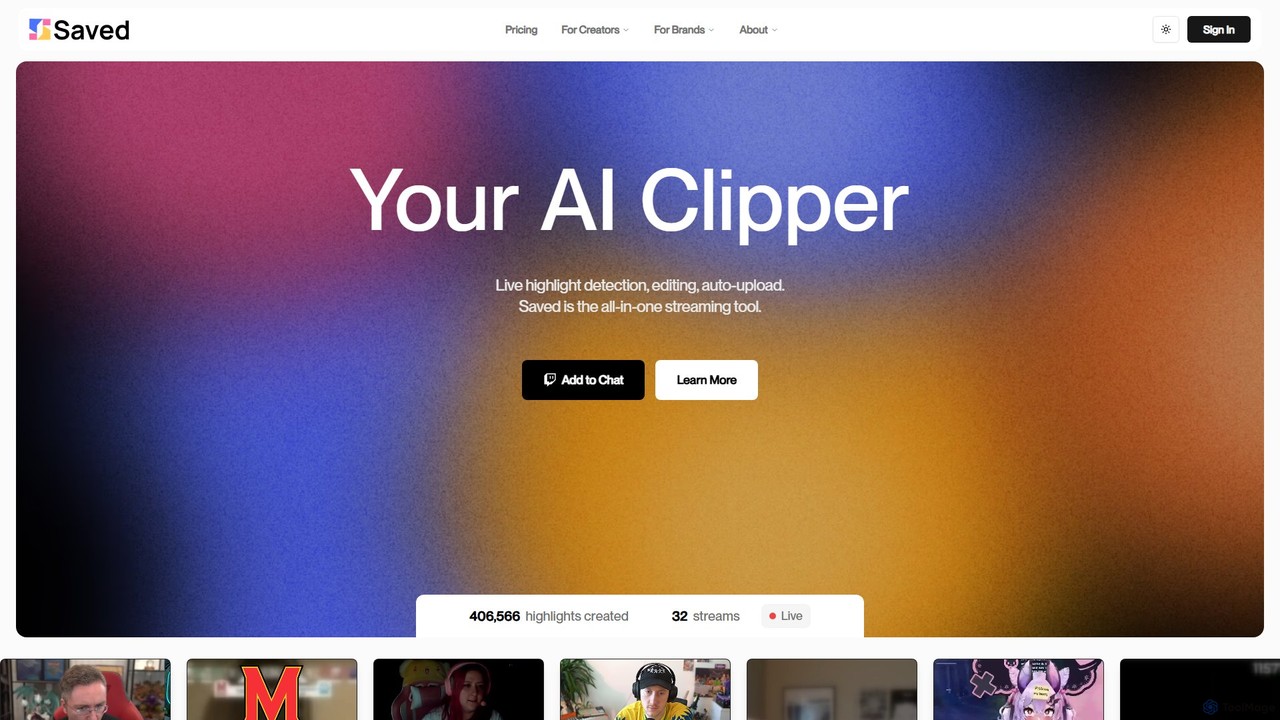
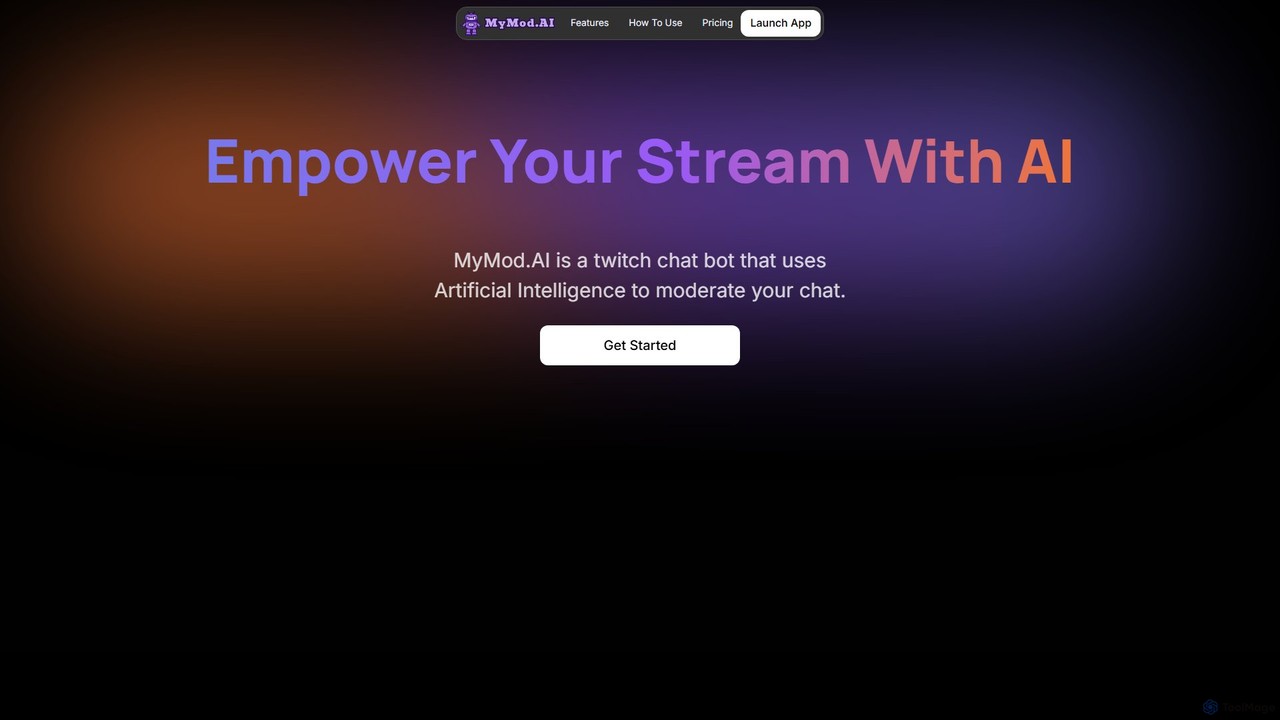
mymod
MyMod is an AI-powered moderation bot designed for live streaming platforms like Twitch and YouTube. It helps creators and community managers maintain a healthy chat environment by automatically detecting and handling rule violations using natural language processing. Features include AI-driven timeouts, customizable commands, and a comprehensive dashboard with detailed chat and ban logs.
Moderation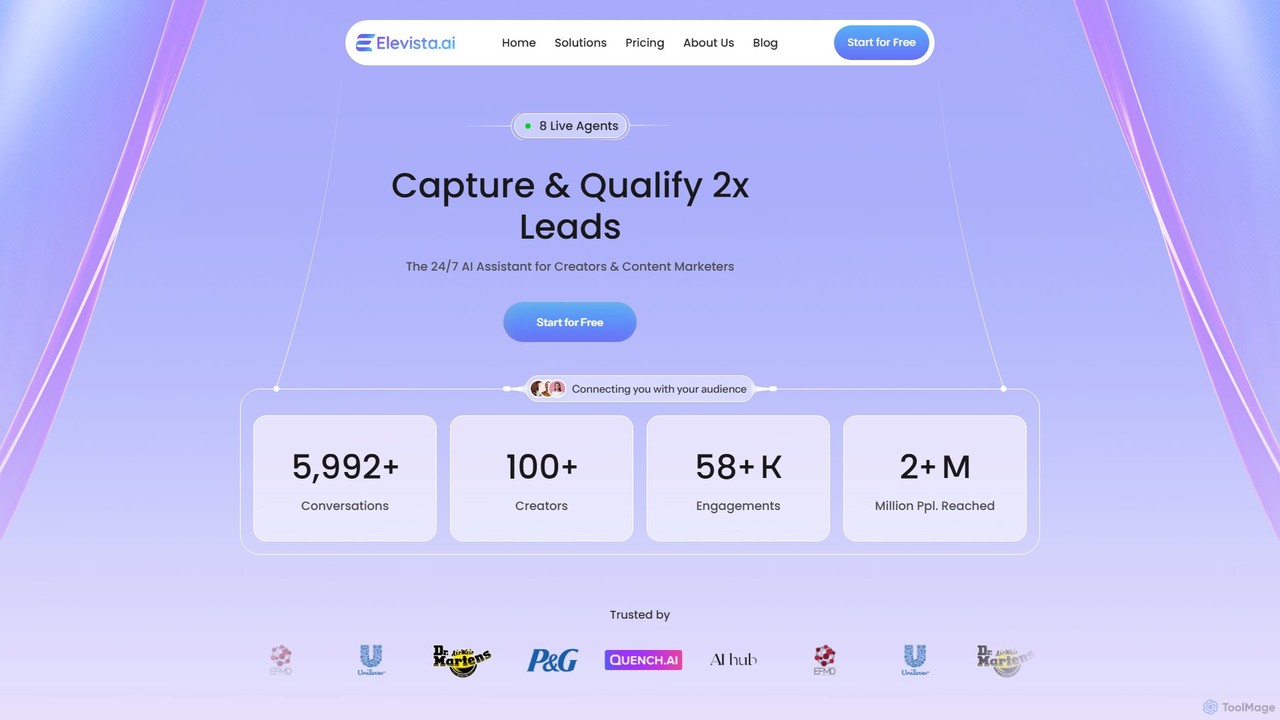
elevista.ai
Elevista.ai is an AI platform that creates intelligent, 24/7 AI agents for content creators and marketers. It transforms your entire content library—including blogs, podcasts, and videos—into an interactive, searchable chatbot. This helps you capture more leads, boost audience engagement, and automate content monetization.
Monetization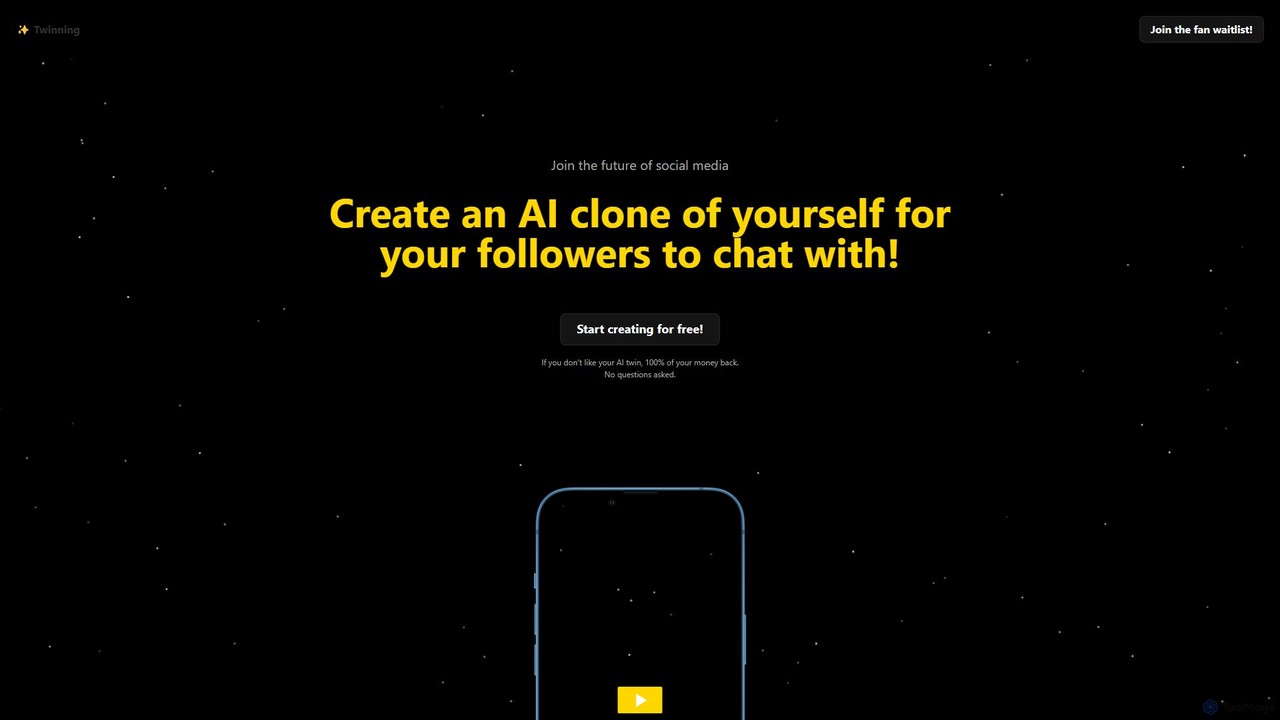
Twinning
Twinning empowers influencers and creators to build a personalized AI clone of themselves. This AI twin, featuring professional voice cloning, can chat with followers 24/7 via text and audio, creating a unique fan engagement experience and a new monetization channel.
Voice Cloning
Tangia Comments (0)
Sign in to comment.
Sign inNo comments yet.