

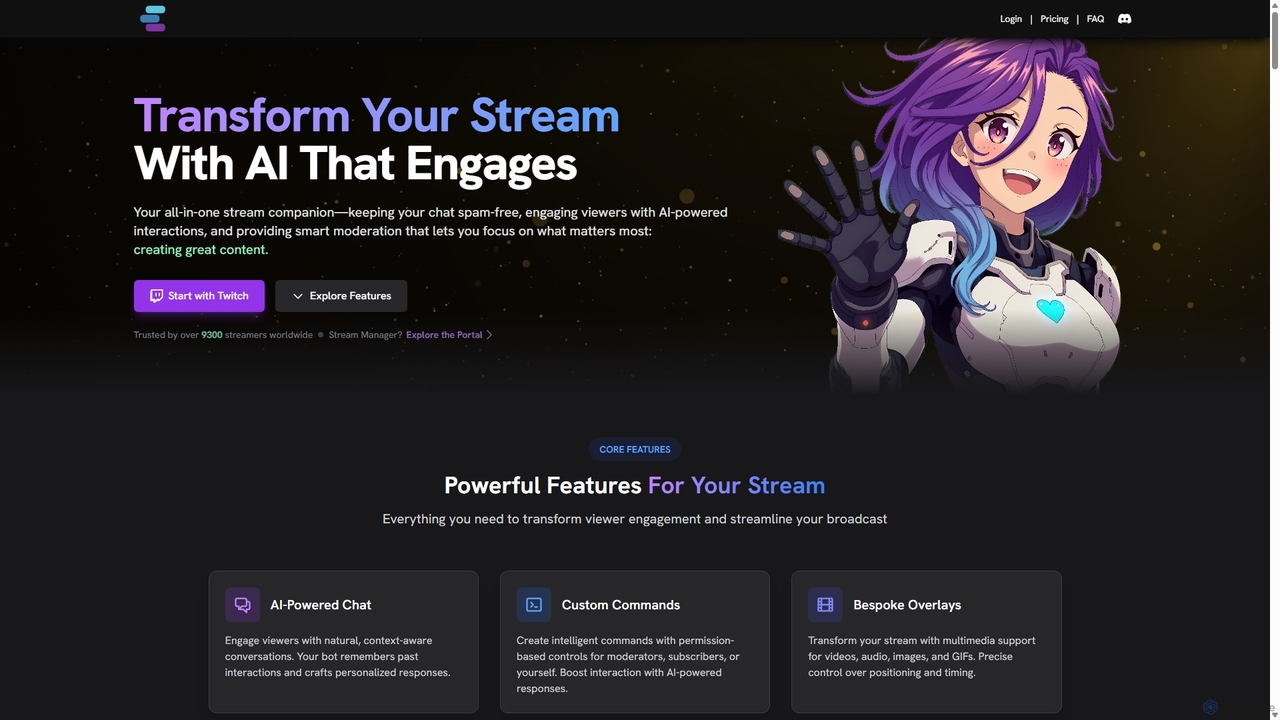
StreamChat A.I. Overview
StreamChat A.I. is a comprehensive, AI-powered tool designed to transform the Twitch streaming experience for both creators and their audiences. It serves as an all-in-one stream companion, tackling the most common challenges streamers face, such as low chat activity, spam and toxicity, repetitive questions, and the general overload of managing a live broadcast. By leveraging advanced AI, it automates tedious tasks, fosters genuine engagement, and helps build a vibrant, safe community, allowing streamers to focus on creating great content.
The core of StreamChat A.I. is its highly customizable chatbot. Streamers can define a unique personality for their bot—from a helpful assistant to a sassy sidekick—making it a memorable extension of their brand. This bot doesn't just respond to commands; it engages in natural, context-aware conversations, remembers past interactions with viewers, and can even proactively start conversations to liven up a quiet chat.
How to use StreamChat A.I.
Getting started with StreamChat A.I. is a straightforward process designed to get you up and running quickly:
- Sign Up with Twitch: Visit the StreamChat A.I. website and log in directly with your Twitch account to authorize the connection.
- Customize Your Bot: In the user dashboard, define your bot's personality. You can choose from creative presets (like a ninja, pirate, or ghost) or write your own detailed persona, including its background, tone, and conversational style.
- Configure Features: Set up custom commands, welcome messages for new followers, scheduled announcements, and moderation rules. You can create a knowledge base for the bot to answer frequently asked questions accurately.
- Invite the Bot: With a single click, invite the bot to your Twitch channel. It will join your chat as a moderator.
- Engage and Manage: Start using commands like
!imaginein your chat to generate AI images. The bot will automatically begin moderating, engaging with viewers, and handling automated tasks based on your configuration. You can manage all settings and view analytics from your web portal.
Core Features of StreamChat A.I.
- AI-Powered Conversations & Memory: The bot understands conversational nuances, maintains context over time, and remembers returning viewers, creating personalized and human-like interactions.
- Customizable Bot Personality: Go beyond generic bots by creating a unique character that aligns with your stream's brand and vibe.
- Smart Moderation: AI-driven filtering detects and removes spam, links, and toxic messages based on context, not just keywords, ensuring a healthier chat environment.
- AI Content Generation: Engage your audience with commands like
!imagineto create AI images on the fly, a text-to-speech feature for reading out messages, and dynamic GIF responses. - Stream Automation: Automates handling of FAQs, channel point redemptions, welcome/goodbye messages, and scheduled posts (e.g., social media links).
- Seamless Integrations: Deep integration with the Twitch API, Discord for cross-platform announcements, and OBS/Streamlabs for triggering on-stream overlays and effects.
- Bespoke Overlays: Enhance your stream visually with multimedia support for videos, audio, images, and GIFs, with precise control over positioning and timing.
- Voice Assistant: A premium feature that allows streamers to control the bot and stream elements using voice commands, enabling hands-free management during gameplay.
Use Cases for StreamChat A.I.
StreamChat A.I. is versatile and valuable for streamers at all levels:
- New and Small Streamers: Combat "dead chat syndrome" by having the AI bot proactively engage with the first few viewers, ask questions, and create a welcoming atmosphere.
- Growing Channels: Automate the constant flow of repetitive questions (e.g., "What are your PC specs?", "What's your schedule?"), freeing the streamer to focus on content and more meaningful interactions.
- Large Communities: Deploy powerful, AI-driven moderation to manage high-volume chats effectively, instantly removing spam and toxic behavior that human moderators might miss.
- Interactive & Creative Streams: Use the AI image generation and TTS features as a core part of the content, allowing viewers to influence the stream in real-time and create memorable, collaborative moments.
Advantages of StreamChat A.I.
By integrating StreamChat A.I., streamers gain a significant competitive edge:
- Increased Viewer Engagement & Retention: An interactive, personalized bot makes the chat more fun and memorable, encouraging viewers to participate and return for future streams.
- Reduced Streamer Burnout: Offloading repetitive and stressful tasks like moderation and answering FAQs allows streamers to conserve their energy for performance and creativity.
- Safer and More Positive Community: Proactive and intelligent moderation helps cultivate a welcoming environment, which is crucial for long-term community growth.
- Strengthened Brand Identity: A unique bot personality becomes an integral part of the channel's brand, making the stream stand out.
- Effortless Stream Management: Centralizes many essential streaming tools into one dashboard, simplifying the technical side of broadcasting.
Pricing and Plans
StreamChat A.I. offers a freemium model with three distinct tiers:
- Sapphire (Free): Includes core features like commands and reactions, a music player, basic spam detection, and 1 customizable personality. Limitations include 50 AI messages and 20 AI-generated images per month.
- Emerald (£5/month): Offers unlimited personalities, 1000 AI messages/month, 20 AI images/month, a custom bot name, advanced spam detection, and basic memory features.
- Ruby (£10/month): The most popular plan, providing unlimited AI messages, 100 AI images/month, advanced memory and chatter profiles, the new Voice Assistant, Discord integration, and early access to new features.
Traffic
Latest traffic
Status
Monthly traffic trend
- 2025-9: 9.7K
- 2026-1: 9.7K
- 2026-2: 12.4K
- 2026-3: 18.4K
- 2026-4: 15.9K
- 2026-5: 10.6K
Geography
Top 5 countries / regions
- 🇺🇸United States61.4%
- 🇧🇷Brazil11.7%
- 🇬🇧United Kingdom10.3%
- 🇫🇷France9.2%
- 🇩🇪Germany7.4%
Traffic sources
| Source type | Percentage |
|---|---|
Direct | 83.3% |
Email | 16.7% |
Top keywords
| Keyword | Cost per click |
|---|---|
| ai bots for twitch | $0.00 |
| streamchat | $1.32 |
| stream chat ai | $0.00 |
| streamchat ai | $0.00 |
| twitch ai chatbot | $0.00 |
StreamChat A.I. Alternatives
mymod
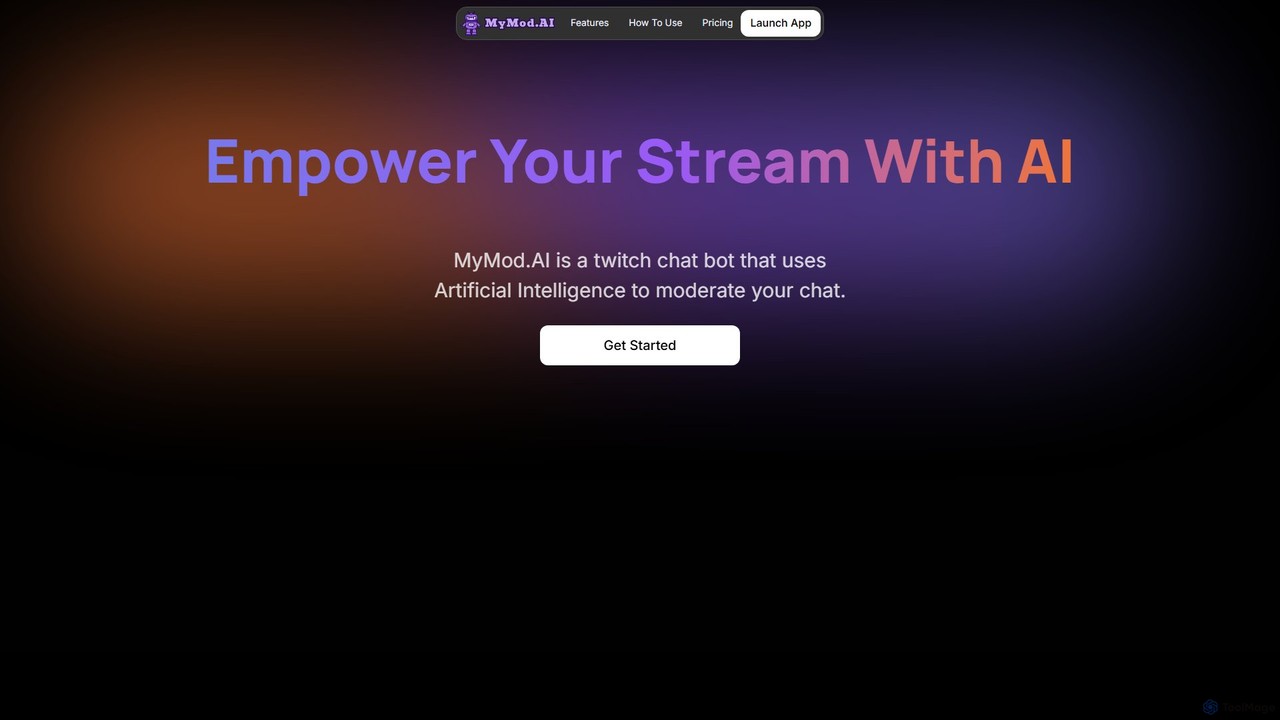
MyMod is an AI-powered moderation bot designed for live streaming platforms like Twitch and YouTube. It helps creators and community managers maintain a healthy chat environment by automatically detecting and handling rule violations using natural language processing. Features include AI-driven timeouts, customizable commands, and a comprehensive dashboard with detailed chat and ban logs.
Moderation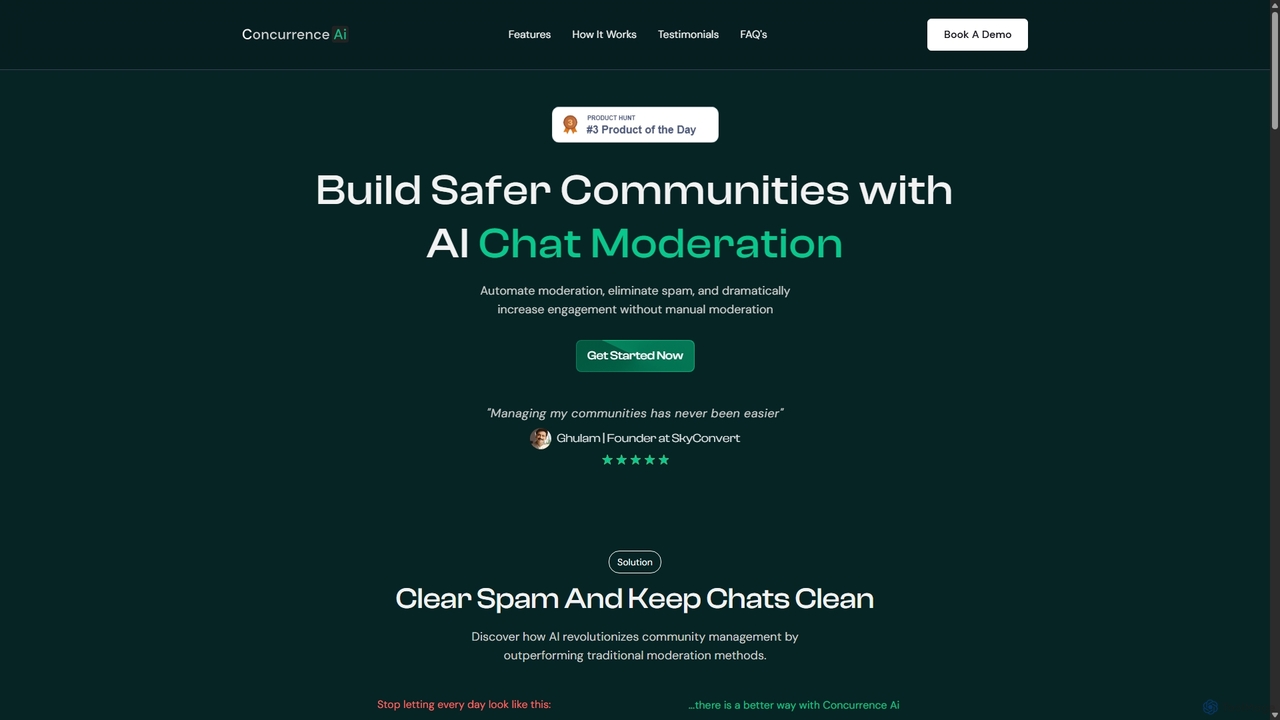
Concurrence AI
Concurrence AI is an advanced, AI-powered moderation tool designed for WhatsApp, Telegram, and Slack communities. It automatically detects and removes spam, toxic messages, and unwanted content 24/7. By using sophisticated AI filters that go beyond simple keywords, it helps community managers save time, reduce costs, and create a safer, more engaging environment for their members. It supports multiple languages and is built to scale with your community's growth.
Moderation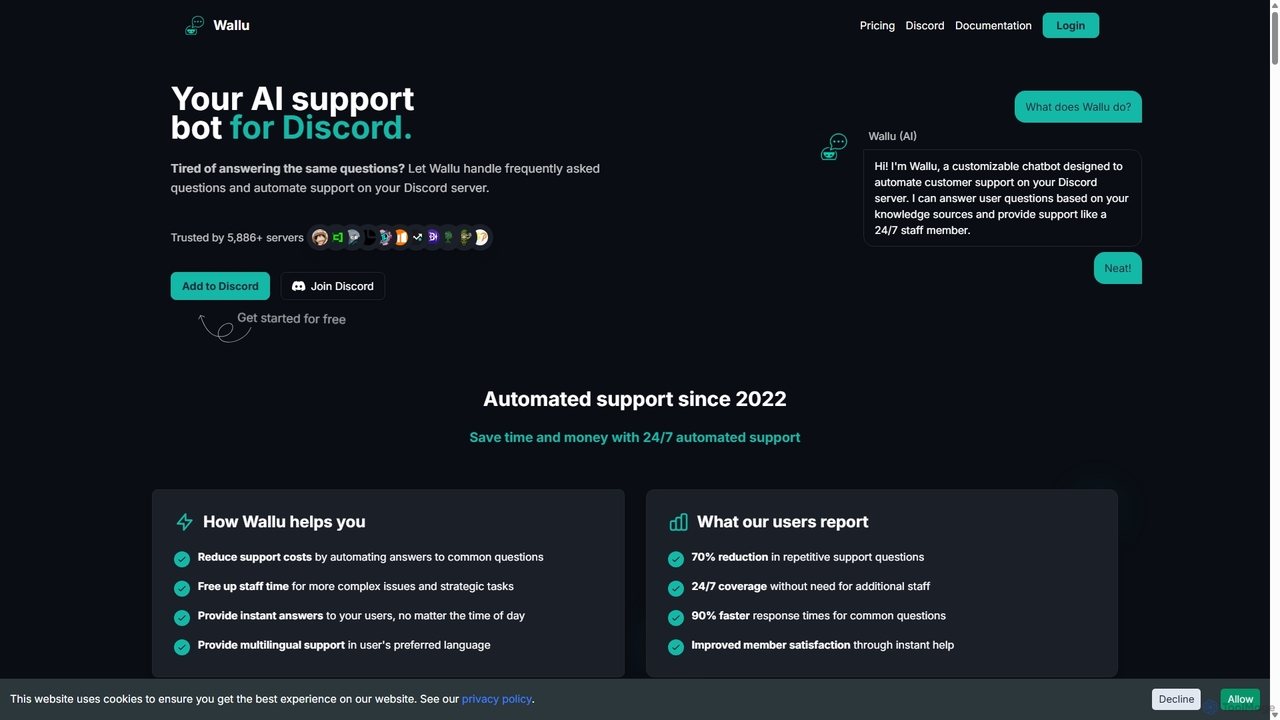
Wallubot
Wallubot is an AI-powered chatbot designed to automate customer support and answer FAQs on Discord servers. It learns from your documents, websites, and channel history to provide instant, 24/7 assistance. By integrating with existing ticket systems and offering deep customization, Wallubot reduces repetitive questions, saves staff time, and improves member satisfaction.
Discord Tools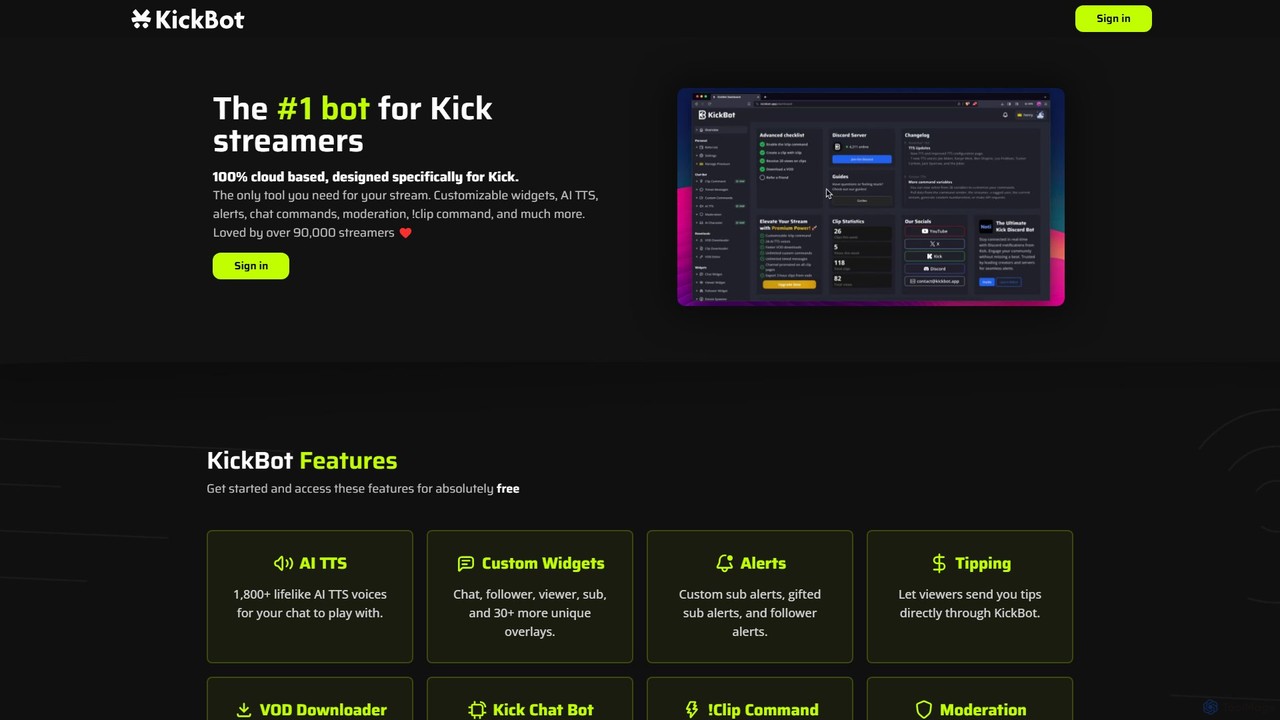
KickBot
KickBot is the #1 chatbot and streaming tool designed specifically for the Kick platform. It offers a comprehensive suite of features including AI TTS with 1,800+ voices, customizable widgets and alerts, advanced moderation, a cloud-based !clip command, and direct tipping. Trusted by over 90,000 streamers, KickBot is an all-in-one, cloud-based solution to enhance stream interactivity, engagement, and management.
Automation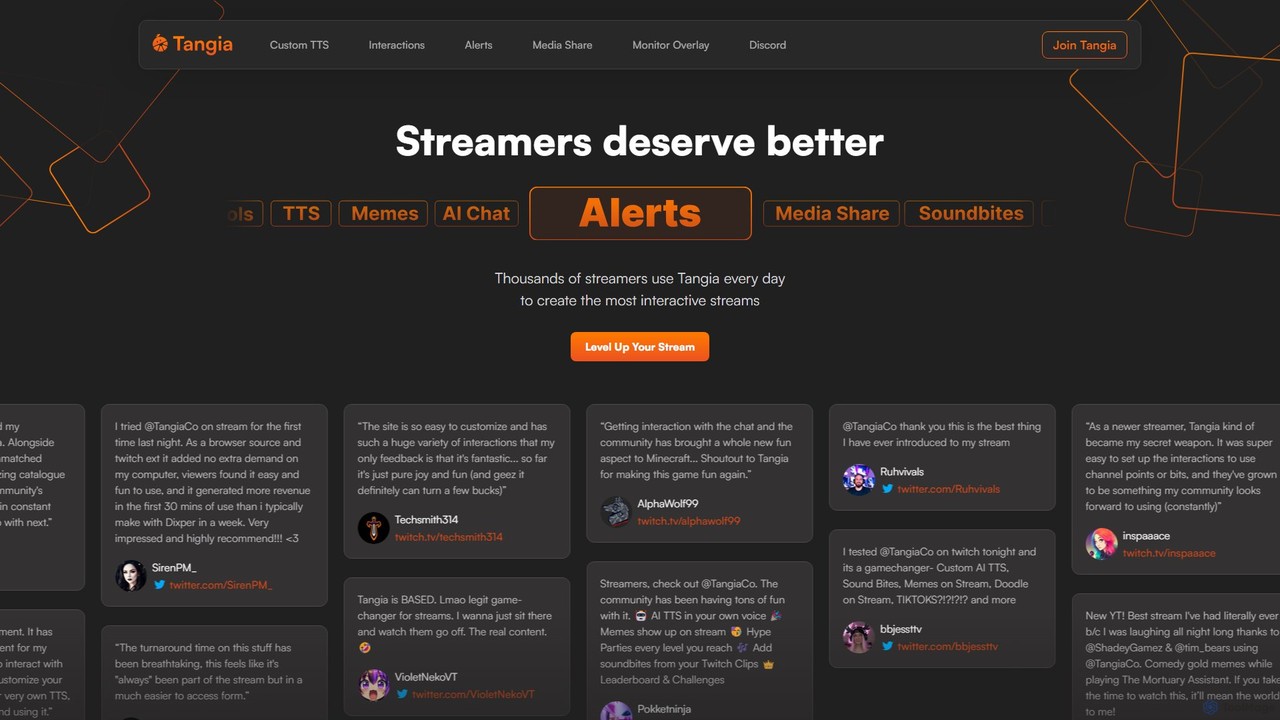
Tangia
Tangia is an AI-powered interactive toolkit for live streamers designed to boost viewer engagement and monetization. It offers a suite of tools including custom AI TTS with voice cloning, interactive AI characters, on-stream memes, media sharing, and games. Integrated seamlessly with streaming software like OBS, Tangia helps creators build a more dynamic and participatory community, turning passive viewers into active participants.
EngagementStreamChat A.I. Categories
StreamChat A.I. Jobs
StreamChat A.I. Embed Widget
Copy this embed code to place the badge on your blog, article, or product site and send readers directly to this ToolMage detail page.

Related AI tools
mymod
MyMod is an AI-powered moderation bot designed for live streaming platforms like Twitch and YouTube. It helps creators and community managers maintain a healthy chat environment by automatically detecting and handling rule violations using natural language processing. Features include AI-driven timeouts, customizable commands, and a comprehensive dashboard with detailed chat and ban logs.
Moderation
SamurAI
SamurAI is a powerful, multi-functional AI assistant designed for Discord. It enhances server engagement and productivity by offering advanced conversational AI, automated moderation, content generation, and utility tools. Seamlessly integrated into your Discord server, SamurAI acts as a community manager, content creator, and support agent, all in one.
Text GenerationConcurrence AI
Concurrence AI is an advanced, AI-powered moderation tool designed for WhatsApp, Telegram, and Slack communities. It automatically detects and removes spam, toxic messages, and unwanted content 24/7. By using sophisticated AI filters that go beyond simple keywords, it helps community managers save time, reduce costs, and create a safer, more engaging environment for their members. It supports multiple languages and is built to scale with your community's growth.
ModerationWallubot
Wallubot is an AI-powered chatbot designed to automate customer support and answer FAQs on Discord servers. It learns from your documents, websites, and channel history to provide instant, 24/7 assistance. By integrating with existing ticket systems and offering deep customization, Wallubot reduces repetitive questions, saves staff time, and improves member satisfaction.
Discord Tools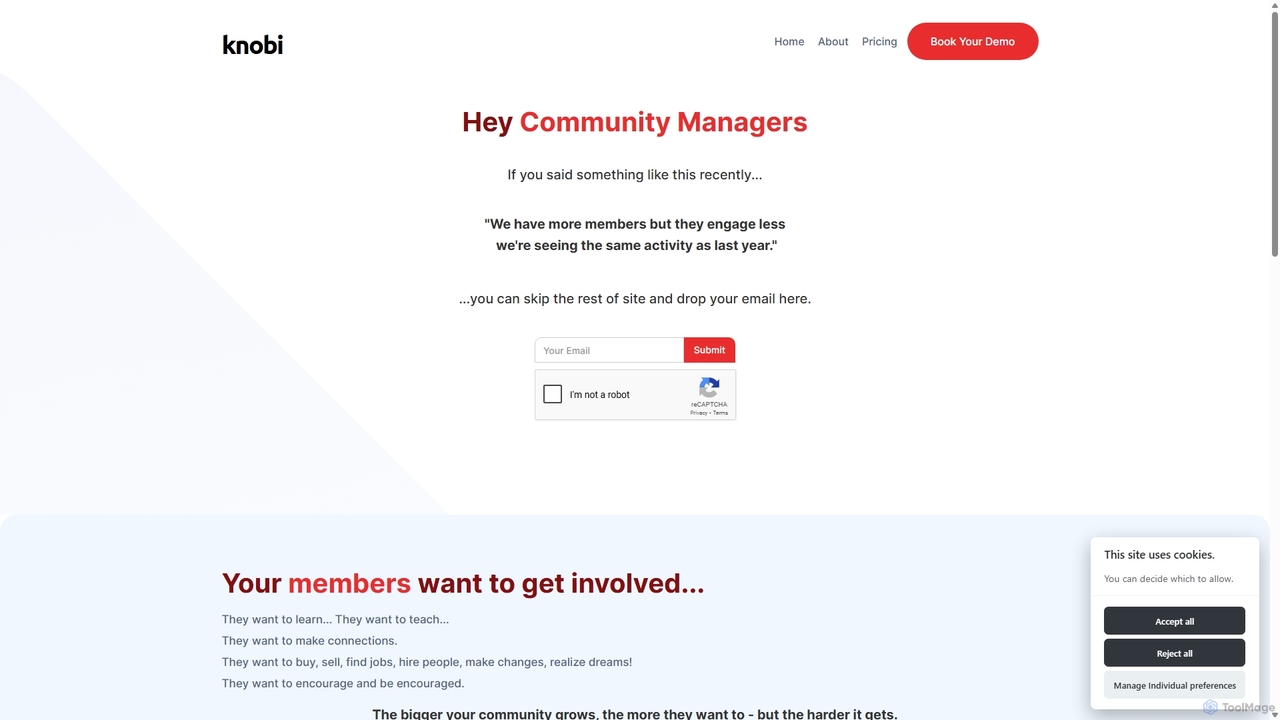
Knobi
Knobi is an AI-powered suite of bots designed to enhance online community engagement. It features an Intro Bot for personalized onboarding, a Connections Bot to ensure questions get answered, and a Knowledge Bot for easy access to community wisdom. Knobi aims to reduce friction and foster meaningful connections among members.
AutomationKickBot
KickBot is the #1 chatbot and streaming tool designed specifically for the Kick platform. It offers a comprehensive suite of features including AI TTS with 1,800+ voices, customizable widgets and alerts, advanced moderation, a cloud-based !clip command, and direct tipping. Trusted by over 90,000 streamers, KickBot is an all-in-one, cloud-based solution to enhance stream interactivity, engagement, and management.
AutomationTangia
Tangia is an AI-powered interactive toolkit for live streamers designed to boost viewer engagement and monetization. It offers a suite of tools including custom AI TTS with voice cloning, interactive AI characters, on-stream memes, media sharing, and games. Integrated seamlessly with streaming software like OBS, Tangia helps creators build a more dynamic and participatory community, turning passive viewers into active participants.
Engagement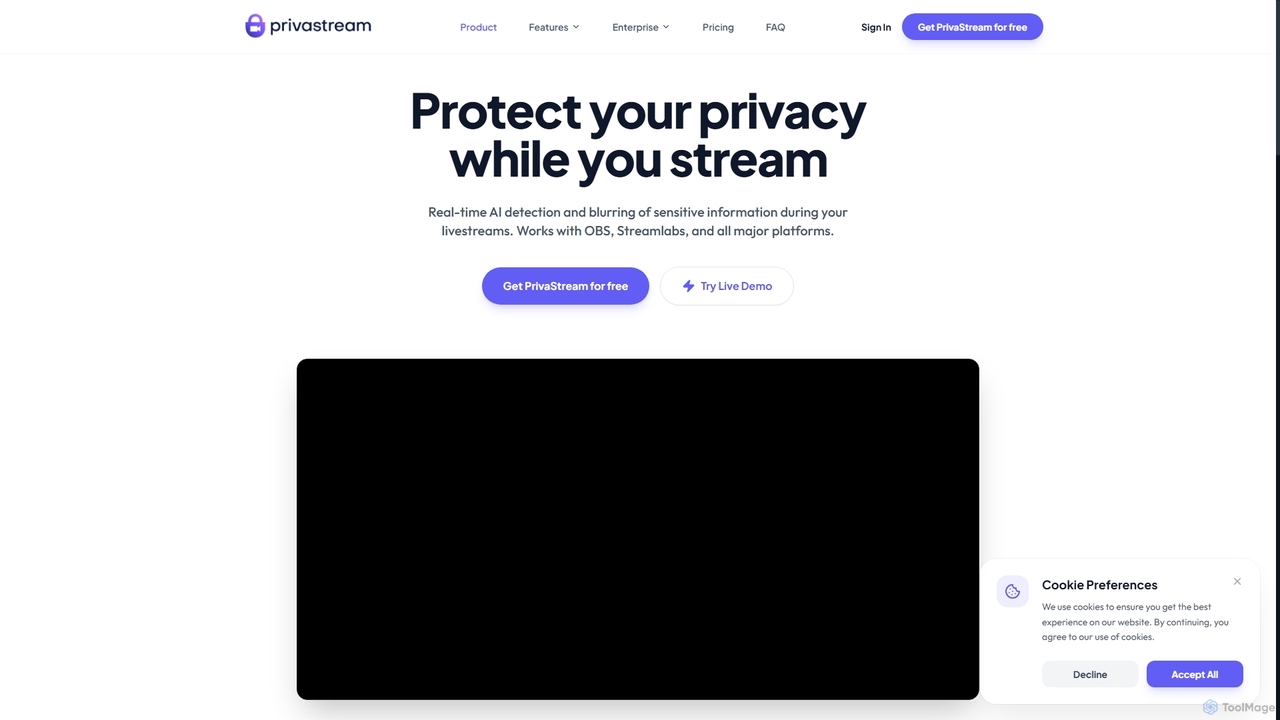
Privastream
Privastream is a real-time AI toolkit designed for streamers and content creators to protect their privacy. It uses on-device Edge AI to automatically detect and blur sensitive information like faces and personal data during livestreams with zero latency, ensuring data never leaves your computer. It integrates seamlessly as a virtual camera with major streaming platforms like OBS, Twitch, and YouTube.
Privacy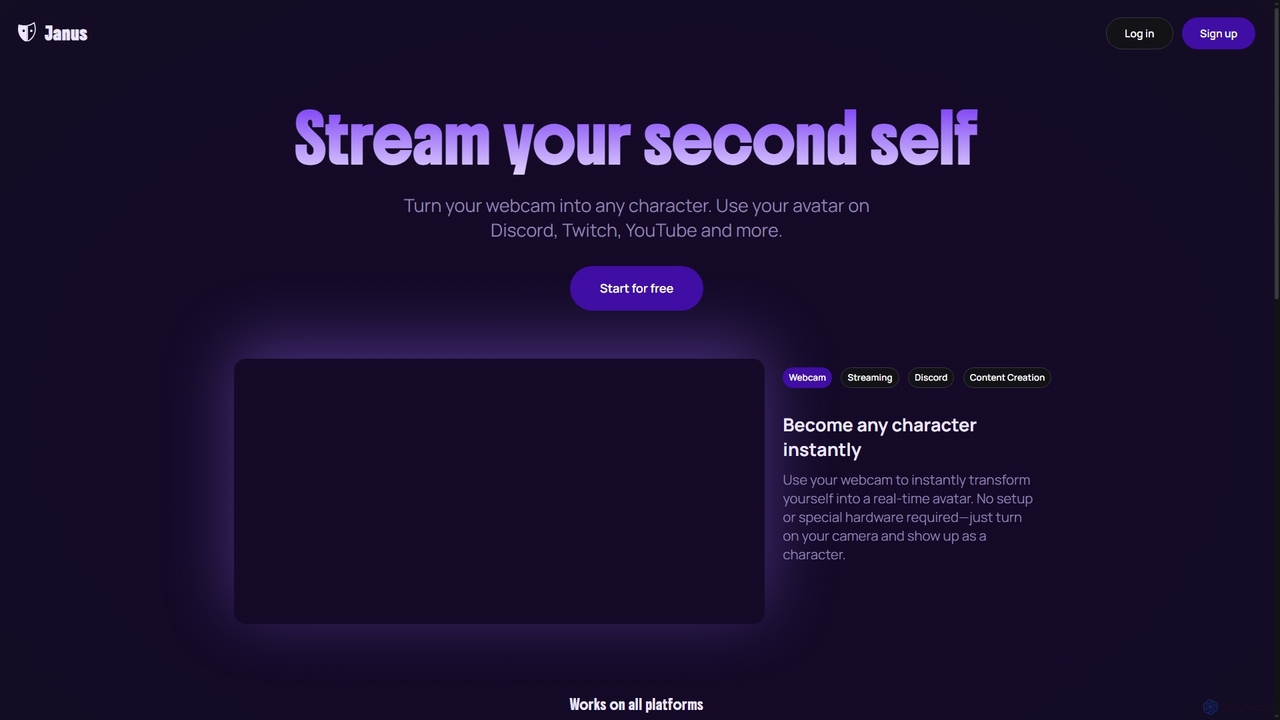
Janus
Janus is an AI-powered tool that transforms your webcam feed into a real-time animated avatar, allowing you to stream as any character. It requires no special hardware, offers an avatar library and builder, and integrates seamlessly with platforms like Discord, Twitch, YouTube, and OBS via a Chrome extension. Start for free and enhance your online presence.
Live Streaming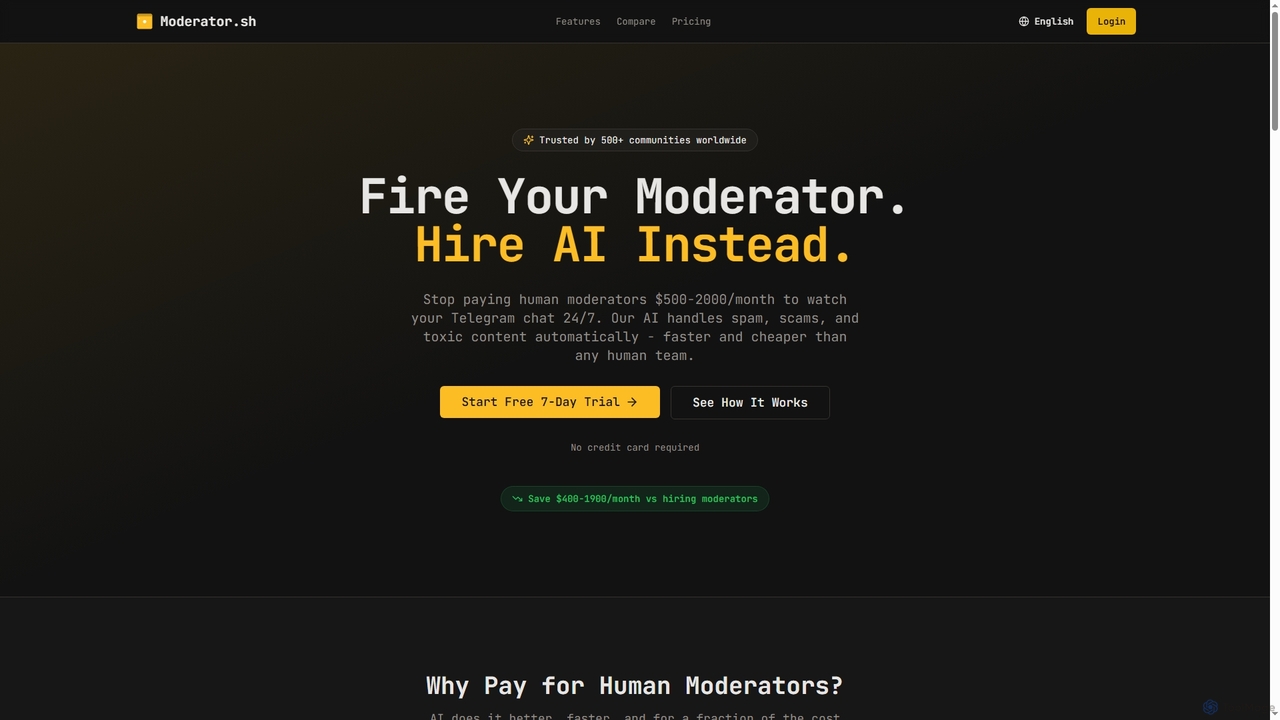
Moderator
Moderator is an AI-powered Telegram moderation bot designed to automate the detection and removal of spam, scams, and toxic content in communities. It offers 24/7, instant protection, significantly reducing the need for human moderators and saving costs. Trusted by over 500 communities, it ensures consistent and scalable content filtering.
Moderation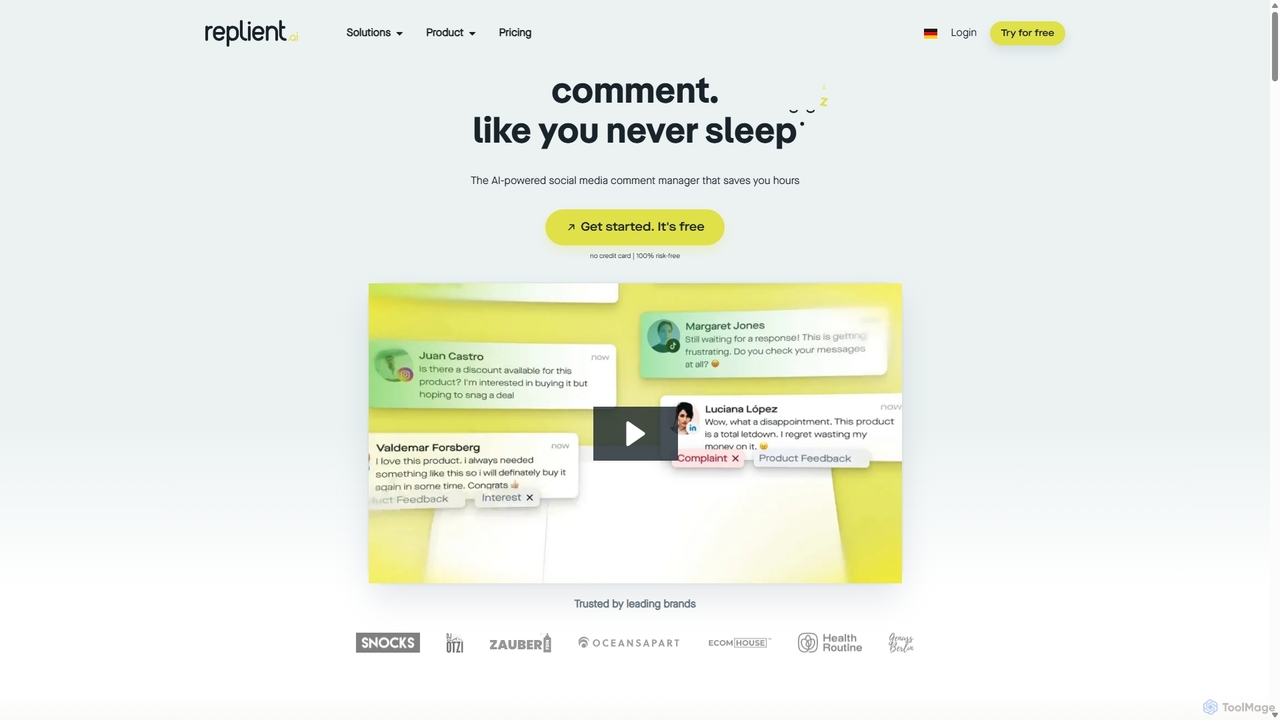
Replient.ai
Replient.ai is an AI-powered social media comment manager that centralizes engagement from Facebook, Instagram, and TikTok. It automates replies, hides spam, and learns your brand voice to save up to 80% of your time on community management, boost sales, and protect your brand's reputation 24/7.
Automation
Mava
Mava is an AI-powered customer support platform designed specifically for online communities. It integrates with platforms like Discord and Slack to automatically answer user questions, create support tickets, and provide 24/7 assistance, freeing up your team to focus on more complex issues and fostering a more engaged community.
Community Management
Neura
Neura is the leading marketplace for discovering, buying, and selling pre-built automation workflows. It empowers individuals and enterprises to streamline operations, integrate AI tools like ChatGPT, and save significant development time across platforms such as Zapier, Make, and n8n. With a vast library of workflows and a robust creator ecosystem, Neura simplifies complex automation tasks for various business needs.
Workflow Automation
Powder
Powder is an AI-powered clipping software for gamers on Windows. It automatically records gameplay, identifies the best moments from hours of footage using AI, and helps create stunning, social-media-ready clips and montages. It's designed to save creators time and effort in content production.
Content Creation
StreamChat A.I. Comments (0)
Sign in to comment.
Sign inNo comments yet.