Community Best in category 1 results Discord Tools AI Tool

Popular AI tools in the Discord Tools field of Community include Wallubot, etc., helping you quickly improve efficiency.

Wallubot

Wallubot

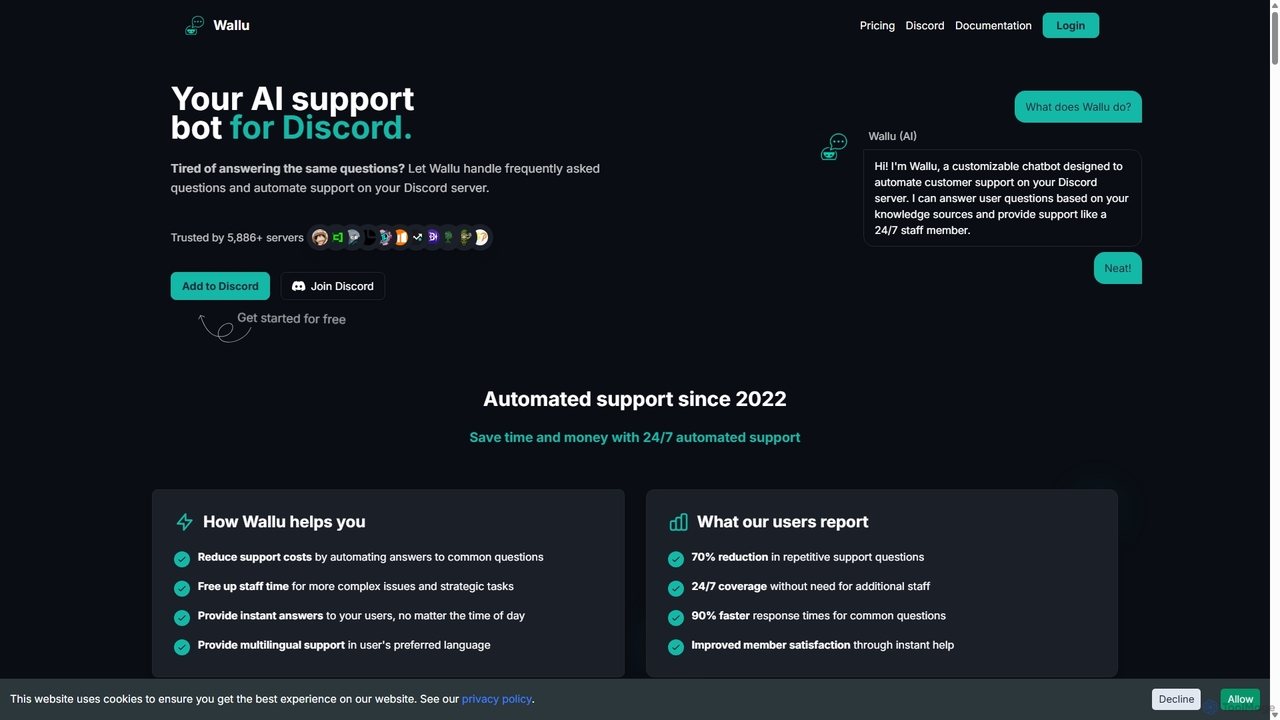
Wallubot is an AI-powered chatbot designed to automate customer support and answer FAQs on Discord servers. It learns …

6.1K

About Discord Tools

Discord Tools are AI-powered or automation-driven applications designed to enhance and manage Discord servers. These tools leverage various technologies to automate tasks, improve moderation, boost user engagement, and integrate with other platforms. They are essential for creating dynamic, well-organized, and interactive communities within the Discord ecosystem, serving as a vital component of broader community management strategies.

Core Features

  • Automated Moderation: Detects and removes spam, hate speech, and rule-breaking content to maintain a safe environment.
  • Engagement & Gamification: Implements leveling systems, custom commands, polls, and mini-games to foster user interaction.
  • Utility & Automation: Provides features like reminders, music playback, server statistics, and role management.
  • External Integrations: Connects Discord servers with other services such as social media, project management tools, or ticketing systems.
  • Analytics & Insights: Tracks server activity, member growth, and engagement metrics to inform community strategy.

Applicable Scenarios

Discord Tools are widely used by gaming communities, content creators, educational groups, and businesses to manage their online presence. They help server administrators streamline operations, ensure compliance with server rules, and provide a richer experience for members, from automating welcome messages to facilitating complex event coordination.

How to Choose

When selecting Discord Tools, consider your server's specific needs (e.g., heavy moderation, high engagement, specific integrations). Evaluate the tool's reliability, ease of setup, and the permissions it requires. Look for active development, good documentation, and community support, ensuring it aligns with your server's size and growth potential while prioritizing security and data privacy.

Discord ToolsUse Cases

1

Automated Moderation for Large Gaming Servers

A server administrator for a popular online game community uses a Discord moderation bot to automatically detect and remove spam, hate speech, and rule-breaking content. This ensures a safe and positive environment for thousands of gamers, reducing the manual workload for human moderators by up to 70% and allowing them to focus on more complex issues.

2

Enhancing Community Engagement for Content Creators

A streamer or YouTuber employs an engagement bot to run polls, host mini-games, manage a leveling system, and send automated welcome messages to new members. This strategy fosters a more interactive and loyal fanbase, increasing daily active users by 20% and encouraging greater participation in community events and discussions.

3

Streamlining Support in a Product Community

A software company utilizes a utility bot to create custom commands for frequently asked questions (FAQs), provide quick access to documentation, and integrate with external ticketing systems. This offers instant support to users without constant human intervention, reducing support response times by 50% and improving overall customer satisfaction within the product's Discord community.

4

Event Management and Reminders for Online Groups

An online study group or club uses a reminder bot to schedule and announce virtual meetings, study sessions, or social events. The bot sends automated notifications to all members before the event, ensuring high attendance and participation. This reduces the administrative burden of manual reminders by 80% and helps maintain a consistent schedule for group activities.

5

Integrating Discord with Project Management for Teams

A development team connects their Discord server with a project management tool (e.g., Trello, Jira) via an integration bot. This allows them to receive real-time updates on task assignments, progress, and deadlines directly within Discord channels. Team members can create tasks, comment on issues, and discuss progress without switching applications, improving communication efficiency by 30%.

6

Collecting Feedback and Running Surveys

A community manager uses a survey bot to gather feedback on new features, content ideas, or community events from server members. The bot facilitates the creation and distribution of surveys, collects responses, and often provides basic analytics. This enables data-driven decisions to improve the server experience, leading to a 25% increase in member satisfaction and more relevant content offerings.

Discord ToolsFrequently Asked Questions