ToolMage
Sign in

Best 1 Content Creation AI tools for Gaming

Popular Content Creation AI tools in Gaming include Powder, helping you work more efficiently.

Powder
Freemium

Powder

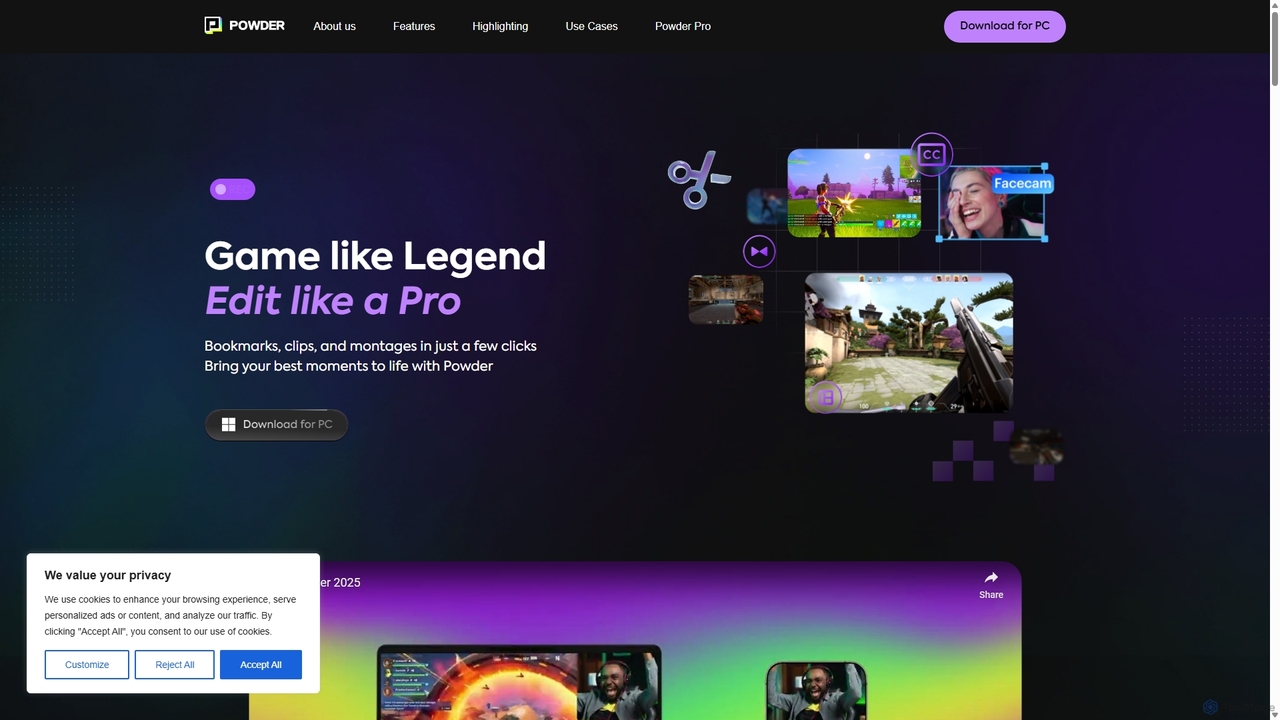
Powder is an AI-powered clipping software for gamers on Windows. It automatically records gameplay, identifies the best moments from hours of footage using AI, and helps create stunning, social-media-ready clips and montages. It's designed to save creators time and effort in content production.

Content Creation
Visits 13.1KFavorites 119Likes 139

About Content Creation

AI Gaming Content Creation tools are specialized applications that use artificial intelligence to automate and enhance the production of gaming-related media. These tools leverage machine learning to analyze gameplay footage, identify key moments, and streamline editing workflows. They empower streamers, YouTubers, and gaming communities to produce high-quality videos and clips with significantly less manual effort. This allows creators to focus more on gameplay and community engagement rather than tedious post-production tasks.

Core Features

  • Automated Highlight Detection: AI automatically identifies and clips exciting moments like kills, goals, or victories from long gameplay recordings.
  • Smart Video Assembly: Tools that can automatically create montages or compilations from raw footage based on predefined styles.
  • Gaming-Specific Templates: Provides pre-built templates for video intros, thumbnails, and social media posts tailored to the gaming aesthetic.
  • AI-Powered Asset Generation: Generates custom stream overlays, emotes, and channel art from simple text descriptions.

Use Cases

These tools are primarily used by content creators on platforms like Twitch and YouTube, esports organizations creating promotional content, and community managers generating social media updates. They are invaluable for anyone looking to consistently publish gaming content without extensive video editing skills or time.

How to Choose

When selecting a tool, consider its integration with your primary platforms (e.g., Twitch, YouTube), the accuracy of its game-specific event detection, the level of customization available for editing, and its pricing model. Also, evaluate the ease of use, especially if you are not a professional video editor.

Featured tool rankings

Content Creation use cases

1

Automate Highlight Reels from Long Streams

A Twitch streamer finishes a five-hour broadcast. Instead of manually scrubbing through the entire video-on-demand (VOD), they use an AI content tool. The AI analyzes the gameplay, automatically identifying and clipping every elimination, clutch play, and victory moment. Within minutes, the tool assembles these clips into a dynamic 10-minute highlight reel, complete with transitions, ready to be uploaded to YouTube to attract new viewers.

2

Create Viral Short-Form Gaming Clips

A content creator wants to promote their long-form video on TikTok and Reels. They use an AI tool that automatically reframes the horizontal video into a vertical 9:16 aspect ratio. The AI's scene detection identifies the most engaging segments, and it adds auto-generated, animated captions to ensure viewer retention even with the sound off, transforming a single video into a dozen potential viral clips.

3

Generate Custom Stream Assets Instantly

A new streamer is setting up their channel but lacks graphic design skills. Using an AI asset generator, they input prompts like 'cyberpunk fox mascot for a Twitch emote' or 'animated space-themed overlay'. The tool generates a complete set of matching assets, including emotes, subscriber badges, and alert animations. This allows them to establish a professional brand identity from day one without hiring a designer.

4

AI-Assisted Scripting for Game Walkthroughs

A content creator is planning a detailed walkthrough video for a complex RPG. They use an AI writing assistant to structure their script. The AI helps outline key quest steps, generates concise explanations for game mechanics, and can even draft narration for the video. This ensures the final video is well-paced and informative, saving hours of research and writing time.

5

Optimize Video Thumbnails with AI

An editor for a gaming channel needs to create a compelling thumbnail to maximize clicks. They upload key screenshots to an AI thumbnail tool. The tool analyzes the images, suggests optimal compositions, adds eye-catching text with high-contrast fonts, and generates several distinct variations. The team can then A/B test these AI-generated thumbnails on YouTube to determine which design achieves the highest click-through rate (CTR).

6

Automate Gaming Community Content Curation

A community manager for a large Discord server uses an AI tool that monitors gameplay clips submitted by members. The AI automatically selects the best clips based on community reactions (emojis) and in-game events. It then compiles them into a weekly 'Community Top Plays' video, which is automatically posted to the server and social media, fostering community spirit and encouraging participation.

Content Creation FAQ

What are AI Gaming Content Creation tools?

AI Gaming Content Creation tools are applications that use artificial intelligence to simplify and accelerate the process of making gaming videos and other media. Their core function is to analyze gameplay and automate tasks like finding exciting moments, editing clips together, and formatting content for different social platforms. They are designed specifically for the needs of gamers and streamers.

How do I choose the right AI tool for my gaming content?

To choose the right tool, consider these factors:

  • Game Support: Ensure the tool's AI can accurately recognize events in the games you play.
  • Platform Integration: Check for direct integration with platforms like Twitch for VOD analysis or YouTube for easy uploading.
  • Editing Features: Decide if you need simple automated clipping or more advanced editing capabilities and customization.
  • Output Quality: Verify that the tool can export videos in the resolution and format you need, such as 1080p or 4K.

What's the difference between a general AI video editor and a gaming-specific one?

A general AI video editor offers broad features like scene detection and transcription for any type of video. A gaming-specific AI tool is trained on game data. It can automatically identify in-game events like kills, goals, or boss fights—something a general editor cannot do. This specialized focus makes them far more efficient for creating gameplay highlight reels and montages.

What key features are common in AI gaming content tools?

Most AI gaming content tools include a set of core features designed for creators. The most common ones are:

  • Automatic Clipping: Detects and saves key moments from long streams or recordings.
  • Smart Montages: Automatically arranges clips into a cohesive video sequence.
  • Multi-platform Reformatting: Converts landscape videos into vertical formats for TikTok, Shorts, and Reels.
  • AI Thumbnail Generation: Creates optimized, clickable thumbnails from gameplay screenshots.

Who benefits most from AI Gaming Content Creation tools?

These tools are most beneficial for streamers and YouTubers who produce a large volume of content and need to save time on editing. They are also ideal for aspiring creators who may not have advanced video editing skills but want to produce professional-looking content. Additionally, esports teams and gaming organizations use them to quickly create social media content and promotional materials from match footage.