Gaming Best in category 3 results Asset Generation AI Tool

Popular AI tools in the Asset Generation field of Gaming include Stable Fast 3D、heroify、WordCraft3D, etc., helping you quickly improve efficiency.

Free
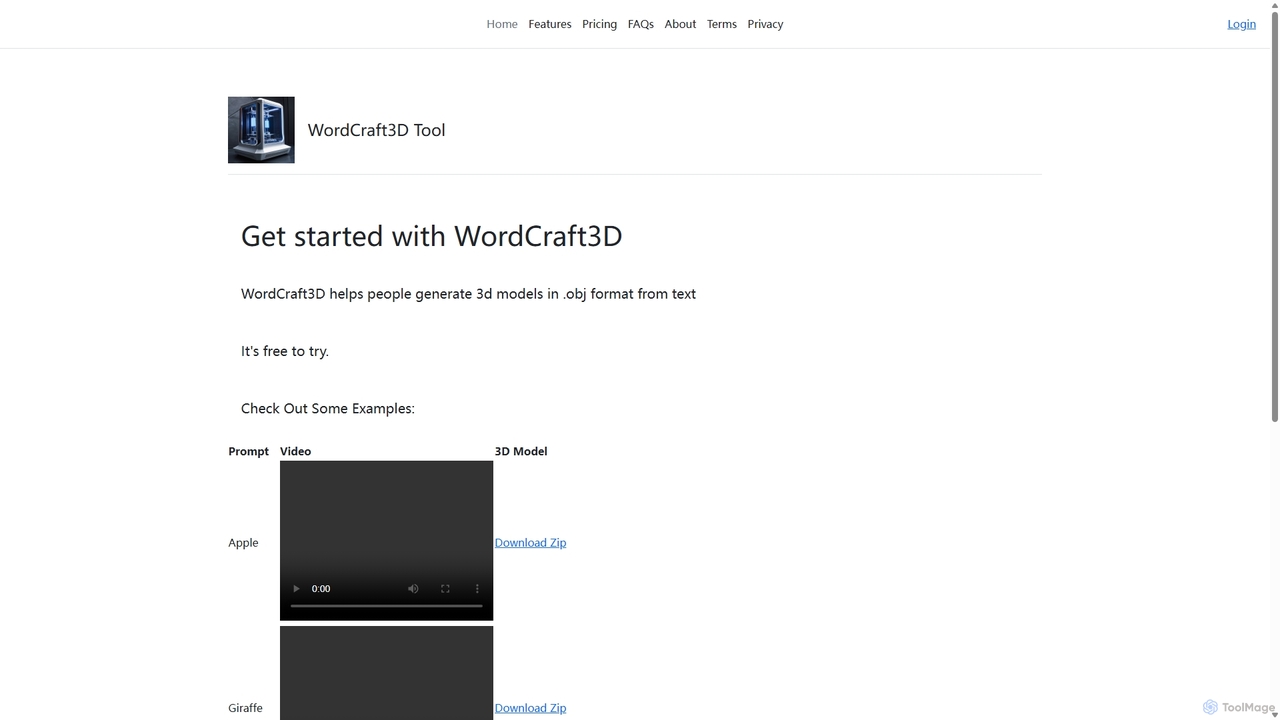
WordCraft3D

WordCraft3D

WordCraft3D is an AI-powered tool that generates 3D models in the standard .obj format from simple text descriptions. …

2.9K
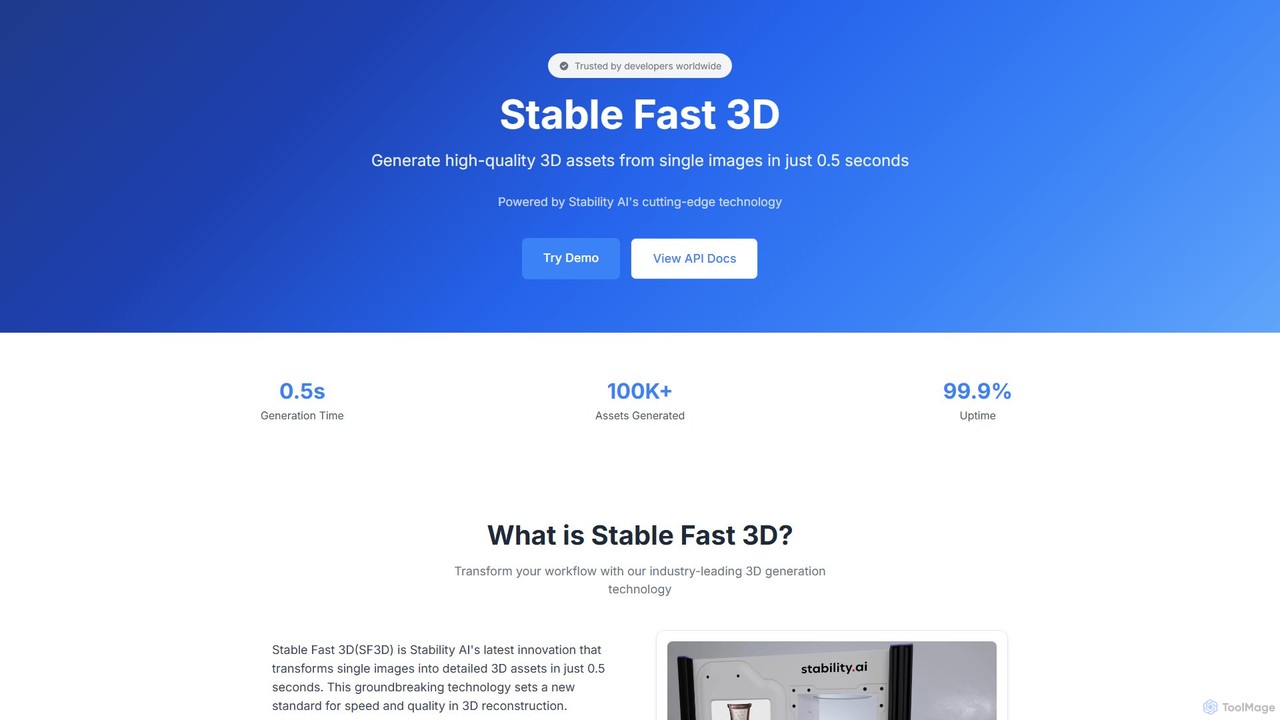
Stable Fast 3D

Stable Fast 3D

Stable Fast 3D by Stability AI is a groundbreaking tool that generates high-quality 3D models from a single …

9.2K
heroify

heroify

Heroify is an AI-powered platform for generating high-quality 3D models and design assets from 2D images and text …

3.6K

About Asset Generation

AI Asset Generation tools are specialized applications that use artificial intelligence to create digital assets for game development. These tools leverage generative models, such as GANs and diffusion models, to produce everything from 2D textures and 3D models to sound effects and music. They significantly accelerate the production pipeline, allowing developers to rapidly prototype ideas and populate vast game worlds with unique content. This technology empowers both large studios and indie developers to create richer, more immersive experiences with greater efficiency.

Core Features

  • 3D Model Generation: Creates characters, props, and environmental objects from text prompts or 2D images.
  • Texture Synthesis: Generates seamless, high-resolution textures and materials like wood, metal, or fantasy fabrics.
  • Procedural Environment Creation: Automatically builds game levels, landscapes, and entire worlds based on defined parameters.
  • Audio & Music Composition: Composes adaptive soundtracks, ambient sounds, and specific sound effects for in-game actions.

Use Cases

These tools are invaluable for indie developers seeking to create high-quality assets on a limited budget. Large studios use them for rapid prototyping and generating asset variations. They are also essential for creating expansive open-world games, where manually creating every asset would be impractical.

How to Choose

When selecting a tool, consider the specific asset types you need (e.g., 3D models, textures, audio). Evaluate its integration capabilities with major game engines like Unity and Unreal Engine. Assess the level of artistic control and customization offered, and carefully review the licensing terms regarding commercial use of the generated assets.

Asset GenerationUse Cases

1

Rapid Prototyping for a Game Jam

An indie developer participating in a 48-hour game jam needs to create a playable prototype quickly. Instead of spending hours modeling basic assets, they use an AI asset generation tool. By inputting simple text prompts like 'low-poly sci-fi crate' or 'stylized cartoon character,' they generate dozens of placeholder models and sprites in minutes. This allows them to focus their limited time on core gameplay mechanics and level design, resulting in a more complete and polished game demo by the deadline.

2

Populating an Open-World Environment

A level design team at a mid-sized studio is building a vast, open-world fantasy game. To avoid visual repetition and make the world feel alive, they use an AI tool to generate environmental assets. They set parameters for a specific biome, such as a 'magical forest,' and the AI produces hundreds of unique variations of trees, glowing mushrooms, ancient stones, and foliage. This automates the creation of diverse, natural-looking landscapes, freeing up artists to focus on unique landmark assets.

3

Generating Unique Character Textures

A 3D artist is tasked with creating textures for the main characters in an action RPG. To ensure each character's armor looks distinct, they use an AI texture generator. By providing prompts like 'ornate gold trim on weathered steel plate' or 'glowing runic patterns on dark leather,' the tool synthesizes high-resolution, tileable textures. This process allows the artist to experiment with numerous styles rapidly and generate unique material details that would take hours to paint by hand, enhancing the visual quality of the characters.

4

Composing Adaptive In-Game Music

A solo game developer is creating a survival horror game and needs a dynamic soundtrack. Using an AI music generator, they define different moods like 'exploration,' 'suspense,' and 'combat.' The AI composes multiple loops and transitional pieces for each mood. By integrating these assets with game logic, the music seamlessly shifts based on the player's situation—a quiet, ambient track for exploration can instantly escalate into a tense, percussive theme when an enemy is detected. This creates a highly immersive and responsive audio experience without needing a composer.

5

Generating Sound Effects for In-Game Actions

A sound designer for a mobile puzzle game needs a wide variety of sound effects for different interactions, such as 'gem matching,' 'power-up activation,' and 'level complete fanfare.' Instead of searching through stock audio libraries, they use an AI sound effect generator. They input descriptive text for each required sound and generate multiple variations. This allows them to quickly create a unique and cohesive audio palette for the game, ensuring every player action is met with satisfying auditory feedback, all while maintaining a consistent style.

6

Creating Concept Art for New Game Ideas

A creative director at a large studio is in the pre-production phase for a new IP. To quickly visualize different artistic directions, they use an AI image generator. By providing detailed prompts like 'cyberpunk city street at night, neon signs reflecting in puddles, cinematic lighting, photorealistic,' they can generate dozens of high-quality concept images in an afternoon. This process accelerates brainstorming and helps the entire team align on a visual style far more efficiently than commissioning traditional concept artists for initial explorations.

Asset GenerationFrequently Asked Questions