Social Media Best in category 4 results Streaming AI Tool

Popular AI tools in the Streaming field of Social Media include DeepLiveCam、StreamChat A.I.、StreamRoutine、mymod, etc., helping you quickly improve efficiency.

StreamChat A.I.

StreamChat A.I.

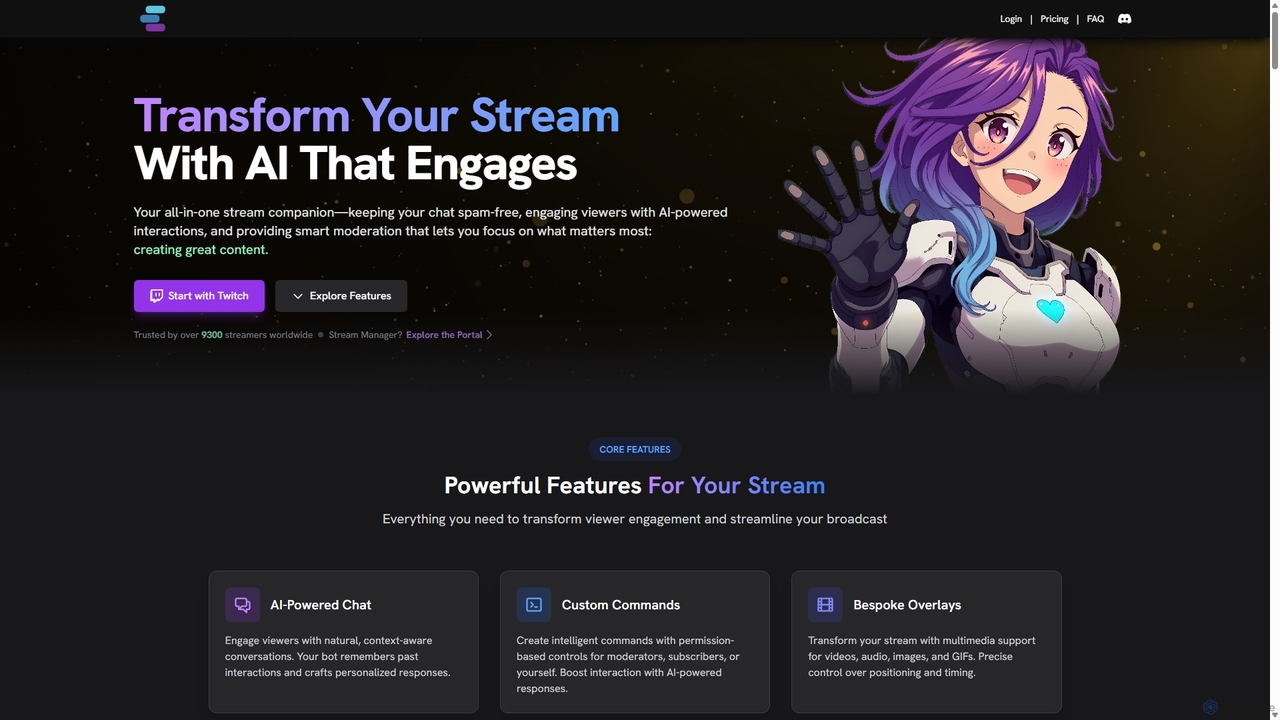
StreamChat A.I. is an all-in-one AI companion for Twitch streamers. It enhances streams with a customizable AI chatbot …

18.8K
DeepLiveCam

DeepLiveCam

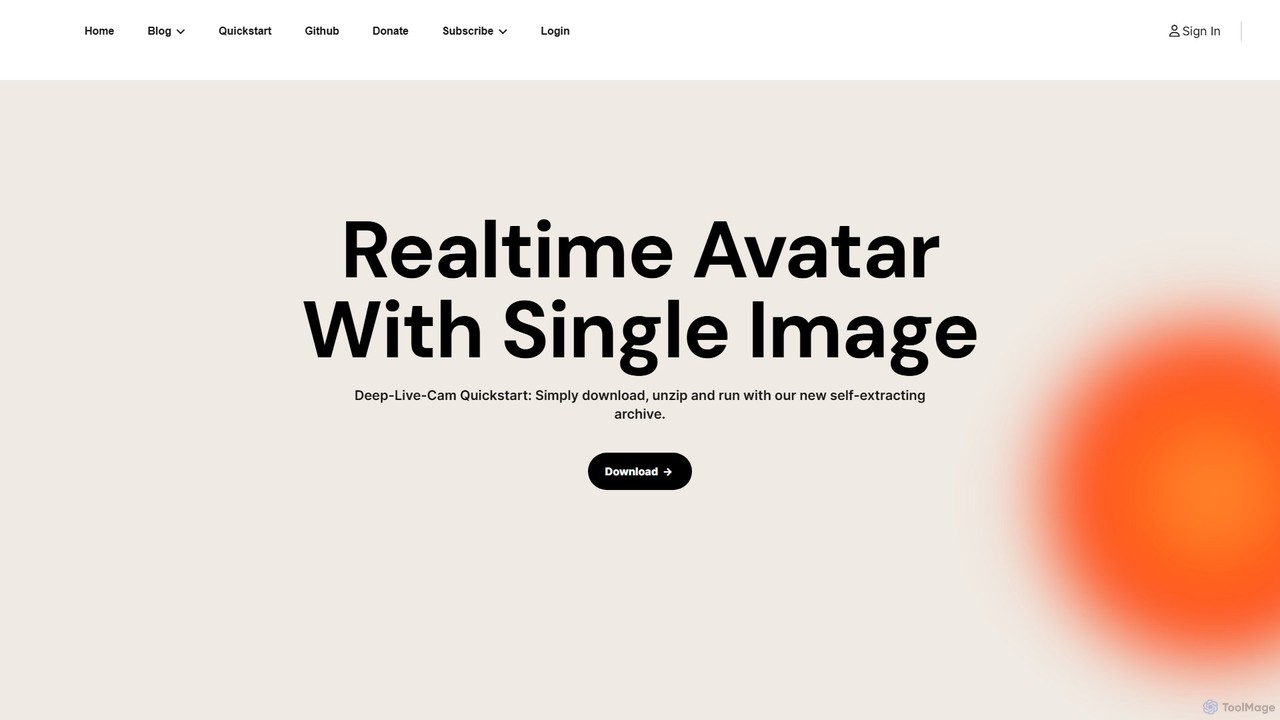
DeepLiveCam is a real-time AI avatar application that generates an animated avatar from a single image. It enables …

235.4K
mymod

mymod

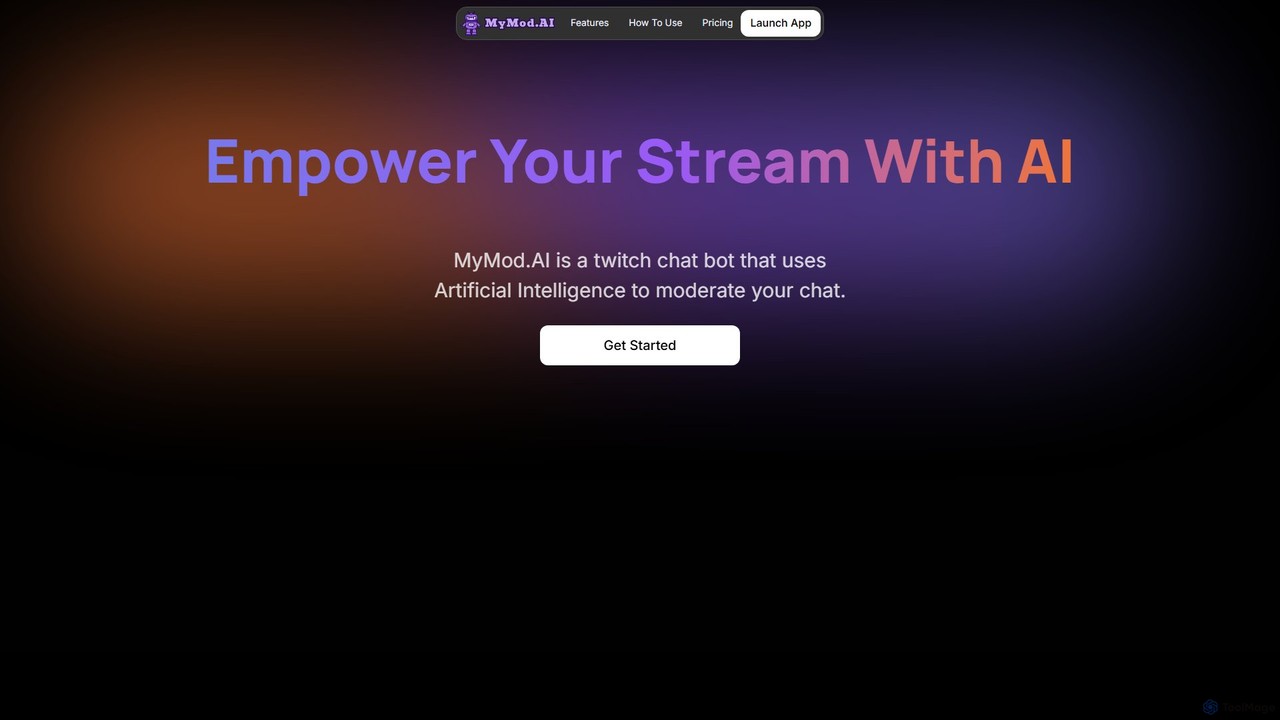
MyMod is an AI-powered moderation bot designed for live streaming platforms like Twitch and YouTube. It helps creators …

4.4K
StreamRoutine

StreamRoutine

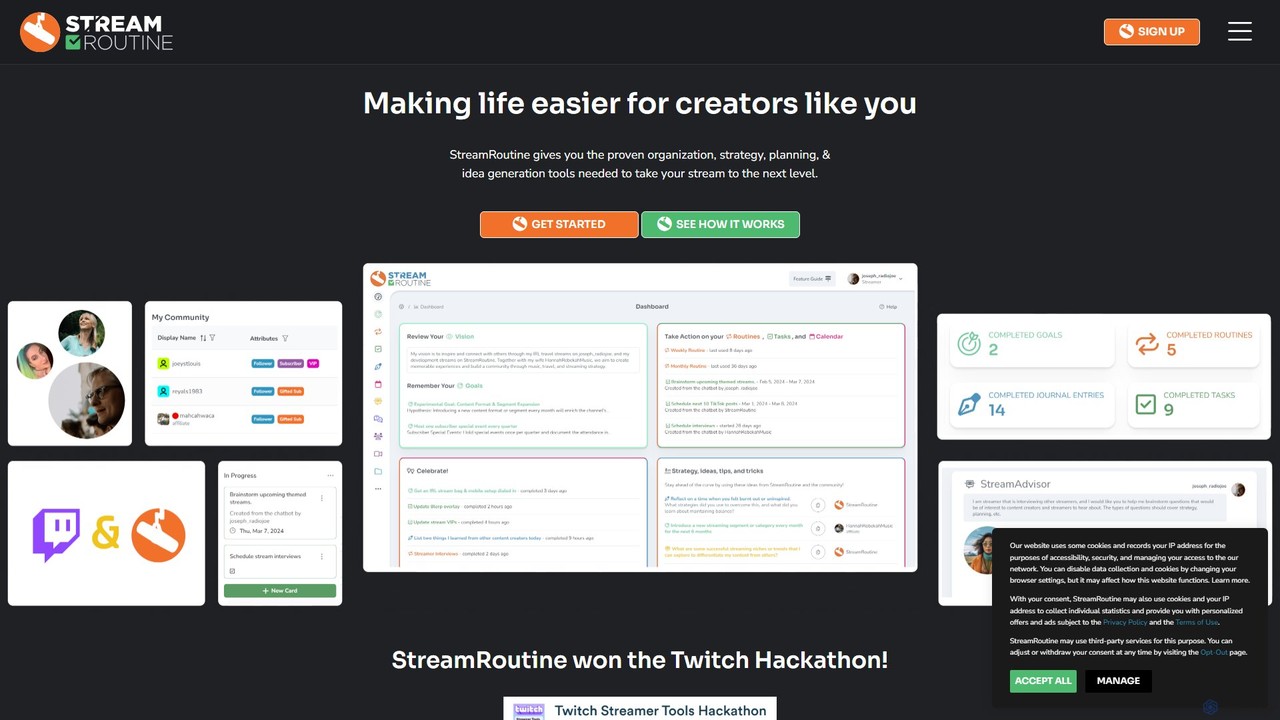
StreamRoutine is an all-in-one organizational platform designed for Twitch streamers. It combines task management, goal setting, AI-powered idea …

5.1K

About Streaming

AI Streaming tools are a class of software that uses artificial intelligence to enhance and automate live video broadcasts. These tools integrate directly with social media platforms and broadcasting software to provide features like real-time content generation, intelligent audience interaction, and automated post-stream production. This allows creators to produce more engaging, professional-looking content with significantly less manual effort. By leveraging machine learning, they can perform complex tasks such as detecting key moments, moderating chat, or creating dynamic visual effects on the fly.

Core Features

  • Automated Highlight Clipping: Intelligently identifies and clips exciting moments from a live stream for easy sharing on social media.
  • AI-Powered Visuals: Offers features like virtual background removal without a green screen, real-time beauty filters, and dynamic overlays.
  • Real-time Chat Moderation: Automatically filters spam, toxic comments, and hate speech to maintain a healthy community.
  • AI Voice & Avatar Tools: Provides real-time voice changing or controls a virtual avatar (VTuber) that mimics the user's facial expressions.
  • Audience Engagement Analytics: Analyzes chat sentiment and viewer activity to provide insights on content performance and audience preferences.

Use Cases

These tools are primarily used by content creators, gamers, VTubers, and brands on platforms like Twitch, YouTube, and TikTok. They are ideal for automating the creation of short-form video clips for social media, enhancing the production value of solo streams, and managing large, active communities during live events. Businesses also use them to create more polished and interactive webinars and live shopping experiences.

How to Choose

When selecting an AI Streaming tool, first consider its core features and how they align with your content needs (e.g., highlight clipping for gaming vs. virtual backgrounds for professional presentations). Check for compatibility with your primary streaming platform and broadcasting software like OBS. Evaluate the tool's performance impact on your computer, as real-time AI processing can be resource-intensive. Finally, compare pricing models and the level of community support or customer service offered.

StreamingUse Cases

1

Automate Game Highlight Reels for Social Media

A Twitch streamer who plays competitive shooters wants to grow their presence on TikTok and YouTube Shorts but lacks the time for daily video editing. By using an AI streaming tool, their entire broadcast is analyzed in real-time. The AI automatically identifies high-action moments like multi-kills, clutches, and funny reactions, then clips them into vertical, shareable videos complete with captions. This process saves the creator hours of manual work each day and ensures a consistent flow of content to their other social channels, boosting discoverability and audience growth.

2

Create Professional Live Webinars Without a Studio

A business consultant needs to host a professional-looking webinar for international clients from their home office. Using an AI streaming tool, they can instantly remove their cluttered background and replace it with a branded virtual one. The tool's AI also provides real-time noise cancellation, filtering out background sounds like traffic or pets. Furthermore, it generates live captions, making the presentation accessible to a wider audience. This allows the consultant to achieve a high-production-value broadcast with just a standard webcam and microphone, enhancing their professional image.

3

Engage a Global Audience with Real-Time Translation

An artist in Japan hosts a live drawing session on YouTube, attracting viewers from around the world. To break the language barrier, they use an AI streaming tool that provides real-time chat translation. When a viewer from Brazil types a question in Portuguese, it appears on the artist's screen translated into Japanese. The artist's spoken reply in Japanese is then converted to text and translated back into Portuguese for the viewer. This seamless, AI-powered communication fosters a more inclusive and interactive community, allowing the creator to connect with fans regardless of their native language.

4

Enhance VTuber Performance with AI Facial Tracking

A VTuber (Virtual YouTuber) wants to create a more expressive and lifelike virtual persona without investing in expensive motion capture hardware. They use an AI streaming application that leverages a standard webcam to perform high-fidelity facial tracking. The AI accurately captures subtle expressions like eyebrow raises, winks, and mouth shapes, translating them to their 3D avatar in real-time. This results in a much more engaging and believable performance, allowing the VTuber to convey a wider range of emotions and connect more deeply with their audience.

5

Automated Moderation for Large-Scale Live Events

A community manager is overseeing the live stream of a major gaming tournament with tens of thousands of concurrent viewers. Manually moderating the chat is impossible. They employ an AI streaming tool configured with custom rules. The AI instantly detects and removes spam, hate speech, and spoilers based on keywords, user behavior patterns, and sentiment analysis. It can also automatically time-out repeat offenders. This ensures a positive and safe viewing experience for the majority of the audience and frees up human moderators to focus on engaging with the community and handling complex issues.

6

AI-Powered Voice Changing for Roleplaying Streams

A content creator hosts a live Dungeons & Dragons session, playing multiple characters. To enhance immersion, they use an AI voice changer integrated into their streaming setup. With a single click, they can switch between different voice profiles—a deep, gravelly voice for a dwarf warrior, a high-pitched tone for a gnome wizard, and a menacing whisper for the villain. The AI processes their natural voice in real-time with low latency, creating distinct and consistent character voices. This elevates the storytelling and provides a more engaging and entertaining experience for the audience.

StreamingFrequently Asked Questions