

DeepLiveCam Overview
DeepLiveCam is an innovative AI-powered application designed to transform your live video presence. By leveraging advanced deep learning models, it allows users to generate a fully animated, real-time avatar using just a single static image. This tool is perfect for content creators, streamers, professionals, and anyone looking to maintain privacy or create a unique digital identity during live video sessions. The application runs locally on your machine, ensuring data privacy and low latency.
The core technology of DeepLiveCam focuses on mapping your facial movements, expressions, and head motions onto a target image in real-time. The software is continuously updated to improve performance and add new capabilities. Recent updates have introduced significant speed boosts, with up to a 50% increase in FPS for the Face Enhancer feature, and support for the latest hardware like NVIDIA's RTX 50xx series. It also includes features like a face sharpener to combat blurriness and transparency options for more creative integrations.
How to use DeepLiveCam
Getting started with DeepLiveCam is designed to be straightforward. Follow these steps to set up your real-time avatar:
- System Requirements: First, ensure your system meets the hardware requirements. The application is available for Windows (NVIDIA or AMD GPU) and Mac (Apple Silicon). For optimal performance, a GPU with at least 6GB of VRAM is recommended (e.g., NVIDIA GeForce 3060 or higher).
- Prerequisites: For NVIDIA users, it is mandatory to install CUDA 11.8 before subscribing to and running the application. This is a crucial step for the software to function correctly.
- Download and Install: After subscribing to a plan, you will get access to the download link. The software comes in a self-extracting archive, simplifying the installation process. Simply download, unzip, and run the executable.
- Configuration: Launch the application. You can then select a source image to be your avatar. This can be a picture of anyone, a generated face, or even a drawing. The application will capture your webcam feed and animate the source image based on your facial movements.
- Fine-Tuning: Use the in-app controls to adjust settings. You can enable the 'Face Enhancer' for higher quality, use the 'Sharpen' tool for a clearer image, or even use the 'Face Generator' to create a new AI-generated face on the fly.
Core Features of DeepLiveCam
- Single-Image Real-time Avatar: Animate any face from a single picture, tracking your expressions and head movements live.
- Face Generator: Instantly create unique, AI-generated faces from within the app for a fresh look without needing external tools.
- Performance Optimization: Utilizes ONNX runtime and is optimized for modern GPUs (including NVIDIA RTX 50xx series) to deliver higher FPS and a smoother experience.
- Face Enhancer & Sharpening: Advanced features to improve the visual quality of the avatar, making it less blurry and more detailed.
- Cross-Platform Support: Dedicated versions available for NVIDIA GPU users, AMD GPU users, and Mac Silicon users.
- Forehead Adjustment: A specific feature to improve hair positioning and create a more natural-looking avatar.
- Transparency Support: Allows for more flexible use cases, such as overlaying the avatar on other content.
Use Cases for DeepLiveCam
DeepLiveCam is a versatile tool suitable for various applications:
- Streaming and Content Creation: VTubers and streamers can create a unique persona without the complexity of 3D modeling and rigging. It offers a quick way to protect their identity while engaging with their audience.
- Online Meetings and Virtual Classes: Professionals and students can use an avatar to maintain privacy or reduce 'Zoom fatigue' while still appearing engaged and expressive.
- Privacy and Anonymity: Users can participate in video calls or online forums without revealing their true identity, replacing their face with an avatar of their choice.
- Creative Projects and Entertainment: Artists and hobbyists can experiment with real-time face-swapping for fun, creating funny videos or interactive art installations.
Advantages of DeepLiveCam
The primary advantage of DeepLiveCam is its simplicity and accessibility. Unlike traditional VTubing software that requires complex 3D models and motion capture setups, DeepLiveCam works with just a single 2D image. This lowers the barrier to entry for aspiring virtual content creators. Furthermore, its continuous development cycle ensures that users benefit from the latest performance improvements and features. The availability of priority support for subscribers also ensures that users can get help when they need it.
Pricing and Plans
DeepLiveCam operates on a subscription model, with different plans tailored to the user's hardware. A subscription is required to download and use the software.
- NVIDIA GPU Users:
- Monthly Subscriber: $20.00 per month. Includes access to the latest downloads and priority support.
- Quarterly Subscriber: $30.00 per 3 months (equivalent to $10/month, offering a significant discount). Includes all monthly benefits plus a 1-hour support/talking session once per quarter.
- AMD GPU Users: Plans are available, likely with a similar pricing structure to the NVIDIA plans.
- Mac Users: Plans are available for Mac Silicon users, also likely with a similar pricing structure.
Important Note: The developer states that performance (FPS) is highly dependent on the user's hardware. Users with lower-end specs may experience slower frame rates, especially with the Face Enhancer enabled. It is recommended to have a powerful GPU for the best experience.
Traffic
Latest traffic
Status
Monthly traffic trend
- 2025-9: 70.3K
- 2026-1: 147.0K
- 2026-2: 122.9K
- 2026-3: 154.5K
- 2026-4: 232.7K
- 2026-5: 159.4K
Geography
Top 5 countries / regions
- 🇺🇸United States39.4%
- 🇷🇺Russia18.0%
- 🇩🇪Germany16.0%
- 🇧🇷Brazil14.3%
- 🇺🇦Ukraine12.2%
Traffic sources
| Source type | Percentage |
|---|---|
Direct | 70.8% |
Referral | 28.7% |
Email | 0.5% |
Top keywords
| Keyword | Cost per click |
|---|---|
| deepfacelive | $0.83 |
| deep live cam | $1.99 |
| deep-live-cam | $1.70 |
| deeplivecam | $1.88 |
| deep live cam app | $0.79 |
DeepLiveCam Videos on YouTube

DeepFace Swap Lab

Deepvision Tech


Hey, Let's Learn Something

AVATARIFY AND DEEPLIVECAM

![How to install deep live cam complete tutorial [v2.1.5]](https://i.ytimg.com/vi/jYUk2KJJPfg/maxresdefault.jpg)

DeepLiveCam Alternatives
Pseudoface
Pseudoface is an AI-powered tool for content creators that replaces their real face with a customizable, photorealistic AI mask. It enables creators to maintain complete anonymity while building a personal connection with their audience, boosting engagement and income without compromising privacy.
Identity
Duck.ai
Duck.ai is a free, private AI chat service from DuckDuckGo. It provides anonymous access to leading AI models like GPT, Claude, Llama, and Mistral without saving your conversations on servers or using them for training. Your privacy is protected through IP anonymization and local-only chat history.
Anonymity
aifaceswap
A powerful and free online AI tool for seamlessly swapping faces in both images and videos. Create hilarious memes, transform into celebrities, or produce high-quality video edits in seconds without any sign-up required for basic features.
Face Swap
Pica AI
Pica AI is a versatile AI-powered platform for photo editing and creation. It offers a suite of tools including a photo enhancer to improve quality and resolution, an old photo restorer to fix scratches and damage, a fun face swap tool for photos and videos, and a professional AI headshot generator. It's designed for ease of use, delivering high-quality results with just a few clicks.
3D
goenhance
GoEnhance is an all-in-one AI video and image creation platform. It offers a vast suite of tools, including video-to-animation, face swap, text-to-video generation using top models like Kling and Veo, image enhancement, and over 100 viral effects. It's designed for creators to easily produce high-quality, engaging content for social media and other platforms.
Face SwapDeepLiveCam Categories
DeepLiveCam Embed Widget
Copy this embed code to place the badge on your blog, article, or product site and send readers directly to this ToolMage detail page.

Related AI tools
xpressioncamera
xpressioncamera is an award-winning AI virtual camera app that lets you instantly transform into anyone or anything with a face using a single photo. Animate avatars in real-time for video calls, streaming, and content creation, with features like Voice2Face and AI-powered effects.
Avatar Generator
Magicam
Magicam is a powerful real-time face and voice swapping application. It allows users to change their appearance and voice simultaneously during live streams, video calls, or recordings with high-quality results. It features one-click operation, local data processing for privacy, and seamless integration with platforms like Twitch and Zoom.
EntertainmentPseudoface
Pseudoface is an AI-powered tool for content creators that replaces their real face with a customizable, photorealistic AI mask. It enables creators to maintain complete anonymity while building a personal connection with their audience, boosting engagement and income without compromising privacy.
Identity
magichour
magichour is an all-in-one AI creative studio for generating studio-quality images and videos. It offers over 20 tools, including face swap, lip sync, text-to-video, and an AI headshot generator. Designed for creators, marketers, and developers, it simplifies content creation with one-click generation, thousands of templates, and a powerful API, eliminating the need for complex editing software.
Headshot
AKOOL
AKOOL is an advanced AI-powered suite for enterprise-level visual content creation. It offers a wide range of tools, including real-time digital humans, video translation, face swapping, and image generation, designed to simplify video production for marketing, sales, and education, enabling businesses to create personalized and engaging content at scale.
Digital Human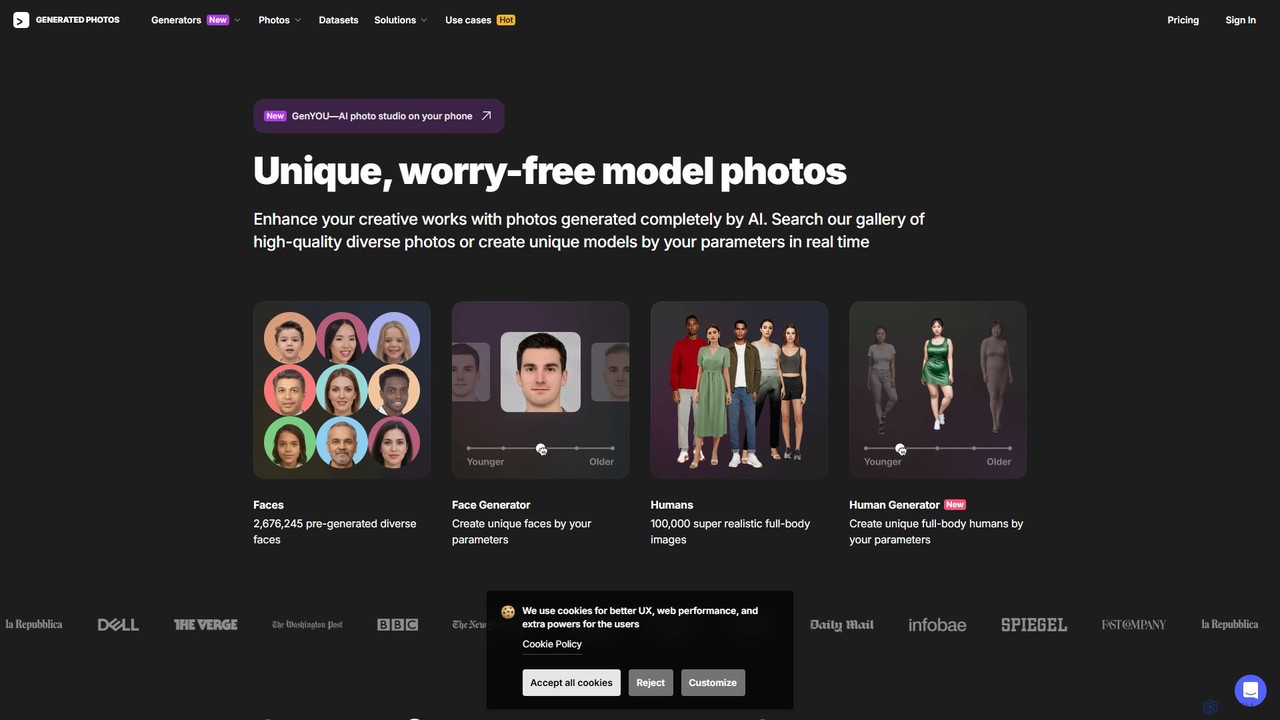
Generated Photos
Generated Photos is an AI-powered platform for creating unique, high-quality, and royalty-free images of people. Utilize the Face and Human Generators to produce custom, realistic models for advertising, design, research, and development, eliminating legal concerns over model releases and usage rights.
Stock Images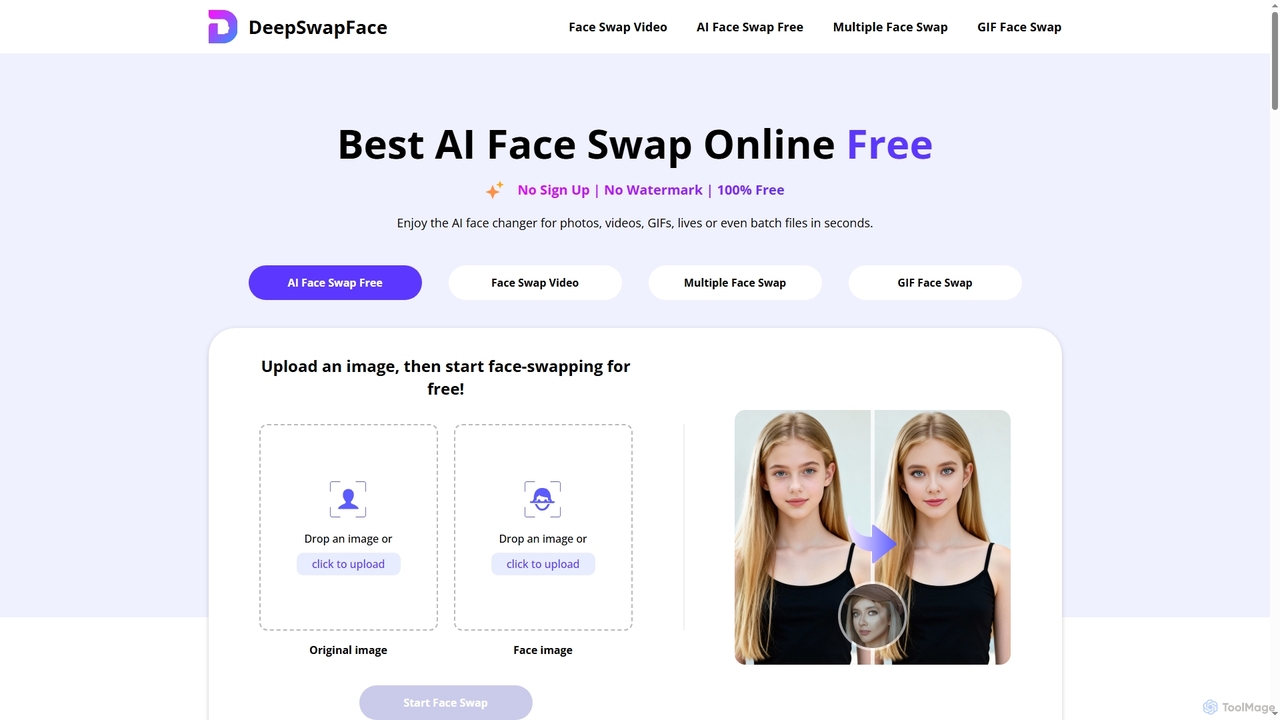
DeepSwapFace
DeepSwapFace is a leading AI-powered online tool for seamless face and body swapping in photos, videos, and GIFs. It offers instant, high-quality results without sign-up or watermarks, making creative editing accessible and fun for everyone. Experience realistic transformations with advanced AI technology.
Face Swap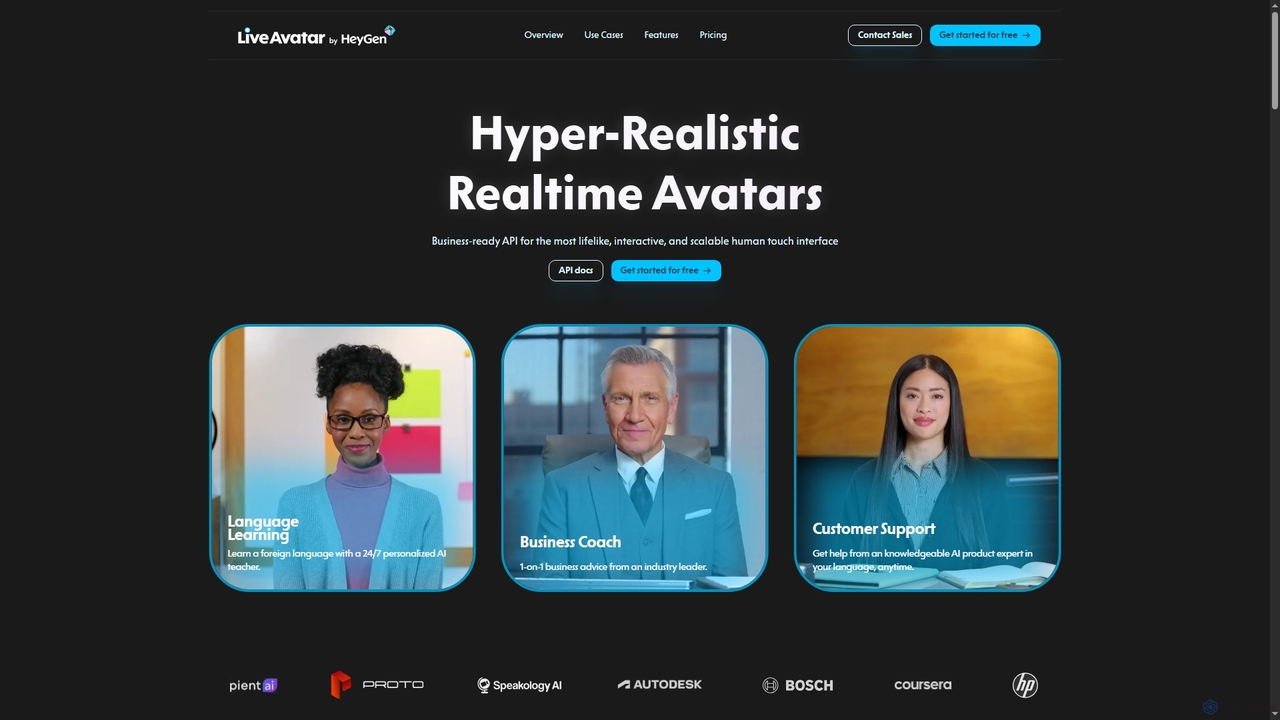
LiveAvatar
LiveAvatar provides a business-ready API for integrating hyper-realistic, real-time, lip-synced AI avatars into any product. Enhance user engagement with lifelike conversational interfaces for customer support, language learning, sales training, and more. Create custom avatars with just two minutes of footage or choose from a diverse library.
Avatar Generation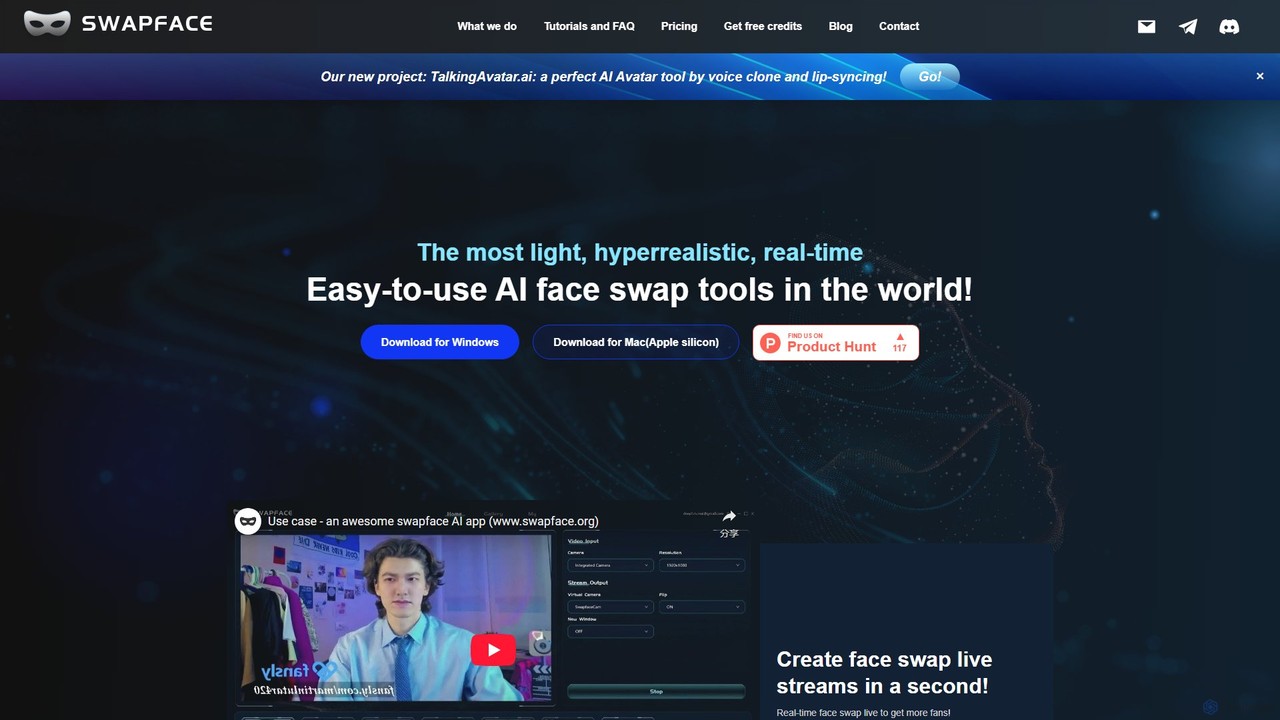
Swapface
Swapface is a hyperrealistic, real-time AI face-swapping application for Windows and Mac. It enables content creators, streamers, and users to easily swap faces in live streams, videos, and images with high quality and performance, all while processing data locally for maximum privacy.
Meme Generator
PiktID
PiktID is a comprehensive AI-powered image editing suite for professionals. It specializes in GDPR-compliant face anonymization, high-resolution face swapping, photo enhancement, and product image editing. The platform offers a range of tools like EraseID, SuperID, and SwapID to automate complex image processing tasks, saving time and costs while ensuring privacy and creative flexibility.
Face Editing
Creatus.ai
Creatus.ai is an AI-native workspace offering a suite of over 35 generative AI tools, including text-to-video, AI avatars, and image editing. It provides free online tools for experimentation and specializes in custom AI integrations, API/SDK solutions, and white-label services for SMEs and enterprises to boost productivity.
Voice Cloning
DeepFaceSwap.AI
DeepFaceSwap.AI is a powerful online tool for creating high-quality, watermark-free AI face swaps in images and videos. Utilizing advanced deep learning technology, it offers a user-friendly interface for seamless swapping. Beyond face swapping, it includes a Magic Editor for text-based image editing, an Avatar AI for generating custom portraits, and an AI Companion for interactive chat. A generous free plan is available.
Meme Generator
Clony AI
A mobile AI application for cloning voices and faces. Generate text-to-speech in any cloned voice and create animated videos by adding a face to the audio. Ideal for creating fun, personalized content, social media posts, and memes.
Voice Cloning
Swapr
Swapr is a high-speed AI-powered application for iOS, Mac, and iPad that creates incredibly realistic face swaps in just 10 seconds. It also features a unique Text-to-Emoji generator. With a focus on quality, speed, and user privacy, Swapr offers a fun and secure way to create entertaining and creative visual content.
Emoji Generation
fakesocial
fakesocial is a free AI-powered platform that lets you and your friends create fun, themed images from your selfies every day. Simply upload one photo, and the AI generates new, creative content daily based on a weekly theme, allowing you to share and enjoy unique transformations with your social circle.
Creative Tools
DeepLiveCam Comments (0)
Sign in to comment.
Sign inNo comments yet.