

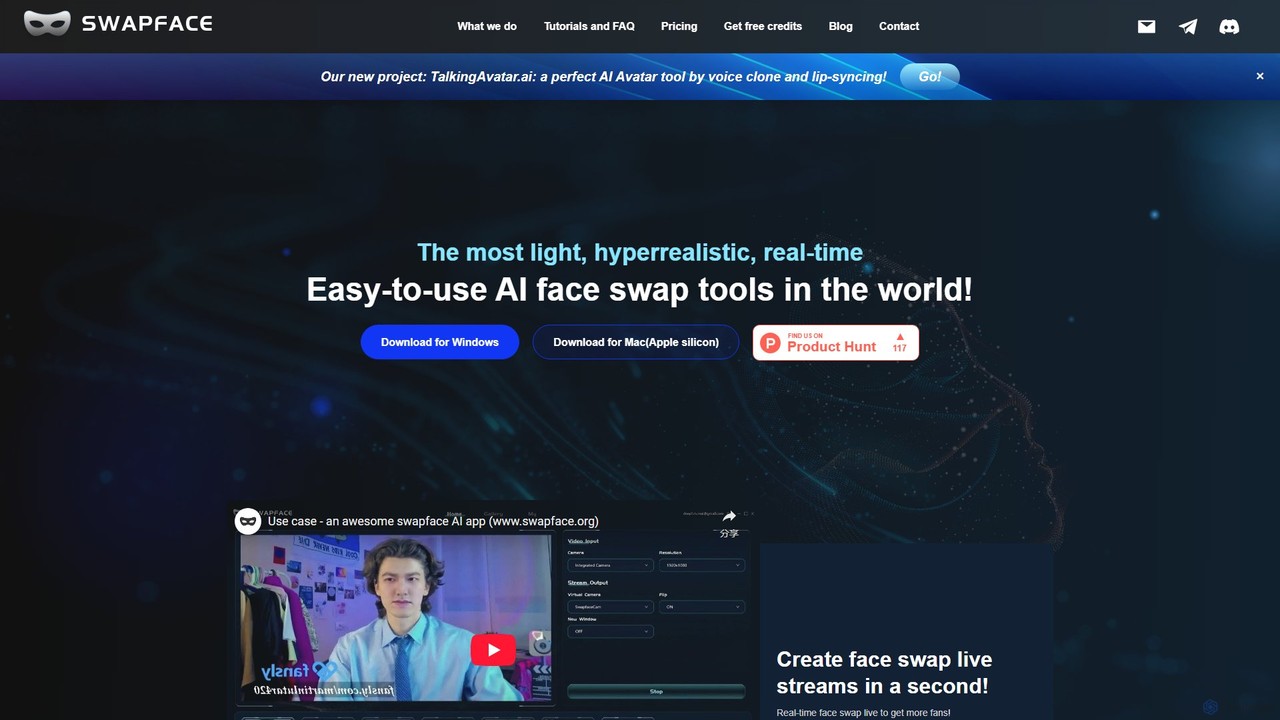
Swapface Overview
Swapface is a cutting-edge AI-powered desktop application designed to create hyperrealistic and seamless face swaps. Developed by DeepFuture Limited, it stands out as one of the most lightweight, efficient, and user-friendly tools in the generative AI space. It empowers content creators, live streamers, and casual users to transform their digital presence by swapping faces in real-time during live broadcasts, video calls, or within pre-recorded videos and images. The technology focuses on delivering natural-looking results with minimal latency, running directly on the user's local machine to ensure complete data privacy.
The application is built to be accessible, requiring only a mid-range graphics card to operate effectively. It supports both Windows and Mac (Apple Silicon) platforms, making it a versatile choice for a wide range of users. With Swapface, you can instantly become any character you desire, adding a new layer of creativity and engagement to your content.
How to use Swapface
Getting started with Swapface is a straightforward process designed for users of all technical levels:
- System Check: Before installation, ensure your PC meets the minimum requirements. A DirectX12 compatible graphics card (NVIDIA RTX 20+ recommended for best performance) and a quality webcam (1080p recommended) are essential.
- Download and Install: Visit the official Swapface website and download the appropriate installer for your operating system (Windows or Mac). Run the installer and follow the on-screen instructions.
- Launch the Application: Once installed, run the Swapface.exe file to open the program.
- Setup for Swapping: Connect your webcam for live streaming or prepare your source image/video files. The interface is intuitive, guiding you through uploading the face you want to use and the media you want to apply it to.
- Start Swapping: For live streaming, simply click the 'start' button to activate the real-time face swap. For images and videos, select your files and let the AI process the swap with a single click. The tool offers different modes like Fast, Pro, and Expert to balance speed and quality.
Core Features of Swapface
- Real-Time Live Stream Face Swap: Seamlessly swap faces during live streams on popular platforms or in video calls, with low latency and high-quality output.
- HD Image Face Swap: Create high-resolution, realistic face-swapped images in seconds. Perfect for memes, creative portraits, and social media content.
- High-Quality Video & GIF Swapping: Easily replace characters in any video or GIF file. The tool processes the files to produce high-quality MP4 outputs.
- Local Data Processing: All processing and data handling occur on your own computer. This ensures that your personal data, images, and videos remain private and secure.
- Performance and Efficiency: Optimized to run on mid-range hardware, making it cost-effective. It also features NVIDIA GPU acceleration for significantly faster processing times (over 2x speed).
- Hyperrealistic Results: The advanced AI models are trained to produce incredibly natural and believable face swaps, capturing expressions and movements accurately.
- User-Friendly Interface: Designed for simplicity, allowing users to achieve professional results without a steep learning curve.
Use Cases for Swapface
Swapface is a versatile tool for various creative and professional applications:
- Content Creation & Streaming: Streamers can adopt unique personas or cosplay as different characters to entertain and grow their audience.
- Video Production: Filmmakers and video editors can use it for digital makeup, character replacement, or creating special effects without a large budget.
- Social Media Engagement: Create viral-worthy memes, funny GIFs, and unique photo edits to boost engagement on platforms like YouTube, TikTok, and Instagram.
- Privacy & Anonymity: Use a different face during video conferences or online chats to protect your identity.
- Entertainment: Have fun with friends and family by swapping faces in photos and videos to create hilarious keepsakes.
Advantages of Swapface
Swapface offers several key advantages over other solutions:
- Ease of Use: The entire process is simplified to a few clicks.
- Privacy First: Local processing means you have full control over your data.
- Cost-Effective: It doesn't require top-of-the-line hardware, making advanced AI technology accessible.
- High Performance: Delivers hyperrealistic quality with efficient, time-saving processing.
Pricing and Plans
Swapface offers a flexible pricing structure to suit different needs:
- Free Plan: $0. Includes watermarks and daily limits (10 swaps/uploads per day for images, videos, and streams).
- Pay as you go: Starts at $19 for 100 credits. For image/video swaps only (no streaming). No watermark. 1 credit per image swap, 4 credits per video swap.
- Pro Plan: From $39/month. No watermark, 50 daily image/video swaps, and fast mode for streaming. Unlimited file uploads.
- Advance Plan: From $69/month. Increases limits to 100 daily image/video swaps, with all features of the Pro plan.
- Enterprise Plan: From $249/month. Designed for heavy users and businesses, offering 300 daily swaps, all streaming modes, and high-priority support.
Traffic
Latest traffic
Status
Monthly traffic trend
- 2025-9: 250.7K
- 2026-1: 138.0K
- 2026-2: 109.2K
- 2026-3: 136.8K
- 2026-4: 159.6K
- 2026-5: 142.0K
Geography
Top 5 countries / regions
- 🇺🇸United States39.4%
- 🇩🇪Germany18.1%
- 🇧🇷Brazil15.4%
- 🇬🇧United Kingdom13.7%
- 🇳🇱Netherlands13.4%
Traffic sources
| Source type | Percentage |
|---|---|
Direct | 88.6% |
Referral | 11.2% |
Email | 0.2% |
Top keywords
| Keyword | Cost per click |
|---|---|
| face swap | $0.43 |
| swap face | $0.43 |
| swapface | $0.48 |
| swapface org | $0.00 |
| swapface.org | $0.00 |
Swapface Videos on YouTube

Swapface Alternatives
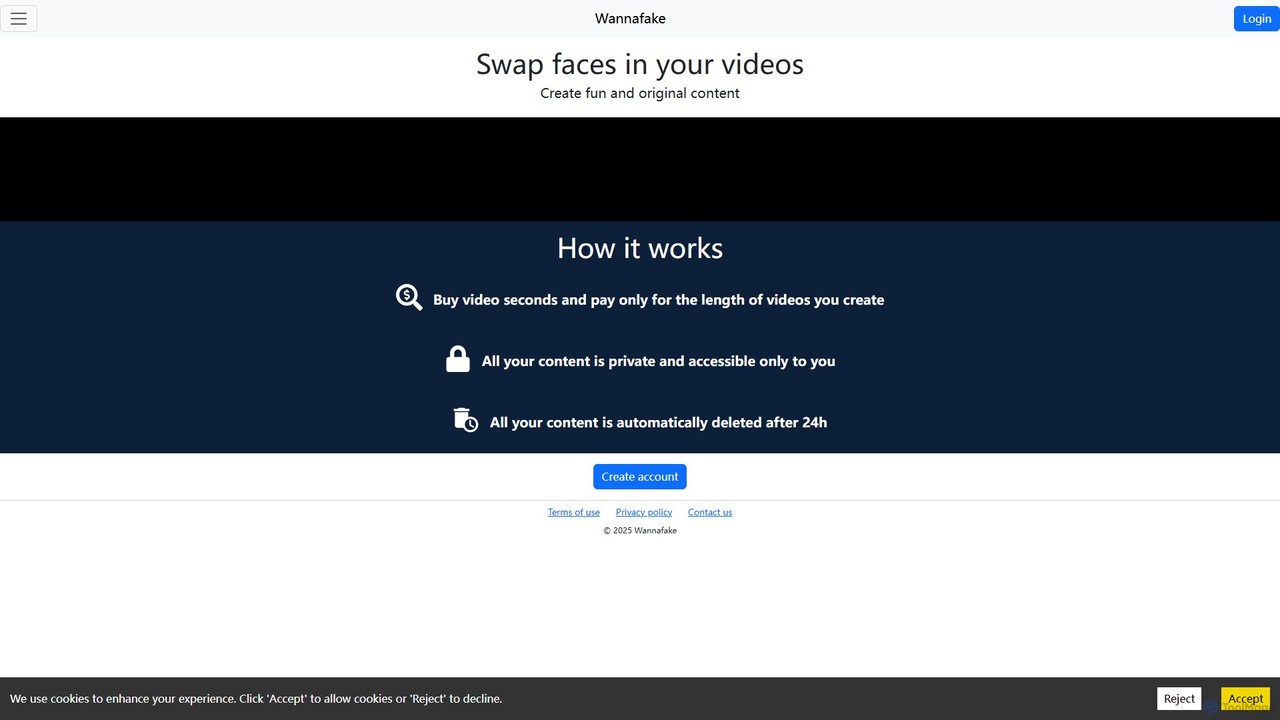
Wannafake
Wannafake is an AI-powered online tool that allows users to easily swap faces in videos. It offers a simple, secure, and fun way to create original content for social media, personal entertainment, or marketing. With a unique pay-as-you-go pricing model and a strong focus on privacy, including automatic 24-hour data deletion, Wannafake makes advanced video editing accessible to everyone.
Meme Generator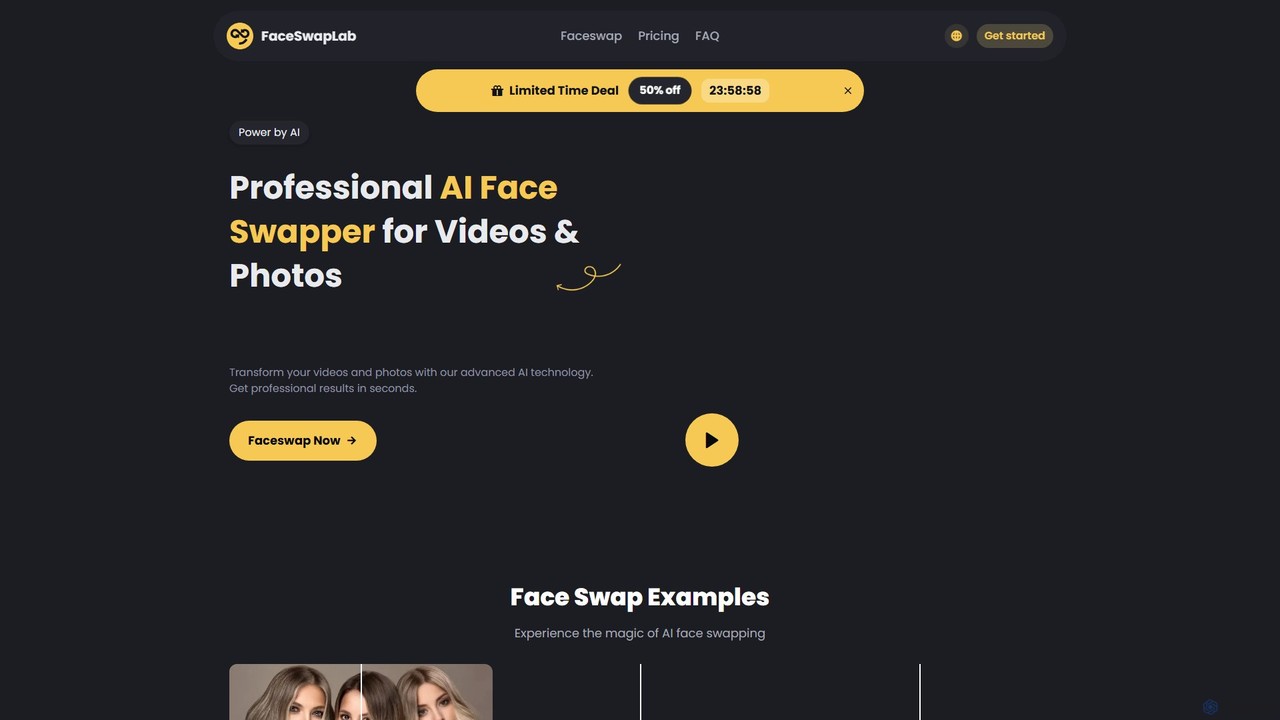
FaceSwapLab
FaceSwapLab is a professional AI-powered tool for creating high-quality, realistic face swaps in videos, photos, and GIFs. It features bulk processing, over 90% facial similarity, and an intuitive, cloud-based interface that requires no technical skills. Transform your media in seconds with unparalleled speed and privacy.
Meme Generator
Unboring
Unboring is a powerful AI-driven online tool by Reface that specializes in face swapping and photo animation. Effortlessly transform static images into dynamic, expressive videos, or place any face onto popular memes, GIFs, and video clips. It's designed for creating hilarious, engaging, and highly shareable content for social media, marketing, or personal entertainment without requiring any technical skills.
Meme Generator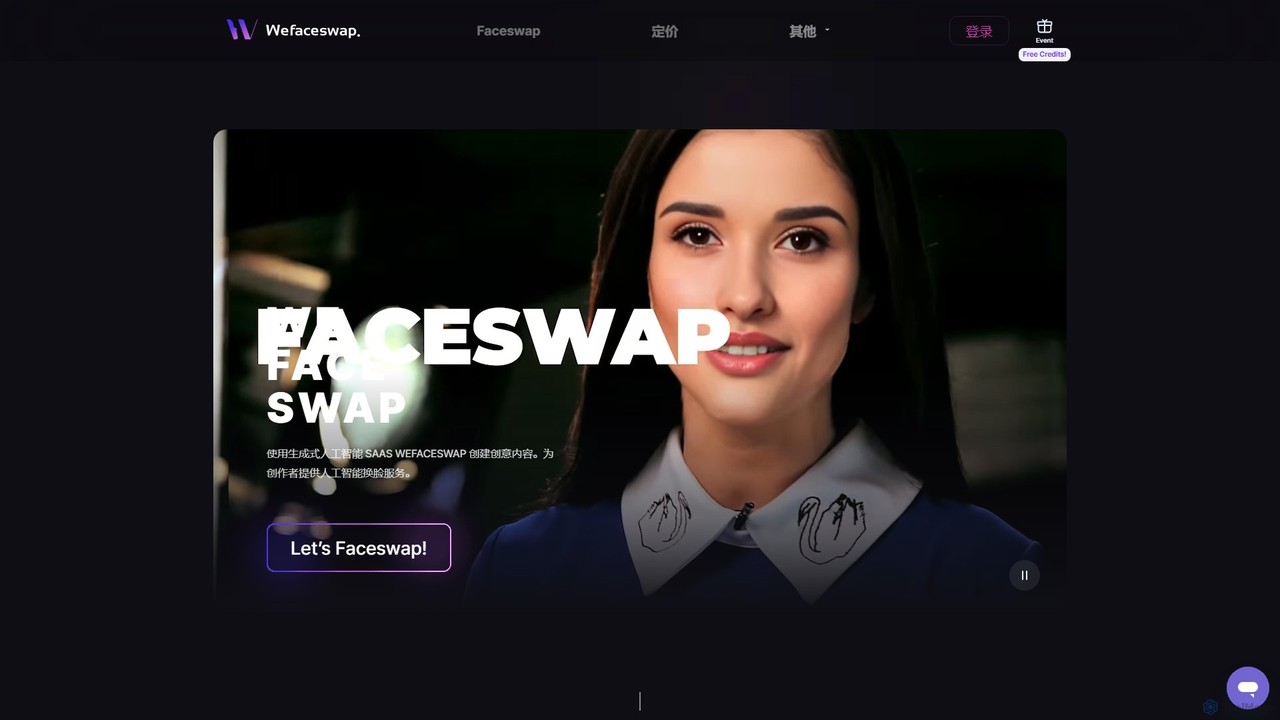
Wefaceswap
Wefaceswap is a powerful cloud-based AI tool that allows users to effortlessly create high-quality face swaps in photos, videos, and GIFs. With a simple, user-friendly interface, it requires no installation and delivers realistic, natural-looking results in seconds. It's designed for content creators, marketers, and anyone looking to create engaging and fun media content. New users get free credits to try the service.
Meme Generator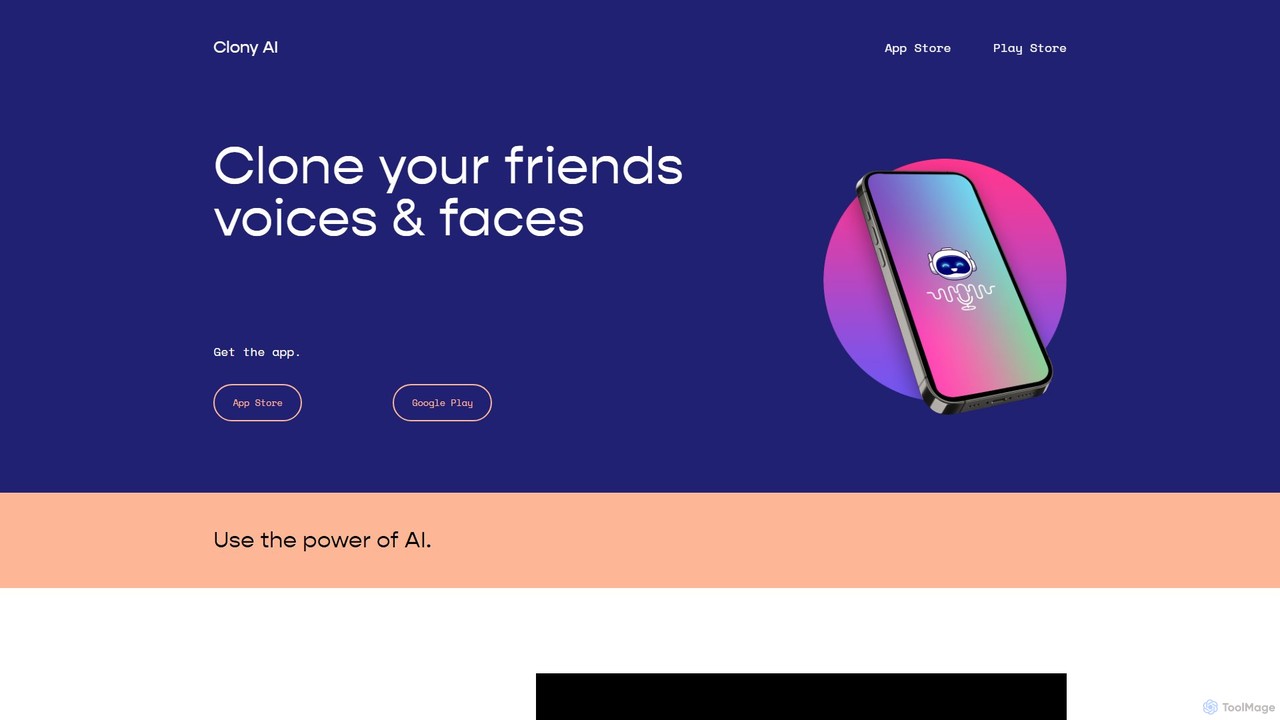
Clony AI
A mobile AI application for cloning voices and faces. Generate text-to-speech in any cloned voice and create animated videos by adding a face to the audio. Ideal for creating fun, personalized content, social media posts, and memes.
Voice CloningSwapface Categories
Swapface Embed Widget
Copy this embed code to place the badge on your blog, article, or product site and send readers directly to this ToolMage detail page.

Related AI tools
Wefaceswap
Wefaceswap is a powerful cloud-based AI tool that allows users to effortlessly create high-quality face swaps in photos, videos, and GIFs. With a simple, user-friendly interface, it requires no installation and delivers realistic, natural-looking results in seconds. It's designed for content creators, marketers, and anyone looking to create engaging and fun media content. New users get free credits to try the service.
Meme Generator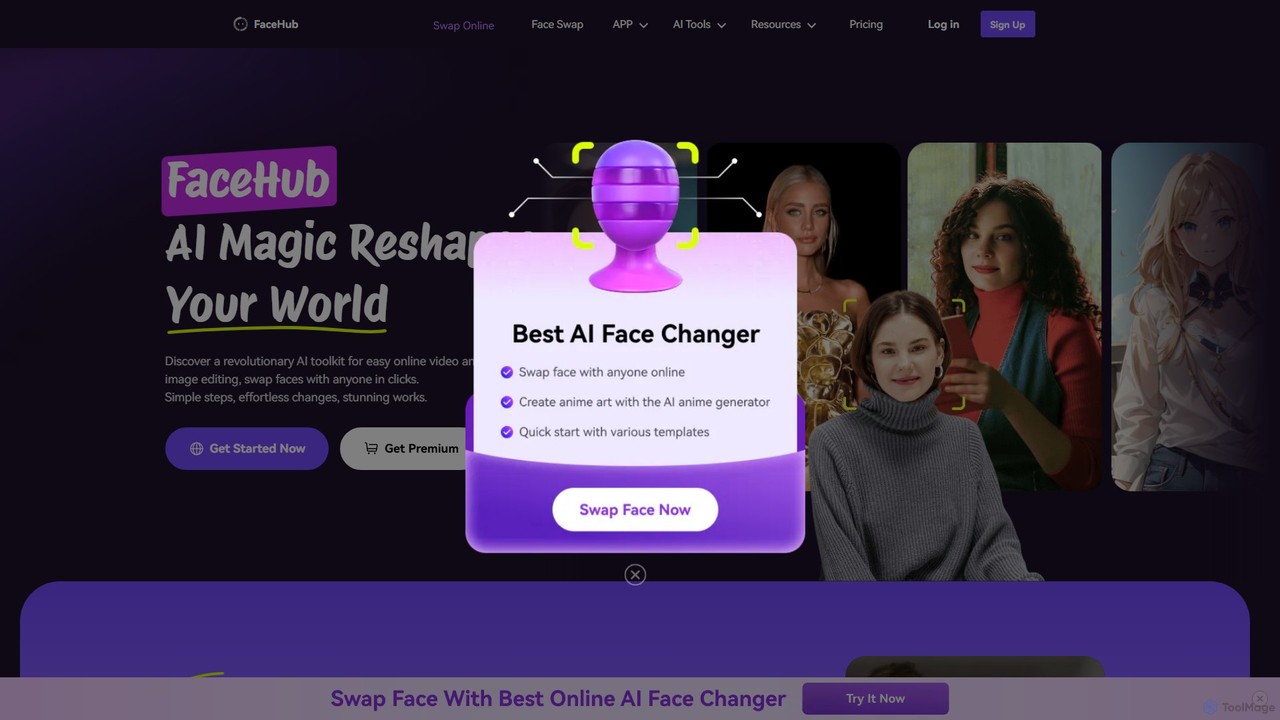
FaceHub
FaceHub is a powerful AI toolkit for instant face swapping in videos and photos. It offers a wide range of creative features, including AI portrait and anime generation, virtual try-ons, and meme creation. With a vast library of templates and high-speed processing, it's designed for both fun and professional use.
3D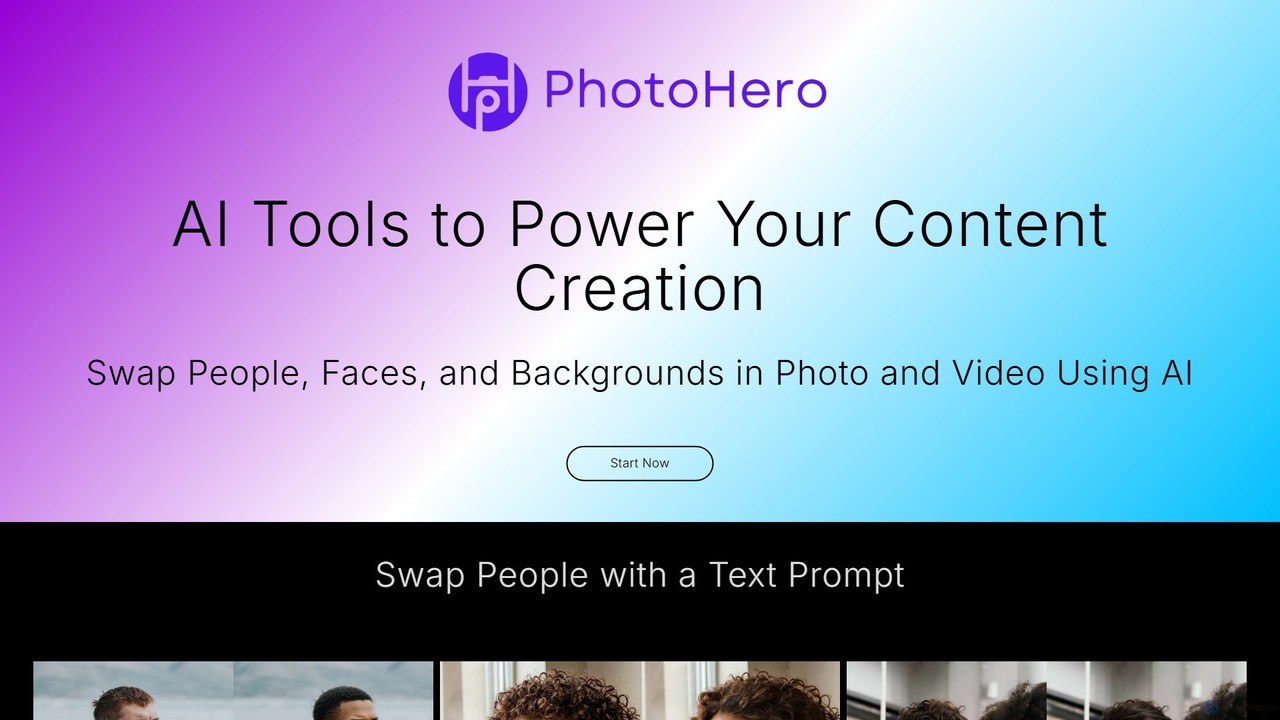
PhotoHero.AI
PhotoHero.AI is a powerful AI-driven platform for content creation, enabling users to effortlessly swap faces, people, and backgrounds in both photos and videos. With intuitive tools like text-prompt-based person swapping and one-click content refresh, it streamlines the creative process. Ideal for marketers, content creators, and individuals looking to produce unique and engaging visual content quickly and securely.
Meme GeneratorWannafake
Wannafake is an AI-powered online tool that allows users to easily swap faces in videos. It offers a simple, secure, and fun way to create original content for social media, personal entertainment, or marketing. With a unique pay-as-you-go pricing model and a strong focus on privacy, including automatic 24-hour data deletion, Wannafake makes advanced video editing accessible to everyone.
Meme Generator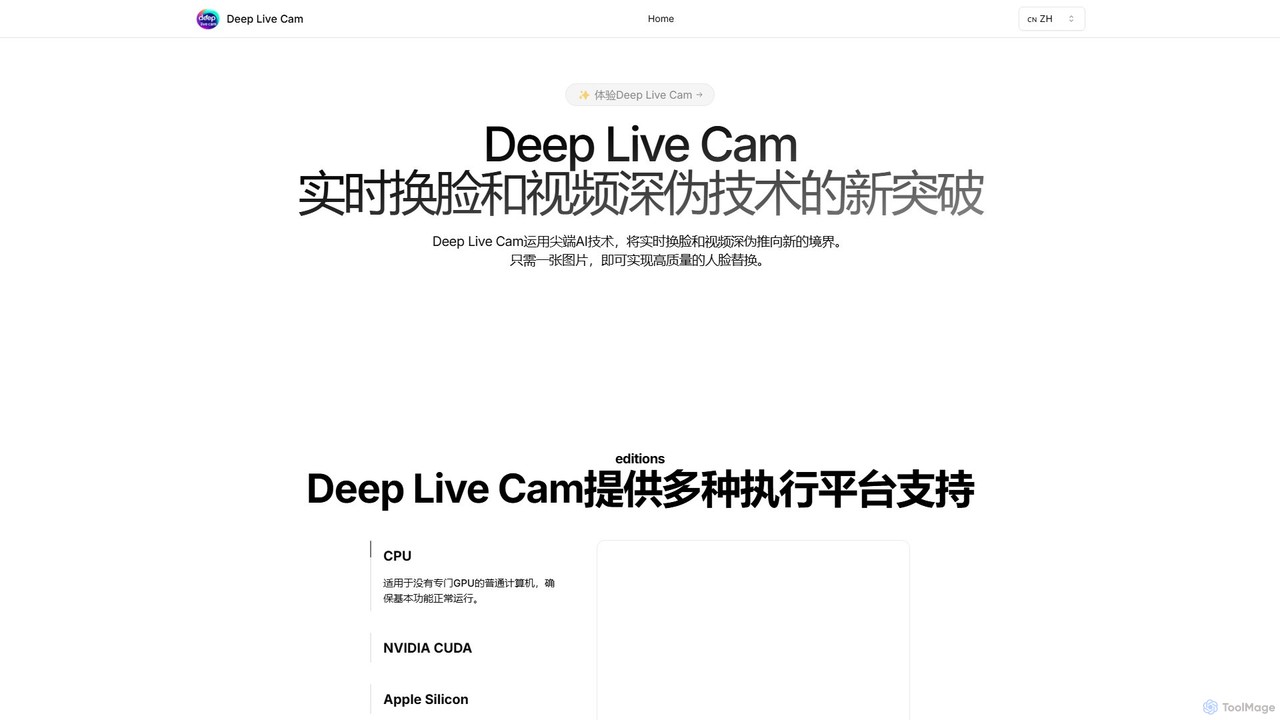
Deep Live Cam
Deep Live Cam is a free, open-source AI tool for creating high-quality, real-time face swaps and video deepfakes. Using just a single image, it enables seamless face replacement in live video streams and pre-recorded footage. It supports multiple platforms, including CPU, NVIDIA CUDA, and Apple Silicon, making advanced AI video effects accessible to everyone.
Real Time Avatar
deepfake.com
A powerful AI-driven platform for creators to generate high-quality, realistic deepfake videos. It specializes in seamless face swapping, enabling users to replace faces in any video with just a few clicks. Ideal for entertainment, marketing, film production, and creative projects.
Meme Generator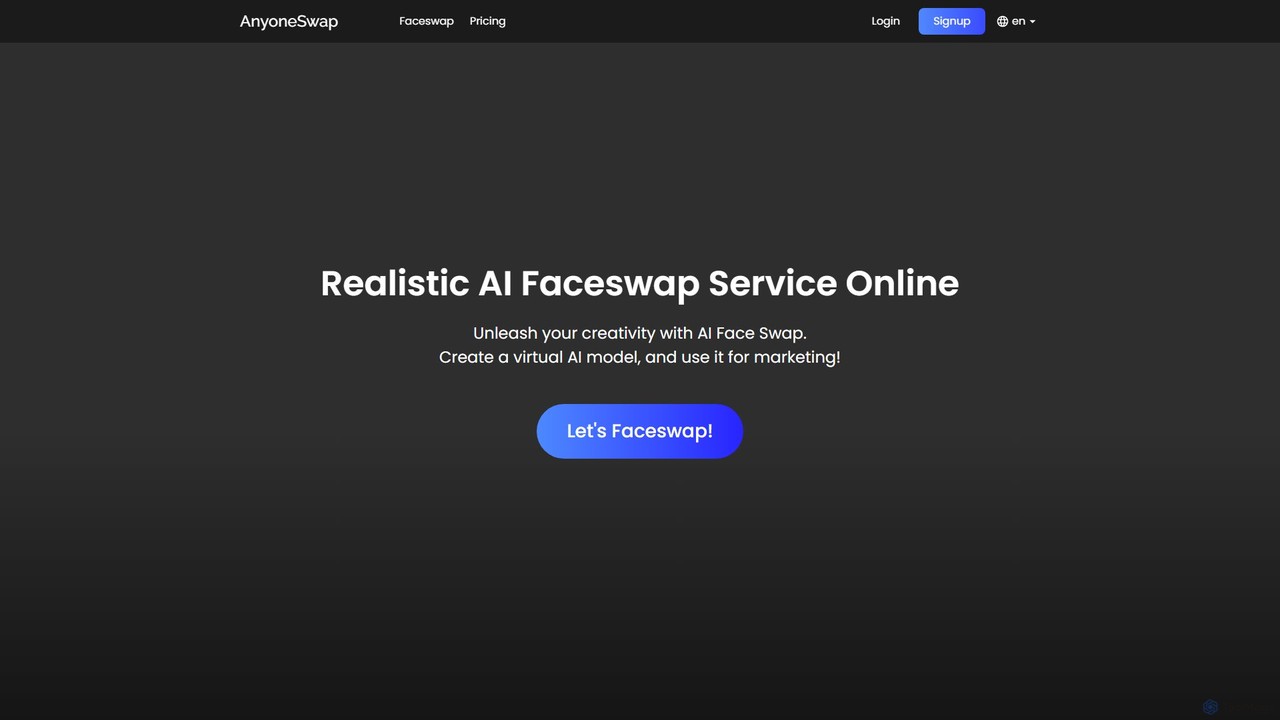
anyoneswap
Anyoneswap is a user-friendly online AI tool for creating realistic face swaps in photos, videos, and GIFs. With just a few clicks, you can replace faces in your media, generating high-quality, seamless results in seconds. It's accessible on both PC and mobile browsers, offering free trials and affordable pricing plans for creative content creation, marketing, and personal entertainment.
3D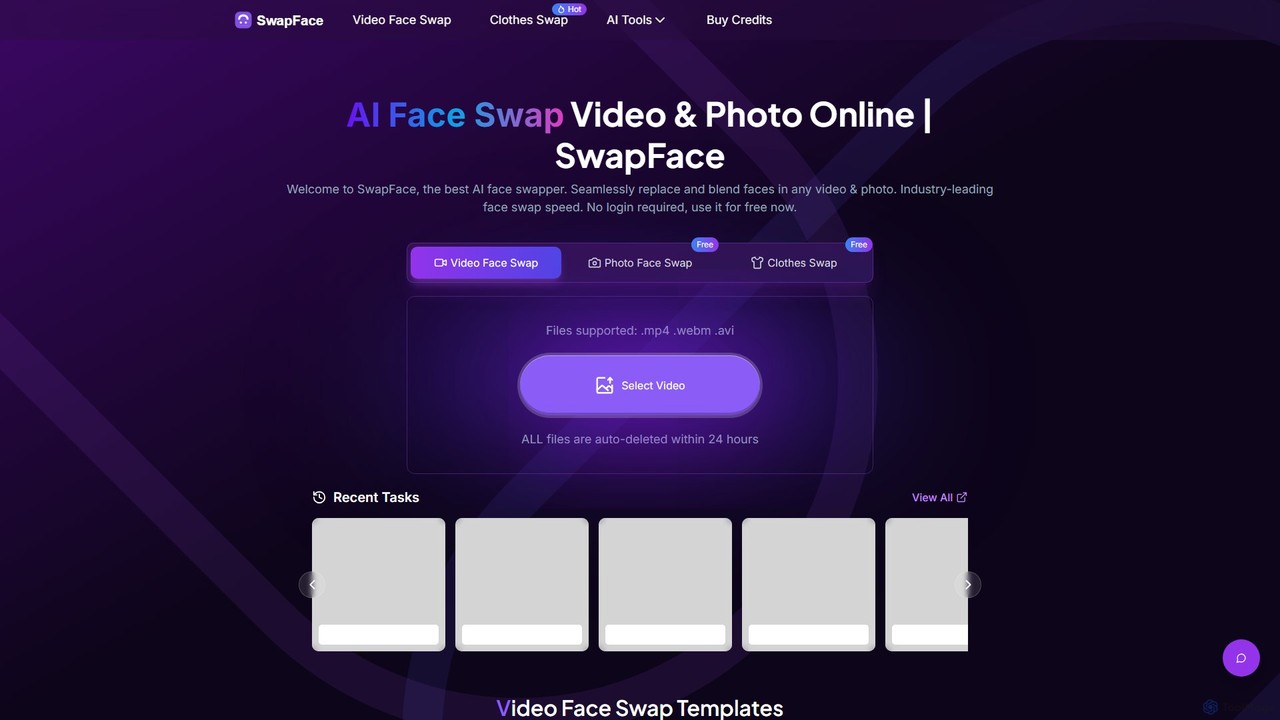
Swapface
Swapface is an advanced AI-powered online platform for creating high-quality, realistic face swaps in videos, photos, and GIFs. It offers a comprehensive suite of tools, including clothes swapping, expression changing, and media enhancement, catering to both entertainment and professional content creation needs. Get started for free and explore a new dimension of digital creativity.
Api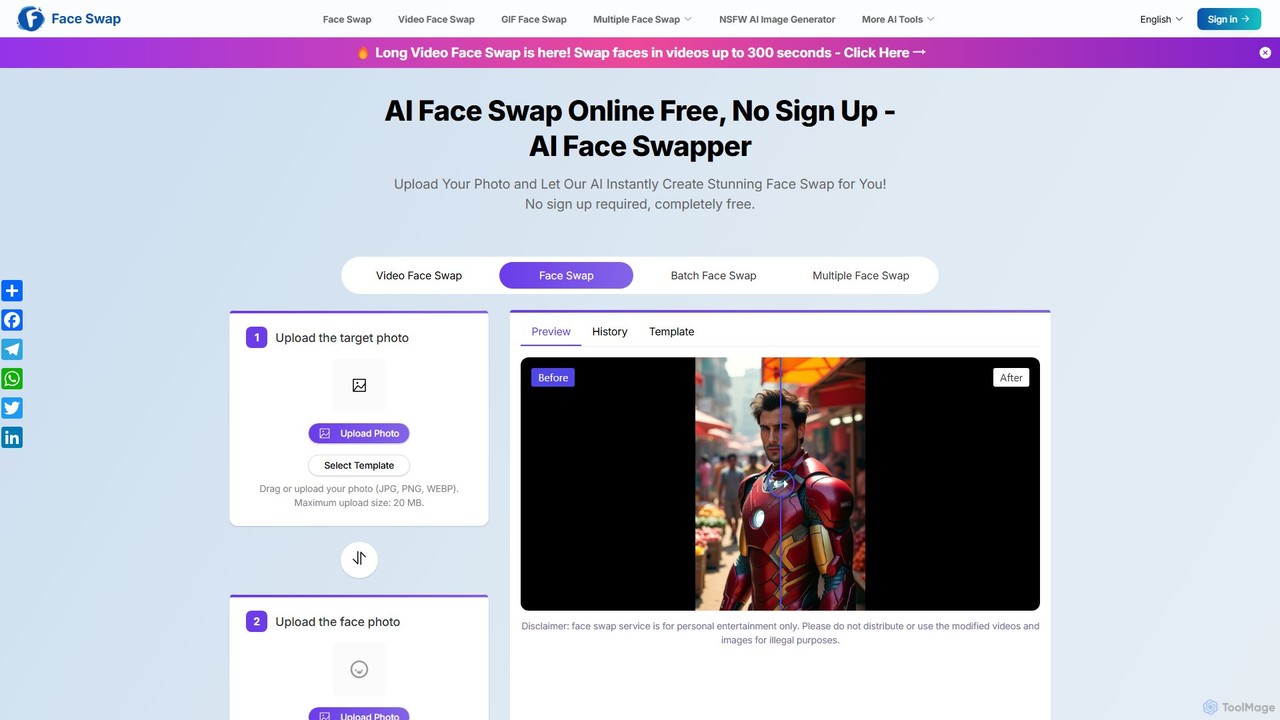
aifaceswapper
aifaceswapper is a free, online AI tool that allows users to instantly swap faces in photos, videos, and GIFs without any sign-up. It supports single, multiple, and batch face swaps, offering high-quality, realistic results. With a focus on user privacy, the tool provides a rich template library and a simple interface for creating fun memes, social media content, and creative projects effortlessly.
Meme Generator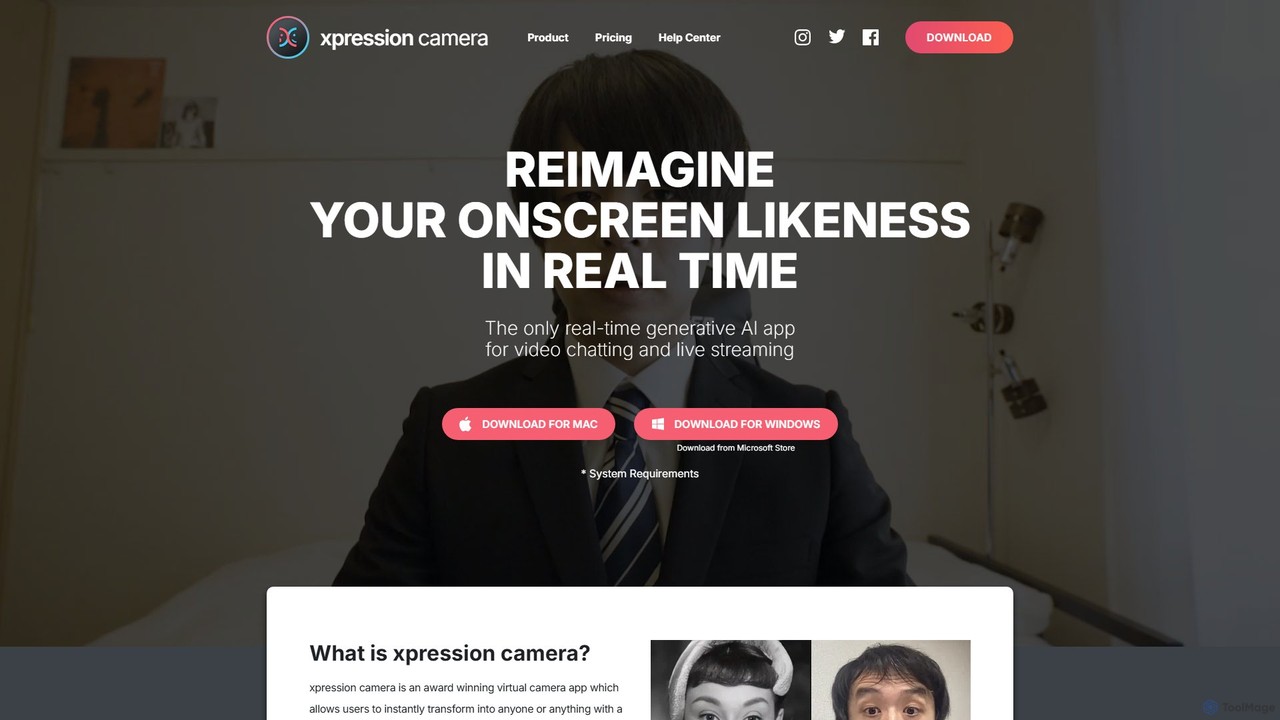
xpressioncamera
xpressioncamera is an award-winning AI virtual camera app that lets you instantly transform into anyone or anything with a face using a single photo. Animate avatars in real-time for video calls, streaming, and content creation, with features like Voice2Face and AI-powered effects.
Avatar Generator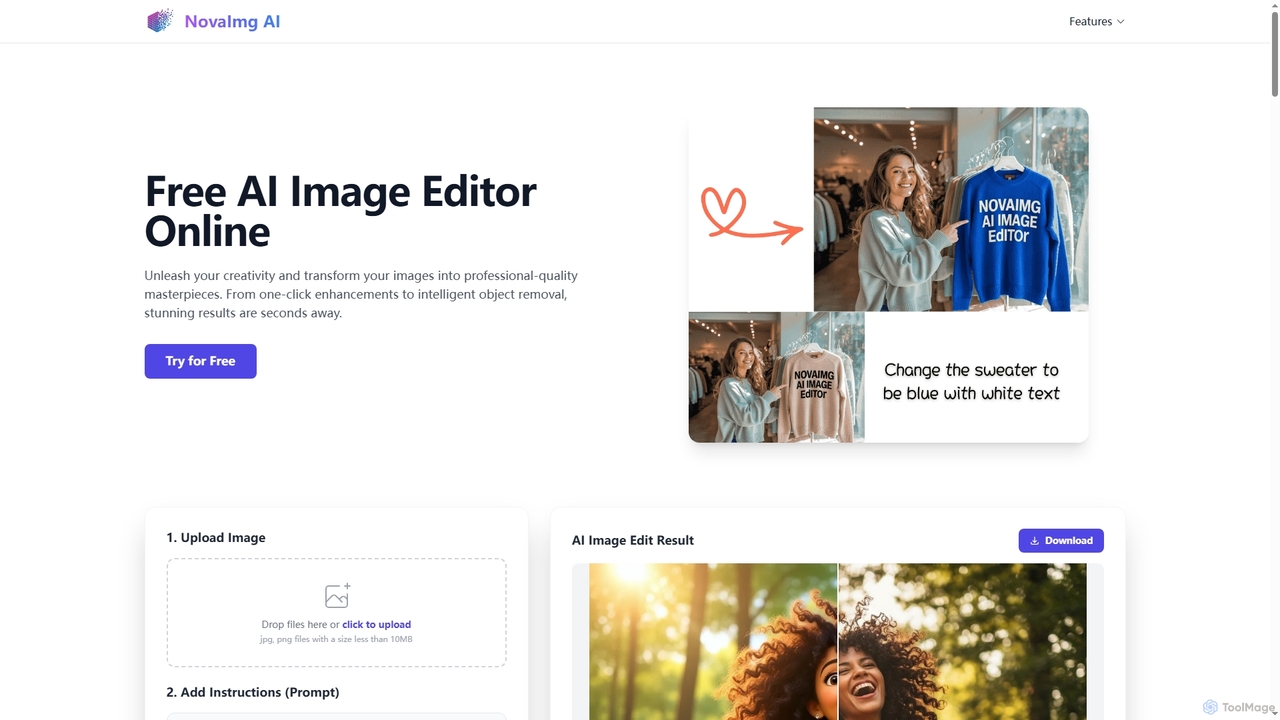
Novaimg
Novaimg is a versatile online AI tool suite for transforming and enhancing visual content. It offers a range of features including AI image editing with text prompts, 4K image upscaling, realistic face swapping for photos, videos, and GIFs, and an intelligent watermark remover. Designed for ease of use, Novaimg helps users create professional-quality images and videos for social media, e-commerce, and creative projects, often for free or with generous daily limits.
Graphic Design
deepfake.com
deepfake.com is a powerful AI-powered platform for creating realistic face swap videos and images. Designed for creators, marketers, and entertainment, it offers a user-friendly interface to seamlessly superimpose faces onto existing videos. Generate high-quality, engaging content for social media, advertising, or personal projects with advanced AI technology, without needing technical expertise.
Meme Generator
Magicam
Magicam is a powerful real-time face and voice swapping application. It allows users to change their appearance and voice simultaneously during live streams, video calls, or recordings with high-quality results. It features one-click operation, local data processing for privacy, and seamless integration with platforms like Twitch and Zoom.
Entertainment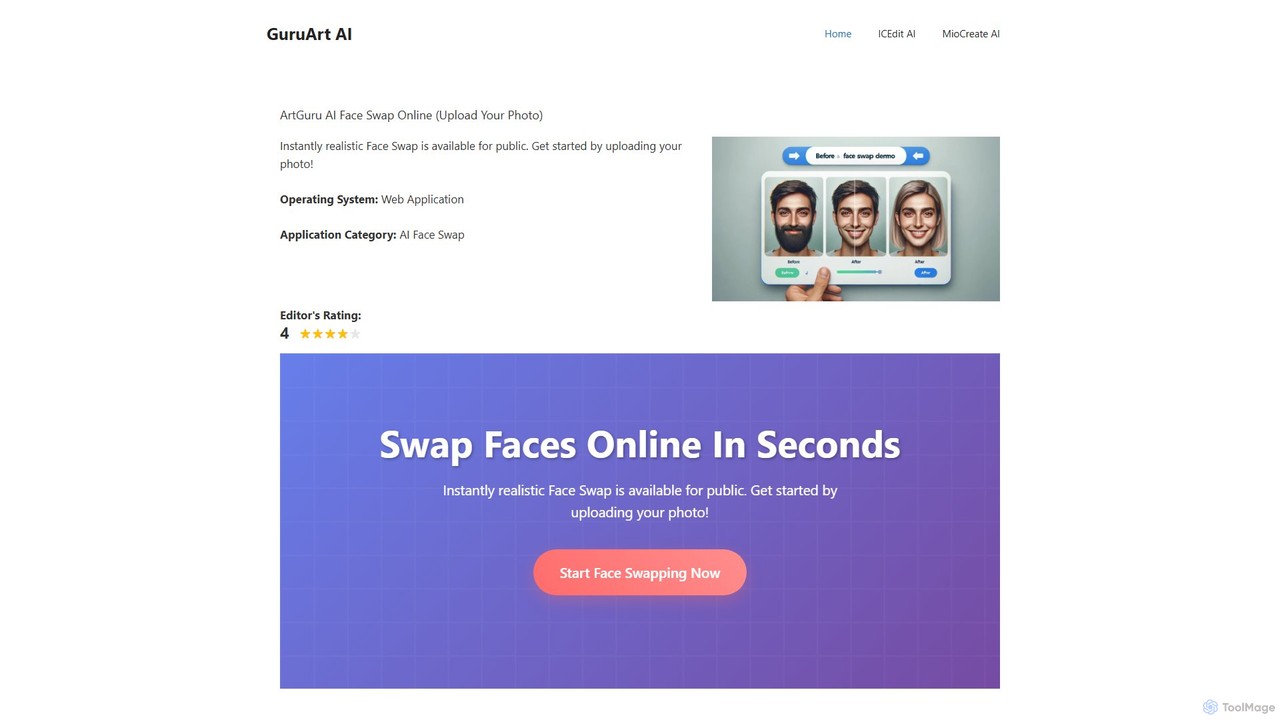
ArtGuru Face Swap
ArtGuru Face Swap is a versatile AI tool for creating realistic face swaps in photos and videos. It supports single, multiple, and video face swaps with a user-friendly interface. It's fast, requires no sign-up for basic use, and offers both free and premium plans for advanced features.
3DFaceSwapLab
FaceSwapLab is a professional AI-powered tool for creating high-quality, realistic face swaps in videos, photos, and GIFs. It features bulk processing, over 90% facial similarity, and an intuitive, cloud-based interface that requires no technical skills. Transform your media in seconds with unparalleled speed and privacy.
Meme Generator
Swapface Comments (0)
Sign in to comment.
Sign inNo comments yet.