ToolMage
Sign in

Best 4 Face Swap AI tools for Image Editing

Popular Face Swap AI tools in Image Editing include Joyfun, DeepSwapFace, Kirkify It, and MEEMES, helping you work more efficiently.

MEEMES
Freemium

MEEMES

MEEMES is an AI-powered face swap meme generator that allows users to quickly and easily put their face onto any meme or GIF. It offers a vast library of templates and supports both static and animated swaps for hilarious, personalized content creation.

Meme Generator
Visits 6.3KFavorites 38Likes 25
Kirkify It
Freemium

Kirkify It

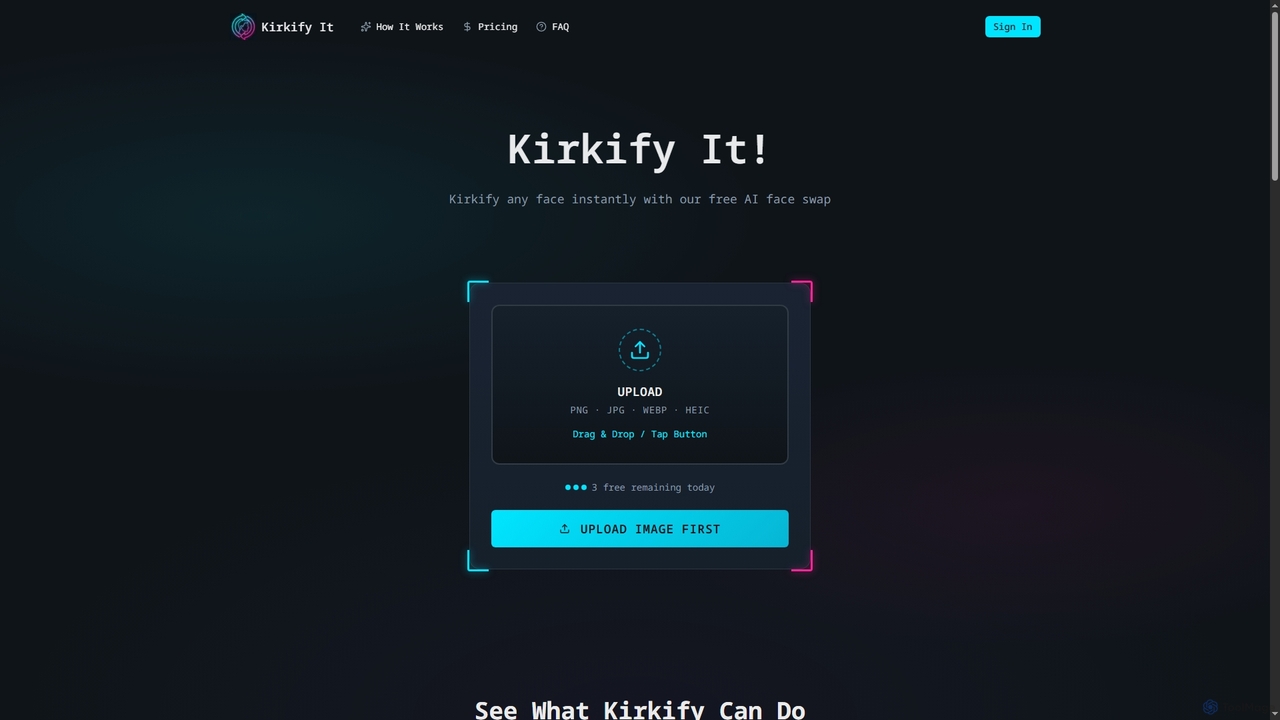
Kirkify It is a free AI face swap generator that instantly transforms any face in an image into a viral meme featuring Charlie Kirk's face, complete with a distinctive neon frame and watermark. It offers a quick, private, and user-friendly way to create satirical content and share it across social media platforms.

Image Generation
Visits 17.2KFavorites 56Likes 68
DeepSwapFace
Free

DeepSwapFace

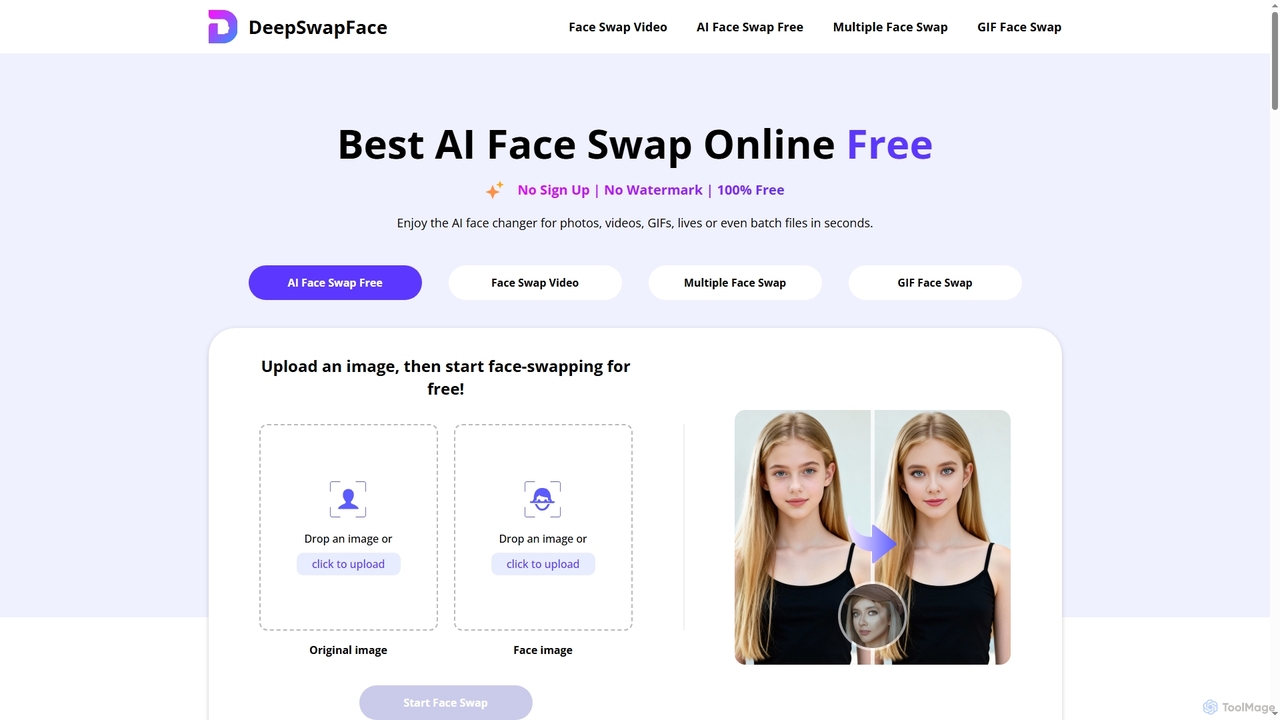
DeepSwapFace is a leading AI-powered online tool for seamless face and body swapping in photos, videos, and GIFs. It offers instant, high-quality results without sign-up or watermarks, making creative editing accessible and fun for everyone. Experience realistic transformations with advanced AI technology.

Face Swap
Visits 235.3KFavorites 100Likes 83
Joyfun
Free

Joyfun

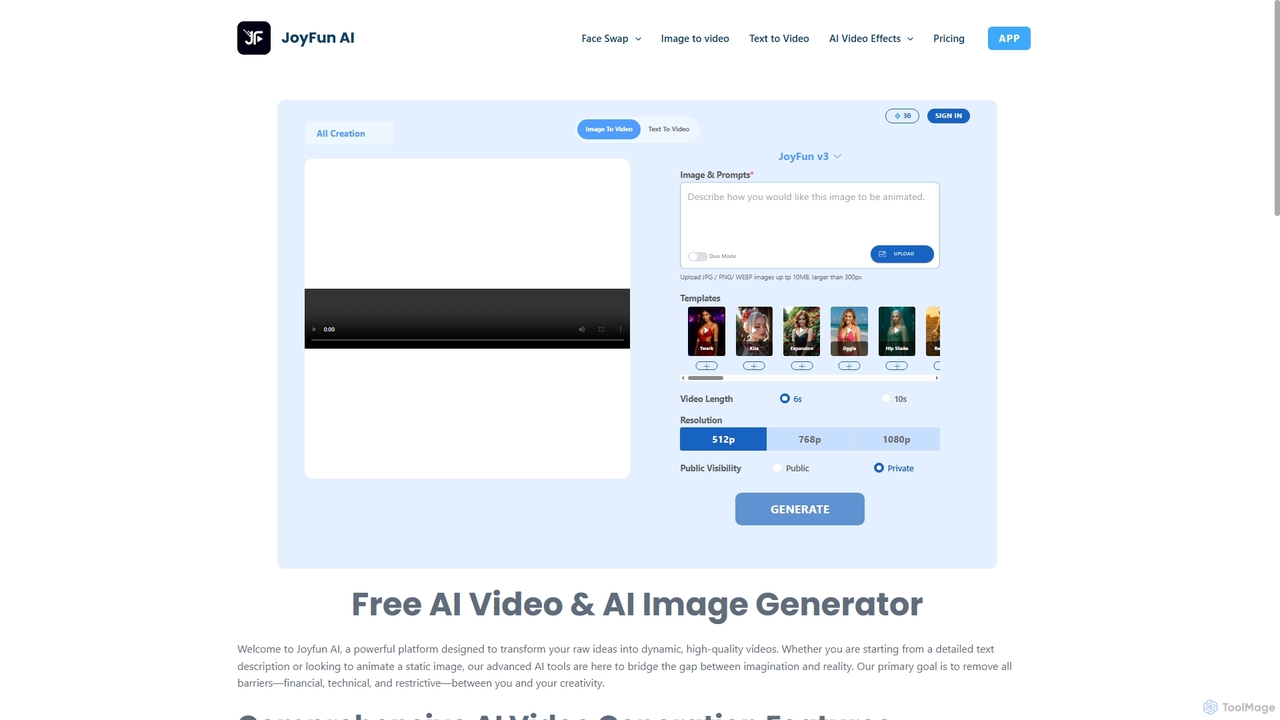
Joyfun is a powerful, free, and unlimited AI platform for generating high-quality videos from text or images, and performing advanced face swaps in both photos and videos. It integrates a vast library of top-tier AI models, offering unparalleled creative freedom without requiring sign-ups or subscriptions.

Animation
Visits 1.8MFavorites 85Likes 91

About Face Swap

Face Swap tools are a specialized category of AI image editors that use deep learning to realistically superimpose one person's face onto another in an image or video. These tools analyze facial features, expressions, and head orientation from a source image and seamlessly blend them onto a target. The technology enables a wide range of creative and entertainment applications, from viral social media content to special effects pre-visualization. Unlike general image editors, Face Swap tools focus specifically on achieving photorealistic facial integration while preserving lighting and perspective.

Core Features

  • High-Fidelity Swapping: Realistically transfers facial features, skin tone, and expressions for a seamless result.
  • Video Face Swap: Applies the swap to video clips, tracking movement and expressions frame-by-frame.
  • Multi-Face Detection: Identifies and allows swapping of multiple faces within a single image or scene.
  • Expression & Angle Matching: Intelligently adjusts the source face to match the target's expression and head pose.
  • Privacy & Safety Features: Often include watermarks or ethical use guidelines to discourage misuse.

Use Cases

Face Swap tools are widely used by content creators, social media managers, and video editors for creating engaging and humorous content. They are also utilized in the film industry for pre-visualization and special effects. Individuals use them for creating personalized memes, GIFs, and greeting cards. In some advanced applications, this technology is explored for virtual try-ons in fashion and retail.

How to Choose

When selecting a Face Swap tool, evaluate the realism and quality of the output, especially its ability to handle different angles and lighting. Consider whether you need image-only or video support, as video processing is more demanding. Assess the user interface for ease of use—some are one-click while others offer more control. Finally, review the platform's ethical guidelines, privacy policy, and whether it implements watermarking to prevent malicious use.

Face Swap use cases

1

Creating Viral Social Media Content

A social media manager for a beverage brand wants to create a humorous and shareable campaign. Using a Face Swap tool, they superimpose the face of a well-known, cheerful historical figure onto a video of a modern person enjoying their drink at a party. The tool's AI ensures the facial expressions match the joy and energy of the scene. The resulting short video is highly engaging, generates significant shares and comments, and boosts brand visibility without the high cost of celebrity endorsements.

2

Personalized Memes and GIFs for Fun

An individual user wants to create a funny birthday greeting for a friend. They find a popular GIF from a movie scene. Using a simple, web-based Face Swap tool, they upload a photo of their friend and a photo of the movie's main character. The tool automatically swaps the faces. They can then download the new personalized GIF and share it in a group chat, creating a unique and humorous message that is more personal than a standard greeting card.

3

Pre-visualization for Film and Video Production

A casting director or VFX artist is exploring different actors for a role in a period drama. Instead of scheduling costly screen tests, they use a high-fidelity video Face Swap tool. They take existing footage of the set and swap the faces of potential actors onto the body of a stand-in. This allows the production team to quickly visualize how each actor would look in costume and in the film's lighting, helping them make more informed casting decisions and saving significant time and budget in pre-production.

4

Educational Content and Historical Reenactments

A history teacher wants to make a lesson about ancient Rome more engaging for students. They use a Face Swap tool to place the faces of their students onto the bodies of Roman senators in famous paintings or statues. The tool preserves the classic art style while adding a personal touch. This visual aid helps students connect with the historical context on a personal level, making the lesson more memorable and sparking greater interest in the subject matter.

5

Virtual Try-On for E-commerce

An online eyewear retailer wants to improve its customer experience. They integrate an advanced Face Swap API into their website. A customer uploads a photo of themselves, and the technology swaps their face onto various models wearing different glasses. The AI adjusts for face shape and size, providing a realistic preview of how the glasses would look. This interactive feature reduces purchase uncertainty, increases conversion rates, and lowers the rate of product returns.

6

Creating Personalized Video Greetings

For a special occasion like a wedding anniversary, a user wants to create a memorable video gift. They use a video Face Swap tool to insert their parents' faces into a romantic scene from their favorite classic movie. The tool accurately tracks the head movements and matches the lighting of the original scene. The final video is a heartfelt and humorous tribute that can be shared with family and friends, offering a unique personalized gift that goes beyond a simple photo slideshow.

Face Swap FAQ

What are AI Face Swap tools?

AI Face Swap tools are specialized software that use artificial intelligence, particularly deep learning models like GANs, to replace a face in an image or video with another one. Unlike simple photo editing cut-and-paste, these tools analyze facial structures, lighting, and expressions to create a realistic and seamless blend. They are a subcategory of AI image editing focused entirely on the task of facial replacement for creative, entertainment, or visualization purposes.

How to choose a good Face Swap tool?

To choose the right tool, consider these factors:

  • Quality & Realism: Look for examples of the tool's output. Does it handle different angles, lighting, and expressions well?
  • Features: Do you need to swap faces in videos or only images? Do you need to swap multiple faces in one scene?
  • Ease of Use: Is the interface intuitive? Is it a one-click process or does it require manual adjustments?
  • Ethical Policies: Check if the provider has clear terms of service against malicious use, such as creating deceptive deepfakes, and if they use watermarks.
  • Pricing: Compare pricing models, such as pay-per-use credits versus monthly subscriptions, to find what fits your needs.
What's the difference between Face Swap and a deepfake?

Face Swap is the underlying technology, while "deepfake" often refers to its malicious application. A Face Swap tool can be used for harmless, creative purposes like making memes or for professional use in filmmaking. The term "deepfake" has gained a negative connotation because it is frequently associated with creating deceptive videos for misinformation, fraud, or harassment. Many legitimate Face Swap service providers have strict terms of service and implement safeguards like watermarks to distinguish their creative outputs from malicious deepfakes.

Is using Face Swap technology legal and ethical?

The legality and ethics of using Face Swap technology depend heavily on the context and intent. Using it for personal entertainment, parody, or with consent is generally acceptable. However, using it to create non-consensual explicit content, spread misinformation, defame someone, or for fraudulent purposes is illegal in many jurisdictions and widely considered unethical. Always respect privacy and consent. Reputable tools explicitly forbid such misuse in their terms of service and may cooperate with law enforcement.

Can Face Swap tools work on videos?

Yes, many advanced Face Swap tools are specifically designed to work on videos. This process is more complex than swapping faces in static images because the AI must track the target's head movements, changes in expression, and varying lighting conditions across multiple frames. Video face swapping requires more processing power and time, but the results can be highly realistic, enabling applications like altering dialogue in films or creating dynamic video memes.